You can send and receive iMessage on a Windows 11 or Windows 10 PC and on a Mac, free. On Windows, Microsoft’s Phone Link app pairs with your iPhone and puts your texts on the PC screen.
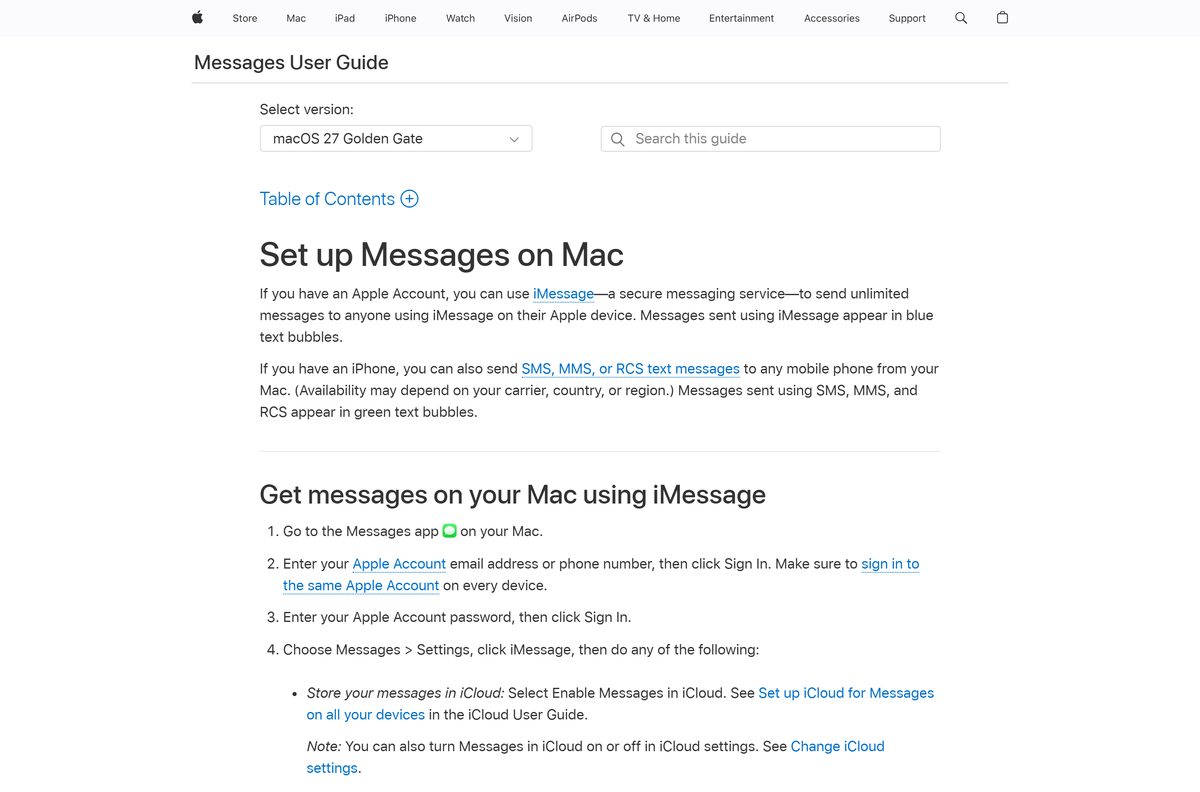
On a Mac, iMessage lives inside the Messages app that ships with macOS. You sign in with your Apple Account and your conversations appear.
This guide gives the official Phone Link and Apple links, the pairing steps for Windows, the Mac sign-in, what each route can and cannot do, and fixes for pairing and missing messages.
Which iMessage download do you need?
Match your computer and phone in the first column. Only the Windows rows involve an actual download.
| Your setup | What to install | Download size |
|---|---|---|
| Windows 11 PC and an iPhone on iOS 16 or later | Phone Link from the Microsoft Store | 311.3 MB bundle (x64 and ARM64) |
| Windows 10 PC (May 2019 Update or later) and an iPhone | Phone Link, Windows 10 package | 431.5 MB bundle (x86, x64 and ARM64) |
| Any Mac | Messages is already installed; sign in | None |
| iPhone or iPad | Turn on iMessage in Settings | None |
| Windows PC with no iPhone | iMessage needs an Apple device to relay through | None |
The Store sizes are Microsoft’s full multi-architecture bundles. Your PC pulls only the parts it needs.
Download iMessage from the official Apple and Microsoft pages
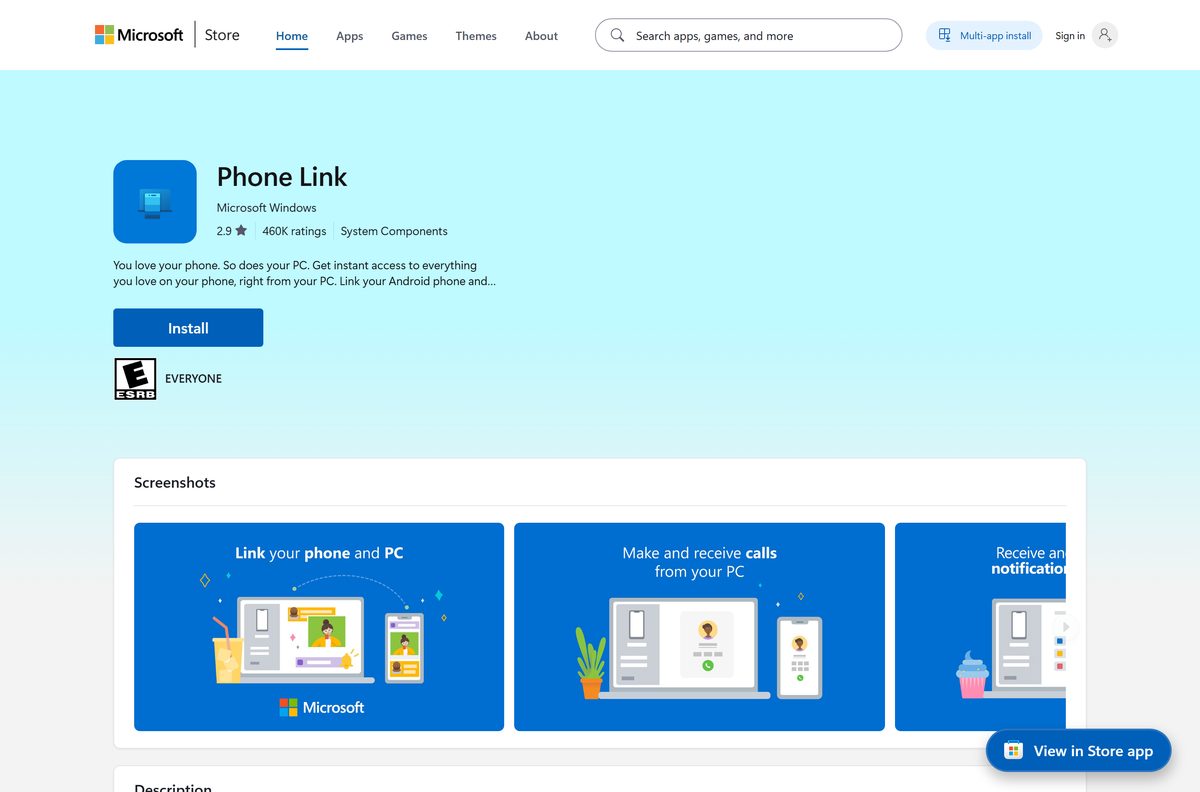
Phone Link is free and published by Microsoft Corporation. Apple’s pages cover the Messages app on Mac and iPhone.
- Phone Link on the Microsoft Store — 311.3 MB bundle · product 9NMPJ99VJBWV, Windows 11 and Windows 10
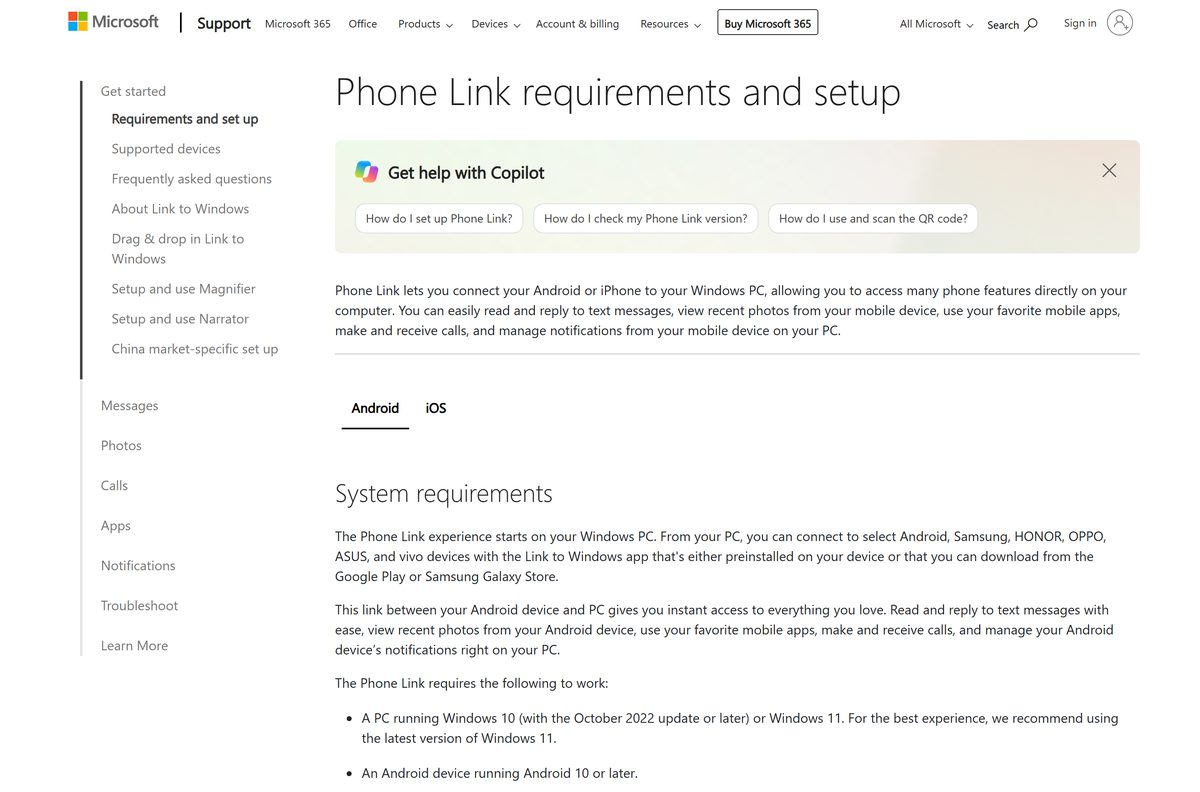
- Microsoft’s Phone Link requirements and iPhone setup — iOS 16, Bluetooth LE and pairing steps
- Apple’s guide to setting up Messages on Mac — iMessage sign-in and Text Message Forwarding
- Apple’s guide to setting up Messages on iPhone — turn on iMessage first
- Apple Messages support hub — help for iPhone, iPad and Mac
Any site offering an “iMessage.exe” or an iMessage setup for PC is not Apple. Apple distributes iMessage only inside its own operating systems.
How to get iMessage on Windows 11 and 10 with Phone Link
Keep the iPhone next to the PC and turn Bluetooth on for both devices before you start.
- On the iPhone, open Settings, tap Apps, tap Messages and turn on iMessage.
- On the PC, open the Start menu and search for Phone Link, then open it.
- Under Pick your phone, select iPhone. If it is greyed out, turn on the PC’s Bluetooth.
- Scan the QR code on the PC screen with the iPhone’s default Camera app. This starts Bluetooth pairing.
- On the iPhone, open Settings > Bluetooth, tap the (i) icon next to your PC’s name.
- Turn on Share System Notifications, Show Notifications and Sync Contacts.
- Open Messages in Phone Link on the PC and start a new conversation.
All three permissions matter. Show Notifications grants access to Messages, and Sync Contacts adds contacts and call history to your threads.
Install Phone Link from the Microsoft Store or Windows Settings
Phone Link ships with most Windows 11 and Windows 10 PCs. Install it only if the Start menu search finds nothing.
- On Windows 11, open Settings and search for Phone Link.
- Select Enable or disable Phone Link and turn on the Phone Link toggle.
- On Windows 10, open Settings, search for Phone Link, select Enable or disable Phone Link, then turn on Turn on Phone Link.
- Select Install in the pop-up window.
- If Settings has no Phone Link entry, open the Microsoft Store listing for product 9NMPJ99VJBWV.
- Check that the publisher line reads Microsoft Corporation, then select Get or Install.
The iPhone app, Link to Windows, is optional for iPhone users. Pairing works through the Camera and Bluetooth alone.
Which iMessage setup do you need on your Mac?
Messages is part of macOS, so the Mac needs a sign-in, not a download. Pick the row that matches what you want to send.
| You want to | Do this on the Mac | Also on the iPhone |
|---|---|---|
| Send iMessages to Apple users | Messages > Settings > iMessage, sign in with your Apple Account | Nothing extra |
| Text Android phones (green bubbles) from the Mac | Stay signed in to iMessage in Messages | Settings > Apps > Messages > Text Message Forwarding, turn on the Mac |
| Keep the same history on every device | Messages > Settings > iMessage, turn on Enable Messages in iCloud | Sign in to the same Apple Account |
| Reply from your phone number, not your email | Choose your number under Start new conversations from | Settings > Apps > Messages > Send & Receive |
Text Message Forwarding needs the iPhone and the Mac on the same Apple Account. SMS, MMS and RCS still travel through the iPhone and its carrier plan.
Check the iMessage system requirements for PC and Mac
On Windows the requirement is split across two devices: the PC runs Phone Link, and the iPhone does the actual sending.
| Field | Value |
|---|---|
| Developer | Apple Inc. (iMessage); Microsoft Corporation (Phone Link) |
| Latest version | Built into iOS 27 and macOS 27; Phone Link 1.26072.255.0 on Windows 11 |
| Price | Free |
| Windows | Windows 11, or Windows 10 with the May 2019 Update or later |
| Newest Phone Link build | Needs Windows 11 build 22631; Windows 10 gets package 1.25072.81.0 |
| PC hardware | Bluetooth Low Energy (BLE) support |
| iPhone | iOS 16 or later |
| Mac | Messages app; Apple’s guide covers macOS Catalina 10.15 to macOS 27 |
| Architecture | x64 and ARM64 on Windows 11; x86 added for Windows 10; Apple silicon and Intel Macs |
| Account | Apple Account on the iPhone and Mac; Phone Link does not support work or school accounts |
| Offline installer | No |
| Last verified | 2026-09-24 |
To read your Windows build, press Windows + R, type winver and select OK.
Is iMessage free?
Yes. iMessage costs nothing on iPhone, iPad and Mac, and Phone Link is free on Windows. iMessage runs over Wi-Fi or cellular data, so there is no per-message charge from Apple. Cellular data rates can apply when the iPhone uses mobile data instead of Wi-Fi, and that includes sending abroad. SMS, MMS and RCS are carrier services and follow your text plan. Phone Link lists at $0.00 on the Microsoft Store. Any site selling an iMessage licence or activation code for PC is selling something Apple does not make.
Should you use Phone Link or a Mac for iMessage?
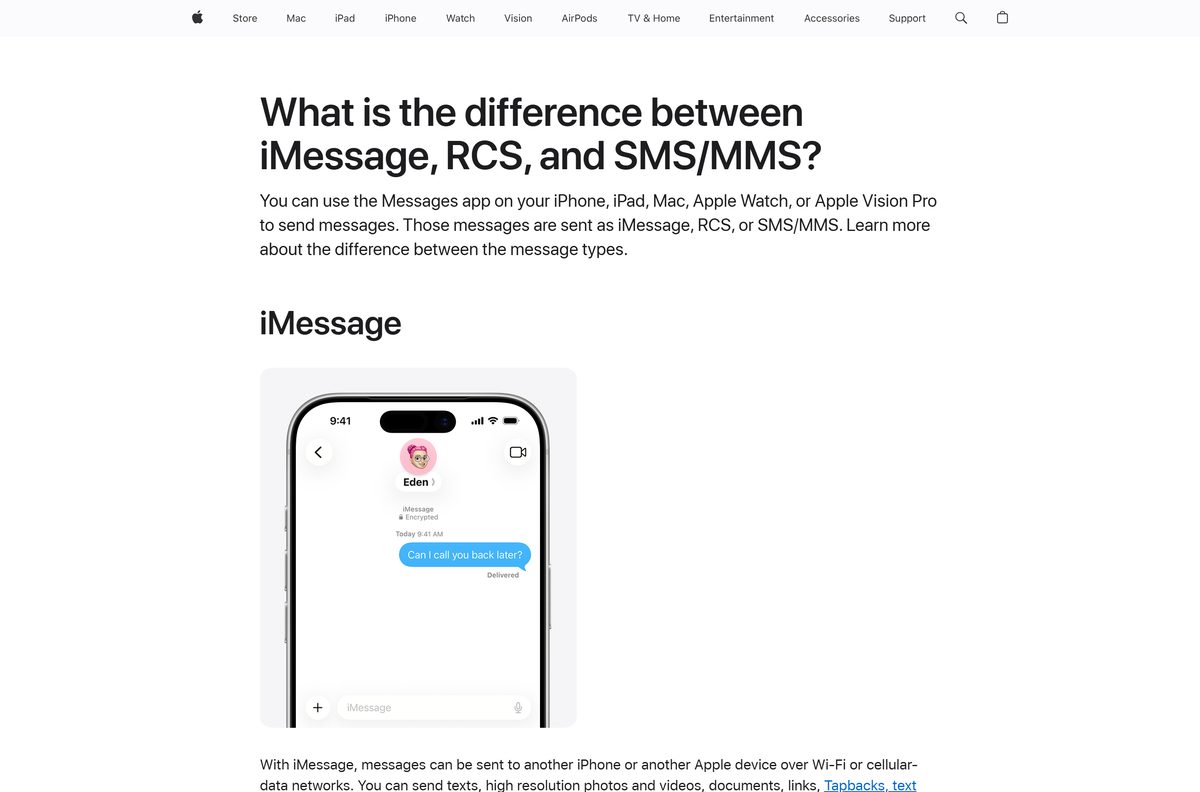
Use a Mac for full iMessage. Use Phone Link when your computer runs Windows and you mainly reply to one-to-one texts. Messages on a Mac is Apple’s own iMessage client, with group chats and your synced history. Phone Link reads and sends through the iPhone over Bluetooth, and Microsoft lists firm limits for iPhone users. Group messages are not supported. Only messages sent and received while the iPhone and PC are paired and connected appear. Messages you send from the iPhone itself do not show on the PC.
How to check your Phone Link version and update it
- Open Microsoft Store on the PC.
- Select Library at the bottom left.
- Select Get updates and let Phone Link update with the other apps.
- On the iPhone, open Settings > General > Software Update to keep iOS, and iMessage with it, current.
- On the Mac, open System Settings > General > Software Update to update macOS and Messages.
iMessage has no version number of its own. It updates with iOS and macOS.
Fix iMessage not working on Windows or Mac
You scanned the QR code but pairing failed
The PC and iPhone are not discoverable to each other over Bluetooth.
- On the PC, open Settings > Bluetooth & devices, select the iPhone and choose Remove device.
- On the iPhone, open Settings > Bluetooth, tap (i) next to the PC name and tap Forget This Device.
- Turn Bluetooth off on both devices, wait 10 seconds and turn it back on.
- Select Try pairing again in Phone Link.
Messages are missing in Phone Link
Phone Link shows only texts sent and received while the devices are connected.
- Close the Messages app on the iPhone while you use Phone Link.
- Send replies from Phone Link, since texts sent on the iPhone itself do not appear.
- Check that Show Notifications and Sync Contacts are on under the PC’s entry in Settings > Bluetooth.
- Keep the iPhone within Bluetooth range of the PC.
Group chats do not show in Phone Link
Group messages are not supported for iPhone in Phone Link.
- Reply to group threads from the iPhone.
- Use a Mac with Messages for group iMessage chats on a computer.
iMessage will not activate on the iPhone
The phone number or Apple Account is not selected for iMessage.
- Update the iPhone to the latest iOS in Settings > General > Software Update.
- Open Settings > Apps > Messages and turn iMessage off, then back on.
- Tap Send & Receive and select your phone number.
- Restart the iPhone and check the Wi-Fi or cellular data connection.
The Mac gets iMessages but not green-bubble texts
Text Message Forwarding is off, or the iPhone and Mac use different Apple Accounts.
- On the Mac, choose Messages > Settings > iMessage and confirm the Apple Account.
- On the iPhone, open Settings > Apps > Messages > Send & Receive and match the same account.
- Tap Text Message Forwarding and turn on your Mac.
How to unlink your iPhone from Phone Link or sign out of iMessage
- On the iPhone, open Settings > Bluetooth, tap (i) next to your PC’s name and tap Forget This Device.
- On the PC, open Phone Link, open Settings and select the My Devices tab.
- Select Remove next to the iPhone.
- To stop iMessage on a Mac, choose Messages > Settings > iMessage and select Sign Out.
- To stop Mac texting only, turn the Mac off under Text Message Forwarding on the iPhone.
Phone Link has a Features tab under Settings. Turning off a permission there also switches off that feature.
Choose an iMessage alternative for your devices
iMessage sends between Apple devices. For anything outside that, a different route does the job.
| Your situation | Use this | What you get |
|---|---|---|
| Windows PC and an iPhone | Phone Link | One-to-one iMessage and SMS replies on the PC |
| Mac and an iPhone | Messages on the Mac | Full iMessage, group chats and SMS through Text Message Forwarding |
| iPad and an iPhone | Messages on the iPad | iMessage on the same Apple Account |
| Windows PC and an Android phone | Phone Link with Android | SMS and MMS on the PC, with attachments |
| iPhone texting Android users | RCS in Messages | Richer texts than SMS with a carrier that supports RCS, on iOS 18 or later |
Other phone and media apps for PC include Audiomack and Zwift.
Frequently asked questions
Can you download iMessage for Windows 11?
Yes, through Microsoft Phone Link. It is free on the Microsoft Store and pairs with an iPhone on iOS 16 or later over Bluetooth. Apple publishes no iMessage app for Windows itself.
Does iMessage work on Windows 10?
Yes. Microsoft lists Windows 10 with the May 2019 Update or later for iPhone in Phone Link. The newest Phone Link build needs Windows 11, so Windows 10 receives an older package.
Can you use iMessage on a PC without an iPhone?
No. Phone Link relays texts through a paired iPhone, and iMessage works only between Apple devices. Without an iPhone, the options are a Mac or an iPad signed in to your Apple Account.
Is iMessage free?
Yes. iMessage is free on iPhone, iPad and Mac, and Phone Link costs nothing on Windows. Cellular data rates can apply when the iPhone sends over mobile data instead of Wi-Fi.
Is iMessage free internationally?
iMessage has no per-message fee, including to other countries, because it runs over Wi-Fi or cellular data. Over mobile data abroad, your carrier’s data or roaming rates still apply.
How do you get iMessage on a Mac?
Open the Messages app, which ships with macOS, and sign in with your Apple Account. Then choose Messages > Settings, click iMessage and pick the phone number and email you reply from.
Can you send group iMessages from Phone Link?
No. Microsoft states group messages are not currently supported for iPhone in Phone Link. Reply to group chats on the iPhone, or use Messages on a Mac.
Why do old texts not appear in Phone Link?
Phone Link shows only messages sent and received while the iPhone and PC are paired and connected. Earlier history stays on the iPhone, and texts sent from the iPhone itself do not appear.
Is there an iMessage offline installer for PC?
No. iMessage has no installer on any platform, and Phone Link installs only from the Microsoft Store or through Windows Settings. Treat any iMessage .exe file as unofficial and delete it.
How big is the iMessage download for PC?
The Phone Link bundle on the Microsoft Store is 311.3 MB for x64 and ARM64 on Windows 11. The Windows 10 package is 431.5 MB. Macs and iPhones need no download.