Audiomack installs on Windows 11, Windows 10 and Mac as a desktop app straight from audiomack.com in Edge or Chrome. It opens in its own window and signs in with the same free account as the iPhone and Android apps.
Streaming is free with ads. Audiomack+ removes the ads, unlocks the full catalog and lifts the download limits in the phone apps.
Below are the official links, the Windows and Mac setup, what Audiomack+ costs, and fixes for a player that will not install or play.
Which Audiomack download do you need?
Match your device to a row. One free account signs in on every one of them.
| Your device | What to get | Size or requirement |
|---|---|---|
| Windows 11 or Windows 10 PC | audiomack.com, installed as an app from Chrome or Edge | No download; runs in the browser |
| Mac with Chrome, Edge or Safari | audiomack.com, added to the Dock | Intel and Apple silicon |
| iPhone | Audiomack – Play Music Offline on the App Store | 382.8 MB, iOS 15.0 or later |
| Android phone | Audiomack: Music Downloader on Google Play | Also Wear OS and Android Auto |
Offline song downloads happen in the phone apps. The PC and Mac app streams.
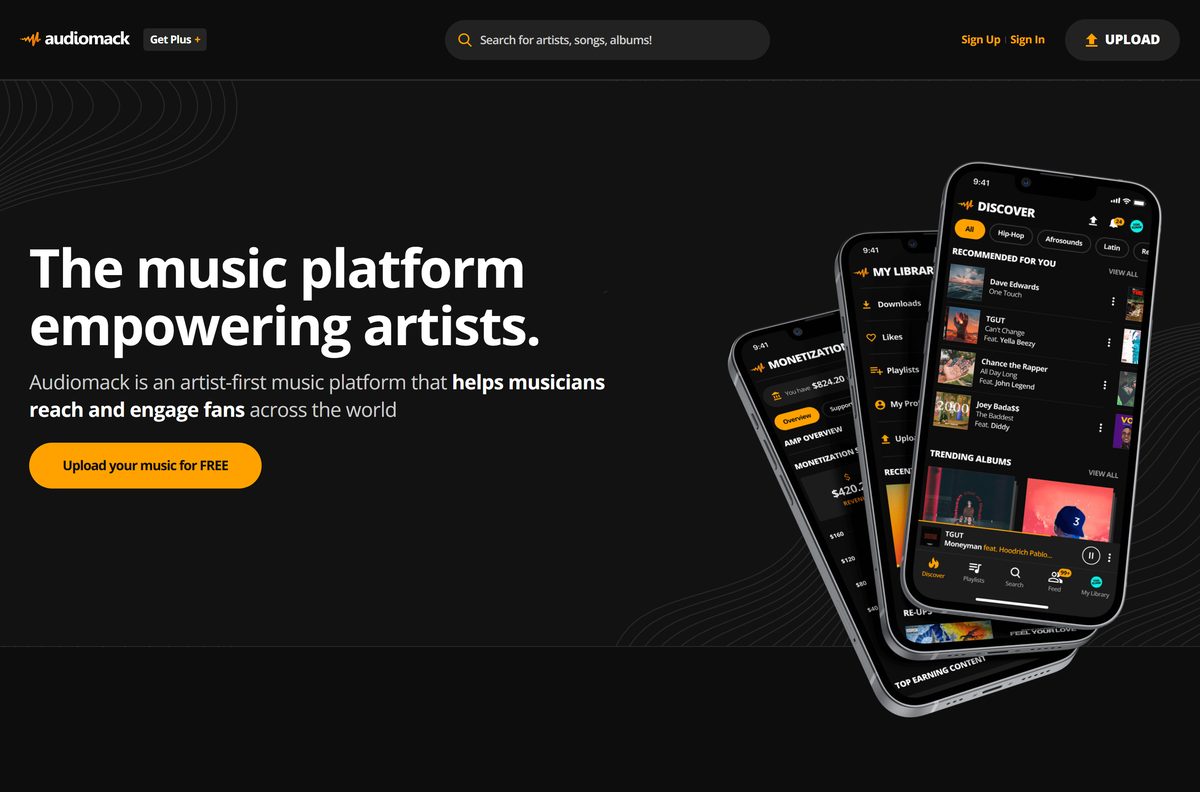
Download Audiomack from its official links
Every link below is published by Audiomack or by the store that distributes its apps.
- Audiomack web player for Windows and Mac — install as an app from Chrome or Edge
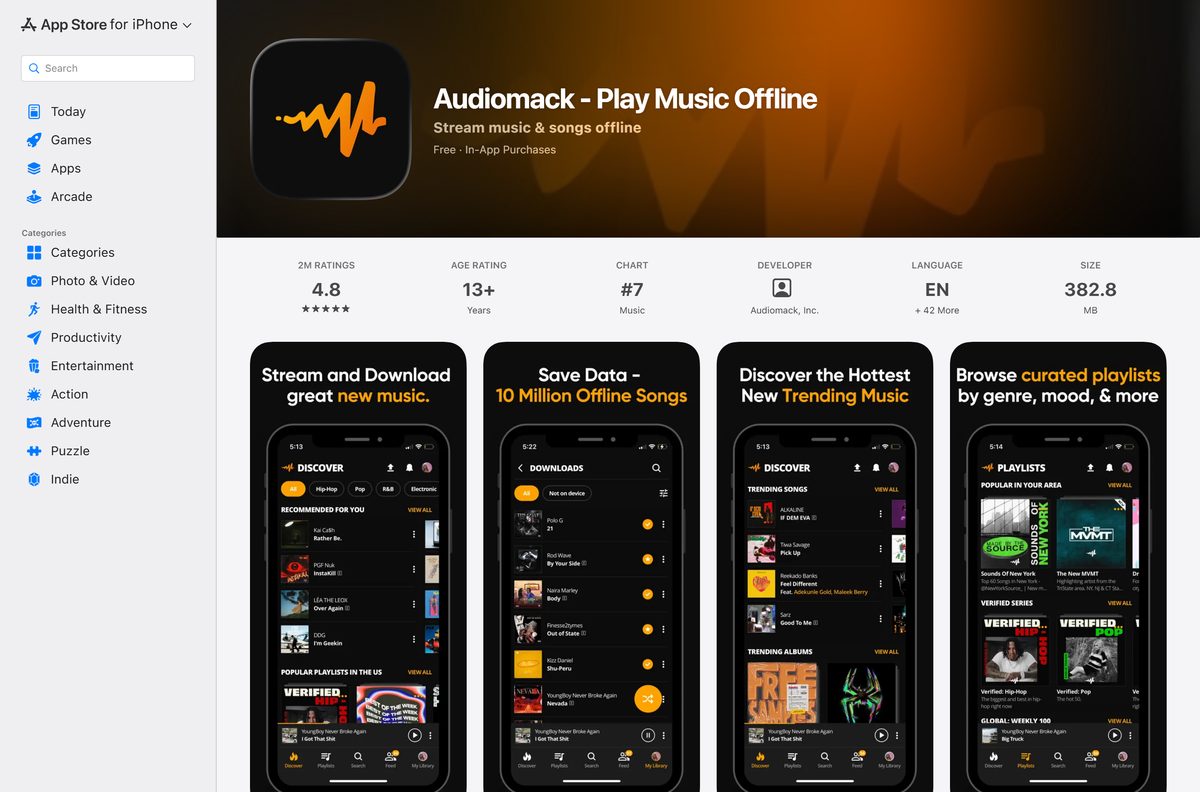
- Audiomack on the App Store — 382.8 MB · version 8.10.0; iOS 15.0 or later
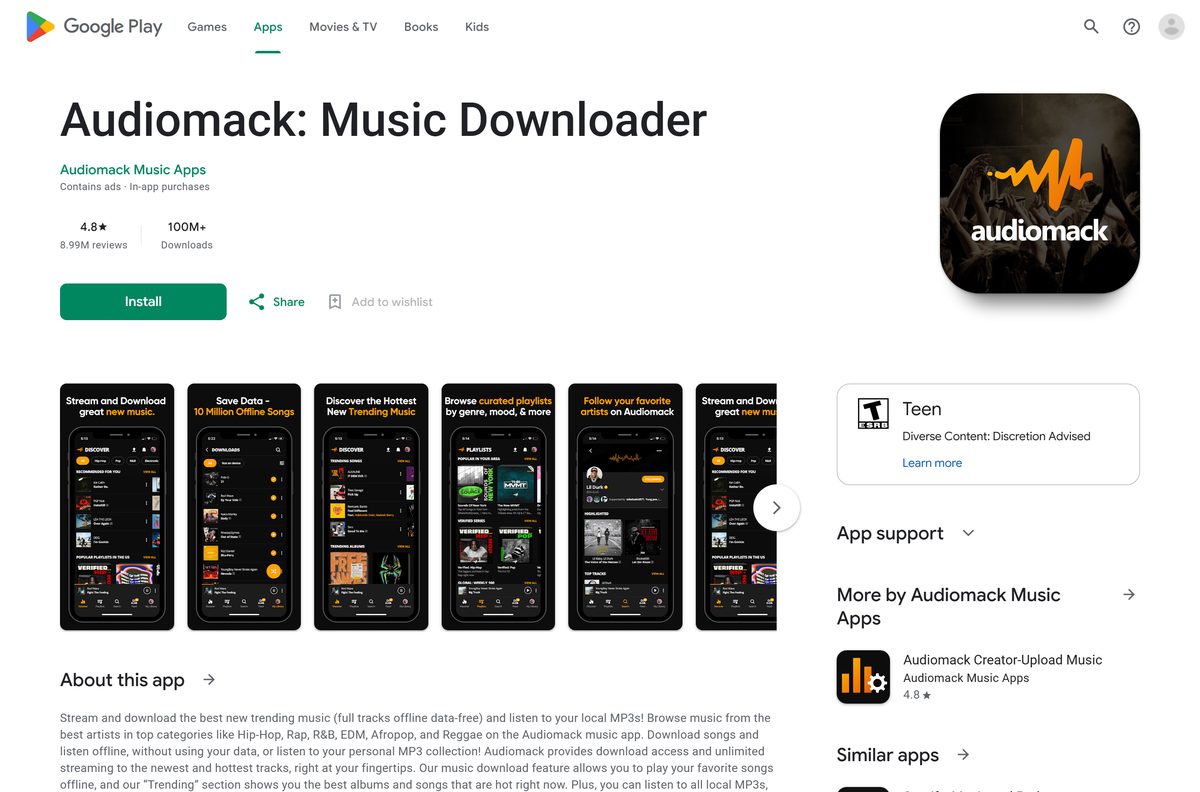
- Audiomack on Google Play — package com.audiomack; 100M+ downloads
- Audiomack+ plan and free trial — 30 days free, then monthly
- About Audiomack and free uploads for artists — Creator App and artist tools
Audiomack has no .exe, no .dmg and no Microsoft Store app. A site offering an Audiomack installer or an “Audiomack downloader” is not Audiomack.
How to install Audiomack on Windows 11 and 10
Microsoft Edge and Google Chrome both turn audiomack.com into a desktop app with its own window, Start menu entry and taskbar icon.
- Open audiomack.com in Microsoft Edge or Google Chrome.
- Select Sign In, or Sign Up to create a free account.
- In Edge, open the … menu, choose Apps, then Install this site as an app.
- In Chrome, open the ⋮ menu, choose Cast, save, and share, then Install page as app.
- Keep the name Audiomack and select Install.
- Right-click Audiomack in the Start menu and choose Pin to taskbar.
The app opens in its own window without browser tabs, and it signs in with the same account as your phone.
Which Audiomack download do you need for your Mac?
Audiomack has no Mac App Store app, and its iPhone listing names only iPhone and iMessage. The web player is the Mac app.
| You use | What to do | Note |
|---|---|---|
| Google Chrome | Open audiomack.com, then ⋮ > Cast, save, and share > Install page as app | Lands in the Chrome Apps folder |
| Safari on macOS Sonoma or later | Open audiomack.com, then File > Add to Dock | Runs as its own Dock app |
| Microsoft Edge | Open audiomack.com, then … > Apps > Install this site as an app | Opens from Launchpad |
| An iPhone alongside the Mac | Audiomack on the App Store | For offline downloads |
Apple silicon and Intel Macs take the same route, because the browser runs the player.
Is Audiomack free?
Every Audiomack app is free to install. Audiomack+ decides ads, download limits and catalog access.
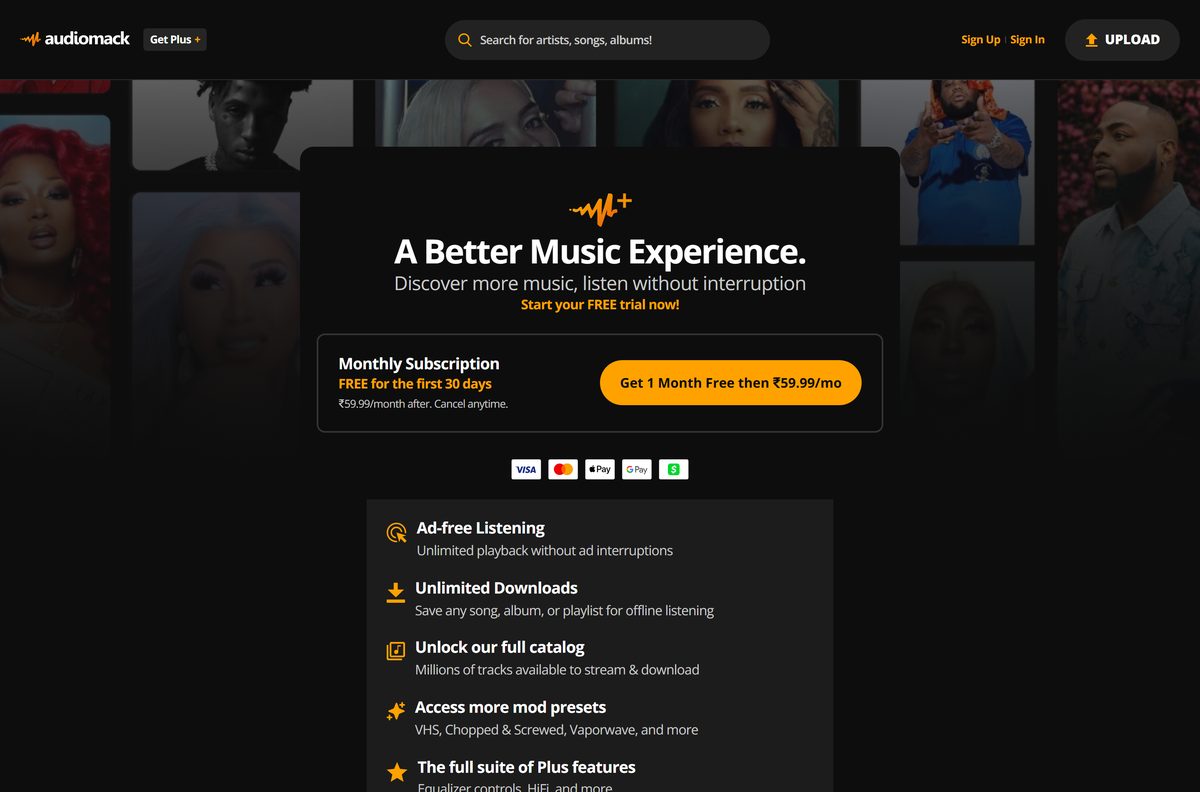
Yes. Audiomack is free with ads, and Audiomack+ removes them for $4.99 a month in the US after a 30-day free trial. The free tier plays full tracks with unlimited skips and repeats, builds playlists and downloads songs for offline play in the phone apps. Audiomack+ adds ad-free listening, unlimited downloads of any song, album or playlist, the full catalog, more Audiomod presets, an equalizer and HiFi. The price on audiomack.com/plus follows your country, so check it before the trial ends.
How to choose between Audiomack free and Audiomack+
Both tiers use the same app and the same account. Only the limits change.
Stay on the free tier if you stream at home and tolerate ads. Take Audiomack+ if you listen offline on a phone or want HiFi. Offline saving of any song, album or playlist, the full catalog and extra mod presets such as VHS, Chopped & Screwed and Vaporwave need Audiomack+. Start the 30-day trial, then cancel before it renews if the free tier covers you.
How to check your Audiomack version and update it
The PC and Mac app loads audiomack.com, so it is always current. The phone apps update through their stores.
- On a PC or Mac, close the Audiomack window and open it again to load the latest web player.
- On an iPhone, open the App Store, tap your profile picture and pull down to refresh.
- Tap Update next to Audiomack if it appears.
- On Android, open Google Play, tap your profile picture and choose Manage apps & device.
- Tap Updates available, then Update next to Audiomack.
The current iPhone build is 8.10.0, released on 23 September 2026.
Check the Audiomack system requirements
Compare your device with the table, then update the browser or phone if it falls short.
| Field | Value |
|---|---|
| Software | Audiomack |
| Developer | Audiomack, Inc. |
| Latest version | 8.10.0 (iPhone); web player updates itself |
| License | Free with ads; Audiomack+ subscription |
| Windows | Windows 11 and Windows 10 through Chrome or Edge |
| macOS | Chrome, Edge, or Safari with Add to Dock |
| Architecture | Any; runs in the browser on x64, ARM64 and Apple silicon |
| iPhone | iOS 15.0 or later, 382.8 MB |
| Android | Google Play, plus Wear OS and Android Auto |
| Offline installer | No |
| Official source | audiomack.com, App Store and Google Play |
| Last verified | 2026-09-25 |
A player that stalls or will not load usually needs a browser update.
What Audiomack can play on each device
The Android app doubles as a local music player. The web and iPhone apps play the Audiomack catalog.
| Feature | PC and Mac app | iPhone | Android |
|---|---|---|---|
| Stream full tracks, charts and playlists | Yes | Yes | Yes |
| Download songs for offline play | No | Yes | Yes |
| Play your own MP3, WAV, M4A and AAC files | No | No | Yes |
| Audiomod pitch, speed and reverb effects | No | Yes | Not listed |
| Wear OS and Android Auto | No | No | Yes |
Artists upload for free on audiomack.com, and Audiomack sells no premium creator accounts.
Fix Audiomack not installing or playing on Windows 11 or 10
Find the symptom that matches, then work through its fix in order.
There is no install option in the browser menu
The browser is Firefox, or an old Chrome or Edge.
- Open audiomack.com in Microsoft Edge or Google Chrome.
- Update the browser from its About page and restart it.
- Open the menu again and look for Install this site as an app or Install page as app.
You searched the Microsoft Store and found no Audiomack
Audiomack publishes no Microsoft Store app.
- Skip third-party Store apps that borrow the name.
- Install audiomack.com from Edge or Chrome instead.
Tracks will not start or keep buffering
A stale browser session or an ad or script blocker.
- Close the Audiomack window and reopen it.
- Allow audiomack.com in any ad blocker or privacy extension.
- Sign out, sign back in and play the track again.
Downloads are missing on the PC
Offline downloads live in the phone apps only.
- Install Audiomack from the App Store or Google Play.
- Sign in with the same account and download the songs there.
- Start the Audiomack+ trial if you want unlimited downloads.
Tools that rip audio from audiomack.com are not Audiomack products and break its terms of service.
How to uninstall Audiomack
Removing the app does not touch your account, favorites or playlists.
- On Windows, open Settings, then Apps, then Installed apps.
- Find Audiomack, select the three dots and choose Uninstall.
- Confirm with Uninstall again.
- On a Mac, drag Audiomack from the Chrome Apps folder or the Dock to the Trash.
- On a phone, press and hold the Audiomack icon and choose Remove App or Uninstall.
Cancel Audiomack+ separately in the store or account that billed you. Uninstalling does not stop the charge.
How to choose an Audiomack alternative with a Windows app
If you want a music app installed from the Microsoft Store, these services publish one.
| Service | Windows app | Best for |
|---|---|---|
| SoundCloud | Microsoft Store | Independent uploads and DJ mixes |
| Spotify | Microsoft Store | Mainstream catalog and podcasts |
| Deezer | Microsoft Store | Flow and lossless listening |
| Pandora | Microsoft Store | US radio-style stations |
Stay with Audiomack for Afrobeats, hip-hop and rising artists, where its charts are strongest.
Frequently asked questions
Is Audiomack free to download?
Yes. The iPhone and Android apps are free, and the PC and Mac app installs free from audiomack.com in Chrome or Edge. Free listening carries ads, and Audiomack+ removes them after a 30-day free trial.
Is there an Audiomack app for Windows 11?
Yes, as a web app. Open audiomack.com in Edge or Chrome and choose the install option in the browser menu. Audiomack then gets its own window, Start menu entry and taskbar icon on Windows 11 and Windows 10.
Is Audiomack in the Microsoft Store?
No. Audiomack publishes no Microsoft Store app, so any Store listing using the name comes from someone else. Install audiomack.com from Edge or Chrome to get the official player on a PC.
Is there an Audiomack app for Mac?
Not in the Mac App Store. Open audiomack.com in Chrome or Edge and install it as an app, or use File and Add to Dock in Safari on macOS Sonoma or later. Both run on Intel and Apple silicon Macs.
Can I download songs from Audiomack on a PC?
No. Offline downloads work in the iPhone and Android apps, not on the PC or Mac player. The free tier downloads songs for offline play, and Audiomack+ unlocks unlimited downloads of any song, album or playlist.
How much is Audiomack+?
Google Play lists ad-free Audiomack at $4.99 a month in the US, and the first 30 days are free. The price on audiomack.com/plus follows your country, so check it before the trial renews.
How big is the Audiomack download?
The iPhone app is 382.8 MB and needs iOS 15.0 or later. The PC and Mac app has no installer file, because it installs straight from audiomack.com through the browser.
Is Audiomack safe to download?
Yes, from the official sources: audiomack.com, the App Store listing from Audiomack, Inc., and Google Play. An Audiomack .exe, .dmg or downloader tool from any other site is not from Audiomack.
What is the latest Audiomack version?
The iPhone app is version 8.10.0, released on 23 September 2026, and the Android app was updated on 19 September 2026. The PC and Mac app loads audiomack.com, so it is always current.
Can artists upload music to Audiomack for free?
Yes. Audiomack lets artists upload unlimited music for free, with no premium creator accounts. Uploaders also get a stats dashboard, and the AMP program pays a per-stream rate.






