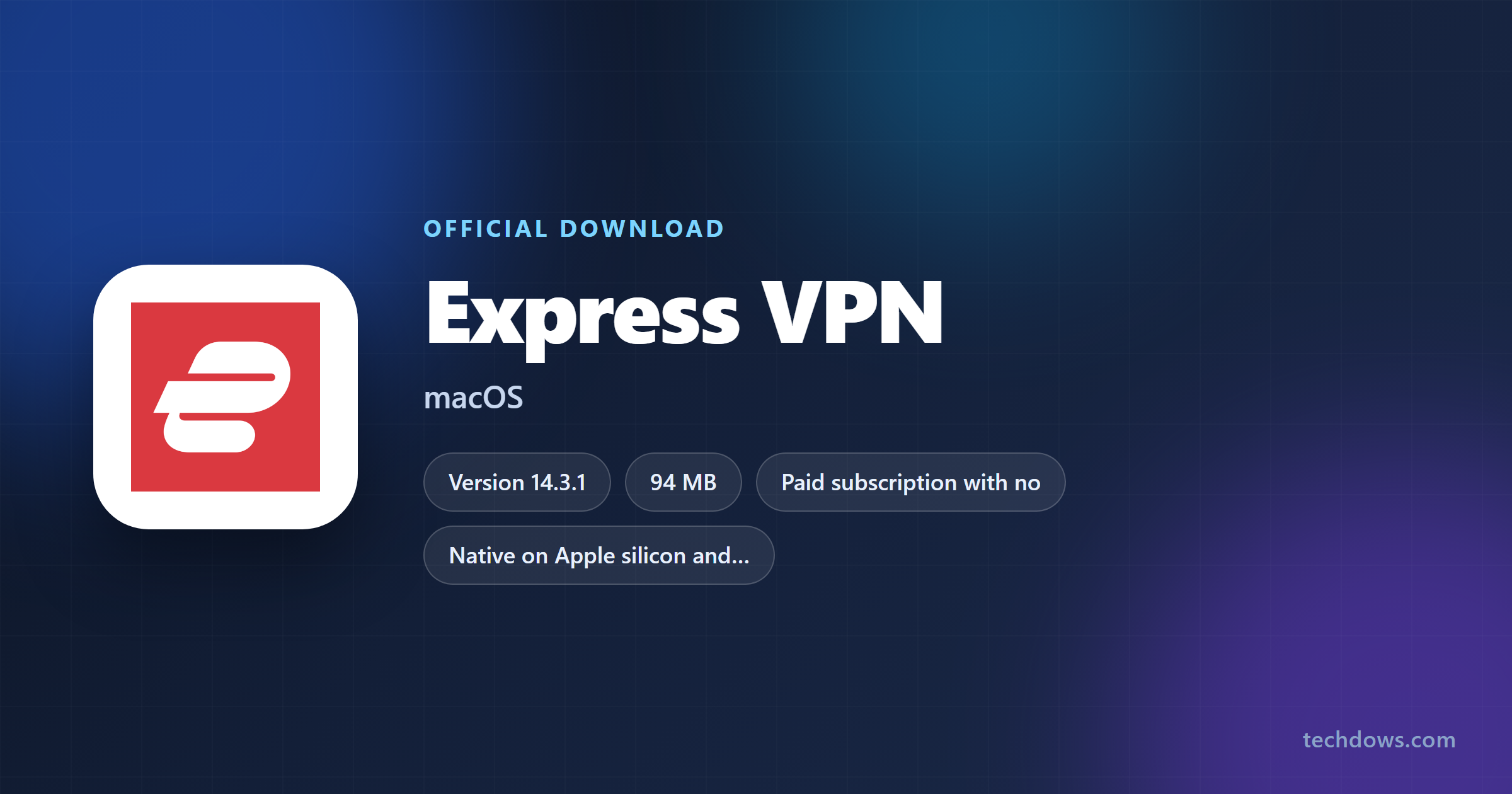
ExpressVPN for Mac installs from expressvpn.com or from the Mac App Store, and the app runs natively on Apple silicon and Intel Macs.
macOS 11 Big Sur is the floor, and Macs on macOS 10.13 to 10.15 install legacy app version 11.71.0 instead. The app costs nothing to download, and connecting needs a paid subscription.
This guide covers which build to take, the official links, the install and activation steps, the App Store route, system requirements, updates, uninstalling and the documented fixes.
Which ExpressVPN download do you need for your Mac?
Open the Apple menu and select About This Mac to read your macOS version. Match that line below.
| Your Mac | What to install | Where it comes from |
|---|---|---|
| macOS 11 Big Sur or later, Apple silicon or Intel | ExpressVPN 14.3.1 for macOS | expressvpn.com, no sign-in needed to download |
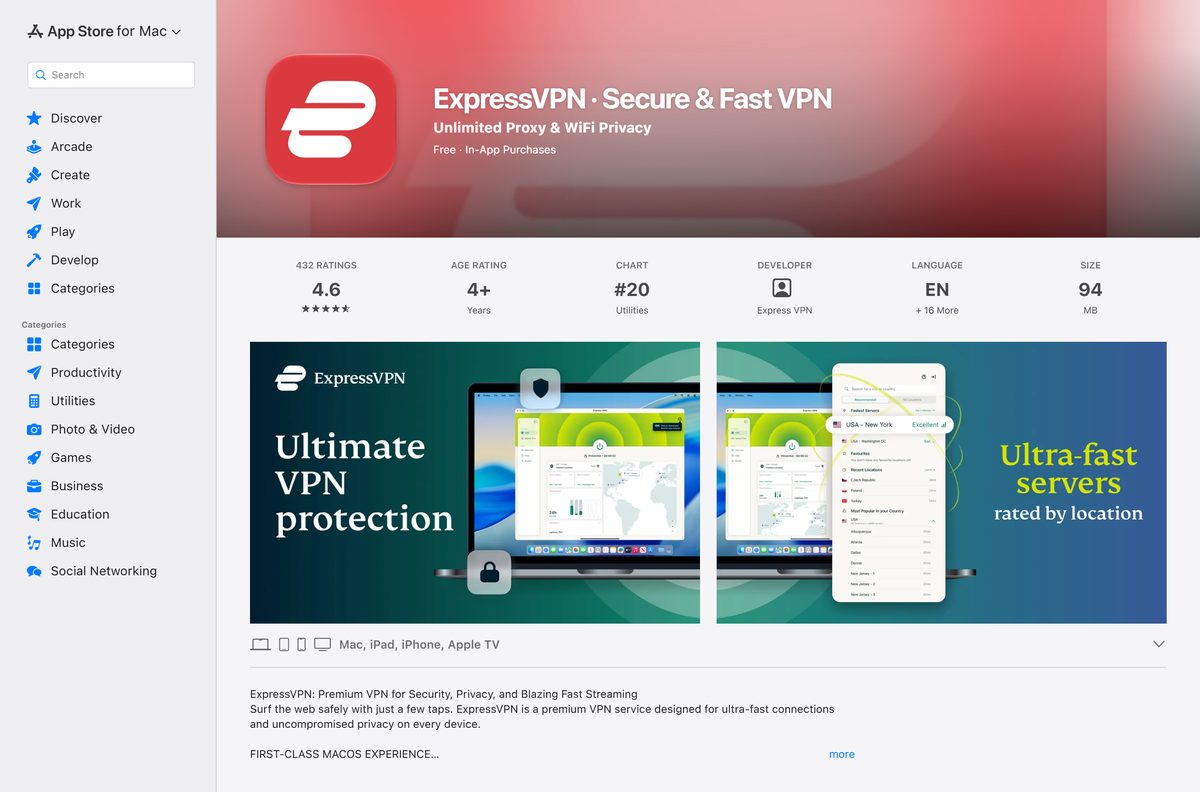
| You want Apple to handle the install and updates | ExpressVPN on the Mac App Store | App Store, 94 MB |
| macOS 10.13, 10.14 or 10.15 | Legacy app version 11.71.0 | Account dashboard, Download older version |
| Mac OS X 10.10 or older | Manual OpenVPN profile | Manual configuration page |
| No subscription yet | ExpressVPN plans | Required before the app connects |
Split tunneling, WireGuard and the expressvpnctl command line ship in the build from expressvpn.com only.

Check the ExpressVPN system requirements for your Mac
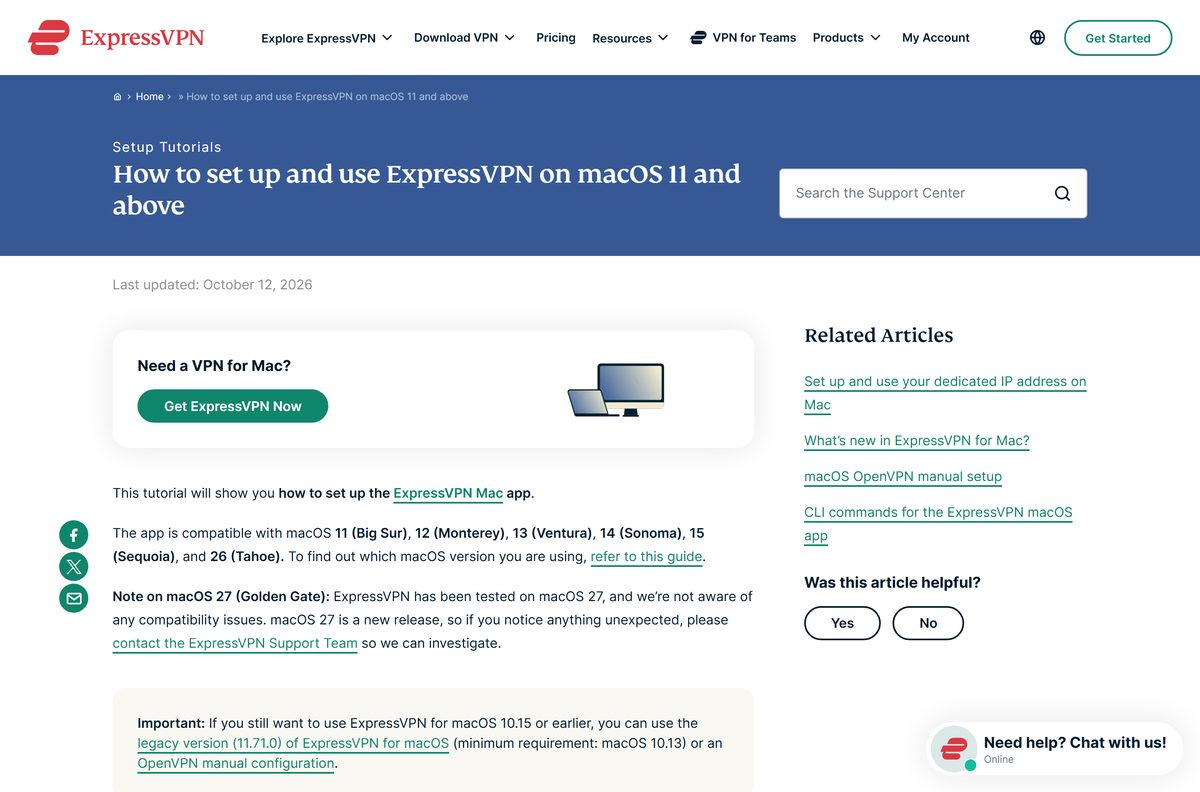
The operating system is the only line that rules a Mac out. Macs sold as far back as 2013 still run macOS 11.
| Field | Value |
|---|---|
| Software | ExpressVPN |
| Developer | Express VPN |
| App Store seller | Expressco Services, LLC |
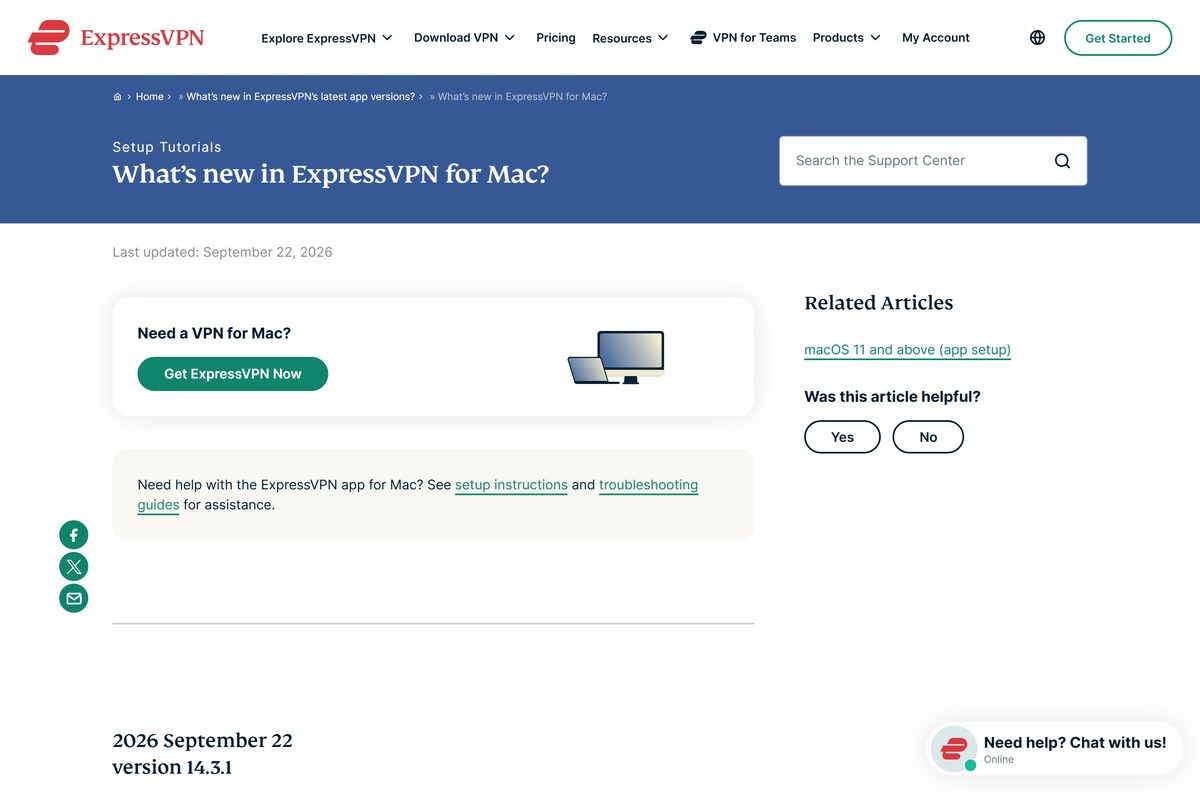
| Latest version | 14.3.1 from expressvpn.com, published 22 September 2026 |
| App Store version | 12.78.0, published 22 October 2026 |
| Licence | Paid subscription, no free tier |
| Supported OS | macOS 11 Big Sur through macOS 15 Sequoia and macOS 26 Tahoe |
| Architecture | Native on Apple silicon and Intel Macs |
| Download size | 94 MB on the Mac App Store listing |
| Protocols | Lightway UDP, Lightway TCP, OpenVPN, and WireGuard on the website build |
| Devices per subscription | 8 at once |
| Legacy build | 11.71.0 for macOS 10.13 to 10.15 |
| Mac App Store | Yes, one listing covering Mac, iPad, iPhone and Apple TV |
| Official download | expressvpn.com/vpn-download/vpn-mac |
| Last verified | 2026-10-25 |
Download ExpressVPN for Mac from the official source
Two places distribute the Mac app: ExpressVPN’s own site and Apple’s store. Nothing else is official.
- ExpressVPN for Mac product page — the macOS landing page, with the download button
- Latest version downloads — the Mac section serves the current installer without a sign-in
- ExpressVPN account dashboard — Set Up Devices holds the installer, the activation code and older versions
- ExpressVPN on the Mac App Store — 94 MB · Apple handles the install, the updates and the billing
- ExpressVPN plans — the subscription the app signs in against
Download portals rank for this term too, each serving whatever build it last fetched.

How to install ExpressVPN on your Mac
The installer asks for your Mac password once, to place a helper tool that manages the VPN connection.
- Open expressvpn.com/latest and scroll to the ExpressVPN for Mac section.
- Select Download. The installer lands in your Downloads folder.
- Open the downloaded ExpressVPN Installer file.
- Select Open when macOS asks about an app downloaded from the internet.
- Enter your Mac password and select Install Helper.
- Wait for the install to finish. The app opens by itself.
- Select Sign In, then Sign In with Activation Code.
- Paste the code from your account dashboard and select Continue.
- Select Continue again when macOS asks to allow the VPN configuration.
- Choose whether the app launches at startup and whether to share anonymous diagnostics.
Two other sign-in routes sit on that screen: Sign in with Email Sign-In Link and Sign in with your password. The Internet Kill Switch is on by default, so the Mac loses internet rather than leaking traffic if the tunnel drops.
Install ExpressVPN from the Mac App Store instead
Apple’s copy needs no activation code and no helper prompt. It has been in the Mac App Store since 19 September 2025.
- Open the App Store from the Dock or Launchpad.
- Search for ExpressVPN and open the listing from the developer Express VPN.
- Select Get, then Install, and confirm with Touch ID or your Apple Account password.
- Open the app from Applications and select Sign In if you already subscribe.
- Subscribe inside the app if you do not, which bills through your Apple Account.
- Select Continue when macOS asks to allow the VPN configuration.
A subscription bought this way sits outside the 30-day money-back guarantee, and Apple decides those refunds. One listing covers Mac, iPad, iPhone and Apple TV, which is why its iPhone view reports 164.7 MB against 94 MB on the Mac.
Should you install the website build or the App Store build?
Install the build from expressvpn.com unless you would rather Apple managed updates and billing. The website app carries split tunneling, WireGuard, rule-based network automation, a Network Lock kill switch that holds while disconnected, and an expressvpnctl command line. Apple’s store policies keep split tunneling out of the App Store build, which runs Lightway UDP, Lightway TCP and OpenVPN. Both draw on the same subscription, and one subscription covers eight devices at once.
The two version numbers differ because these are separate release lines, so a 12.x App Store build is not an older copy of a 14.x one.
Is ExpressVPN free on a Mac?
No. The app downloads at no cost, and connecting needs a paid subscription. Three plans run on the two-year term: Basic at $2.99 a month, Advanced at $4.49 a month and Express Pro at $7.49 a month, renewing annually at $99.95, $119.95 and $199.95. ExpressVPN states on its own guarantee page that it offers no 30-day free trial, and there is no free tier for macOS at all.
The guarantee covers first-time customers only, and anyone already refunded once falls outside it. App Store and Google Play subscriptions are excluded as well, and those refunds go through Apple or Google.

How to check the ExpressVPN app you installed is genuine
macOS keeps the signing identity inside the app bundle, and two Terminal commands read it back in about ten seconds.
- Take the installer from expressvpn.com/latest or the App Store, and nowhere else.
- Open Terminal from Applications > Utilities.
- Run codesign -dv –verbose=2 /Applications/ExpressVPN.app .
- Read the Authority line and confirm the Developer ID names ExpressVPN rather than another company.
- Run spctl -a -vv /Applications/ExpressVPN.app and confirm Gatekeeper answers accepted .
- Move the copy to the Trash if either command names a developer you do not recognise.
Gatekeeper repeats this check at every launch, provided System Settings > Privacy & Security > Security > Allow applications from stays on App Store & Known Developers.
Check whether your macOS version still runs the Mac app
ExpressVPN names the macOS releases it supports, and it keeps a separate build for the three releases below them.
| macOS version | Status | What to install |
|---|---|---|
| macOS 27 | Tested, no known compatibility issues | Current app |
| macOS 26 Tahoe | Supported | Current app |
| macOS 15 Sequoia down to macOS 11 Big Sur | Supported | Current app |
| macOS 10.15, 10.14 and 10.13 | Legacy only | App version 11.71.0 |
| Mac OS X 10.10 and older | Unsupported since 30 August 2021 | Upgrade macOS, or a manual OpenVPN profile |
The legacy build keeps working but never gains a feature again, so upgrade macOS on any Mac that can take it.
How to check your ExpressVPN version and update it
The app shows its own build number, so there is no need to open a Finder window to read it.
- Open the app and select the Help tab.
- Read the number beside App details.
- Compare it with the Mac release notes.
- Select Update Now in the banner across the top of the app when one appears.
- Select Download on the page that opens, then run the installer over the existing copy.
- Turn on Enable Auto-update under Profile > Settings to stop checking by hand.
- Update an App Store copy from App Store > Updates instead.
Uninstalling first is unnecessary, because the installer replaces the app in place. Version 14.3.1 also moved that readout to the bottom of the sidebar.
Fix ExpressVPN not downloading, not activating or not starting on a Mac
The download fails or the installer vanishes
A restricted network or a Gatekeeper setting stops it. ExpressVPN documents both causes.
- Open the download page in a different browser, or in a private window.
- Switch from an office, hotel or school network to home Wi-Fi or a phone hotspot.
- Open System Settings > Privacy & Security > Security and set Allow applications from to App Store & Known Developers.
- Clear disk space if the error names storage, then download again from expressvpn.com/latest.
- Install the App Store copy if the website download keeps failing.
The app will not start on an M-series Mac
An old build without Apple silicon support. Current releases run natively on every Apple silicon Mac.
- Drag the app from Applications to the Trash.
- Download the current Mac app from expressvpn.com/latest.
- Install it, then open it from Applications.
Activation fails or the code is rejected
The verification code emailed for website sign-in is not the activation code the app asks for.
- Sign in at portal.expressvpn.com with your email and the emailed verification code.
- Select ExpressVPN > VPN in the left sidebar.
- Select the copy icon beside Activation code.
- In the app select Sign In with Activation Code, paste the code, and select Continue.
- Switch to Sign in with your password or Sign in with Email Sign-In Link if the code still fails.
The app opens but will not load or respond
A damaged install. The documented repair is a clean reinstall rather than a retry.
- Uninstall the app from Profile > Actions, as the removal steps below describe.
- Restart the Mac.
- Download the app again, install it, and sign in.
There is no internet once you disconnect
The DNS settings fail to reset when the tunnel closes.
- Turn Wi-Fi off from the menu bar, then on again.
- Unplug the Ethernet cable and plug it back in on a wired Mac.
An activation error reading “Please check your connection, then try again” is the one case answered with a DNS change: set System Settings > Network > Details > DNS to 208.67.222.222 and 208.67.220.220, activate, then restore the original servers.
How to uninstall ExpressVPN from your Mac
The app removes its own helper tools and background services. Dragging it to the Trash does not.
- Open the app and select the Profile tab.
- Scroll to Actions and select Uninstall ExpressVPN.
- Select Uninstall to confirm.
- Enter your Mac password and select Install Helper.
- Open Finder > Applications if the app will not start, then right-click the app and select Move to Trash.
- Right-click it in the Trash and select Delete Immediately to finish.
A Finder deletion can leave background services, helper tools and settings behind, which is why a reinstall often behaves like the broken copy.
Frequently asked questions
Is ExpressVPN for Mac free?
No. The Mac app downloads at no cost, and connecting needs a paid subscription. Plans start at $2.99 a month on the two-year term, and a first purchase on the website carries a 30-day money-back guarantee.
What is the official ExpressVPN download page for Mac?
The macOS page is expressvpn.com/vpn-download/vpn-mac, and expressvpn.com/latest serves the current installer without a sign-in. The Mac App Store listing is the only other official route. Both are signed by the same developer.
How big is the ExpressVPN download for Mac?
Apple’s Mac view of the App Store listing reports 94 MB, while the iPhone view of the same listing reports 164.7 MB. ExpressVPN publishes no size for the installer on its own site.
Does ExpressVPN run natively on Apple silicon Macs?
Yes. ExpressVPN states the current Mac app has native support for all Apple silicon Macs, and the same download covers Intel. An app that refuses to start on an M-series Mac is an old build.
Which macOS version does ExpressVPN need?
macOS 11 Big Sur is the minimum, and support runs through macOS 15 Sequoia and macOS 26 Tahoe. ExpressVPN also reports testing on macOS 27 with no known compatibility issues.
Is there an ExpressVPN offline installer for Mac?
No. ExpressVPN publishes no separate offline installer for macOS. Both official routes fetch the app over the internet, and activation needs a connection as well, because the app signs in against your subscription.
Is ExpressVPN on the Mac App Store?
Yes, since 19 September 2025. One listing covers Mac, iPad, iPhone and Apple TV, and the Mac build installs and updates through the App Store. It drops split tunneling, which Apple’s store policies do not allow.
Which ExpressVPN version is current for macOS?
Version 14.3.1, published on 22 September 2026, is current on expressvpn.com. The App Store build runs a separate line and sits at 12.78.0, published on 22 October 2026. Read your own number under the Help tab.
Why will ExpressVPN not install on my Mac?
The documented causes are a restricted network, a security tool that removes the installer, too little disk space, and a Gatekeeper setting that blocks apps from outside the App Store.
Can you still use ExpressVPN on macOS 10.15?
Yes, with legacy app version 11.71.0, which ExpressVPN keeps for macOS 10.13 through 10.15. Get it from the account dashboard under Download older version. Mac OS X 10.10 and older lost support on 30 August 2021.
Is ExpressVPN safe to download from other sites?
A portal copy is whatever build that site last fetched, wrapped in its own installer, and nothing guarantees the signature survived. Take the Mac app from expressvpn.com or the App Store, then check the signature in Terminal.