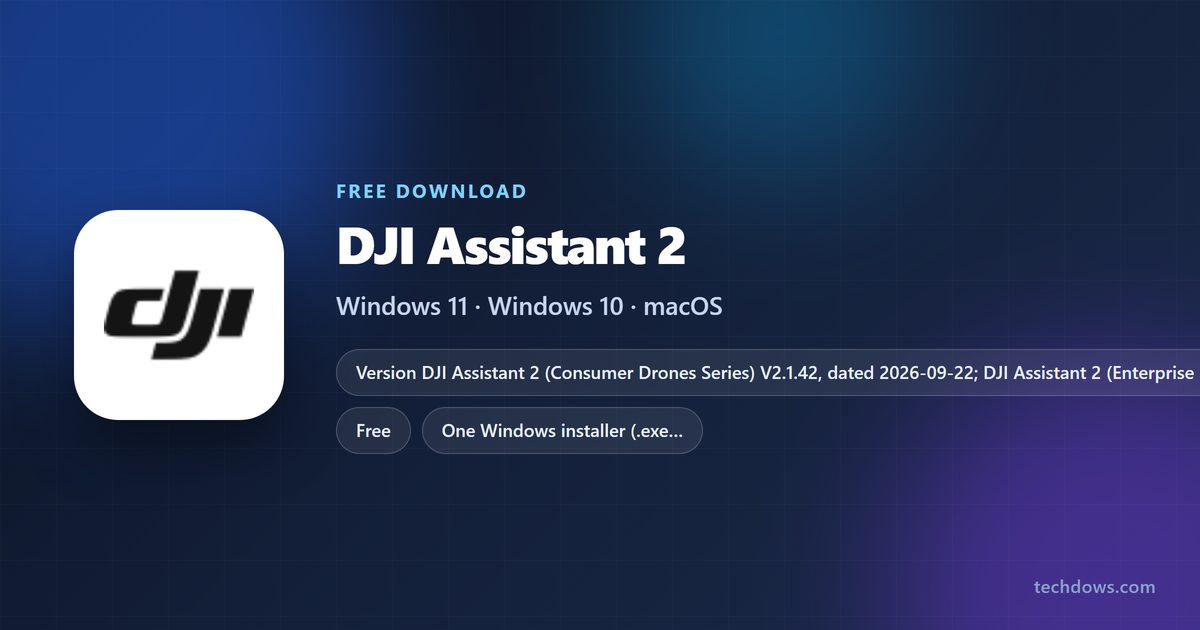
You can get the DJI Assistant 2 download for Windows 11, Windows 10 and Mac free from dji.com. DJI splits it into editions by product line, so the Consumer Drones Series build covers drones such as the Mini 4 Pro, Avata 2 and Mavic 3 Pro, while Matrice owners get the Enterprise Series.
Below you will find which edition matches your drone, the official download pages, install steps for Windows and Mac, and fixes when the software does not see your aircraft.
Which DJI Assistant 2 edition does your drone need?
DJI picks the edition by product line, not by computer. Find your aircraft below and open its Downloads page, which always lists the matching edition.
| Your aircraft | Install this edition | Version and date | Start here |
|---|---|---|---|
| DJI Mini 4 Pro, Avata 2 or Mavic 3 Pro | DJI Assistant 2 (Consumer Drones Series) | V2.1.42, 2026-09-22 | Consumer Drones Series page |
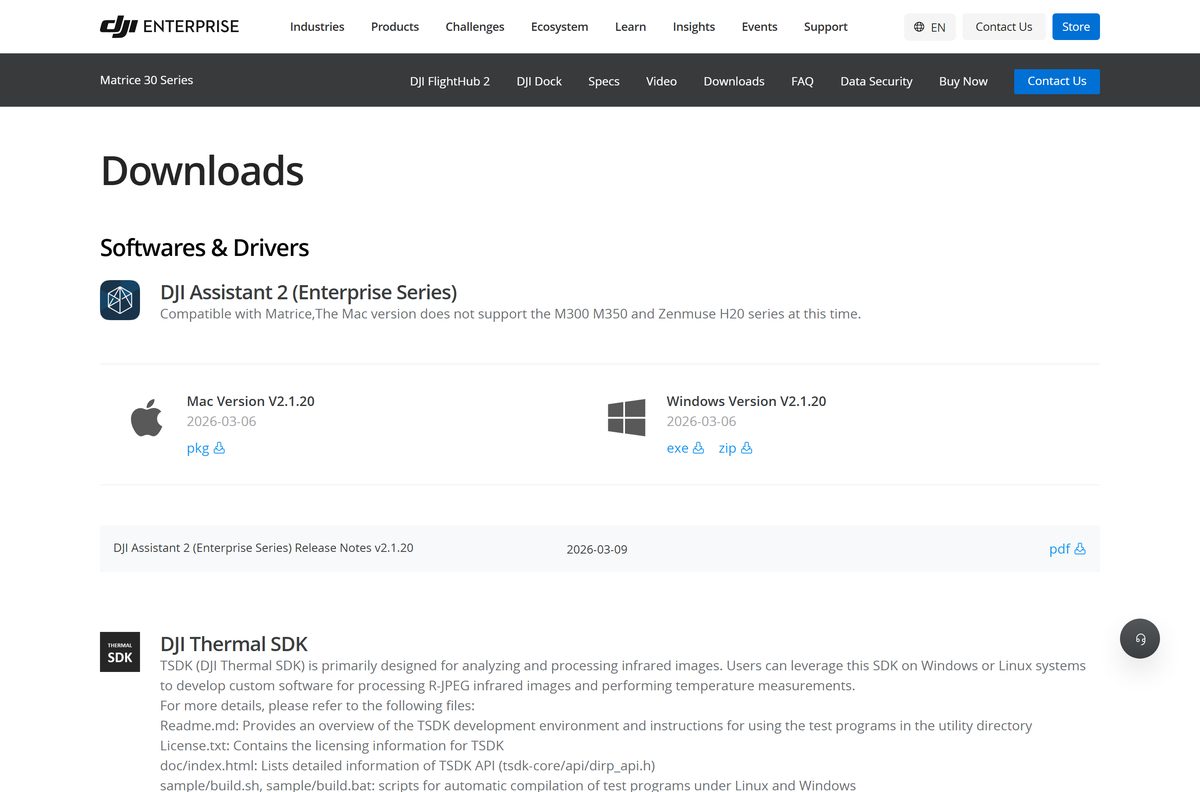
| Matrice 350 RTK, Matrice 4 Series, Matrice 30 Series or Mavic 3 Enterprise | DJI Assistant 2 (Enterprise Series) | V2.1.20, 2026-03-06 | Enterprise Series page |
| DJI Inspire 3 | DJI Assistant 2 (DJI Inspire series) | V2.0.1, 2023-04-13 | Inspire 3 downloads |
| Mavic 2 | DJI Assistant 2 For Mavic | See the edition page | DJI Assistant 2 For Mavic |
| Phantom models | DJI Assistant 2 For Phantom | See the edition page | DJI Assistant 2 For Phantom |
| Ronin gimbals listed by DJI | DJI Assistant 2 (Ronin Series) | See the edition page | Ronin Series page |
If your model is missing here, open its product page on dji.com and select Downloads. The Softwares & Drivers block names the one edition that fits it.
Download DJI Assistant 2 from the official DJI site
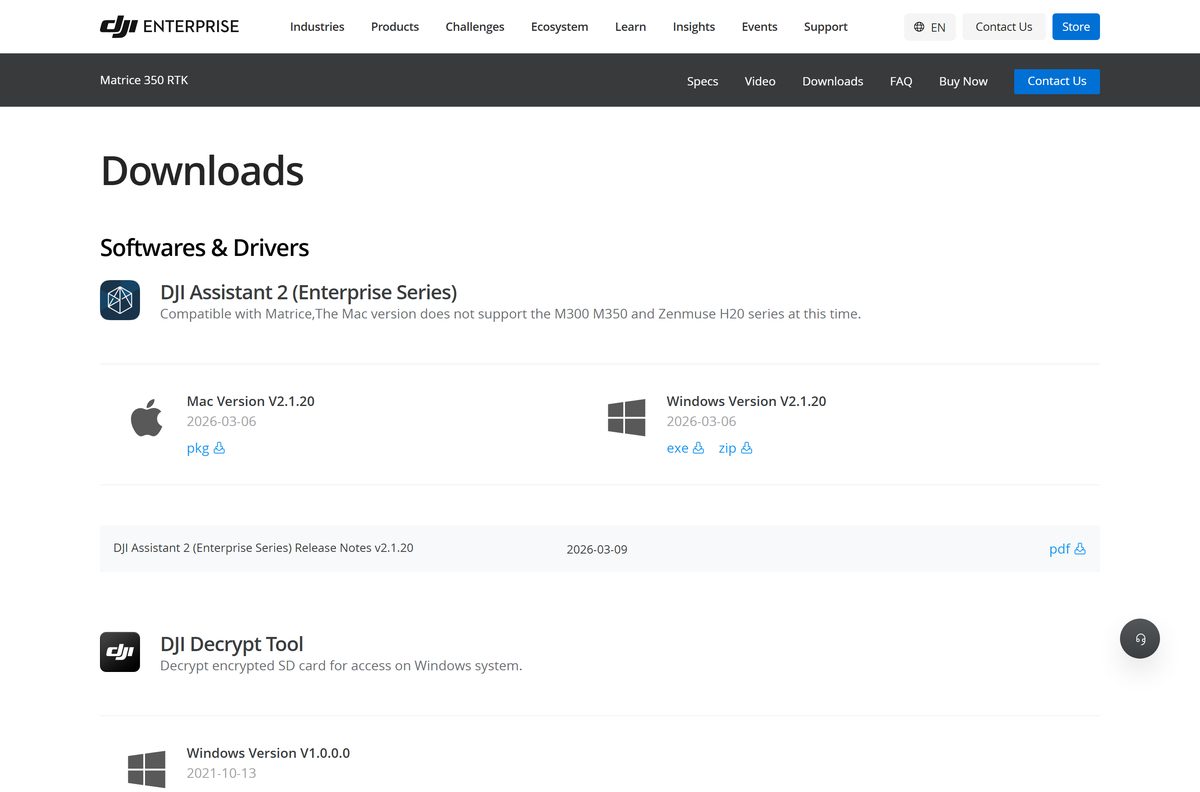
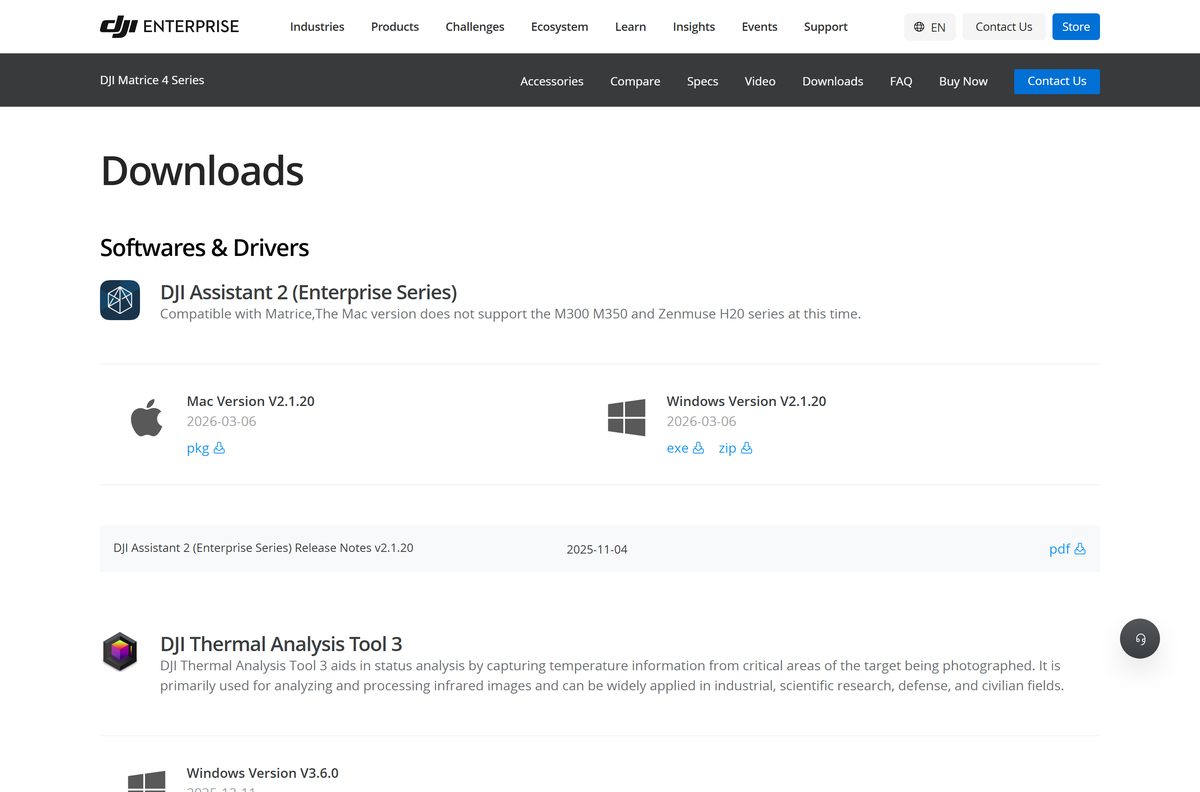
Every edition lives on dji.com. Each entry offers a Windows Version as .exe or .zip, a Mac Version as .pkg, and a release notes PDF.
- DJI Assistant 2 (Consumer Drones Series) — V2.1.42 for Windows and Mac
- DJI Mini 4 Pro downloads — same Consumer Drones Series installers, listed per drone
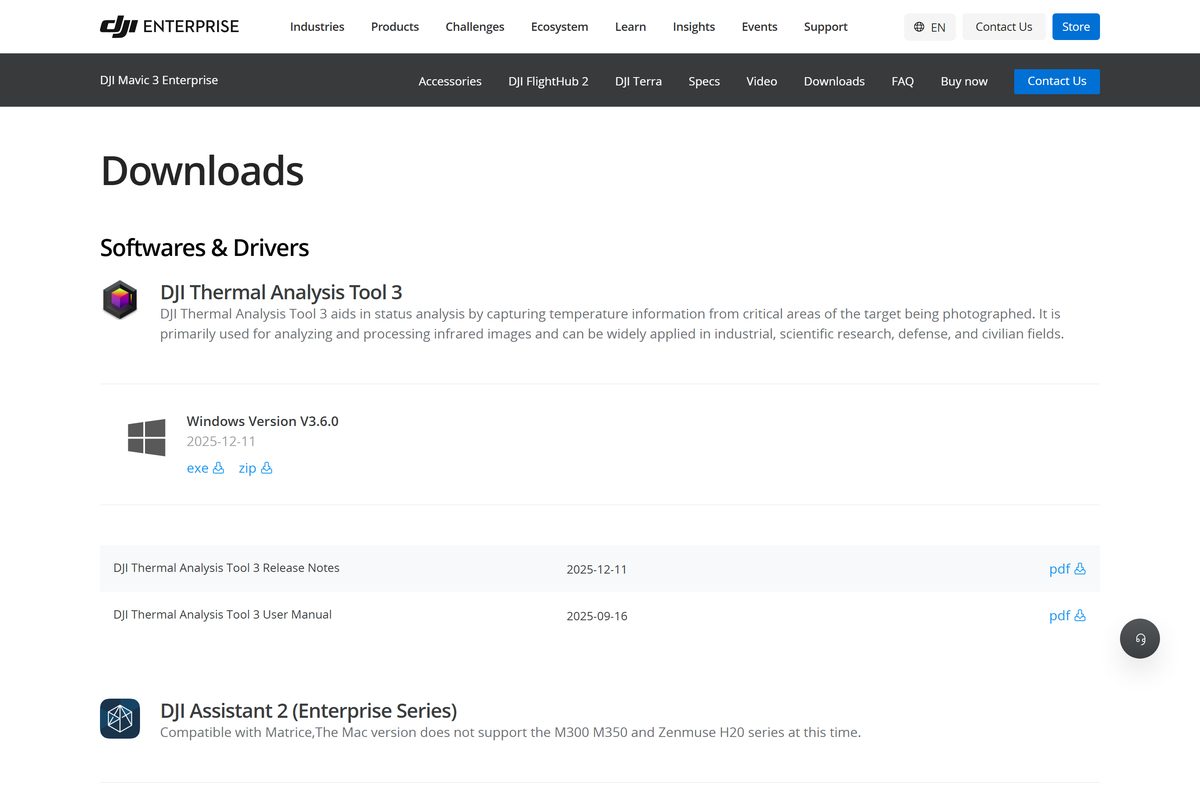
- DJI Assistant 2 (Enterprise Series) — V2.1.20 for Matrice and Mavic 3 Enterprise
- Matrice 350 RTK downloads — Enterprise Series plus DJI Decrypt Tool
- DJI Inspire 3 downloads — Inspire series V2.0.1
- All DJI Assistant 2 editions — DJI’s generic DJI Assistant 2 software page
The installer files download from dl.djicdn.com. That host is DJI’s own download server, so the address change in your browser is expected.
How to install DJI Assistant 2 on Windows 11 and 10
Pick the .exe unless your network blocks executable downloads. The .zip holds the same Windows Version for those cases.
- Open your drone’s Downloads page on dji.com, for example the Mini 4 Pro downloads.
- Under Softwares & Drivers, find the DJI Assistant 2 edition listed for your drone.
- Next to Windows Version, select exe.
- Open File Explorer, go to Downloads and double-click the DJI Assistant 2 installer.
- Select Yes when Windows asks whether the app can make changes to your device.
- Follow the setup wizard to finish the install.
- Open DJI Assistant 2 from the Start menu, then connect your aircraft to the PC with a USB cable.
If you downloaded the .zip, right-click it, select Extract All, and run the installer inside.
Which DJI Assistant 2 download do you need for your Mac?
Every edition ships one Mac package. Match your aircraft to a row.
| Your aircraft | Download | What to know |
|---|---|---|
| Mini 4 Pro, Avata 2, Mavic 3 Pro | Consumer Drones Series Mac Version | .pkg, V2.1.42 |
| Matrice 4 Series, Matrice 30 Series, Mavic 3 Enterprise | Enterprise Series Mac Version | .pkg, V2.1.20 |
| Matrice 300, Matrice 350 or Zenmuse H20 series | Enterprise Series Windows Version | The Mac version does not support these models yet; use a Windows PC |
| Inspire 3 | Inspire series Mac Version | .pkg, V2.0.1 |
To install, double-click the .pkg in Downloads and follow the installer. Open DJI Assistant 2 from Applications when it finishes.
Should you install the Consumer Drones Series or an older edition?
Install the edition your drone’s own Downloads page lists. For current consumer drones such as the Mini 4 Pro, Avata 2 and Mavic 3 Pro, that is DJI Assistant 2 (Consumer Drones Series) V2.1.42. DJI keeps older editions for older lines: Mavic 2 points to DJI Assistant 2 For Mavic, and Inspire 3 uses the DJI Inspire series edition at V2.0.1. The Consumer Drones Series is the only edition updated in September 2026. Installing an edition built for another product line leaves your aircraft unsupported.
Is DJI Assistant 2 free?
Yes. Every DJI Assistant 2 edition is a free download from dji.com, for Windows and Mac. The software only talks to DJI aircraft and accessories, so it has no use without DJI hardware. The download pages carry no price, account step or licence key. A site that charges for it, or bundles it inside its own setup file, is not DJI.
How to update DJI Assistant 2 and your drone firmware
Compare your installed version with the one on your drone’s Downloads page, then update the app before you update the aircraft.
- Open your drone’s Downloads page on dji.com and note the version beside Windows Version or Mac Version.
- If it is newer than yours, download that installer and install it the same way as before.
- For Matrice models, connect the aircraft to the computer.
- Open DJI Assistant 2 (Enterprise Series) and update the firmware of the aircraft, the remote controller and the D-RTK 2 Mobile Station.
- Read the release notes PDF on the same page before a firmware update, since it lists the changes.
On the Mini 4 Pro, DJI routes firmware updates through the DJI Fly app instead: connect the aircraft with the remote controller and the app prompts you.
Check the DJI Assistant 2 system requirements before you install
DJI lists platforms per edition but no minimum Windows or macOS version on its download pages.
| Field | Value |
|---|---|
| Software | DJI Assistant 2, in editions per product line |
| Developer | DJI |
| Latest version | Consumer Drones Series V2.1.42 (2026-09-22); Enterprise Series V2.1.20 (2026-03-06); Inspire series V2.0.1 (2023-04-13) |
| License | Free |
| Windows | Windows Version as .exe or .zip |
| Mac | Mac Version as .pkg; Enterprise Series Mac build excludes M300, M350 and Zenmuse H20 |
| Hardware | A supported DJI aircraft and a USB connection to the computer |
| Official download | dji.com |
| Last verified | 2026-09-25 |
Fix DJI Assistant 2 not detecting your drone
Most detection problems come down to the wrong edition or an unsupported platform.
The drone does not appear after you connect it
The installed edition does not cover your product line.
- Open your drone’s Downloads page on dji.com.
- Check the edition name under Softwares & Drivers.
- Install that edition if it differs from yours.
- Reconnect the aircraft and reopen the app.
A Matrice 300, Matrice 350 or Zenmuse H20 is not supported on Mac
The Enterprise Series Mac version does not support these models yet.
- Move to a Windows PC.
- Download the Enterprise Series Windows Version from the Matrice 350 RTK downloads page.
- Install it and connect the aircraft there.
No update option appears for a Mini 4 Pro
DJI updates this model through the DJI Fly app.
- Connect the aircraft with the remote controller.
- Open DJI Fly and accept the firmware prompt when it appears.
How to uninstall DJI Assistant 2
Remove the old edition before you switch product lines, so only one DJI Assistant 2 remains.
- Close DJI Assistant 2.
- On Windows, open Settings > Apps > Installed apps.
- Find DJI Assistant 2, select the three dots and select Uninstall.
- Confirm, then select Yes at the permissions prompt.
- On a Mac, open Finder > Applications.
- Drag the DJI Assistant 2 app to the Trash, then empty the Trash.
Which DJI software to use when DJI Assistant 2 is not listed
Some DJI products use a different tool. Match your hardware to a row.
| Product | Software DJI lists | Where to get it |
|---|---|---|
| DJI Mini 4 Pro firmware | DJI Fly app, with the remote controller | Mini 4 Pro FAQ |
| Ronin 2 | DJI Pro Assistant For Ronin v2.0.2 for Windows and macOS | Ronin 2 downloads |
| DJI RS 4 | DJI Ronin app for iOS and Android | RS 4 downloads |
| Encrypted Matrice SD cards | DJI Decrypt Tool for Windows | Matrice 350 RTK downloads |
Frequently asked questions
Is DJI Assistant 2 free?
Yes. DJI lists every DJI Assistant 2 edition as a free download on dji.com, with a Windows version and a Mac version. There is no purchase step. A site that charges for it, or wraps it in its own installer, is not DJI.
Which DJI Assistant 2 edition do I need for my drone?
Use the edition shown on your drone’s own Downloads page on dji.com. The Mini 4 Pro, Avata 2 and Mavic 3 Pro pages list DJI Assistant 2 (Consumer Drones Series). Matrice and Mavic 3 Enterprise pages list the Enterprise Series, the Inspire 3 page lists the Inspire series, and Mavic 2 points to DJI Assistant 2 For Mavic.
Where is the official DJI Assistant 2 download page?
The official source is dji.com. Open your drone’s product page and select Downloads, or go straight to the DJI Assistant 2 (Consumer Drones Series) software page. The installers themselves download from dl.djicdn.com, DJI’s own download server.
What is the latest version of DJI Assistant 2?
DJI Assistant 2 (Consumer Drones Series) is at V2.1.42, dated 2026-09-22. The Enterprise Series is at V2.1.20, dated 2026-03-06, and the DJI Inspire series edition is at V2.0.1 from 2023-04-13.
Does DJI Assistant 2 work on a Mac?
Yes. Each edition has a Mac Version as a .pkg file. One exception applies: the Enterprise Series Mac version does not support the M300, M350 and Zenmuse H20 series at this time, so use the Windows version for those.
Do I need DJI Assistant 2 to update my Mini 4 Pro?
No. DJI’s Mini 4 Pro FAQ describes firmware updates through the DJI Fly app: connect the aircraft with the remote controller and the app prompts you when new firmware is available.
How do I update Matrice firmware with DJI Assistant 2?
Connect the aircraft to a computer and open DJI Assistant 2 (Enterprise Series). DJI’s Matrice 350 RTK FAQ says it updates the firmware of the aircraft, the remote controller and the D-RTK 2 Mobile Station.
Does DJI Assistant 2 support Ronin gimbals?
DJI has a separate DJI Assistant 2 (Ronin Series) page. The Ronin 2 page lists DJI Pro Assistant For Ronin instead, and the DJI RS 4 page lists only the DJI Ronin mobile app.






