The Clipchamp download for Windows 11 and Windows 10 is free and comes from the Microsoft Store. The package is 62.0 MB, published by Microsoft Corp., and carries version 4.6.10420.0.
Microsoft ships no macOS app. On a Mac you run the same editor in Microsoft Edge or Google Chrome, which Microsoft’s support pages point to at app.clipchamp.com.
This guide covers which route fits your machine, the official links, install steps, what the free plan includes, the supported formats, and fixes for a stalled install.
Which Clipchamp download do you need?
Press Windows + Pause and read System type to confirm your edition and build.
| Your machine | What to get | Download size | Note |
|---|---|---|---|
| Windows 11, any build | Microsoft Store listing | 62.0 MB | Already pre-downloaded; search the taskbar first |
| Windows 10, build 18362 or later | Microsoft Store listing | 62.0 MB | Build 18362 is Windows 10 version 1903 |
| Windows 10 below build 18362 | Browser editor in Edge or Chrome | None | The listing refuses installs under its minimum |
| Windows on Arm, including Copilot+ PCs | Microsoft Store listing | 62.0 MB | The package carries a native ARM64 build |
| Mac with Apple silicon or Intel | Browser editor in Edge or Chrome | None | No macOS app exists |
| Linux PC or Chromebook | Browser editor in Edge or Chrome | None | Both are supported systems |
| iPhone, iPad or Android | Nothing to install | None | No editor for phones or tablets |
Download Clipchamp for Windows 11 and Windows 10
Microsoft distributes the editor from two addresses only.
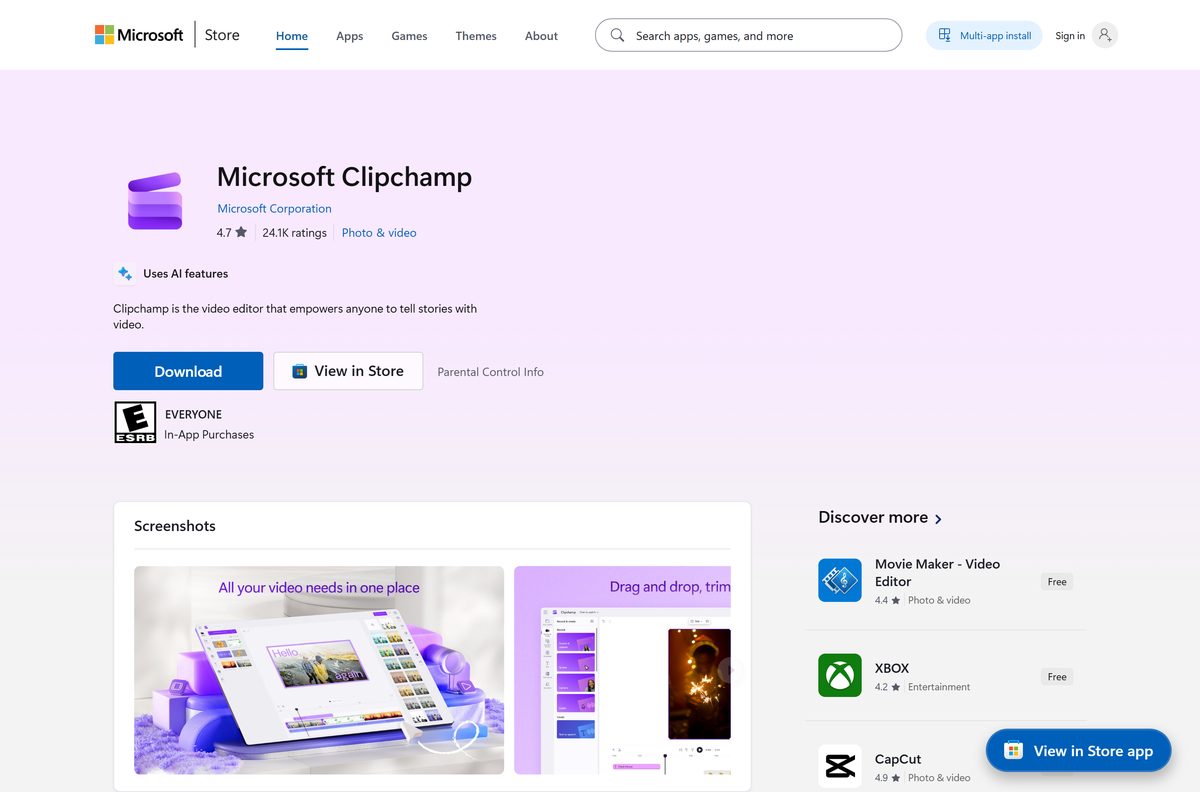
- Microsoft Clipchamp on the Microsoft Store — 62.0 MB · Microsoft Corp., $0.00, product ID 9P1J8S7CCWWT
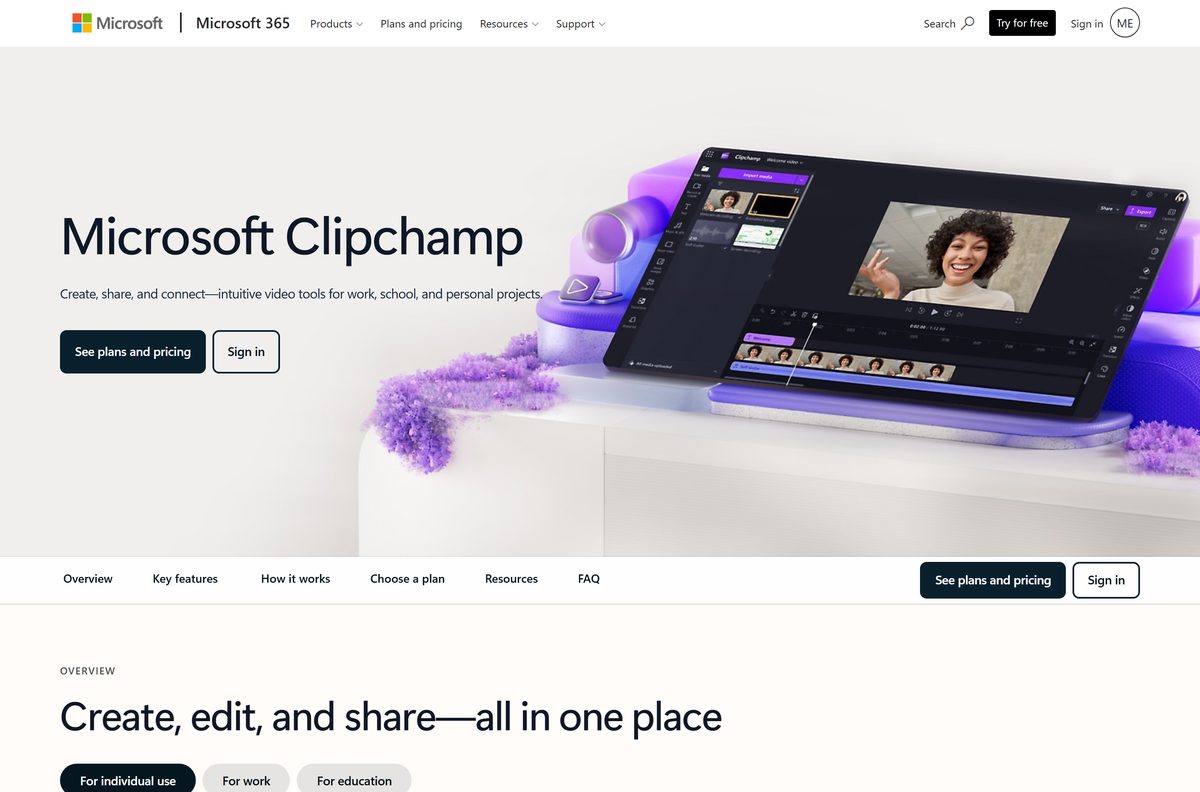
- Microsoft 365 product page — plans, pricing and the sign-in entry point
- Supported devices and browsers — Microsoft’s own list of systems the editor runs on
The listing holds two packages, 4.6.10420.0 and the older 4.6.10320.0. The Store serves the newer one.
Check the Clipchamp system requirements
The Store package sets a floor of Windows 10 build 18362, tested up to build 26226.
| Field | Value |
|---|---|
| Software | Microsoft Clipchamp |
| Developer | Microsoft Corporation |
| Latest version | 4.6.10420.0 |
| Price | Free; premium features via Microsoft 365 |
| Windows | Windows 10 build 18362 (version 1903) or later, and Windows 11 |
| Mac, Linux, ChromeOS | Browser editor in Microsoft Edge or Google Chrome |
| Architecture | x64 and ARM64 in the current package |
| Download size | 62.0 MB (65,016,863 bytes) for the combined bundle |
| Installed size | 69.4 MB |
| Memory | 8 GB of RAM minimum, 16 GB or more preferred |
| Offline installer | None |
| Store rating | 4.4 stars from 119,255 ratings |
| Official source | Microsoft Store, product ID 9P1J8S7CCWWT |
| Last verified | 2026-09-22 |
Microsoft also asks for a recent graphics card and free space larger than your project media, as the hardware guidance sets out.
How to install Clipchamp on Windows 11 and 10
Check the Start menu first, because a Windows 11 PC usually has the app already.
- Type Clipchamp into the taskbar search box and read the result.
- Open the Microsoft Store listing in your browser if nothing turns up.
- Select Get in Store app and let the browser hand off to the Store.
- Select Get, then sign in with your Microsoft account if the Store asks.
- Wait for the 62.0 MB download to finish, then select Open.
- Let the app sign you in with your personal or work Microsoft account.
- Select Create a new video and drop a clip on the timeline.
Google sign-in no longer works in the desktop app, a change Microsoft documented here. The browser editor still accepts it.
Install Clipchamp with winget instead of the Store app
Winget reaches the same Store package, which suits a scripted setup.
- Open Terminal from the Start menu right-click menu.
- Run winget source list and confirm msstore appears.
- Run winget install –id 9P1J8S7CCWWT –source msstore to pull the package.
- Accept the Microsoft Store terms prompt when winget shows it.
- Wait for Successfully installed in the terminal output.
- Run winget list –id 9P1J8S7CCWWT to confirm the entry exists.
- Launch the app from the Start menu and sign in.
The msstore source ships with winget by default, per the source reference.
Which Clipchamp route do you need on a Mac?
Every Mac uses the browser editor. Apple silicon and Intel make no difference to the route.
| Your Mac setup | What to do | Reference |
|---|---|---|
| Any Mac, Apple silicon or Intel | Open the editor in Microsoft Edge or Google Chrome | supported devices |
| Safari as your default browser | Switch to Edge or Chrome, the only two browsers Microsoft supports | supported devices |
| Mac with 8 GB of RAM or less | Close other apps before exporting, and keep projects short | hardware guidance |
| Mac with a Microsoft 365 subscription | Sign in to unlock 4K export and premium stock | plans and pricing |
Projects save to the cloud, so a video started on a PC opens on the Mac.
Is Clipchamp free?
The Store price is $0.00 and the free plan is a working editor, not a teaser.
Install the free plan first, and pay only if you need 4K export or premium stock. Microsoft’s pricing page gives the free plan unlimited watermark-free exports at up to 1080p, the standard stock library and image background removal. Microsoft 365 Personal at $99.99 a year, Family at $129.99 and Premium at $199.99 add 4K export, premium filters and premium stock. Work accounts get Clipchamp Standard inside Microsoft 365 E3, E5, Business Standard and Business Premium, as the service description lists.
Microsoft’s plan overview notes one gap: cloud backup of projects stays outside the consumer benefit.
Should you install the Windows app or use the browser editor?
Both open the same projects under one account, so the decision is about the machine.
Install the Windows app on any PC that meets build 18362, and keep the browser editor for everything else. The app adds a Start menu entry, taskbar pinning and automatic Microsoft account sign-in. The browser editor is the only route on a Mac, a Chromebook, a Linux desktop or an older Windows 10 build.
Work and school sign-in inside the app needs version 3.0.10020 or higher, per Microsoft’s account change notice.
How to check your Clipchamp version and update it
Store apps update themselves; a stale copy means updates were paused.
- Open the Microsoft Store and select your profile picture.
- Select Settings and confirm App updates is switched on.
- Select Library, then Get updates.
- Watch for the entry in the update list and let it finish.
- Open the Store listing and check the button reads Open rather than Update.
- Launch the app and dismiss any Update notice it shows on startup.
The catalog serves 4.6.10420.0. An older package means the Store has not run its check.
What Clipchamp can import and export
Import breadth is wide. Export is narrow: one video container, one audio container, one animation format.
| Media | Formats |
|---|---|
| Video in | MP4, MOV, WEBM, AVI, DIVX, FLV, 3GP, WMV, VOB, DCM, MKV |
| Audio in | MP3, WAV and OGG are fastest; other types convert first |
| Images in | JPEG, JPG, PNG, TIFF, BMP, GIF |
| Not supported | AV1-encoded video and HDR photos or video |
| Video out | MPEG-4 (.mp4) at 30fps in 480p, 720p, 1080p or 4K |
| Audio out | MPEG-4 (.m4a) |
| Animation out | GIF, for clips up to 15 seconds |
The format list and the export reference carry Microsoft’s full breakdown, including codec notes.
Fix Clipchamp not installing on Windows 11 or 10
Store installs fail for four reasons, and the build floor causes most.
The Store says the app does not work on your device
Your Windows 10 build is below 18362, the listing’s minimum.
- Press Windows + R, type winver , and read the build number.
- Open Settings, then Windows Update, and select Check for updates.
- Install every pending feature update and restart.
- Use the browser editor in Edge or Chrome if the PC cannot move past build 18362.
The download stalls at 0% or never starts
The Store cache is damaged or the Store is signed out.
- Press Windows + R, type wsreset.exe , and let the Store reopen.
- Select your profile picture in the Store and sign in with your Microsoft account.
- Select Library, then Get updates, and let the queue clear.
- Work through Microsoft’s Store repair steps if the queue stays stuck.
The app opens and then closes, or shows a blank editor
Graphics drivers or free disk space are below what the editor needs.
- Open Settings, then Windows Update, and install optional driver updates.
- Free disk space until it exceeds the total size of your project media.
- Close other applications so the editor gets the full 8 GB of RAM.
- Restart the PC and open a project to confirm the timeline loads.
Sign-in fails inside the desktop app
The app accepts only Microsoft accounts, and work sign-in needs version 3.0.10020 or higher.
- Select your account picture and sign out of the app.
- Sign back in with a personal, family, work or school Microsoft account.
- Update the app from the Store Library if the version is below 3.0.10020.
- Use the browser editor with a Google account instead, as the account notice explains.
How to uninstall Clipchamp from Windows
A Store package removes cleanly and leaves no installer folder behind.
- Open Settings, then Apps, then Installed apps.
- Search for Clipchamp and select the three dots beside the entry.
- Select Uninstall, then Uninstall again to confirm.
- Open the Microsoft Store and check the listing button now reads Get.
- Sign out of the browser editor too if you want the PC clear of the account.
Projects live in the cloud, so removing the app leaves your videos intact.
What to use instead of the Clipchamp app on Windows
Every route below comes from Microsoft.
| Route | Best for | What you give up |
|---|---|---|
| Browser editor in Edge or Chrome | Macs, Chromebooks, Linux, older Windows 10 builds | A Start menu entry and automatic sign-in |
| Photos app built into Windows 11 | Cropping, rotating and filters on photos | Timeline editing and video export presets |
| Microsoft 365 subscription | 4K export and premium stock at $99.99 a year | Nothing; it extends the same editor |
| Clipchamp Standard for work | Organisations on Microsoft 365 E3, E5 or Business Standard | Consumer sign-in and personal projects |
Any site offering a standalone setup file is repackaging a free Store app.
Frequently asked questions
Is the Clipchamp download free?
Yes. The Microsoft Store lists the app at $0.00, and the free plan covers unlimited watermark-free exports at up to 1080p with the standard stock library. Paid features such as 4K export arrive with a Microsoft 365 subscription.
What is the official Clipchamp download page for PC?
The Microsoft Store listing at apps.microsoft.com under product ID 9P1J8S7CCWWT, published by Microsoft Corp. Microsoft also runs a product page at microsoft.com for plans and sign-in. No other site distributes the Windows app.
Does Clipchamp work on Windows 11?
Yes, and Windows 11 machines ship with it pre-downloaded. Search the taskbar before installing anything. The Store package sets a floor of Windows 10 build 18362, so every Windows 11 release clears it comfortably.
How big is the Clipchamp download?
The Store package is 62.0 MB, or 65,016,863 bytes, and that figure covers the combined x64 and ARM64 bundle. Windows installs only the part your processor needs. The maximum installed footprint is 69.4 MB.
Is there a Clipchamp offline installer?
No. Microsoft publishes no .exe, .msi or .dmg file. The Windows app exists only as a Microsoft Store package, and editing needs an active internet connection because projects save to the cloud as you work.
Is there a Clipchamp app for Mac?
No native Mac app exists. Microsoft directs Mac owners to the browser editor in Microsoft Edge or Google Chrome, which carries the same timeline, stock library and export options as the Windows app.
Does Clipchamp run on ARM64 PCs?
Yes. The current Store package carries both x64 and ARM64 builds, so a Snapdragon-based Copilot+ PC installs the native version. Microsoft asks for a 64-bit system and a 64-bit copy of Edge or Chrome.
Is Clipchamp safe to download?
The only Windows source is the Microsoft Store, where packages are signed and sandboxed by the platform. The app requests internet access and system resources. Installers offered anywhere else are not published by Microsoft.
What is the latest Clipchamp version?
The Store catalog currently serves package 4.6.10420.0, replacing 4.6.10320.0, and the listing was refreshed on 21 September 2026. Work and school sign-in needs version 3.0.10020 or higher.
Why won’t Clipchamp install from the Microsoft Store?
The usual cause is a Windows 10 build below 18362, which fails the listing’s minimum. Pending Windows updates, a signed-out Store and a damaged Store cache block installs too. Microsoft’s Store repair guide fixes the last three.






