Your Elgato Studio download is a free app from elgato.com that previews and records gameplay from an Elgato capture card on Windows 11 and Mac. Version 1.1 comes as an MSIX package for x64 or ARM64 PCs and as a DMG for macOS 15 Sequoia or later.
Preview, device settings and recording sit in one window, and the current release adds HDR recording on Windows with H.264, HEVC and AV1 formats.
Below: which file fits your computer, install steps for Windows and Mac, supported capture cards, updates, fixes for common errors and a clean uninstall.
Which Elgato Studio download do you need?
Elgato publishes three files for the current release. On Windows, open Settings > System > About and read System type to see whether your PC is x64 or ARM-based.
| Your computer | File to download | Size |
|---|---|---|
| Windows 11 PC with an Intel or AMD processor (x64) | Elgato.Studio_1.1.0.1714_x64.msix | 90.4 MB |
| Windows 11 PC with an ARM processor (ARM64) | Elgato.Studio_1.1.0.1714_arm64.msix | 86.3 MB |
| Mac running macOS 15 Sequoia or later | ElgatoStudio-1.1.0.1170.dmg | 29.3 MB |
The latest release notes on help.elgato.com list the same three files.
Download Elgato Studio for Windows 11 and Mac
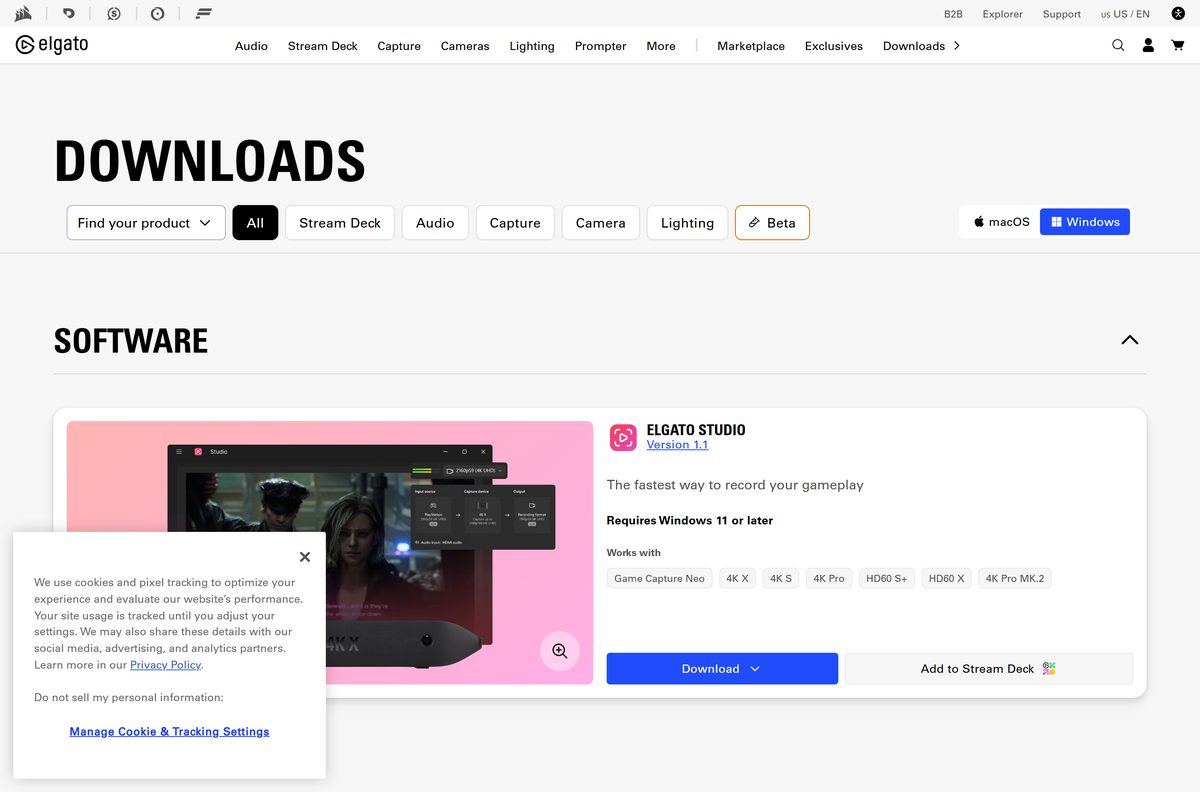
The Elgato downloads page shows the current stable build under Elgato Studio with a Download button. The release notes page lists every package separately.
- Elgato downloads page (Elgato Studio) — stable release and the 2.0 beta
- Elgato Studio 1.1 release notes — direct x64, ARM64 and macOS links
- Elgato Studio release notes archive — every release since 1.0
- Elgato Studio plugin for Stream Deck — control recording from a Stream Deck
Both packages are full installers, so you can copy them to a computer with no internet connection.
How to install Elgato Studio on Windows 11
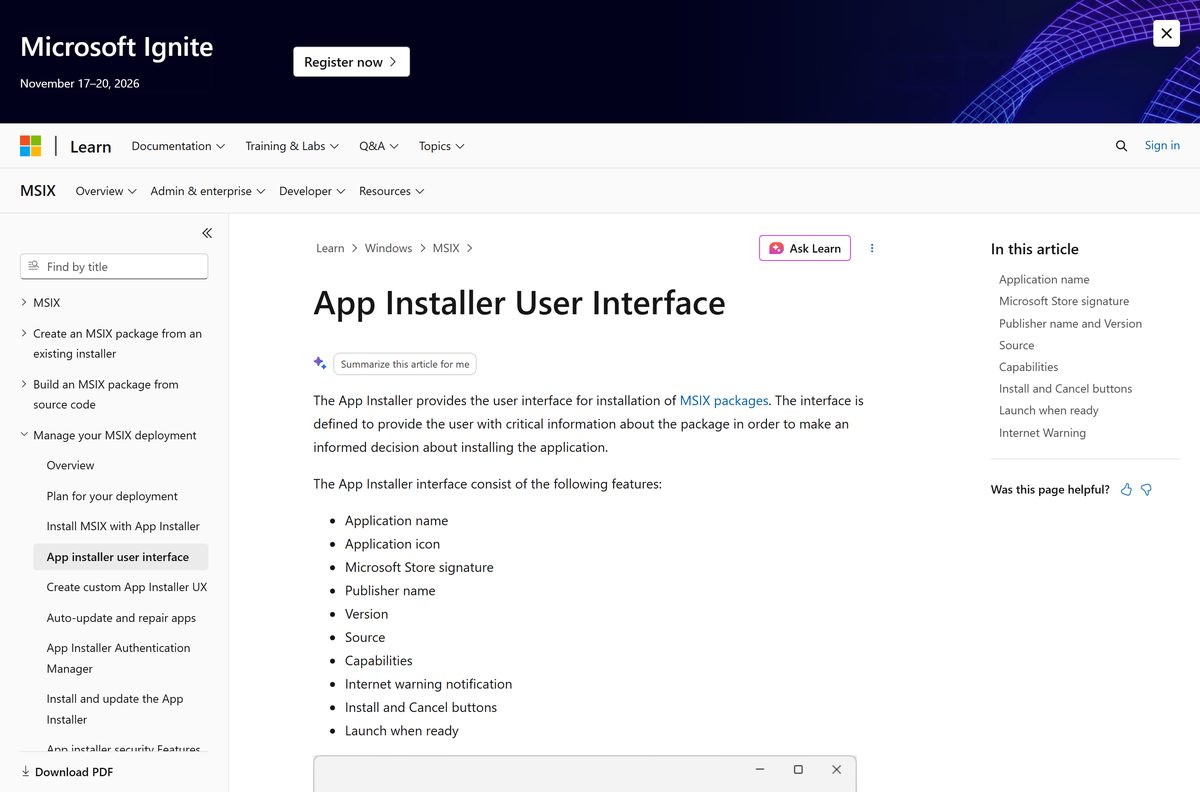
The Windows version is an MSIX package. Windows 11 opens it with App Installer, which is built in.
- Download the MSIX file that matches your PC from the table above.
- Double-click the .msix file in your Downloads folder.
- Check that App Installer shows Elgato Studio and the version number.
- Leave Launch when ready ticked and select Install.
- Allow the Microphone and Camera permissions when Elgato Studio asks for them.
- Turn on camera and microphone access in the App Permissions window that opens.
- Connect your Elgato capture card to a USB 3.0 port, or check that the PCIe card is seated.
- Wait for the live preview, then press the red record button to start recording.
Elgato Studio needs these permissions to preview video and monitor audio from the capture card.
Which Elgato Studio setup do you need for your Mac?
There is one macOS file. Open the Apple menu and select About This Mac to check your macOS version first.
| Your Mac | What to do | Link |
|---|---|---|
| macOS 15 Sequoia or later | Download the 29.3 MB DMG, double-click it and follow the on-screen instructions | ElgatoStudio-1.1.0.1170.dmg |
| macOS 14 Sonoma or older | Update macOS first; the downloads page lists macOS 15.0 or later | Elgato downloads page |
| Mac with a 4K X | Hold Command and click the sidebar view to show the 10 Gbps setting under the Video tab | Elgato Studio 1.1 release notes |
HDR recording is available on Windows only.
If macOS warns about an app from an unidentified developer, Apple’s Mac User Guide explains how to open it.
Is Elgato Studio free?
Yes. Elgato Studio is a free download from elgato.com. The app exists to run Elgato capture hardware, so what you pay for is the capture card. Without a compatible Elgato card connected, Elgato Studio shows a No Device Found message.
Download it only from elgato.com or help.elgato.com. The files come from Elgato’s own edge.elgato.com server.
Choose between the stable Elgato Studio and the 2.0 beta
Install the stable release for recording. Try the 2.0 beta only if you use an Elgato Prompter. The downloads page marks the 2.0 beta as possibly unstable. Its new features are Prompter tools: a Virtual Prompter, a clickable Table of Contents overlay, a Crosshair Overlay and Voice Sync in Spanish and French.
Both builds require Windows 11 or later on the downloads page. You can switch between them later with the Release channel setting.
How to check your Elgato Studio version and update it
Elgato Studio updates itself from inside the app, so you rarely need a new download.
- Open Elgato Studio.
- Select the Settings gear icon at the bottom left of the window.
- Find Software Updates and read the Version number.
- Select Check for updates. A newer version downloads automatically.
- Turn Automatically install updates on to skip this check in future.
- Set Release channel to Stable, or to Beta to test upcoming versions.
On a 4K Pro, the newer driver from the latest release notes arrives only on the Beta release channel.
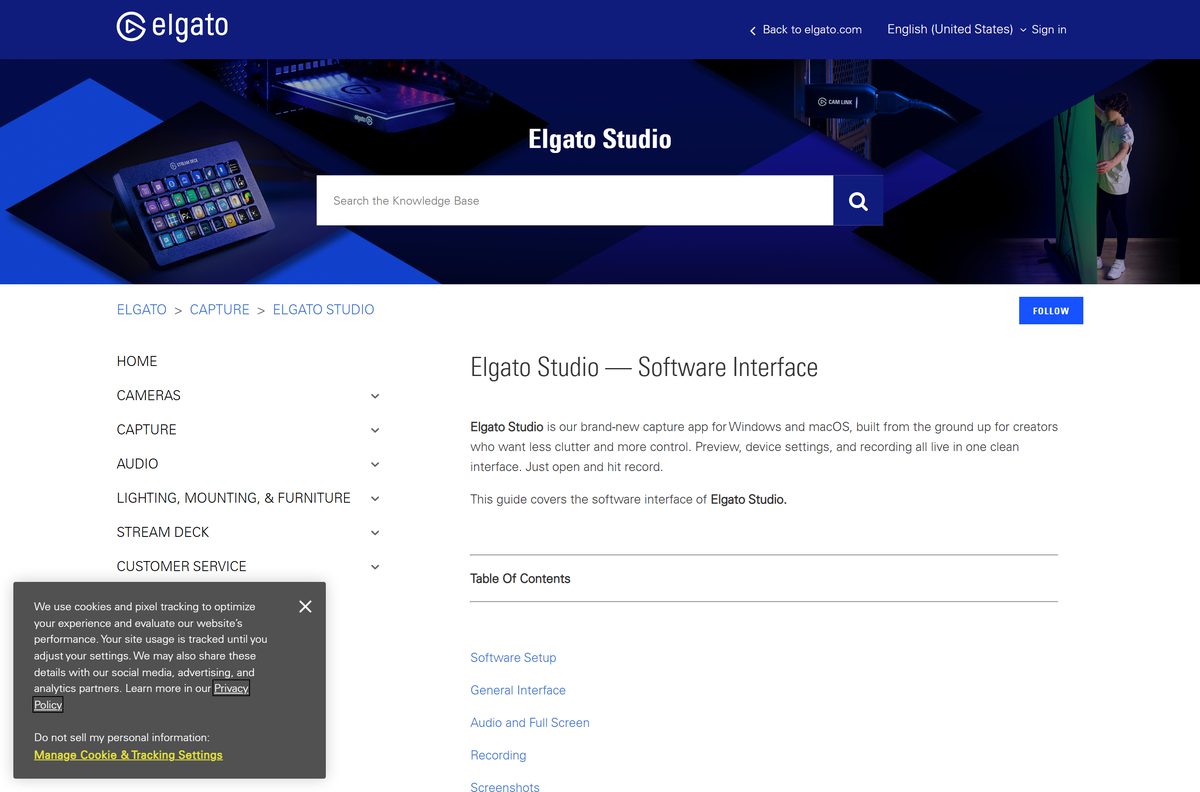
Check if your computer meets the Elgato Studio system requirements
The operating system and the capture card decide whether Elgato Studio runs. HDR recording also needs a compatible GPU.
| Field | Value |
|---|---|
| Software | Elgato Studio |
| Developer | Elgato |
| Latest version | 1.1 (Windows build 1.1.0.1714, macOS build 1.1.0.1170) |
| License | Free |
| Windows | Windows 11 or later, x64 or ARM64 |
| Mac | macOS 15.0 Sequoia or later |
| Installer size | 90.4 MB (x64), 86.3 MB (ARM64), 29.3 MB (Mac) |
| Hardware | A compatible Elgato capture card on a USB 3.0 port or PCIe slot |
| HDR recording | Windows only; HEVC or AV1 on a compatible GPU |
| Official download | elgato.com |
| Last verified | September 25, 2026 |
Press Windows + R, type winver and press Enter to confirm your PC runs Windows 11.
Check whether your capture card works with Elgato Studio
Elgato Studio only talks to newer Elgato capture cards. Find your card in the table before you install.
| Capture card | Windows | Mac |
|---|---|---|
| Game Capture Neo | Yes | Yes |
| Game Capture 4K X | Yes | Yes |
| Game Capture 4K S | Yes | Yes |
| Game Capture HD60 S+ | Yes | Yes |
| Game Capture HD60 X | Yes | Yes |
| Game Capture 4K Pro | Yes | Not listed |
| Game Capture 4K60 Pro MK.2 | Yes | Not listed |
For a card not on this list, Elgato points to 4K Capture Utility on Windows or Elgato Game Capture HD on Windows and Mac.
Fix Elgato Studio not installing or not finding your capture card
The .msix file does not open or install
App Installer is missing or out of date on this PC.
- Open the App Installer listing in the Microsoft Store.
- Select Get or Update.
- Double-click the Elgato Studio .msix file again and select Install.
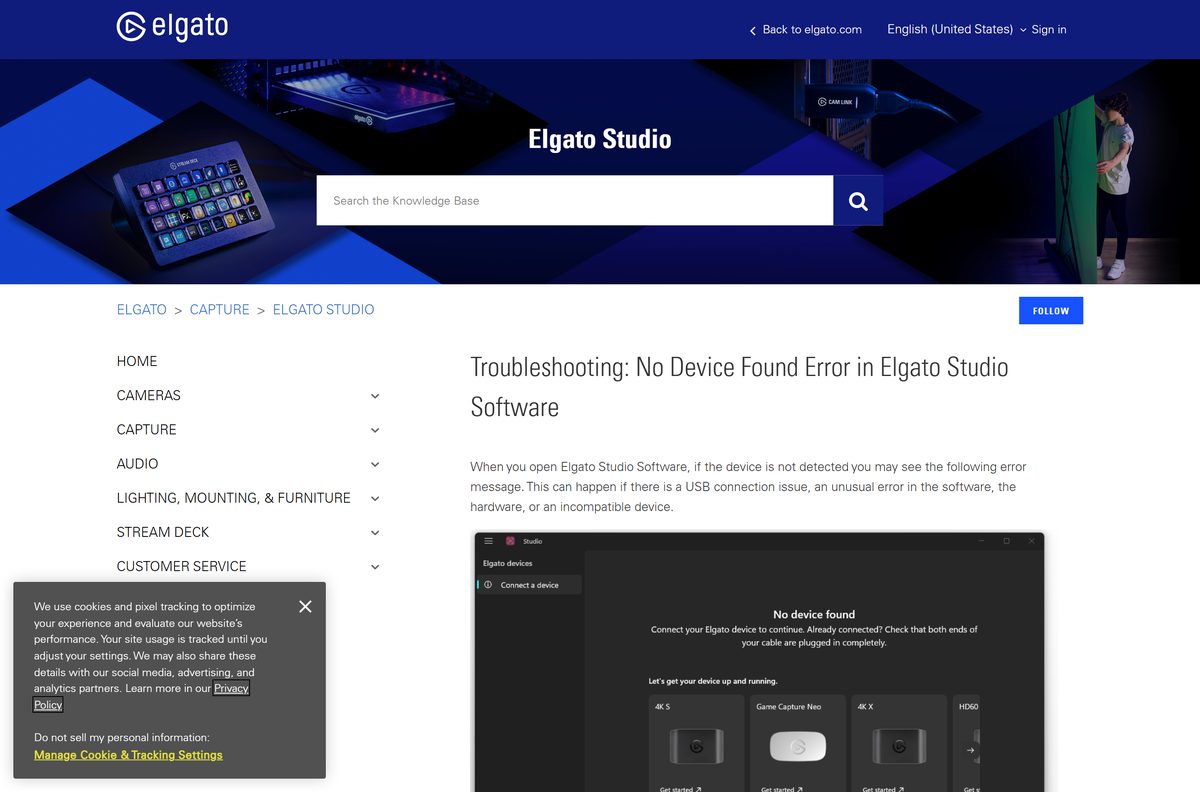
No Device Found
A USB connection problem, a software error or an unsupported capture card.
- Check that your card is in the supported list above.
- Plug the card straight into the computer and remove any hub, dock or adapter.
- Restart Elgato Studio.
- Try another USB cable that meets your card’s requirements.
- For a PCIe card, check that it is fully seated, then restart the computer.
USB 2.0 detected
The card is connected to a slower USB 2.0 port.
- Move the cable to a USB 3.0 port.
- Select the X on the yellow bar to dismiss the warning.
No Input signal, or a flashing black screen from a PlayStation
No HDMI signal reaches the card, or HDCP is on.
- Turn on the console or source device and check the HDMI cable.
- On a PlayStation, turn HDCP off in the console settings.
- Open the sidebar, select the Device tab and try another Input EDID Mode.
Elgato Studio has no Flashback Recording, so you cannot rewind live video to record it.
How to uninstall Elgato Studio
Close Elgato Studio before you remove it.
- On Windows, close Elgato Studio and select Start > Settings > Apps > Installed apps.
- Find Elgato Studio, select More (the three dots) and then Uninstall.
- Confirm with Uninstall.
- On a Mac, quit Elgato Studio and open Finder > Applications.
- Drag Elgato Studio to the Trash at the end of the Dock.
- Empty the Trash to remove the app completely.
Choose between Elgato Studio and other capture apps
| App | Best for | Platforms | Link |
|---|---|---|---|
| Elgato Studio | Recording from current Elgato cards with the fewest settings | Windows 11, macOS 15+ | elgato.com |
| 4K Capture Utility | Older Elgato cards that Elgato Studio does not support | Windows | 4K Capture Utility release notes |
| OBS Studio | Streaming, scenes and overlays with any capture card | Windows, Mac, Linux | obsproject.com |
Pick Elgato Studio when you only need to record gameplay. It has no built-in video editor, so open its .mp4 recordings in the editor you already use.
Frequently asked questions
Is Elgato Studio free?
Yes. Elgato Studio is a free download from the Elgato downloads page. It needs a compatible Elgato capture card, such as a Game Capture Neo, 4K X, 4K S, HD60 S+ or HD60 X, to preview and record.
Where is the official Elgato Studio download?
The official download is on the Elgato downloads page at elgato.com, under Elgato Studio. The latest release notes on help.elgato.com also link the x64, ARM64 and macOS files directly.
Does Elgato Studio work on Windows 11?
Yes. Windows 11 is the supported Windows version, and the downloads page lists Windows 11 or later. Elgato ships separate packages for x64 PCs and ARM64 PCs.
Does Elgato Studio work on Windows 10?
Elgato lists Windows 11 or later as the requirement for Elgato Studio, and Windows 10 is not listed. Upgrade to Windows 11, or check whether 4K Capture Utility supports your card.
How big is the Elgato Studio download?
The Elgato Studio installer is 90.4 MB for Windows x64 and 86.3 MB for Windows ARM64. The macOS DMG is smaller at 29.3 MB.
Is there an Elgato Studio offline installer?
Yes. The MSIX packages for Windows and the DMG for Mac are complete app packages. Download one, copy it to the other computer and install it there without an internet connection.
Is Elgato Studio available for Mac?
Yes. Elgato Studio runs on macOS 15.0 Sequoia or later and comes as a 29.3 MB DMG. HDR recording is available on Windows only.
Does Elgato Studio support ARM64 Windows PCs?
Yes. Elgato publishes a separate ARM64 MSIX package next to the x64 package. The ARM64 file is 86.3 MB, and you install it with App Installer the same way as the x64 version.
Is Elgato Studio safe to download?
Yes, when you download it from elgato.com or help.elgato.com. The packages come from Elgato’s own edge.elgato.com server, and App Installer shows the publisher before you install.
What is the latest version of Elgato Studio?
The latest stable version is Elgato Studio 1.1, released on 18 May 2026. A 2.0 beta with Prompter features is also on the downloads page for Windows 11.
Which capture cards work with Elgato Studio?
On Windows, Elgato Studio supports Game Capture Neo, 4K X, 4K S, 4K Pro, HD60 S+, HD60 X and 4K60 Pro MK.2. The Mac version lists Neo, 4K X, 4K S, HD60 S+ and HD60 X.
Why won’t Elgato Studio install?
On Windows, the usual cause is a missing or outdated App Installer. Get or update App Installer from the Microsoft Store, then double-click the .msix file again. Also check that the PC runs Windows 11.






