The Assetto Corsa download for PC comes from Steam, where the Kunos Simulazioni racing sim costs $19.99 on Windows 11 and Windows 10. Buy it once, and Steam installs the full game and keeps it updated.
505 Games publishes Assetto Corsa, and the PC version supports VR headsets, triple monitors, TrackIR and a large modding scene.
Read on for the store links, install steps, PC requirements, DLC and edition choices, and fixes for a game that will not launch.
Which Assetto Corsa download do you need?
Each platform sells the game through its own store. Match your device to a row and use that link.
| Your device | Where to get it | Price |
|---|---|---|
| Windows 11 or Windows 10 PC | Assetto Corsa on Steam | $19.99 |
| Windows PC, want every DLC pack | Ultimate Edition bundle on Steam | Bundle of 12 items |
| PlayStation 4 | Assetto Corsa on PlayStation | $29.99, Ultimate $39.99 |
| Mac | Steam platform list (Windows only) | No macOS build |
The PC version installs only through Steam. The base game includes career mode, online races and mod support; the DLC packs add cars and tracks.
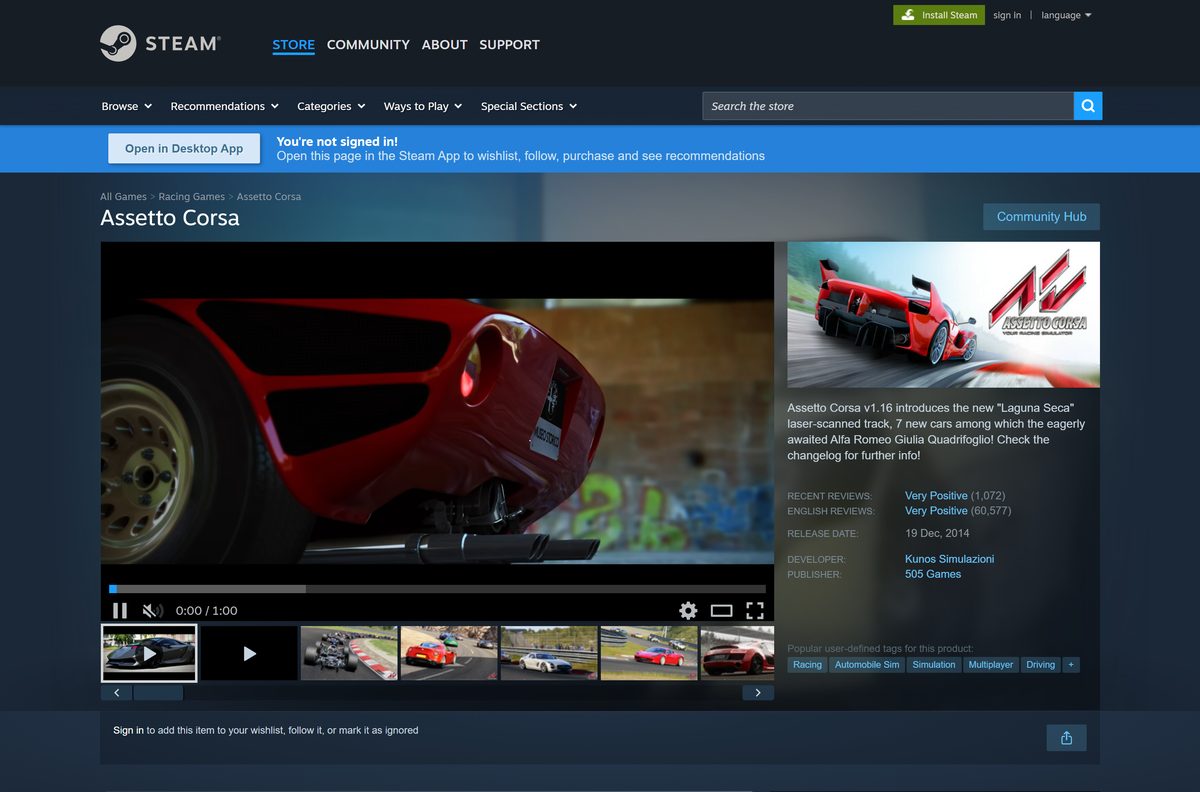
Where to buy Assetto Corsa from the official stores
Kunos Simulazioni develops the game and 505 Games publishes it on every official listing.
- Assetto Corsa on Steam — Windows only, $19.99, VR supported, 11 DLC packs
- Assetto Corsa on PlayStation — PS4, $29.99 standard, $39.99 Ultimate Edition
- Steam client for Windows — Install this first to download the PC version
The game is tied to the Steam account that bought it. Sign in with the account you plan to keep before you pay.
How to install Assetto Corsa on Windows 11 and 10 with Steam
Steam handles the purchase, download and updates. Install the Steam client first if your PC does not have it.
- Download and install the Steam client, then sign in or create an account.
- Open the Assetto Corsa store page in Steam.
- Select Add to Cart on the base game or the Ultimate Edition bundle.
- Select Purchase for myself and complete the payment.
- Select Install when Steam offers it, or find Assetto Corsa in your Library.
- Pick a drive with at least 15 GB free, or 30 GB if you plan to add DLC and mods.
- Wait for the download to finish, then select Play.
- Open the game launcher and set up your wheel or controller in its options before your first drive.
Steam keeps the game updated in the background. Leave automatic updates on so online servers accept your copy.
How to verify and repair the Assetto Corsa game files
There is no setup file to checksum, because Steam downloads the game itself. Steam can instead check every installed file and replace damaged ones.
- Close Assetto Corsa and open Steam.
- Right-click Assetto Corsa in your Library.
- Select Properties.
- Open the Installed Files tab and select Verify integrity of game files.
- Wait for the check to finish, then launch the game again.
Verification restores the original files but leaves added mod folders in place. Remove a broken mod by hand if the problem returns.
How can you play Assetto Corsa if you use a Mac?
Assetto Corsa has no macOS version. Steam lists Windows as its only platform and publishes no Mac requirements.
| Your situation | What to do | Link |
|---|---|---|
| Mac, plus a Windows 10 or 11 PC | Buy the game on Steam and install it on the PC | Assetto Corsa on Steam |
| Mac, plus a PS4 | Buy the PS4 version from the PlayStation Store | Assetto Corsa on PlayStation |
| Mac only | There is no native version; check the platform list before you pay | Steam platform list |
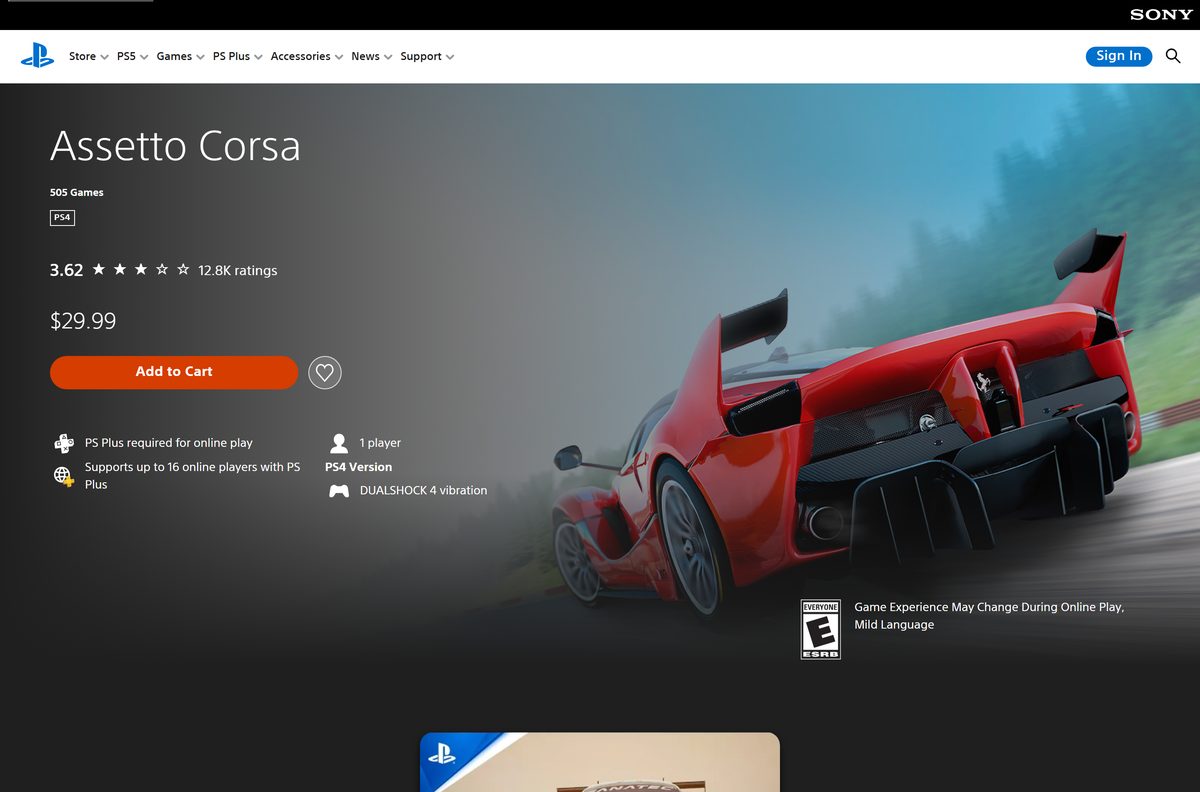
Is Assetto Corsa free to download?
No. Steam sells the base game for $19.99 and lists no free version or demo.
Pay $19.99 on Steam for the PC version; a free Assetto Corsa download is not legitimate. Steam marks the game as paid, and the PlayStation Store sells the PS4 version at $29.99. Steam also offers an Ultimate Edition bundle and a bundle with Assetto Corsa Competizione.
Treat any site offering a free full version, a cracked setup or a repack as a scam or malware risk. Free mods for cars and tracks still need a purchased copy of the game.
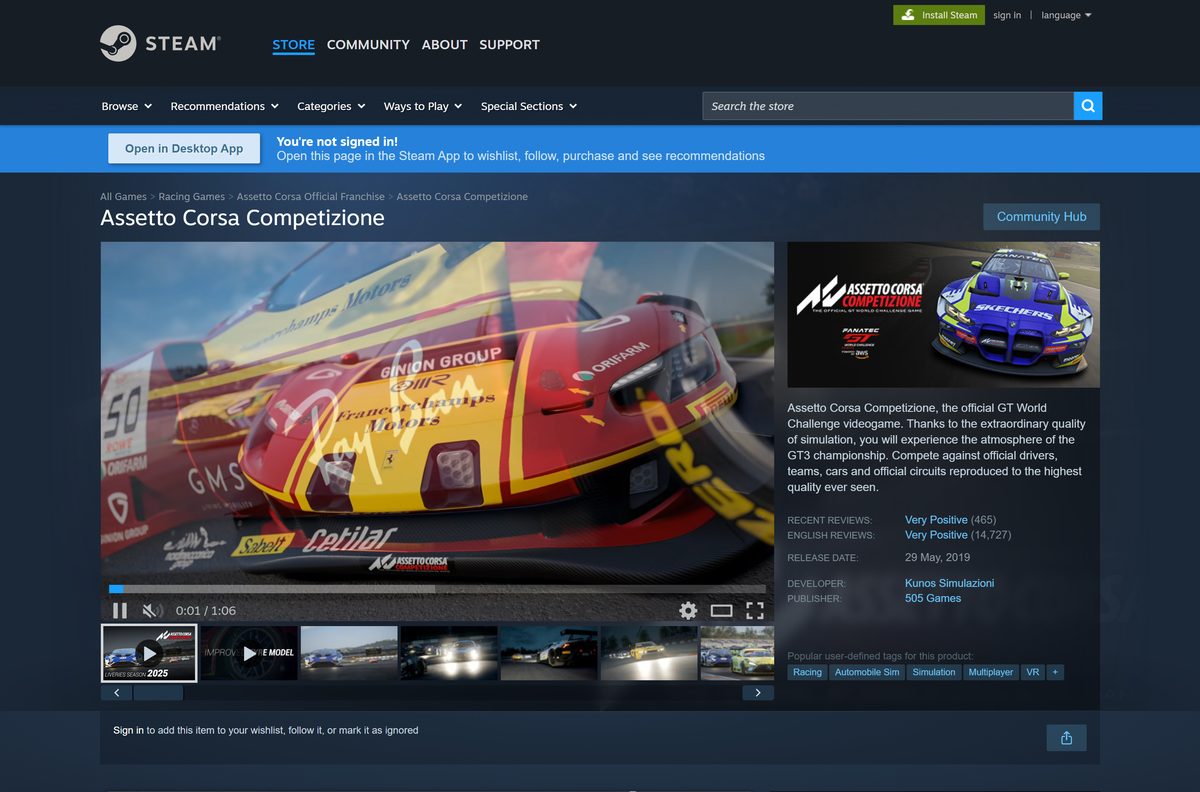
How to check your Assetto Corsa version and update it
Version 1.16 is the latest major update. It added the laser-scanned Laguna Seca track and seven new cars, including the Alfa Romeo Giulia Quadrifoglio.
- Open the Assetto Corsa news hub on Steam to see the newest announcements.
- Close Assetto Corsa completely.
- Restart Steam so it checks for a new build.
- Open your Library and select Assetto Corsa.
- Let any pending update finish before you select Play.
Check the Assetto Corsa PC system requirements before you buy
Steam’s requirement list dates from launch. The Steam client itself now runs only on Windows 10 and later.
| Field | Value |
|---|---|
| Game | Assetto Corsa |
| Developer | Kunos Simulazioni |
| Publisher | 505 Games |
| Latest version | v1.16 (December 20, 2017) |
| Price | $19.99 on Steam; $29.99 on PS4 |
| Supported OS | Windows 10 and Windows 11 through Steam; no macOS or Linux version |
| Processor | AMD Athlon X2 2.8 GHz or Intel Core 2 Duo 2.4 GHz minimum; AMD six-core or Intel quad-core recommended |
| Memory | 2 GB RAM minimum; 6 GB recommended |
| Graphics | DirectX 10.1 card minimum; DirectX 11 card recommended |
| DirectX | Version 11 |
| Storage | 15 GB minimum; 30 GB recommended |
| VR | SteamVR and Oculus PC headsets |
| Controllers | Partial controller support; TrackIR supported |
| Languages | English, Italian, Simplified Chinese, Traditional Chinese |
| Offline installer | No, Steam downloads the game |
| Official sources | Steam, PlayStation Store |
| Last verified | 2026-09-25 |
To check your own PC, open Settings, select System, then About. The Installed RAM and System type lines show your memory and whether Windows is 64-bit.
Fix Assetto Corsa not downloading, installing or launching on Windows 11 or 10
Find the symptom that matches your screen and follow the fix under it.
Steam says there is not enough disk space
The target drive has less free space than the game and its DLC need.
- Open Settings, select System, then Storage, and check the free space on each drive.
- Free up space, or choose another drive in the Steam install dialog.
- Select Install again.
The launcher opens but the game will not start
A damaged game file or a broken mod stops the race from loading.
- Right-click Assetto Corsa in your Steam Library and select Properties.
- Open Installed Files and select Verify integrity of game files.
- Move recently added car or track mods out of the game’s content folder.
- Update your graphics driver from NVIDIA, AMD or Intel, then restart your PC.
The game opens in VR or on the wrong screen
The launcher’s video settings still point to a headset or a triple-screen setup.
- Open the game launcher and go to its video options.
- Switch the rendering mode back to a single monitor.
- Close SteamVR if you want flat-screen play, then start a session.
The download stalls or runs slowly
The Steam download region or cache is causing trouble.
- Open Steam and select Steam, then Settings.
- Open Downloads and select Clear Cache.
- Pick a nearby Download Region, then restart Steam and resume the download.
How to uninstall Assetto Corsa on PC
Uninstalling frees the game files. The game and its DLC stay in your Steam library, so you can reinstall at no extra cost.
- Open Steam and go to your Library.
- Right-click Assetto Corsa.
- Select Manage, then Uninstall.
- Select Uninstall again to confirm.
- Delete the leftover assettocorsa folder under steamapps\common if you added mods and want them gone too.
Should you buy Assetto Corsa, Competizione or EVO?
Kunos Simulazioni sells three separate racing sims on Steam. Each one is a different game with its own purchase.
| Game | Focus | Steam price | Storage | Link |
|---|---|---|---|---|
| Assetto Corsa | Road cars and race cars, heavy mod support | $19.99 | 15 GB minimum | Assetto Corsa on Steam |
| Assetto Corsa Competizione | Official GT World Challenge GT3 racing | $39.99 | 50 GB | Competizione on Steam |
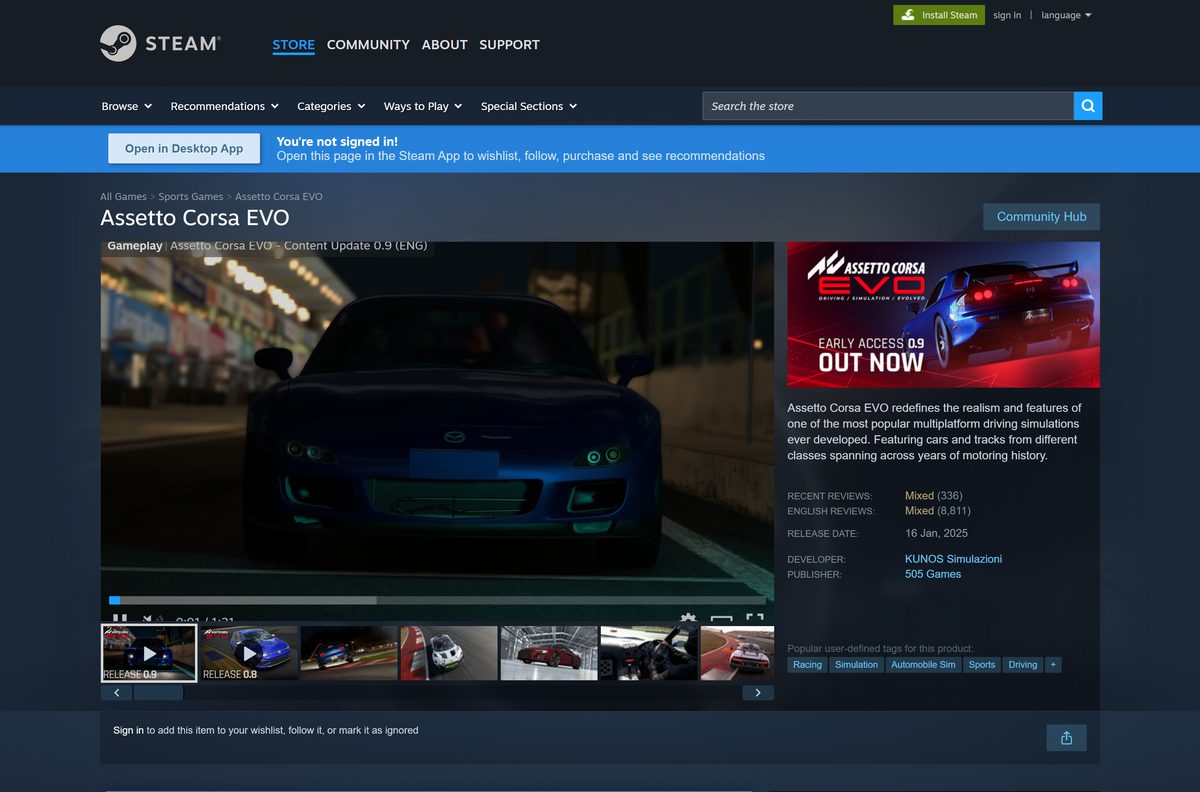
| Assetto Corsa EVO | New sim in Early Access, SSD required | $39.99 | 100 GB | EVO on Steam |
Buy the original Assetto Corsa for variety and mods on modest hardware. Pick Competizione for GT3 championships, and EVO only if you accept an unfinished Early Access game.
Frequently asked questions
Is Assetto Corsa free to download?
No. Assetto Corsa costs $19.99 on Steam and $29.99 on the PlayStation Store. No official free version or demo is listed, so a site offering it free is not a legitimate source.
Where is the official Assetto Corsa download for PC?
Steam is the official PC store for the game. Kunos Simulazioni develops it and 505 Games publishes it, and Steam installs it through the Steam client after you buy it.
Does Assetto Corsa work on Windows 11?
Yes. The game installs through the Steam client, which supports Windows 10 and later. Steam’s listed minimum is modest: a dual-core CPU, 2 GB of RAM and a DirectX 10.1 graphics card.
How big is the Assetto Corsa download on PC?
Plan for 15 GB for the base game. Steam recommends 30 GB of free storage, which leaves room for DLC packs and mods.
Is there an Assetto Corsa offline installer?
No. Steam downloads and updates the game, and no standalone setup file appears on the official listing. A site offering a full offline setup is not an official source.
Can you play Assetto Corsa on a Mac?
Not natively. Steam lists Windows as the only platform and shows no Mac requirements. Mac owners can play the PS4 version on a PS4 instead.
Does Assetto Corsa support VR?
Yes. The Steam listing marks the game as VR supported and names SteamVR and Oculus PC headsets. Connect the headset before you start a session from the launcher.
What is the latest version of Assetto Corsa?
Version 1.16 is the latest major update, released in December 2017. It added the laser-scanned Laguna Seca track and seven new cars, including the Alfa Romeo Giulia Quadrifoglio.
Is Assetto Corsa the same as Assetto Corsa Competizione?
No. Competizione is a separate $39.99 game focused on GT World Challenge GT3 racing. The original Assetto Corsa covers road and race cars and has wider mod support.
Is Assetto Corsa safe to download?
Yes, when you buy it from Steam or the PlayStation Store. Cracked copies and repacks from other sites carry malware risk and do not receive official updates.
Why won’t Assetto Corsa launch?
A damaged file or a broken mod is the usual cause. Verify the game files in Steam, move recent mods out of the content folder and update your graphics driver.






