
Numbers not updating stock quotes? How to fix it
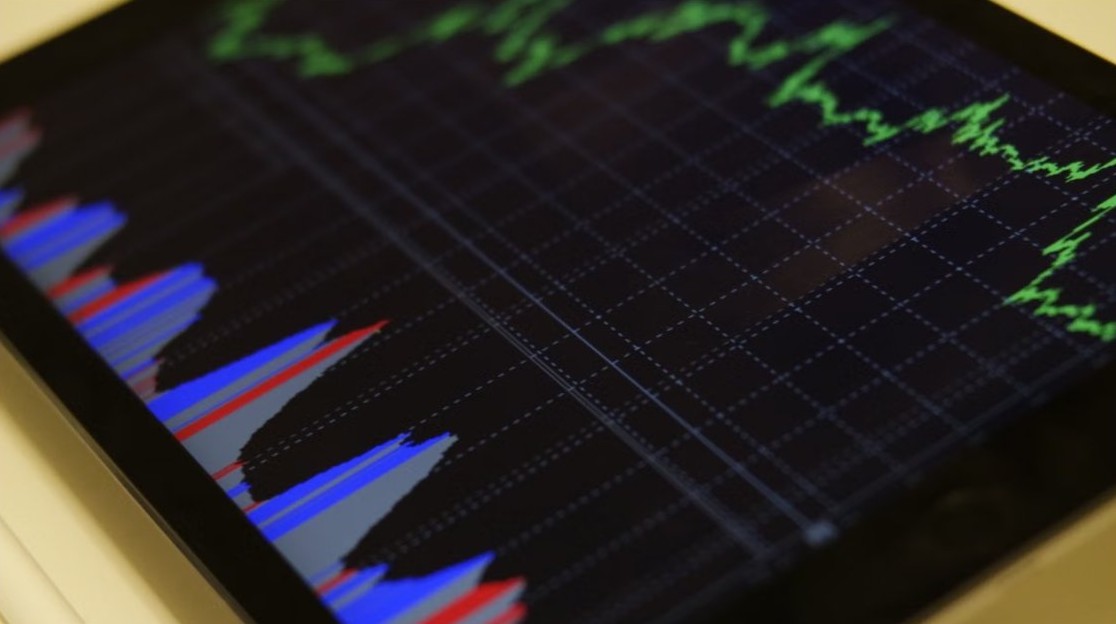
Numbers not updating stock quotes? STOCK shows the previous market day’s close, not live prices. Check the connection, symbols and app version, then test the data.
3,745 articles
Numbers not updating stock quotes? STOCK shows the previous market day’s close, not live prices. Check the connection, symbols and app version, then test the data.
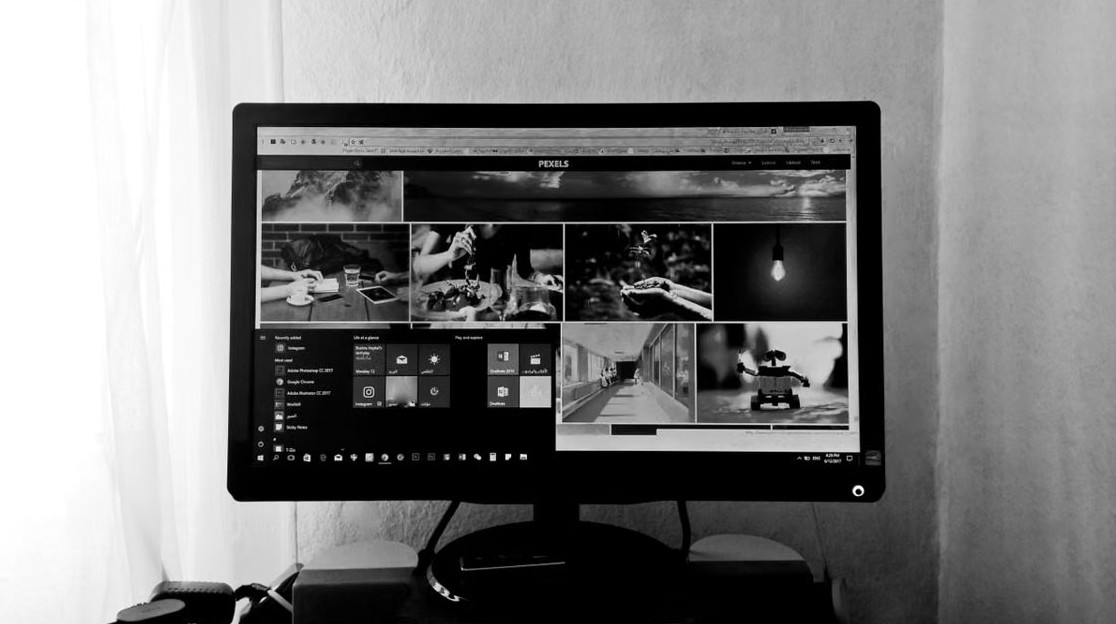
Find and remove unused programs in Windows 11 and 10 with Cleanup recommendations, Installed apps, Control Panel and winget, then clear temp files and startup apps.
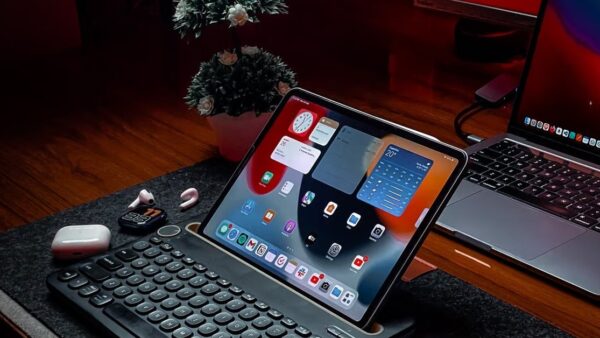
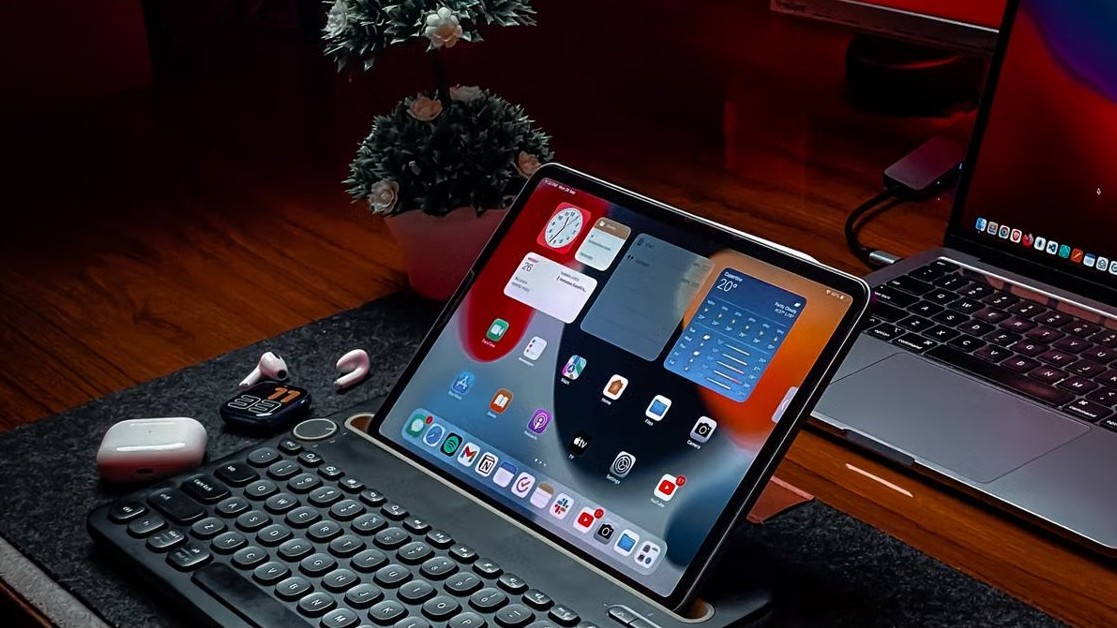
Allow Split View on iPadOS 26: go to Settings > Multitasking & Gestures, select Windowed Apps, then drag an app icon onto a full-screen app to tile both.
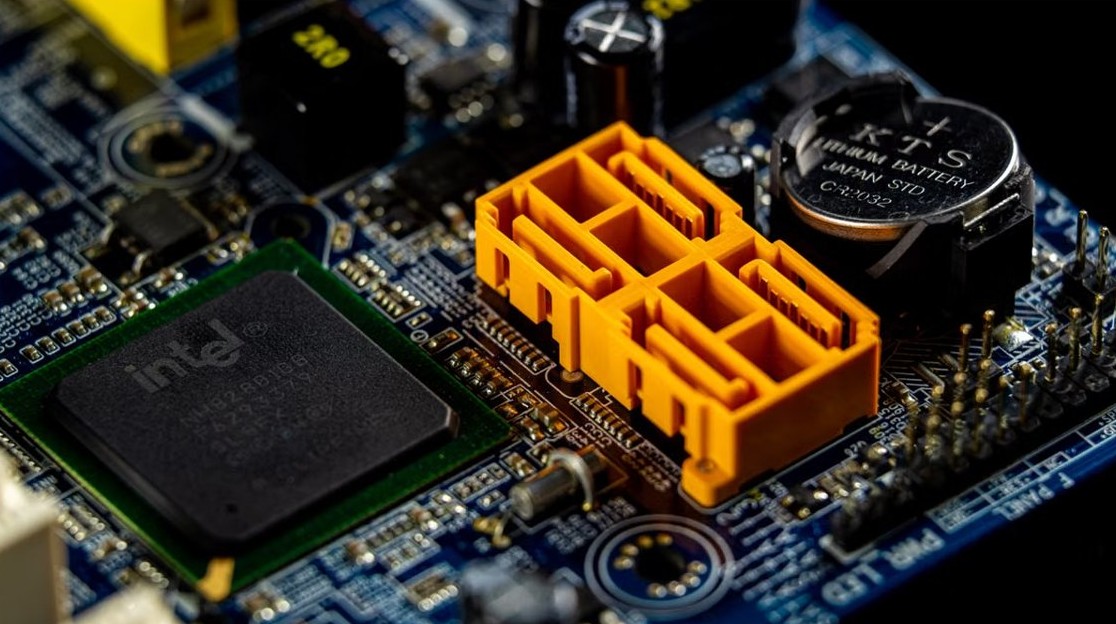
Test Windows PC performance with Task Manager, perfmon /report, Windows Memory Diagnostic and winsat, then read CPU, memory, disk and GPU results correctly.
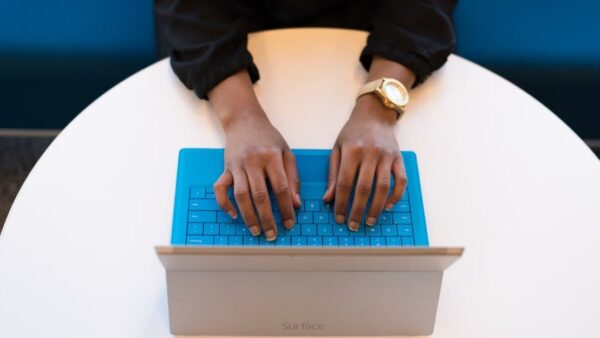
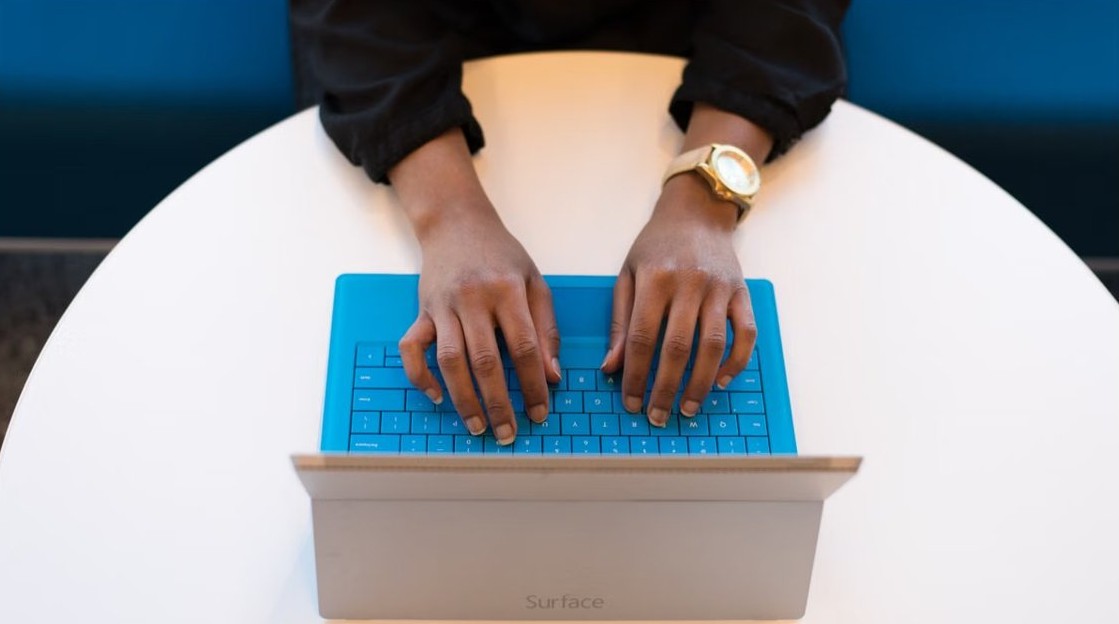
Add, remove, resize or move widgets in Windows 11 from the Widgets board: the + button, the three-dot menu sizes, drag by the header, and fixes when widgets fail.
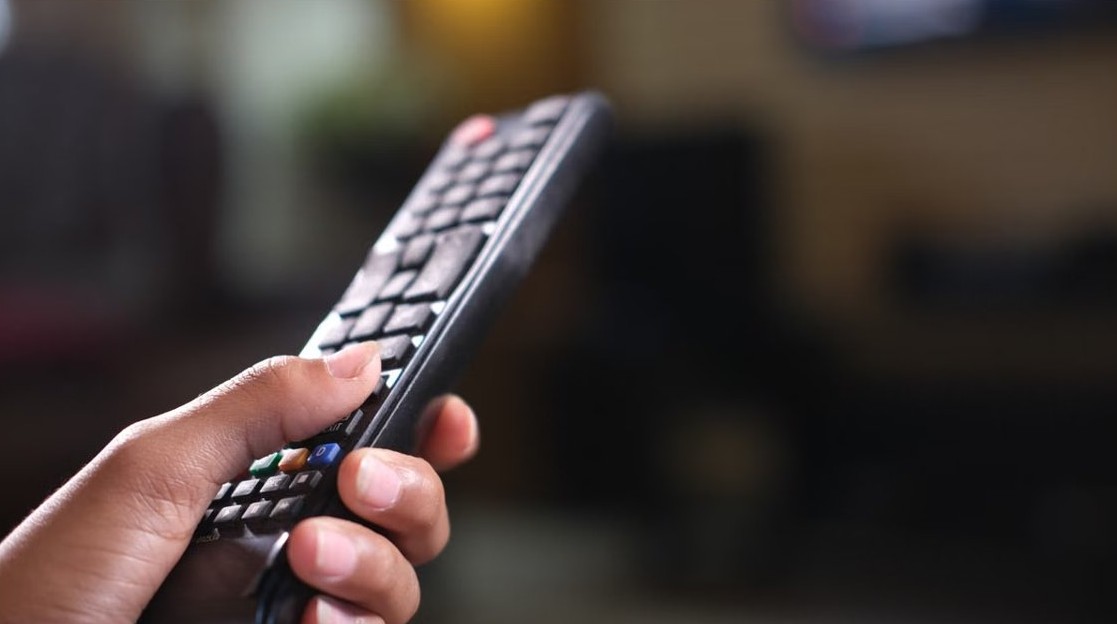
Pair a Firestick remote by holding Home for 10 seconds within 10 feet of the stick. Steps for a new remote, no old remote, the Fire TV app and TV volume.
WiFi not working after a Windows update or feature upgrade? Reinstall the Wi-Fi driver, reset network settings, uninstall the update or go back to restore it.
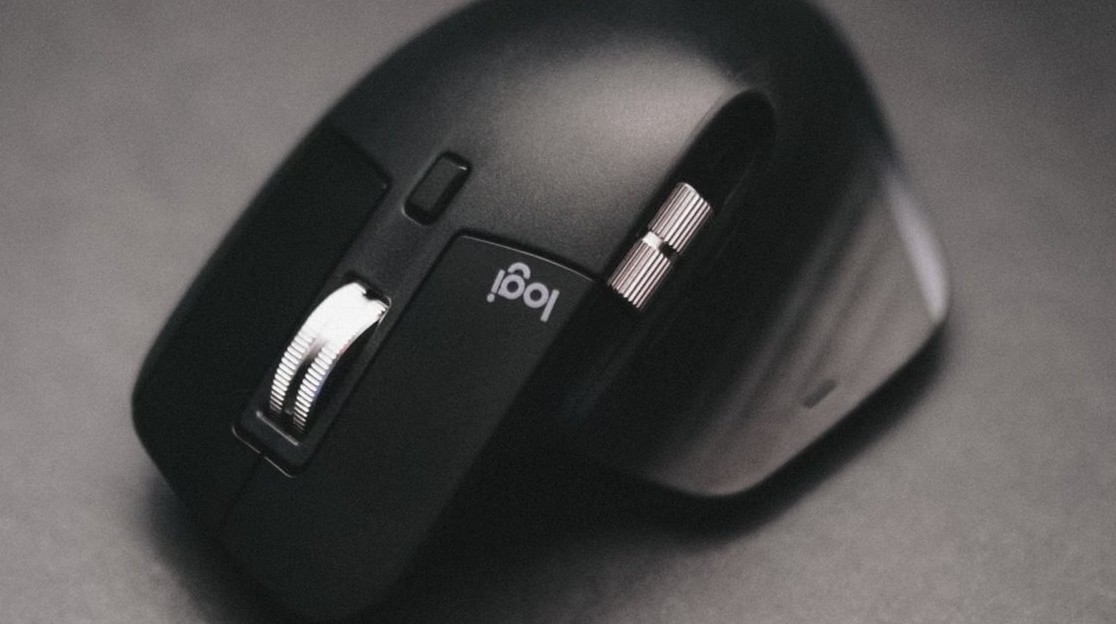
Windows 10 devices settings let you change printers, Bluetooth, mouse, touchpad, typing, pen, AutoPlay and USB options. Find each page and what it controls.
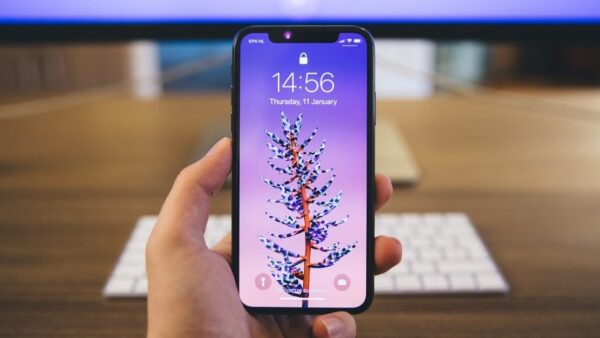
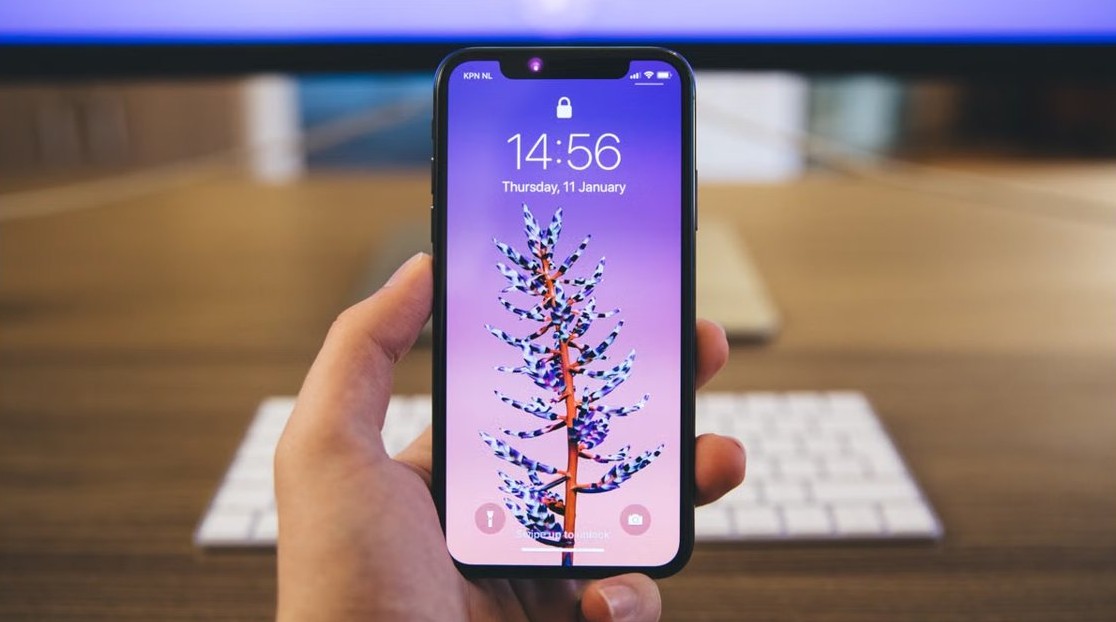
iPhone won’t unlock or let you type your passcode after an iOS update? Force restart it, remove the case and accessories, then try Passcode Reset or recovery mode.
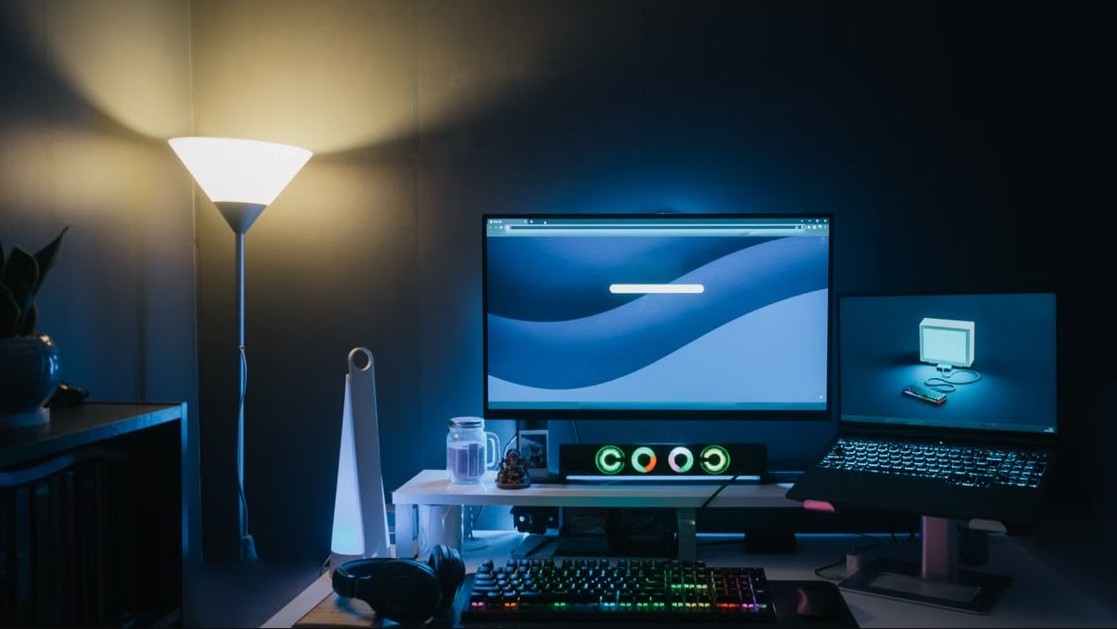
Kill explorer.exe in Windows 11/10 with Task Manager, taskkill or Stop-Process, then start it again. Plus what happens when it ends and why not to delete it.
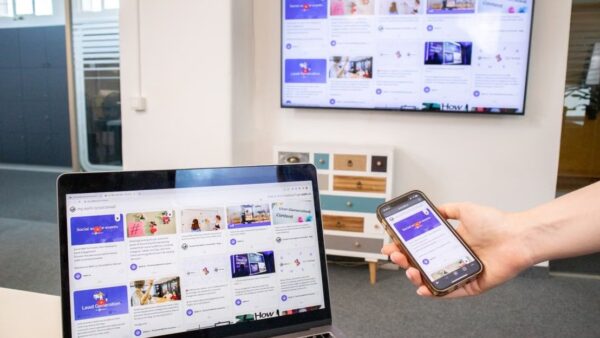
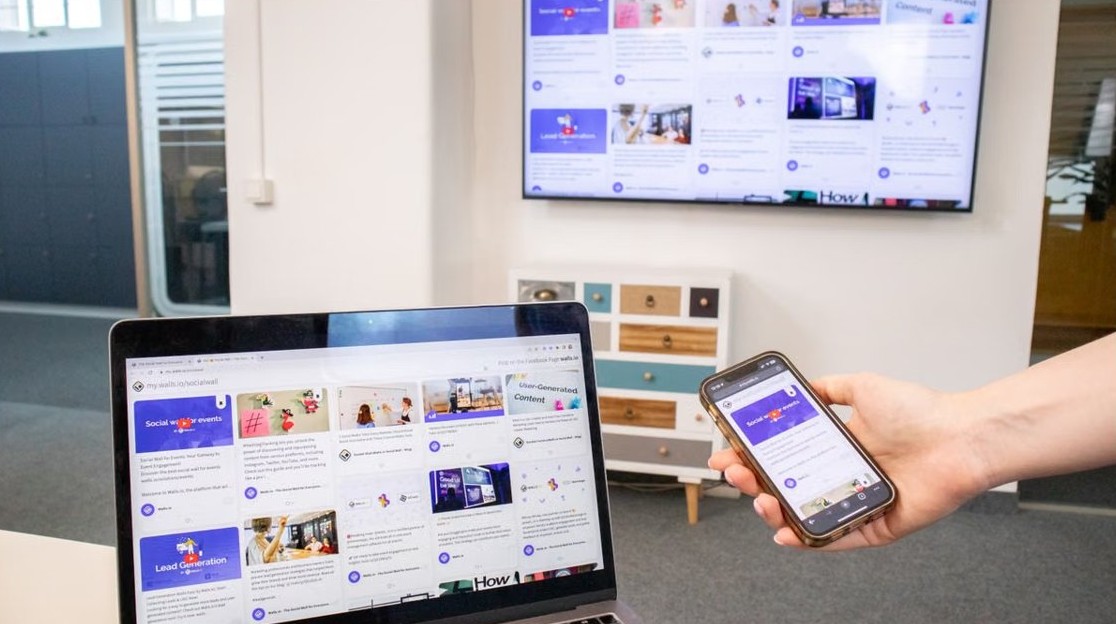
Use Chromecast with Microsoft Edge: cast a tab from the Edge menu, page right-click or toolbar icon, turn Google Cast on or off, and fix a missing Cast button.
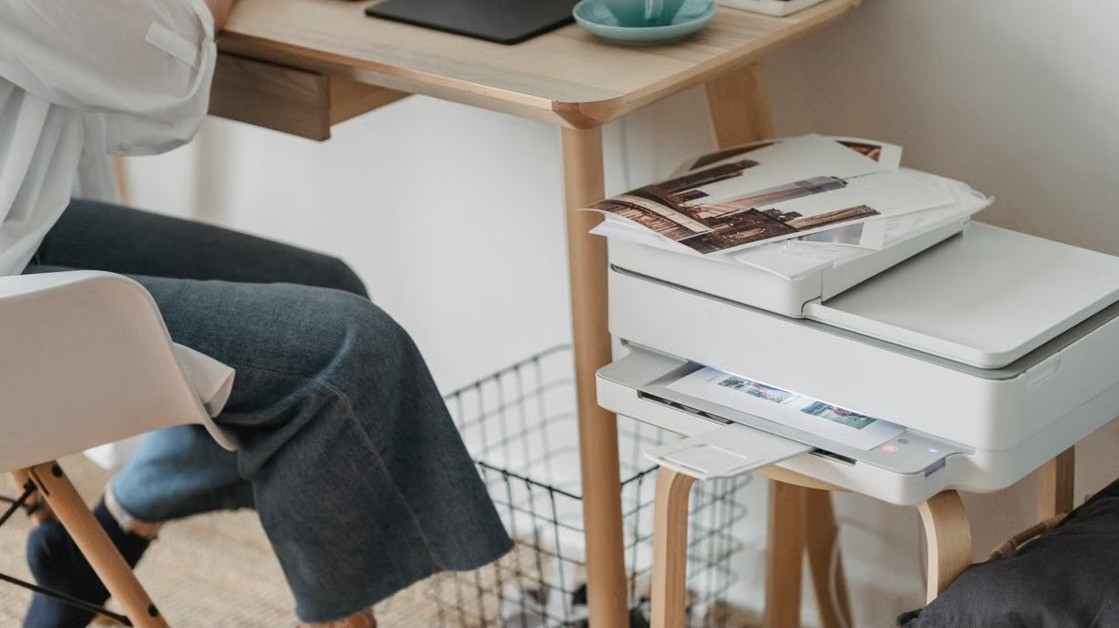
Connecting a Brother printer to WiFi takes one menu: Network > WLAN > Setup Wizard. Steps for touchscreen, WPS and no-display models, plus connection error fixes.