How to Change Password on MacBook, Login, Lock Screen & Apple Account Password
To change the password on a MacBook, open System Settings > Users & Groups, click the information button beside your account, and select Change. … [Read more…]
2,178 articles
To change the password on a MacBook, open System Settings > Users & Groups, click the information button beside your account, and select Change. … [Read more…]
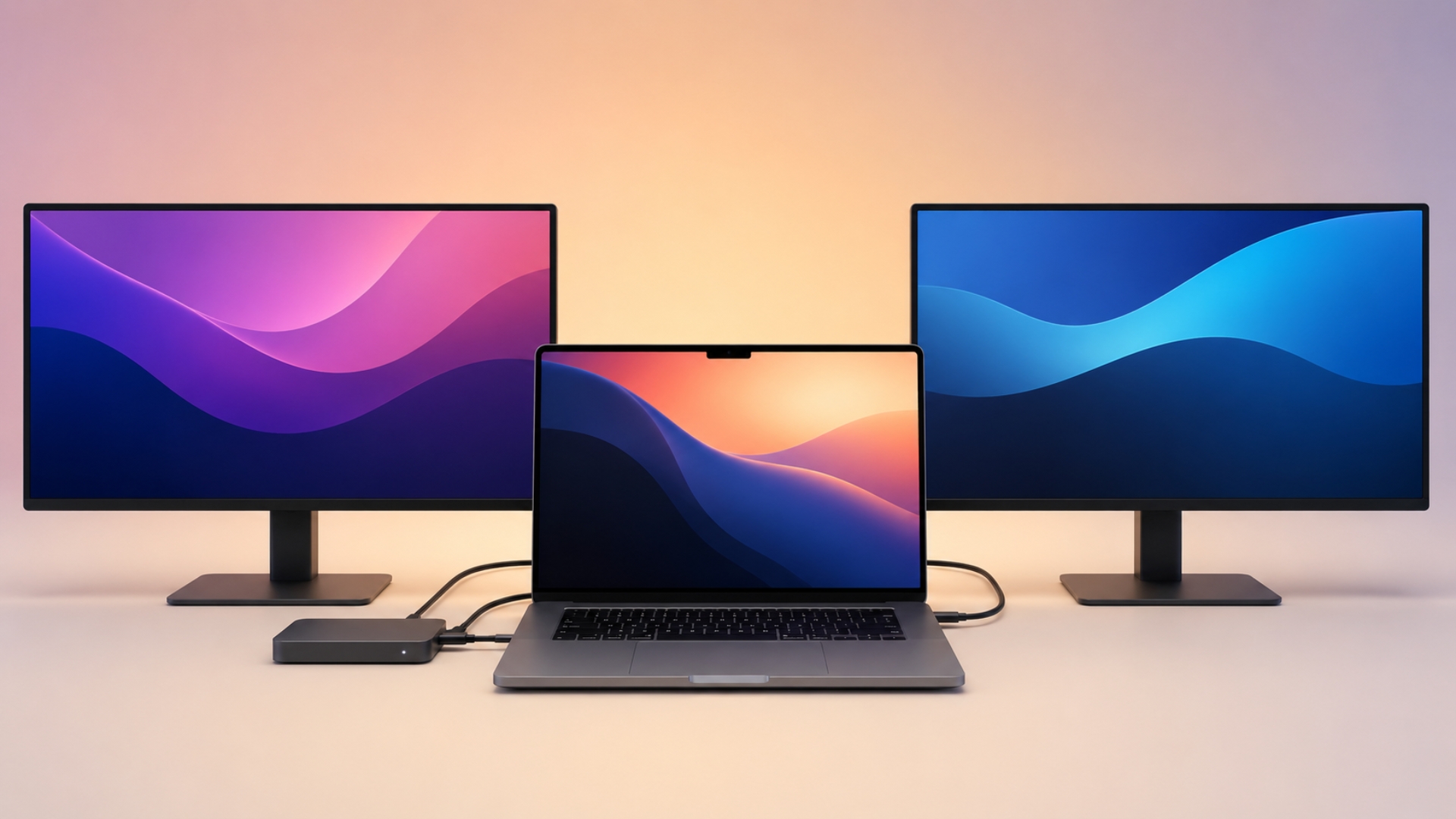
You can connect two monitors to a MacBook Pro through a docking station, but the correct setup depends on the chip inside your Mac. … [Read more…]
To clear space on a Mac, open Apple menu > System Settings > General > Storage and check which categories are using the most … [Read more…]
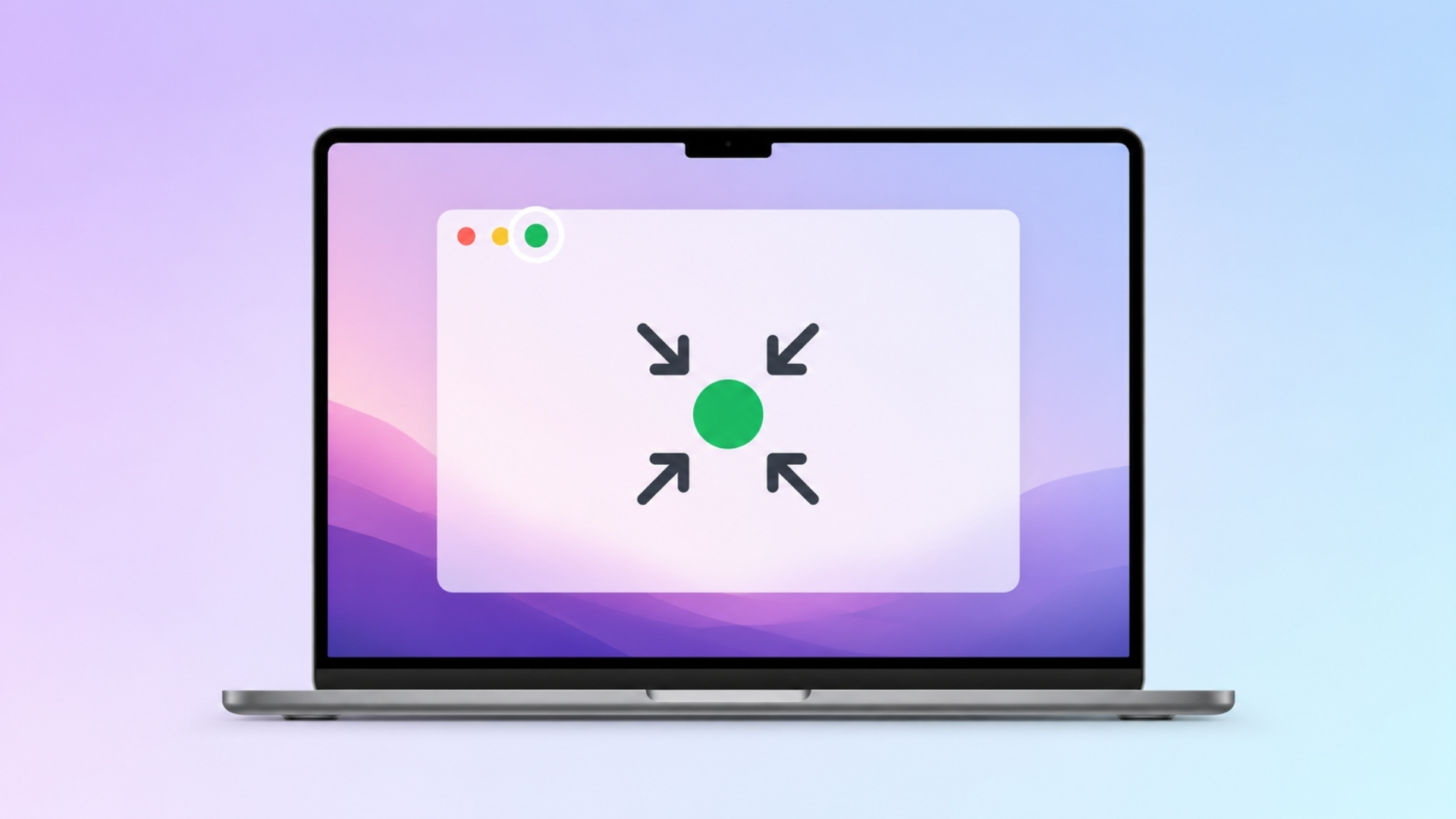
To exit full screen on a Mac, press Control + Command + F. This is the standard macOS shortcut for entering or leaving full-screen … [Read more…]
To go incognito on a Mac, open a private browsing window in your browser. In Safari, press Command + Shift + N to open … [Read more…]
To uninstall Google Chrome from a Mac, quit Chrome, open the Applications folder in Finder, and move Google Chrome to the Trash. This removes … [Read more…]


If your Mac keyboard is not working, first determine whether the problem affects every key or only certain keys. For a MacBook keyboard, restart … [Read more…]
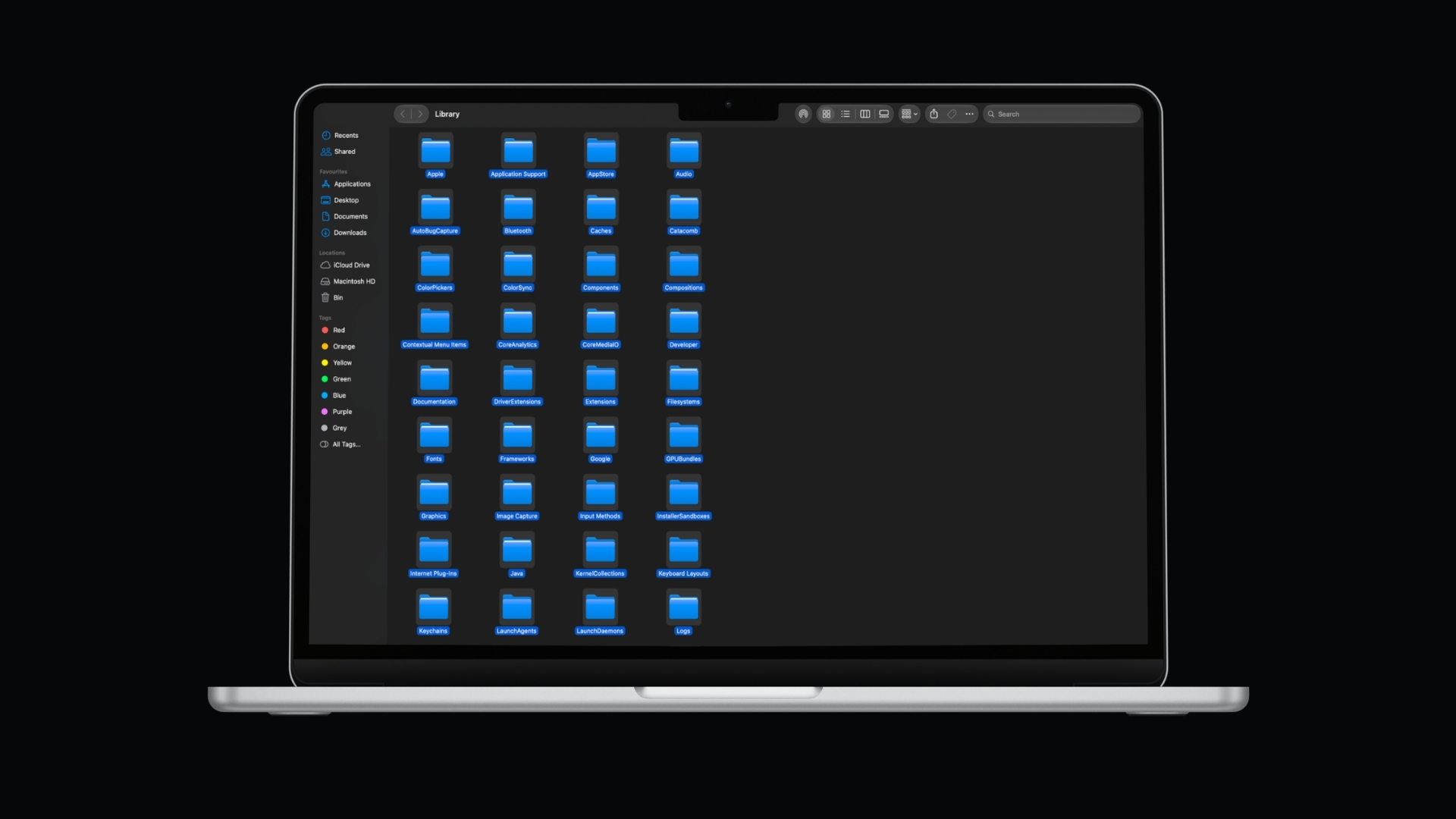
To select multiple files on a Mac, hold the Command (⌘) key and click each file you want. To select several files next to … [Read more…]
To create a ZIP file on a Mac, select the file or folder in Finder, Control-click it, and choose Compress. macOS creates the ZIP … [Read more…]
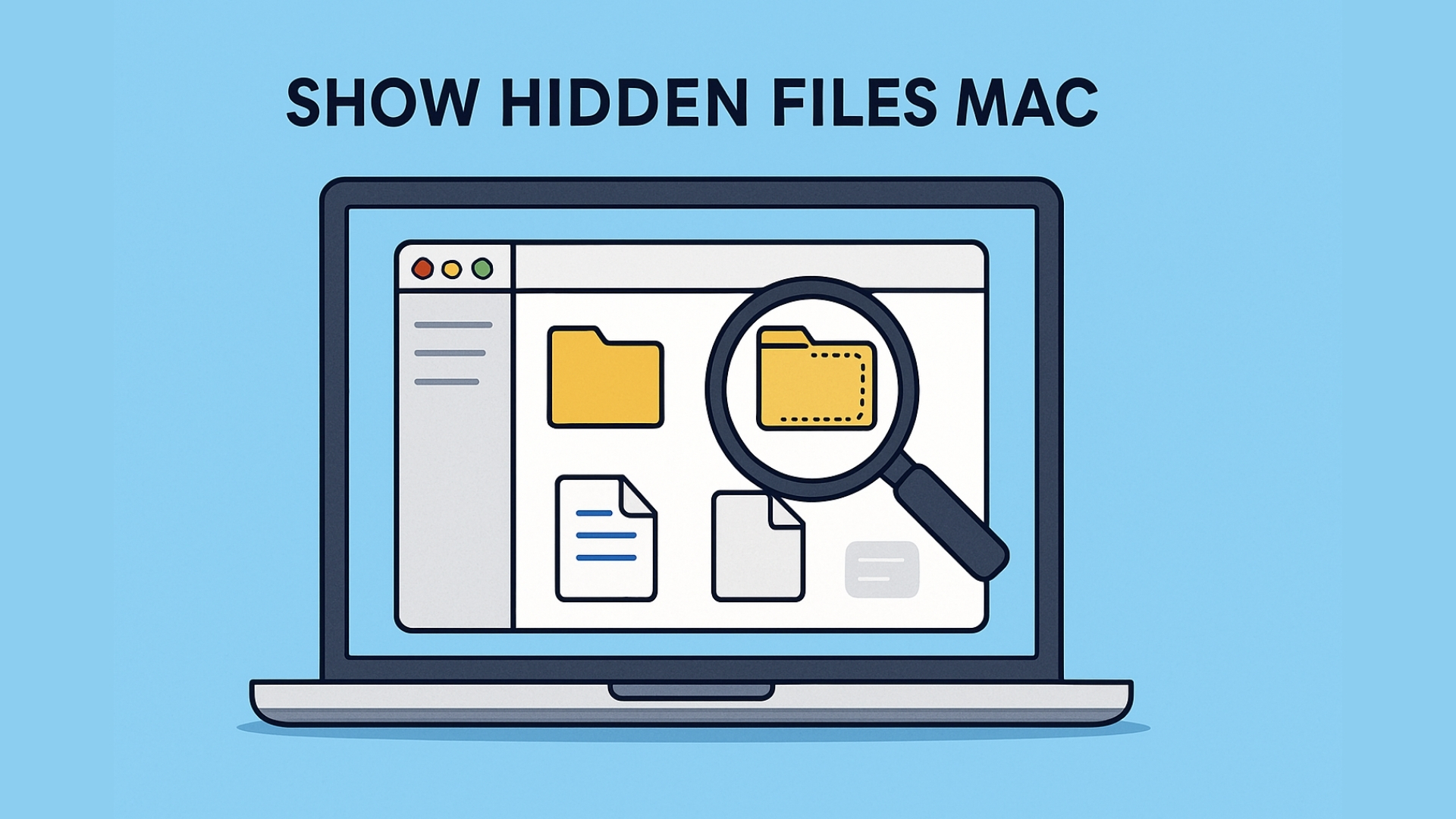
To show hidden files on a Mac, open Finder and press Command + Shift + . (period). Hidden files and folders will immediately appear … [Read more…]
You can record audio on a Mac using built-in apps such as QuickTime Player and Voice Memos, so you do not need to install … [Read more…]
To zoom in on a Mac, press Command + Plus (+) when you want to enlarge a webpage or other supported content. You can … [Read more…]