What Graphics Card Do I Have? How to Check GPU
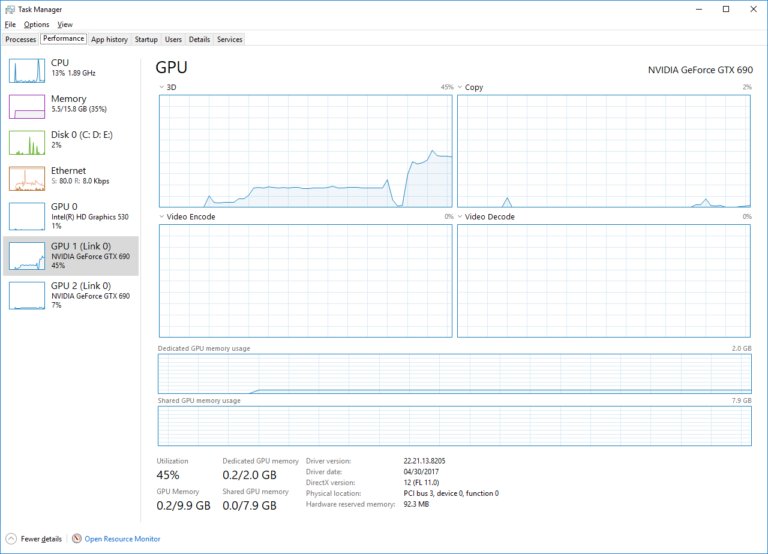
Check what graphics card you have in Windows 11 or 10 with Task Manager’s GPU pane. Plus Mac, Linux, Chromebook and phone checks, VRAM, and GPU not showing fixes.
2,140 articles
Check what graphics card you have in Windows 11 or 10 with Task Manager’s GPU pane. Plus Mac, Linux, Chromebook and phone checks, VRAM, and GPU not showing fixes.
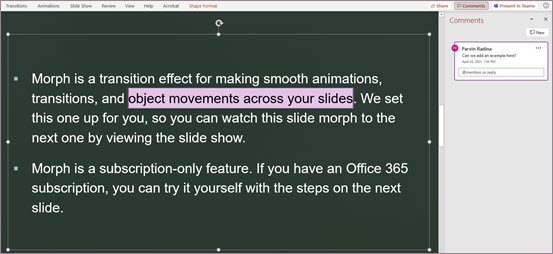
Track changes in PowerPoint without a Track Changes button: use revision highlighting, comments, Compare and Version History. Steps, requirements and fixes.
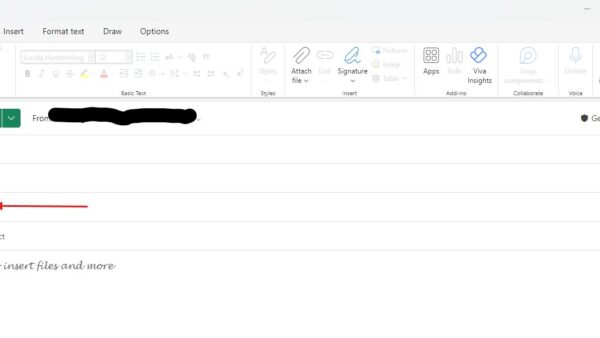
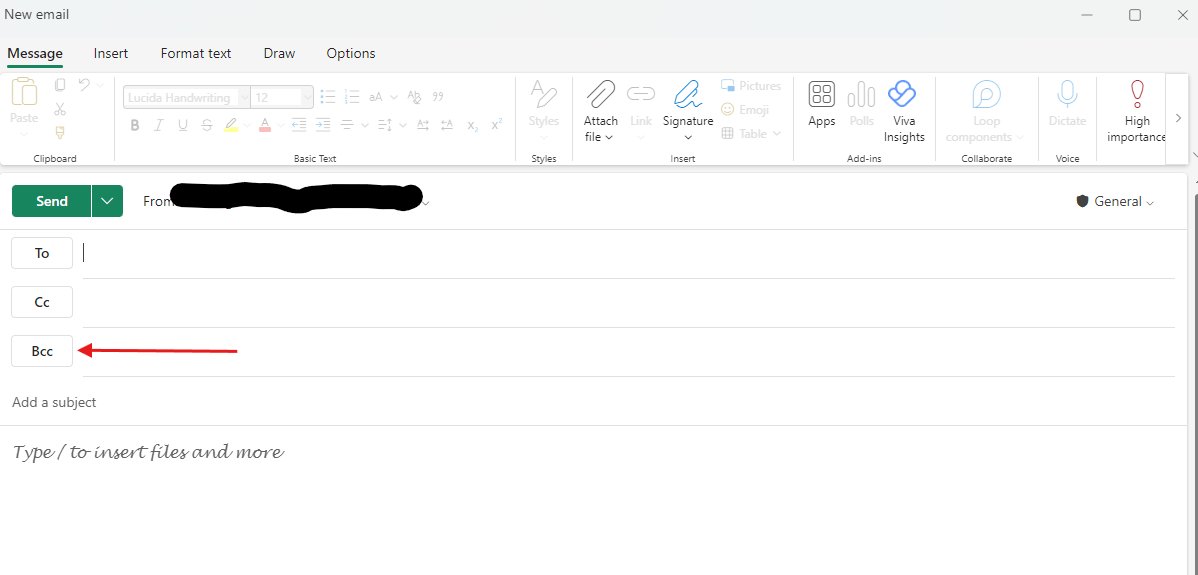
Use BCC in Outlook with Options > Show fields > Show Bcc, or Options > Bcc in classic Outlook. What recipients see, reply-all risks and Microsoft’s limits.
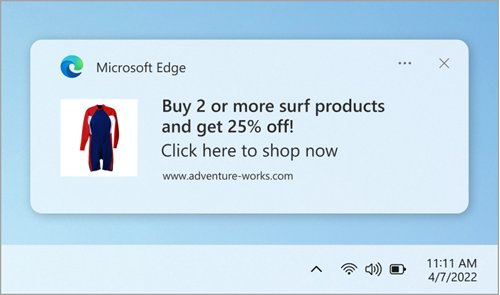
Enable or disable the pop-up blocker in Microsoft Edge under Site permissions > Pop-ups and redirects, allow one site, and set it on Android and iPhone.
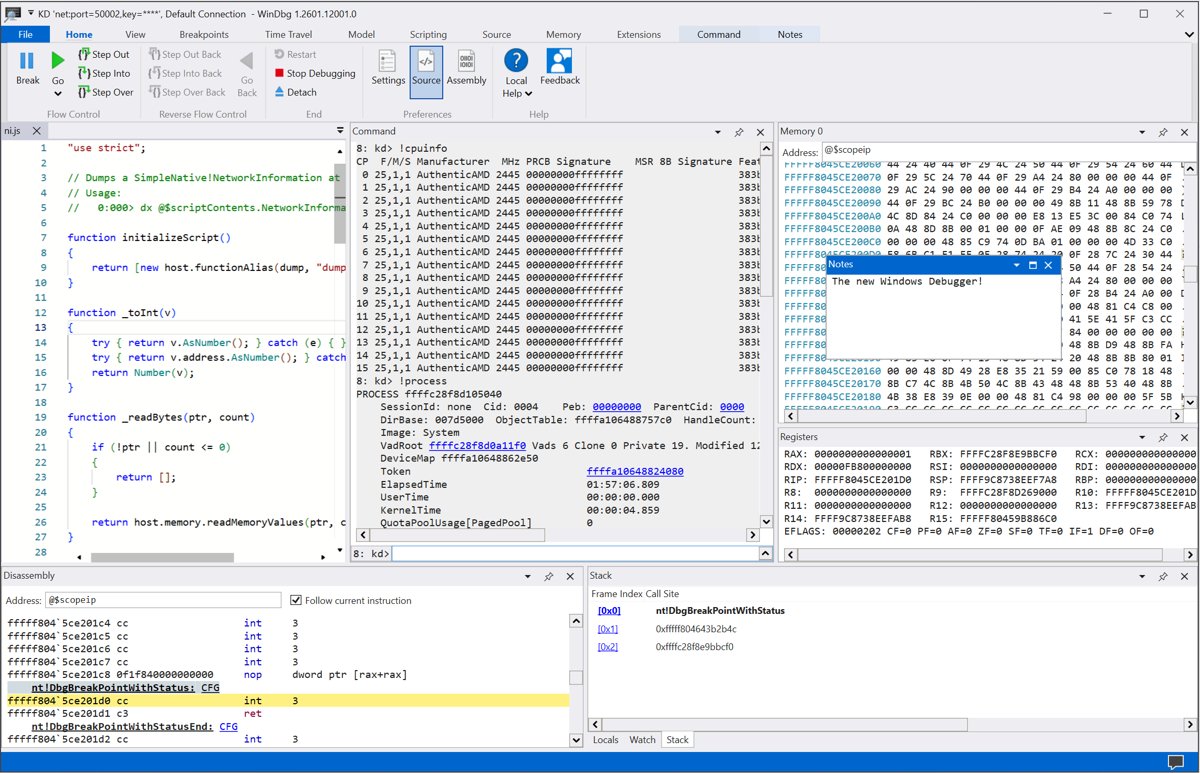
Getting started with WinDbg on Windows 10: install it with winget or Microsoft Store, set the symbol path, open a crash dump and read !analyze -v output.
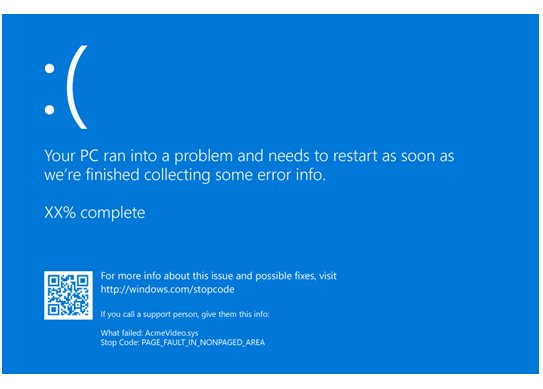
Run memory diagnostics on Windows 10 and 11 with mdsched: restart into the test, switch to Extended with F1, and read MemoryDiagnostics-Results in Event Viewer.
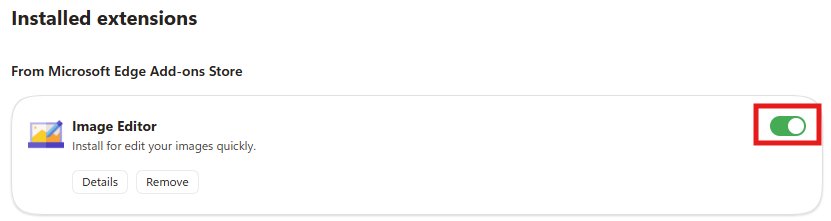
Enable or disable extensions in Microsoft Edge from Manage extensions: use the toggle, block them on one site, allow InPrivate, remove add-ons and fix locked ones.
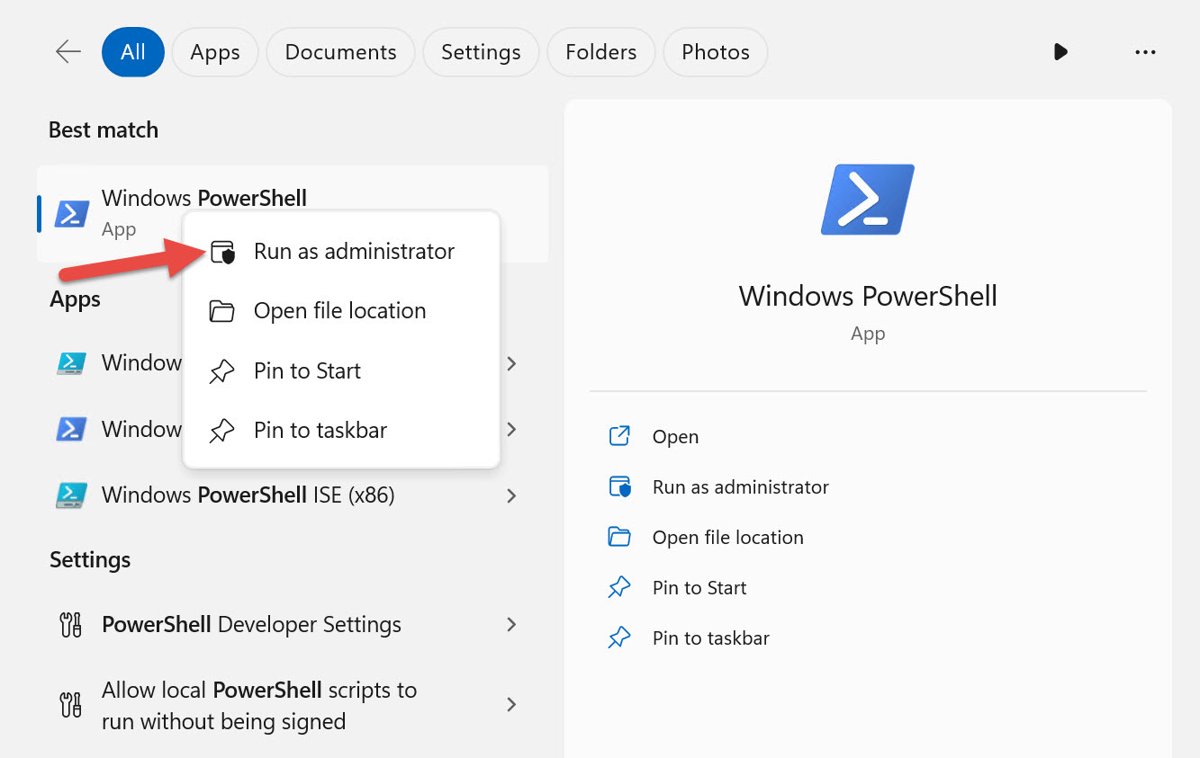
Run PowerShell as administrator on Windows 11 and 10 from Start, Terminal (Admin), File Explorer or the Run box, then check the window is really elevated.

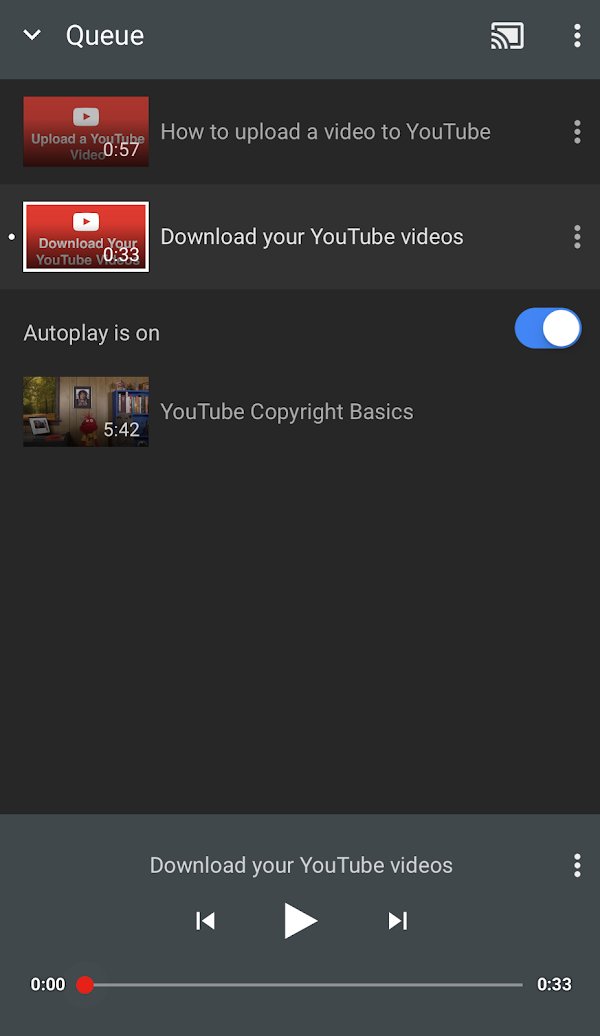
YouTube keeps pausing? Answer the Continue watching prompt, turn off break and bedtime reminders, then fix your connection, cache, app and browser settings.
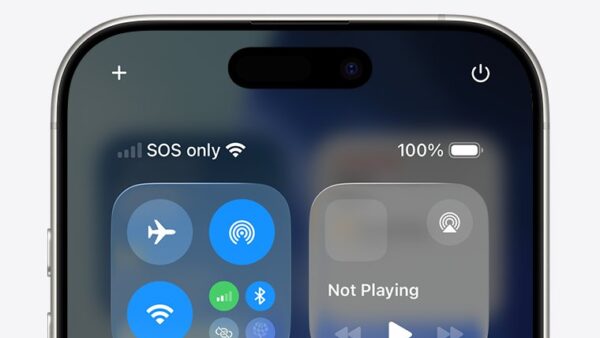
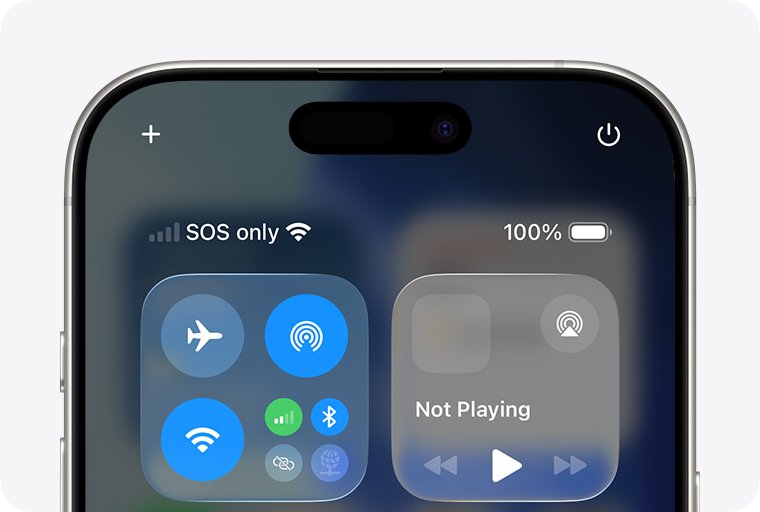
SOS on iPhone means you lost your own carrier’s network but can still call emergency services. Here is what causes it and the Apple-documented fixes, in order.
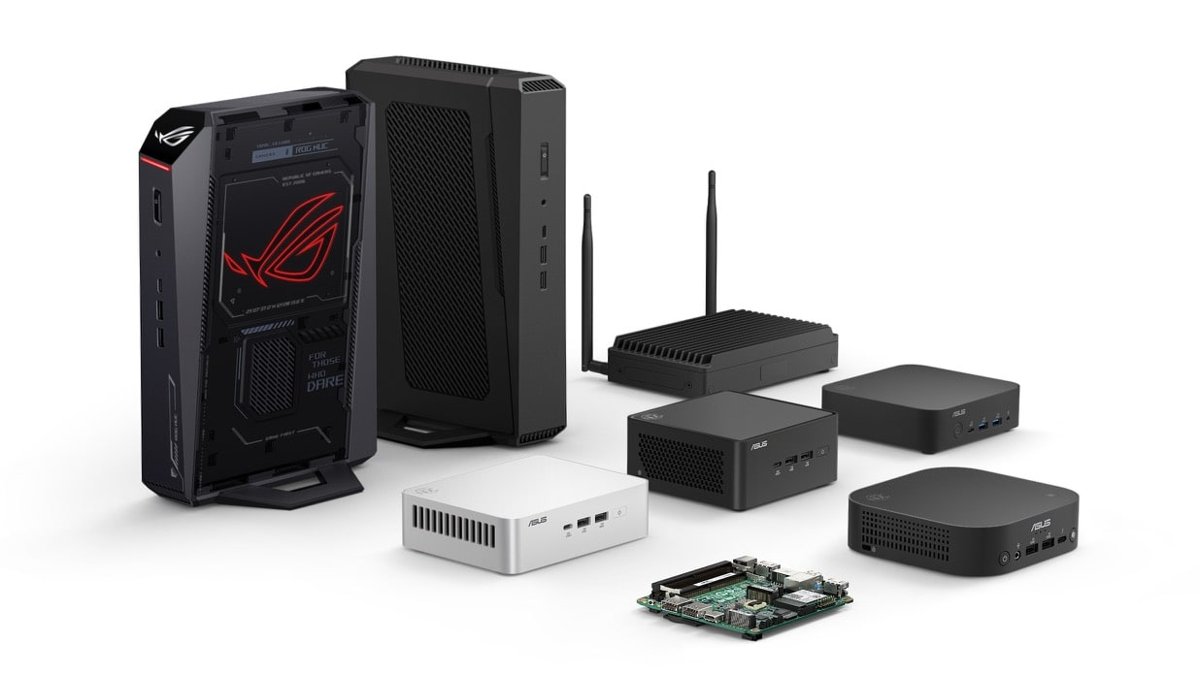
A NUC PC is a palm-sized desktop that Intel created and ASUS now builds. See what is inside one, the real pros and cons, and who should buy a NUC.
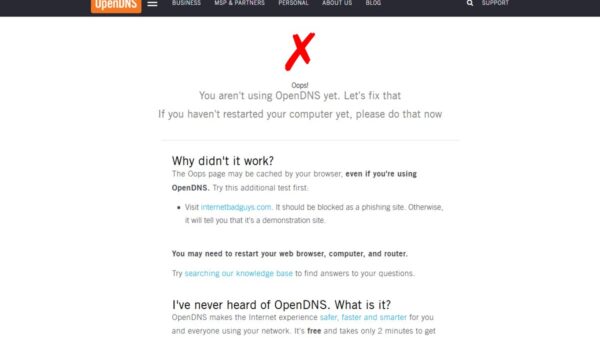
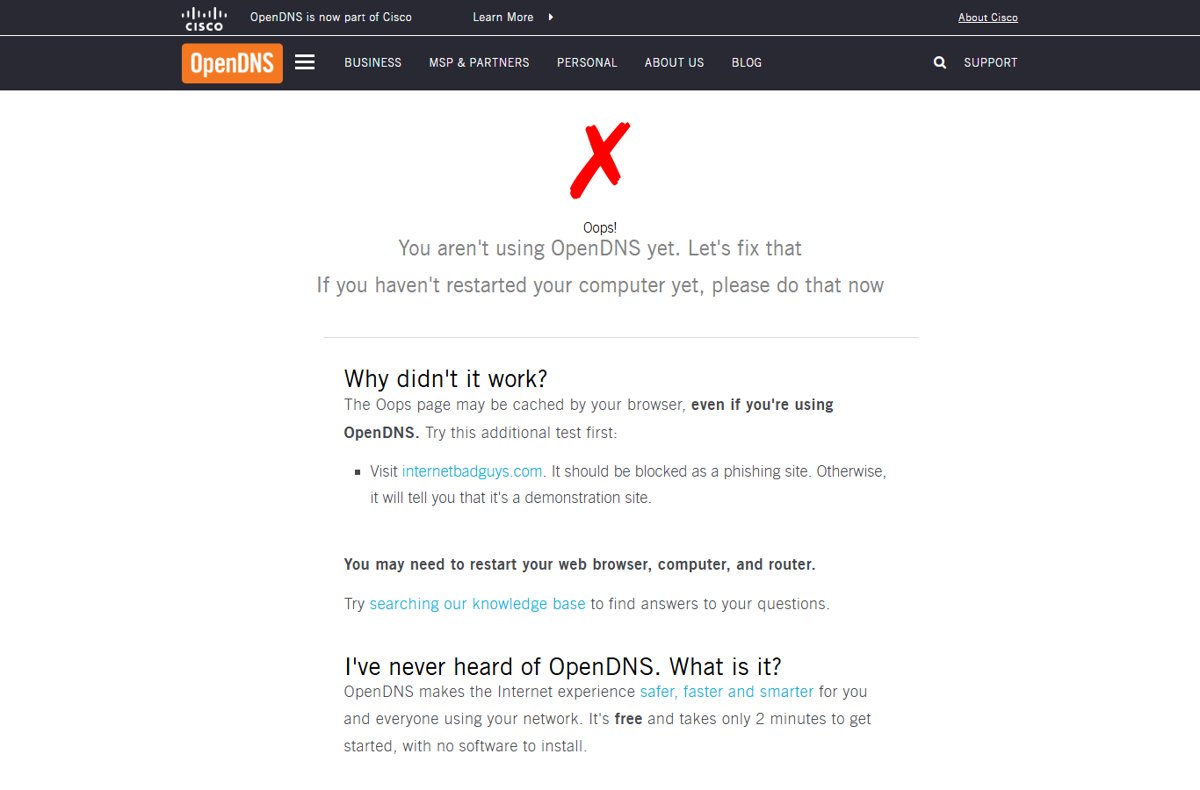
Use OpenDNS by setting 208.67.222.222 and 208.67.220.220 as DNS on your router, Windows PC, Mac, iPhone, iPad or Android, then test at welcome.opendns.com.