How to change alt+f4 function in Windows 11
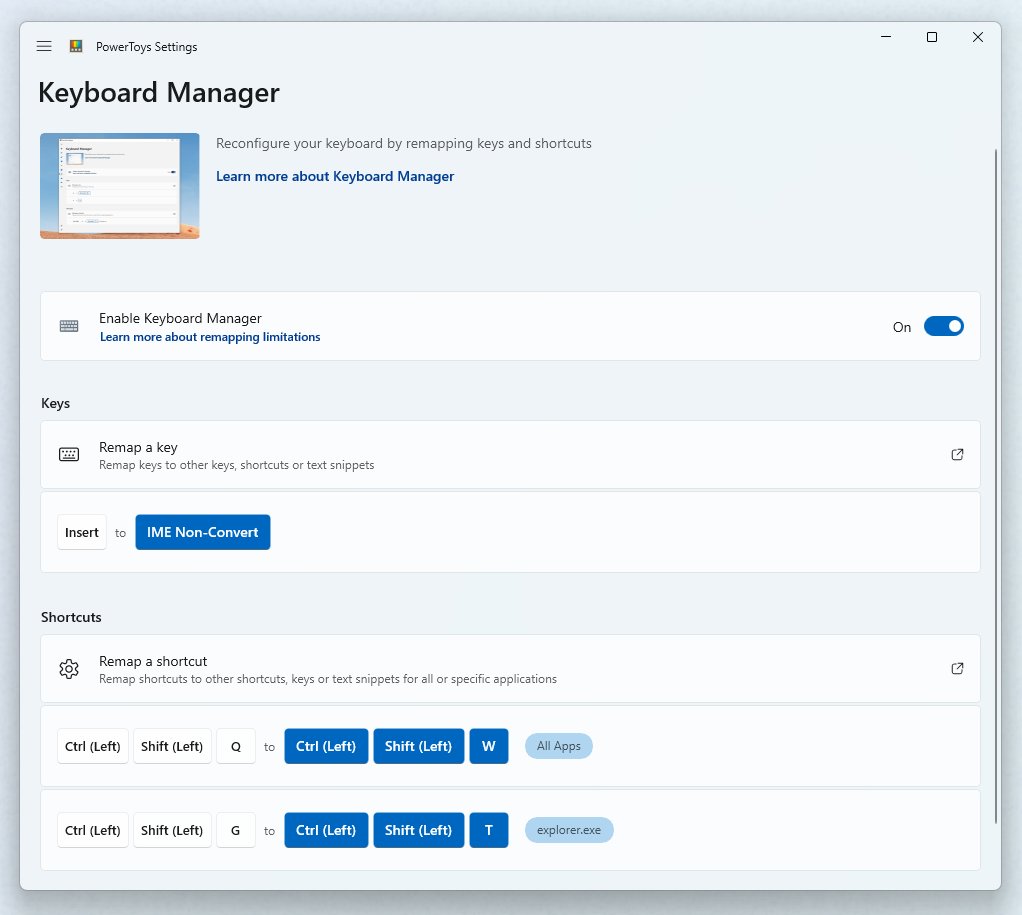
Change the Alt+F4 function in Windows 11 with PowerToys Keyboard Manager, block it with Keyboard Filter, or unbind it in one app. Steps, checks and fixes.
2,128 articles
Change the Alt+F4 function in Windows 11 with PowerToys Keyboard Manager, block it with Keyboard Filter, or unbind it in one app. Steps, checks and fixes.
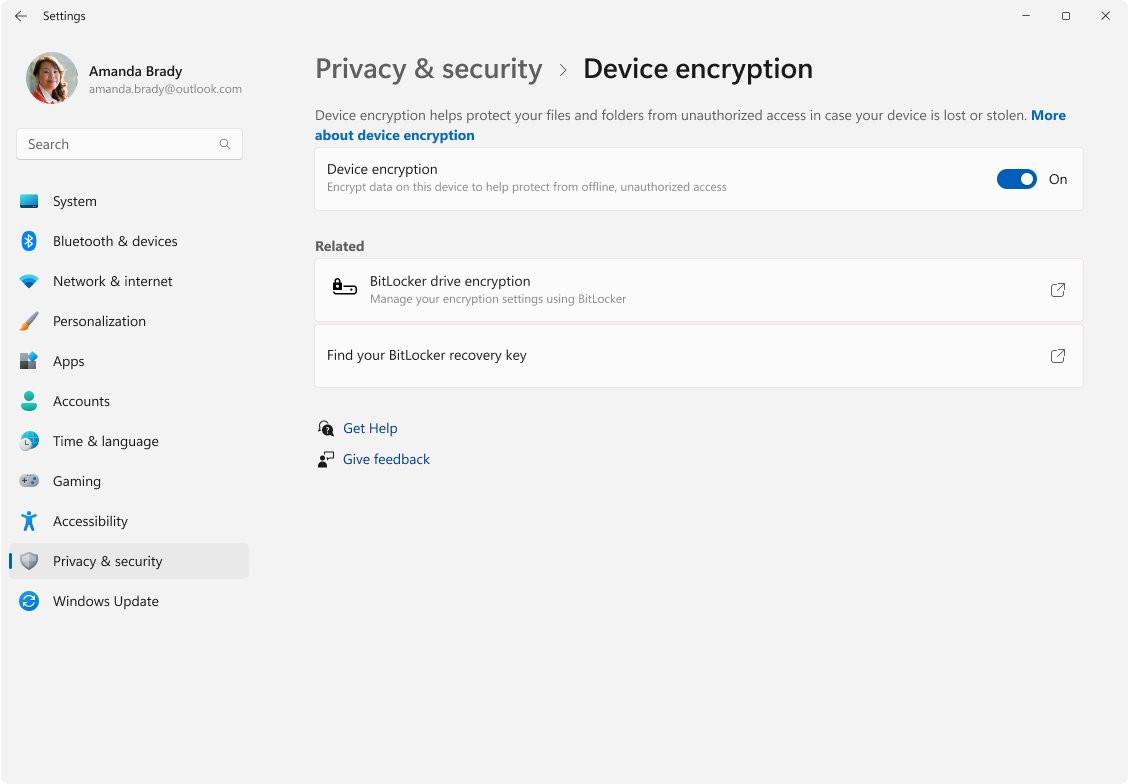
Device encryption in Windows 11 is automatic BitLocker for Home and Pro PCs. See the requirements, the 24H2 changes, how to turn it on or off and find your key.
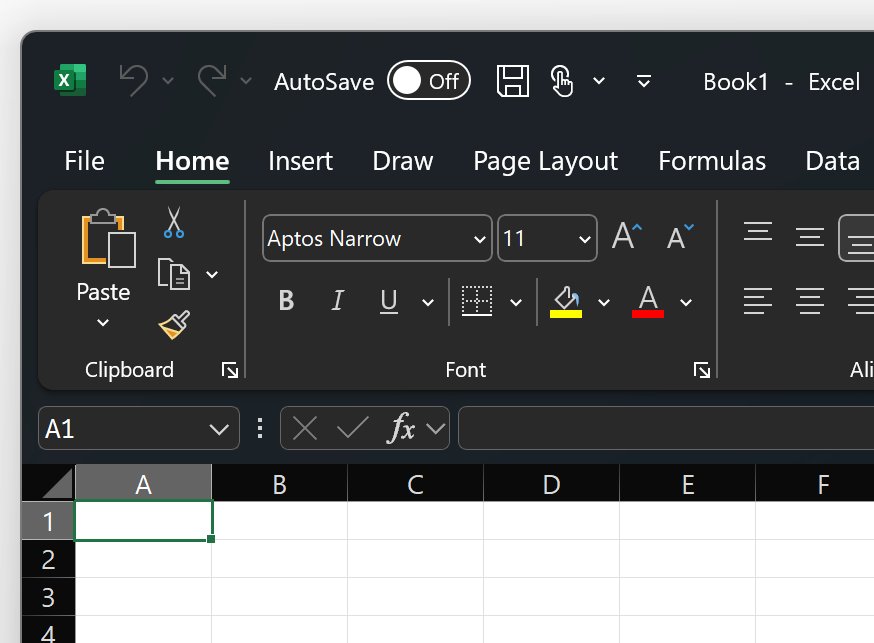
Enable or disable dark mode in Outlook: Settings > General > Appearance in new Outlook and the web, the Black Office Theme in classic Outlook, plus Mac and mobile.
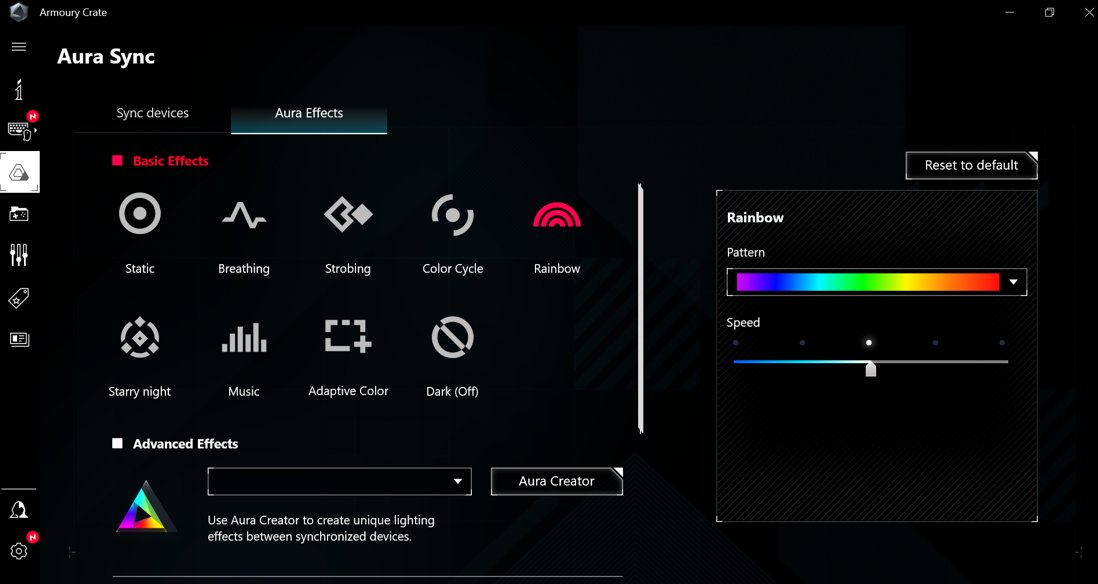
Download ASUS Aura Sync for Windows 11 and 10 through Armoury Crate, where ASUS now ships it. Install steps, supported devices, uninstall tool and fixes.
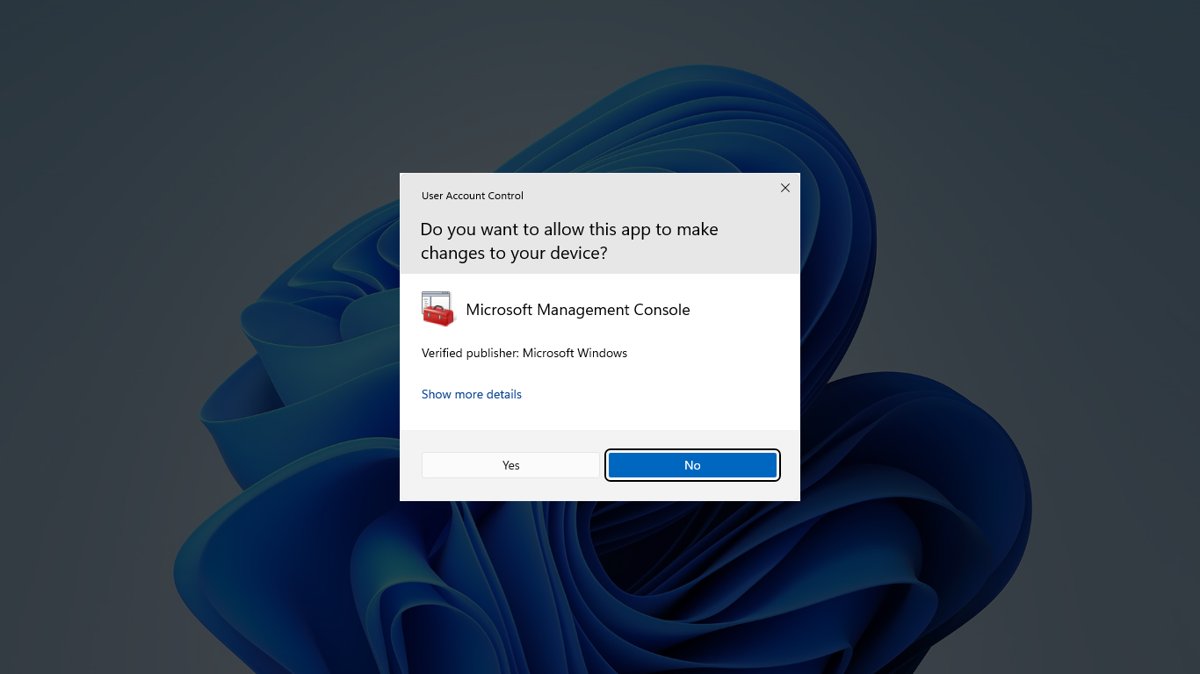
Check if you have admin privileges on Windows: open Settings > Accounts > Your info and look for Administrator, or run net localgroup Administrators.
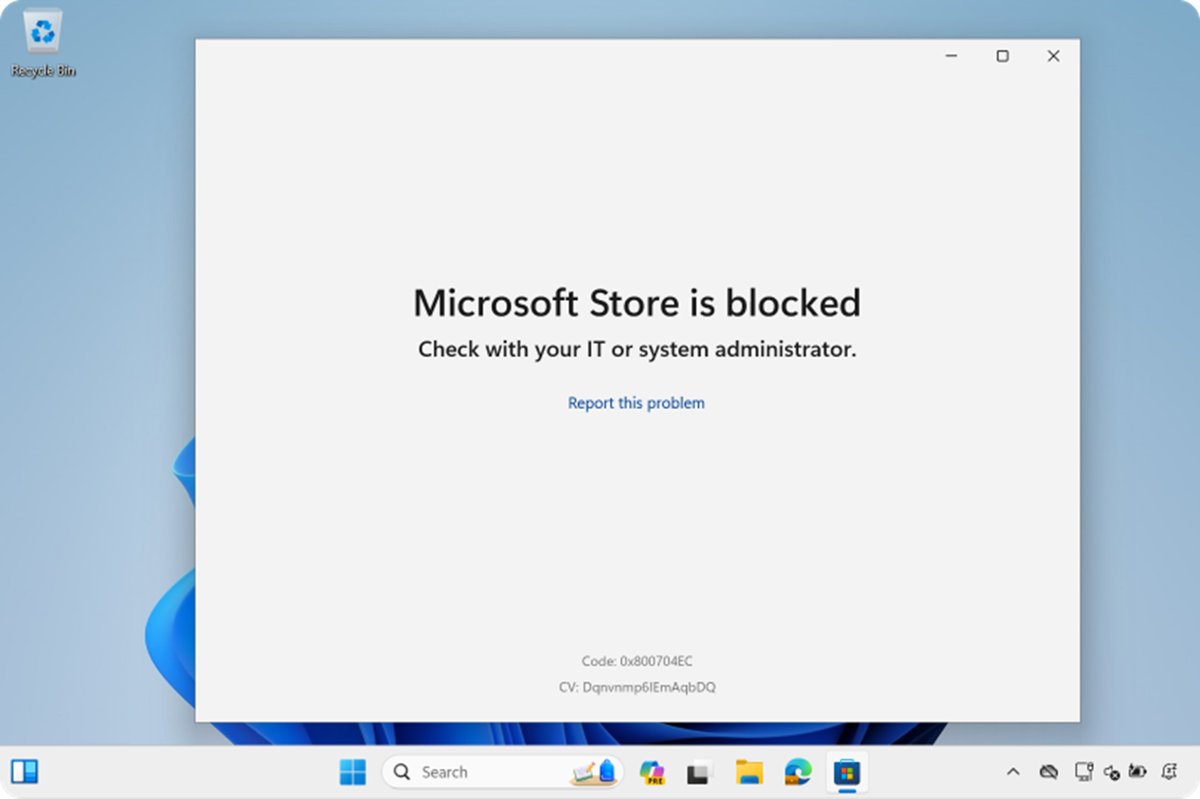
Repair or reset Microsoft Store in Windows 11/10: run wsreset.exe to clear the cache, then Repair or Reset in Advanced options, or re-register it in PowerShell.
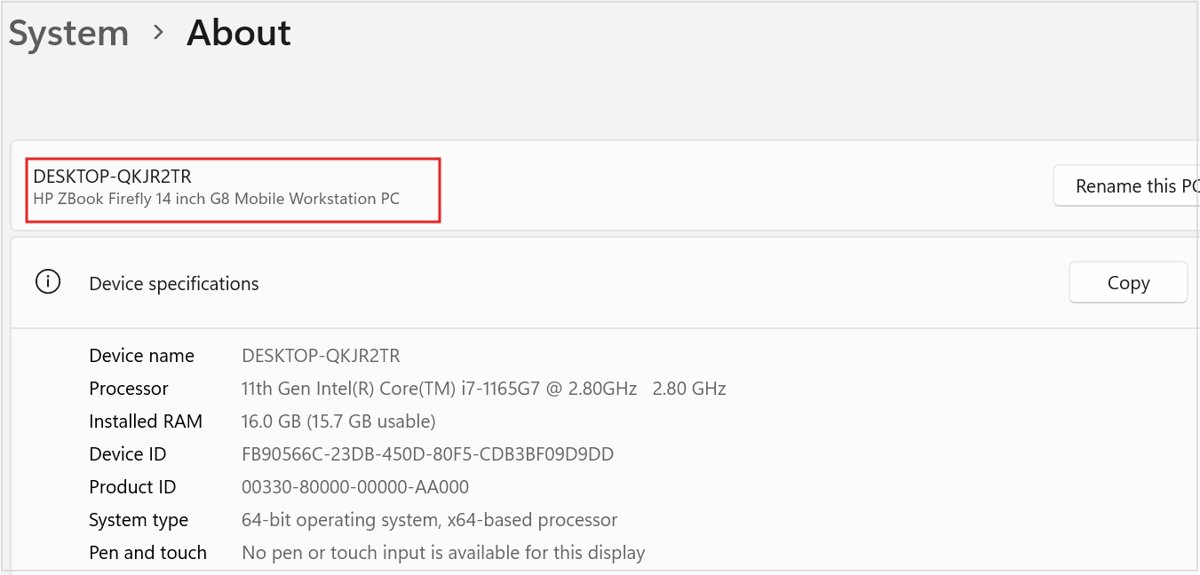
Check if Windows 11 is in S mode from Settings > System > Activation, what S mode blocks, and how to switch out of it for free through the Microsoft Store.
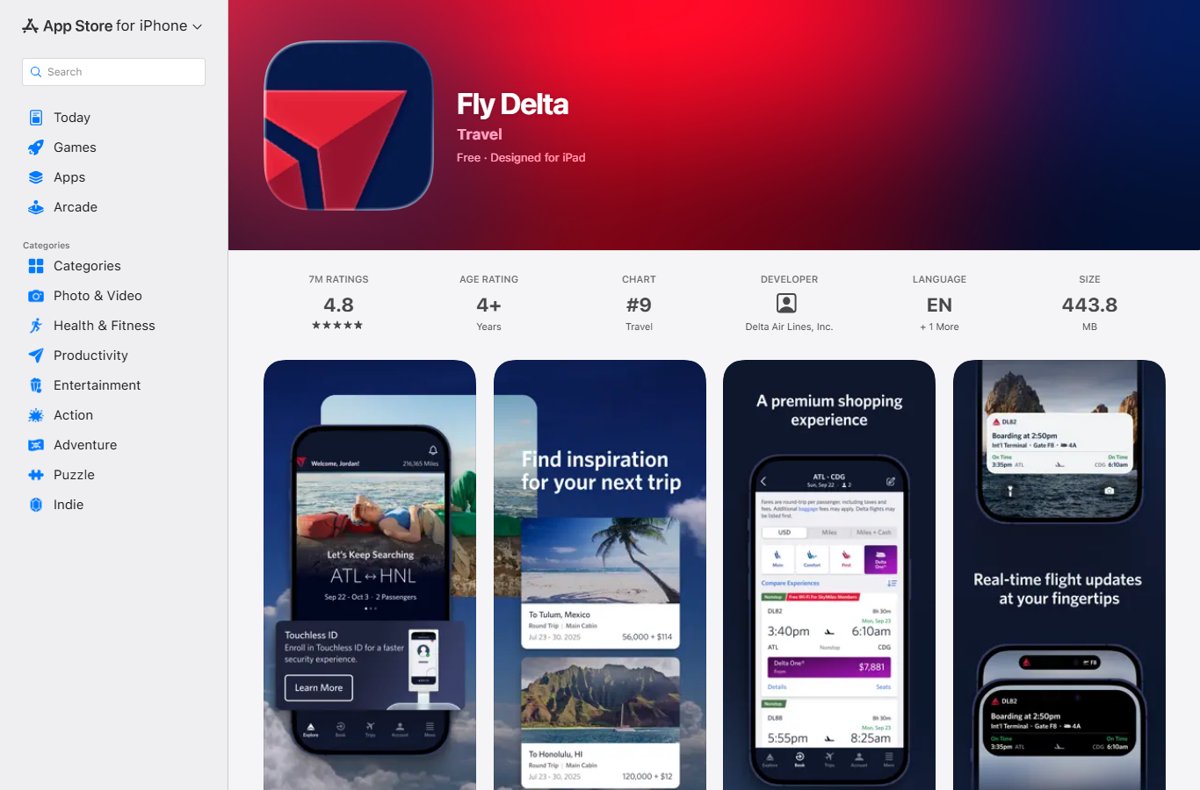
Check in online with the Delta app from 24 hours before departure: auto check-in, boarding pass, bags, passport scan, deadlines, and who must use the airport desk.
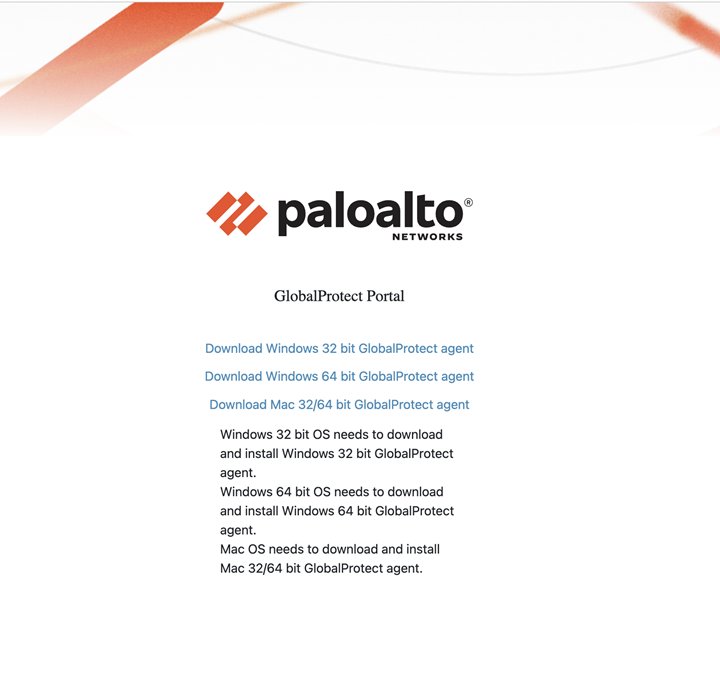
Download GlobalProtect VPN for Windows 11 from your organization’s portal, install it, connect to the portal address, and fix common install and connection errors.
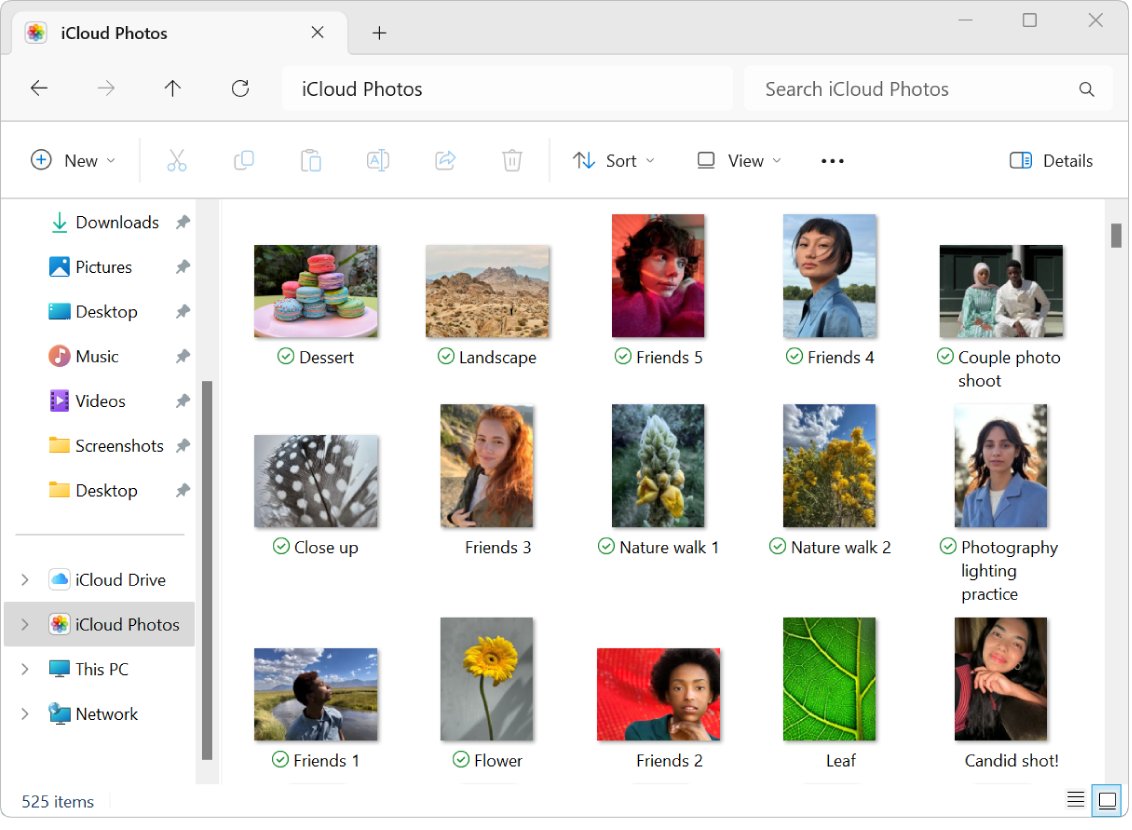
Open AAE files on Windows 11 in Notepad to read the edit record, and get the edited iPhone photo itself through iCloud for Windows or iCloud.com.
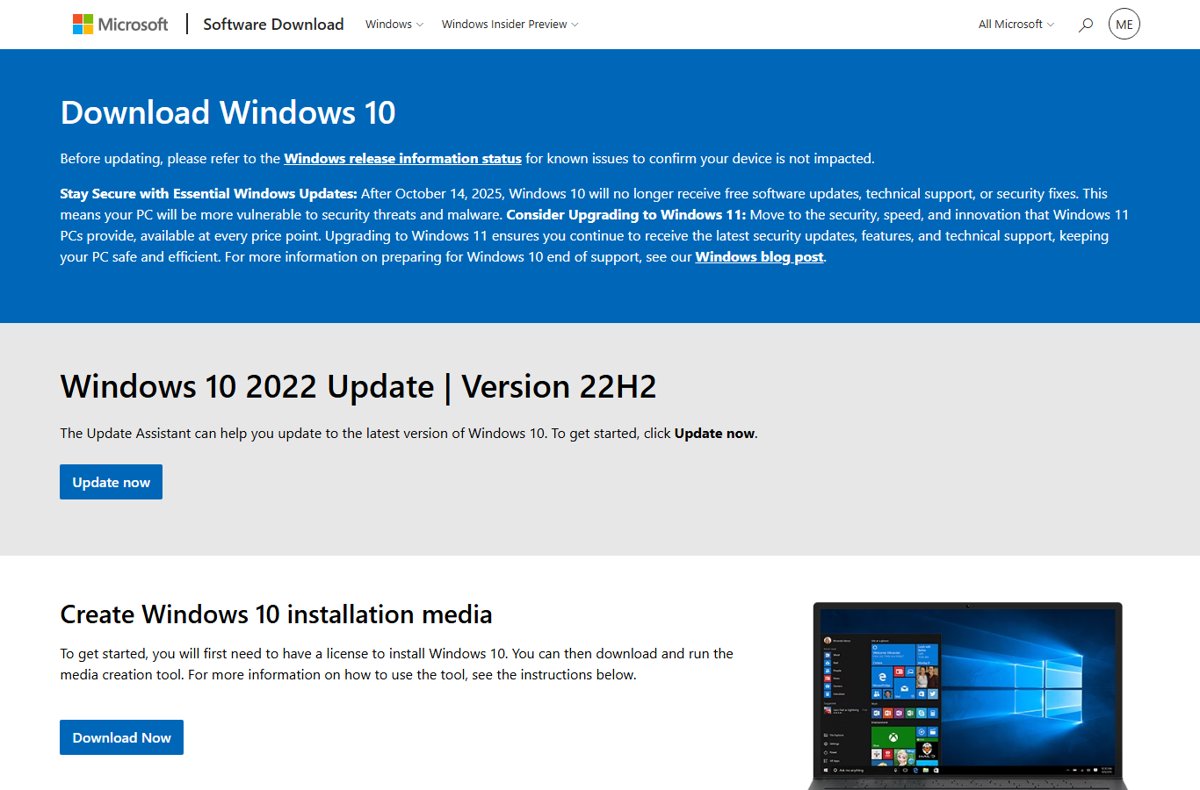
Restore your computer to a previous version of Windows 10 with System Restore, Go back, update removal, a system image or Reset this PC. Steps and fixes.
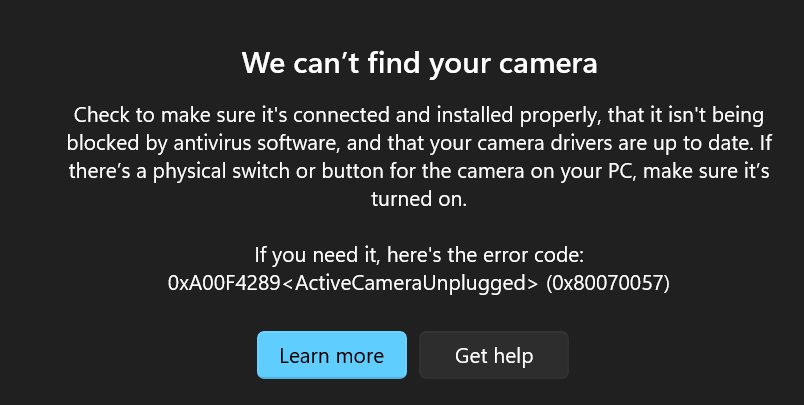
Turn on the camera on Windows 11: open the Camera app, switch on Camera access in Privacy & security, enable it under Bluetooth & devices, and fix drivers.