Techdows

Windows how-to guides, fixes and software downloads

  • Home
  • Settings and hardware

    • Printers
    • Sound and microphone
    • Wi-Fi and network
    • Bluetooth
    • Display and monitors
    • Drivers
    • Keyboard shortcuts and symbols

    Using Windows

    • File Explorer
    • Storage and disk space
    • Taskbar, Start and desktop
    • Apps and default programs
    • Accounts and sign-in
    • Copilot in Windows
    • Command Prompt and PowerShell

    Updates and fixes

    • Windows Update
    • Windows 11 26H2
    • Error codes and BSOD
    • Boot, BIOS and recovery
    • Security and Defender
    • Task Manager and performance
    • DLL and runtime errors

    Popular fixes

    • Get help in Windows 11
    • Connect a wireless printer
    • Re-pair Bluetooth earbuds for stereo sound
    • Cancel a stuck print job
    • Change default programs

    All Windows guides →

  • Browse by type

    • Web browsers
    • Office and productivity apps
    • PC games and launchers
    • Phone and media apps
    • Developer tools
    • Creative apps
    • CAD software
    • System utilities and drivers

    Popular downloads

    • GTA V for PC
    • YouTube app for PC
    • Google Meet for PC
    • Cisco Packet Tracer
    • TikTok for PC

    Windows tools

    • PC Health Check app
    • HEVC Video Extension
    • DirectX 12
    • Cinebench R23

    All download guides →

  • Browser guides

    • Microsoft Edge
    • Google Chrome
    • Firefox
    • Web browsers for PC

    Microsoft Edge

    • Fix WebView2 using too much memory
    • Internet Explorer mode in Edge
    • Manage Edge favorites
    • Set or remove Edge as default

    Chrome and Firefox

    • Make Chrome the default browser
    • Restore closed tabs
    • Change the default web browser

    All browser guides →

  • Office guides

    • Outlook
    • Excel
    • Word and PowerPoint
    • OneDrive
    • Install Microsoft 365

    Meetings and other tools

    • Teams, Zoom and Google Meet
    • Google Docs and Sheets
    • PDF tools

    Office apps

    • Office product key
    • Office Deployment Tool
    • What is OneDrive?
    • Turn off OneDrive in Windows 11

    Outlook and Teams

    • Outlook inbox view changed
    • Schedule an email in Outlook
    • Outlook dark mode
    • Teams breakout rooms

    All Office and productivity guides →

  • PHP security

    • PHP2Shell patch download
    • PHP critical RCE security update
    • CVE-2026-109618 fix
    • CVE-2026-109619 explained
    • Mitigations if you can't update

    Update PHP

    • Update PHP to the latest version
    • Check your PHP version
    • Update PHP on Ubuntu and Debian
    • Restart PHP-FPM

    Hosting and local servers

    • Update PHP in XAMPP
    • Change PHP version in cPanel
    • Update PHP in Laragon and WampServer
    • Update PHP Docker images
    • WordPress PHP version check

    PHP downloads

    • PHP 8.5.12 download
    • PHP 8.4.27 download
    • PHP 8.3.36 and 8.2.35 download
    • Download PHP for Windows

    PHP2Shell by platform

    • PHP 8.3 fix on Ubuntu 24.04
    • PHP 8.1 fix on Ubuntu 22.04
    • PHP 8.2 and 8.4 fix on Debian
    • Update PHP on IIS
    • Cloudflare PHP2Shell WAF rule

    All PHP guides →

  • Sections

    • Gaming
    • Apple
    • Android
    • Apps and services
    • Developer and IT

    Apple

    • iPhone tips and fixes
    • Reset and restore iPhone
    • iPad
    • Mac and macOS
    • Apple Account and iCloud
    • Apple devices on Windows

    Apps, Android and gaming

    • Gmail and Google account
    • YouTube
    • Social media accounts
    • Streaming TV
    • Android and Samsung Galaxy
    • PC gaming and Xbox
    • Roblox and Minecraft on PC

    Developer and IT

    • WSL and developer setup
    • Virtual machines
    • Group Policy and Intune
    • Windows Server
    • Website error codes
  • News
Home›Gaming

Gaming

67 articles

PC gaming on Windows 11 and Windows 10: the Xbox app, Game Bar, controllers, launchers and game fixes. Start with the PC gaming and Xbox guide or the Roblox and Minecraft on PC guide, or find PC games and launchers to download.

Gaming
Access Xbox Networking settings in Windows 11 or 10
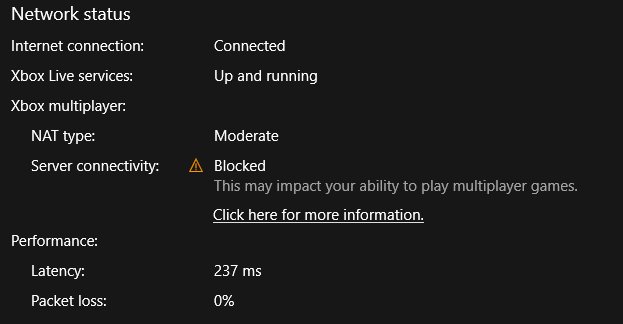
Access Xbox Networking settings in Windows 11 or 10

October 20, 2026 by Philip Celasco Leave a Comment
Access Xbox Networking settings in Windows 11 or 10

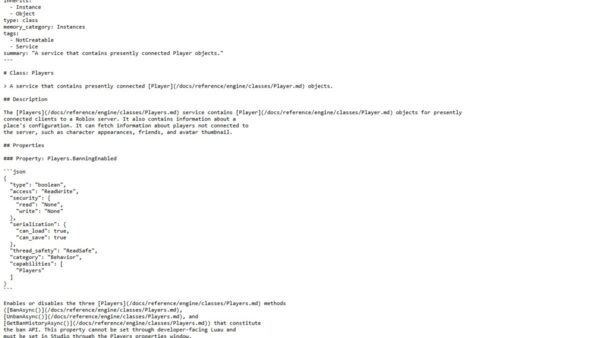
Access Xbox Networking in Windows 10 via Settings > Gaming > Xbox Networking. What it checks, the Windows 11 route, and fixes for Blocked and Teredo errors.
Posted in: Gaming, How to
Gaming
How to check Roblox ban history

How to check Roblox ban history

October 20, 2026 by Philip Celasco Leave a Comment
How to check Roblox ban history

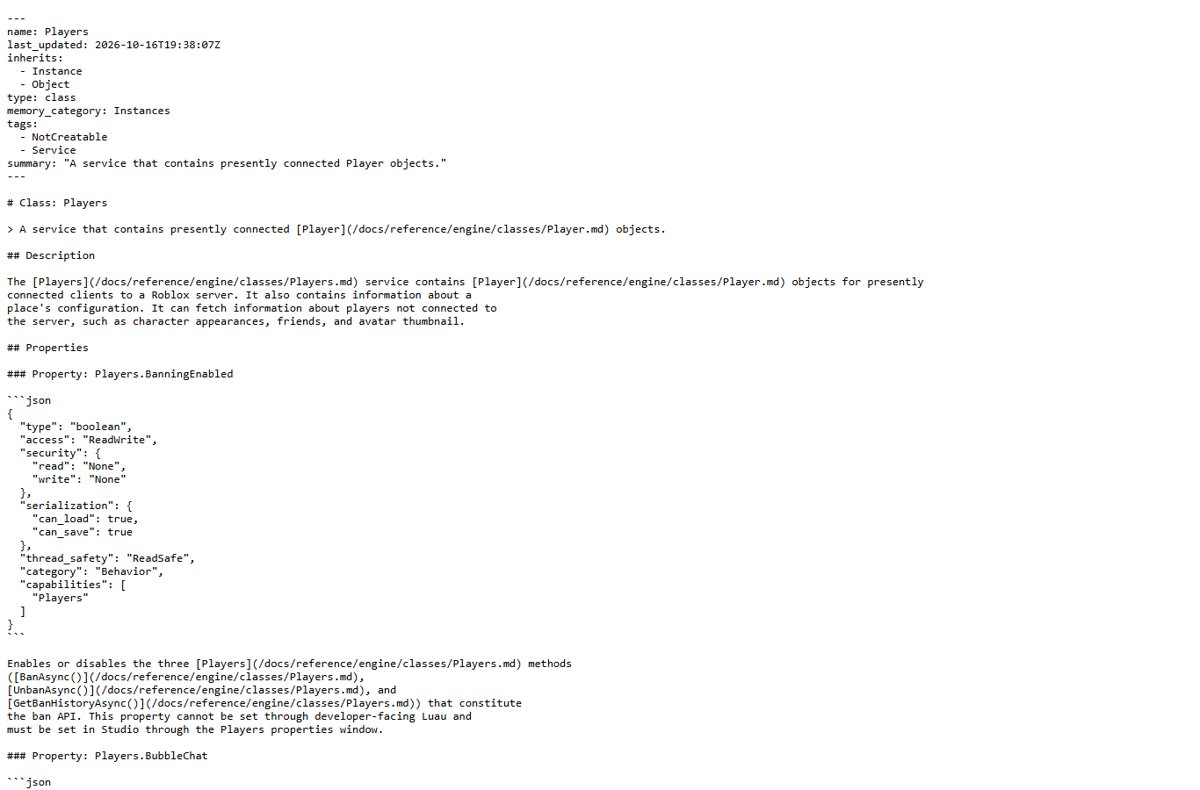
Check Roblox ban history through Violations & Appeals, your moderation notices, Roblox messages and a Right to Access data report, plus experience bans.
Posted in: Gaming, How to
Gaming
How to install Gaming Services in Windows 11

How to install Gaming Services in Windows 11

October 20, 2026 by Philip Celasco Leave a Comment
How to install Gaming Services in Windows 11

Install Gaming Services in Windows 11 from the Microsoft Store, Xbox app or winget, then update, repair, reinstall it with PowerShell and fix the Store loop.
Posted in: Gaming, How to
Gaming
Best offline games 2026: no internet required

Best offline games 2026: no internet required

October 20, 2026 by Philip Celasco Leave a Comment
Best offline games 2026: no internet required

Offline games for PC that play without internet in 2026: Elden Ring, Baldur’s Gate 3, Stardew Valley, Balatro and more, plus how to set up Steam offline mode.
Posted in: Gaming, How to
Gaming
Steam not opening? Lets fix it (18 possible solutions)

Steam not opening? Lets fix it (18 possible solutions)

October 20, 2026 by Philip Celasco Leave a Comment
Steam not opening? Lets fix it (18 possible solutions)

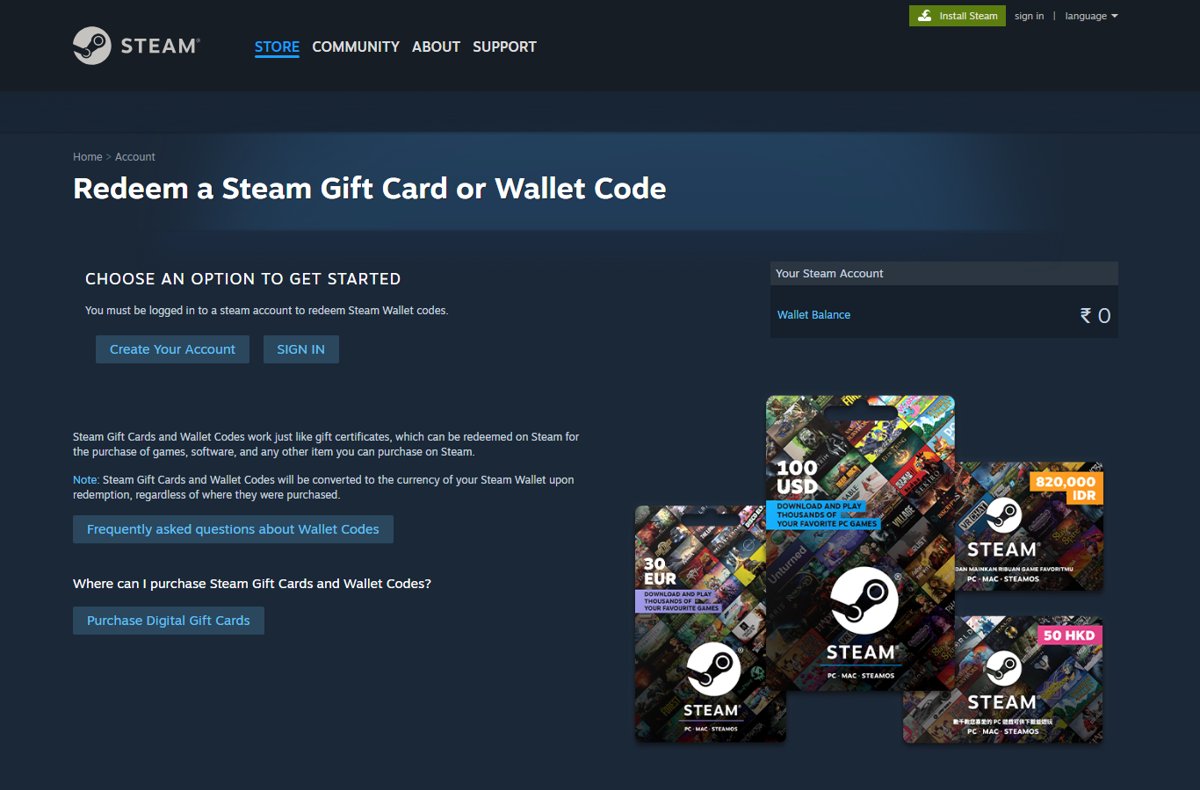
Steam not opening on Windows 11 or 10? End stuck Steam processes, restart, then work through 18 fixes: firewall, network, drivers, updates and a safe reinstall.
Posted in: Gaming, How to
Gaming
How to redeem code on Steam step by step (full guide)

How to redeem code on Steam step by step (full guide)

October 20, 2026 by Philip Celasco Leave a Comment
How to redeem code on Steam step by step (full guide)

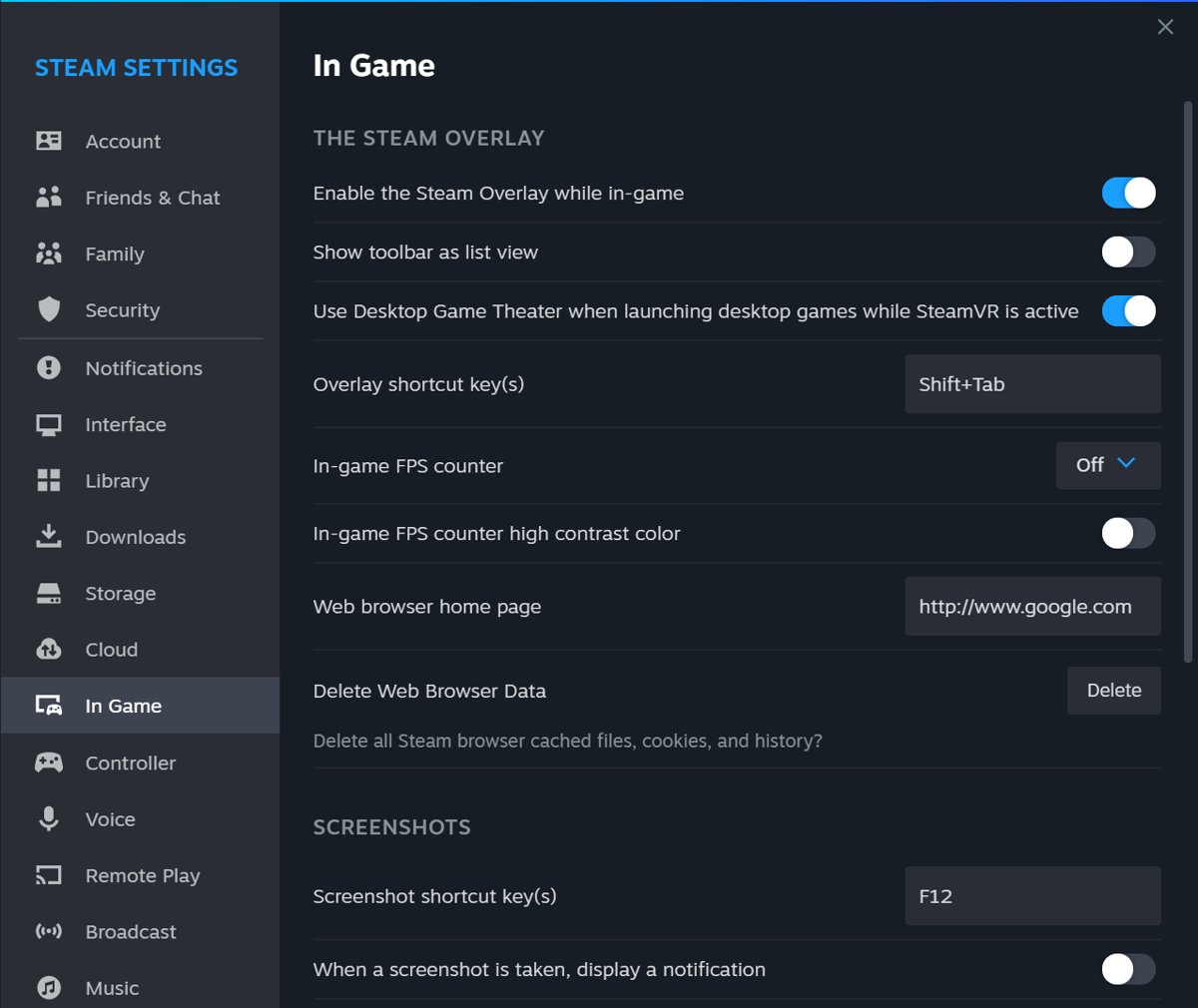
Steam redeem code steps: activate a game key with + Add a Game in the Steam client, or add a gift card or wallet code on the Steam website. Plus error fixes.
Posted in: Gaming, How to
Gaming
How to enable or disable Steam overlay on Windows PC

How to enable or disable Steam overlay on Windows PC

October 19, 2026 by Philip Celasco Leave a Comment
How to enable or disable Steam overlay on Windows PC

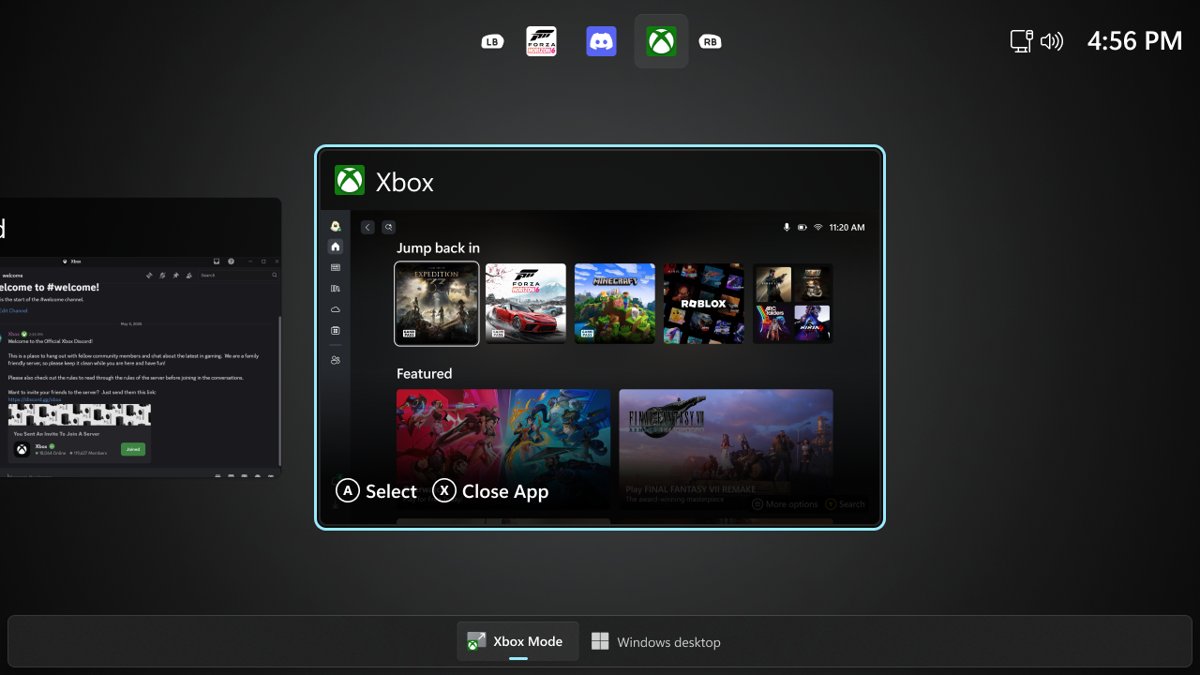
Enable or disable Steam overlay on a Windows PC from Steam > Settings > In-game, turn it off per game, change the Shift+Tab shortcut and fix an overlay that fails.
Posted in: Gaming, How to
Gaming
How to enable or disable Xbox mode in Windows 11

How to enable or disable Xbox mode in Windows 11

October 18, 2026 by Philip Celasco Leave a Comment
How to enable or disable Xbox mode in Windows 11

Enable Xbox mode in Windows 11 from Settings > Gaming > Xbox mode, enter it with Win + F11, and turn it off again on handhelds and desktop PCs.
Posted in: Gaming, How to
Gaming
30 ways to boost your PC's performance for gaming

30 ways to boost your PC’s performance for gaming

October 18, 2026 by Philip Celasco Leave a Comment
30 ways to boost your PC's performance for gaming

Boost your PC’s performance for gaming with Game Mode, driver updates, best power mode, refresh rate, graphics settings, network fixes and the upgrades that matter.
Posted in: Gaming, How to
Gaming
Steam Friends List in a browser with the status line under the profile name

How to appear offline on Steam [easy & quick guide]

October 17, 2026 by Philip Celasco Leave a Comment
Steam Friends List in a browser with the status line under the profile name

Appear offline on Steam by setting your Friends List status to Invisible. Steps for PC and browser, Offline Mode, privacy settings and fixes that work.


Posted in: Gaming, How to
Gaming
Fortnite characters on a cliff overlooking the island and Battle Bus

How to download & install Fortnite on PC & laptop

October 17, 2026 by Philip Celasco Leave a Comment
Fortnite characters on a cliff overlooking the island and Battle Bus

Download and install Fortnite on a PC or laptop through the free Epic Games Launcher: account, install location, first launch, updates and install fixes.
Posted in: Gaming, How to
Gaming
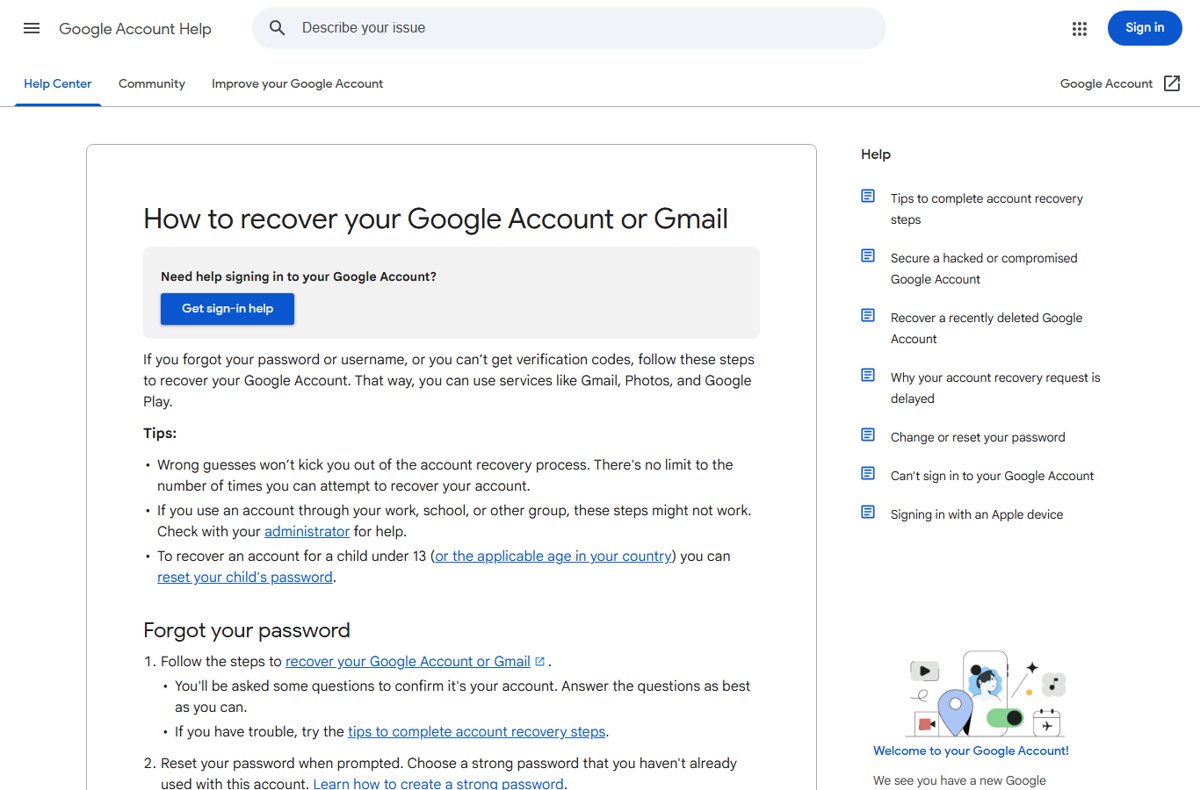
Google Account Help page explaining how to recover a Google Account or Gmail

How to reset Roblox password without email – full guide

October 17, 2026 by Philip Celasco Leave a Comment
Google Account Help page explaining how to recover a Google Account or Gmail

Reset a Roblox password without email using the Phone tab on the Forgot Password page, Quick Login from a signed-in device, or Roblox Support as a last resort.

Posted in: Gaming, How to
« Previous 1 2 3 … 6 Next »

More from Techdows

Apple ID locked - Apple logo on a blue background
Apple ID locked and forgot everything? How to recover it
How to · 5 hours ago
Turn off password protected sharing in Windows 11 - hand holding a key
How to turn off password protected sharing in Windows 11
How to · 5 hours ago
Google Play installation - Android phone showing Google apps on a wooden table
How to do a Google Play installation: A step-by-step guide
How to · 5 hours ago
Blocked callers ringing through on iPhone - incoming call on an iPhone
Blocked callers still ringing through on iPhone? How to fix it
How to · 5 hours ago
iPhone not blocking calls after iOS 26.4 - iPhone resting on a laptop keyboard
iPhone not blocking calls, emails or voicemails after iOS 26.4? How to fix it
How to · 4 hours ago
Screen recording on iPad - app icons on an iPad screen
How to do screen recording in iPad: a step-by-step guide for beginners
How to · 4 hours ago
Original Microsoft FreeCell - hand of playing cards fanned out
How to download the original Microsoft FreeCell on Windows 10
How to · 4 hours ago
Mounting NFS shares in Windows - server racks with network cables
Mounting NFS shares in Windows using the built-in client
How to · 4 hours ago

© 2009–2026 Techdows · About · Contact · Privacy Policy

Copyright © 2026 Techdows.

Techdows WordPress Theme by Techdows