How to Set Up a Google Chromecast: Step-by-Step Guide for Beginners
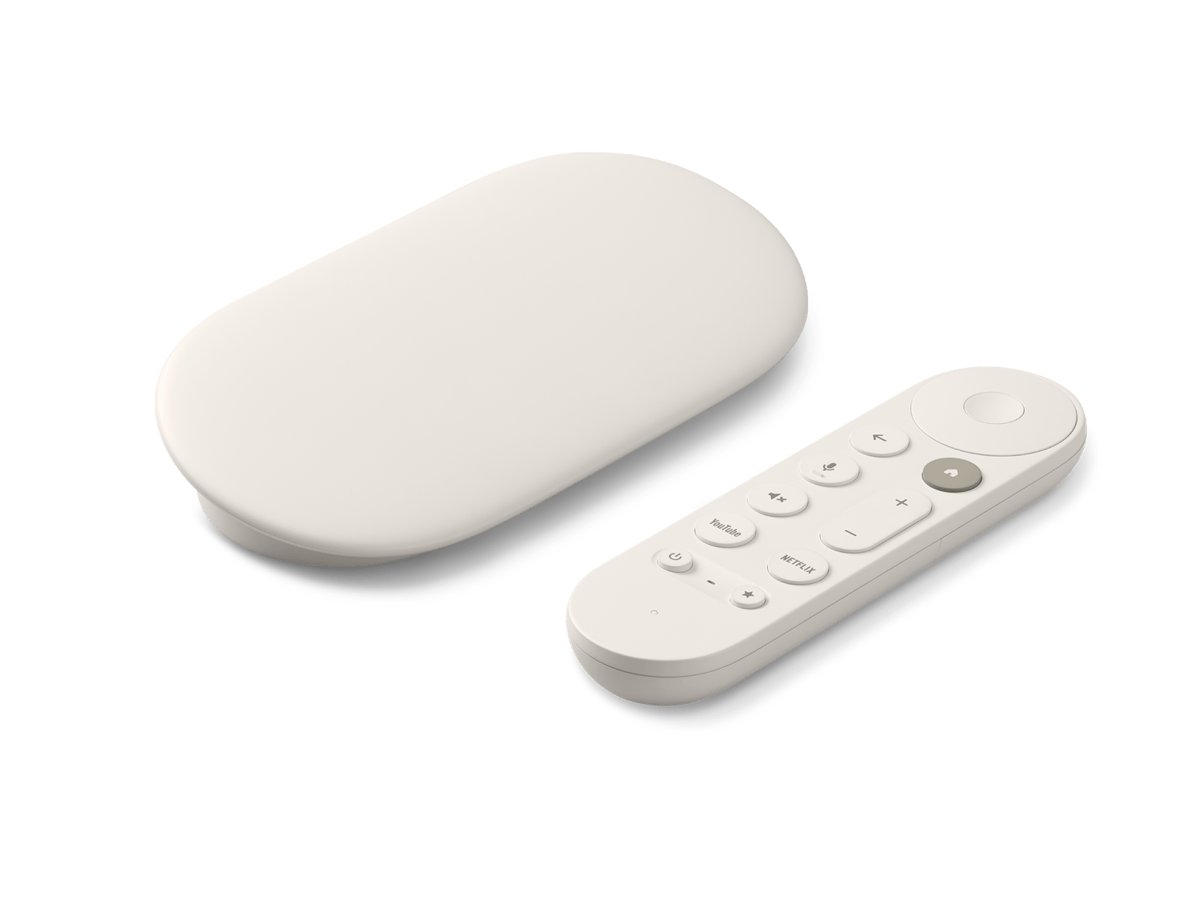
Set up a Google Chromecast by plugging it into your TV, then using the Google Home app to add it to Wi-Fi. Steps for every model, testing, and fixes.
89 articles
Microsoft Edge, Google Chrome, Firefox and other web browsers on Windows: settings, extensions, fixes and new features. Start with the Microsoft Edge guide, the Google Chrome guide or the Firefox guide, or compare web browsers for PC.
Set up a Google Chromecast by plugging it into your TV, then using the Google Home app to add it to Wi-Fi. Steps for every model, testing, and fixes.
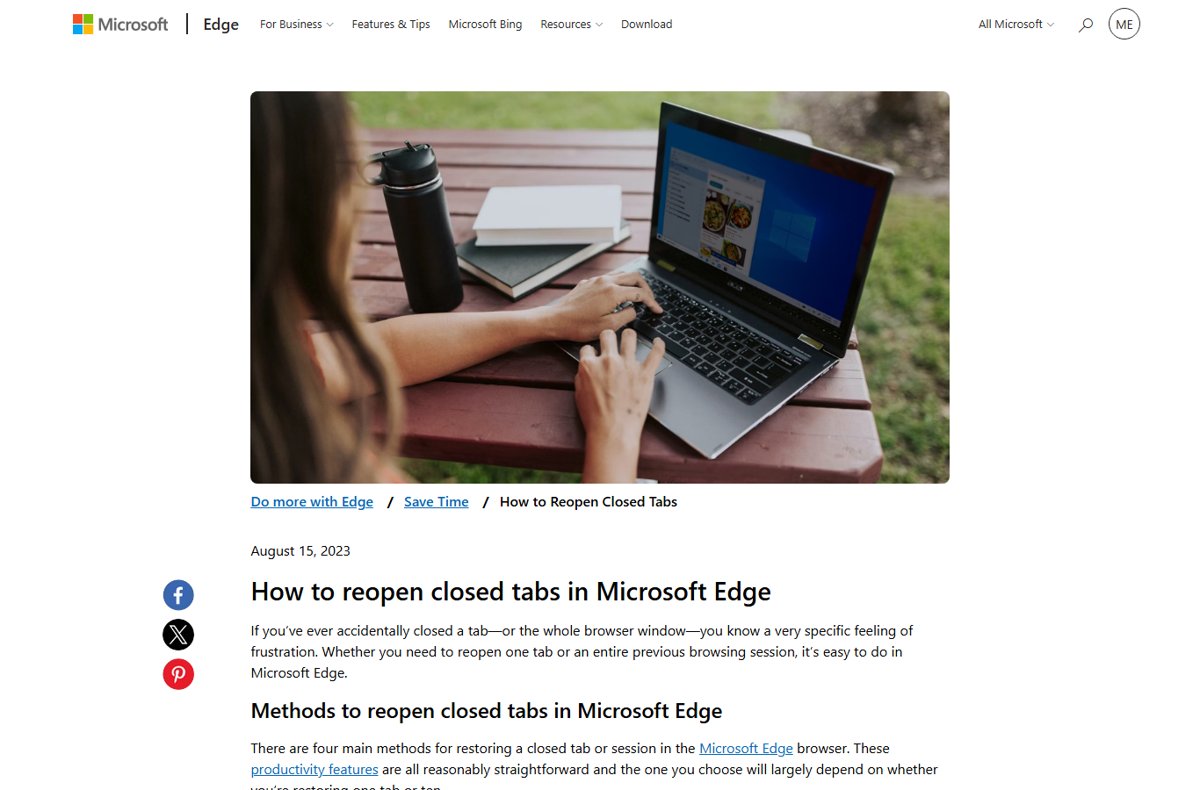
Restore tabs in your browser with Ctrl + Shift + T in Edge, Chrome, Firefox and Opera, or Shift-Command-T in Safari. Plus startup settings, history and fixes.
To exit full screen on a Mac, press Control + Command + F. This is the standard macOS shortcut for entering or leaving full-screen … [Read more…]


To go incognito on a Mac, open a private browsing window in your browser. In Safari, press Command + Shift + N to open … [Read more…]
To uninstall Google Chrome from a Mac, quit Chrome, open the Applications folder in Finder, and move Google Chrome to the Trash. This removes … [Read more…]


To clear cookies on a Mac, open the privacy or browsing-data settings in the browser you use, select cookies or website data, and remove … [Read more…]


Microsoft removed the classic Collections interface from Edge 149, but some builds still contain the underlying feature code. You can temporarily restore Collections by … [Read more…]
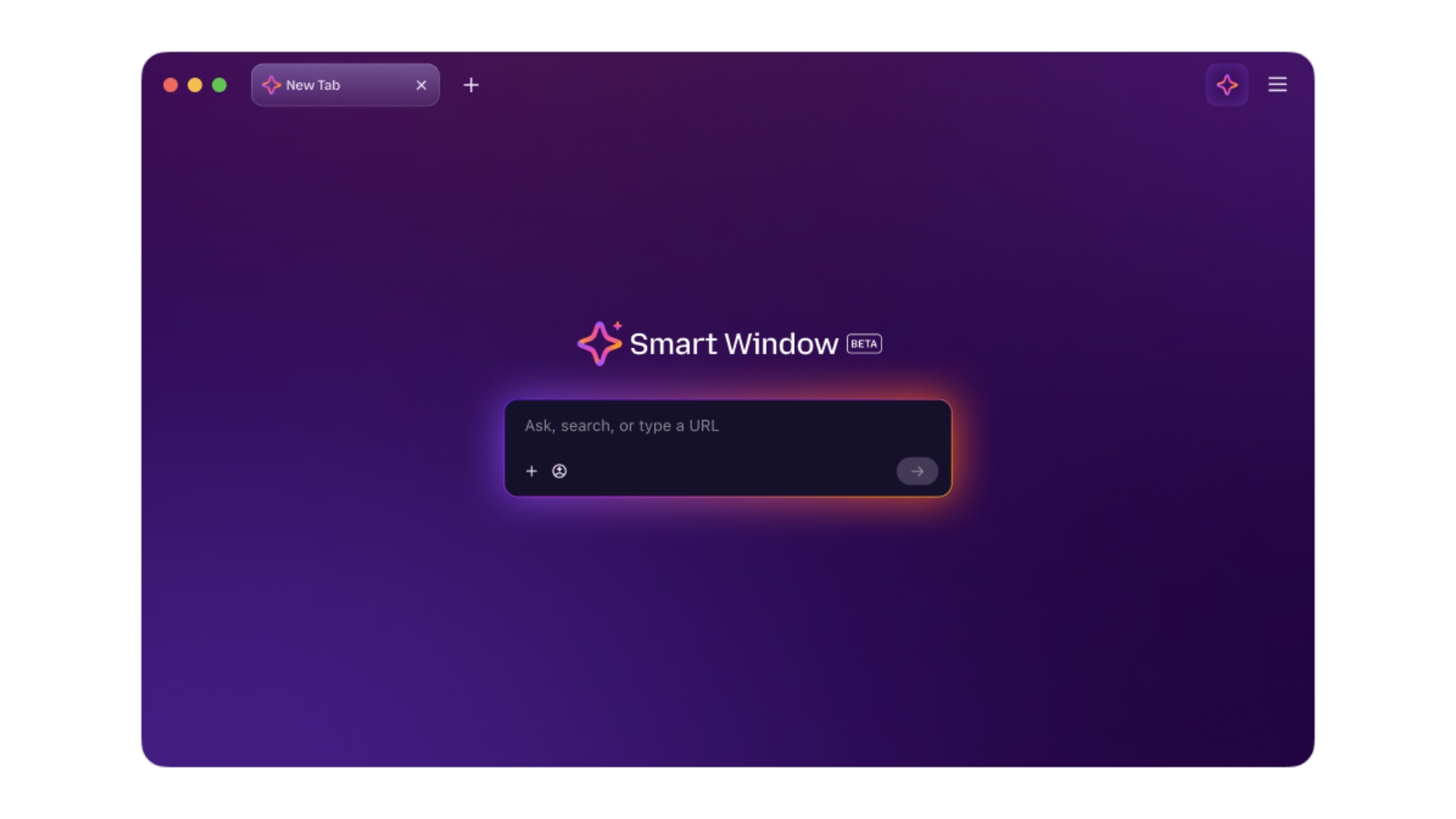
To enable Smart Window in Firefox, open Menu > Settings > AI Controls, find Smart Window, and set it to Available or Enabled. You … [Read more…]

With Efficiency Mode, Firefox reduces power consumption and improves performance. If you want to disable Efficiency mode permanently, you have the option to do so

Don’t like Chrome’s memory saver feature? Here is how you can disable that. Chrome introduces Memory Saver Google has taken steps to address the issue of Chrome being a memory hog criticism by introducing memory and energy saver features. These features help Chrome use less memory and extend battery life when the battery is running …

It is simple to delete a Google Chrome profile. However, the profile also includes preferences, history, bookmarks, and other user data, so you might want to back it up before removing it. The most widely used browser in the world is Google Chrome, which is available for Windows, Mac, Linux, Android, and iOS. Chrome for …
Does your Firefox browser on the desktop has received Total Cookie Protection? Here is how to check and turn it on for improved privacy or turn it off