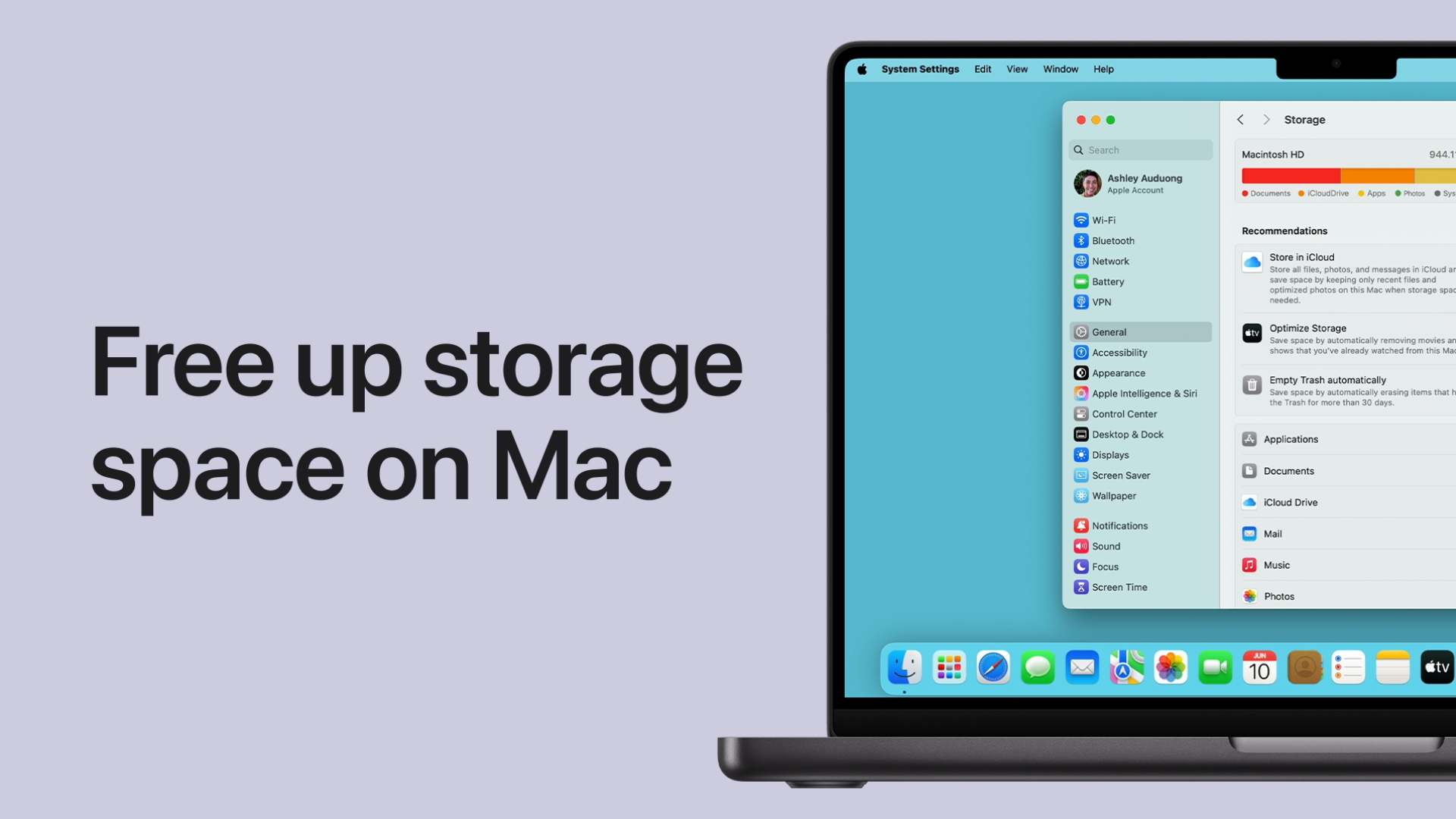
How to Free Up Disk Space on Mac, Clear Storage, System Data & Large Files
You can free up disk space on a Mac by removing large files and unused apps, clearing the Downloads folder and Trash, deleting old … [Read more…]
327 articles
iPhone, iPad, Mac, iCloud and AirPods how-tos: settings, resets, backups and fixes. Start with the iPhone tips and fixes guide, resetting, restoring and updating an iPhone, the iPad guide, the Mac and macOS guide or the Apple Account and iCloud guide, plus using Apple devices with a Windows PC.
You can free up disk space on a Mac by removing large files and unused apps, clearing the Downloads folder and Trash, deleting old … [Read more…]
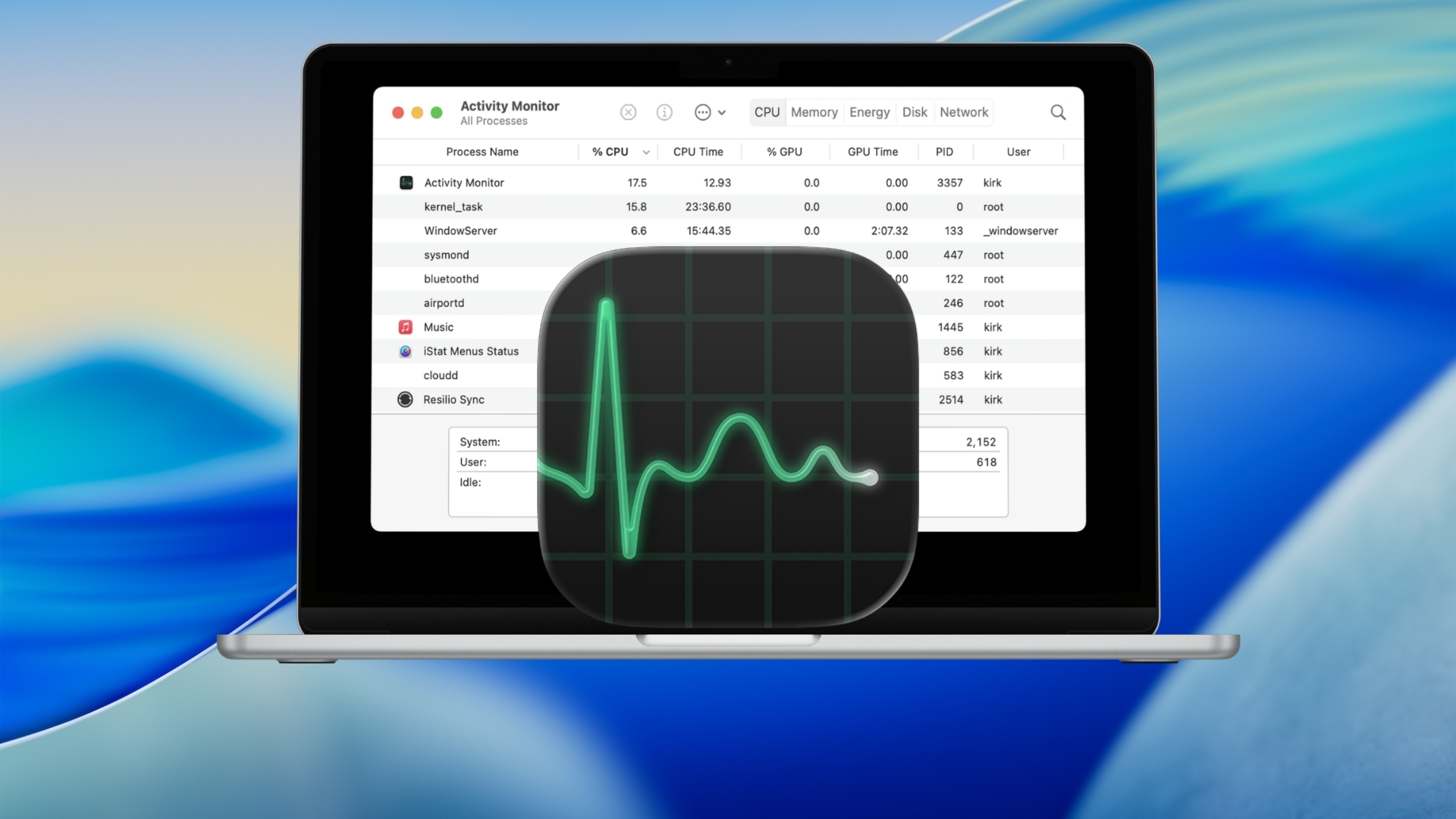
Mac does not have an app called Task Manager. The macOS equivalent is Activity Monitor, which shows running apps and background processes along with … [Read more…]
The fastest way to open Terminal on a Mac is to press Command + Space, type Terminal, and press Return. You can also open … [Read more…]
You can reset a Mac to factory settings by using Erase All Content and Settings on supported Macs, or by erasing the startup disk … [Read more…]
To uninstall an app on a Mac, quit the app, open Finder, go to the Applications folder, and move the app to the Trash. … [Read more…]
You can record your screen on a Mac without installing an app. Press Shift + Command + 5 to open Apple’s Screenshot toolbar, choose … [Read more…]


To clear cookies on a Mac, open the privacy or browsing-data settings in the browser you use, select cookies or website data, and remove … [Read more…]
You can update a Mac from System Settings > General > Software Update. Your Mac checks Apple’s servers, shows only macOS updates and upgrades … [Read more…]
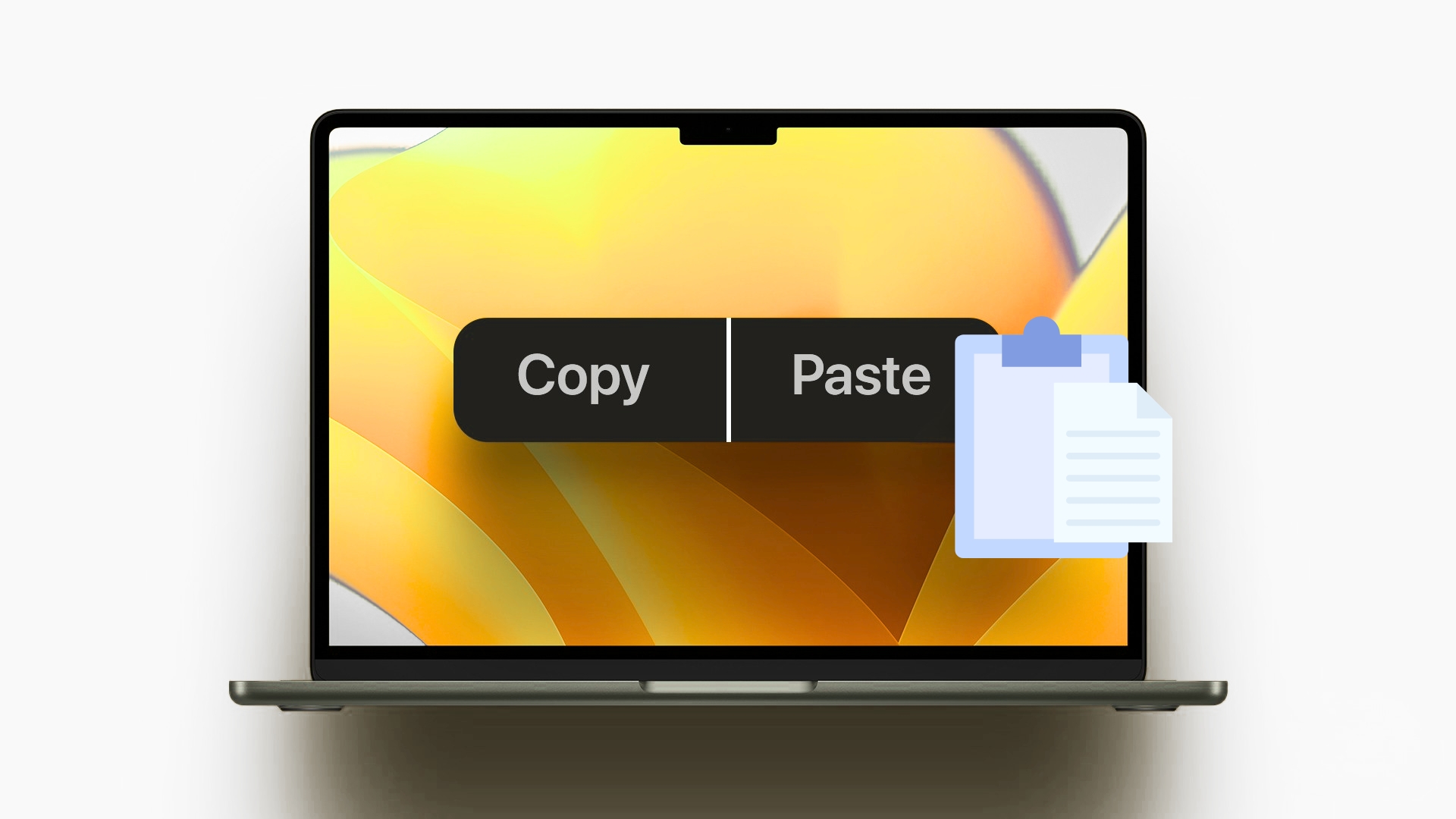
To copy and paste on a MacBook, select the text, image, file, or other item, press Command + C to copy it, then press … [Read more…]
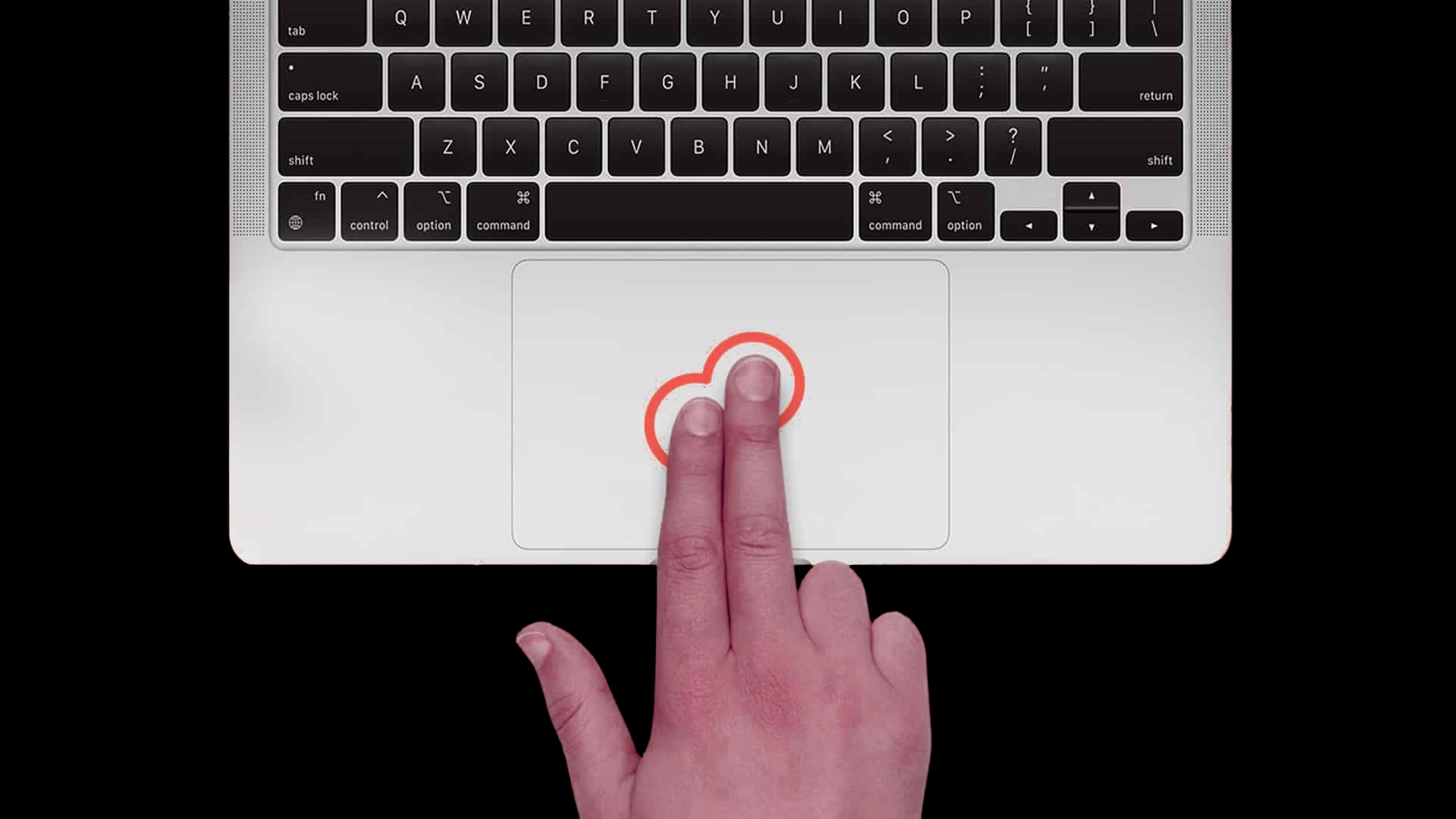
To right click on a Mac, click or tap the trackpad with two fingers. Apple calls this a secondary click. You can also hold … [Read more…]
To print screen on a Mac, press Shift + Command + 3 to capture the entire screen. To screenshot only part of the screen, … [Read more…]
To clear cache on a Mac, remove cached website data from your browser and, when necessary, delete temporary files created by individual apps. You … [Read more…]