Techdows

Windows how-to guides, fixes and software downloads

  • Home
  • Settings and hardware

    • Printers
    • Sound and microphone
    • Wi-Fi and network
    • Bluetooth
    • Display and monitors
    • Drivers
    • Keyboard shortcuts and symbols

    Using Windows

    • File Explorer
    • Storage and disk space
    • Taskbar, Start and desktop
    • Apps and default programs
    • Accounts and sign-in
    • Copilot in Windows
    • Command Prompt and PowerShell

    Updates and fixes

    • Windows Update
    • Windows 11 26H2
    • Error codes and BSOD
    • Boot, BIOS and recovery
    • Security and Defender
    • Task Manager and performance
    • DLL and runtime errors

    Popular fixes

    • Get help in Windows 11
    • Connect a wireless printer
    • Re-pair Bluetooth earbuds for stereo sound
    • Cancel a stuck print job
    • Change default programs

    All Windows guides →

  • Browse by type

    • Web browsers
    • Office and productivity apps
    • PC games and launchers
    • Phone and media apps
    • Developer tools
    • Creative apps
    • CAD software
    • System utilities and drivers

    Popular downloads

    • GTA V for PC
    • YouTube app for PC
    • Google Meet for PC
    • Cisco Packet Tracer
    • TikTok for PC

    Windows tools

    • PC Health Check app
    • HEVC Video Extension
    • DirectX 12
    • Cinebench R23

    All download guides →

  • Browser guides

    • Microsoft Edge
    • Google Chrome
    • Firefox
    • Web browsers for PC

    Microsoft Edge

    • Fix WebView2 using too much memory
    • Internet Explorer mode in Edge
    • Manage Edge favorites
    • Set or remove Edge as default

    Chrome and Firefox

    • Make Chrome the default browser
    • Restore closed tabs
    • Change the default web browser

    All browser guides →

  • Office guides

    • Outlook
    • Excel
    • Word and PowerPoint
    • OneDrive
    • Install Microsoft 365

    Meetings and other tools

    • Teams, Zoom and Google Meet
    • Google Docs and Sheets
    • PDF tools

    Office apps

    • Office product key
    • Office Deployment Tool
    • What is OneDrive?
    • Turn off OneDrive in Windows 11

    Outlook and Teams

    • Outlook inbox view changed
    • Schedule an email in Outlook
    • Outlook dark mode
    • Teams breakout rooms

    All Office and productivity guides →

  • PHP security

    • PHP2Shell patch download
    • PHP critical RCE security update
    • CVE-2026-109618 fix
    • CVE-2026-109619 explained
    • Mitigations if you can't update

    Update PHP

    • Update PHP to the latest version
    • Check your PHP version
    • Update PHP on Ubuntu and Debian
    • Restart PHP-FPM

    Hosting and local servers

    • Update PHP in XAMPP
    • Change PHP version in cPanel
    • Update PHP in Laragon and WampServer
    • Update PHP Docker images
    • WordPress PHP version check

    PHP downloads

    • PHP 8.5.12 download
    • PHP 8.4.27 download
    • PHP 8.3.36 and 8.2.35 download
    • Download PHP for Windows

    PHP2Shell by platform

    • PHP 8.3 fix on Ubuntu 24.04
    • PHP 8.1 fix on Ubuntu 22.04
    • PHP 8.2 and 8.4 fix on Debian
    • Update PHP on IIS
    • Cloudflare PHP2Shell WAF rule

    All PHP guides →

  • Sections

    • Gaming
    • Apple
    • Android
    • Apps and services
    • Developer and IT

    Gaming and Apple

    • PC gaming and Xbox
    • Apple devices on Windows

    Developer and IT

    • WSL and developer setup
    • Virtual machines
    • Group Policy and Intune
    • Website error codes
  • News
Home›Apple

Apple

284 articles

iPhone, iPad, Mac, iCloud and AirPods how-tos: settings, resets, backups and fixes, plus using Apple devices with a Windows PC.

Apple
iPhone battery won't charge after water - smartphone connected to a charger

iPhone battery won’t charge after water issue
November 3, 2026 by Philip Celasco Leave a Comment
iPhone battery won't charge after water - smartphone connected to a charger

iPhone battery won’t charge after water? Unplug it, dry the port with airflow for at least 5 hours, skip the rice, then retry or use a Qi wireless charger.
Posted in: Apple, How to
Apple
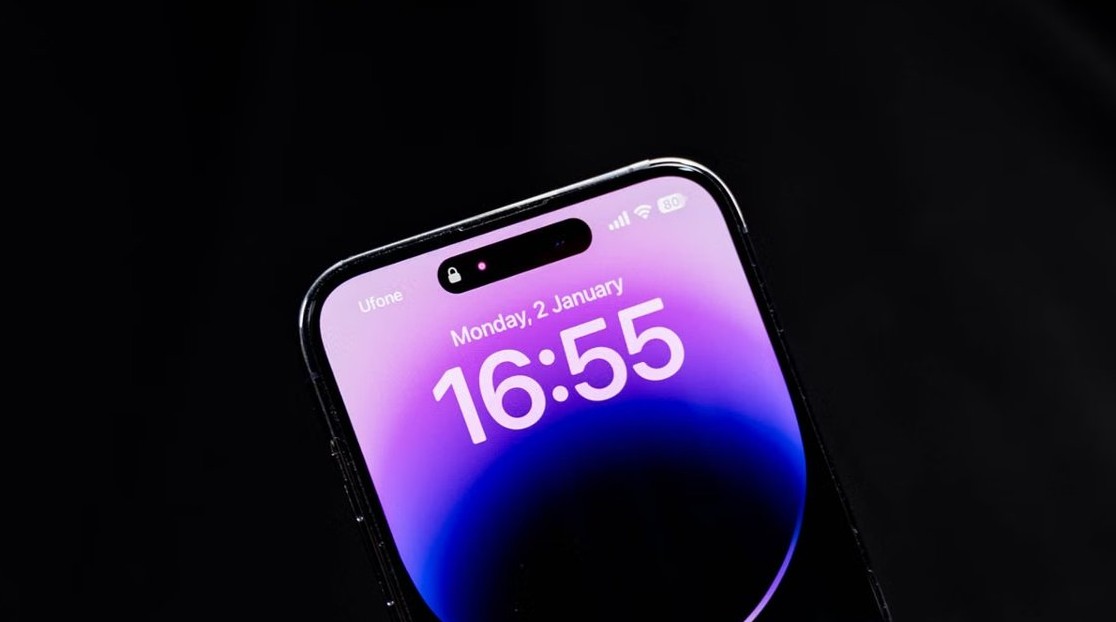
web.whatsapp.com syncing on iPad - WhatsApp app on a phone screen

WhatsApp Web partially syncing on iPad Pro: how to fix it

November 3, 2026 by Philip Celasco Leave a Comment
web.whatsapp.com syncing on iPad - WhatsApp app on a phone screen

WhatsApp Web on iPad Pro shows only some chats because Web syncs limited history. Install WhatsApp for iPad to sync up to a year, or relink the browser session.
Posted in: Apple, How to
Apple
iPhone asking for passcode after factory reset - iPhone lock screen

Why is iPhone asking for passcode after factory reset? How to fix it

November 3, 2026 by Philip Celasco Leave a Comment
iPhone asking for passcode after factory reset - iPhone lock screen

iPhone asking for passcode after factory reset? It is Activation Lock. Enter the old passcode or Apple Account password, or remove the iPhone at iCloud.com/find.
Posted in: Apple, How to
Apple
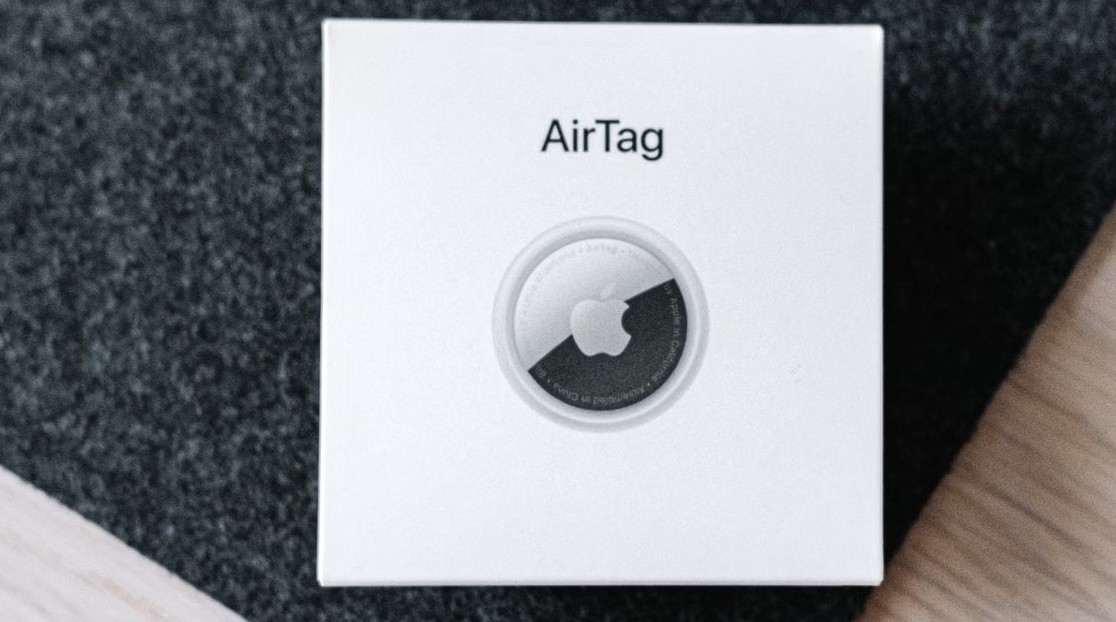
AirTags not showing in iCloud - Apple AirTag packaging

Why don’t I see my AirTags on my iCloud account

November 3, 2026 by Philip Celasco Leave a Comment
AirTags not showing in iCloud - Apple AirTag packaging

Why don’t I see my AirTags on my iCloud account? Find Devices on iCloud.com shows devices only; AirTags appear under Items in Find My on iPhone, iPad, Mac or Watch.


Posted in: Apple, How to
Apple
iPhone 16 Pro Max lagging after iOS 18 update - iPhone Pro camera lenses

iPhone 16 Pro Max lagging after iOS 18 update

November 3, 2026 by Philip Celasco Leave a Comment
iPhone 16 Pro Max lagging after iOS 18 update - iPhone Pro camera lenses

iPhone 16 Pro Max lagging after the iOS 18 update? Let it finish background work, force restart, update iOS and apps, free storage and check battery health.
Posted in: Apple, How to
Apple
Change alarm volume on iPhone - phone alarm clock app

How to change alarm volume on iPhone: A step-by-step guide

November 3, 2026 by Philip Celasco Leave a Comment
Change alarm volume on iPhone - phone alarm clock app

Change alarm volume on iPhone in Settings > Sounds & Haptics: drag the Alarms and Timers slider on iOS 27, or the Ringtone and Alerts slider on iOS 26 and earlier.
Posted in: Apple, How to
Apple
Family Sharing payment methods on iPhone - contactless card payment

Family Sharing has taken over payment methods on iPhone? How to fix it

November 3, 2026 by Philip Celasco Leave a Comment
Family Sharing payment methods on iPhone - contactless card payment

Family Sharing took over the payment method on your iPhone? Add your own card in Payment & Shipping, or have the organizer stop Purchase Sharing. Steps inside.


Posted in: Apple, How to
Apple
Use Claude Code in terminal - code on a dark screen

How to use Claude Code in terminal — Windows, macOS, and Linux

November 3, 2026 by Philip Celasco Leave a Comment
Use Claude Code in terminal - code on a dark screen

Use Claude Code in terminal on Windows, macOS and Linux: install the claude CLI, sign in, start a session in your project, edit code, use Git and set up CLAUDE.md.
Posted in: Apple, How to
Apple
iPhone SE 2020 and iOS 18.6.2 support - iPhone on a dark background

Apple support for iPhone SE 2020 and iOS 18.6.2

November 3, 2026 by Philip Celasco Leave a Comment
iPhone SE 2020 and iOS 18.6.2 support - iPhone on a dark background

Apple still supports the iPhone SE 2020: it runs iOS 27.2, but iOS 18.6.2 stopped getting fixes. Update steps, support end date, eSIM, 5G and restart help.


Posted in: Apple, How to
Apple
Apple ID security alert email - cyber security letter blocks

Verifying an Apple ID security alert email

November 3, 2026 by Philip Celasco Leave a Comment
Apple ID security alert email - cyber security letter blocks

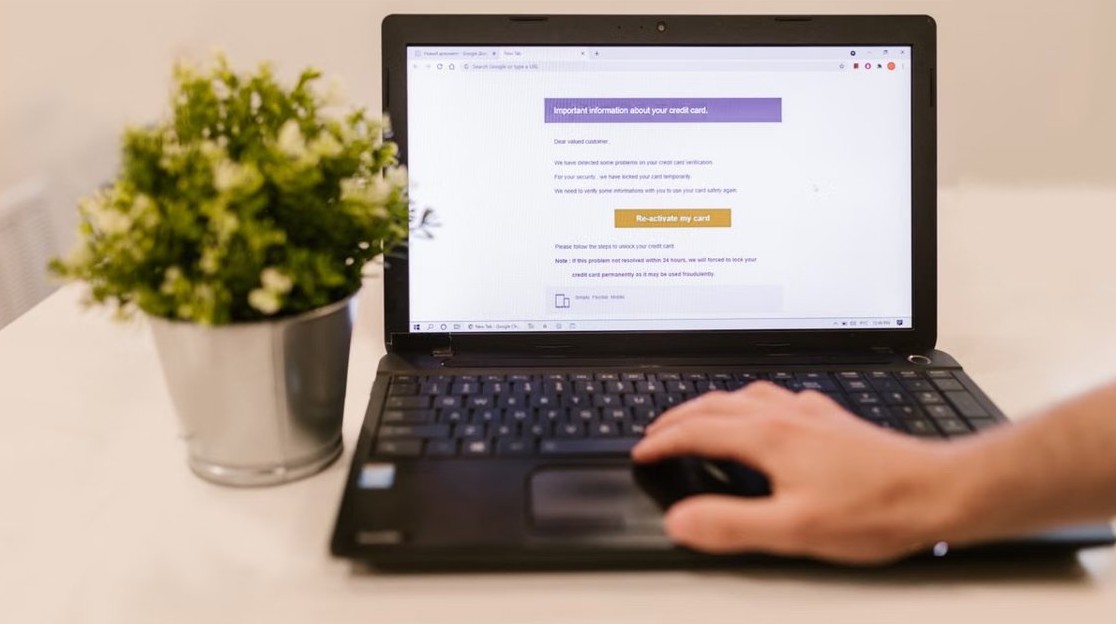
Verify an Apple ID security alert email without clicking its links: check Sign-In & Security and your device list, spot phishing signs, and report fakes to Apple.
Posted in: Apple, How to
Apple
iPhone 6 back CE0682 number - back of an iPhone with the Apple logo

What is CE0682 on the back of iPhone 6? The numbers explained

November 3, 2026 by Philip Celasco Leave a Comment
iPhone 6 back CE0682 number - back of an iPhone with the Apple logo

CE0682 on the back of an iPhone 6 is a European regulatory mark, not your phone number. Find the iPhone 6 model number, IMEI, serial and phone number instead.

Posted in: Apple, How to
Apple
Unblock an email address on iCloud Mail - reading email on a laptop

How to unblock an email address on iCloud mail

November 3, 2026 by Philip Celasco Leave a Comment
Unblock an email address on iCloud Mail - reading email on a laptop

Unblock an email address on iCloud Mail from Blocked Contacts on iPhone, Unblock Sender in Mail on Mac, or by deleting a blocking rule on iCloud.com.

Posted in: Apple, How to
« Previous 1 2 3 … 24 Next »

More from Techdows

Windows 11 wallpaper - laptop and monitor showing a landscape background
Windows 11 wallpaper guide: Change desktop and lock screen backgrounds
How to · 5 hours ago
See iCloud login history - combination lock for account security
How to see my iCloud login history
Apple · 5 hours ago
Link phone to Windows with QR - smartphone on a laptop
Connect your phone to Windows in 2026 with QR pairing via aka.ms/linkphoneqr
How to · 5 hours ago
Connect iPhone to Windows PC with iTunes - phone held in front of a laptop
Connecting your iPhone to your Windows PC using iTunes
Apple · 4 hours ago
Print Avery 5160 labels in Word - office printer
How to print Avery 5160 labels in Word – your 2026 guide
How to · 4 hours ago
Photos not syncing with iCloud - smartphone showing a photo
Photos not syncing with iCloud
Apple · 4 hours ago
Set preferred speaker and microphone in Windows 11 - headphones on a laptop
Set up Preferred Speaker and Microphone for different Apps in Windows 11
How to · 4 hours ago
Microsoft Edge favorites location - laptop with a browser open
Where are Favorites stored or saved in Microsoft Edge browser?
Browsers · 3 hours ago

© 2009–2026 Techdows · About · Contact · Privacy Policy

Copyright © 2026 Techdows.

Techdows WordPress Theme by Techdows