Apple supports Studio Display brightness control in Windows 10 only through Boot Camp Control Panel on supported Intel-based Macs, where you set it under Display.
This guide covers that route, what Apple documents for other Windows laptops connected over Thunderbolt 3, and the fixes to try when the brightness option is missing.
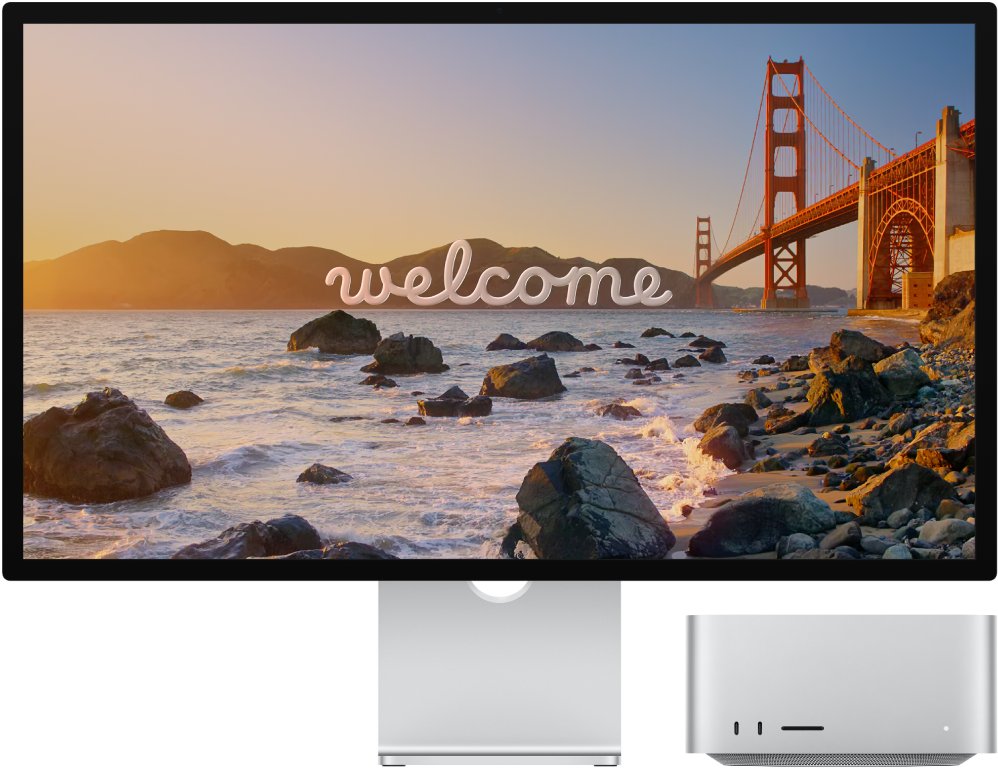
Change Studio Display brightness with Boot Camp Control Panel
Use this route when Windows 10 runs through Boot Camp on a Mac that Apple lists for Studio Display.
- Connect the Studio Display to the Mac with the Thunderbolt cable that came with the display.
- Start the Mac in Windows 10.
- Open the hidden icons area at the right end of the taskbar and click the Boot Camp icon.
- Choose Boot Camp Control Panel, and click Yes if a User Account Control dialog appears.
- Click Display.
- Set the brightness level, and turn automatic brightness adjustment on or off if the option appears.
Studio Display Boot Camp requirements for Windows 10
Apple states that Studio Display supports Boot Camp with macOS Monterey 12.3 or later, and that Windows 10 needs the latest Apple software.
| Requirement | Detail |
|---|---|
| macOS version | macOS Monterey 12.3 or later, with the latest updates installed |
| Windows version | Windows 10 installed with Boot Camp Assistant |
| Apple drivers | Run Apple Software Update in Windows after installing Windows 10 |
| MacBook Pro | 16-inch (2019), 15-inch (2016 to 2019), 13-inch (2016 to 2020) |
| MacBook Air | 2018 to 2020 |
| iMac | iMac (2017 to 2020) and iMac Pro |
| Mac mini and Mac Pro | Mac mini (2018) and Mac Pro (2019) |
Apple's Studio Display Boot Camp page lists only Intel-based Macs, so Apple silicon Macs and non-Apple laptops are not covered by it.
Can you adjust Studio Display brightness on a non-Mac Windows laptop?
Apple documents Studio Display brightness in Windows only for Boot Camp on the Macs listed above. Apple publishes no Windows brightness tool for Studio Display on a Dell, HP, Lenovo or other Windows laptop.
The display has no buttons of its own, so there is no physical brightness control on the panel.
| Setup | Brightness control documented by Apple | What Windows offers |
|---|---|---|
| Supported Intel Mac in Boot Camp | Yes, in Boot Camp Control Panel > Display | Same control through Apple's drivers |
| Non-Apple Windows 10 laptop over Thunderbolt 3 | No | The Settings brightness slider controls the laptop's built-in screen |
| Mac running macOS | Yes, in Displays settings | Not applicable |
The Windows brightness slider and keyboard brightness keys are meant for the laptop's built-in screen brightness, not for external monitors without vendor support.
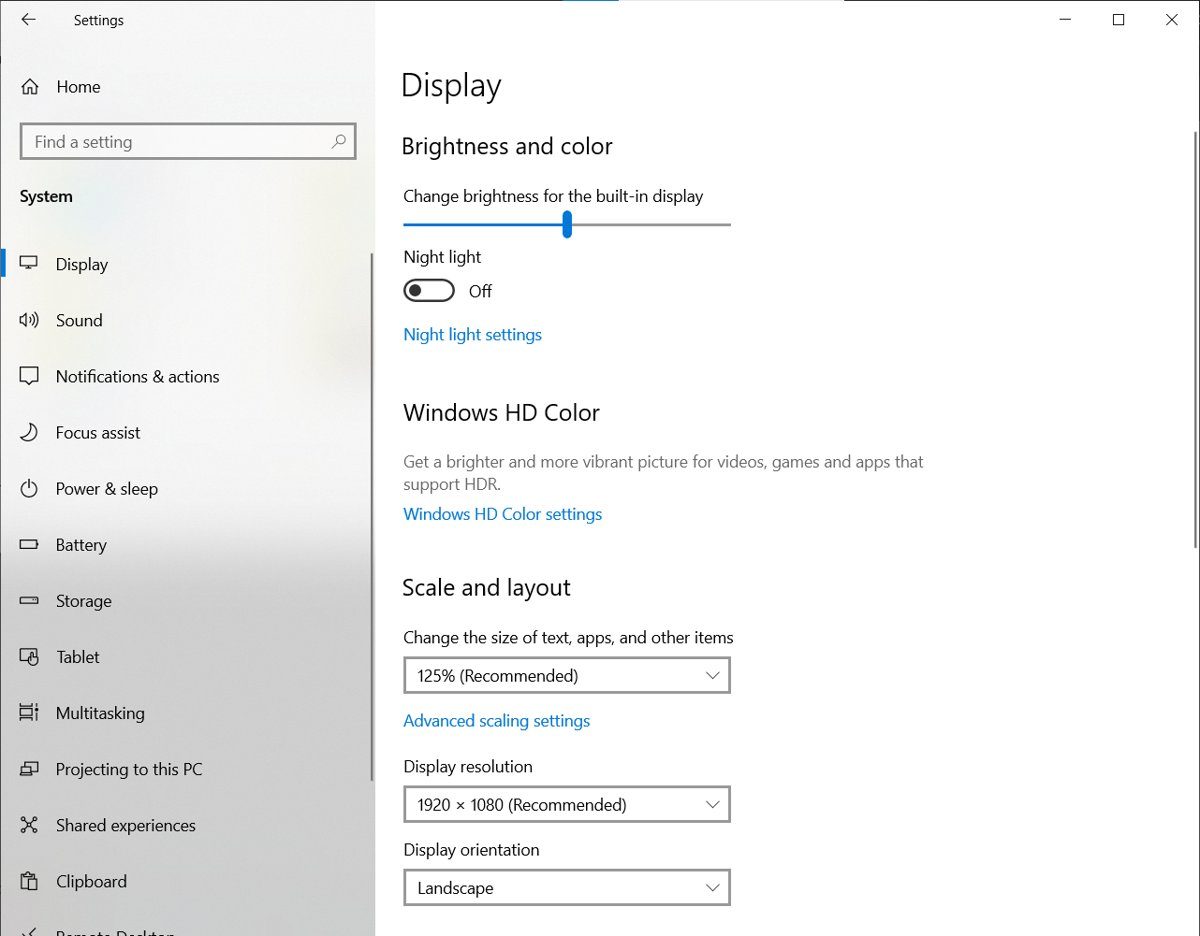
Change the built-in display brightness in Windows with Boot Camp
On a MacBook in Boot Camp, the built-in screen uses Windows display settings or the Apple keyboard. The Studio Display uses Boot Camp Control Panel.
- Click Start, choose Settings, then click System.
- Click Display in the list on the left.
- Set the brightness options you want.
- Or press the brightness up or brightness down key on the Apple keyboard, holding Fn if needed.
Check the Studio Display brightness change applied
- Open Boot Camp Control Panel > Display again.
- Confirm the brightness level is where you set it.
- Look at a white window on the Studio Display and confirm it dims or brightens as you move the control.
- Restart Windows and confirm the level is kept.
Fix Studio Display brightness not adjustable in Windows 10
Boot Camp Control Panel shows no brightness option for Studio Display
Apple's Windows drivers for Studio Display are missing or out of date.
- Restart into macOS and install the latest macOS updates.
- Restart into Windows 10.
- Open Apple Software Update from the Start menu and install every update listed.
- Restart Windows and open Boot Camp Control Panel > Display again.
The Boot Camp icon is not in the taskbar
The Boot Camp support software is not installed in this copy of Windows.
- Confirm Windows 10 was installed with Boot Camp Assistant on a supported Mac.
- Run Apple Software Update in Windows to add the Boot Camp drivers.
- Restart and check the hidden icons area again.
Studio Display shows no picture in Safe Mode or Windows Recovery
Apple notes that video over Thunderbolt 3 may not work in Windows Safe Mode or the Windows Recovery Environment.
- Connect a display to another port such as HDMI while you work in those modes.
- Restart Windows normally to use the Studio Display again.
Brightness does not change on a non-Apple Windows laptop
Apple does not document Studio Display brightness support outside Boot Camp on its listed Macs.
- Check your laptop maker's support site for Thunderbolt and graphics driver updates.
- Use the Studio Display at its default brightness, or use it with a Mac where Displays settings control it.
Studio Display Windows brightness FAQ
Does Apple Studio Display work with Windows 10?
Apple supports Studio Display with Windows 10 through Boot Camp on listed Intel-based Macs, with macOS Monterey 12.3 or later and the latest Apple software installed in Windows.
How do I change Studio Display brightness in Boot Camp?
Click the Boot Camp icon in the taskbar's hidden icons area, choose Boot Camp Control Panel, then click Display and set the brightness level you want.
Does Studio Display have brightness buttons?
No. Apple states the Studio Display has no buttons and turns on when it has power and is connected, so brightness changes come from software on the connected computer.
Can I use Studio Display with Boot Camp on an Apple silicon Mac?
No. Boot Camp runs only on Intel-based Macs, and Apple's Studio Display Boot Camp list includes only Intel models such as the 16-inch MacBook Pro (2019) and Mac Pro (2019).
Why does the Windows brightness slider not change my Studio Display?
The Windows Settings slider controls the laptop's built-in screen. Apple documents Studio Display brightness in Windows only through Boot Camp Control Panel on supported Macs.
Which macOS version does Studio Display need for Boot Camp?
Apple states Studio Display supports Boot Camp with macOS Monterey 12.3 or later. Install the latest macOS updates before you set up or update Windows 10 with Boot Camp Assistant.