Fix: this file does not have an app associated with it
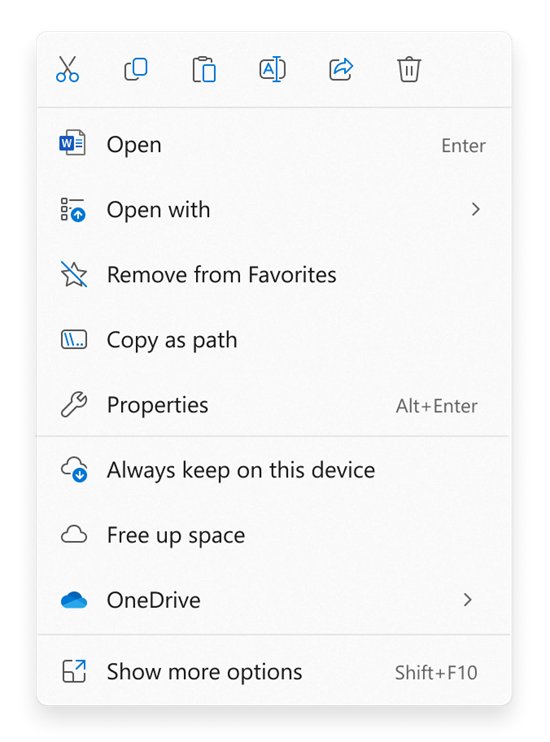
Fix “This file does not have an app associated with it” in Windows 11 and 10: set a default app for the file type, install a missing app, or repair associations.
2,140 articles

Fix “This file does not have an app associated with it” in Windows 11 and 10: set a default app for the file type, install a missing app, or repair associations.
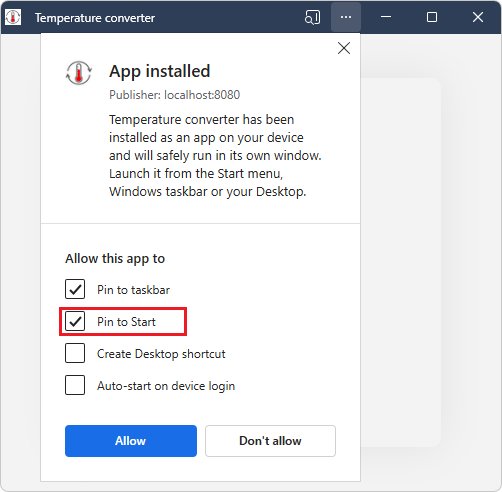
Add the Outlook PWA to your desktop: sign in to Outlook in Edge or Chrome, install it as an app, then create a desktop shortcut. Plus uninstall steps and fixes.
Disable Nahimic service in Windows 11 or 10 from Services or PowerShell, uninstall the Nahimic app and driver, and stop Windows Update installing it again.
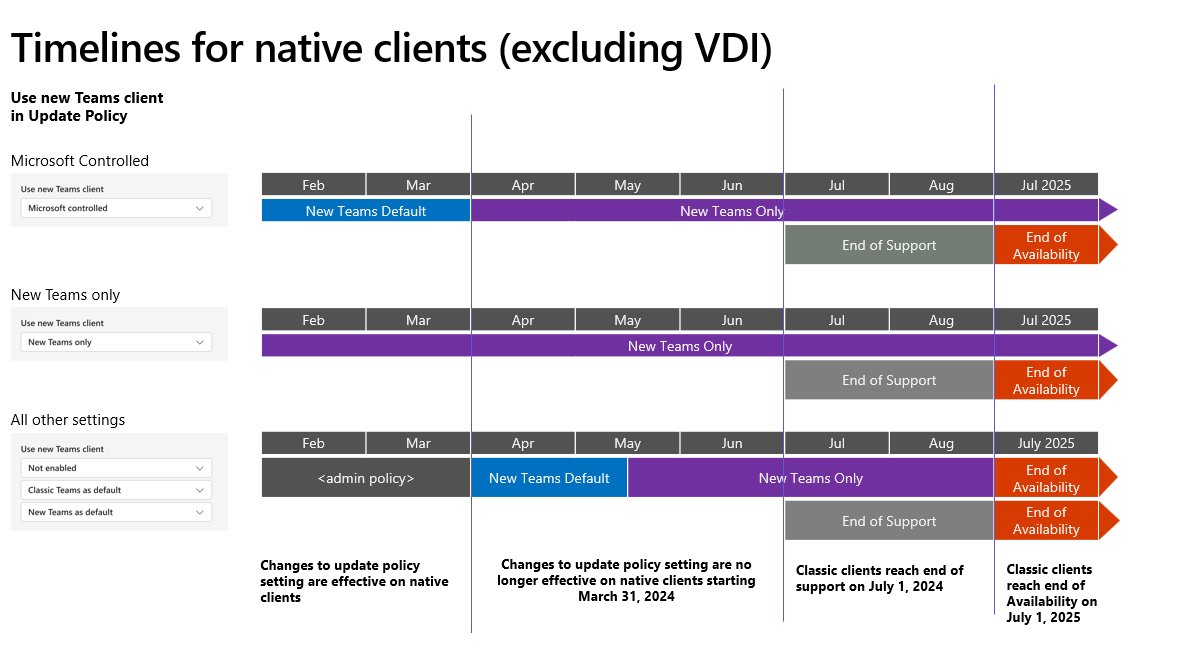
Update Microsoft Teams on Windows 11 or 10 with Update and restart Teams, About Teams or the Store, check the version, and fix Teams when it will not update.
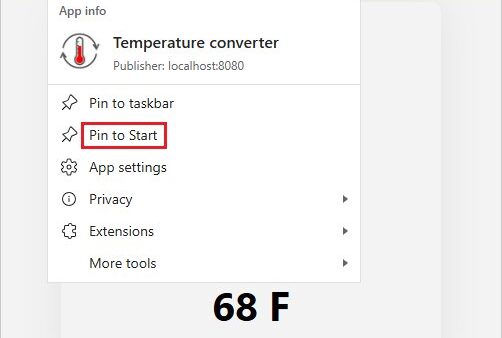
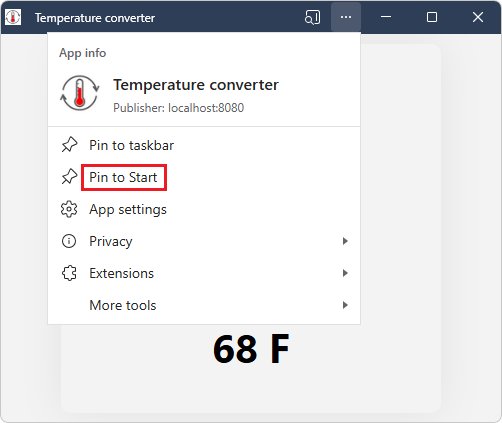
Pin any app to the taskbar in Windows 11: search for it, right-click and select Pin to taskbar. Routes for EXE files, Store apps, websites, folders and files.
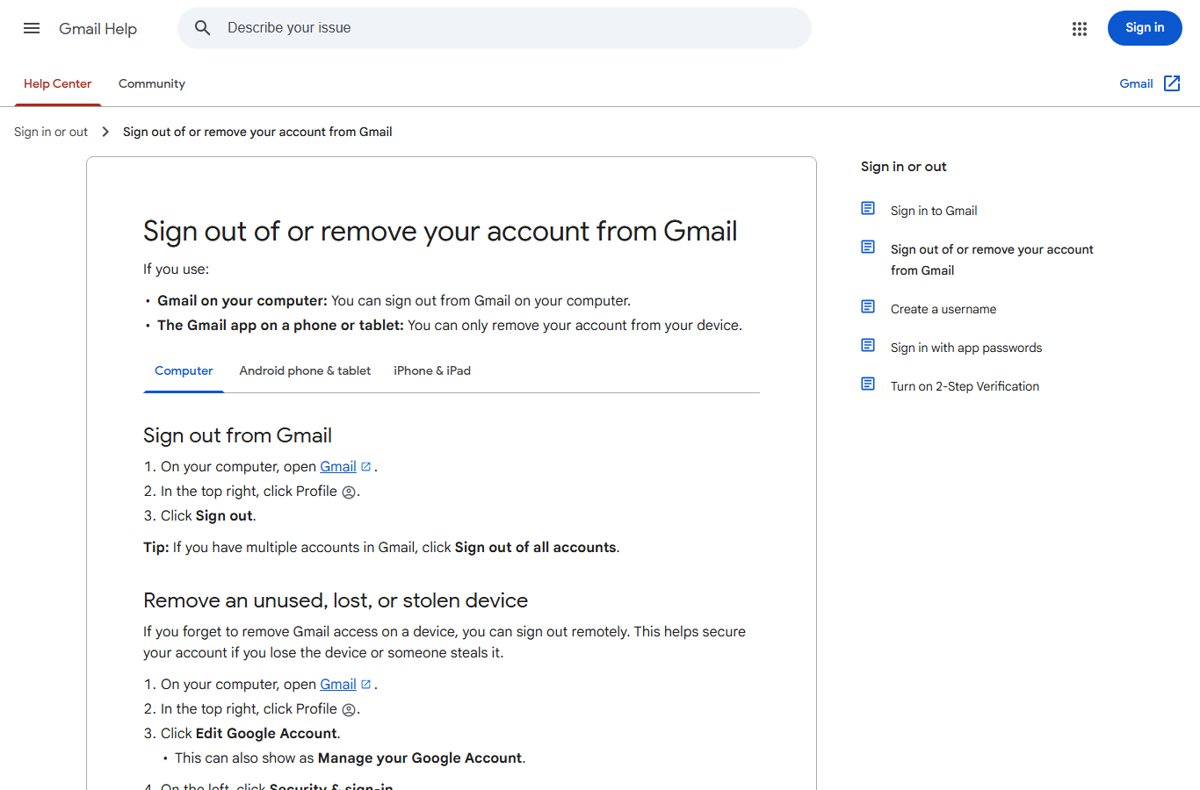
Log out of Gmail on iPhone, Android and PC: sign out in a browser, remove the account from the Gmail app, or sign out remotely from your Google Account.
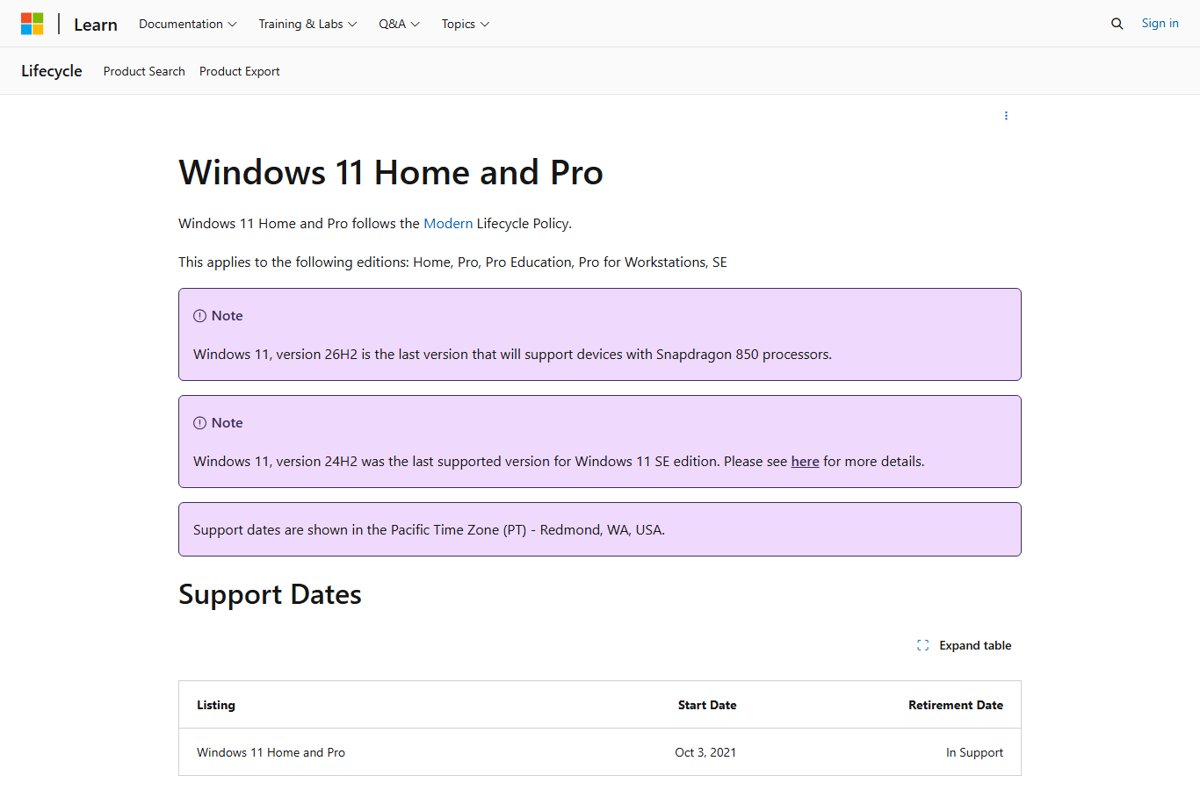
Windows 11 end of support dates for every version and edition, 21H2 to 26H2, how to check yours, and how to upgrade before 24H2 ends on October 13, 2026.
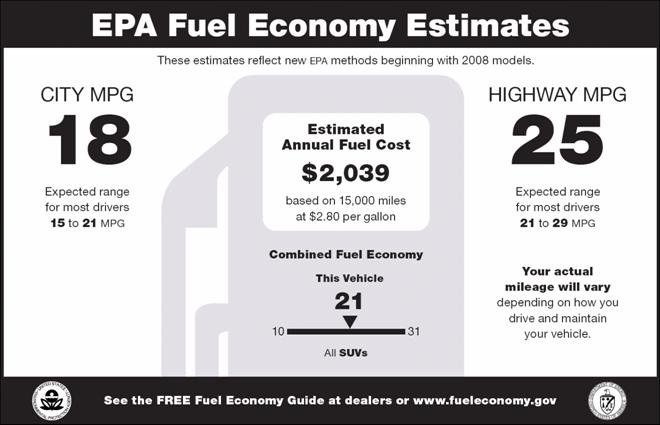
YMMV means “your mileage may vary”: your results could differ from mine. Where it came from, how to use it in texts and reviews, and when to leave it out.
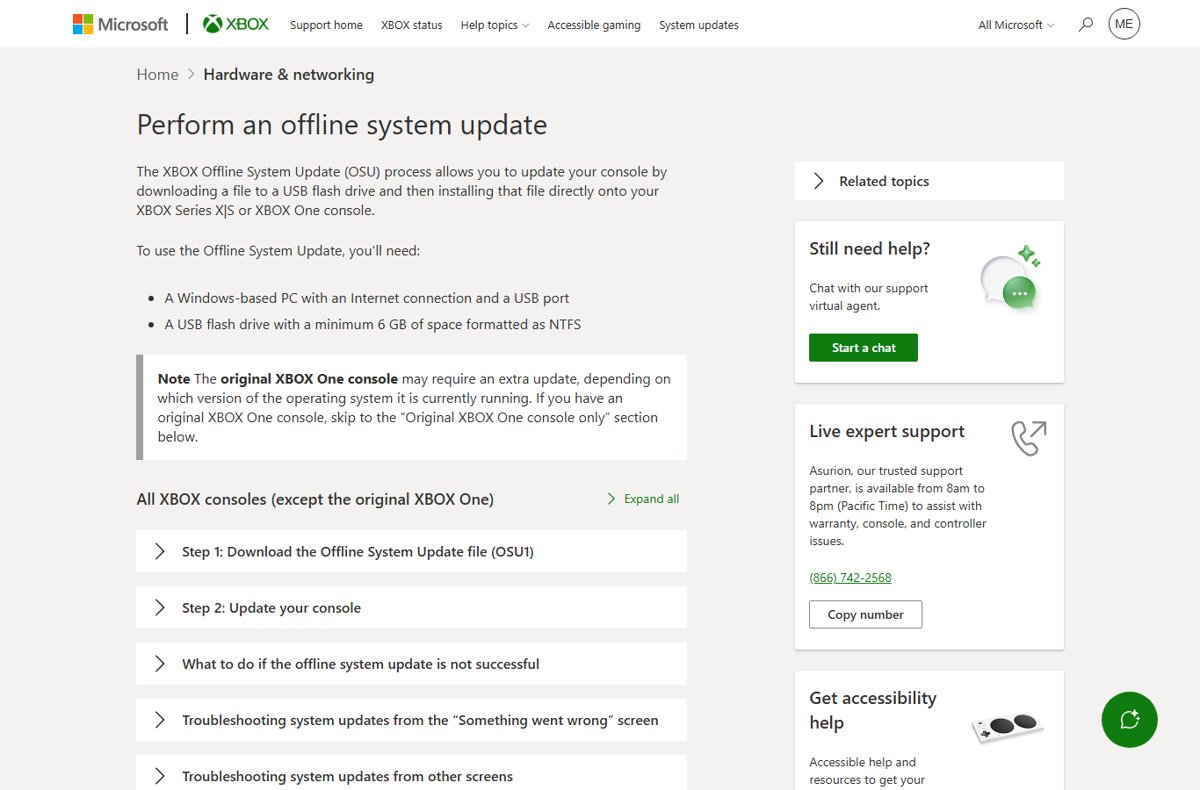
Do an offline Xbox update with a 6 GB NTFS USB drive and the OSU1 file from a Windows PC. Covers original Xbox One OSU2/OSU3, error codes and fixes.
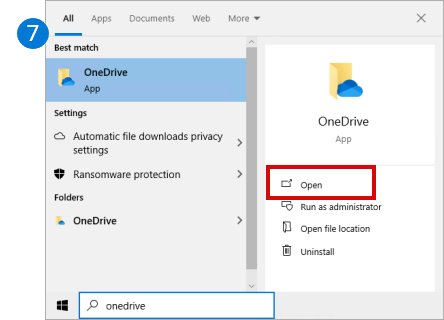
Open OneDrive settings by selecting the cloud icon, then Help & Settings > Settings. Steps for Windows 11, Windows 10, Mac, web and mobile, plus fixes.
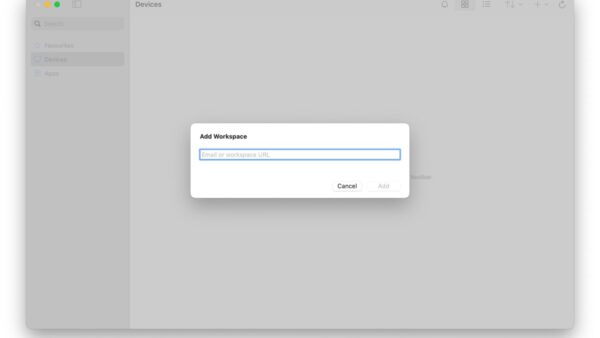
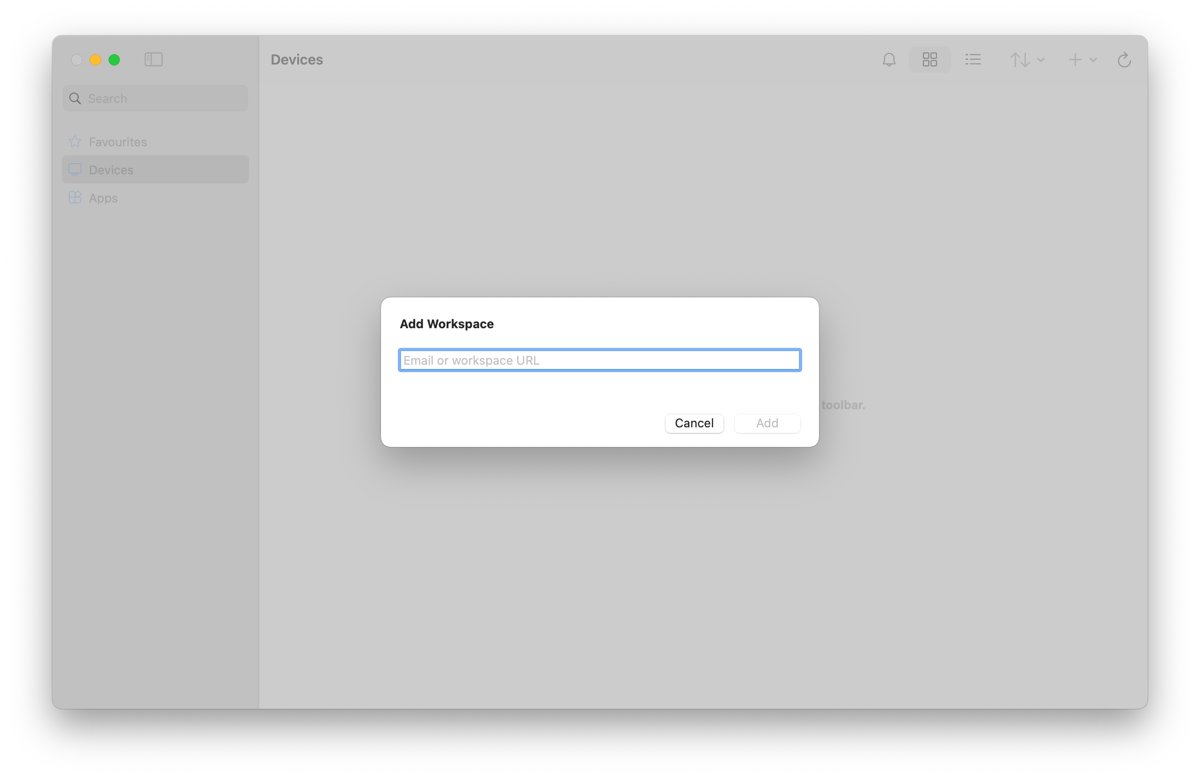
Access RD Web by opening the https://server/RDWeb URL from your admin, signing in as DOMAIN\username and launching an app. Web client, feed and fixes.
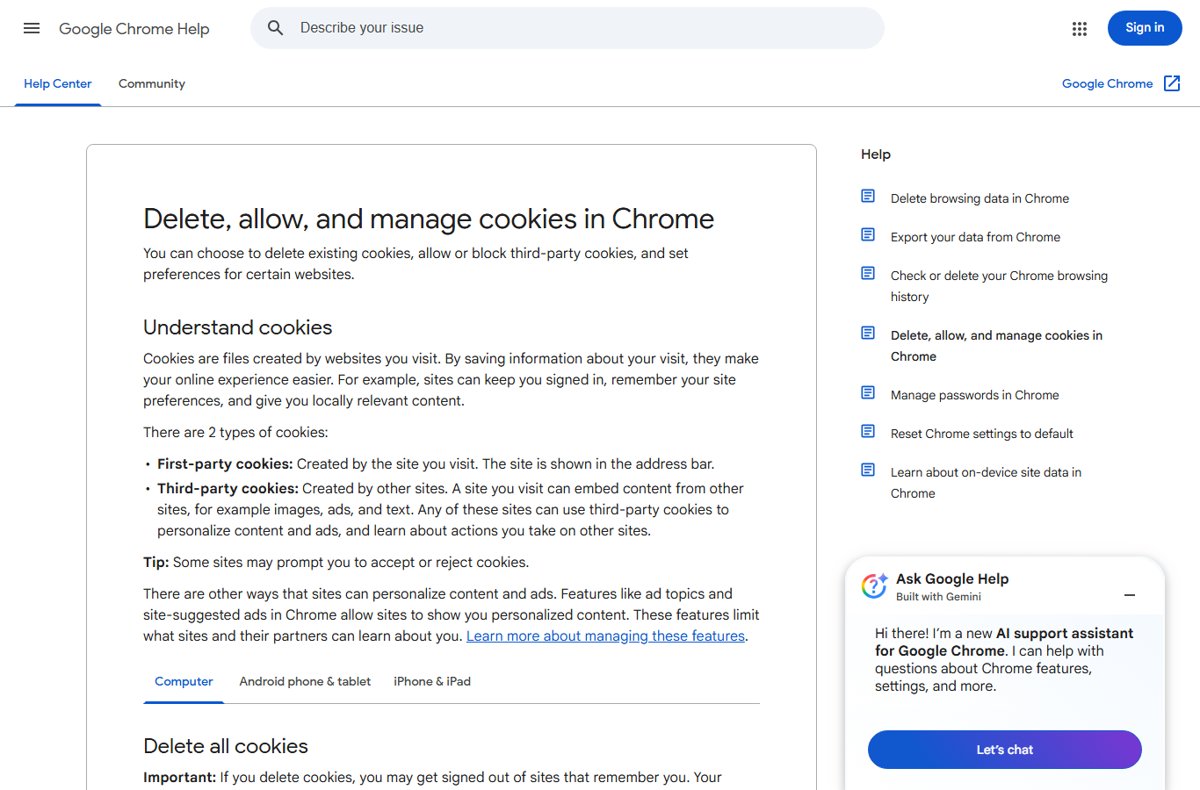
Enable or disable cookies in Google Chrome from Settings > Privacy and security. Steps for desktop, Android and iPhone, per-site exceptions and fixes.