
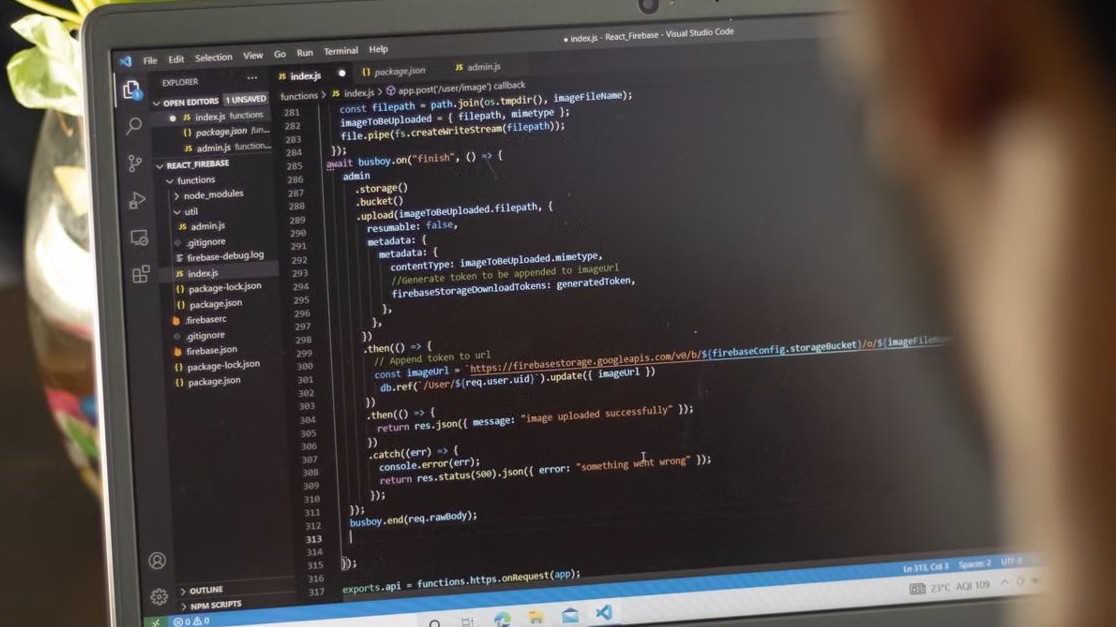
Dark mode black Notepad for Windows 11/10

Get a dark mode black Notepad on Windows 11/10 with Notepad’s dark theme, a Windows 10 contrast theme, the Notepad++ Black tone or VS Code, plus common fixes.
3,907 articles

Get a dark mode black Notepad on Windows 11/10 with Notepad’s dark theme, a Windows 10 contrast theme, the Notepad++ Black tone or VS Code, plus common fixes.


An iPod showing the iTunes logo and a USB cord is in recovery mode. Connect it to a computer, try Update, then Restore. Steps for iTunes, Finder and Windows.
Reset Windows Update on Windows 11 with the troubleshooter or Command Prompt, rename SoftwareDistribution and catroot2, run DISM and SFC, or install manually.


Download Google Chrome on a Windows 11 or 10 PC from google.com/chrome. Steps for the installer, offline setup, default browser and fixes for install errors.


Turn on OneDrive in Windows 11 from Start, sign in, and start it automatically. Includes fixes for unlinked, paused, uninstalled or policy-blocked OneDrive.


Install Kodi on a smart TV from Google Play if it runs Android TV or Google TV. What works on LG, Samsung and Roku TVs, with workarounds and fixes.
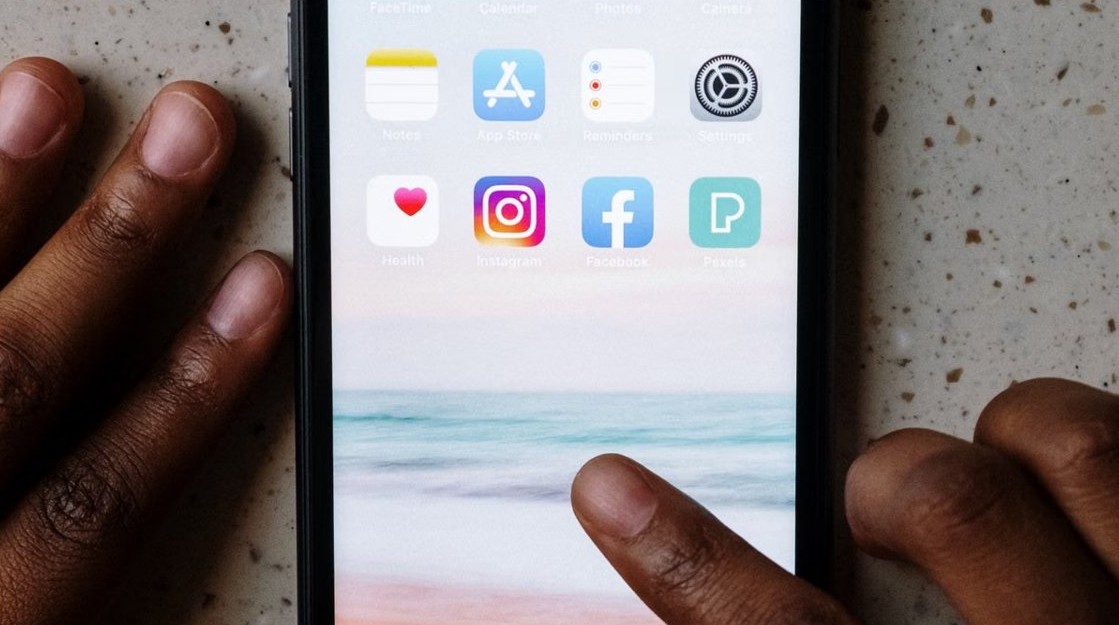
Removing all offloaded apps at once is not an iPhone option. Delete them one by one in iPhone Storage, turn off Offload Unused Apps, or erase for a clean start.


Turn off iPhone without screen: a dead display blocks the slider, so use a force restart, a wired mouse or Settings. Avoid Emergency SOS and handle Find My.


Fix Copilot’s signed out message: sign in with the same account, refresh, delete Copilot cookies in Edge, and check the sidebar, profile and connection.


How to type letters with accents on Windows, Mac and Linux: Alt codes, the emoji panel, the Mac accent menu, Option keys, Compose key and Ctrl+Shift+U.


SIM failure message on iPhone? Check your plan and carrier lock, restart, update carrier settings, reseat the SIM or fix the eSIM, then ask your carrier.


Fix slow cellular data on iPhone 12 Pro after iOS 18: set 5G Auto, turn off Low Data Mode, update carrier settings, reset network settings and test speed.