Windows 11 KB5126653 issues: Should you install the update?
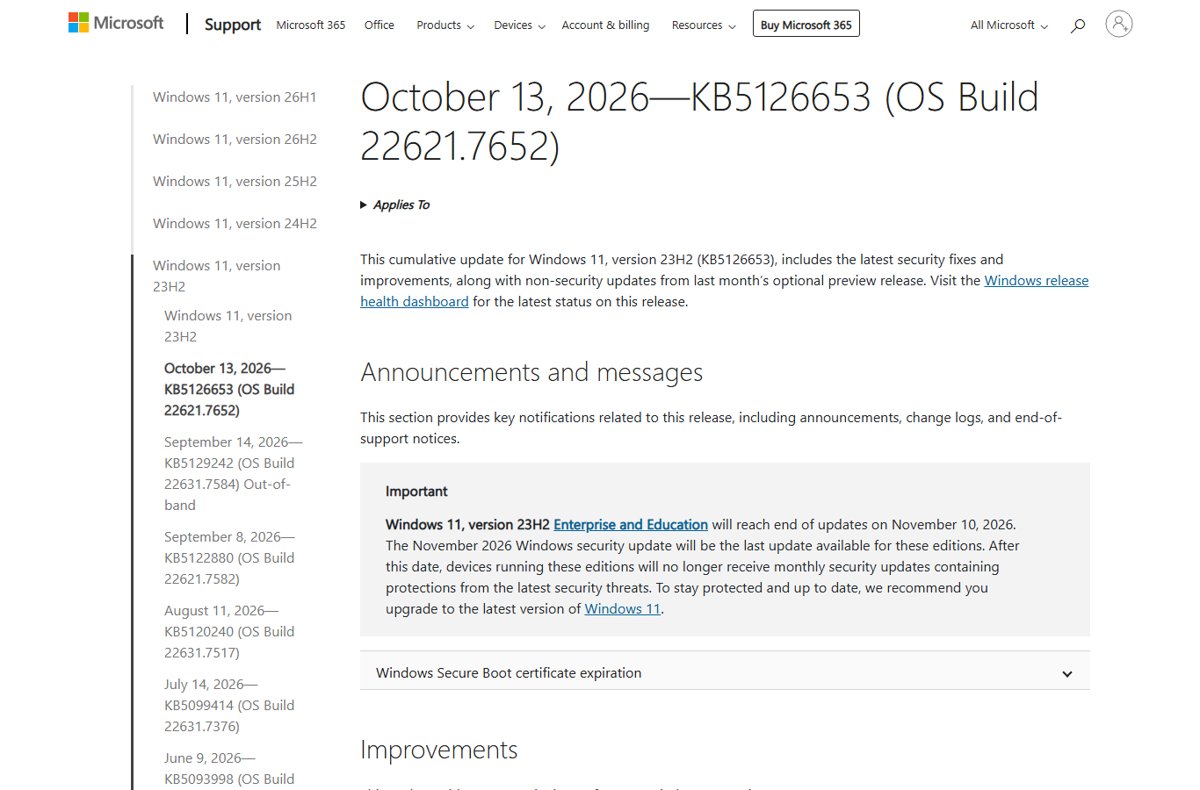
Windows 11 KB5126653 issues explained: Microsoft lists no new known issues for this 23H2 update. See the open USB audio bug, fixes, uninstall steps and verdict.
2,104 articles

Windows 11 KB5126653 issues explained: Microsoft lists no new known issues for this 23H2 update. See the open USB audio bug, fixes, uninstall steps and verdict.
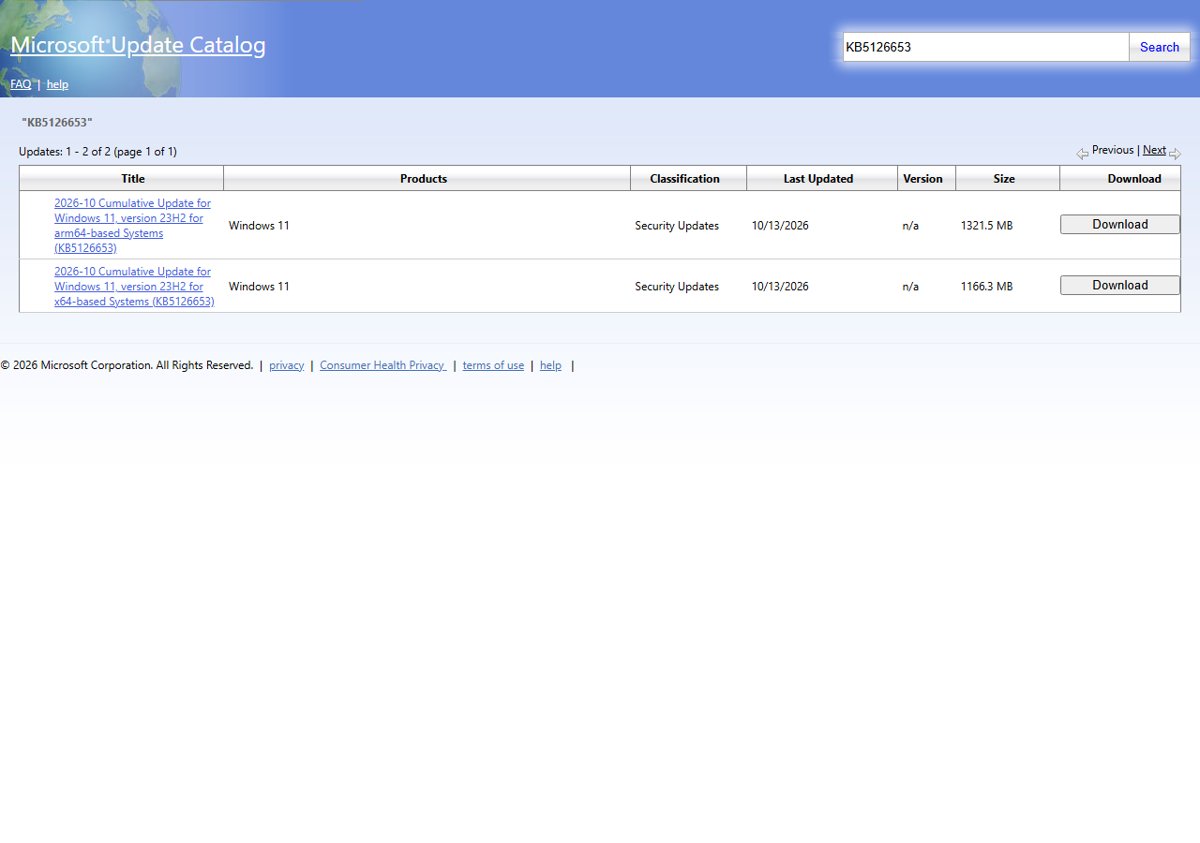
Windows 11 KB5126653 download for 23H2: direct .msu links for x64 and ARM64, install steps, build 22631.7652, and the full list of October 2026 changes.
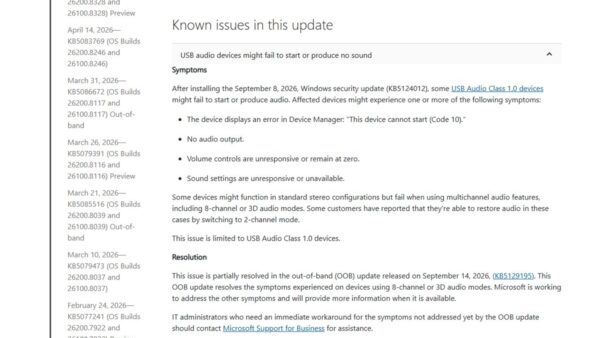
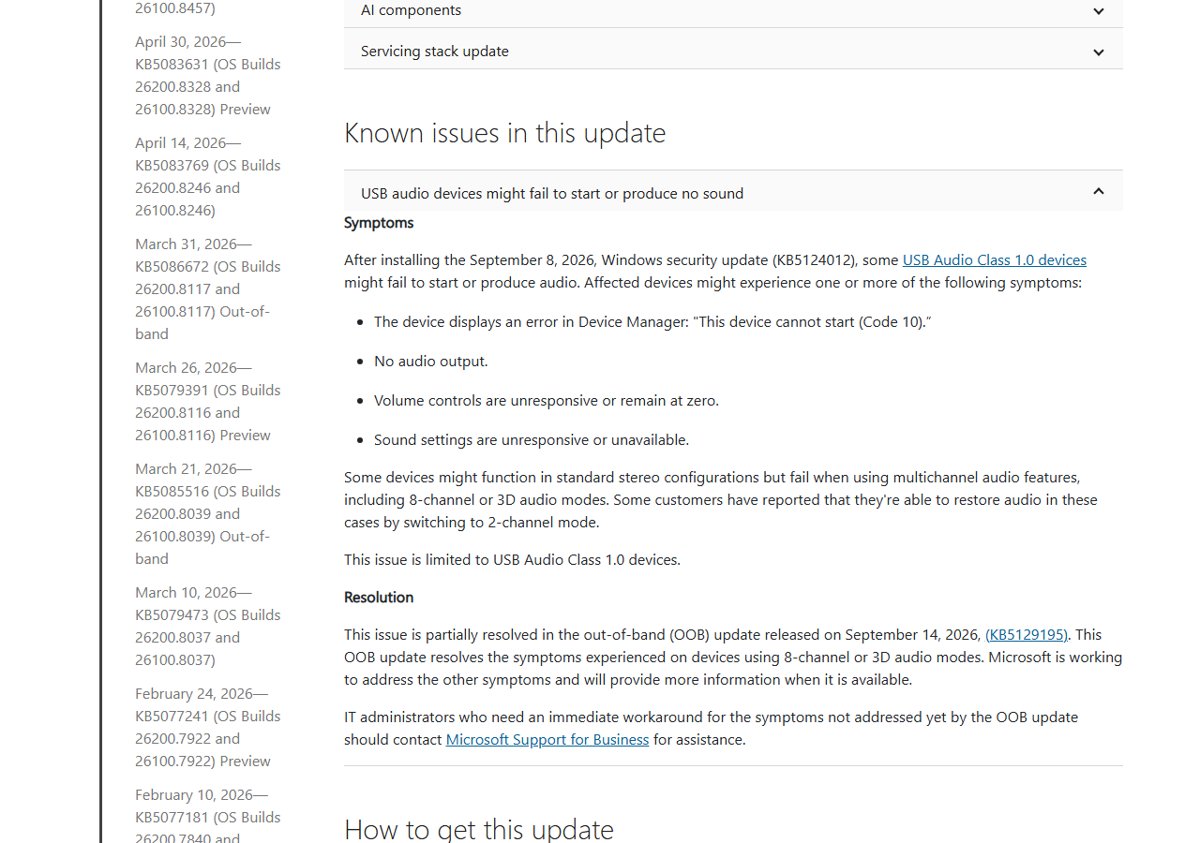
Windows 11 KB5127648 issues: the open USB audio and Remote Desktop bugs, what the October 2026 update fixes, who should wait, and how to uninstall or pause it.
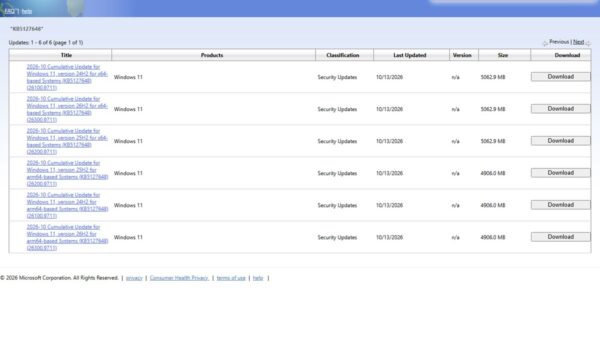
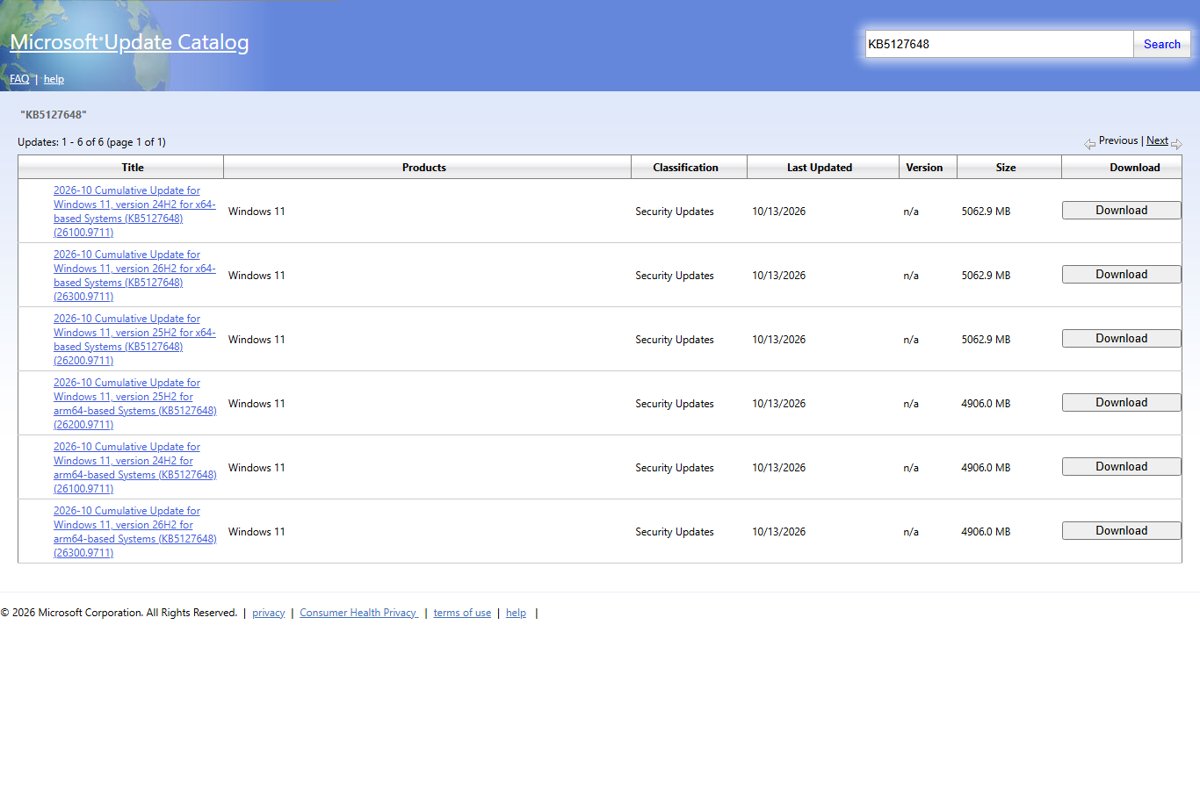
Windows 11 KB5127648 download: direct .msu links for x64 and ARM64, builds 26100.9711, 26200.9711 and 26300.9711, install steps and every change in the update.
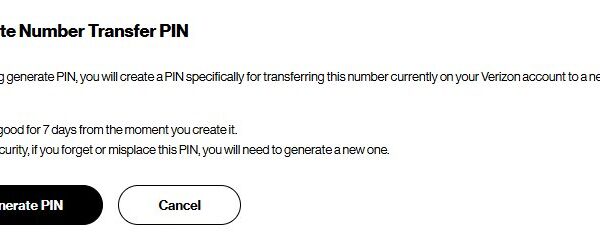
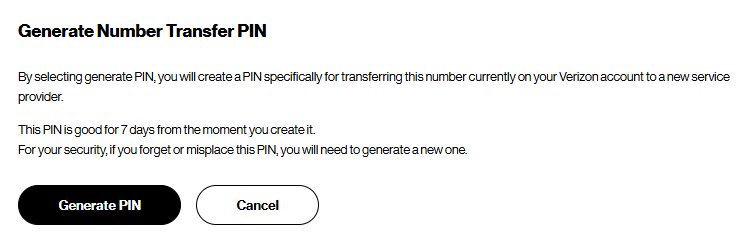
Verizon port status explained: track a number transfer to or from Verizon, typical timelines, the details a port needs, and fixes for a stuck or rejected port.
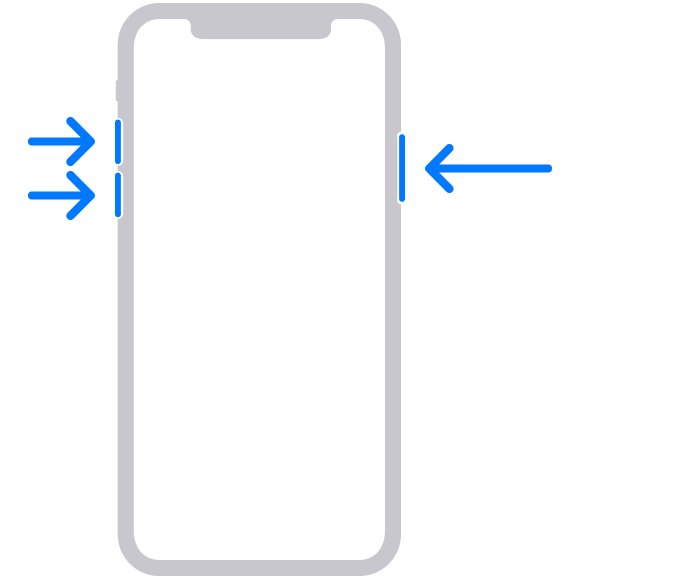
Fix an unresponsive iPhone touch screen: force restart buttons for every model, accessory and screen protector checks, iOS updates, resets and when to get repair.
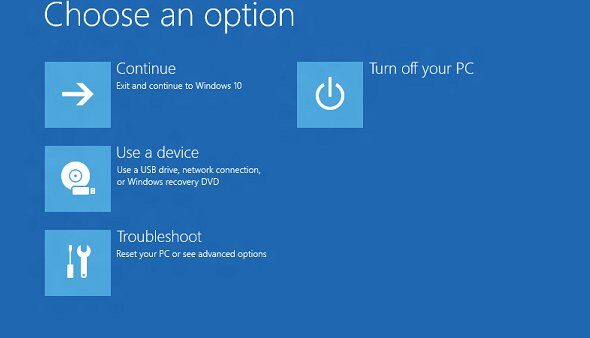
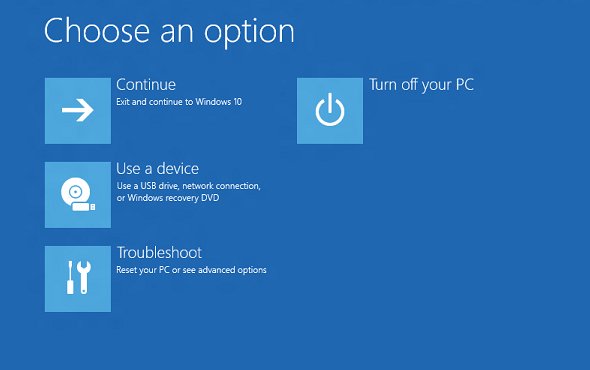
Force restart Windows 10 with Ctrl + Alt + Delete, a shutdown command or the power button. Covers frozen PCs, laptops, Surface and fixes after reboot.
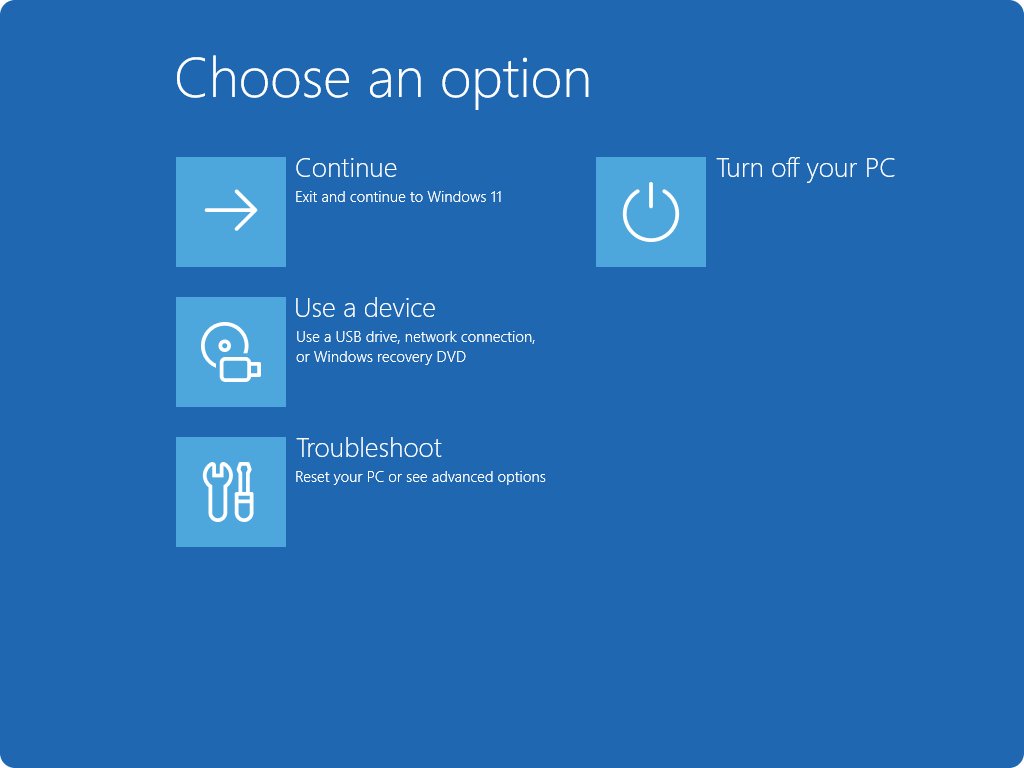
Refresh a laptop with the keyboard in Windows 11: F5 or Ctrl + R reloads a window, Win + Ctrl + Shift + B resets the screen, Ctrl + Alt + Del restarts it.
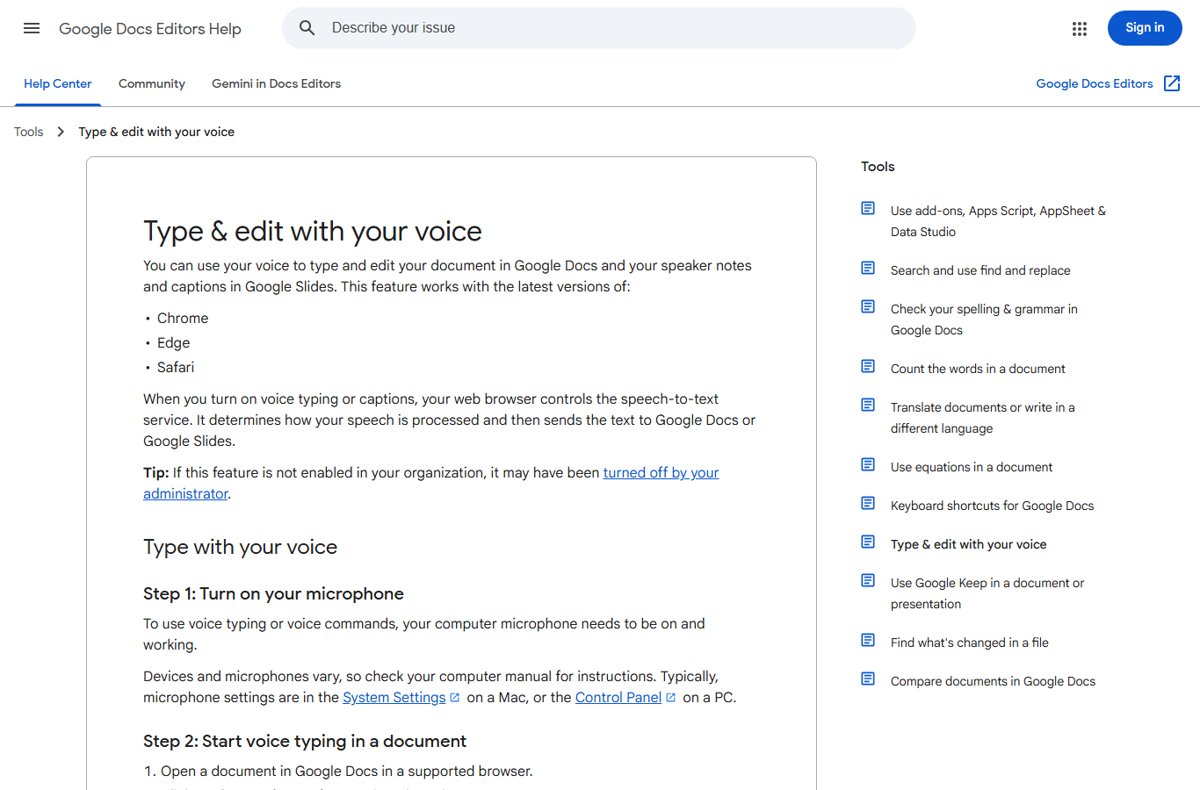
Use voice typing in Google Docs with Tools > Voice typing or Ctrl + Shift + S on Windows and Mac, plus keyboard dictation on iPhone and Android, and fixes.
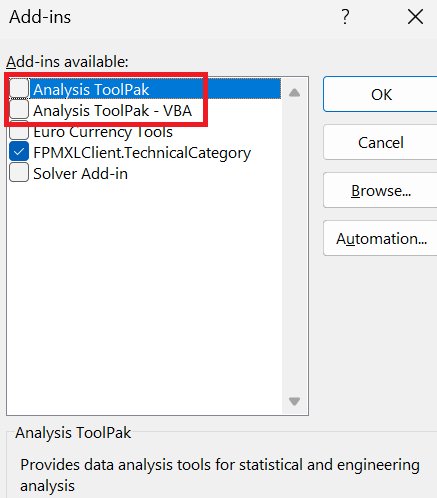
Find mean, median and mode in Excel with AVERAGE, MEDIAN and MODE.SNGL, the Analysis ToolPak, or a manual sort-and-count check, with a worked example.
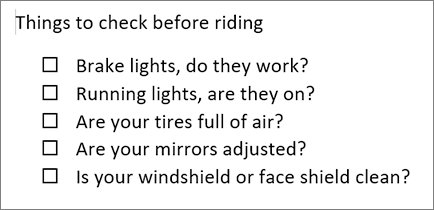
Make a worksheet in Word: set margins, add a name and date header, build questions in tables, add answer lines and check boxes, then save, print or share as PDF.
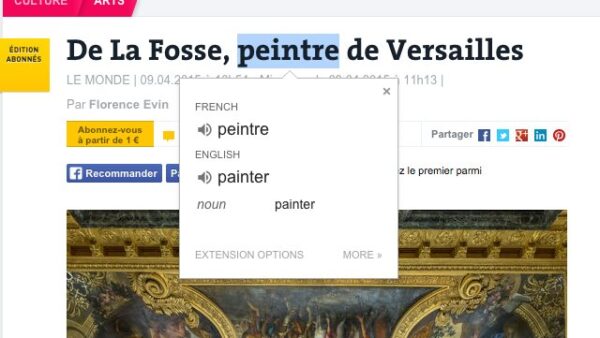
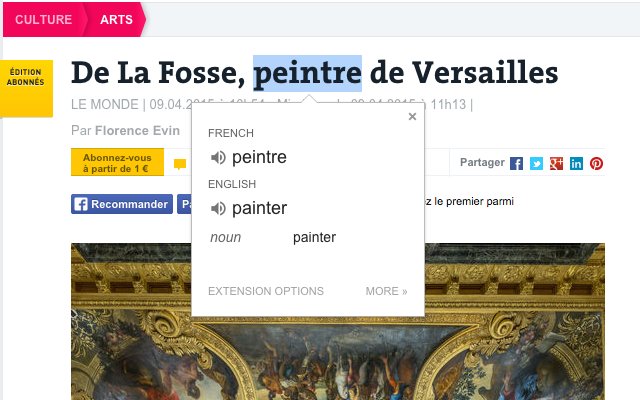
Install the Google Translate extension in Chrome from the Chrome Web Store, pin it, translate highlighted text, and fix it when the icon or install fails.