
Mail is not working with my AOL account after installing Sonoma
AOL mail not working in Mac Mail after the macOS Sonoma update? Test webmail, re-enter the password, remove and re-add the AOL account, and run Connection Doctor.
3,343 articles

AOL mail not working in Mac Mail after the macOS Sonoma update? Test webmail, re-enter the password, remove and re-add the AOL account, and run Connection Doctor.

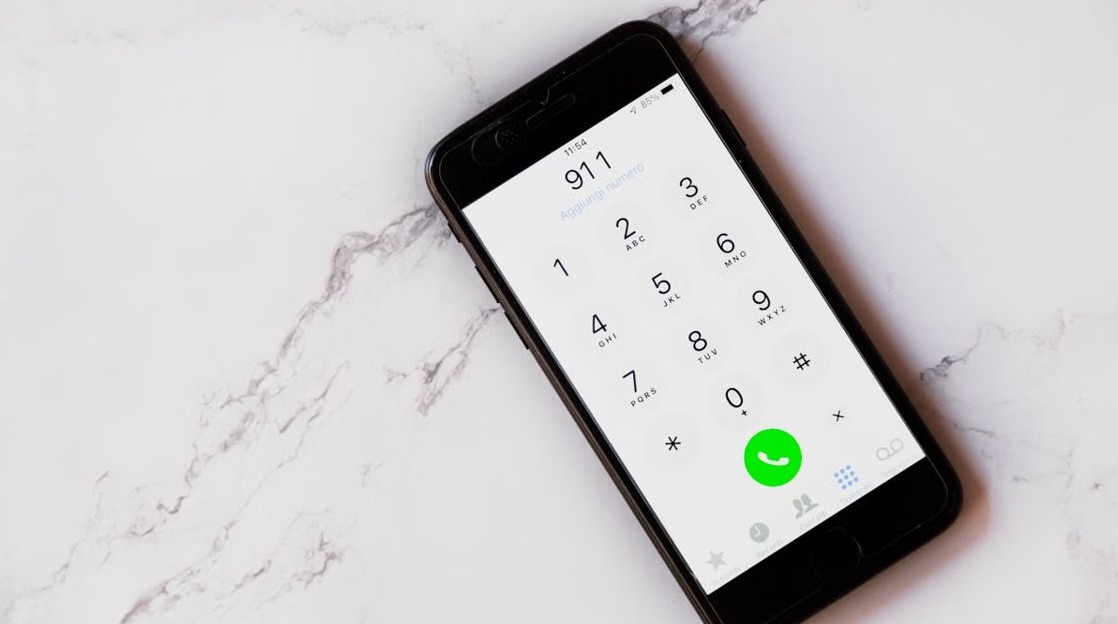
Block spam calls on iPhone in Settings > Apps > Phone: set Screen Unknown Callers to Silence, turn on the Spam filter, and block single numbers from Recents.

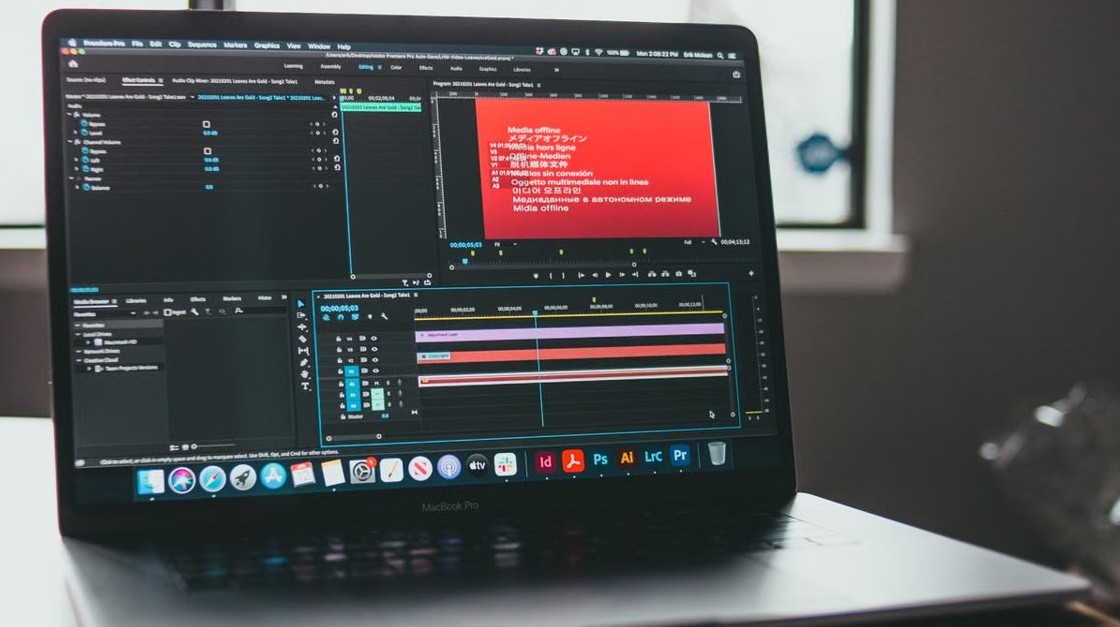
Close running apps on Windows 11 with Alt + F4, Task Manager End task, the taskbar End task option or taskkill, and stop apps running in the background.


Debloat Windows 11 safely: uninstall preinstalled apps in Settings, cut startup apps, remove Store packages with PowerShell or Group Policy, and undo it.

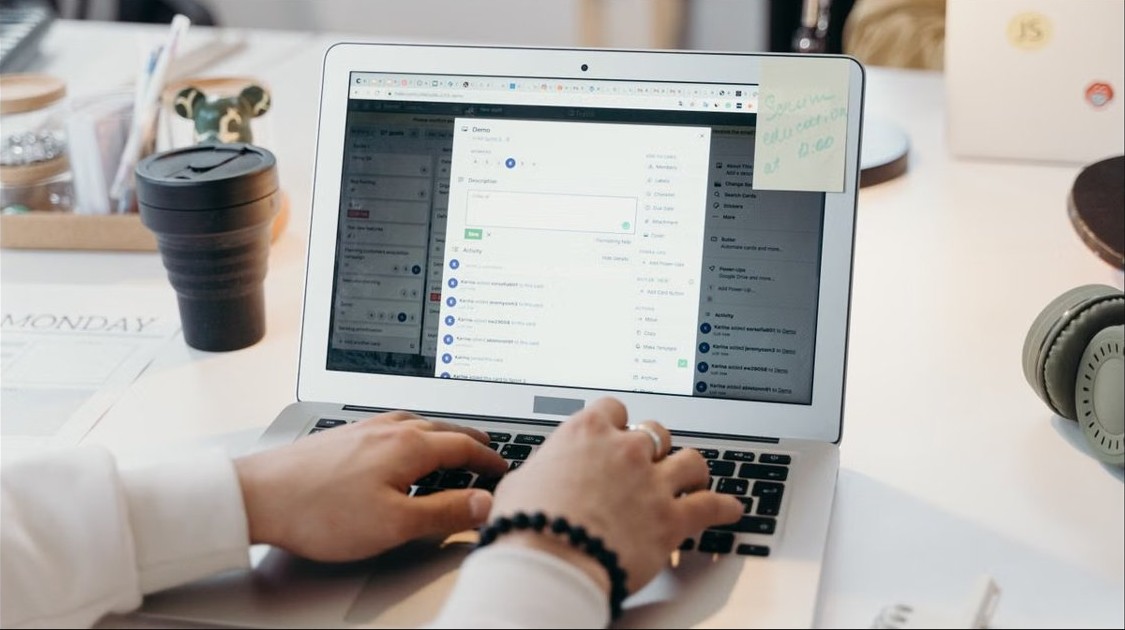
Move emails into folders in Outlook automatically with rules: steps for new Outlook, classic Outlook, Outlook on the web and Outlook.com, plus fixes for rules.

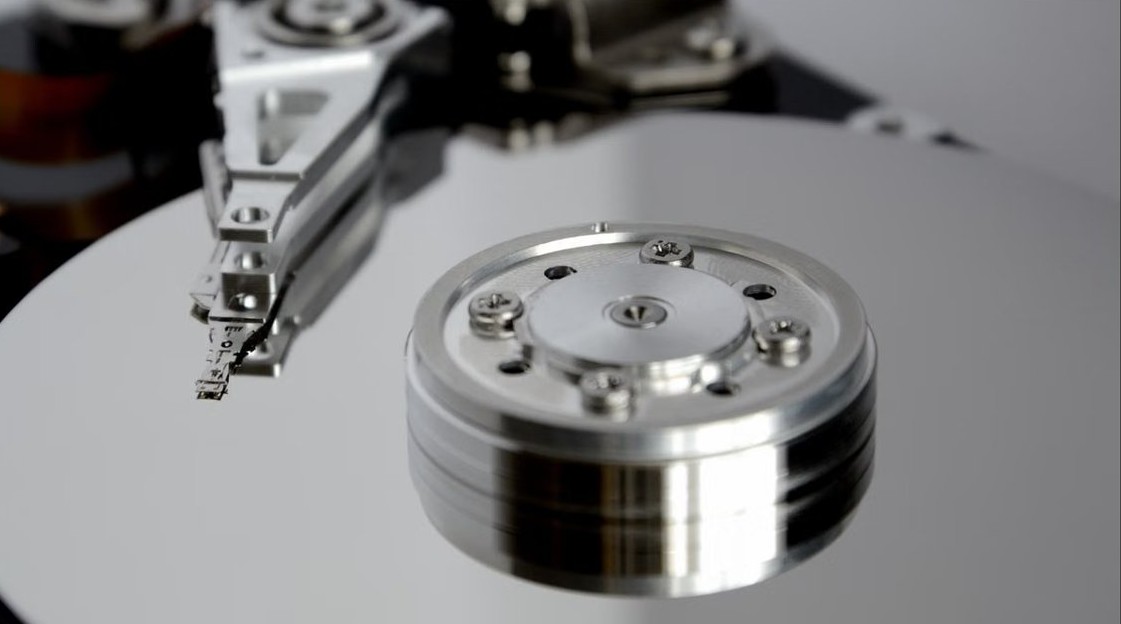
Convert MBR to GPT for Windows 11 without losing data: back up, run MBR2GPT /validate and /convert, then switch the firmware to UEFI and turn on Secure Boot.
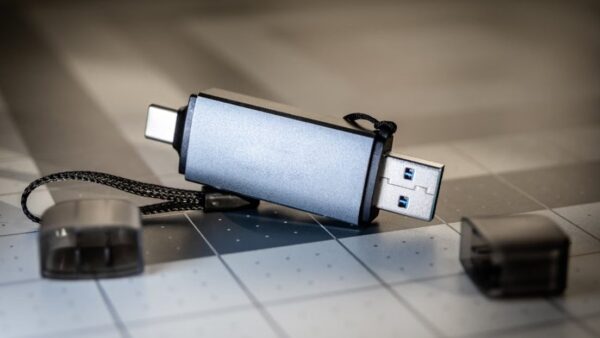
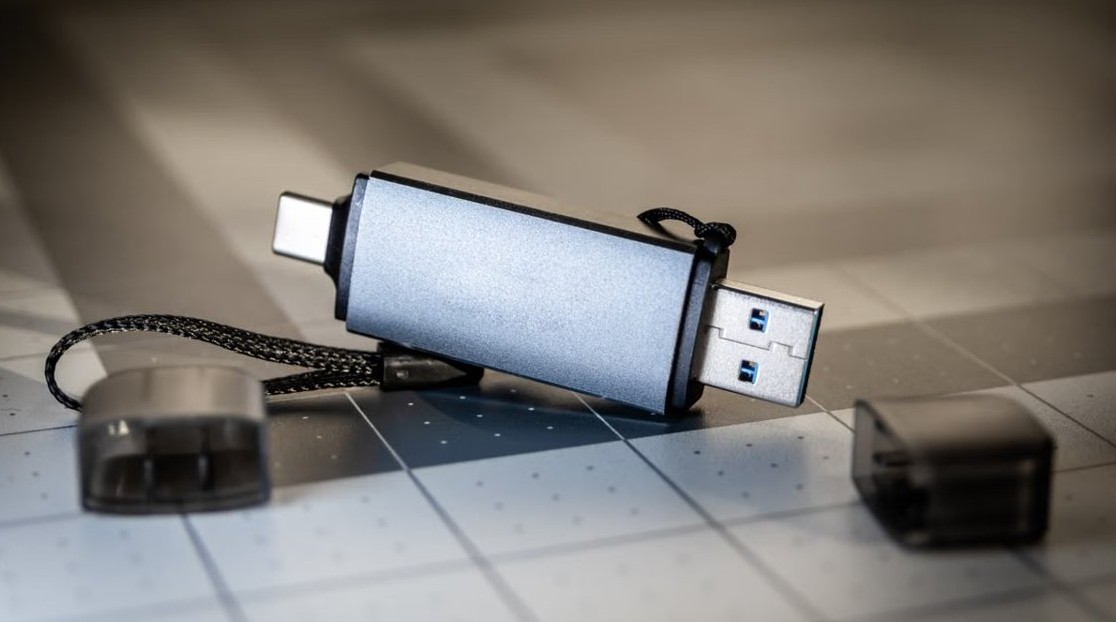
Windows PE (WinPE) is a small Windows OS for installing, deploying and repairing Windows. Uses, limits, the ADK download, USB creation and WinRE checks.
Disable Liquid Glass in iOS 26: switch it to Tinted, turn on Reduce Transparency and Reduce Motion, and change Clear Home Screen icons back to Default.

Allow Microsoft Edge through Windows Firewall in Windows 11/10 via Windows Security, firewall.cpl, wf.msc or PowerShell, then verify the rule and fix blocks.
iTunes login: open iTunes on your PC, choose Account > Sign In and enter your Apple Account email and password. Steps for Apple Music, Mac, restore and login fixes.


Taskbar icons not showing on Windows 11 or 10? Restart File Explorer, clear the icon cache, check taskbar settings and tablet mode, then repair system files.
Set Safari as the default browser on iPhone 15 Pro in Settings > Apps > Default Apps > Browser App. Also find Safari settings, change its search engine and fix gaps.