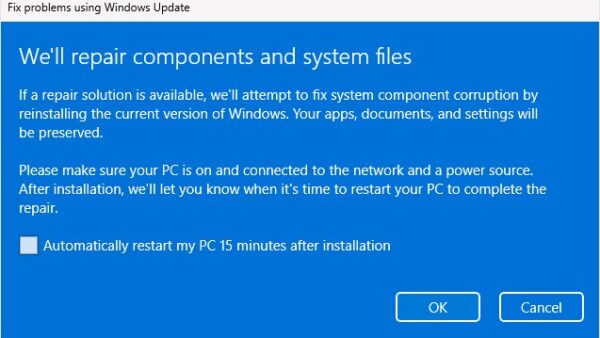
How to repair Windows 11 26H2 without losing files
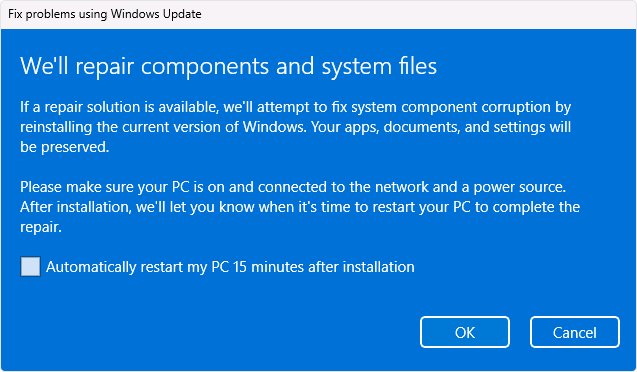
Repair Windows 11 26H2 without losing files: use Fix problems using Windows Update, Reset this PC with Keep my files, and know why Cloud rebuild erases your data.
3,347 articles

Repair Windows 11 26H2 without losing files: use Fix problems using Windows Update, Reset this PC with Keep my files, and know why Cloud rebuild erases your data.
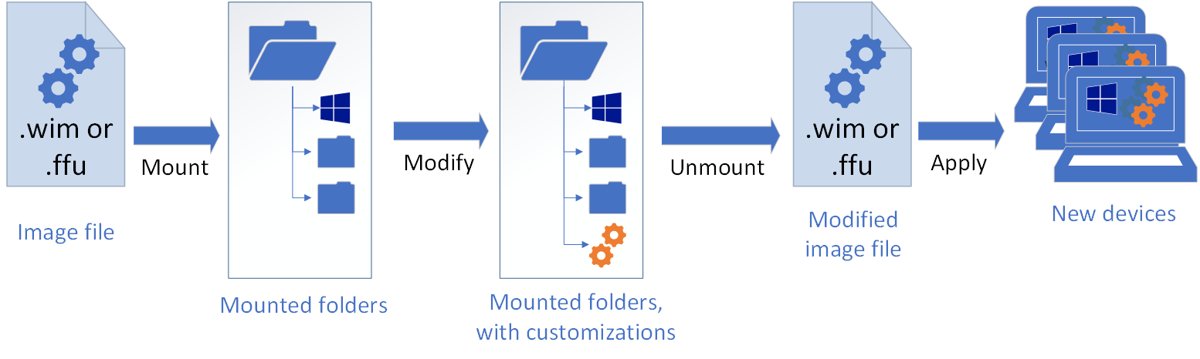
KB5121794 offline installer: direct .msu links for x64 and ARM64, the KB5124010 prerequisite, and how to install it with a double-click, wusa.exe or DISM.
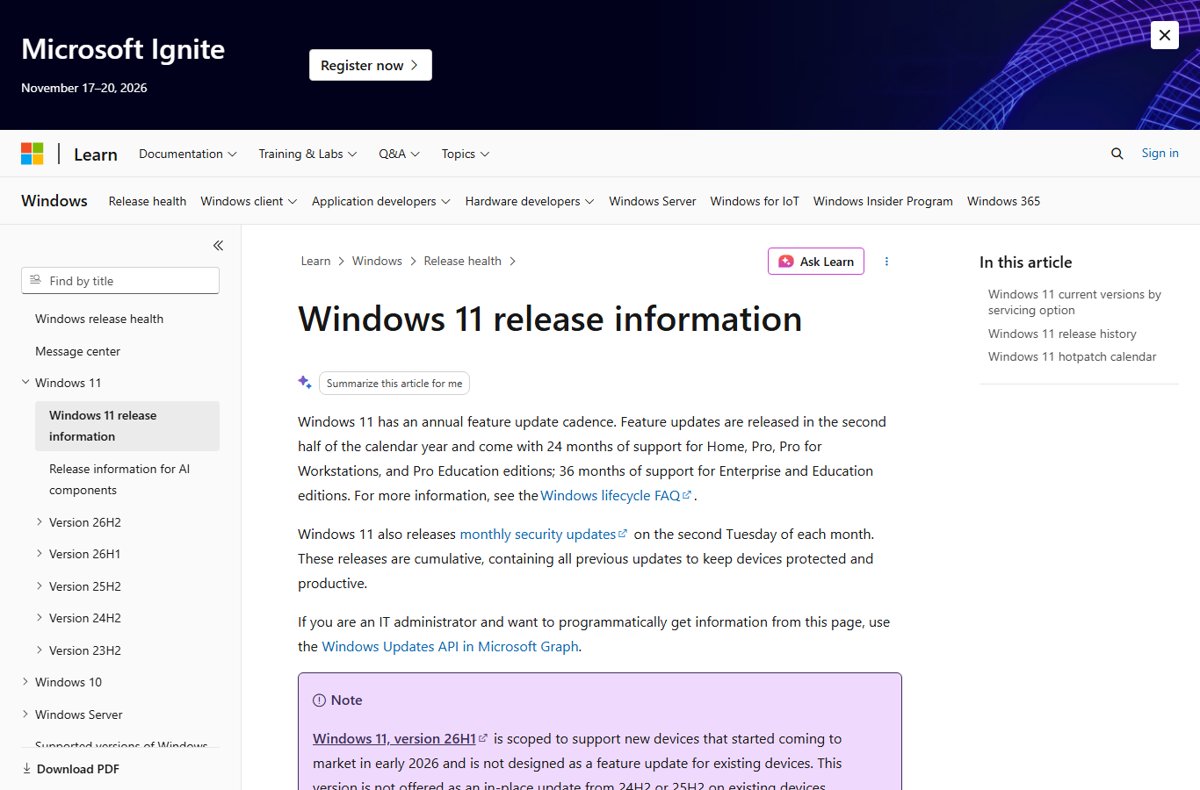
Download the Windows 11 26H2 enablement package, KB5121794, through Windows Update, WSUS or Intune, or as a direct .msu file for x64 and ARM64 PCs.
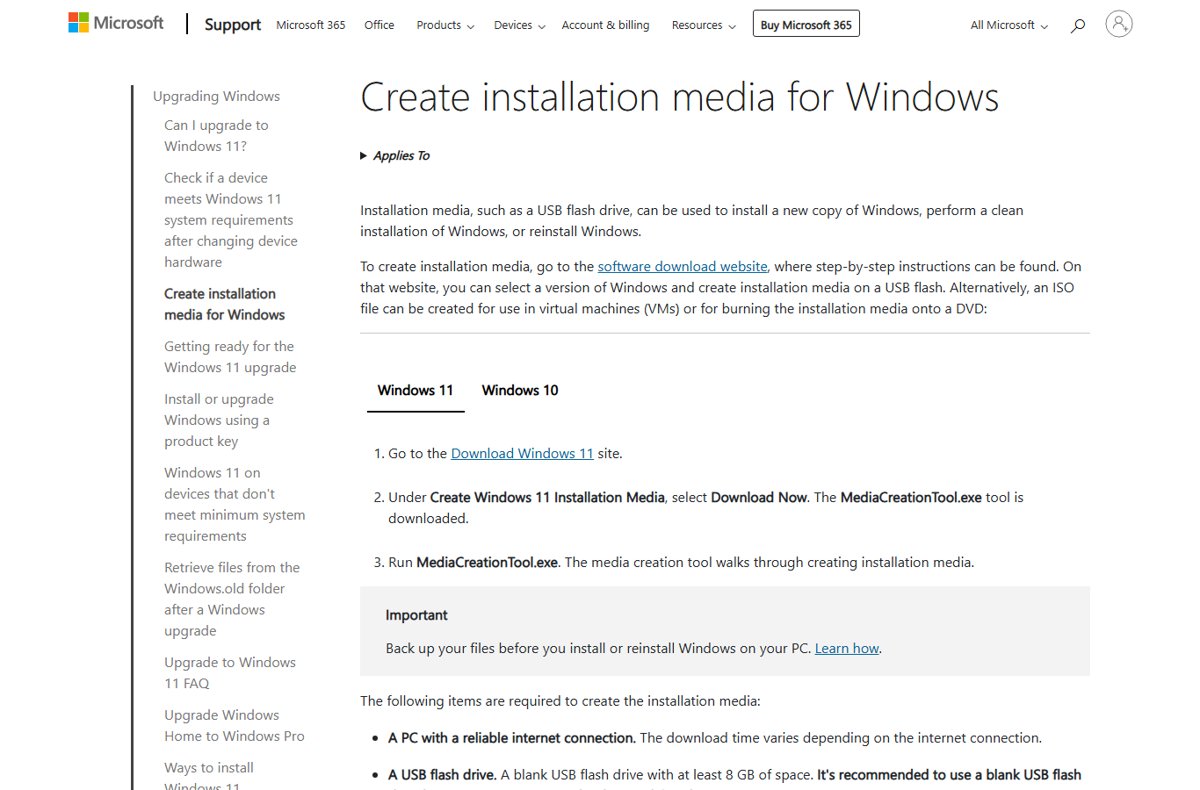
Windows 11 26H2 clean install with the Media Creation Tool: make an 8 GB bootable USB, boot from it, delete the Disk 0 partitions and reinstall. Steps and fixes.
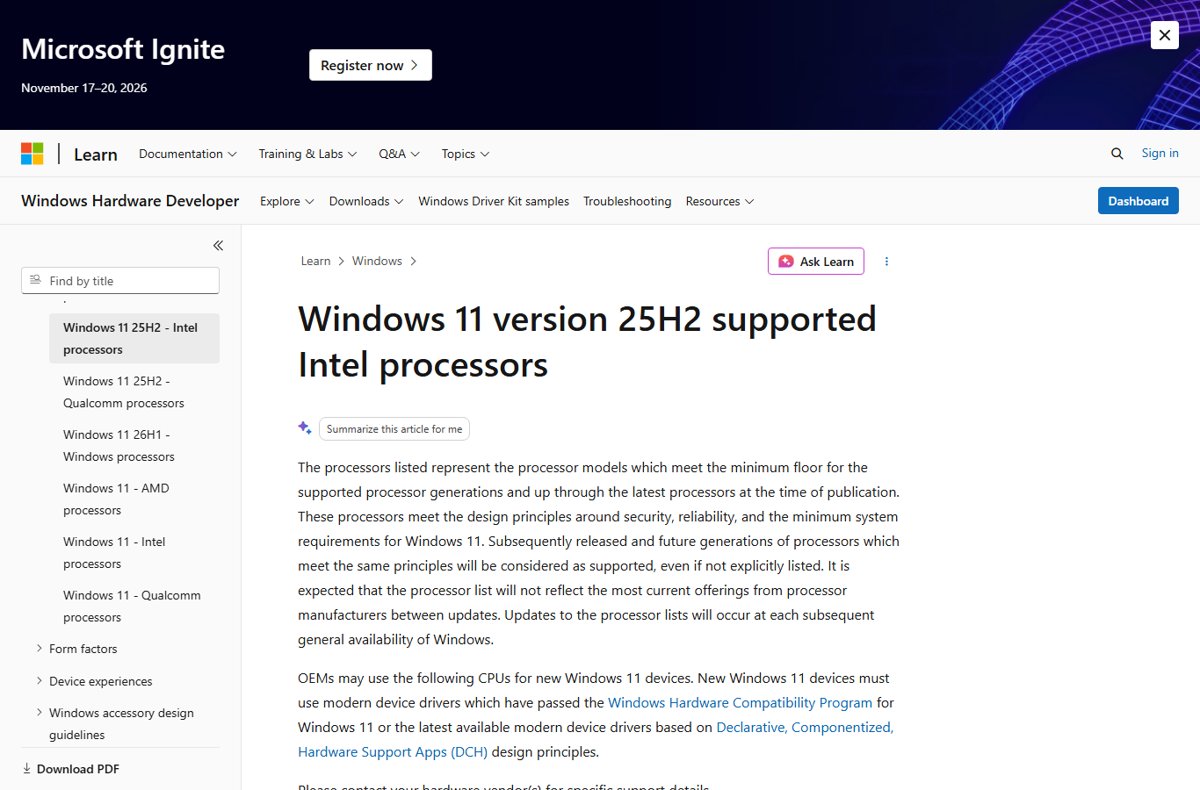
Windows 11 26H2 supported CPU list: Microsoft has no separate 26H2 list yet, so the 25H2 Intel, AMD and Qualcomm lists apply. Full tables and how to check yours.
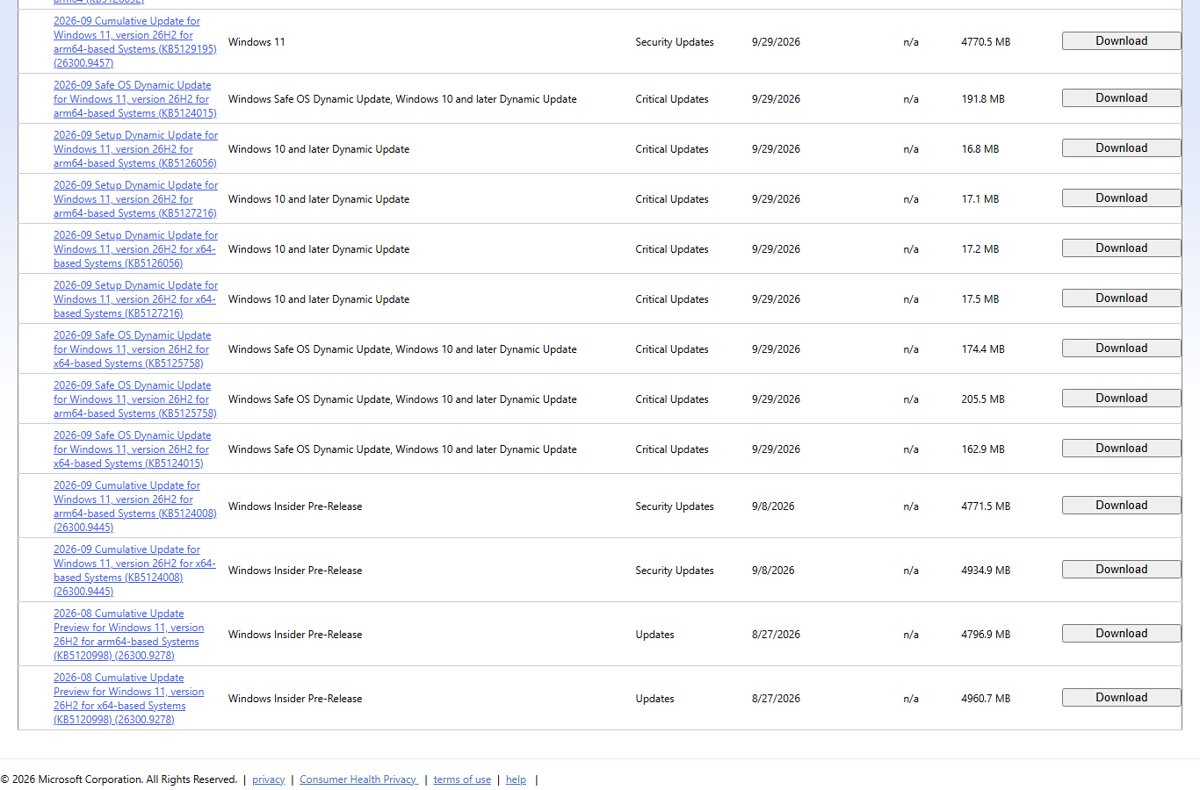
Windows 11 26H2 update history: every build and KB since the September 29, 2026 release, Insider preview builds, known issues and servicing dates.
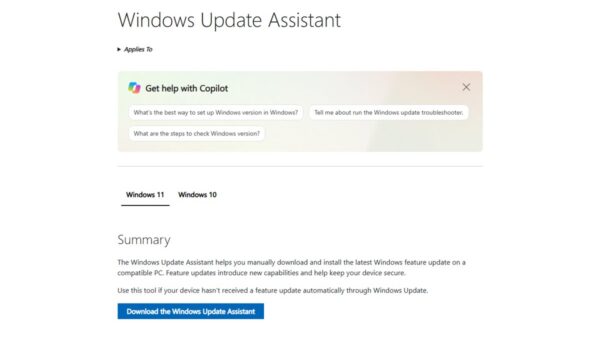
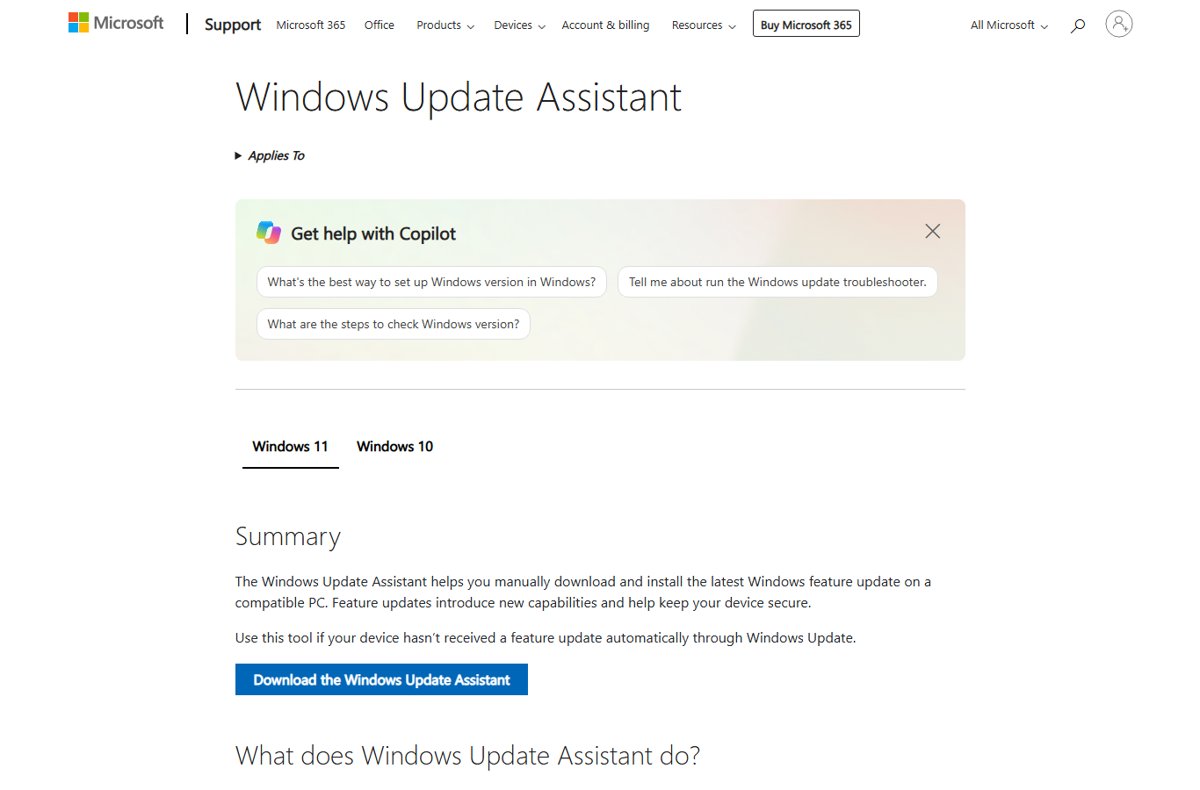
Windows 11 26H2 Installation Assistant: download it from Microsoft, select Accept and Install, then Restart Now. Requirements, limits and how to go back.
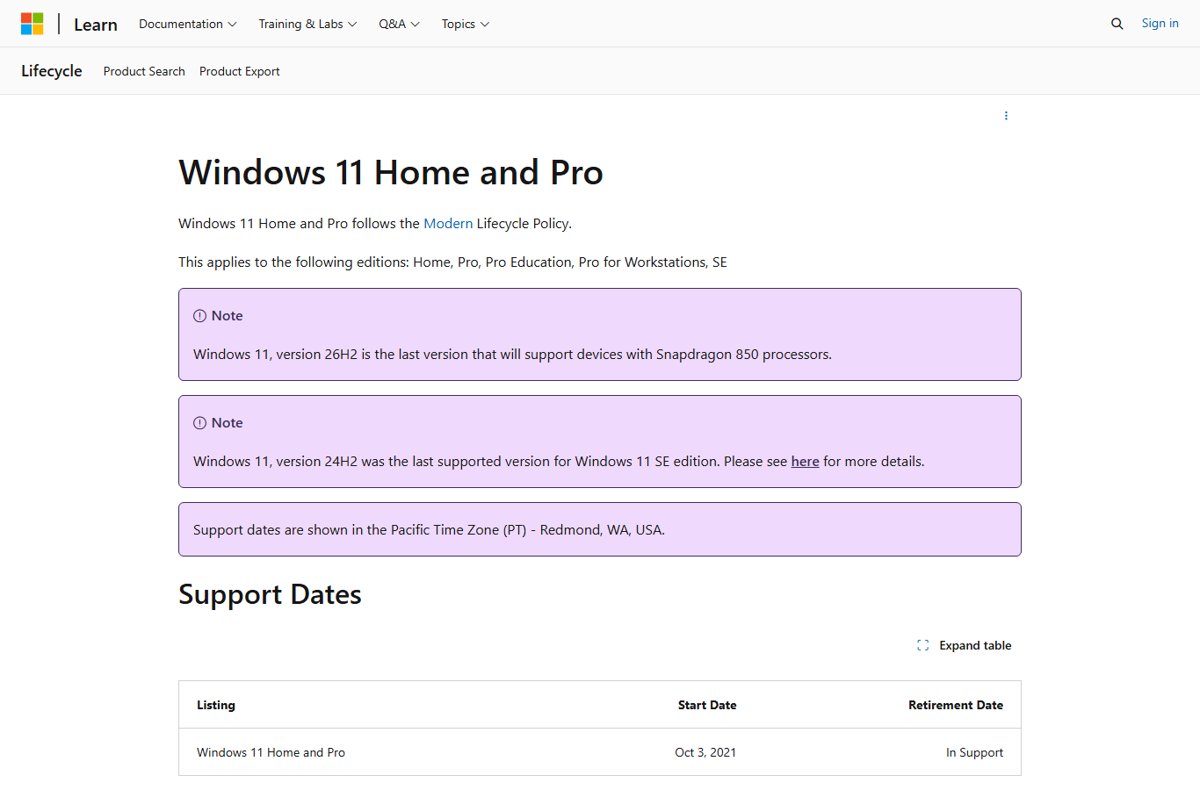
Windows 11 26H2 end of support: October 10, 2028 for Home and Pro, October 9, 2029 for Enterprise and Education. Full servicing timeline and what to do next.
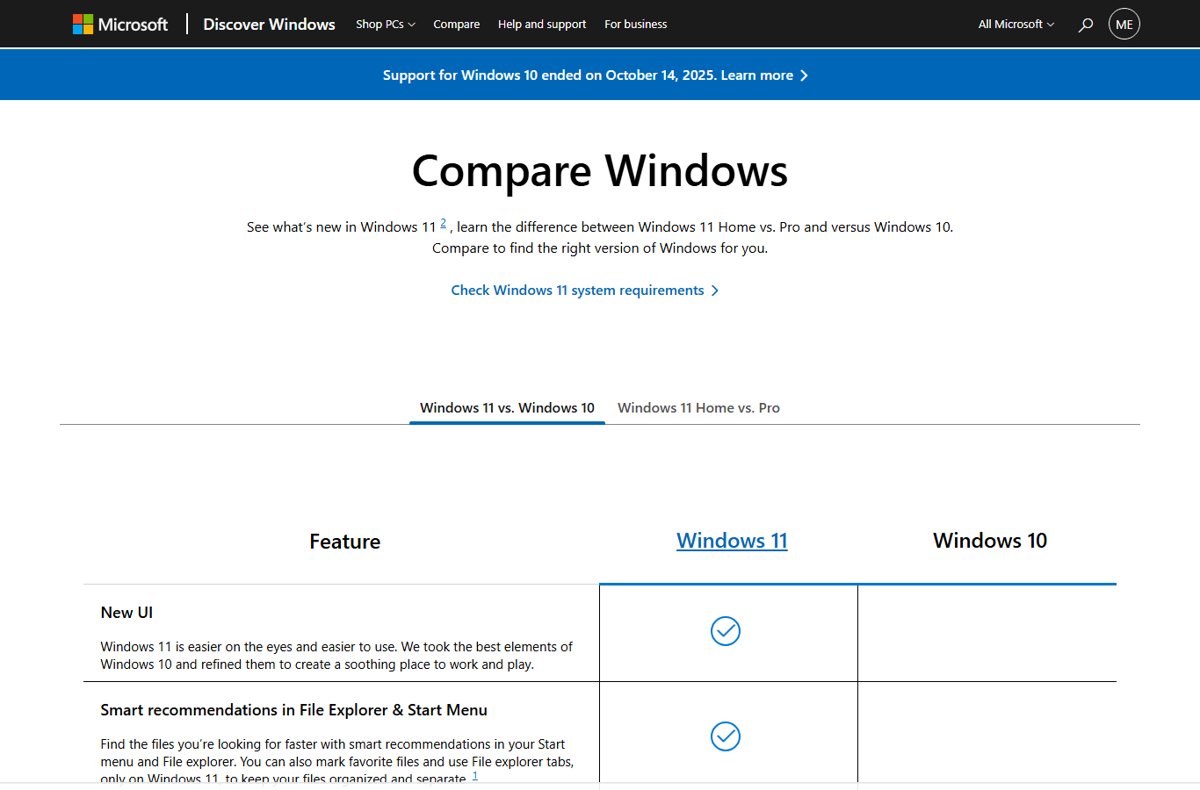
Windows 11 26H2 Home vs Pro: the same update, build and support dates, but Pro adds BitLocker, Remote Desktop hosting, Hyper-V, Sandbox and update control.
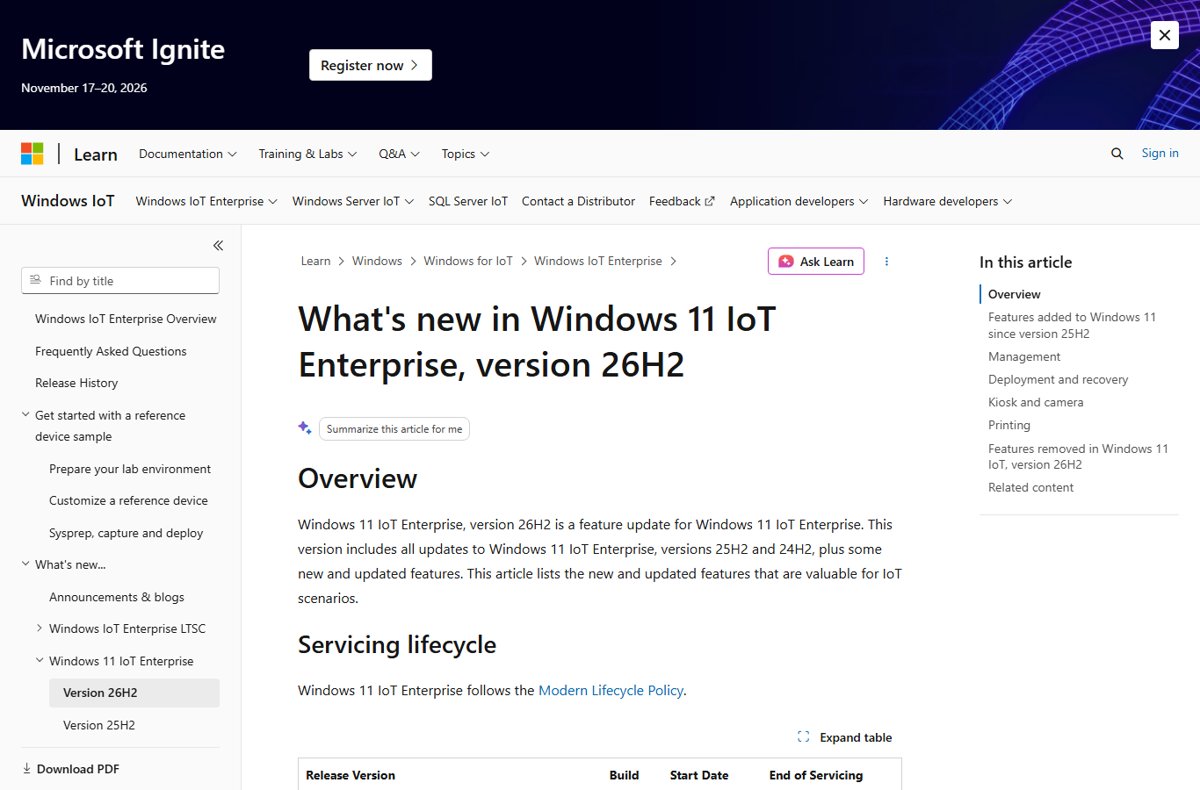
Windows 11 26H2 IoT Enterprise shipped 29 Sep 2026 with support to Oct 2029, but there is no 26H2 LTSC. LTSC 2024 stays current. Dates, channels and requirements.
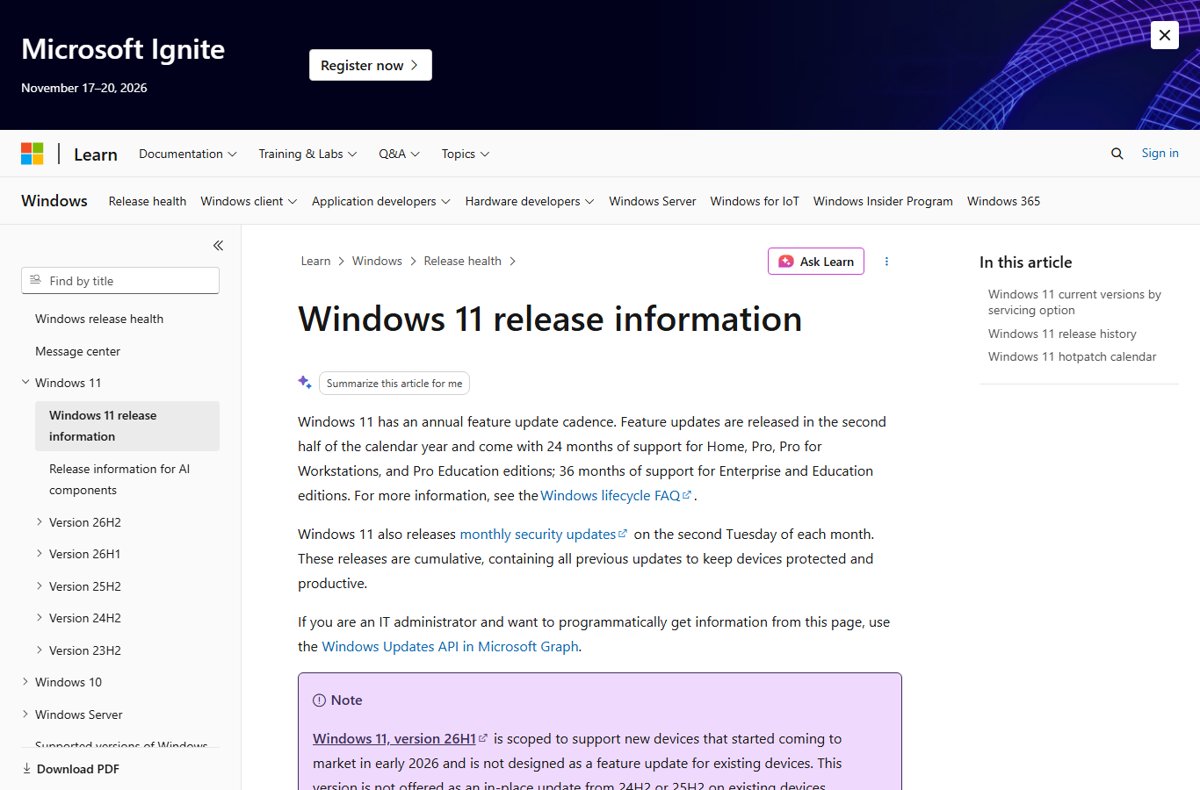
The Windows 11 September 2026 update is KB5124008, builds 26200.9445 and 26100.9445. Every September KB, what it fixed, known issues and how to install.
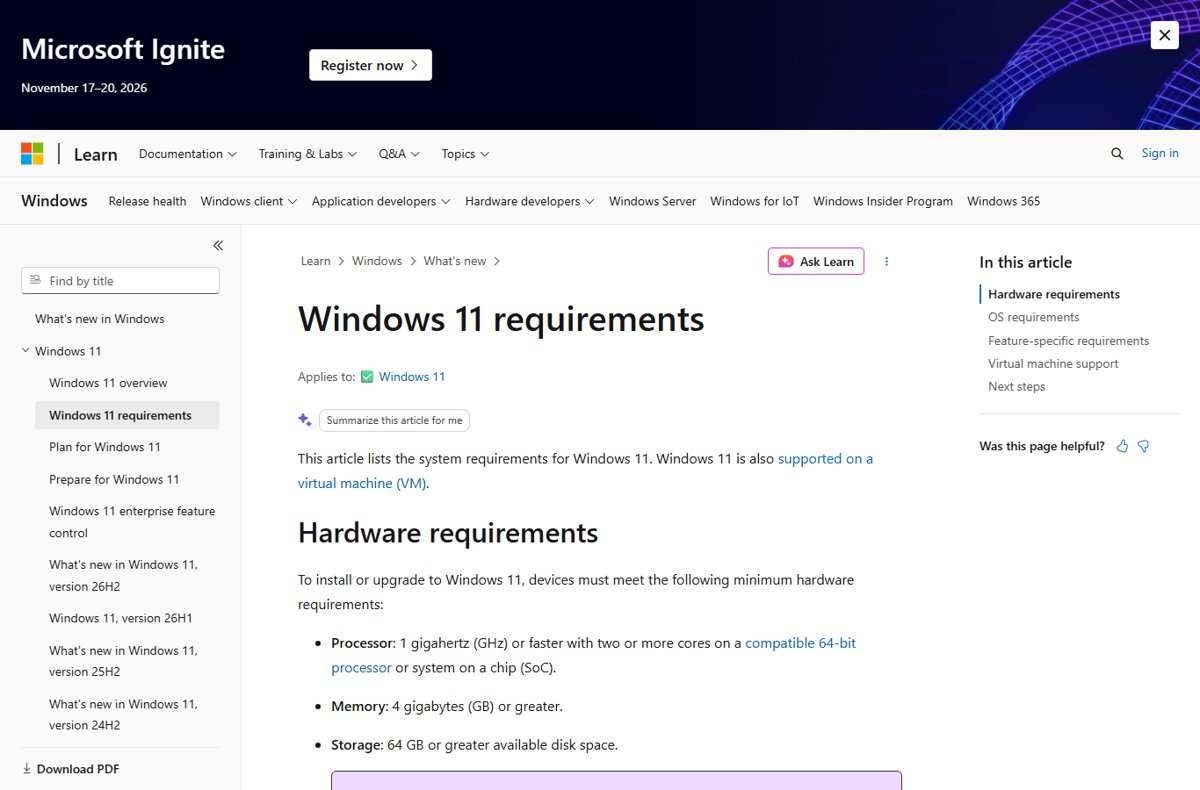
Windows 11 26H2 system requirements are the standard Windows 11 minimums: TPM 2.0, Secure Boot, 4 GB RAM, 64 GB storage. Supported CPUs, Copilot+ specs and dates.