How to add shortcuts to the Windows desktop
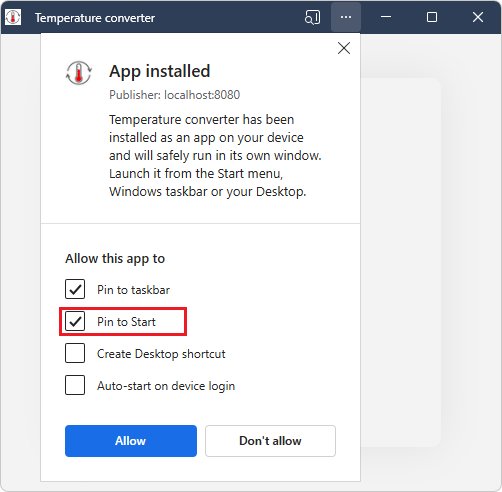
Add shortcuts to the Windows desktop for apps, files, folders, websites and system icons like This PC, with steps for Windows 11 and 10 and fixes for missing icons.
4,040 articles

Add shortcuts to the Windows desktop for apps, files, folders, websites and system icons like This PC, with steps for Windows 11 and 10 and fixes for missing icons.
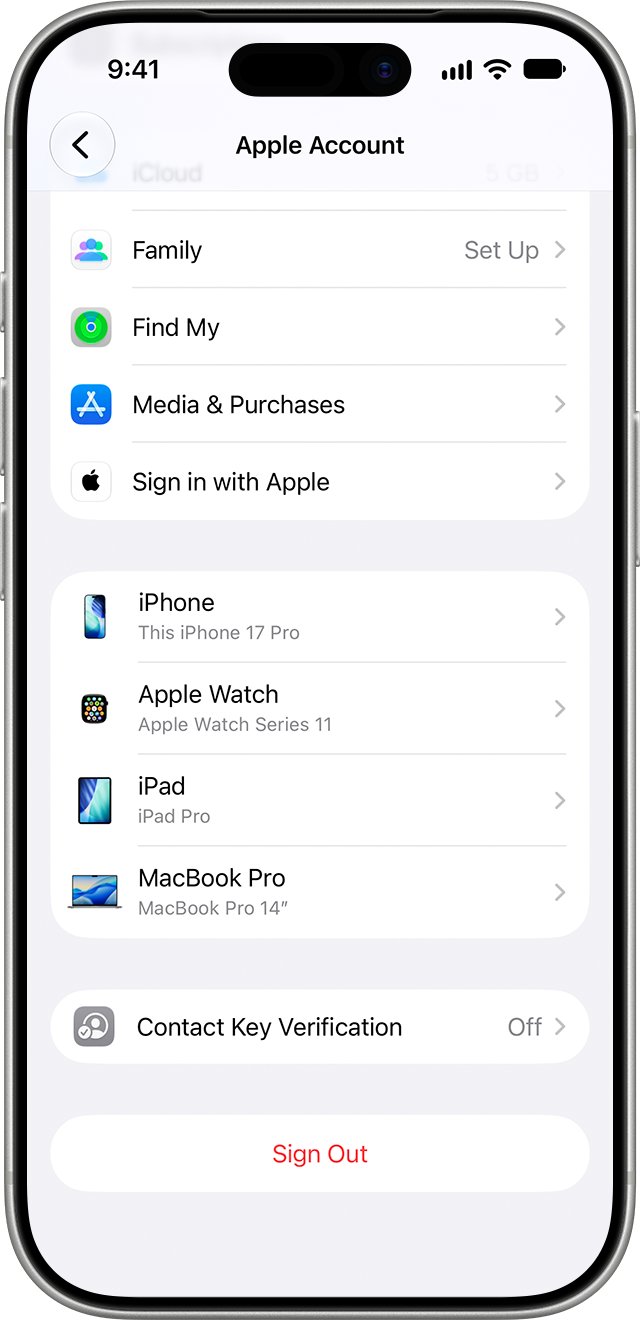
Unable to disable Find My iPhone? Turn off Stolen Device Protection, lift Screen Time limits, reset your Apple Account password or remove the iPhone on iCloud.com.
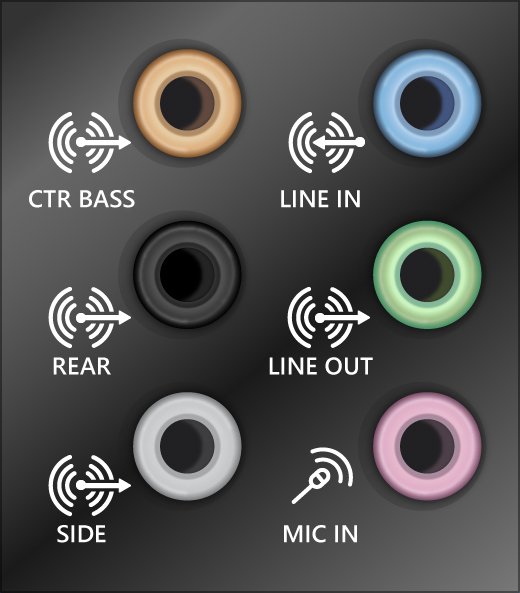
Use Realtek HD Audio Manager to boost PC sound: raise Main Volume, tune the Equalizer, set speakers and microphones, and turn on Loudness Equalization in Windows.
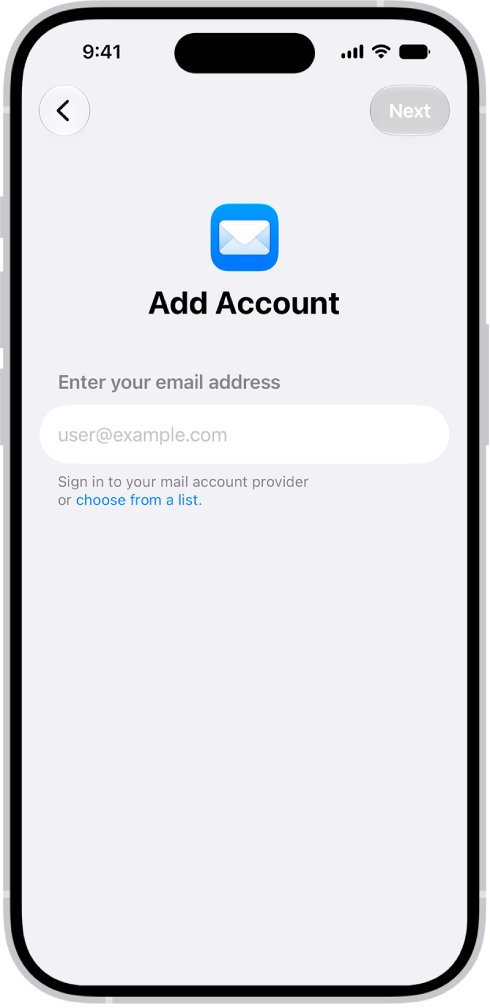
Can’t log in to Gmail on a new iPhone? Remove and re-add the account with Sign in with Google, approve the Google prompt on your old phone and allow Safari cookies.
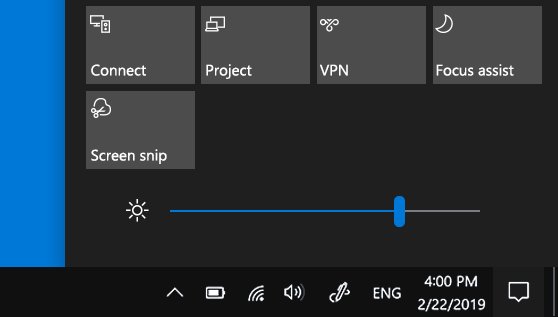
Screen brightness not working in Boot Camp Windows 10? Install Apple’s Windows support software, then use the action center slider or Settings > System > Display.
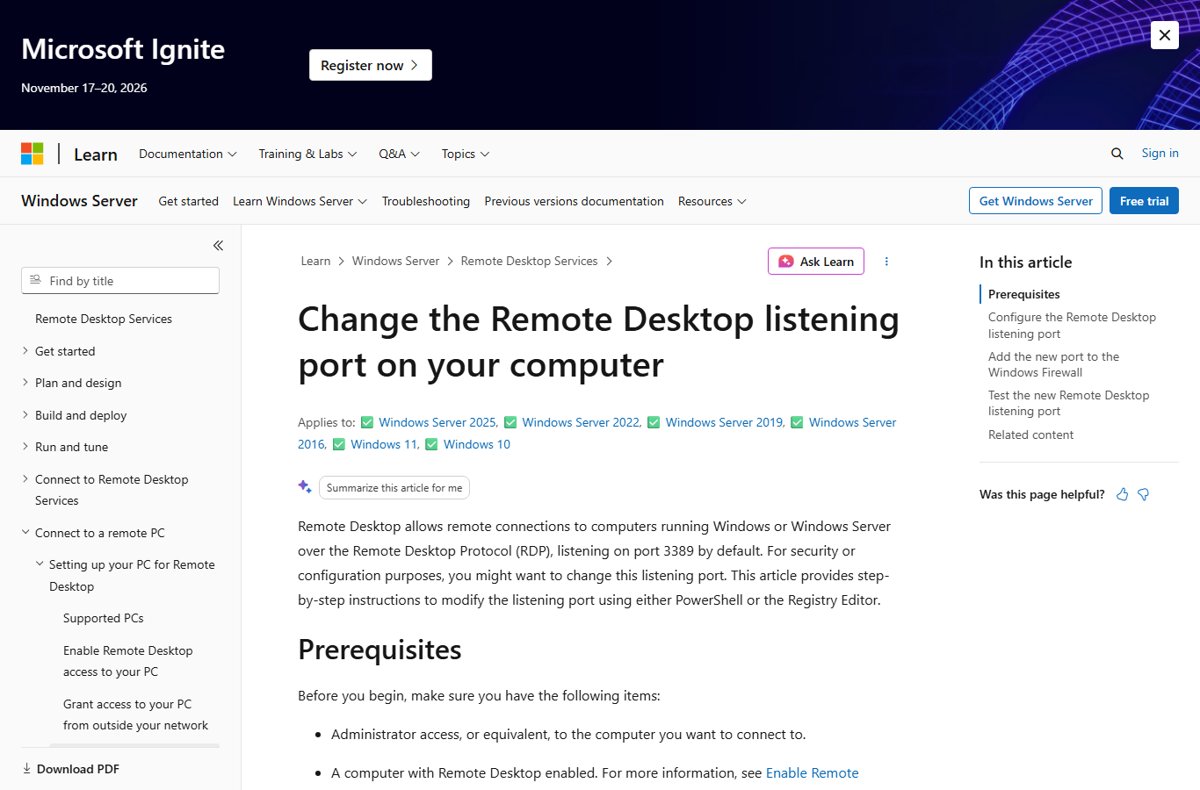
Change the default RDP port 3389 on Windows by editing PortNumber in the RDP-Tcp registry key, allowing the new port in the firewall, and connecting with host:port.
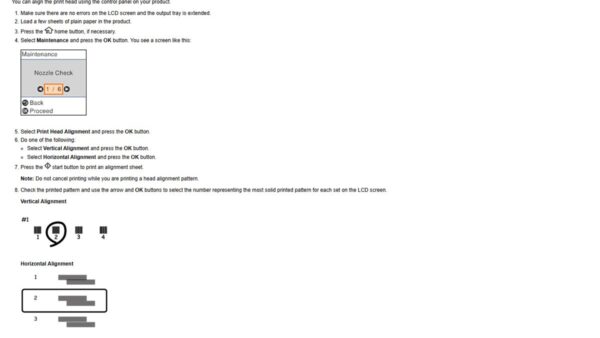
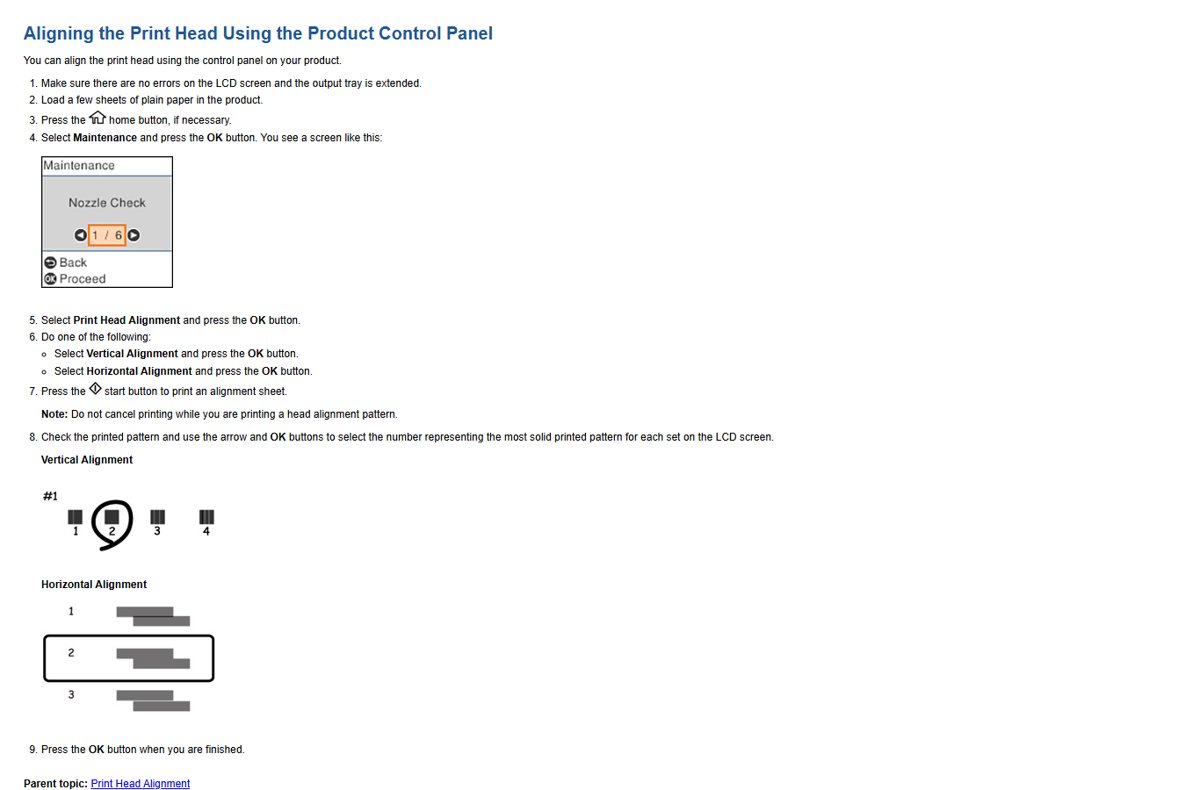
Fix printer alignment on HP, Epson and Canon printers: run print head alignment from the printer app, Windows, Mac or control panel, then fix failed alignments.
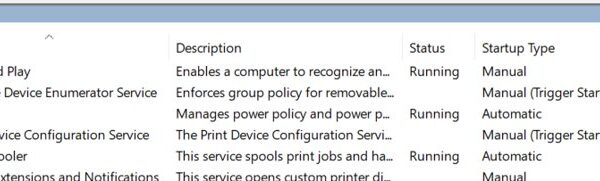

Clear the print spooler on Windows 11: stop Print Spooler in Services, empty C:\Windows\System32\spool\PRINTERS, restart it. CMD, batch file and fixes included.
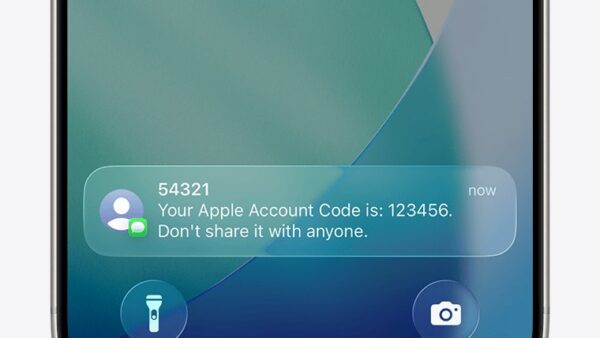
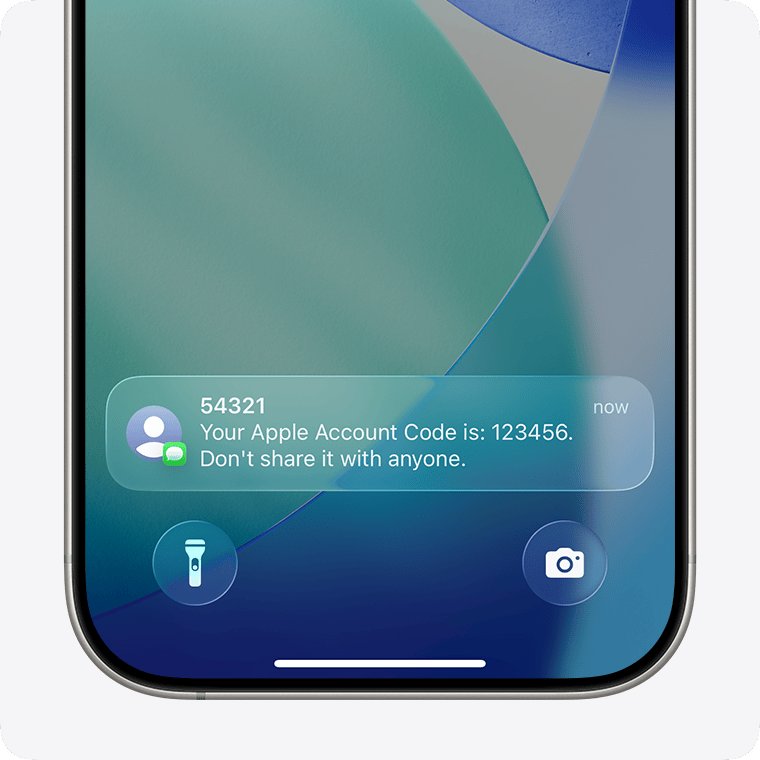
Get into iCloud without your phone: get a code by text or call, use Find Devices without a code, reset with a recovery contact, or start account recovery.
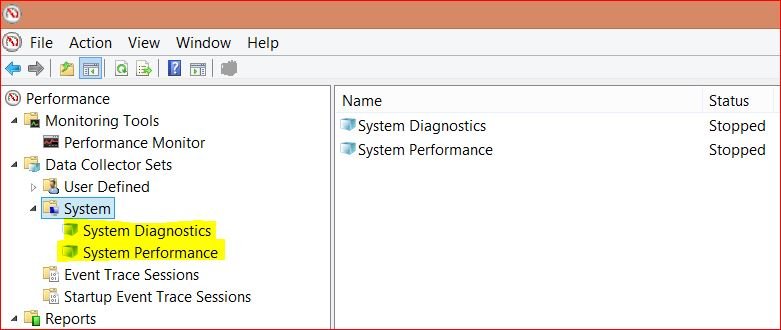
Run System Diagnostics on Windows 11/10 with perfmon /report, then test RAM, disks and system files with mdsched, chkdsk, DISM and SFC, and read the results.
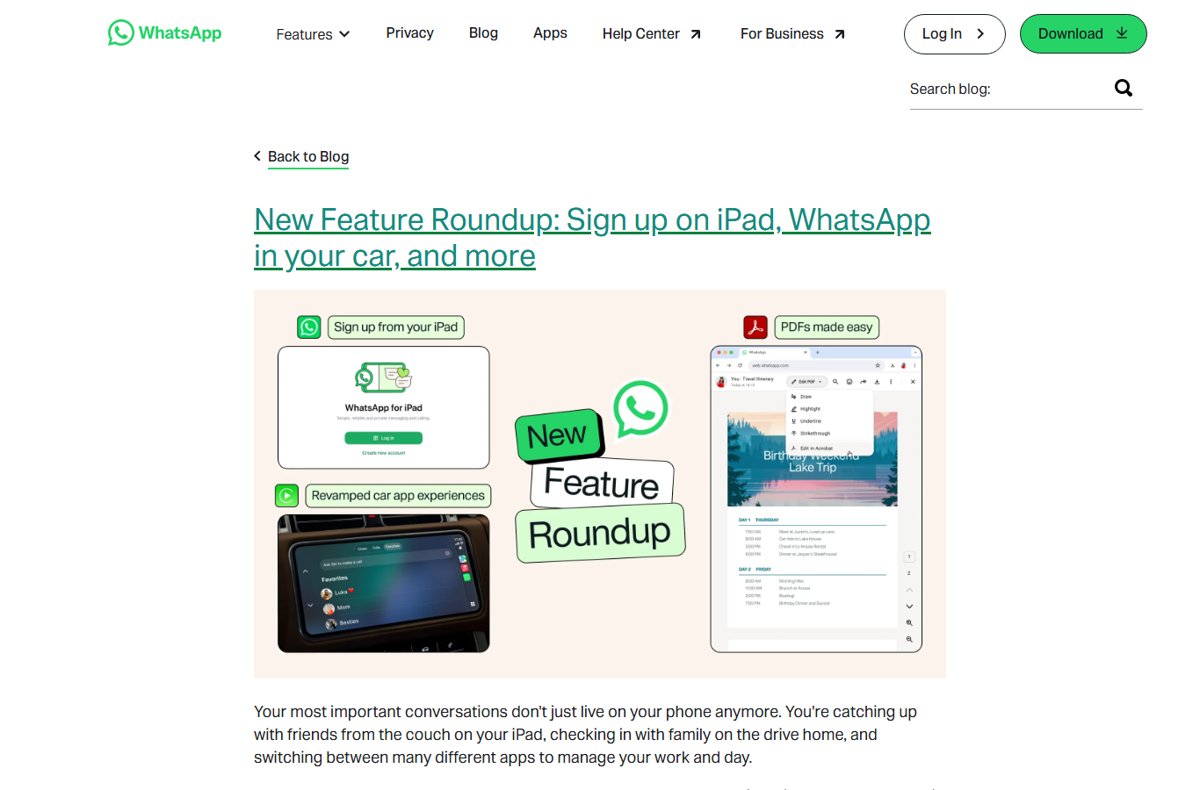
WhatsApp Web on iPad mini: install the official WhatsApp iPad app, scan its QR code from your phone, or register on the iPad. Requirements and fixes.
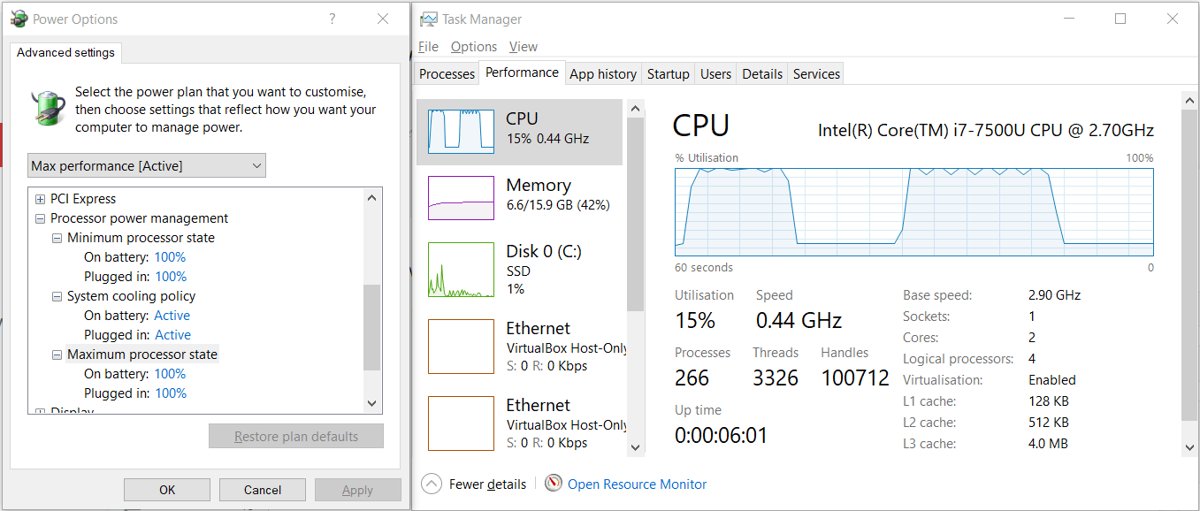
Control fan speed on a Windows PC through your maker’s app, BIOS/UEFI fan profiles, or the Windows System cooling policy. Steps for Dell, Lenovo, ASUS and NVIDIA.