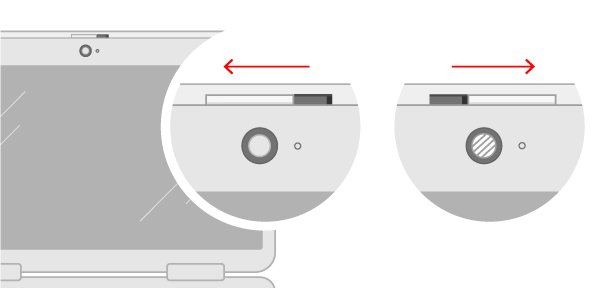
How to activate camera on your computer: a complete guide
Activate the camera on your computer: open the lens cover, allow camera access in Windows or macOS privacy settings, then allow the browser or app you use.
1,938 articles

Activate the camera on your computer: open the lens cover, allow camera access in Windows or macOS privacy settings, then allow the browser or app you use.
Watch Sky Go on a laptop or PC with the Sky Go desktop app and your Sky TV login. Requirements, install, sign-in, live TV, device rules and fixes.
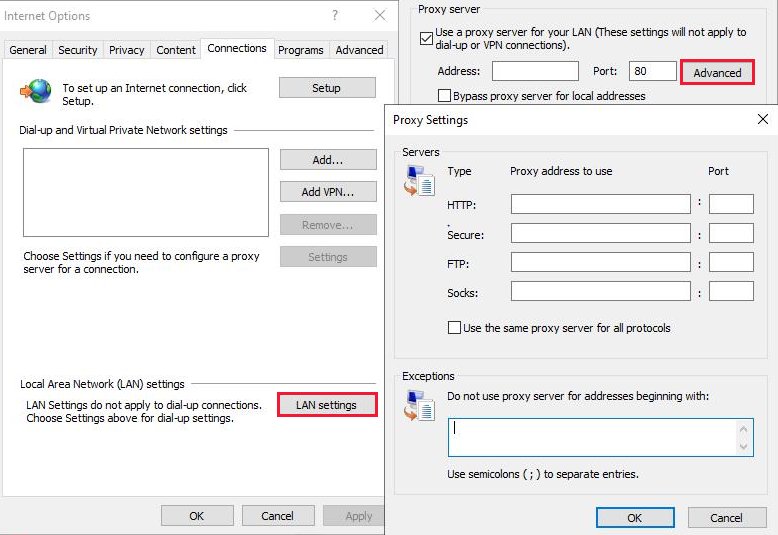
inetcpl.cpl opens Internet Properties in Windows. Open it, learn each tab, set a proxy, manage security zones, clear cached data and reset it to fix connections.
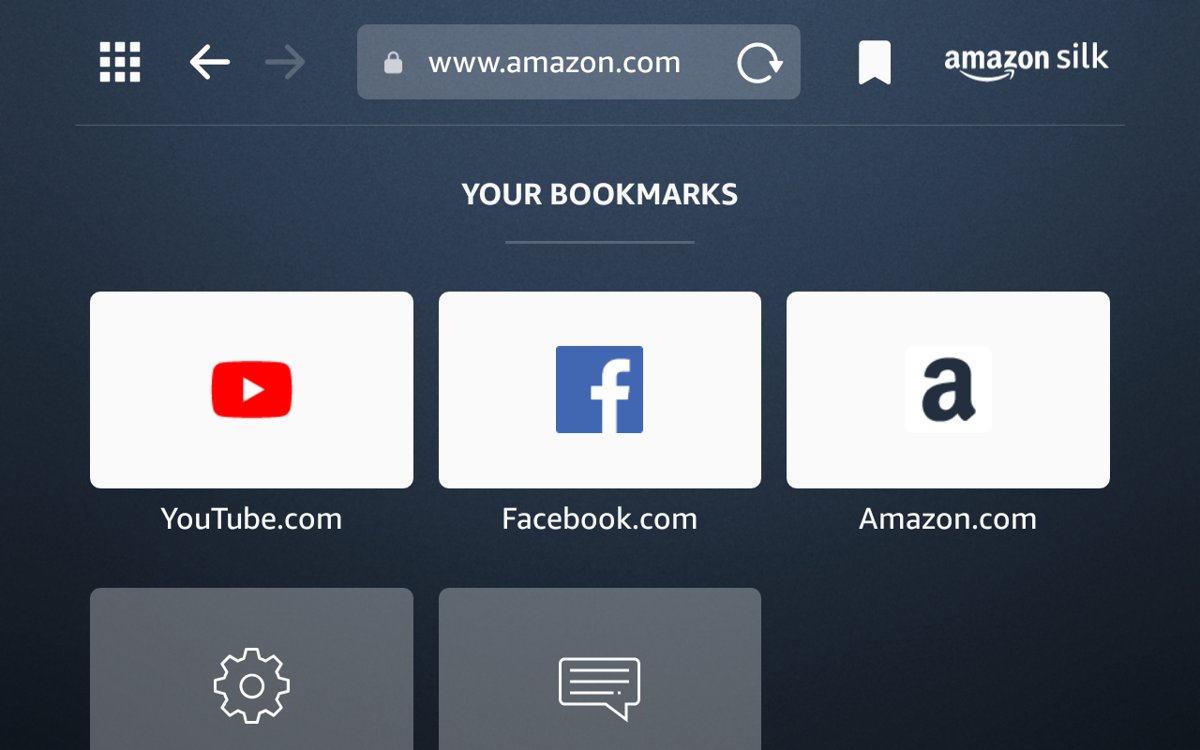
The Amazon Fire tablet web browser is Silk. Learn tabs, bookmarks, private tabs, clearing data, desktop view, Amazon Kids controls and common fixes.
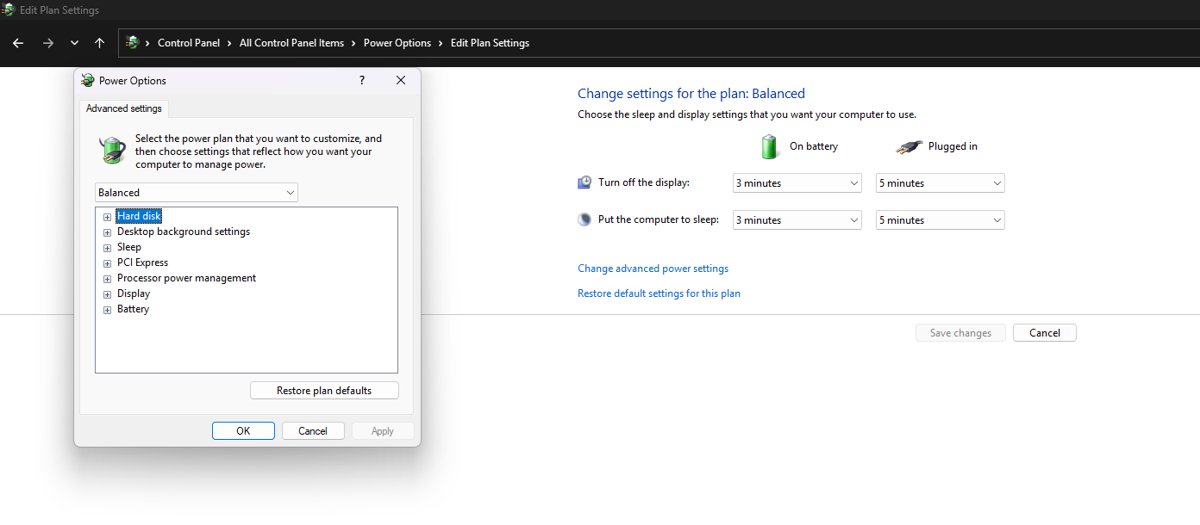
Change USB power settings in Windows 11: turn off USB selective suspend, stop Windows powering down USB hubs, control wake and sleep, and fix USB dropouts.
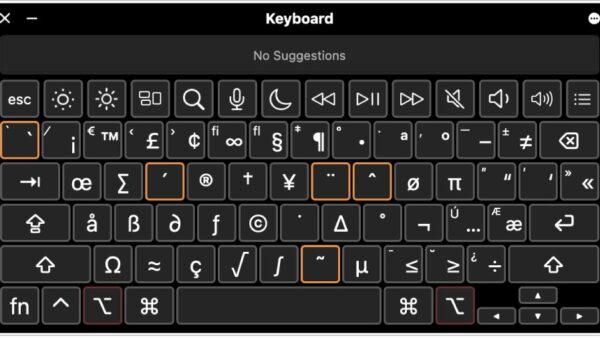
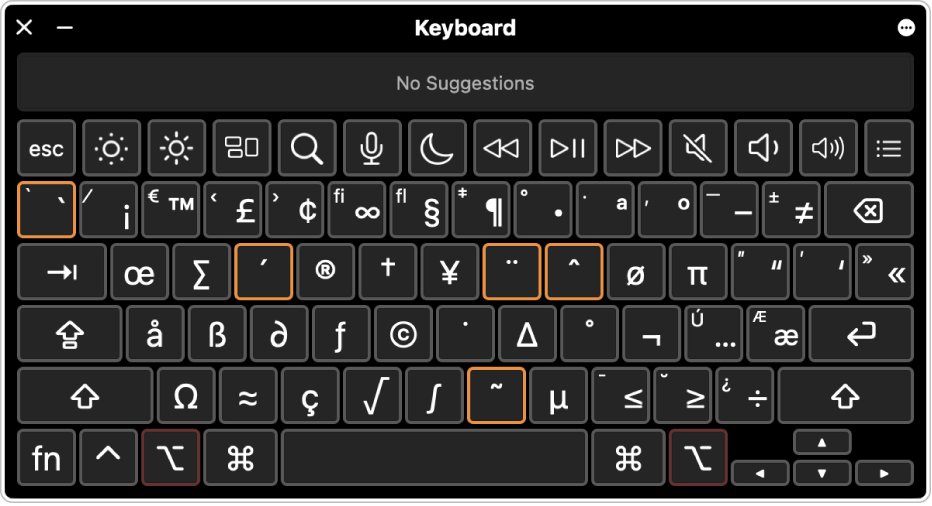
To do a squiggly line (~) on the keyboard, hold Shift and press the key left of 1. Alt 126 on Windows, Mac, Linux, Chromebook, iPhone and Android covered.
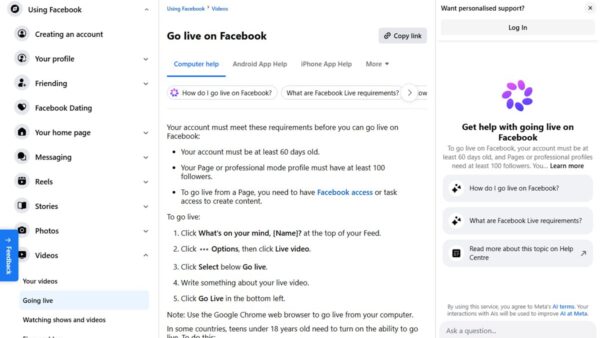
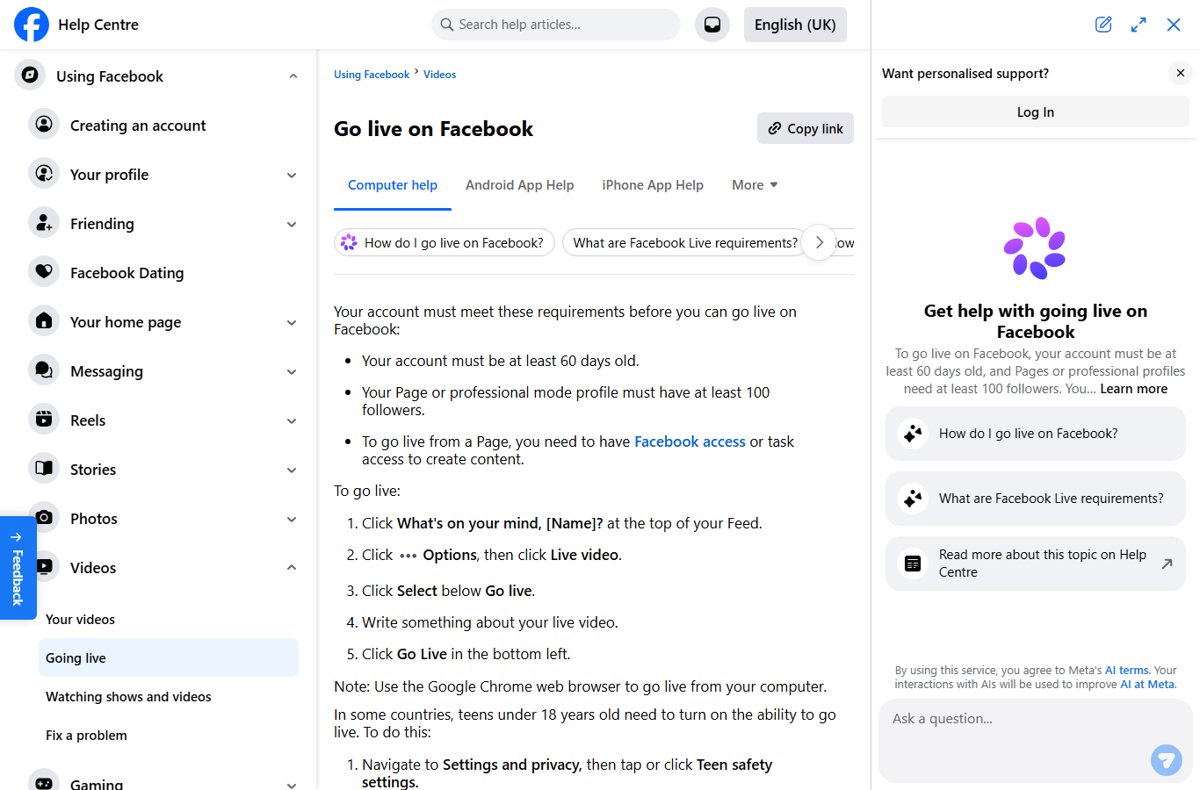
Facebook Watch Party explained: what it was, how it worked, why Facebook’s Help Center no longer covers it, and how to host one today with Facebook Live.
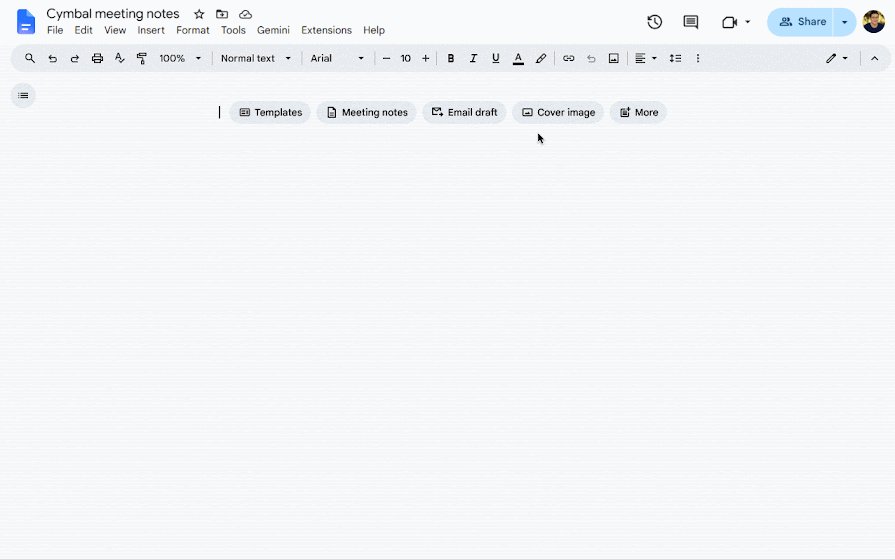
Put an arrow in Google Docs with Insert > Symbols > Special characters, a drawing, an equation or a Unicode code. Steps for text arrows and drawn arrows.
Open an ODG file for Microsoft Office by exporting it from free LibreOffice Draw to PDF, PNG or SVG, because Word, Excel and PowerPoint cannot read .odg.

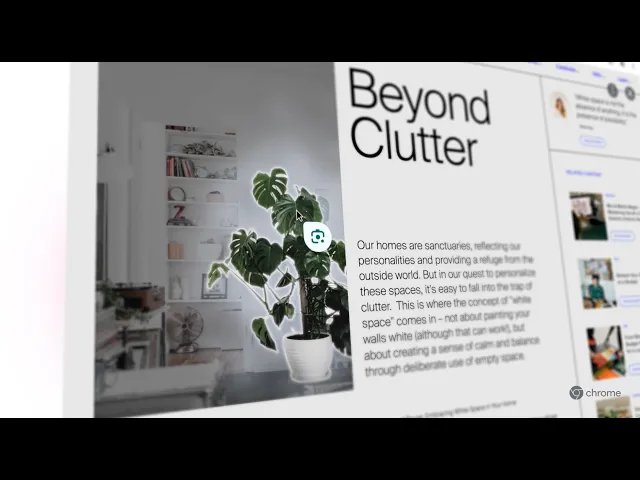
Reverse image search on Google with Google Lens: upload, paste a link or drag an image on a PC, or use the Google app, Chrome or Photos on iPhone and Android.
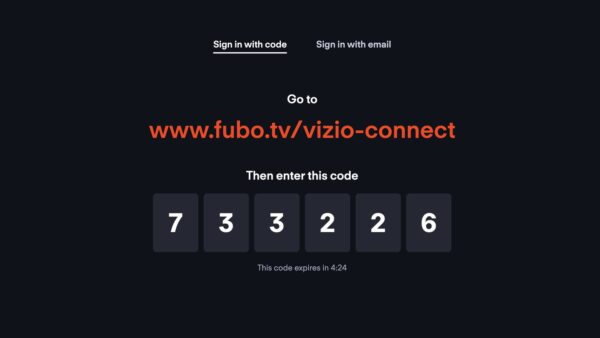
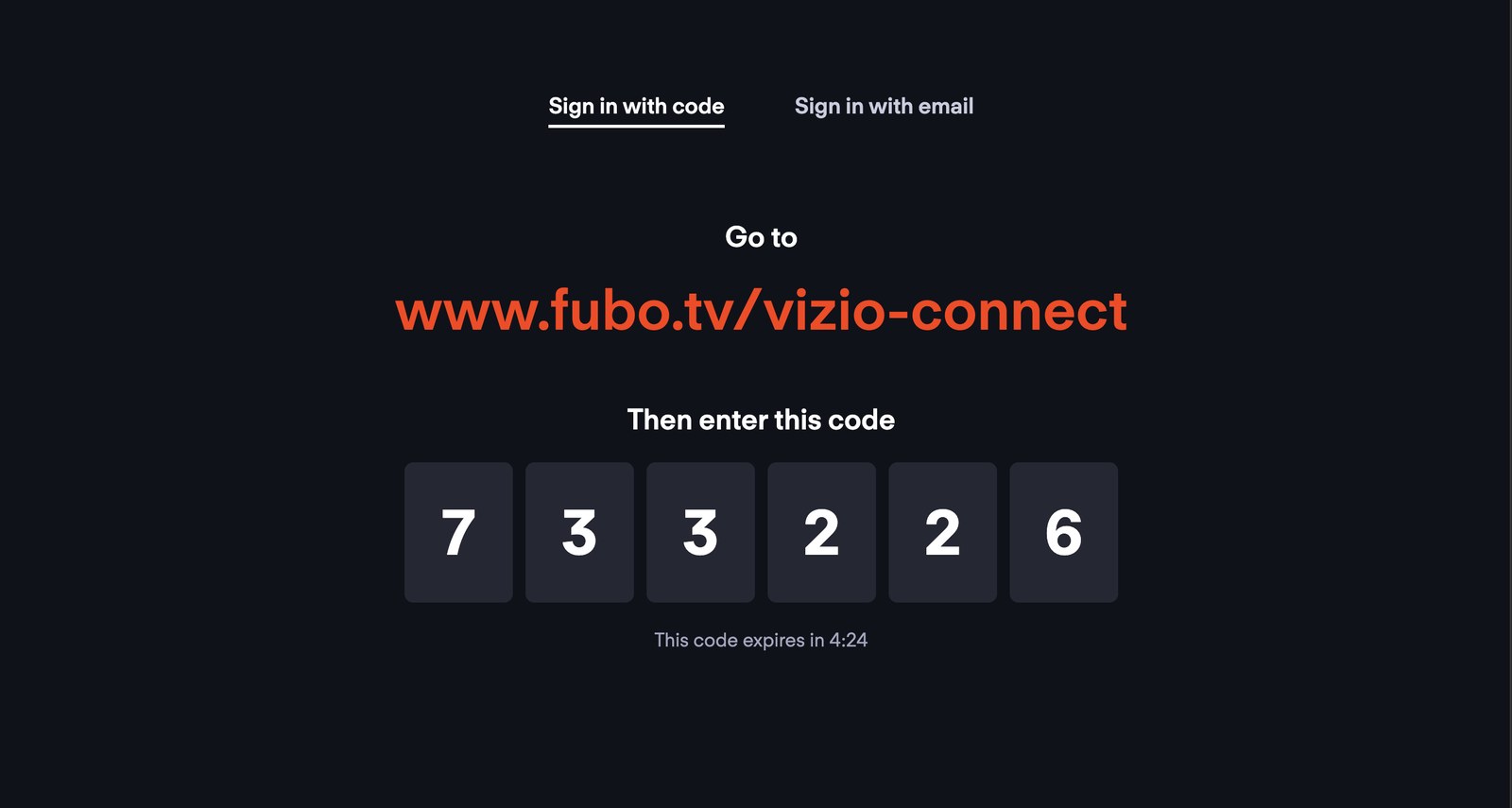
Activate Fubo on your TV with FuboTV Connect: pick Sign In With A Code, enter the code at fubo.tv/connect within five minutes, and fix code and sign-in errors.
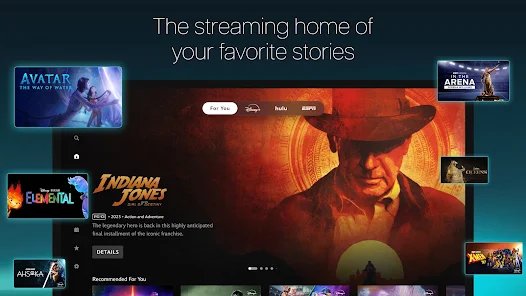
Activate Disney Plus on your TV: open the app, start the sign-in, then enter the TV’s code at disneyplus.com/begin. Provider bundles, fixes and fake-site warnings.