How to use Zoom chat and useful tips
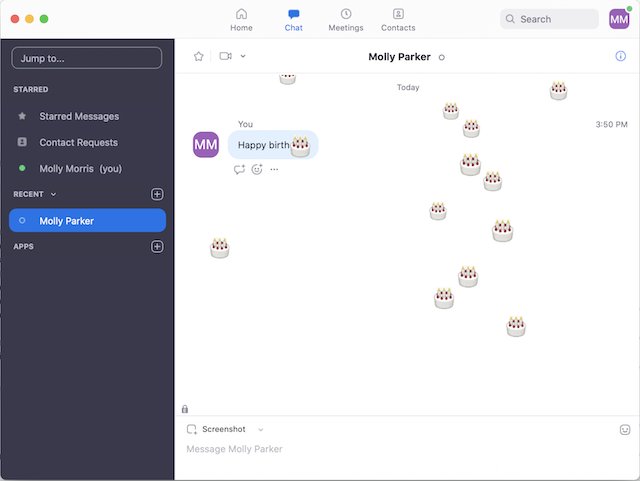
Use Zoom chat by clicking Chat in the meeting toolbar or the Chat tab in the Zoom app. Private and group messages, saving chats, settings and useful tips.
1,937 articles

Use Zoom chat by clicking Chat in the meeting toolbar or the Chat tab in the Zoom app. Private and group messages, saving chats, settings and useful tips.
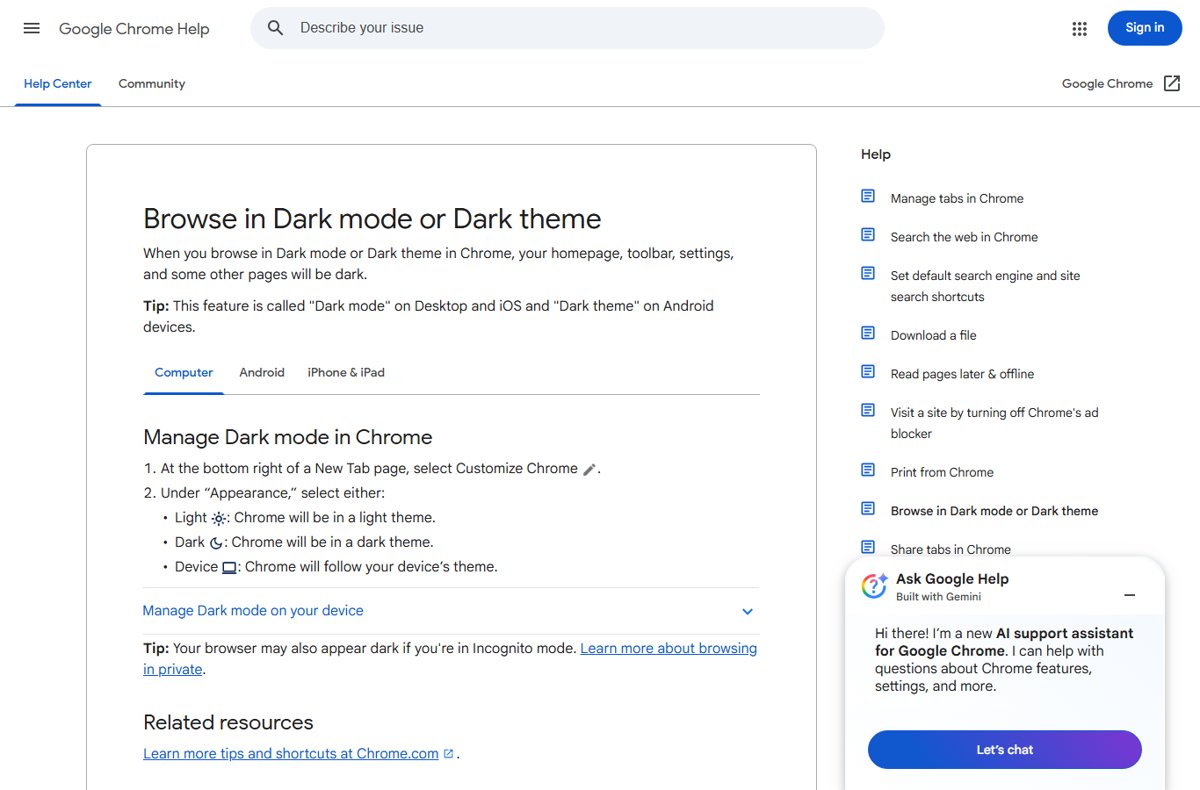
Make Google dark mode on a computer: search on google.com, open Settings > See all settings > Appearance, pick Dark theme and Save. Chrome, Gmail and YouTube too.
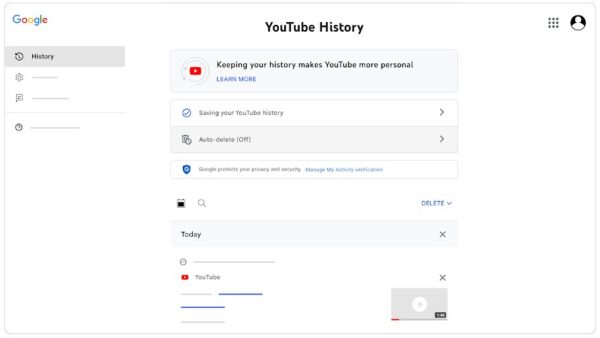
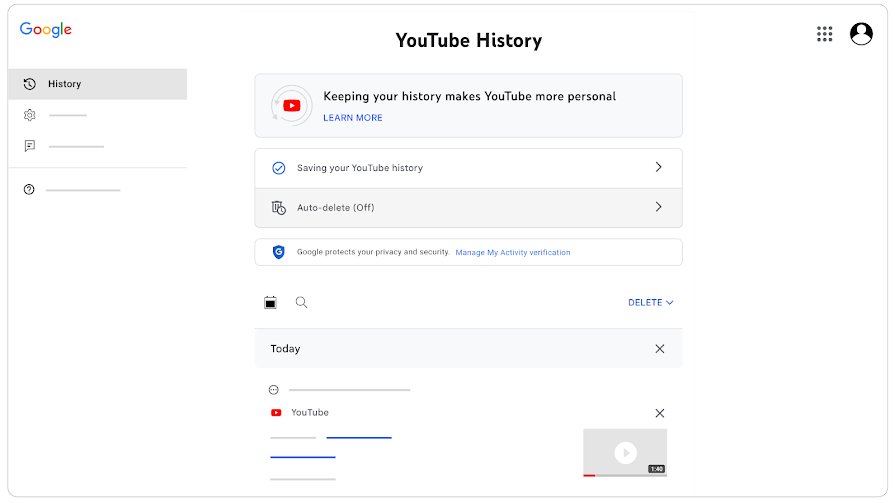
See your YouTube watch history in My Activity or under Settings > Manage all history, then delete single videos, clear it all, auto-delete it or pause it.
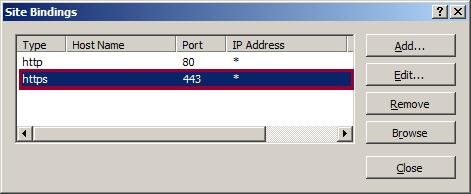
Allow port 443 in Windows Firewall with a narrow inbound TCP rule in wf.msc, PowerShell or netsh, then test it, restrict it and fix it when HTTPS still fails.


Download and install Fortnite on a PC or laptop through the free Epic Games Launcher: account, install location, first launch, updates and install fixes.
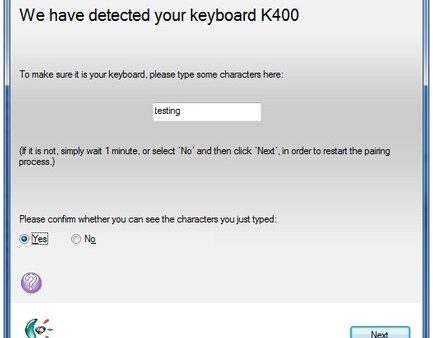
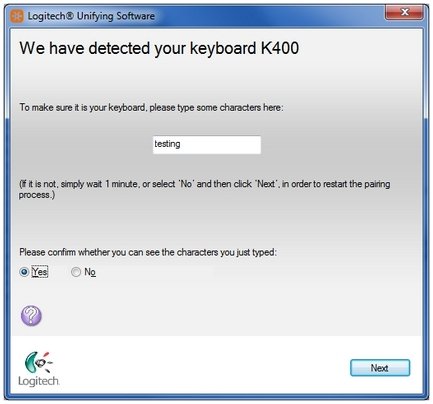
Fix a Logitech keyboard that is not working: fast checks, receiver and Bluetooth re-pairing for Unifying and Logi Bolt, firmware updates and symptom fixes.
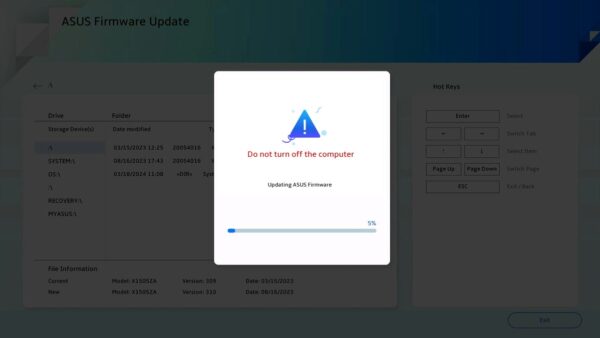
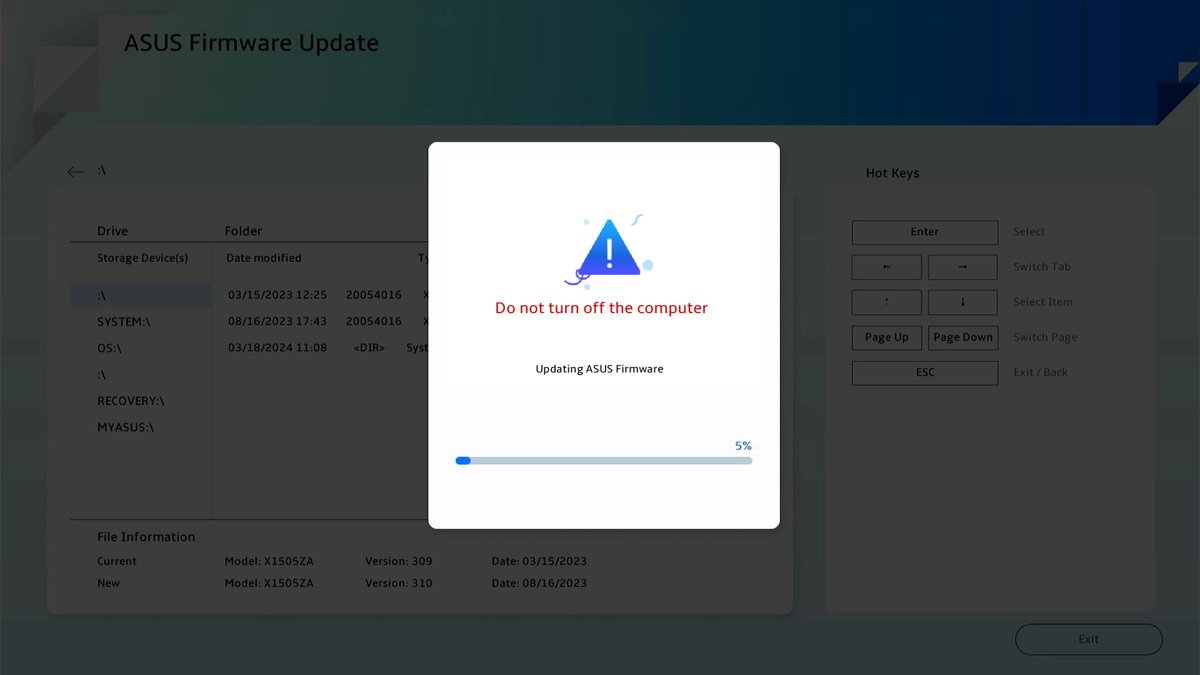
Upgrade an American Megatrends (AMI) BIOS with the update your PC or motherboard maker publishes for your model. Check the version, flash safely and recover.
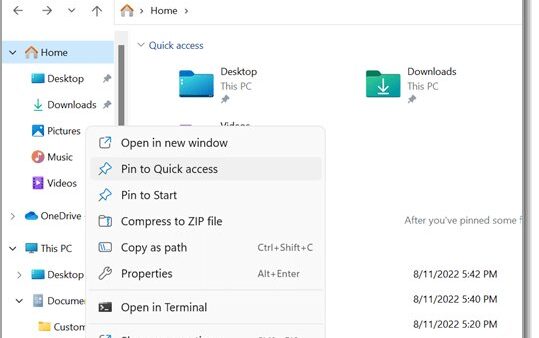
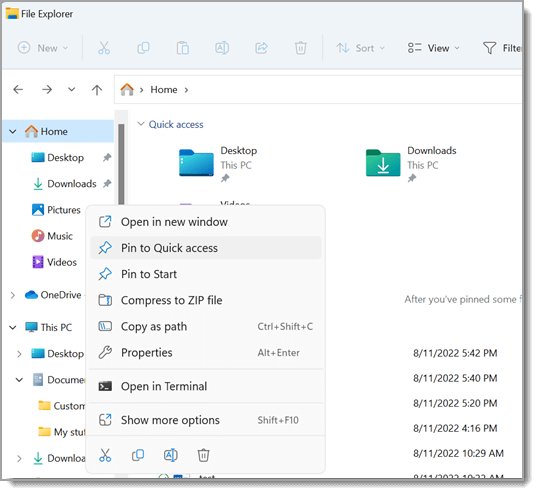
Select multiple files in Windows 11 and 10 with Ctrl+click, Shift+click, Ctrl+A, a drag box, the keyboard or check boxes, plus fixes when selection misbehaves.
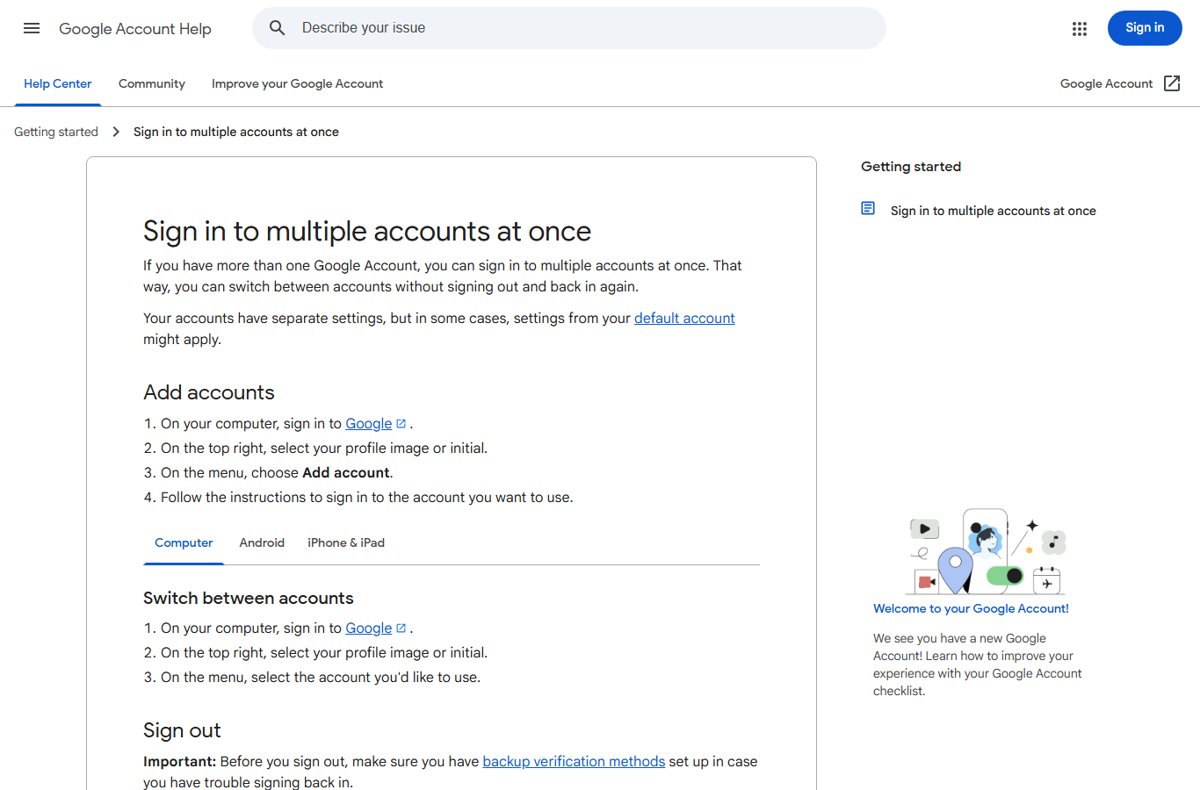
Make a Google account your default by signing out of every account, then signing in to that one first. Steps for Chrome, Gmail, Android, iPhone and YouTube.
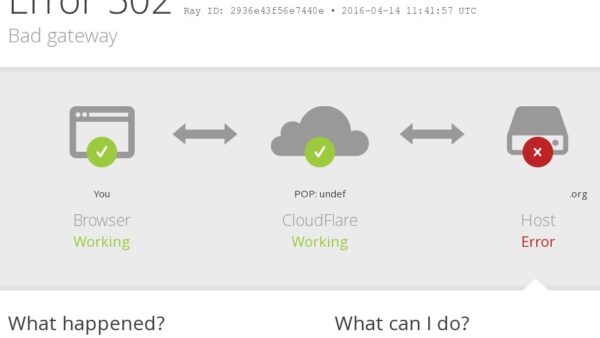
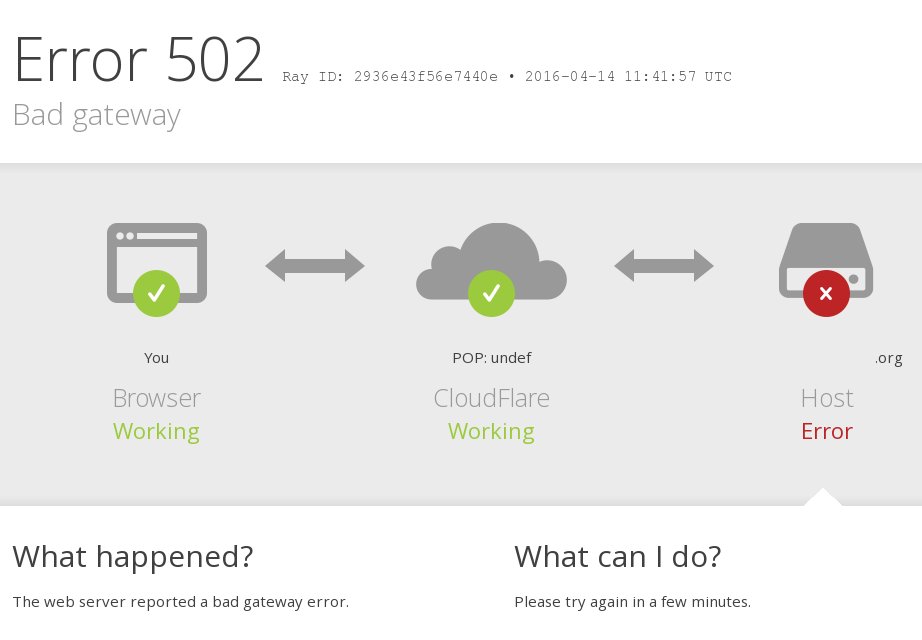
504 Gateway Timeout means a proxy or gateway got no reply from the server behind it in time. What it means, visitor fixes, and nginx, Cloudflare and cloud fixes.
Reset a Roblox password without email using the Phone tab on the Forgot Password page, Quick Login from a signed-in device, or Roblox Support as a last resort.
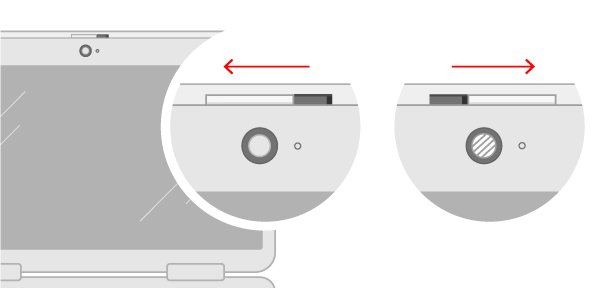
Activate the camera on your computer: open the lens cover, allow camera access in Windows or macOS privacy settings, then allow the browser or app you use.