Acrobat Pro DC includes everything in Acrobat Standard DC plus OCR for scanned documents, PDF comparison, redaction, branded agreements, web forms and bulk e-signature tracking, for US$19.99 a month against US$14.99 on an annual plan.
Adobe now sells the two plans simply as Acrobat Standard and Acrobat Pro; this comparison covers features, security, platforms, prices and which one fits your work.
Adobe Acrobat Pro DC vs Standard DC: Key differences at a glance
| Feature | Acrobat Standard | Acrobat Pro |
|---|---|---|
| Edit and organize PDFs | Yes | Yes |
| Convert documents to and from PDF | Yes | Yes |
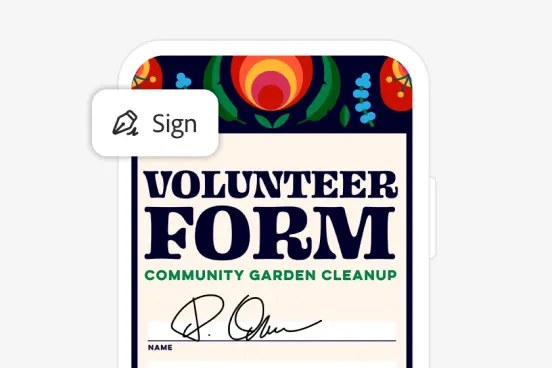
| Fill out forms, sign, and request e-signatures | Yes | Yes |
| Password-protect files | Yes | Yes |
| Turn scanned documents into editable, searchable PDFs | No | Yes |
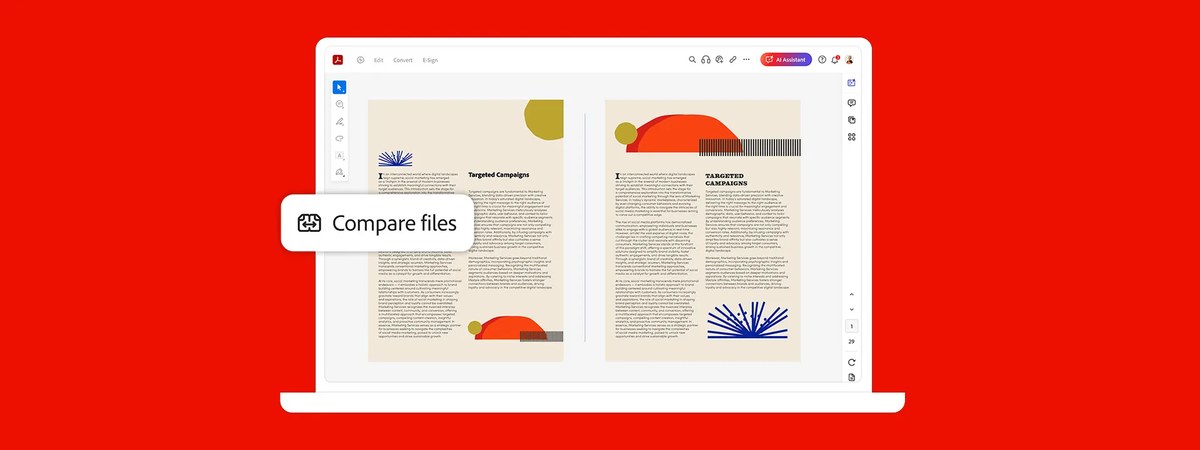
| Compare two PDFs to review differences | No | Yes |
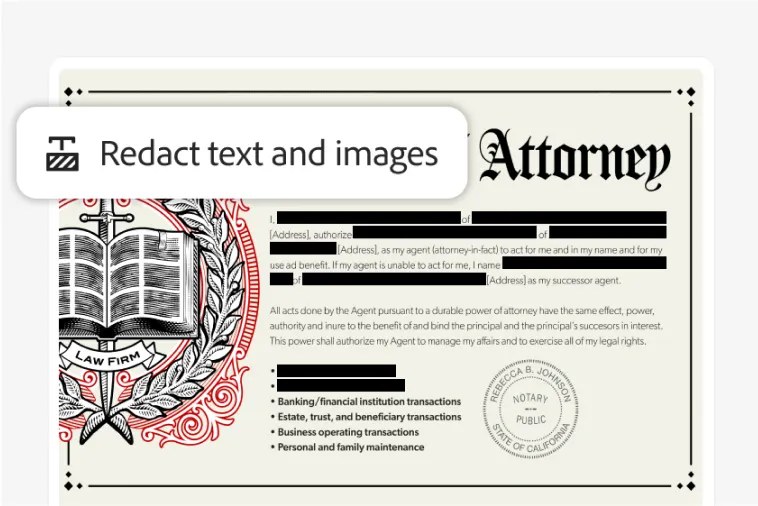
| Redact sensitive information | No | Yes |
| Brand agreements with a logo and custom URL | No | Yes |
| Create web forms and reusable e-sign templates | No | Yes |
| Send e-signature requests in bulk and track them | No | Yes |
| Annual plan, billed monthly (US, individual) | US$14.99/mo | US$19.99/mo |
Adobe describes Standard as a simple tool to edit and convert documents, and Pro as the secure PDF and e-signature solution with advanced tools.
Which Acrobat version should you choose?
| Your situation | Choose | Why |
|---|---|---|
| You edit, convert and sign everyday office PDFs | Standard | Covers editing, conversion, forms, signing and passwords for less |
| You scan paper documents and need to edit or search them | Pro | Only Pro turns scans into editable, searchable PDFs |
| You handle legal, HR or medical files with private data | Pro | Redaction permanently removes sensitive content |
| You review contract or document revisions | Pro | Compare PDFs shows the differences between versions |
| You send the same agreement to many signers | Pro | Bulk sending, reusable templates and tracking are Pro-only |
| You need a desktop app without a subscription | Acrobat Pro 2024 | A 3-year term licence with security updates but no new features |
| You only view, print and comment | Acrobat Reader | Free, so neither paid plan is needed |
If viewing PDFs is all you need, install the free Acrobat Reader offline installer instead of paying for either plan, then make PDFs open in Acrobat Reader instead of Edge.
PDF creation, editing, and conversion features
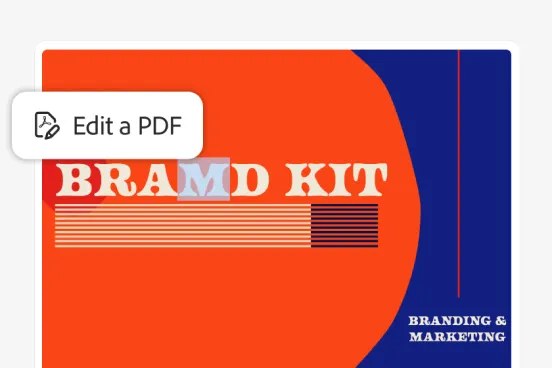
The core PDF tools are the same in both plans, so a Standard user edits and converts files exactly as a Pro user does.
| Task | Standard | Pro | What it covers |
|---|---|---|---|
| Edit text and images | Yes | Yes | Fix text, swap images and change layouts in an existing PDF |
| Organize PDFs | Yes | Yes | Arrange the pages and structure of a PDF |
| Convert to PDF | Yes | Yes | Turn Microsoft Office and other files into PDFs |
| Convert from PDF | Yes | Yes | Export PDFs to Word, Excel, PowerPoint and image formats |
| Fill and sign forms | Yes | Yes | Complete any PDF form and add your signature |
| Edit scanned documents | No | Yes | Recognizes text in scans so you can edit and search it |
Advanced features exclusive to Acrobat Pro DC
| Pro-only feature | What it does | Who needs it |
|---|---|---|
| Scan to editable PDF (OCR) | Turns scanned pages into editable, searchable text | Anyone digitizing paper records |
| Compare PDFs | Shows the differences between two versions of a document | Editors, lawyers, contract reviewers |
| Redact | Removes sensitive information from a PDF | Legal, HR, finance and healthcare teams |
| Branded agreements | Adds your logo and a custom URL to agreements | Businesses sending client contracts |
| Web forms and reusable e-sign templates | Builds forms people sign online and templates you reuse | Teams sending the same forms repeatedly |
| Bulk e-signatures with tracking | Sends one document to many signers and tracks each signature | Sales, HR onboarding, admin teams |
Security, e-signatures, and collaboration tools
| Tool | Standard | Pro |
|---|---|---|
| Password protection and permissions | Yes | Yes |
| Redaction of sensitive content | No | Yes |
| Sign documents yourself | Yes | Yes |
| Request e-signatures from others | Yes | Yes |
| Bulk e-signature requests and tracking | No | Yes |
| Reusable e-sign templates and web forms | No | Yes |
| Share and comment on PDFs | Yes | Yes |
| Cloud storage with the membership | 100 GB | 100 GB |
If e-signatures are the main reason you are buying, compare Adobe Sign with DocuSign before you pick a plan.
Platform compatibility and system requirements
Both subscriptions include the desktop app, online access in a web browser, and mobile apps that sync files across devices. Acrobat Pro has desktop apps for Windows and macOS.
| Access | Standard subscription | Pro subscription | Acrobat Pro 2024 licence |
|---|---|---|---|
| Desktop app | Included | Included on Windows and macOS | Included, desktop only |
| Acrobat online in a browser | Included | Included | Not included |
| Mobile apps | Included | Included | Not included |
| New features over time | Yes | Yes | No, security updates only |
Check Adobe's system requirements page for the exact Windows and macOS versions supported before you buy, especially on an older PC or Mac.
Pricing, licensing, and subscription options
US prices for individuals as listed by Adobe. The annual plan billed monthly carries a cancellation fee after 14 days, while the month-to-month plan can be cancelled anytime.
| Plan | Acrobat Standard | Acrobat Pro |
|---|---|---|
| Annual, billed monthly | US$14.99/mo | US$19.99/mo |
| Annual, prepaid | US$179.88/yr | US$239.88/yr |
| Monthly, cancel anytime | US$24.99/mo | US$29.99/mo |
| Teams, annual billed monthly | US$16.99/mo per licence | US$23.99/mo per licence |
| Free trial | Not listed | 7 days |
| One-time licence | Not offered | Acrobat Pro 2024, 3-year term |
Acrobat Studio sits above Pro at US$24.99 a month and adds AI summaries, document chat and PDF Spaces.
How to try Acrobat Pro before you buy
The trial is the simplest way to check whether the Pro-only tools matter to you, and you can download the Acrobat Pro trial for Windows or Mac directly.
- Open Adobe's Acrobat free trial page and select Free trial under Acrobat Pro.
- Sign in with an Adobe account or create one.
- Install the desktop app on Windows or macOS, or use Acrobat online in your browser.
- Test a scanned document, a PDF comparison and a redaction during the 7 days.
- If Standard is enough, change plans or cancel; Adobe gives an extra 14 days to cancel for a full refund.
Acrobat Pro vs Standard: frequently asked questions
What is the biggest difference between Acrobat Pro DC and Standard DC?
Pro can turn scanned documents into editable, searchable PDFs, compare two PDFs, redact sensitive information and send e-signature requests in bulk. Standard covers editing, converting, forms, signing and password protection but none of those advanced tools.
Is Adobe Acrobat Pro DC worth it over Standard DC?
Yes, if you work with scans, sensitive data, document revisions or many signers. On the annual plan Pro costs US$5 a month more than Standard. If you only edit, convert and sign everyday PDFs, Standard is enough.
Which Acrobat version is better for scanned documents?
Acrobat Pro. Only Pro turns scanned documents into editable, searchable PDFs. Standard does not include that feature, so text in a scan stays part of the image.
Do both Acrobat Pro DC and Standard DC support e-signatures?
Yes. Both let you sign documents and request e-signatures. Pro adds bulk sending with tracking, reusable e-sign templates, web forms and branded agreements with your logo.
Is Adobe Acrobat DC the same as Acrobat Pro?
DC is the label Adobe used for subscription Acrobat. Its current pricing pages list the paid plans as Acrobat Standard and Acrobat Pro, without the DC label, alongside the free Acrobat Reader and the higher Acrobat Studio plan.
Can I buy Acrobat without a subscription?
Yes, as Acrobat Pro 2024, a desktop-only 3-year term licence paid upfront. It gets quarterly security updates but no new features, and it excludes Acrobat online and the mobile apps.
Acrobat Pro DC vs Standard DC: bottom line
Buy Acrobat Standard for everyday editing, conversion and signing; choose Acrobat Pro if you scan paper, redact private data, compare revisions or send agreements to many signers. The core PDF tools are identical, so the extra US$5 a month only pays off when you use the Pro-only scanning, redaction, comparison or bulk e-signature features.