The core creative apps for PC are Adobe Creative Cloud (Photoshop, Lightroom, Premiere Pro, InDesign, Acrobat), free DaVinci Resolve for video, GIMP for photos, OBS Studio for streaming and Audacity for audio, all of which run on Windows 11 and 10.
This page sorts every app by job, gives the free Windows alternative to each Adobe app, and names the Windows equivalent for Mac-only and phone-only apps.
Best creative apps for PC by job
Pick the row that matches the work you do. Every app in the first two columns installs on Windows 11 and Windows 10.
| Your job | Adobe or paid standard | Windows alternative |
|---|---|---|
| Photo editing | Photoshop or Lightroom | GIMP or Affinity |
| Vector graphics and logos | Illustrator | Inkscape or Affinity |
| Page layout and print | InDesign | Scribus or Affinity |
| Video editing | Premiere Pro | DaVinci Resolve or Clipchamp |
| Streaming and screen recording | Streamlabs Ultra | OBS Studio |
| Audio recording and cleanup | Audition | Audacity |
| 3D and animation | After Effects or Animate | Blender or OpenToonz |
| Reading and signing PDFs | Acrobat Pro | Acrobat Reader |
If you want one install that covers photo, vector and layout at no cost, start with Affinity. If you already pay for Adobe, keep it and add DaVinci Resolve and OBS Studio for video and streaming.
Choosing your creative path: Adobe CC vs. free alternatives
| Your situation | Choose | Why |
|---|---|---|
| You exchange PSD, AI or INDD files with clients | Adobe Creative Cloud | The native formats open without conversion |
| You need Photoshop, Illustrator, Premiere Pro and Acrobat Pro together | Creative Cloud Pro plan | It bundles 20+ apps, Acrobat Pro included |
| You need one Adobe app only | A Single App plan | You pay for one app instead of the suite |
| You want no subscription | Affinity, GIMP, DaVinci Resolve, Blender, Audacity | Free for individuals or open source |
| You edit social posts and quick graphics | Adobe Express free plan or Canva | Templates do most of the layout work |
| You are learning | Free tools first, Adobe trial later | The Photoshop trial lasts only 7 days |
Is Adobe Creative Cloud a software?
Creative Cloud is Adobe's subscription to its creative apps and services, and also the name of the free desktop app that installs and updates them. Start by getting the Creative Cloud desktop app, sign in with an Adobe account, then install each app from its Apps list.
| Adobe app on Windows | What it does | Get it |
|---|---|---|
| Photoshop | Photo editing, compositing, retouching | Start the Photoshop free trial download, which runs 7 days |
| Lightroom | Photo library and raw development | Pick Lightroom or Classic when you install Adobe Lightroom through Creative Cloud |
| InDesign | Page layout for print and digital | Start the Adobe InDesign trial from Creative Cloud |
| Audition | Multitrack audio editing and repair | Start the Adobe Audition trial from Creative Cloud |
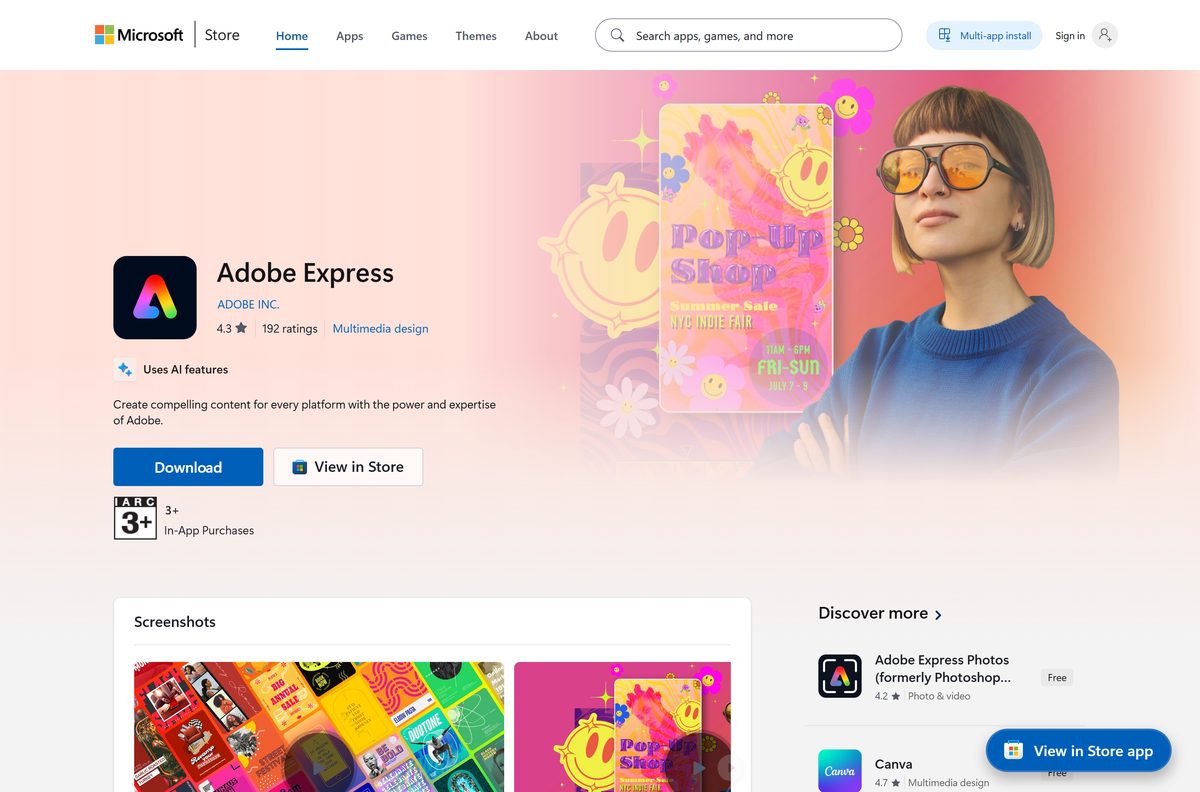
| Adobe Express | Templates for social posts, flyers and short videos | The Adobe Express app for Windows has a free plan |
| Acrobat Pro | Edit, convert, compress and redact PDFs | Try the Acrobat Pro installer before you buy |
| Adobe Fonts | Font library for Creative Cloud members | You add Adobe Fonts to your PC through the desktop app instead of downloading files |
The free Creative Cloud membership includes the free Adobe Express plan, mobile apps and fonts. Desktop apps such as Photoshop and Premiere Pro need a Single App plan or the Pro plan after the trial.
Do I have Adobe Creative Cloud?
- Select Start and type Creative Cloud; the desktop app appears if it is installed.
- Open Start > Settings > Apps > Installed apps and type Adobe in the search box to list every Adobe app.
- Open the Creative Cloud app and sign in; your plan shows under your account.
- Check the Apps list: apps with an Open button are installed, apps with Install or Try are not.
PDFgear: Acrobat alternative
Acrobat Reader is free and views, prints, annotates, fills and signs PDFs. Editing text and images, converting, compressing and redacting need Acrobat Pro, and the Pro and Standard comparison shows what the cheaper plan drops.
| PDF app | Best for | Where to start |
|---|---|---|
| Adobe Acrobat Reader | Reading, filling and signing | Grab the Acrobat Reader offline installer in 64-bit or 32-bit |
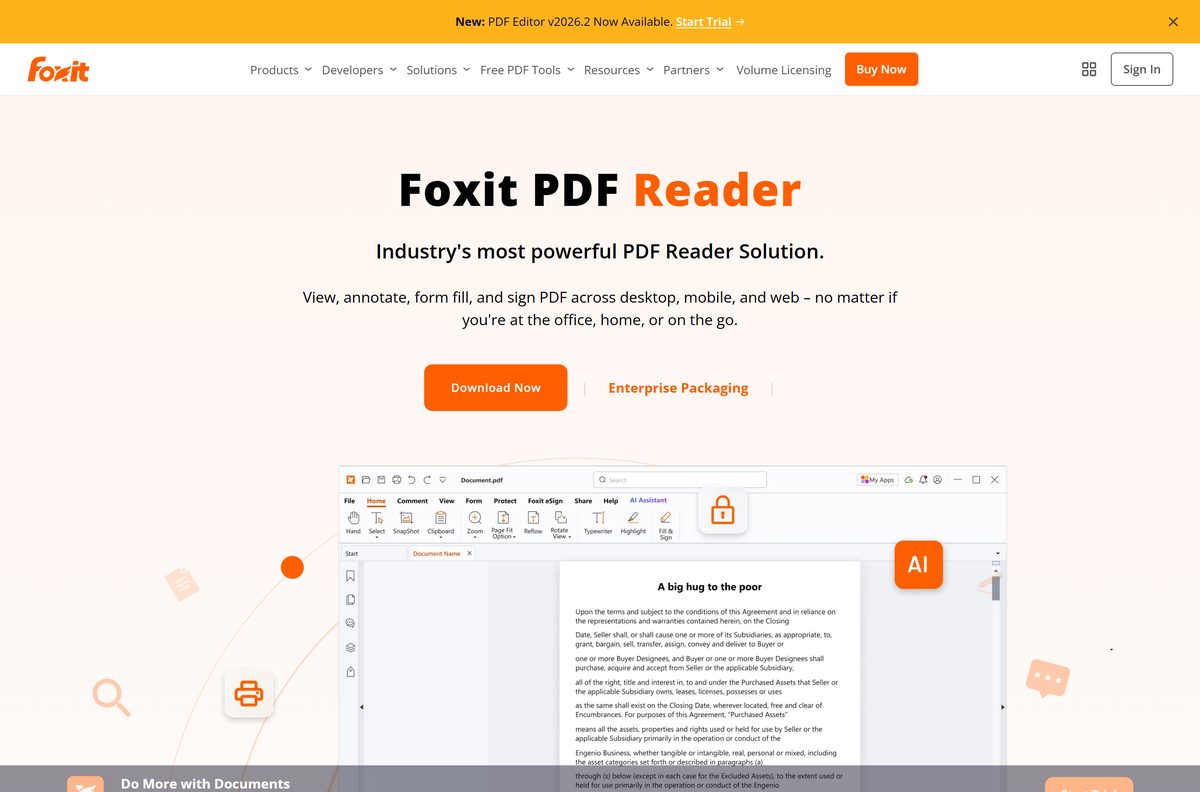
| Foxit PDF Reader | A light reader with comments | Install the Foxit PDF Reader for Windows |
| PDF-XChange Editor | Annotation and markup on Windows | Pick an MSI or portable PDF-XChange Editor build |
| Firefox and LibreOffice | Open-source PDF reading and creation | These open-source Acrobat alternatives skip a dedicated PDF app |
| PDFgear | A desktop PDF editor | Get it from the developer's own site |
| SmallPDF | Quick conversions in the browser | Use it for one-off jobs |
Windows 11 opens PDFs in Microsoft Edge by default. To make PDFs open in Acrobat Reader, set the .pdf type in Settings > Apps > Default apps.
GIMP: Photoshop alternative
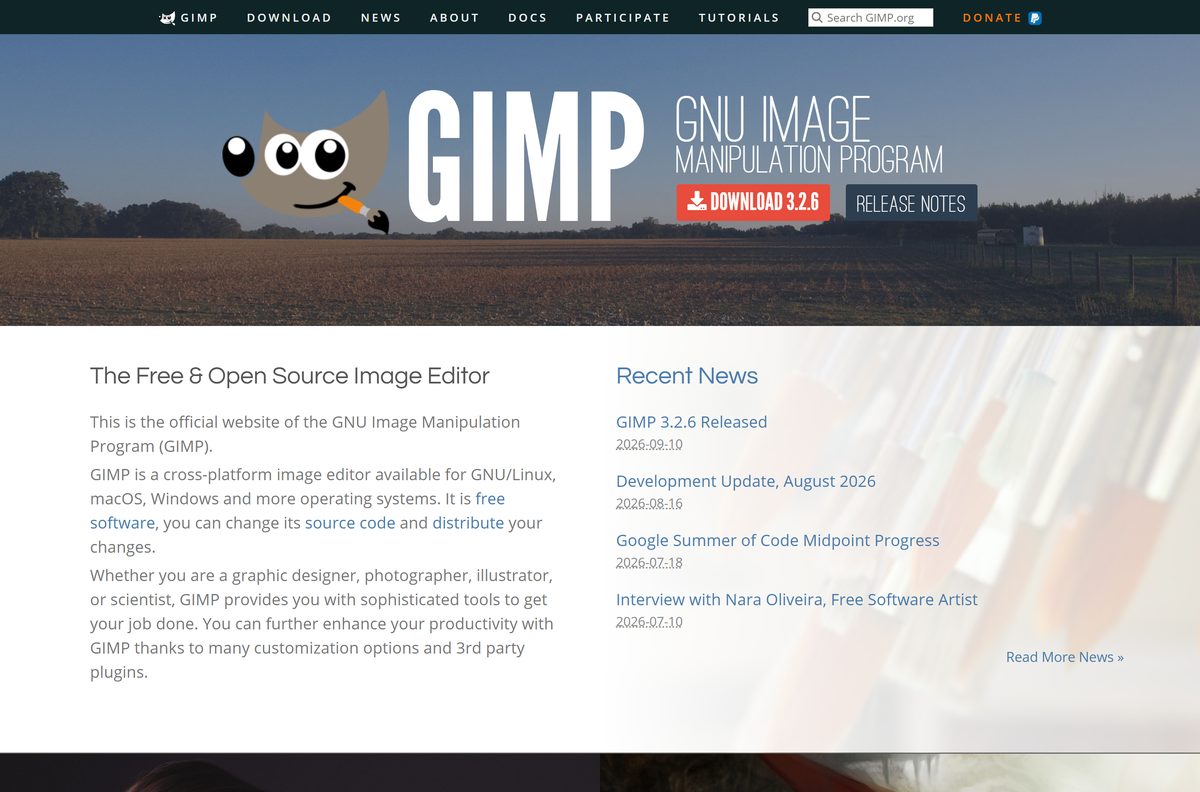
GIMP is free software under the GNU GPL, with Windows installers for x64 and ARM64 and a Microsoft Store listing. The free GIMP download is the closest no-cost match for Photoshop layers, masks and retouching.
| Photo app | Strength | Windows route |
|---|---|---|
| GIMP | Layers, masks, retouching, plug-ins | Installer or Microsoft Store |
| Affinity | Photo, vector and layout in one free app | Desktop installer from Affinity by Canva |
| Photopea | Photoshop-style editor that opens PSD files | Runs in the browser, nothing to install |
| Pixlr | Quick browser edits and AI tools | Runs in the browser |
| RawTherapee | Raw photo development, a Lightroom alternative | Desktop installer from its developers |
| Picsart | Template edits, stickers and AI effects | Install the Picsart app for PC on Windows 11 or 10 |
| Canva | Social graphics and photo layouts | Install the Canva desktop app from canva.com |
RawTherapee: Lightroom alternative for raw files, Photopea: Photoshop alternative in a browser tab, and GIMP for full desktop editing cover most photo jobs without a subscription.
Krita: Photoshop alternative
Digital painting needs brush engines and pen pressure more than photo tools. Krita is the painting app most often compared with Photoshop, and the Krita installer for Windows comes from the Krita project's own site.
| Painting app | Best for | Get it |
|---|---|---|
| Krita | Painting, concept art, textures | Installer from the Krita project |
| Clip Studio Paint | Comics, manga and line art | Start the Clip Studio Paint trial from CELSYS |
| Sketchbook | Sketching with a clean canvas | Install Sketchbook Pro for Windows on a pen tablet or touchscreen |
| Affinity | Painting mixed with photo and vector work | Free for individuals |
Inkscape: Illustrator alternative
Inkscape edits SVG vector files, the job Illustrator does for logos and icons. For page layout, Scribus: InDesign alternative is the open-source pick, and Affinity covers both in one app.
| Design app | Best for | Get it |
|---|---|---|
| Inkscape | Vector logos, icons and SVG | Installer from inkscape.org |
| Affinity Designer | Vector design inside the free Affinity app | Use the Affinity Designer installer from Canva |
| Figma | UI design, prototypes and team files | Install the Figma desktop app from figma.com |
| Scribus | Print layout, brochures and magazines | Installer from its project site |
| Canva and Adobe Express | Template-based marketing graphics | Adobe Express has a free plan |
DaVinci Resolve: Premiere Pro alternative
DaVinci Resolve is free from Blackmagic Design on Windows, Mac and Linux, handling 8-bit video up to Ultra HD at 60 fps. DaVinci Resolve Studio is the paid version and adds the AI Neural Engine, extra Resolve FX, noise reduction and 10-bit video beyond 4K. Grab the free DaVinci Resolve editor once your GPU meets its requirements.
| Video app | Best for | Cost |
|---|---|---|
| DaVinci Resolve | Editing, colour grading, Fairlight audio | Free; Studio is paid |
| Clipchamp | Quick edits, captions and AI voiceovers | Free; paid plans add stock and effects |
| Wondershare Filmora | Template-driven edits with effects packs | Get the Filmora installer for Windows from Wondershare |
| Blender | 3D, animation and its own video sequencer | Free and open source |
| VideoPad | Simple timeline editing | Check the developer's licence terms |
| HandBrake | Converting and compressing finished videos | Use the HandBrake video converter after export |
Free-version limits and PC requirements differ a lot, and a side-by-side of the best free video editors lays them out. For motion graphics, Linearity Move: After Effects alternative is a Mac app; on Windows, Blender and the Fusion page in DaVinci Resolve do that job.
What is Microsoft's video editing software?
Clipchamp is Microsoft's video editor, built into Windows 11 and free to use. It replaced the old Photos video editor, and you can get the Windows video editor back on any PC in a minute.
- Select Start and type Clipchamp.
- Open it and sign in with a Microsoft account.
- If it is missing, open Microsoft Store, search Clipchamp and select Get.
- Select Create a new video, then drag your clips onto the timeline.
- Select Export and pick a resolution to save the MP4.
Windows 10 users get the same app from the Store; the Clipchamp download for PC lists its current version.
Streaming and capture software for PC
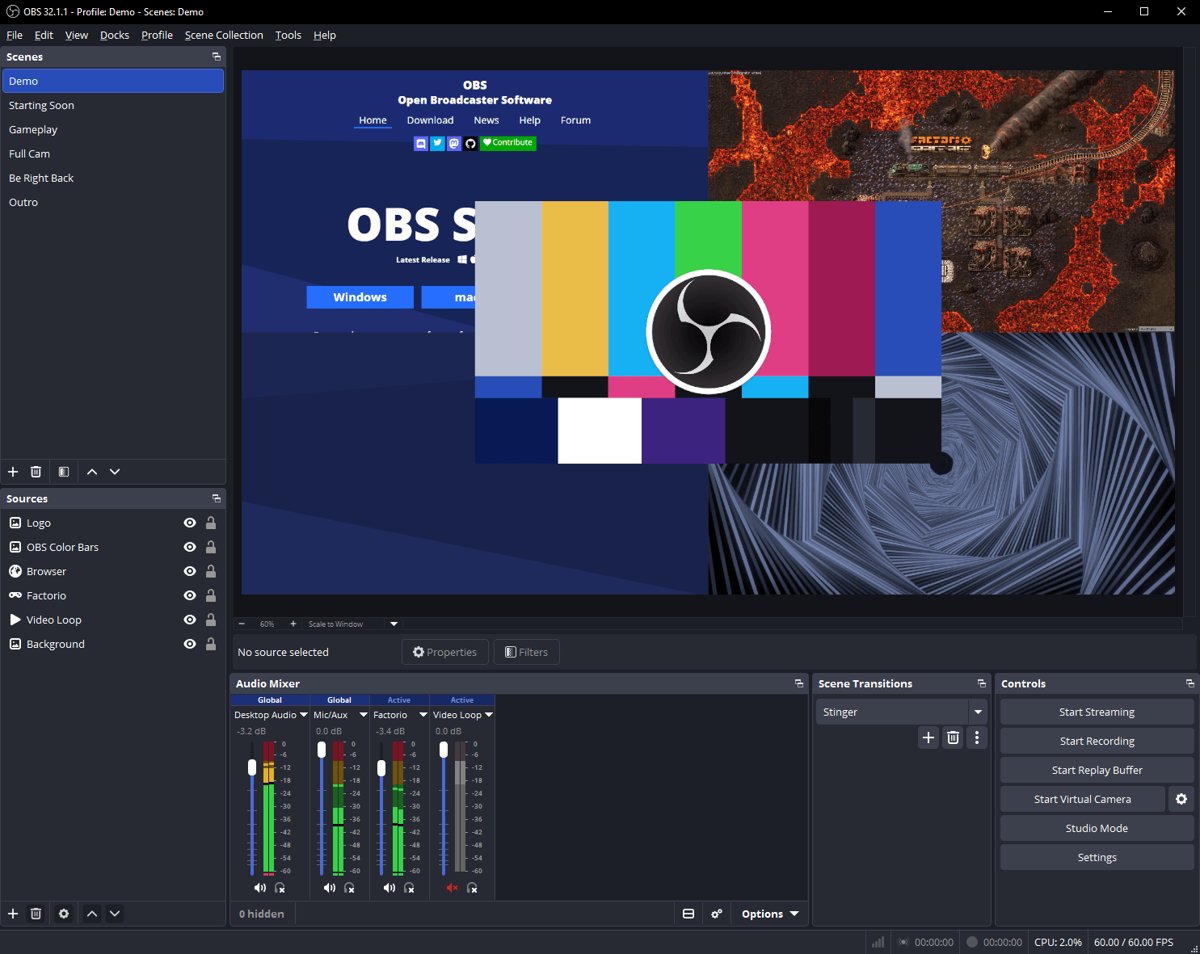
OBS Studio is free and open source for recording and live streaming on Windows 10 and 11, macOS and Linux. Run the OBS Studio offline installer, then add alerts by adding StreamElements overlays as a Browser source.
| Tool | What it does | Cost |
|---|---|---|
| OBS Studio | Recording, scenes and streaming to any service | Free, open source |
| Streamlabs Desktop | OBS-based streaming with built-in alerts | Free; multistreaming needs Ultra. Get Streamlabs Desktop for Windows |
| Elgato Studio | Setup for Elgato capture devices | Install Elgato Studio software from elgato.com |
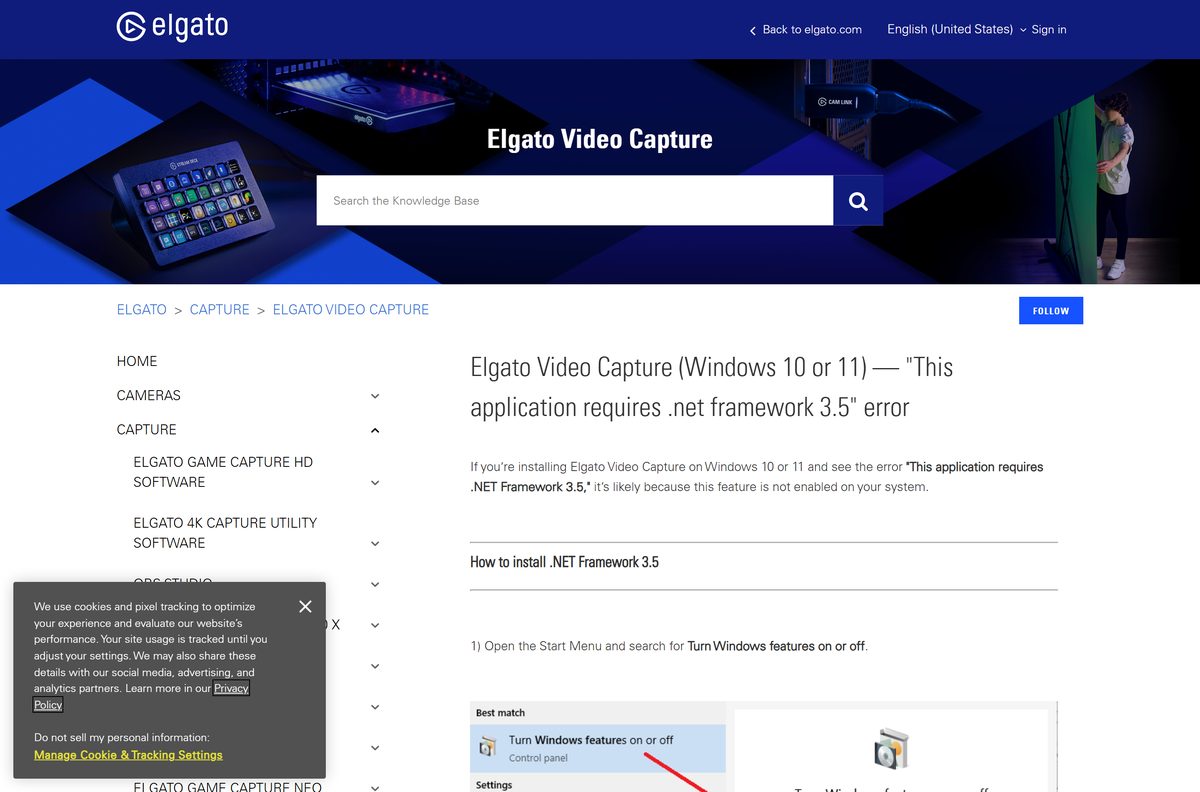
| Elgato Video Capture | Digitising analogue video | Install the Elgato Video Capture app and driver |
| Elgato Stream Deck | Programmable keys for scenes and audio | Install Stream Deck software for the hardware |
| Voicemod | Real-time voice changer for streams and calls | The Voicemod voice changer installs on Windows |
Audacity: Audition alternative
Audacity is free and open source on Windows, macOS and Linux, and it records, cuts and cleans audio the way Audition does. The Audacity audio editor is the place to start for podcasts and voiceovers; music production needs a DAW from the table below.
| Music or audio app | Best for | Get it |
|---|---|---|
| FL Studio | Beat making and pattern-based production | Try the FL Studio installer from Image-Line |
| Ableton Live | Live performance and electronic music | Start the Ableton Live trial from ableton.com |
| Pro Tools | Studio recording and mixing | Get the Pro Tools Intro edition from Avid |
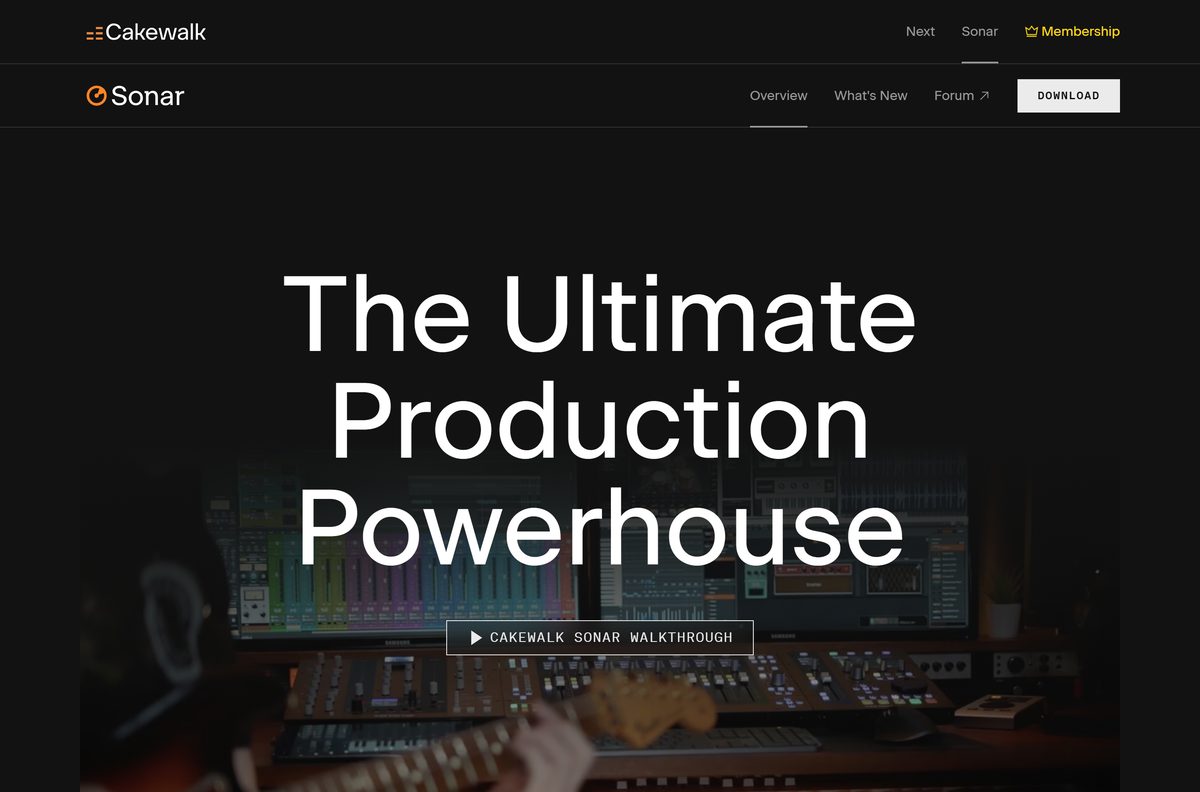
| Cakewalk Sonar | A full Windows DAW | Install Cakewalk Sonar for Windows 11 via Product Center |
| Soundtrap | Browser and desktop studio for collaboration | Install the Soundtrap desktop app or use the browser |
| MuseScore Studio | Writing sheet music | Get the MuseScore Studio notation app |
| VirtualDJ | DJ mixing with or without a controller | Use the VirtualDJ installer from virtualdj.com |
| Serato DJ Pro | Club DJ software for supported hardware | Start the Serato DJ Pro trial |
| Focusrite Control | Routing for Focusrite audio interfaces | Match your interface to the right Focusrite Control version |
OpenToonz: Animate alternative
OpenToonz is a 2D animation app that stands in for Adobe Animate on Windows. Blender handles 2D Grease Pencil and 3D animation, and it is free under the GPL on Windows 8.1 64-bit and later. The Blender 3D suite also covers modelling and rendering.
| Animation job | Windows app | Cost |
|---|---|---|
| Frame-by-frame 2D animation | OpenToonz or Krita | Timeline and onion-skin drawing |
| 3D modelling and animation | Blender | Free, open source |
| Motion graphics and titles | DaVinci Resolve Fusion page or Blender | Both have free versions |
| Comic-style animation | Clip Studio Paint | Starts with a trial |
Mac-only apps and their Windows equivalents
Final Cut Pro, Logic Pro, iMovie, GarageBand and Pixelmator Pro are Apple apps with no Windows version. On a PC, use the equivalent in the right-hand column.
| Mac or mobile app | Runs on | Windows equivalent |
|---|---|---|
| Final Cut Pro for Mac | Mac and iPad | DaVinci Resolve or Premiere Pro |
| Apple iMovie | Mac, iPhone and iPad | Clipchamp |
| Logic Pro for Mac | Mac and iPad | Ableton Live, FL Studio or Cakewalk Sonar |
| GarageBand on Apple devices | Mac, iPhone and iPad | Cakewalk Sonar or Soundtrap |
| Pixelmator Pro | Mac and iPad | Affinity or GIMP |
| Google Snapseed | iPhone, iPad and Android | GIMP, Picsart or Lightroom |
| FlipaClip animation app | Mac, iPhone, Android and Chromebook | Krita or OpenToonz |
Pixelmator Pro: Photoshop alternative only for Mac owners; it needs macOS 26 or iPadOS 26.
What are the best alternatives for Adobe CC?
Each Adobe app has at least one Windows counterpart outside the subscription. These are the best Adobe alternatives by app.
| Adobe app | Windows alternative | Note |
|---|---|---|
| Photoshop | GIMP, Photopea, Krita, Pixlr | Photopea and Pixlr run in the browser |
| Lightroom | RawTherapee | Raw development |
| Illustrator | Inkscape | SVG vector editing |
| InDesign | Scribus | Print layout |
| Premiere Pro | DaVinci Resolve, Clipchamp, VideoPad | Resolve for long projects |
| After Effects | Blender, DaVinci Resolve Fusion | Linearity Move is Mac-only |
| Audition | Audacity | Free, open source |
| Animate | OpenToonz | 2D animation |
| Acrobat Pro | PDFgear, SmallPDF, LibreOffice | Acrobat Reader stays free for reading and signing |
| Whole suite | Affinity | Photo, vector and layout in one free app |
Affinity: Adobe Creative Cloud alternative
Affinity is the closest single replacement for Photoshop, Illustrator and InDesign on Windows. Affinity by Canva combines pixel, vector and layout tools in one app, is free for individuals on Windows and Mac, and only its optional AI tools need a Canva premium plan.
Best free Adobe CC alternatives
Free versus paid matters most when you plan to work commercially. The rows below carry the licence each developer publishes; for Pixlr, RawTherapee, Inkscape, Krita, VideoPad, Scribus, OpenToonz and SmallPDF, read the current terms on the developer's own site before commercial use.
| App | Free or paid | Platforms |
|---|---|---|
| GIMP | Free, GNU GPL | Windows (x64, ARM64), macOS, Linux |
| DaVinci Resolve | Free; DaVinci Resolve Studio is paid | Windows, macOS, Linux |
| Blender | Free, GNU GPL, commercial use allowed | Windows, macOS, Linux |
| Audacity | Free, open source | Windows, macOS, Linux |
| Affinity | Free for individuals; AI tools need Canva premium | Windows, Mac |
| Clipchamp | Free; paid plans add stock and effects | Windows 11 built in, Windows 10 via Store |
| Streamlabs Desktop | Free; Ultra plan for multistreaming | Windows, macOS |
| Adobe Acrobat Reader | Free | Windows, Mac, mobile |
| OBS Studio | Free, open source | Windows, macOS, Linux |
| Adobe Creative Cloud apps | Paid after a 7-day trial | Windows, Mac |
Creative apps for PC FAQ
Is Adobe Creative Cloud a software?
Yes and no. Creative Cloud is Adobe's subscription to its creative apps and services, and the Creative Cloud desktop app is the free program that installs, updates and manages Photoshop, Lightroom and the other apps on Windows and Mac.
Is Creative Cloud part of Adobe?
Yes. Creative Cloud is Adobe's own subscription service. It includes Single App plans and the Creative Cloud Pro plan, plus a free membership with Adobe Express, mobile apps and fonts.
Do I have Adobe Creative Cloud?
Type Creative Cloud in the Start menu search. If the desktop app opens, it is installed; sign in to see your plan. Settings > Apps > Installed apps also lists every Adobe app on the PC.
Does Adobe Creative Cloud include Adobe Pro?
The Creative Cloud Pro plan includes Acrobat Pro along with Photoshop, Illustrator, Premiere Pro and 20+ other apps. A Single App plan or the free membership does not include Acrobat Pro.
What is Microsoft's video editing software?
Clipchamp. It is Microsoft's video editor, built into Windows 11 and free to use, with paid plans for extra effects and stock media. Windows 10 users can install it from Microsoft Store.
What is the best free video editing software for Windows?
DaVinci Resolve is the most capable free editor on Windows, with editing, colour grading and audio in one app. Clipchamp is simpler and already built into Windows 11.
What is the best free photo editing software for PC?
GIMP is the best-known free desktop photo editor for PC and is open source under the GNU GPL. Affinity is free for individuals and adds vector and layout tools to photo editing.
Best Adobe alternatives: top picks for a Windows PC
Install Affinity, DaVinci Resolve, OBS Studio and Audacity first, and add an Adobe plan only when clients or file formats demand it. Those four free apps cover photo, vector, layout, video, streaming and audio on Windows, while Adobe's desktop apps cost a subscription after a 7-day trial. If you also manage installs and removals, the Windows apps install and uninstall hub covers that side.