iMovie is a free download from Apple’s App Store, and it installs on a Mac, an iPhone or an iPad in a few minutes. Apple Inc. is the seller on both listings, and the price on each reads $0.00.
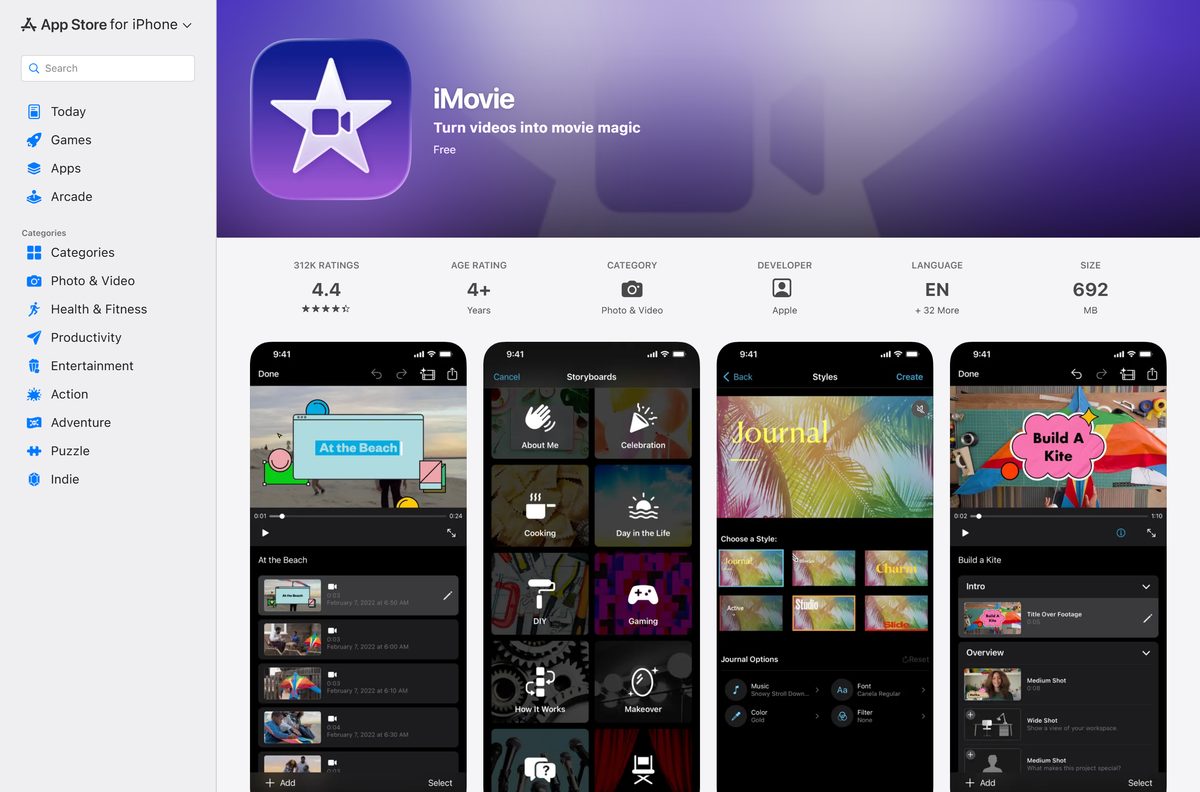
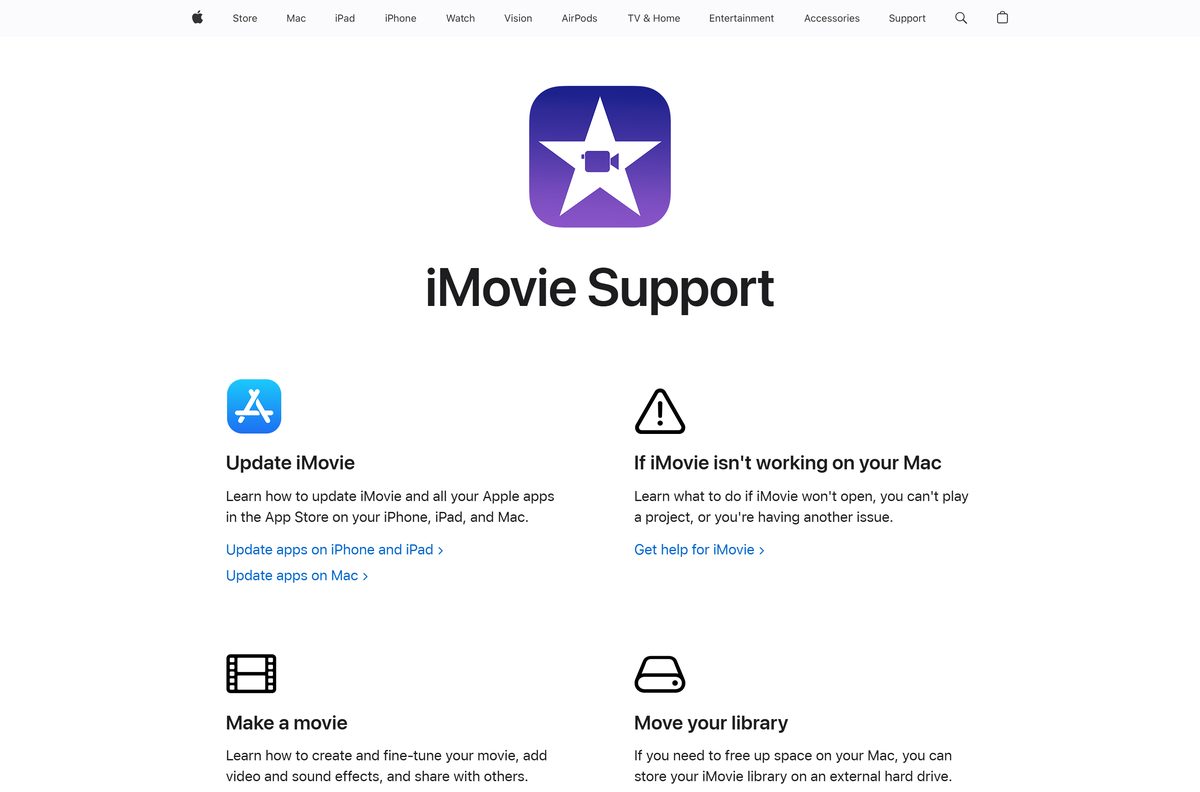
The Mac release is version 10.4.4 at 3.2 GB. The iPhone and iPad release is version 3.0.5 at 692 MB.
This guide covers the official App Store links, install steps for each device, the disk and macOS floors, fixes for libraries that will not open, and what a Windows PC can edit video with instead.
Which iMovie download do you need?
Match the device in front of you to the first column. Both Apple listings are free, and neither asks for a licence key.
| Your device | What to install | Size | Minimum system |
|---|---|---|---|
| Mac | iMovie 10.4.4 on the Mac App Store | 3.2 GB | macOS 15.6 or later |
| iPhone | iMovie 3.0.5 on the App Store | 692 MB | iOS 17.6 or later |
| iPad | iMovie 3.0.5 on the App Store | 692 MB | iPadOS 17.6 or later |
| Windows 11 or Windows 10 PC | Microsoft Clipchamp, Microsoft’s own editor | 62 MB | Apple ships no Windows build |
Download iMovie for Mac, iPhone and iPad
Open the listing that matches your device, then select Get. Check that the seller line reads Apple Inc. before you start.
Apple retired the marketing page: apple.com/imovie now lands on the support hub, and the App Store listing is the download.
- iMovie for Mac on the Mac App Store — 3.2 GB · Version 10.4.4, released 28 January 2026
- iMovie for iPhone and iPad on the App Store — 692 MB · Version 3.0.5, released 16 December 2024
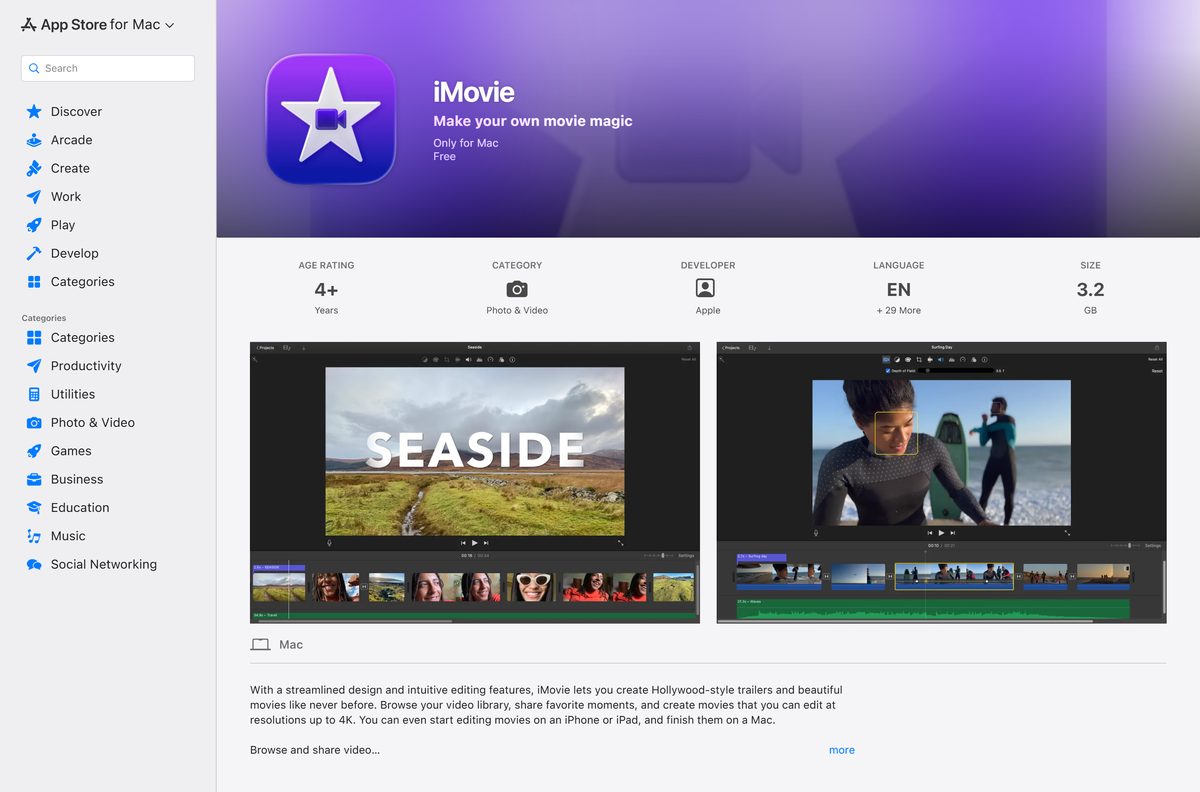
- Apple’s iMovie support hub — User guides, the camera list and the repair articles
Check the iMovie specifications and system requirements
Read your own macOS release from Apple menu > About This Mac before you open the App Store.
| Field | Value |
|---|---|
| Software | iMovie |
| Developer | Apple Inc. |
| Latest version | 10.4.4 on Mac; 3.0.5 on iPhone and iPad |
| Licence and price | Free |
| Download size | 3.2 GB on Mac; 692 MB on iPhone and iPad |
| Supported OS | macOS 15.6 or later; iOS and iPadOS 17.6 or later |
| Memory and disk | 4 GB of memory and 3.5 GB of free space on a Mac |
| Windows version | None. Apple publishes no Windows build |
| Architecture | Apple silicon and Intel Macs that support macOS 15.6, plus iPhone and iPad |
| Category and age rating | Photo & Video, rated 4+ |
| Languages | English and 29 more on Mac; English and 32 more on iPhone and iPad |
| Official download source | Mac App Store and App Store (apps.apple.com) |
| Offline installer | No |
| Last verified | 2026-09-22 |
Which iMovie download do you need for your Mac?
The listing names a macOS release, not a processor, so an Intel Mac still running macOS 15.6 is fine.
| What About This Mac shows | What to do | Where to go |
|---|---|---|
| macOS 15.6 or later | Install version 10.4.4, the current release | Mac App Store listing |
| macOS 14 Sonoma or older | Upgrade macOS first, then install | Apple’s macOS page |
| A Mac too old for macOS 15.6 | Edit on an iPhone or iPad instead | App Store listing |
| Less than 3.5 GB free | Clear space, or move the library to an APFS drive | Apple’s library move steps |
How to install iMovie on your Mac
The whole install happens inside the App Store. No disk image, no setup assistant, no serial number.
- Open the App Store from the Dock, or choose App Store from the Apple menu.
- Type iMovie into the search field and press Return.
- Open the result whose seller line reads Apple Inc.
- Select Get, then select Install.
- Sign in with your Apple Account if the App Store asks for it.
- Wait for the 3.2 GB transfer to finish. The button then reads Open.
- Open iMovie and select Create New, then Movie, to start a project.
- Choose File > Import Media and pick the clips you want on the timeline.

How to install iMovie on an iPhone or iPad
The mobile release is a separate build with its own version number, and it carries Magic Movie and Storyboards.
- Open the App Store on the iPhone or iPad.
- Tap Search, type iMovie , then tap Search on the keyboard.
- Open the entry whose developer line reads Apple.
- Tap Get, then confirm with Face ID, Touch ID or your Apple Account password.
- Wait for the 692 MB transfer. The button then reads Open.
- Tap Start New Project, then choose Magic Movie, Storyboard or Movie.
- Tap Done, then the share button, to save the result to Photos.
How to tell a genuine iMovie download from a fake
Search results for a Windows version lead to setup files that carry the name and none of the software.
- Confirm the address bar reads apps.apple.com or apple.com before you select anything.
- Read the Seller line on the listing. A genuine listing reads Apple Inc.
- Read the price. Apple charges nothing, so any checkout page is not Apple’s.
- Treat a .exe , .msi or .apk carrying the name as hostile, because Apple builds none of those.
- Scan anything you already downloaded with Windows Security, then delete it.
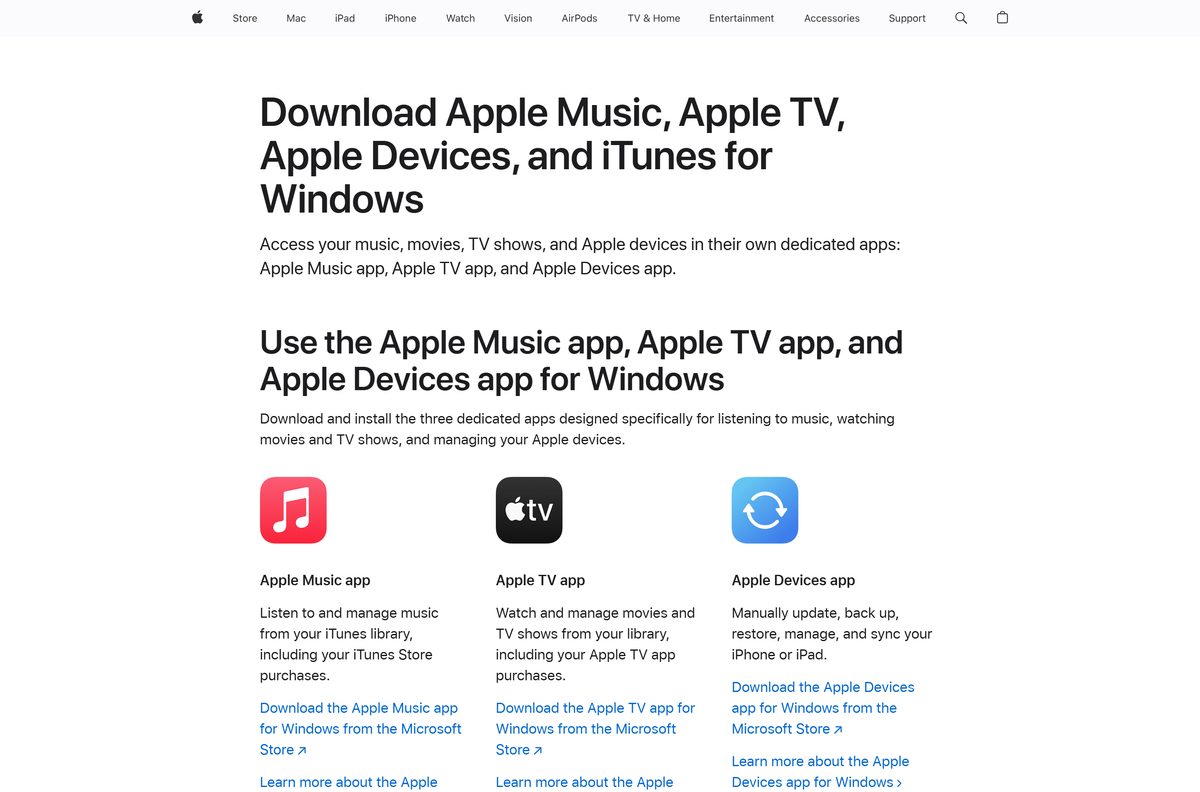
Apple’s own list of its software for Windows names the Apple Music, Apple TV and Apple Devices apps and iTunes, and no video editor.
Is iMovie free?
Yes, on every device Apple ships it for. Both App Store listings show a price of Free. The 29 trailer templates, the 48 effects and the themes on Mac are included, and so are the 130-plus soundtracks and 20 Storyboards on iPhone and iPad. There is no trial period, no subscription and no export watermark. Apple’s paid step up is Final Cut Pro, at $299.99 outright or $12.99 a month. Any page selling a licence key or a Windows setup file is selling something Apple does not make.
Should you edit in iMovie or Final Cut Pro?
Start in iMovie, and move to Final Cut Pro only when a project outgrows the timeline. iMovie edits at up to 4K, stabilises shaky footage, and handles picture-in-picture, split screen and green screen at no cost. Final Cut Pro costs $299.99 outright or $129 a year, and needs macOS 15.6 or later with 8 GB of memory and 7.2 GB of disk space. iMovie hands a project over with File > Send Movie to Final Cut Pro, so nothing cut now is wasted.
How to check your iMovie version and update it
Updates arrive through the App Store, not through an in-app updater.
- Open iMovie, then choose About iMovie from the iMovie menu.
- Compare the number shown against the current release, 10.4.4.
- Close the panel and open the App Store.
- Select Updates in the sidebar.
- Select Update beside the entry, or Update All to clear the queue.
- On an iPhone or iPad, open the App Store, tap your profile picture and pull down to refresh the pending list.
- Tap Update beside the entry to move to version 3.0.5.
What cameras and footage iMovie can take in
Import runs from File > Import Media on a Mac. Apple keeps a per-manufacturer camera list rather than a codec list.
| Source | Supported | Note |
|---|---|---|
| iPhone and iPad video | Yes | Including Cinematic mode from iPhone 13 or later |
| 4K footage | Yes | From iPhone 6s or later, GoPro and other Ultra HD cameras |
| Third-party camcorders and still cameras | Yes, by model | Apple lists Canon, DJI, Fujifilm, GoPro, Insta360, Nikon, Panasonic, Sony and 15 more brands |
| Projects from iPhone or iPad | Yes | Magic Movie, Storyboard and Movie projects open on the timeline |
| Projects from an older iMovie | Yes, after conversion | Events and projects convert once on first open |
| Library on an ExFAT, FAT32 or NTFS drive | No | Apple requires APFS for an external iMovie library |
Fix iMovie not installing or not opening
The App Store will not install it on your Mac
Version 10.4.4 needs macOS 15.6, and an older Mac is refused before the download starts.
- Choose Apple menu > About This Mac and read the macOS release.
- Open System Settings > General > Software Update and install what is pending.
- Restart the Mac, then open the App Store and select Get again.
- Free up at least 3.5 GB of disk space if the transfer stops part way.
The app will not open, or a project will not play
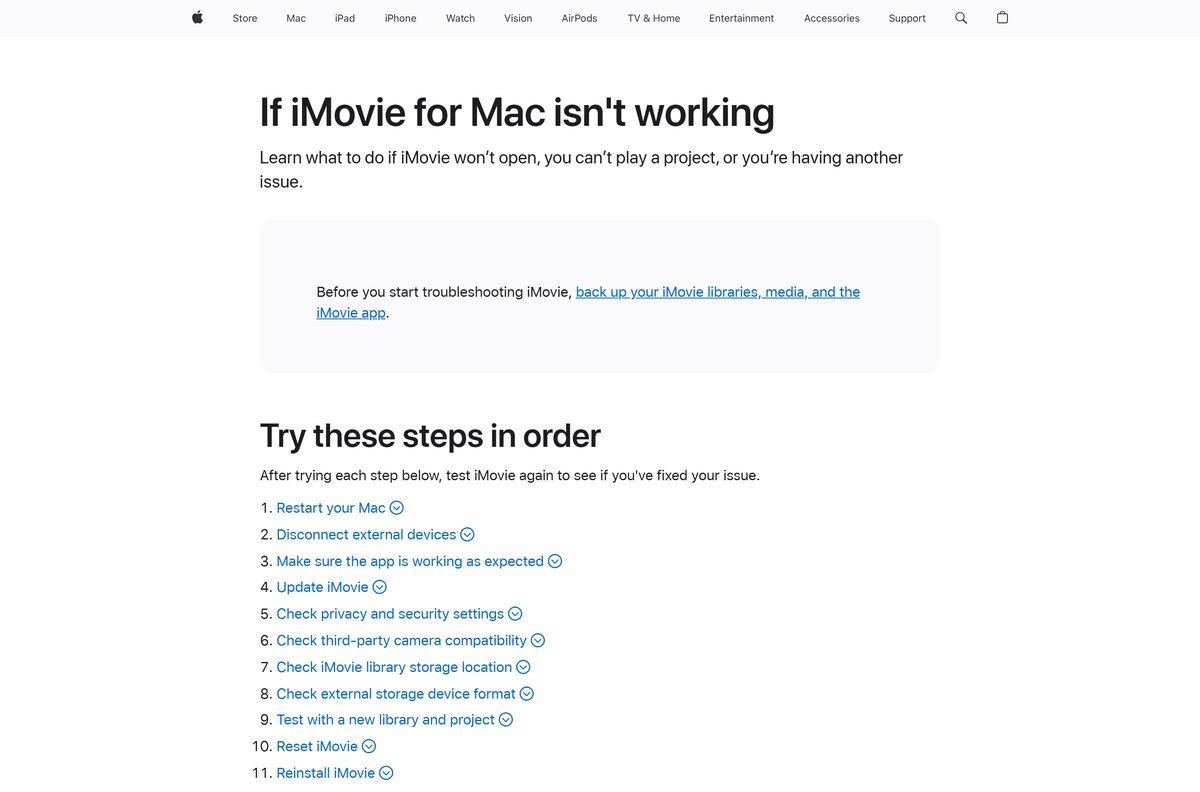
Apple’s repair sequence works outward from the Mac to the library, and the first two steps clear most cases.
- Back up your libraries and media before you change anything.
- Choose Restart from the Apple menu.
- Shut the Mac down and disconnect every external device except the keyboard and mouse.
- Open the App Store, select Updates, and install any pending iMovie update.
- Hold Option while you open the app, then select New to build a test library.
- Reset the app to its defaults if the test library opens cleanly, since libraries are left untouched.
No photos, microphone or camera inside the app
macOS withholds each of those until you grant access per app.
- Choose Apple menu > System Settings.
- Select Privacy and Security in the sidebar.
- Select Photos, Microphone or Camera to match what is missing.
- Turn the switch on for iMovie, then reopen the app.
A library on an external drive will not load
Apple supports iMovie libraries only on APFS volumes, and not inside a cloud folder or a Time Machine disk.
- Select the drive in the Finder sidebar and choose File > Get Info to read the format.
- Copy the library to your startup disk if the format is ExFAT, FAT32 or NTFS.
- Reformat the drive as Apple File System (APFS), then copy the library back.
- Move any library that sits in Dropbox, Google Drive, the Desktop or Documents with iCloud syncing turned on.
A setup file for Windows will not run
Apple builds no Windows executable, so the file came from somewhere else.
- Delete the file and empty the Recycle Bin.
- Run a full scan in Windows Security.
- Install Microsoft Clipchamp or DaVinci Resolve instead.
How to uninstall iMovie and reclaim the disk space
The app is the smaller half. Your libraries sit in the Movies folder and survive a plain drag to the Bin.
- Quit iMovie.
- Open Finder and select Applications in the sidebar.
- Drag iMovie to the Bin, then choose Empty Bin.
- Select Movies in the Finder sidebar to find each iMovie Library file.
- Move the remaining libraries to the Bin to clear the rendered media.
- On an iPhone or iPad, touch and hold the icon, tap Remove App, then tap Delete App.
- Reinstall at any time from the App Store, because the download stays tied to your Apple Account.
Which iMovie alternative should you install on Windows?
Pick the row that matches the edit you wanted to make. Each link goes to the maker’s own page.
| What you want to do | Use this on Windows | Cost | Watch out for |
|---|---|---|---|
| Trim, caption and post a clip | Microsoft Clipchamp | Free | Delivered through the Microsoft Store, with x64 and ARM64 in one package |
| Grade and finish a longer film | DaVinci Resolve 21 | Free, Studio edition paid | Blackmagic supports the free version through its forums only |
| Keep the exact iMovie workflow | iMovie on iPhone or iPad | Free | Needs an Apple device; a PC cannot run the app |
| Move up to a professional timeline | Final Cut Pro | $299.99, or $12.99 a month | Mac only, and it needs macOS 15.6 or later |
Frequently asked questions
Is iMovie free?
Yes. Both App Store listings show a price of Free, and the themes, filters, trailer templates and soundtracks are included. Apple sells no paid edition; the paid step up is Final Cut Pro at $299.99 for Mac.
Is iMovie free for PC?
Apple builds the app for Mac, iPhone and iPad only, so there is nothing to price on a PC. Microsoft gives away Clipchamp on Windows, and DaVinci Resolve 21 has a free edition too.
Is there an iMovie download for Windows 11?
No. Apple has never released a Windows version, and its list of Apple software for Windows covers the Apple Music, Apple TV and Apple Devices apps and iTunes only. A Windows setup file using the name is not from Apple.
What is the official iMovie download page?
The Mac App Store listing at apps.apple.com covers the Mac release, and a second App Store listing covers iPhone and iPad. Apple’s old product page now redirects to its support hub.
How big is the iMovie download?
The Mac release is 3.2 GB and the iPhone and iPad release is 692 MB, as shown on Apple’s Size line. The installed Mac app needs 3.5 GB of free space.
Is there an offline installer?
No. Delivery runs through the App Store on every supported device, and Apple publishes no standalone package to copy between machines. Reinstalling needs an internet connection and your Apple Account.
Which macOS version does iMovie need?
Version 10.4.4 requires macOS 15.6 or later, along with 4 GB of memory and 3.5 GB of free disk space. Older Macs are refused in the App Store before the download begins.
Does iMovie run on an Intel Mac?
Yes, on any Intel Mac that still takes macOS 15.6. Apple sets the floor by operating system rather than by processor, unlike Final Cut Pro’s heavier requirements.
Is iMovie safe to download?
Yes, from Apple’s own listings. The seller line must read Apple Inc. and the price must read Free. Installers offered elsewhere as an exe, msi or apk are not Apple’s work.
What is the latest iMovie version?
10.4.4 on Mac, released on 28 January 2026, and 3.0.5 on iPhone and iPad, released on 16 December 2024. The Mac release lists stability and performance improvements as the change.
Why will iMovie not install on my Mac?
The usual cause is macOS. The current release needs macOS 15.6 or later, so update through System Settings, restart, and select Get again. A stalled transfer often means less than 3.5 GB free.