You can download DaVinci Resolve free for Windows 11, Windows 10 and Mac from Blackmagic Design, and Mac users can also install it from the Mac App Store. The free edition edits, grades colour, builds visual effects and mixes audio in one application.
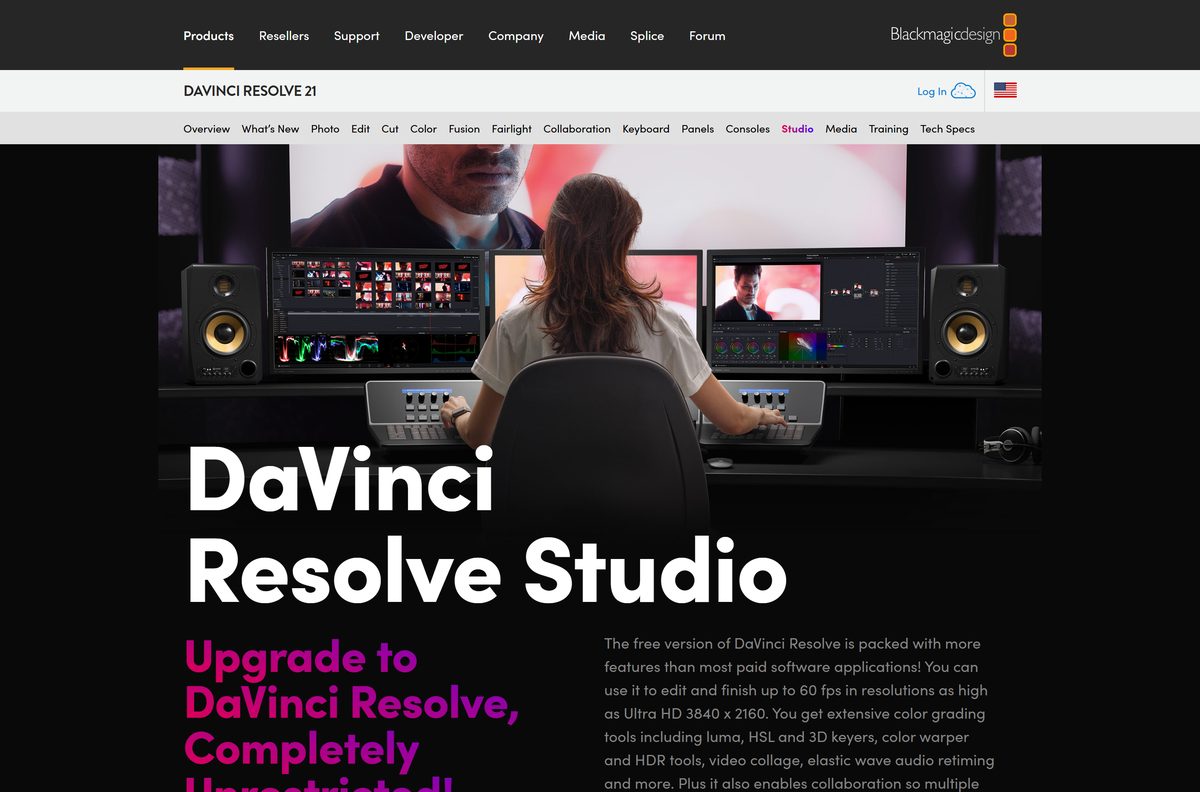
Blackmagic Design sells DaVinci Resolve Studio as a one-time paid upgrade for multi-GPU work, output beyond Ultra HD and the AI tools.
This guide covers the right build for your machine, the official download pages, installing on Windows and macOS, the system requirements, the free and Studio split, and fixes for DaVinci Resolve not installing or not opening.
Which DaVinci Resolve download do you need?
Blackmagic Design publishes a separate build for each platform. Match your computer to a row, then follow the link.
| Your computer | Where to get it | Note |
|---|---|---|
| Windows 11 or Windows 10 PC with an Intel or AMD processor | DaVinci Resolve page on blackmagicdesign.com | Pick the Windows build |
| Windows 11 on Arm with a Snapdragon X Elite or NVIDIA RTX Spark processor | DaVinci Resolve page on blackmagicdesign.com | Pick the Windows ARM build |
| Apple silicon Mac on macOS 15 Sequoia or later | DaVinci Resolve on the Mac App Store | 2.5 GB, updates through the App Store |
| Mac that uses Blackmagic control panels or third-party plugins | DaVinci Resolve page on blackmagicdesign.com | Pick the Mac build, not the App Store copy |
| Rocky Linux 8.6 workstation | DaVinci Resolve page on blackmagicdesign.com | Pick the Linux build |
| You need multiple GPUs, output above Ultra HD or the AI tools | DaVinci Resolve Studio on blackmagicdesign.com | Paid, needs an activation code, dongle or cloud licence |
An Intel Mac is not on the list. The current release requires an Apple silicon Mac on macOS 15 or later.

Download DaVinci Resolve from the official Blackmagic Design and App Store pages
Blackmagic Design distributes the application from these pages only. Any other site offering the installer is serving a copy you cannot check.
- DaVinci Resolve product page — the Free Download Now button for Windows, Mac and Linux
- Blackmagic Design support center for DaVinci Resolve — every current and earlier update with its release notes
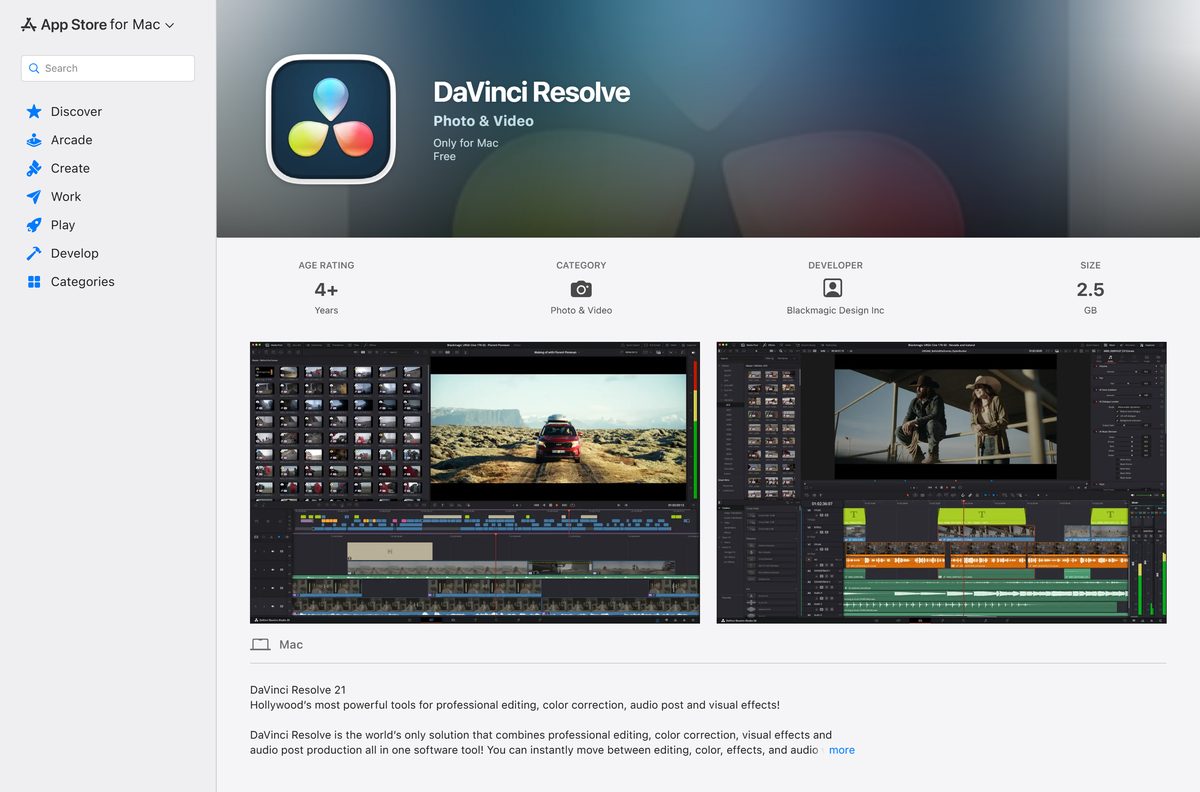
- DaVinci Resolve on the Mac App Store — 2.5 GB · free, seller Blackmagic Design Inc
- DaVinci Resolve Studio on the Mac App Store — 6.7 GB · $299.99
- DaVinci Resolve Studio product page — Buy Online Now at $295
The free download asks you to fill in a registration form before the file starts. The support center lists the Windows x86, Windows ARM, Mac OS and Linux builds side by side for each update.
How to install DaVinci Resolve on Windows 11 and 10
The installer also adds Blackmagic RAW Player, Blackmagic Proxy Generator and utilities for hardware control panels. Close any open copy of DaVinci Resolve before you start.
- Open the DaVinci Resolve product page and select Free Download Now.
- Pick the Windows build, or the Windows ARM build on a Snapdragon X Elite or RTX Spark PC.
- Fill in the registration form and start the download.
- Open the downloaded file from your Downloads folder.
- Double-click the DaVinci Resolve Installer icon.
- Select Yes at the User Account Control prompt.
- Follow the onscreen instructions and let the installer finish.
- Open DaVinci Resolve from the Start menu.
Install Blackmagic Design Desktop Video 12.9 or later too if you monitor through Blackmagic video hardware. It is a separate download on the support center.
Install DaVinci Resolve from the Mac App Store
The App Store copy downloads and updates like any other Mac app. It needs no registration form.
- Open App Store on your Mac.
- Search for DaVinci Resolve and open the listing.
- Check that the developer line reads Blackmagic Design Inc and the price reads Free.
- Select Get, then Install, and sign in with your Apple Account if asked.
- Wait for the 2.5 GB download to finish.
- Open DaVinci Resolve from the Applications folder.
The listing named DaVinci Resolve Studio is the paid edition at $299.99. Pick the one without Studio in its name for the free version.
Which DaVinci Resolve download do you need for your Mac?
Open the Apple menu and select About This Mac. The chip line and the macOS version decide the answer.
| Your Mac says | Download | Why |
|---|---|---|
| Apple M-series chip, macOS 15 or later | Mac App Store listing | Simplest install, automatic updates |
| Apple M-series chip, with control panels, OpenFX or VST plugins | Mac build from blackmagicdesign.com | Supports panels and plugins the App Store copy lacks |
| Apple M-series chip, macOS 14 or older | Mac App Store listing | Update to macOS 15 first, then install |
| Intel processor | Blackmagic Design support center | Current release needs Apple silicon |
Blackmagic lists 8 GB of memory as the Mac minimum and 16 GB when you use Fusion. The App Store listing adds a display of at least 1440 x 900.
Is DaVinci Resolve free?
Yes. The free edition costs nothing on blackmagicdesign.com and on the Mac App Store. It uses the same image processing as Studio and opens unlimited resolution media. Blackmagic caps mastering and output at Ultra HD and limits Windows and Linux to one processing GPU. DaVinci Resolve Studio is a one-time purchase of $295 from Blackmagic Design or $299.99 on the Mac App Store. Studio runs only with a licence dongle, a Blackmagic Cloud licence or an activation code, so a free Studio download from any other site is not genuine.
Should you install the Blackmagic build or the App Store copy on a Mac?
Both are the same free application from Blackmagic Design. The difference is hardware and plugin support.
Install the App Store copy unless you use Blackmagic control panels or third-party plugins. Blackmagic states that the Mac App Store version does not support some external control panels and may not work with every third-party OpenFX or VST plugin. If you need those, the build from blackmagicdesign.com is the one to install. For editing, colour and audio without extra hardware, the App Store copy updates itself and skips the registration form.
Check the DaVinci Resolve system requirements before you download
Memory and the graphics driver are what stop most PCs. Fusion doubles the memory Blackmagic asks for.
| Field | Value |
|---|---|
| Developer | Blackmagic Design |
| Latest version | 21.1, released 8 September 2026 |
| Licence | Free; Studio is a paid upgrade |
| Windows | Windows 10 Creators Update or later, Windows 11 |
| Windows memory | 16 GB, or 32 GB when using Fusion |
| Windows graphics | Integrated or discrete GPU with 4 GB VRAM, OpenCL 1.2 or CUDA 12.8 |
| Windows drivers | NVIDIA Studio driver 581.57 or newer; official AMD or Intel drivers |
| Windows on Arm | Windows 11 for ARM, Snapdragon X Elite or NVIDIA RTX Spark, 16 GB memory |
| macOS | macOS 15 Sequoia or later on Apple silicon, 8 GB memory or 16 GB with Fusion |
| Linux | Rocky Linux 8.6, 32 GB memory, discrete GPU with 4 GB VRAM |
| Mac App Store size | 2.5 GB free edition, 6.7 GB Studio |
| Official source | blackmagicdesign.com and the Mac App Store |
| Last verified | 2026-09-13 |
Press Windows + I and open System > About to see your installed memory and Windows edition. Run winver from the Start menu to see the exact Windows version.

Which features need DaVinci Resolve Studio?
The free edition covers editing, colour, Fusion effects and Fairlight audio. Studio adds the items below.
| Feature | Free edition | Studio |
|---|---|---|
| Mastering and output resolution | Up to Ultra HD | Beyond 4K |
| Processing GPUs on Windows and Linux | One | Multiple |
| Frame rate and bit depth | 8-bit formats up to 60 fps | 10-bit up to 120 fps |
| Temporal and spatial noise reduction | No | Yes |
| DaVinci AI Neural Engine tools, including magic mask | No | Yes |
| Voice isolation, surround and immersive audio | No | Yes |
| Advanced Python scripting | No | Yes |
| Multi-user collaboration and HDR grading | Yes | Yes |
Studio includes everything in the free edition plus the features above.
Fix DaVinci Resolve not installing or not opening
The installer will not run on Windows
The PC runs a Windows release older than the Creators Update, or the download ended early.
- Press Windows + R, type winver and select OK.
- Install pending updates from Settings > Windows Update if the version is older than the Creators Update.
- Delete the downloaded file and download it again from blackmagicdesign.com.
- Right-click the installer and select Run as administrator.
DaVinci Resolve opens with a GPU or memory error
The graphics card has less than 4 GB of VRAM, or the driver is older than Blackmagic requires.
- Install NVIDIA Studio driver 581.57 or newer from nvidia.com on an NVIDIA card.
- Install the official driver from AMD or Intel on those cards.
- Press Ctrl + Shift + Esc and open Performance > GPU to check dedicated memory.
- Close other applications, because Fusion work needs 32 GB of system memory on Windows.
The App Store will not install it on a Mac
The Mac has an Intel processor or runs a macOS release older than 15.
- Open the Apple menu and select About This Mac.
- Update to macOS 15 Sequoia or later from System Settings > General > Software Update on an Apple silicon Mac.
- Select Get again in the App Store once the update finishes.
A control panel or plugin does not appear on a Mac
The Mac App Store copy does not support some external control panels and some OpenFX or VST plugins.
- Drag the App Store copy from Applications to the Trash.
- Download the Mac build from the DaVinci Resolve product page.
- Double-click the DaVinci Resolve Installer icon and follow the onscreen instructions.
- Reconnect the panel or reinstall the plugin, then restart the application.
A project will not open in an older version
Projects created or opened in 21.1 are no longer readable by DaVinci Resolve 20.3.2.
- Back up the full project library before opening it in the new version.
- Export individual projects as backups too.
- Keep every machine that shares the library on the same version.
How to uninstall DaVinci Resolve on Windows and Mac
Removing the application does not delete your media files. Back up the project library first if you plan to reinstall.
- On Windows, press Windows + R, type appwiz.cpl and select OK to open Programs and Features.
- Select DaVinci Resolve, click Uninstall and follow the onscreen prompts.
- On a Mac with the Blackmagic build, double-click the Uninstall Resolve icon.
- On a Mac with the App Store copy, drag DaVinci Resolve from Applications to the Trash.
- Empty the Trash to free the disk space.
Which alternative should you pick instead of DaVinci Resolve?
Each option comes straight from its own developer’s store listing.
| Editor | Price | Platform | Best for |
|---|---|---|---|
| iMovie | Free | Mac, macOS 15.6 or later | Free Mac editor from Apple |
| Final Cut Pro | $299.99 | Mac, macOS 15.6 or later | Paid Mac editor from Apple |
| Microsoft Clipchamp | Free | Windows, Microsoft Store | Free Windows editor from Microsoft |
| DaVinci Resolve Studio | $295 | Windows, Mac, Linux | Multi-GPU, above-4K and AI work |
Try the free DaVinci Resolve before paying for any of them. Studio unlocks with a licence, so you can upgrade later.
Other creative apps for PC include Adobe Audition and Clip Studio Paint.
Frequently asked questions
Is DaVinci Resolve free to download?
Yes. The free edition costs nothing from Blackmagic Design or the Mac App Store, and Studio is a one-time purchase rather than a subscription. The free edition limits output to Ultra HD and one GPU on Windows and Linux. DaVinci Resolve Studio is the paid upgrade at $295, or $299.99 on the Mac App Store.
What is the official DaVinci Resolve download page?
The DaVinci Resolve product page on blackmagicdesign.com, where the Free Download Now button offers Windows, Mac and Linux builds. The Blackmagic Design support center lists every update, and Mac users can also install it from the Mac App Store.
Does DaVinci Resolve work on Windows 11?
Yes. Blackmagic Design supports Windows 11 and Windows 10 Creators Update or later on Intel and AMD PCs. A separate build runs on Windows 11 for ARM with Snapdragon X Elite or NVIDIA RTX Spark processors.
How big is the DaVinci Resolve download?
The free edition on the Mac App Store is 2.5 GB, and DaVinci Resolve Studio is 6.7 GB there. Leave extra space for your media and cache files, because video projects grow far beyond the application itself.
Is there a DaVinci Resolve download for Mac?
Yes. It runs on Apple silicon Macs with macOS 15 Sequoia or later, from either the Mac App Store or blackmagicdesign.com. The Blackmagic build supports more control panels and plugins than the App Store copy.
Does DaVinci Resolve run on an Intel Mac?
Not the current release. Blackmagic Design lists an Apple silicon Mac as a minimum requirement, and the Mac App Store listing says the same.
Is there a DaVinci Resolve build for Windows on Arm?
Yes. Blackmagic Design publishes a Windows ARM build for Windows 11 for ARM. It needs a Qualcomm Snapdragon X Elite or NVIDIA RTX Spark processor and 16 GB of memory, or 32 GB for 4K or Fusion work.
Is DaVinci Resolve safe to download?
Yes, from blackmagicdesign.com or the Mac App Store, where the seller reads Blackmagic Design Inc. Avoid other download sites, and never trust a site offering DaVinci Resolve Studio for free, because Studio needs a paid licence to run.
What is the latest version of DaVinci Resolve?
DaVinci Resolve 21.1, released by Blackmagic Design on 8 September 2026 for Windows, Windows ARM, Mac and Linux. It expands still photography support on the Photo page and adds multicam controls and new Fusion shape and 3D tools.
Why won’t DaVinci Resolve install or open?
The usual causes are an older Windows release, less than 16 GB of memory, a GPU with under 4 GB of VRAM, or an outdated graphics driver. On a Mac, the cause is an Intel processor or a macOS release older than 15.







The best free video editing software for Windows or Mac - Techdows
[…] you shoot 8-bit footage on a phone or a typical camera, the free version is enough. You can download DaVinci Resolve for Windows or Mac and move to Studio only when you need 10-bit or AI […]