You can install Google One on an Android phone, iPhone or iPad in about a minute, and put one.google.com on a Windows 11, Windows 10 or Mac desktop as an app from Chrome or Edge.
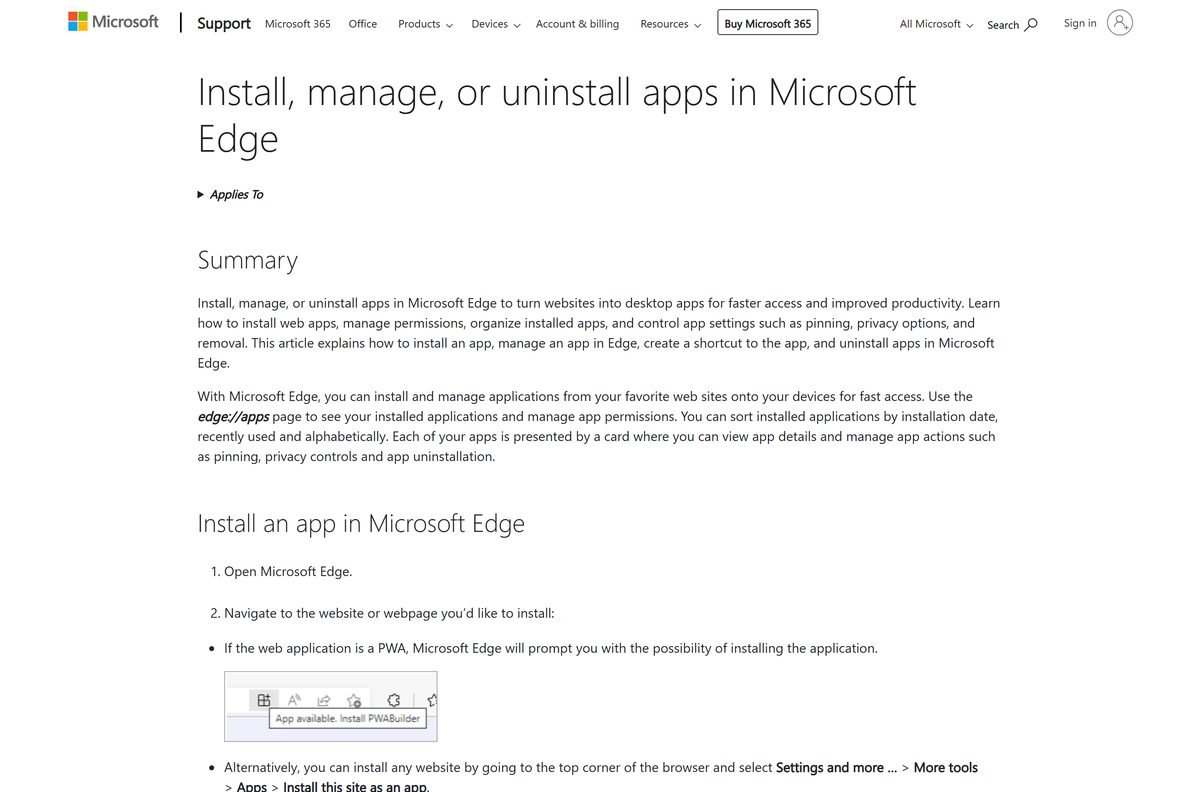
The app is free and every Google Account includes 15 GB of storage. Paid plans add more space for Gmail, Google Drive and Google Photos.
Below: the right route for each device, Google’s official links, setup on Windows, Mac and phones, phone backup, plans, and fixes for sign-up problems.
Which Google One download do you need?
Match your device to a row. Phones and tablets get a store app; computers use the website.
| Your device | What to install | Size |
|---|---|---|
| Android phone or tablet | Google One on Google Play | Play states no size |
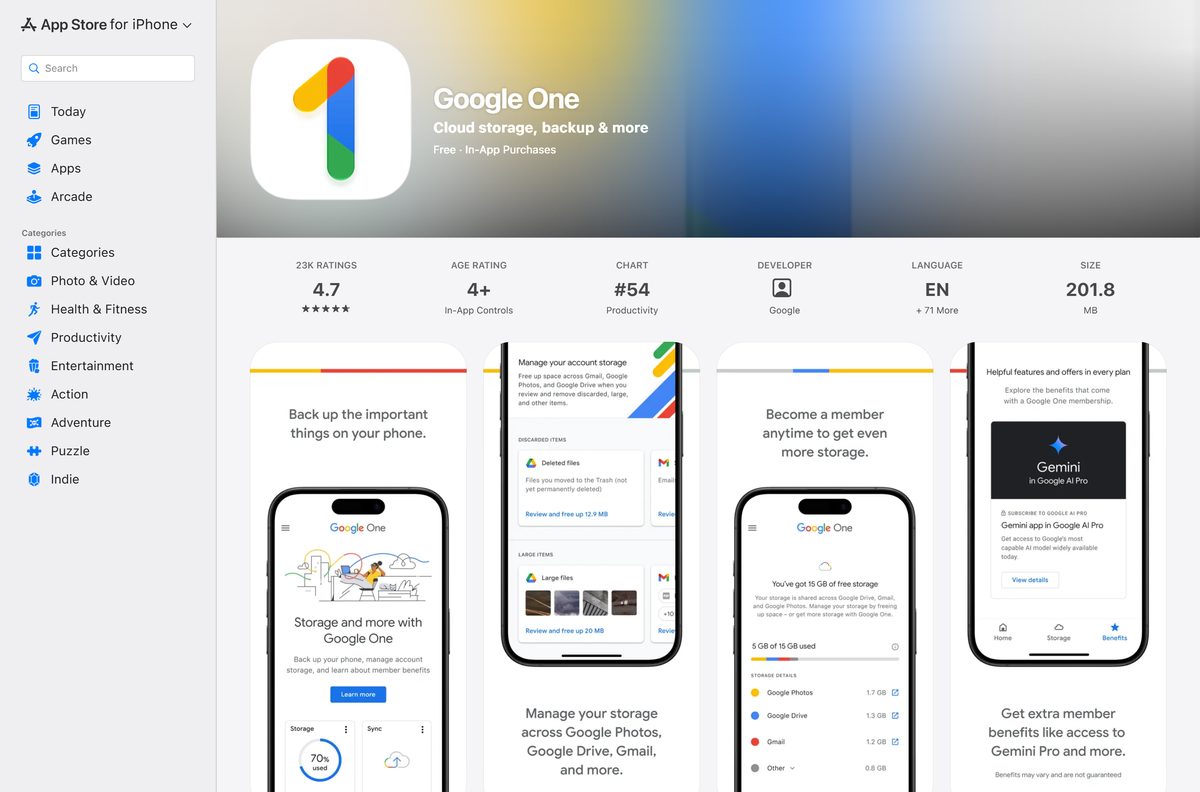
| iPhone or iPad on iOS 17 or later | Google One on the App Store | 201.8 MB |
| Windows 11 or Windows 10 PC | one.google.com, installed as an app in Chrome or Edge | No separate download |
| Mac | one.google.com, installed as an app in Chrome | No separate download |
Download Google One from Google’s official sources
Google publishes Google One at these addresses. A site offering a Google One .exe, .dmg or .apk is not Google.
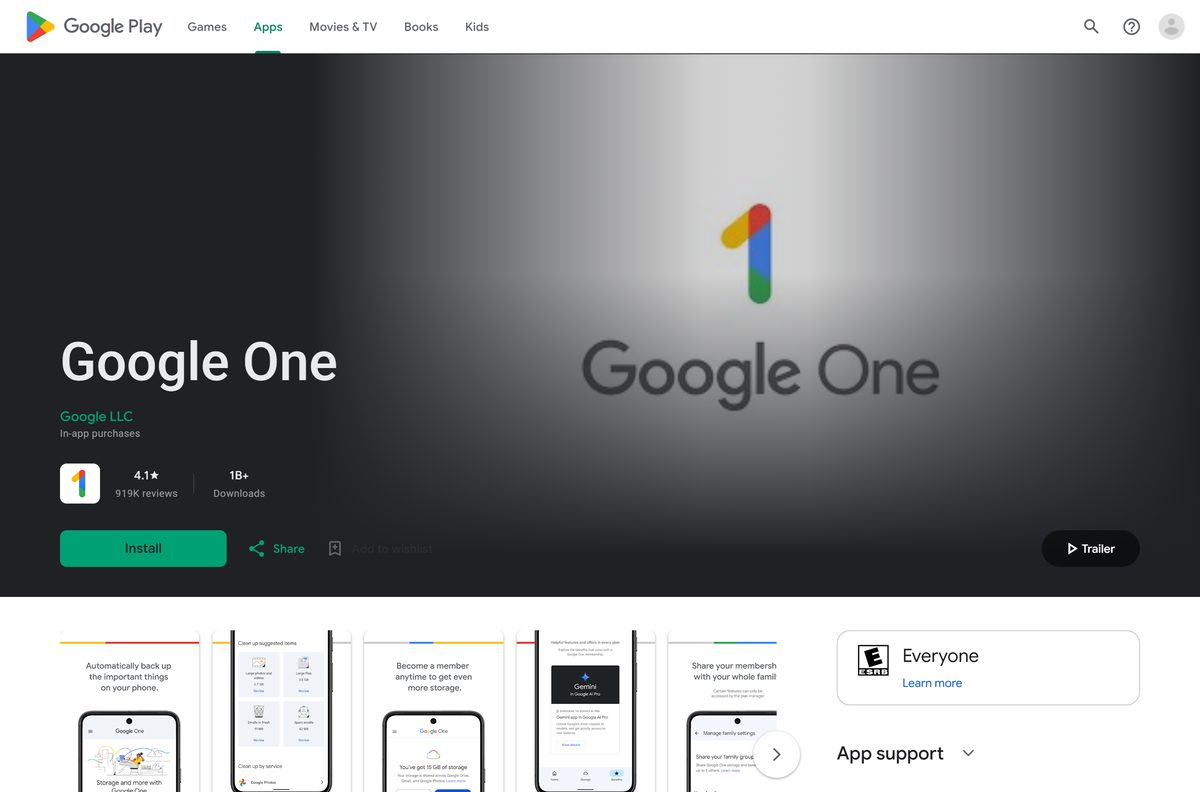
- Google One on Google Play — Google LLC, 1B+ downloads, updated 21 September 2026
- Google One on the App Store — version 1.134.0, 201.8 MB, iPhone and iPad
- Google One website — sign in with a Google Account, then install it as an app
- Google One plans and pricing — current plans and prices for your country
Check the Google One system requirements
Google One needs a personal Google Account on every platform. The phone apps have their own minimums.
| Field | Value |
|---|---|
| Developer | Google LLC |
| Latest version | iOS 1.134.0; Android varies by device (updated 21 September 2026) |
| Price | Free app with 15 GB; paid storage plans |
| iPhone and iPad | iOS 17.0 or later, 201.8 MB |
| Android | Google Play; phone backup needs Android 8 or later |
| Windows and Mac | one.google.com in a browser, installable as an app |
| Architecture | None of its own; runs in the browser on x64, ARM64 and Apple silicon |
| Account | Personal Google Account, age 13 or older; no Workspace accounts |
| Availability | 195+ countries and regions, based on your Google Play country |
| Offline installer | None |
| Last verified | 2026-09-25 |
How to install Google One on Windows 11 and 10 as a desktop app
Chrome turns one.google.com into a windowed app with its own taskbar icon. It opens without tabs or an address bar.
- Open Chrome and go to one.google.com.
- Sign in with your personal Google Account.
- Select More, the three-dot button at the top right.
- Select Cast, save, and share, then Install page as app.
- Follow the on-screen prompt to finish the install.
- Right-click the new window’s taskbar icon and select Pin to taskbar.
- Open Google One from the Start menu and confirm your storage total appears.
Install Google One with Microsoft Edge instead of the Store
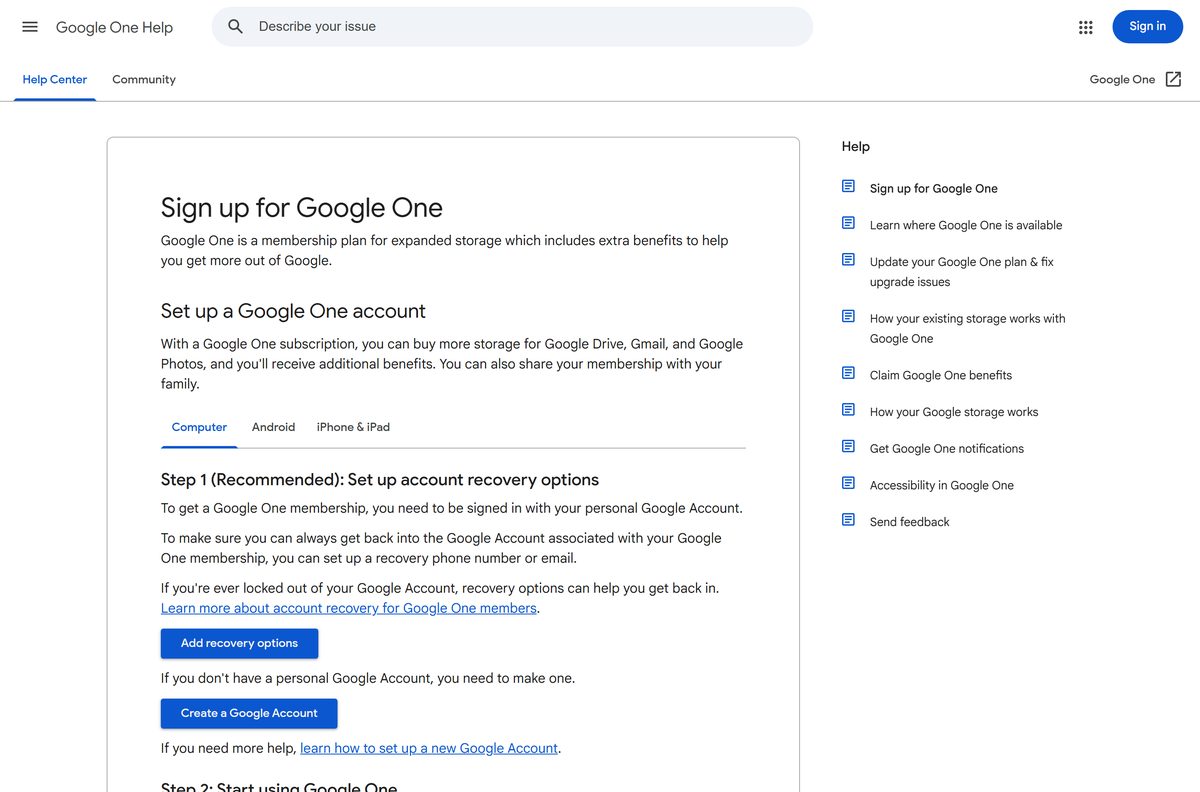
The Microsoft Store lists no Google One package. Edge installs any site as an app and manages it from one page.
- Open Microsoft Edge and go to one.google.com.
- Sign in with your Google Account.
- Select Settings and more, the three-dot button at the top right.
- Select More tools, then Apps, then Install this site as an app.
- Open edge://apps and select Details on the Google One card.
- Select Pin to taskbar, Pin to Start or Create Desktop shortcut.
Which Google One download do you need for your Mac?
There is no DMG, and the App Store app is listed for iPhone and iPad. A Mac uses the website.
| Your Mac setup | What to do | Result |
|---|---|---|
| Chrome is installed | Install one.google.com as an app from Chrome | Opens from the Dock in its own window |
| Safari only | Open one.google.com in Safari | Full website in a browser tab |
| You want phone backup | Install Google One on your iPhone | Backups show on the Mac under Backup |
How to set up Google One and back up an Android phone
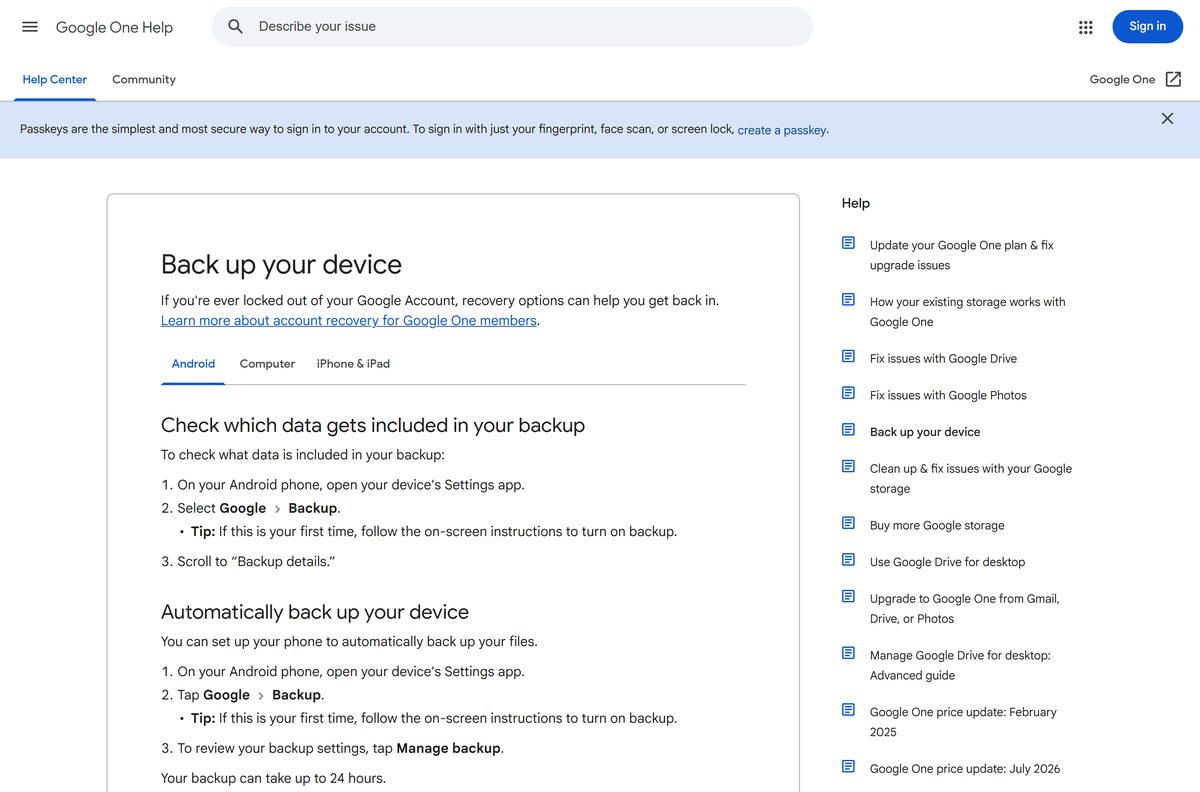
Phone backup is the one job the desktop version cannot do. Backups need Android 8 or later, an internet connection and a charged battery.
- Open the Google One listing on Google Play and tap Install.
- Open Google One and sign in with your Google Account.
- Open the phone’s Settings app.
- Select Google, then Backup.
- Follow the on-screen instructions to turn backup on.
- Tap Manage backup to review what gets backed up.
The first backup can take up to 24 hours. A backup is deleted if the phone goes unused for 57 days, though photos and videos stay in Google Photos.
Should you use the Google One app or the website?
Install the phone app to back up an Android phone or iPhone. Use one.google.com on a PC or Mac to manage storage, plans and family sharing. Google states that making, managing or deleting backups needs a mobile device. On a computer, the Backup section only shows each phone’s backup and its details. Upgrading, cancelling and checking storage work on both.
Is Google One free?
Plans and prices change by country, so the live plans page is the only reliable price list.
Yes. The app and website are free, and every Google Account includes 15 GB of storage shared by Gmail, Drive and Photos. Paid plans add storage from 30 GB up to 30 TB, billed monthly or yearly, and most can be shared with up to five family members. The Google AI plans add Gemini features on top of storage. You can cancel at any time. A site charging for a Google One setup file is not Google.
See current prices at one.google.com/about/plans.
How to check a Google One download really came from Google
No PC installer exists to check. Verify the store listing and the address you sign in on instead.
- On Google Play, confirm the developer reads Google LLC.
- Confirm the package name in the address bar is com.google.android.apps.subscriptions.red.
- On the App Store, confirm the seller is Google LLC.
- Open the desktop app at one.google.com and confirm the sign-in page is on accounts.google.com.
- Ignore any site offering a Google One .exe, .dmg or sideloaded .apk.
How to upgrade or change your Google One plan
The same plan works on every device. Storage changes can take up to 24 hours to apply.
- Go to one.google.com while signed in.
- Click Upgrade at the top.
- Select a storage limit.
- Review the price and payment date, then click Continue.
- Choose a payment method.
- Click Subscribe to confirm the plan.
On a phone, tap Upgrade at the bottom of the Google One app instead. If you bought the plan outside the iPhone app, the iPhone app may not show that option.
Fix Google One sign-up and backup problems
Google One will not let you sign up
The account is a Google Workspace account, or you are under the age limit.
- Sign in with a personal Google Account instead of a work or school account.
- Check that you are 13 or the applicable age in your country.
- Retry the sign-up at one.google.com.
Google One says it is not available in your country
Availability follows your Google Play country setting.
- Open Google Play and check the country on your account.
- Change it if you have moved to a supported country.
- Sign up again once the new country applies.
The phone backup will not finish
The phone is offline, low on battery or out of Google storage.
- Connect to Wi-Fi and charge the phone.
- Update the Google One app from Google Play.
- Free up space in your Google Account, then leave the phone for up to 24 hours.
You cannot manage backups on your computer
one.google.com only shows backups; a phone makes and deletes them.
- Open the Google One app on the phone that made the backup.
- Make or delete the backup there.
- Refresh one.google.com to see the change.
How to cancel Google One and uninstall the app
Removing the app does not cancel a paid plan. Cancel first, then uninstall.
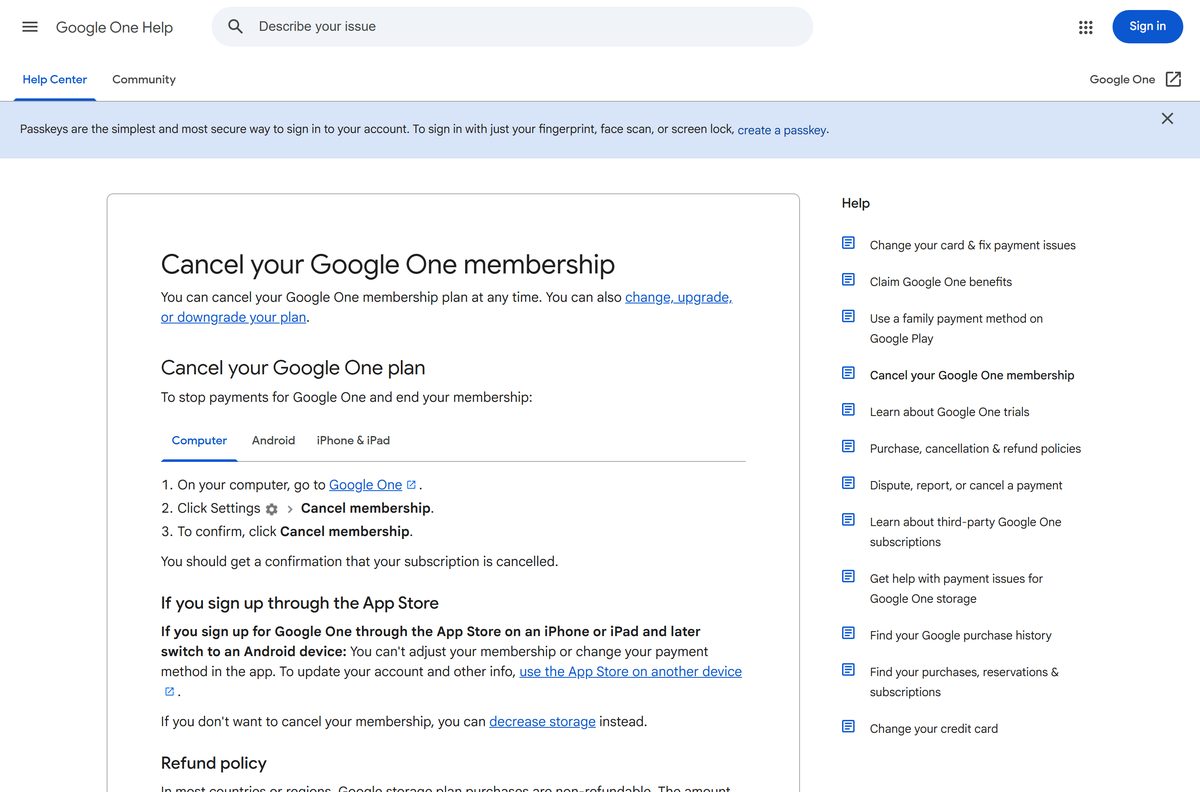
- On a computer, go to myaccount.google.com/deleteservices, sign in, select Google One and cancel the plan.
- On Android, open the Google One app and tap Menu, then Settings, then Cancel membership.
- On iPhone, open the App Store, tap your name, then Subscriptions, Google One and Cancel Subscription.
- To remove the Android app, open Google Play, tap the Profile icon, then Manage apps & devices, Manage, Google One and Uninstall.
- On Windows, open edge://apps in Edge, select Details on the Google One card, then Uninstall.
The extra storage lasts until the billing cycle ends. Above 15 GB after that, Gmail stops receiving mail and Drive stops syncing.
Which cloud storage to use instead of Google One
The best fit depends on where your files and photos already live.
| Service | Publisher | Free storage | Best for |
|---|---|---|---|
| Google One | 15 GB | Gmail, Drive and Photos users on Android or iPhone | |
| Microsoft OneDrive | Microsoft | 5 GB | Windows PCs and Microsoft 365 users |
| iCloud+ | Apple | 5 GB | iPhone, iPad and Mac owners |
Frequently asked questions
Is Google One free?
Yes, the Google One app and one.google.com are free, and every Google Account includes 15 GB of storage at no charge. You pay only if you upgrade to a larger storage plan, which you can cancel at any time.
Where is the official Google One download?
Get the Android app from Google Play and the iPhone and iPad app from the App Store, both published by Google. On a Windows PC or Mac, open one.google.com in a browser and install it as an app.
Can I download Google One on Windows 11?
Yes, as a web app. Open one.google.com in Chrome or Edge, sign in, and install the page as an app. It opens in its own window with a Start menu entry. The Microsoft Store has no Google One package.
What is the Google One download size?
The iPhone and iPad app is 201.8 MB on the App Store. Google Play states no size for the Android app because it varies by phone. The desktop web app installs from the browser with no setup file.
Is there an offline installer for Google One?
No. Google ships no .exe, .msi or .dmg for Google One. Phones install it from Google Play or the App Store, and computers use one.google.com, which needs an internet connection.
Is there a Google One app for Mac?
Install one.google.com as an app from Chrome on a Mac and it opens from the Dock in its own window. Safari opens the same website. The App Store app is listed for iPhone and iPad only.
Does Google One support 64-bit and ARM64 PCs?
Yes. The desktop version is a website, so it runs in Chrome or Edge on x64 and ARM64 Windows PCs and on Intel and Apple silicon Macs. There is no separate build to choose.
Is Google One safe to download?
Yes, from Google Play, the App Store or one.google.com. Check that the developer reads Google LLC on either store listing. A site offering a Google One .exe or .apk is not Google.
What is the latest version of Google One?
The iPhone and iPad app is version 1.134.0, released on 22 September 2026. Google Play lists no version number for Android and updated the app on 21 September 2026. The website updates on its own.
Why can’t I sign up for Google One?
Google One works only with personal Google Accounts, not Google Workspace accounts, and you must be 13 or the applicable age in your country. Availability follows your Google Play country, so check that setting too.
Can I back up my PC with Google One?
No. On a computer, one.google.com only shows backups made from phones. To make, manage or delete backups, you need an Android phone or an iPhone with the Google One app.
What happens to my files if I cancel Google One?
You keep the extra storage until the billing cycle ends. After that, if you use more than 15 GB, Gmail stops sending and receiving mail, Drive stops syncing and Photos stops backing up.