You can get the ImageJ download for Windows 11, Windows 10 and Mac free from imagej.net, either as classic ImageJ or as Fiji, the distribution with plugins included. Both come as ZIP archives with Java bundled, so you unpack them and run.
ImageJ is the NIH image processing and analysis program used across microscopy and life science labs. It is public domain, and Fiji adds ImageJ2 plus a large set of community plugins on top.
Below are the official links for each system, how to pick between ImageJ and Fiji, install steps, memory settings and fixes for common problems.
Which ImageJ download do you need?
Pick Fiji unless you only need the original ImageJ. Match your computer to a row; every link starts the official ZIP.
| Your computer | Download | Size |
|---|---|---|
| Windows 11 or 10, Fiji (recommended) | Fiji Latest, Windows x86-64 | 672.3 MB |
| Windows on ARM, Fiji | Fiji Latest, Windows arm64 | 538.7 MB |
| Windows 11 or 10, classic ImageJ | ImageJ bundled with 64-bit Java 8 | 47.7 MB |
| Mac with Apple silicon, Fiji | Fiji Latest, macOS arm64 | 637.9 MB |
| Intel Mac, Fiji | Fiji Latest, macOS x86-64 | 657.8 MB |
| Linux x86-64, Fiji | Fiji Latest, Linux x86-64 | 672.1 MB |
| Java already installed, any system | ImageJ platform-independent ZIP | 6.4 MB |
The file names and every mirror are listed on the Fiji downloads page and the ImageJ download page.
Download ImageJ and Fiji from the official pages
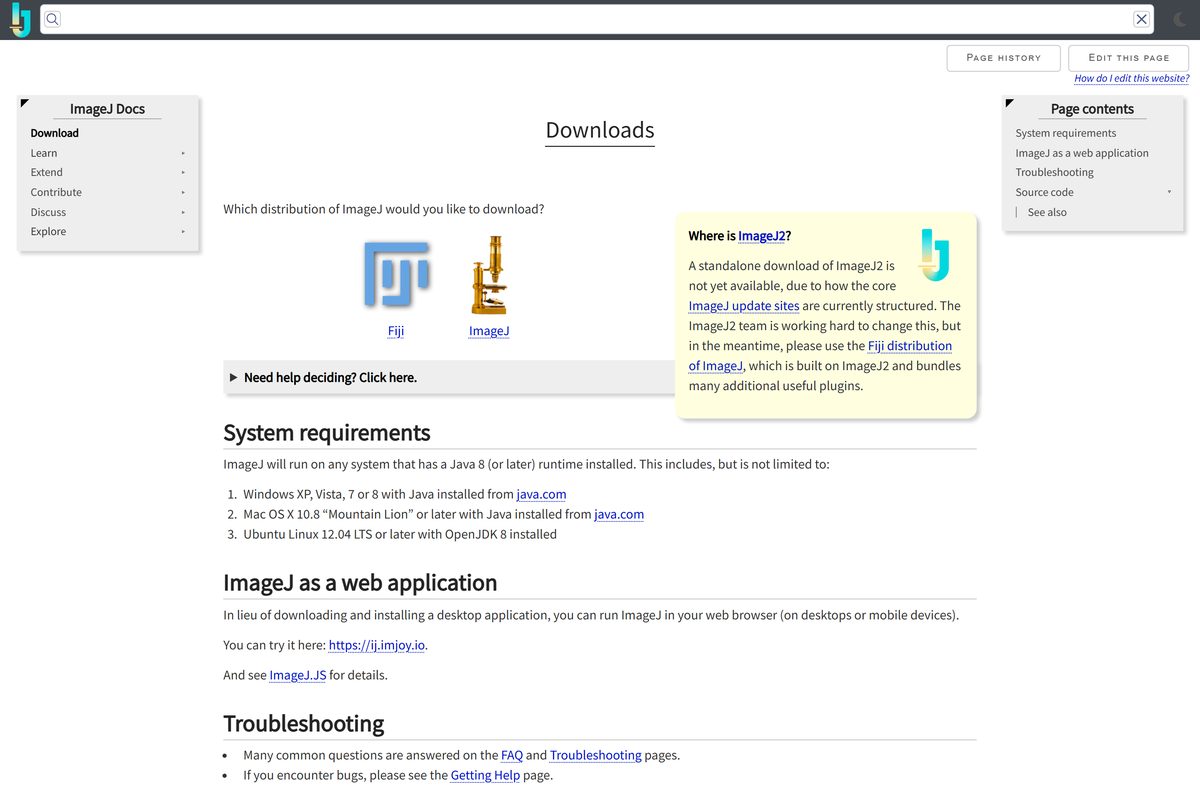
All builds live on imagej.net and its download servers. The hub page asks which distribution you want and sends you to the right list.
- ImageJ downloads hub — Choose Fiji or ImageJ, plus system requirements
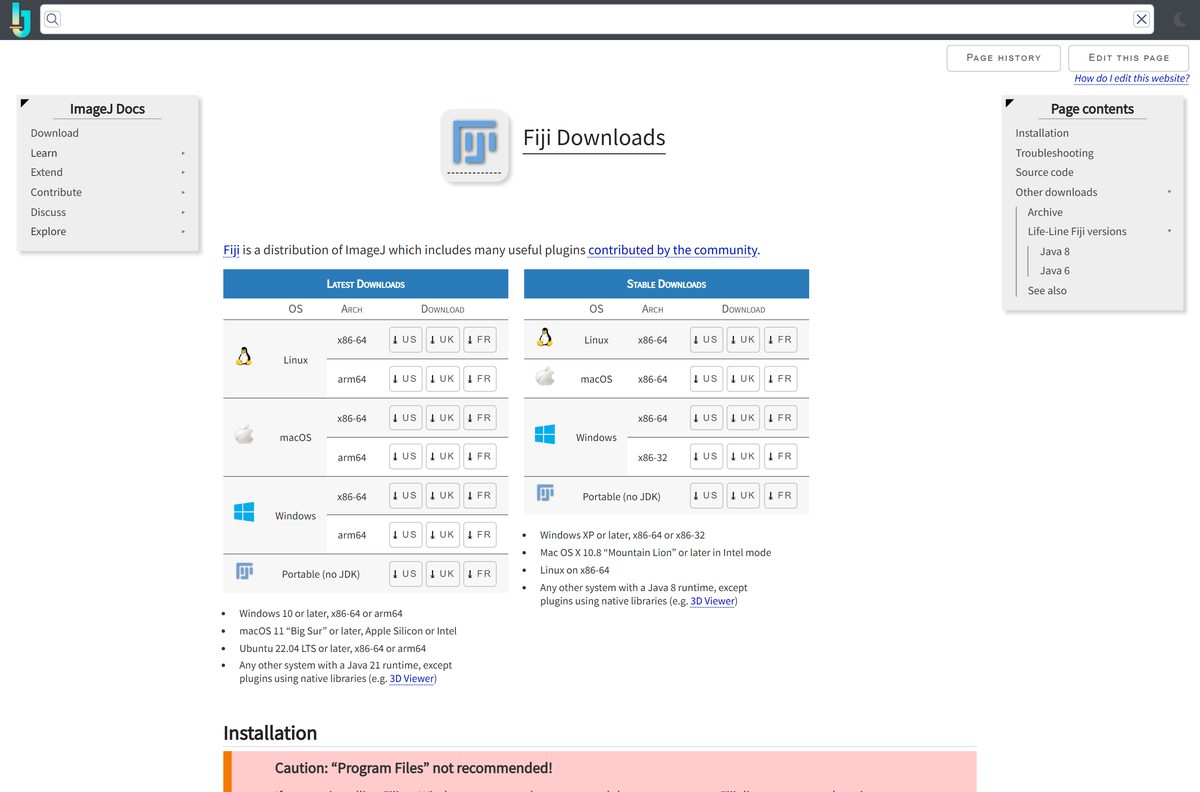
- Fiji downloads (Latest and Stable) — 538-672 MB per platform · Java 21 bundled; US, UK and FR mirrors
- ImageJ 1.x download page — 47.7 MB for Windows · Windows, Mac, M1 Mac, Linux and a Java-free ZIP
- ImageJ release notes — Changes in every 1.54 release, newest first
- Fiji build archive — Earlier Fiji builds by date
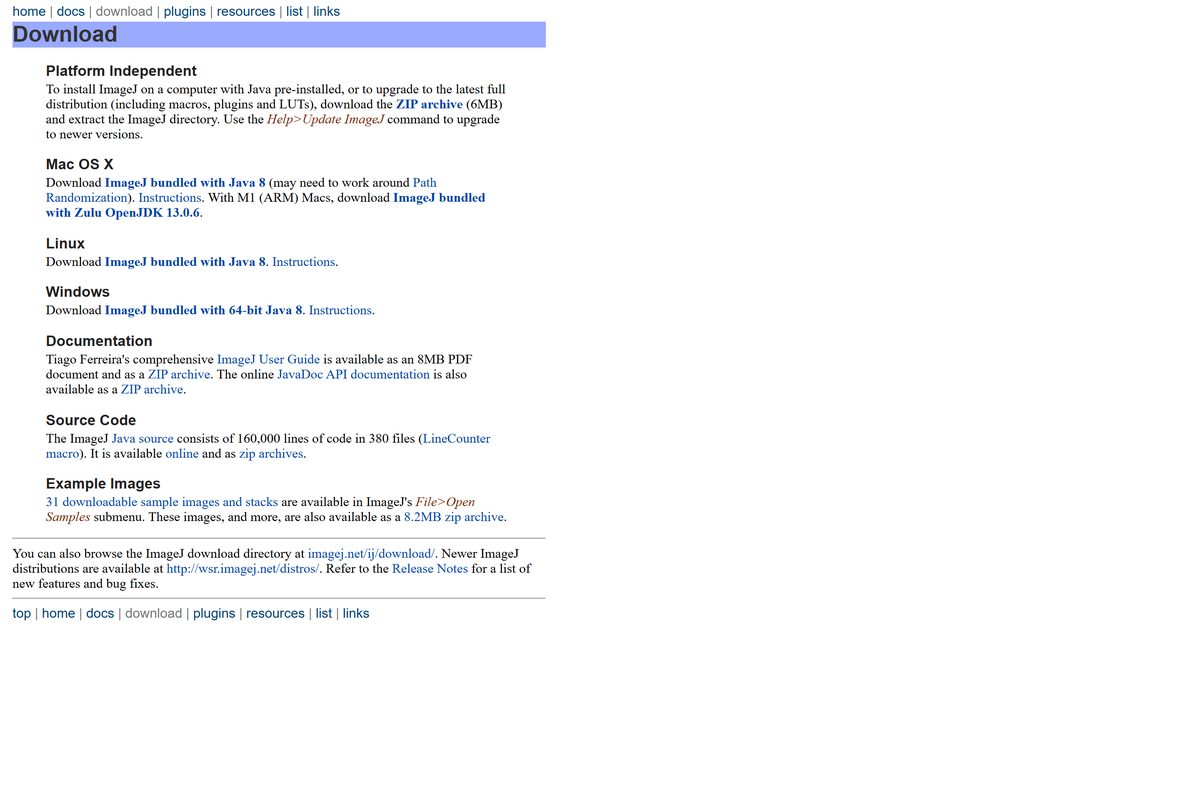
How to install ImageJ on Windows 11 and 10
Neither ImageJ nor Fiji runs a setup wizard. Keep the folder out of Program Files, or Windows blocks the program from saving settings and updates.
- Download ImageJ bundled with 64-bit Java 8 from the ImageJ download page, or the Windows x86-64 Fiji ZIP.
- Right-click the ZIP in Downloads and select Extract All.
- Choose a folder you own, such as Documents, Desktop or C:\Users\
\Fiji . - Open the extracted folder and double-click ImageJ.exe, or the Fiji launcher in the Fiji folder.
- If the menus look tiny, open Edit > Options > Appearance and raise GUI scale above 1.0.
Full notes are in the official Windows install guide.
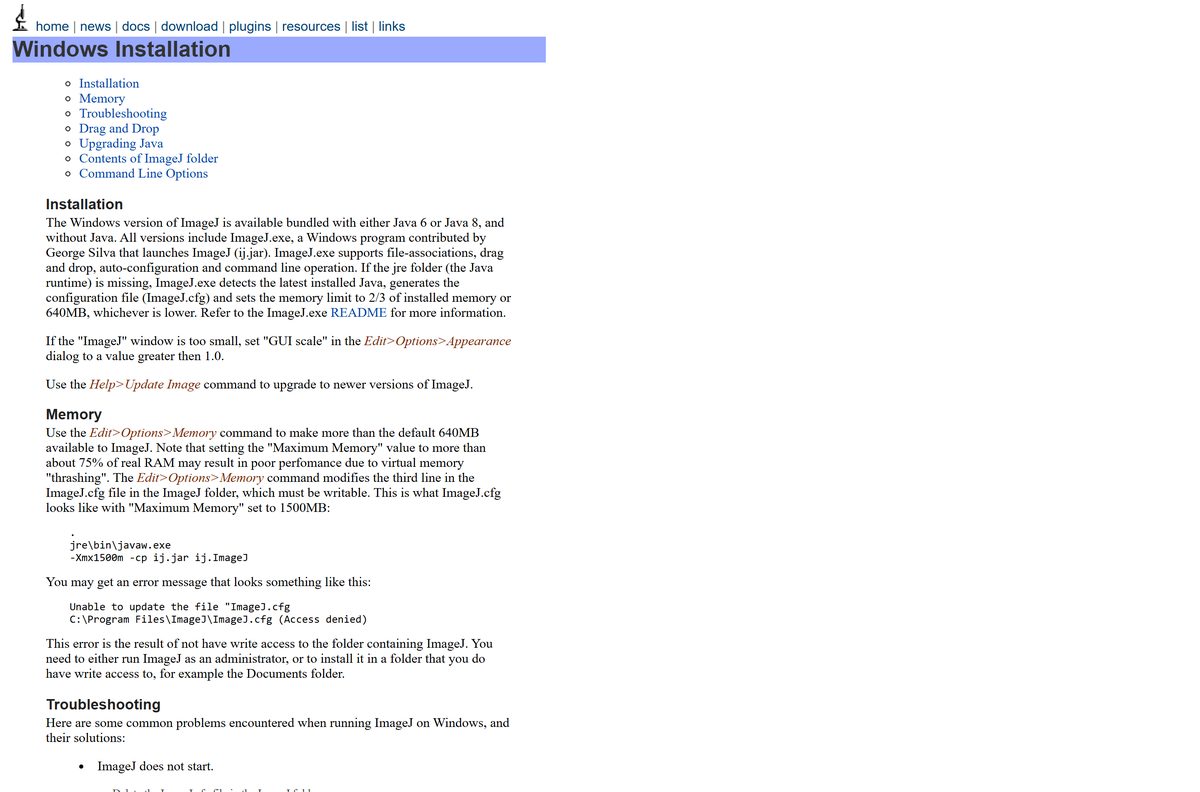
Run ImageJ from a USB drive or without Java installed
Both distributions are portable by design. The ZIP carries its own Java runtime, so the folder runs wherever you copy it.
- Extract the ImageJ or Fiji ZIP onto the USB drive or into any writable folder.
- Keep the bundled Java folder (jre in ImageJ) inside the program folder; the launcher looks for it there.
- Start ImageJ.exe or the Fiji launcher directly from that folder on each computer.
- Use the 6.4 MB platform-independent ZIP instead if the computer already has Java 8 or later.
Which ImageJ download do you need for your Mac?
Check your chip under Apple menu > About This Mac. The ZIP expands to an app; copy it into Applications.
| Your Mac | Download | Size |
|---|---|---|
| Apple silicon (M1 or later), Fiji | Fiji Latest, macOS arm64 | 637.9 MB, macOS 11 or later |
| Intel Mac, Fiji | Fiji Latest, macOS x86-64 | 657.8 MB, macOS 11 or later |
| Apple silicon, classic ImageJ | ImageJ with Zulu OpenJDK 13 | 57.3 MB |
| Intel Mac, classic ImageJ | ImageJ bundled with Java 8 | 89.9 MB |
If macOS says the app is from an unidentified developer, right-click it and select Open, or click Open Anyway in System Settings > Privacy & Security. The Mac install guide covers the rest.
Is ImageJ free?
Nothing on imagej.net is paid, and neither program has a license key or trial.
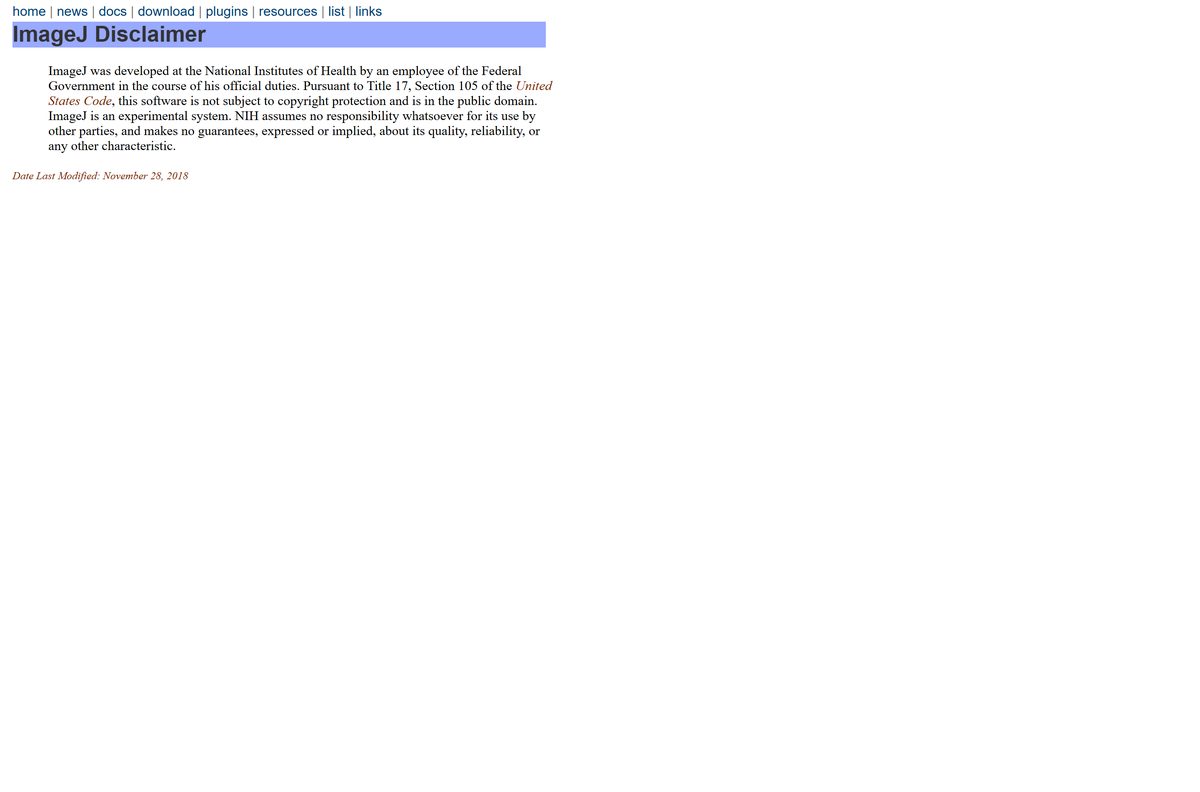
ImageJ and Fiji are completely free for personal, academic and commercial use. ImageJ was written by a federal employee at the National Institutes of Health, so under Title 17, Section 105 of the US Code it is not subject to copyright and sits in the public domain. Fiji is open source under the GNU General Public License, and the ImageJ2 core uses the BSD 2-Clause license. A site charging for ImageJ, or bundling it in a setup .exe, is not the official download.
Should you install ImageJ or Fiji?
ImageJ2 has no standalone download yet, so you reach it through Fiji. Fiji also has two channels: Latest for current systems and Stable for old ones.
Install Fiji Latest. Choose classic ImageJ only for a light, macro-focused setup, and Fiji Stable only for Windows 7 or 8 or 32-bit Windows. The ImageJ FAQ recommends Fiji for most users because it bundles ImageJ, ImageJ2 and plugins its authors test together, and warns against copying Fiji plugins into plain ImageJ. Fiji Latest ships Java 21 and needs Windows 10, macOS 11 or Ubuntu 22.04 or later. Fiji Stable uses Java 8 and still runs on Windows XP and later, including 32-bit, at 497.6 MB for Windows x86-64.
How to check your ImageJ version and update it
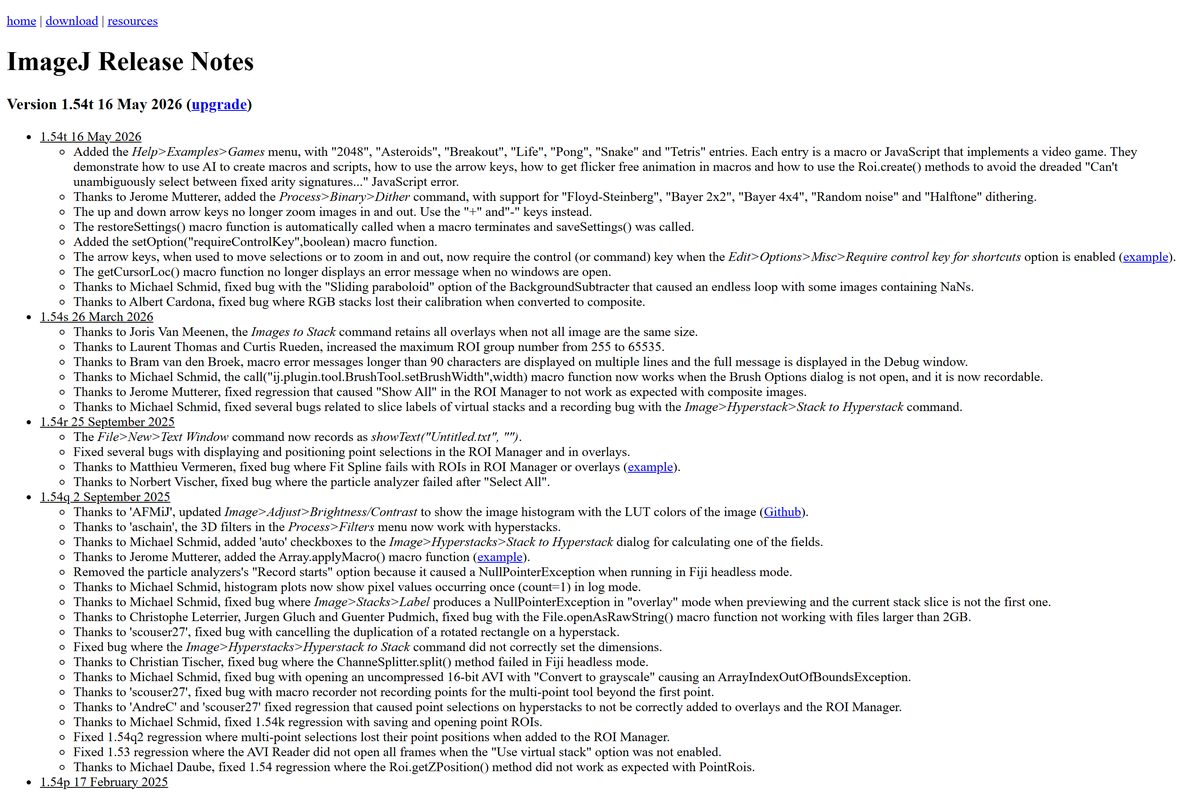
The newest ImageJ in the release notes is 1.54t, dated 16 May 2026. The Windows ZIP ships an older 1.54 build, so update right after installing.
- In classic ImageJ, select Help > Update ImageJ and confirm the upgrade.
- Restart ImageJ so the new ij.jar loads.
- In Fiji, select Help > Update… to open the ImageJ Updater.
- Apply the listed updates, then restart Fiji; changes only take effect after a restart.
- Add third-party plugin collections from the updater’s update sites list, as the Updater page explains.
Check the ImageJ system requirements
Requirements differ by distribution. Fiji Latest is the stricter of the two.
| Field | Value |
|---|---|
| Software | ImageJ image processing and analysis (and the Fiji distribution) |
| Developer | National Institutes of Health (ImageJ); ImageJ and Fiji community, led by LOCI at UW-Madison (Fiji) |
| Latest version | ImageJ 1.54t; Fiji Latest build of July 2026 |
| License | Free: ImageJ public domain, Fiji GNU GPL |
| Windows | ImageJ: any Windows with Java 8+, runs on 11 and 10; Fiji Latest: Windows 10 or later |
| Mac | ImageJ: Mac OS X 10.8 or later; Fiji Latest: macOS 11 Big Sur or later |
| Linux | ImageJ: Ubuntu 12.04 or later; Fiji Latest: Ubuntu 22.04 LTS or later |
| Architecture | x86-64 and arm64 (Fiji Latest); 64-bit Java 8 bundle and an M1 Mac build (ImageJ) |
| Java | Bundled in every OS-specific ZIP: Java 8 (ImageJ), Java 21 (Fiji Latest) |
| Download size | 47.7 MB (ImageJ, Windows); 672.3 MB (Fiji Latest, Windows x86-64) |
| Installer type | ZIP archive, no setup program, fully portable |
| Last verified | 25 September 2026 |
Fix ImageJ not starting, updating or opening big images
Each problem below has one cause and one fix.
Updates or memory changes fail with a write error on Windows
The folder sits in C:\Program Files, where Windows denies write access.
- Close ImageJ or Fiji.
- Move the whole folder to C:\Users\
\ , Documents or Desktop. - Start it from the new location and run the update again.
Out of memory when opening large stacks
The default memory limit is lower than the image needs.
- Open Edit > Options > Memory & Threads.
- Raise Maximum Memory, staying under about 75% of your installed RAM.
- Restart ImageJ so the new limit applies.
Text and menus are tiny on a high-DPI screen
Windows display scaling is not applied to the Java window.
- Open Edit > Options > Appearance and raise GUI scale.
- If that is not enough, right-click ImageJ.exe, open Properties > Compatibility and toggle the high-DPI scaling override, as the Windows notes suggest.
macOS blocks ImageJ on first launch
Gatekeeper does not recognise the developer.
- Right-click ImageJ.app and select Open.
- Or open System Settings > Privacy & Security and click Open Anyway.
ImageJ on a Mac cannot find its plugins or macros
macOS path randomization runs the app from a hidden /private location.
- Drag ImageJ.app into another folder in Finder.
- Drag it back to Applications if you want it there, then start it again.
How to uninstall ImageJ or Fiji
Because nothing was installed through a wizard, removal means deleting the folder.
- Close every ImageJ or Fiji window.
- Copy out any macros or plugins you added to the macros or plugins folder.
- On Windows, delete the extracted ImageJ or Fiji folder in File Explorer.
- On a Mac, drag ImageJ.app or Fiji.app from Applications to the Trash.
- Delete the original ZIP from Downloads if it is still there.
Which ImageJ route fits your work?
Every option below is an official ImageJ project. Pick by how much you need beyond basic analysis.
| Route | Best for | Start here |
|---|---|---|
| Fiji Latest | Most users: plugins, ImageJ2, current Java | Fiji downloads |
| Fiji Stable | Windows 7/8, 32-bit Windows, older Macs | Fiji downloads |
| Classic ImageJ 1.x | Small download, macros, teaching | ImageJ download |
| ImageJ in the browser | Quick tests without installing anything | ImageJ web app link |
| Older Fiji builds | Reproducing an earlier analysis | Fiji archive |
Frequently asked questions
Short answers to the questions that come up around downloading ImageJ.
Is ImageJ free?
Yes. ImageJ was written at the National Institutes of Health and is in the public domain, so it costs nothing and has no license key. Fiji, the plugin-rich distribution, is free open source software under the GNU GPL.
Where is the official ImageJ download page?
It is imagej.net/downloads. That page lets you choose between Fiji and the original ImageJ, whose own page at imagej.net/ij/download.html lists the Windows, Mac and Linux ZIP files.
Should I download ImageJ or Fiji?
Most people should download Fiji. The ImageJ FAQ recommends it because it bundles ImageJ, ImageJ2 and tested plugins. Take plain ImageJ when you want a small, simple program for basic image analysis and macros.
Does ImageJ work on Windows 11 and Windows 10?
Yes. The Windows ZIP bundles 64-bit Java 8, so ImageJ runs on Windows 11 and Windows 10 without a separate Java install. Fiji Latest lists Windows 10 or later on x86-64 and arm64 hardware.
How big is the ImageJ download?
The ImageJ Windows ZIP with Java is 47.7 MB, and the Java-free cross-platform ZIP is 6.4 MB. Fiji is far larger, at about 672 MB for the Windows x86-64 Latest build.
Is there an ImageJ installer (.exe) for Windows?
No. ImageJ and Fiji ship as ZIP archives rather than setup programs. You extract the folder and run ImageJ.exe or the Fiji launcher from it, which also makes both programs portable.
Does ImageJ run on Apple silicon Macs?
Yes. The ImageJ download page has a separate build for M1 and later Macs, bundled with Zulu OpenJDK 13. Fiji Latest has a native macOS arm64 build and needs macOS 11 Big Sur or later.
How do I update ImageJ to the latest version?
In plain ImageJ, select Help > Update ImageJ. In Fiji, select Help > Update…, apply the listed updates and restart Fiji. The newest ImageJ release in the release notes is 1.54t.
How do I give ImageJ more memory?
Open Edit > Options > Memory & Threads and raise Maximum Memory. The ImageJ documentation warns that going above about 75% of your real RAM can slow the whole computer down.
How do I uninstall ImageJ or Fiji?
Close the program and delete its folder, such as the ImageJ folder on Windows or ImageJ.app on a Mac. Neither program runs a setup wizard, so there is no entry to remove in Installed apps.