The Elgato Video Capture download is free software from elgato.com that turns VHS tapes, camcorder reels and other analog recordings into digital video files. It runs on Windows 11, Windows 10 and Mac, and drives the Elgato Video Capture USB device that carries the signal into your computer.
Windows needs two files: a 34.2 MB software installer and a separate 3.1 MB driver. Mac needs one 41.7 MB archive. Every file comes from Elgato’s own download servers.
This guide covers which files your computer needs, how to install them in the right order, the recording formats, the system requirements, fixes for the common Windows and macOS errors, and a clean uninstall.
Which Elgato Video Capture download do you need?
Elgato ships a Windows branch and a Mac branch with different version numbers. Match your computer to a row, and note that Windows takes two downloads.
| Your computer | Download | Size |
|---|---|---|
| Windows 11 or Windows 10 PC, Intel or AMD | Video Capture Software 1.15 for Windows | 34.2 MB |
| Any Windows PC, installed before the software | Video Capture Driver for Windows | 3.1 MB |
| Mac on macOS 11.3 Big Sur or later, Intel or Apple Silicon | Video Capture 2.0.9 for macOS | 41.7 MB |
| Mac on macOS 10.15 Catalina or older | Video Capture 2.0.5 for macOS | Archive |
A Copilot+ laptop with a Snapdragon chip is the one machine to rule out. Elgato states the software is not compatible with Snapdragon processors.
Download Elgato Video Capture for Windows 11 and Windows 10
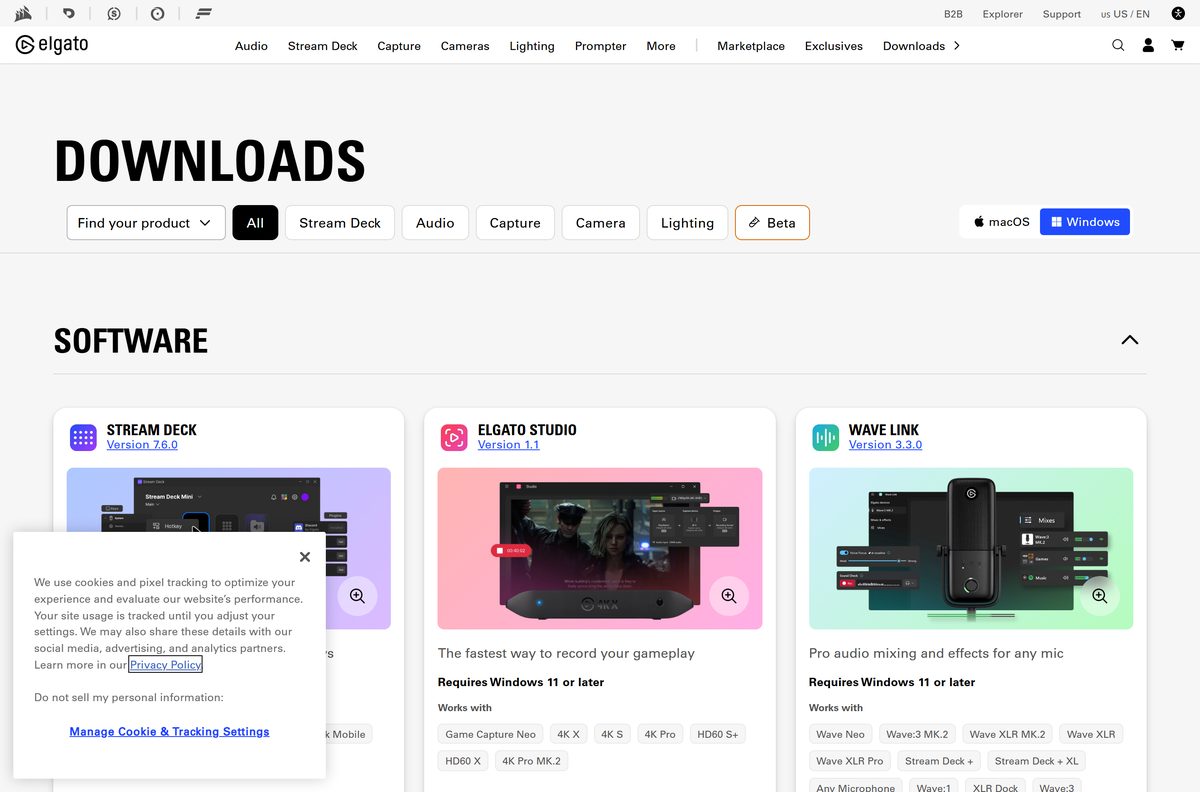
Open the Elgato downloads page, select the Windows tab, and find the Video Capture card. It carries two buttons: Download for the software and Driver for the hardware driver. Take both.
- Elgato downloads page — the Video Capture card sits under Software
- Video Capture Software for Windows — 34.2 MB · resolves to VideoCaptureSetup_1.15.2.msi
- Video Capture Driver for Windows — 3.1 MB · Video_Capture_Driver_Installer.exe, also updates older drivers
- Video Capture for macOS — 41.7 MB · zip archive containing the app
- Release notes and older builds — every macOS release back to 1.1.2, with its own link
Both Windows files arrive from edge.elgato.com, Elgato’s own delivery server. Nothing here asks for an account, a licence key or an email address.
How to install Elgato Video Capture on Windows 11 and 10
Install the driver first and leave the device unplugged until the installer asks for it. Elgato states that the Windows setup needs both the driver and the software.
- Unplug the Video Capture device from the PC.
- Open the Elgato downloads page and select the Windows tab.
- Select Driver on the Video Capture card, then select Download for the software.
- Run Video_Capture_Driver_Installer.exe and follow the instructions.
- Plug the device into a USB 2.0 port when the installer prompts you, or reconnect it afterwards.
- Double-click VideoCaptureSetup_1.15.2.msi in your Downloads folder.
- Select Yes at the User Account Control prompt and finish the wizard.
- Open Elgato Video Capture from the Start menu and work through the on-screen assistant to name the video, pick the input and start recording.
The assistant writes the finished file to your Movies folder. Change that path in Preferences before a long transfer.
Which Elgato Video Capture download do you need for your Mac?
Open the Apple menu and select About This Mac to read your macOS version, then pick the matching row. The Mac app arrives as a zip archive rather than an installer.
| Your Mac says | Download | Why |
|---|---|---|
| macOS 15 Sequoia, 14 Sonoma or 13 Ventura | Video Capture 2.0.9 | Fixes a crash when a recording starts on Sequoia |
| macOS 11.3 Big Sur or macOS 12 Monterey | Video Capture 2.0.9 | Minimum supported macOS for the current branch |
| macOS 10.15 Catalina or older | Video Capture 2.0.5 | Last build for Catalina and earlier |
| OS X 10.6.8 to OS X 10.10 Yosemite | Video Capture 1.1.5 | Intel Macs only, disk image rather than zip |
Double-click the archive, drag the app to Applications, then open it from there. Apple Silicon Macs run it natively; that came with version 2.0.7.
Is Elgato Video Capture free?
Yes, the software is free. The Elgato Video Capture device it records from costs $89.99. Elgato publishes the Windows software, the Windows driver and the Mac app on elgato.com with no payment, no account and no licence key. What you buy is the USB capture device, listed at $89.99 on the Elgato product page and shipping with a composite video and RCA stereo cable plus a composite-to-SCART adapter. The software talks to that device, so it has nothing to record without it. Any site charging for the download is not Elgato.
Check what Elgato Video Capture can record and what it produces
The device is an analog bridge, so the input side matters more than the file side. Anything with a composite or S-Video output can feed it: a VCR, a DVR, a set-top box or a camcorder.
| Item | What it supports |
|---|---|
| Video inputs | Composite (yellow RCA) and S-Video, with S-Video giving the cleaner picture |
| European connection | Composite-to-SCART adapter, connected with the supplied red, white and yellow cable |
| Signal formats | NTSC, PAL, PAL/60 and SECAM |
| Aspect ratios | 4:3 and 16:9, applied by stretching rather than cropping |
| Video output | H.264 or MPEG-4 at 640×480 |
| Audio output | AAC |
| Save location | Your Movies folder, changeable in Preferences |
Letterboxed tapes stay on 4:3. A 4:3 picture with black bars is still a 4:3 source, and choosing 16:9 stretches the faces.
How to check your Elgato Video Capture version and update it
There is no in-app updater, so compare the installed build against the downloads page and reinstall over the top when it is behind.
- On Windows, press Win + I and open Apps > Installed apps.
- Find Elgato Video Capture and read the version beside it.
- On a Mac, open Applications, select the app, and press Command + I to read the version in the info panel.
- Open the Elgato downloads page and compare it with the version on the Video Capture card.
- Download the newer file and run it over the existing installation.
- Run the Windows driver installer again as well, since it also updates previous driver versions.
Check the Elgato Video Capture system requirements
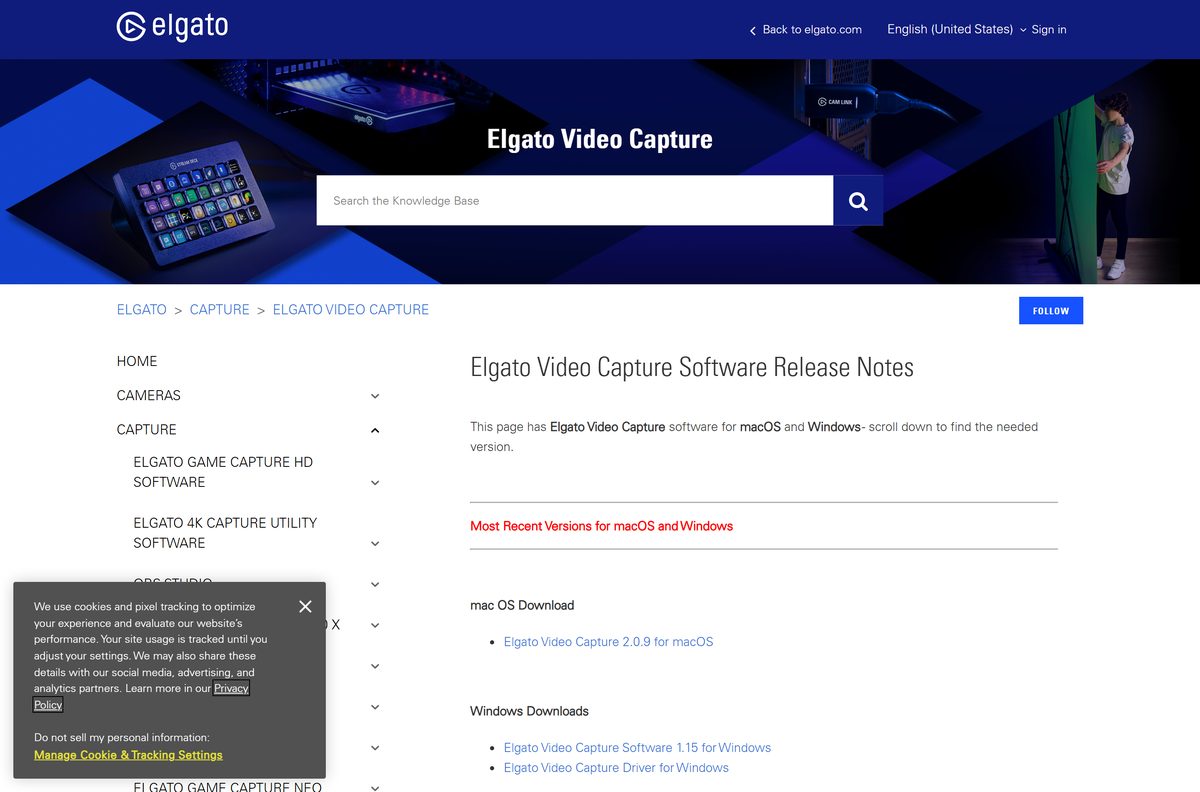
The bar is low by modern standards. A machine that struggled with this software in 2012 will manage it now.
| Field | Value |
|---|---|
| Software | Elgato Video Capture |
| Developer | Elgato |
| Latest version | 1.15 on Windows, 2.0.9 on macOS |
| License / Price | Free software; the capture device is sold separately at $89.99 |
| File size | 34.2 MB software and 3.1 MB driver on Windows, 41.7 MB on macOS |
| Supported OS | Windows 7 or later, including Windows 11 and Windows 10; OS X 10.6.8 or later |
| Processor | 2.0 GHz Intel or AMD on Windows; Intel Core or Apple Silicon on Mac |
| Architecture | x86 and x64; not compatible with Snapdragon processors |
| Memory | 1 GB RAM |
| Connection | Built-in USB 2.0 port |
| Offline installer | Yes, a full MSI package on Windows and a zip archive on macOS |
| Official download source | elgato.com/downloads |
| Last verified | 2026-09-22 |
Press Win + R, type winver and press Enter to read your Windows build before you download.
Fix Elgato Video Capture not installing or not detecting the device
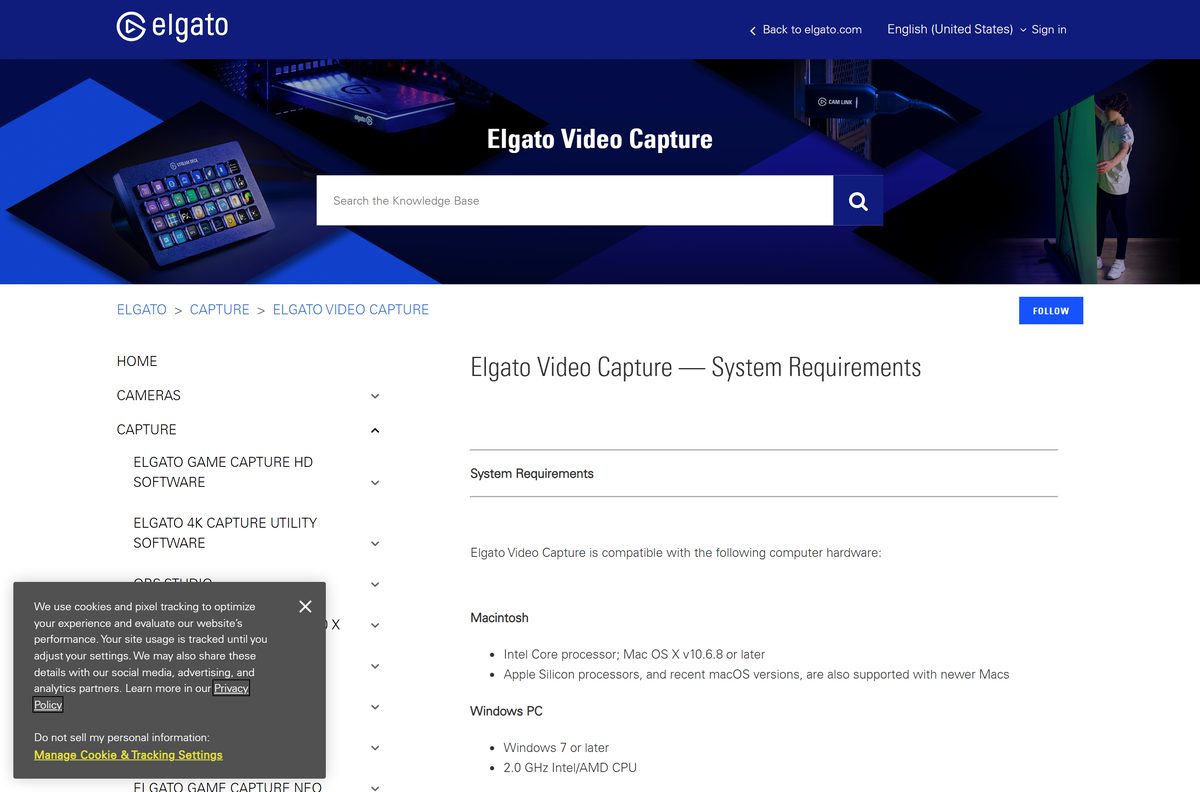
Setup stops with “This application requires .NET Framework 3.5”
The .NET Framework 3.5 feature is switched off in Windows 11 and Windows 10.
- Open the Start menu and search for Turn Windows features on or off.
- Tick .NET Framework 3.5 (includes .NET 2.0 and 3.0) and select OK.
- Let Windows fetch the files, then restart the PC.
- Run the software installer again.
“Device could not be initialized” on a 12th Gen or newer Intel PC
The graphics processor codec the app picks does not suit recent Intel integrated graphics.
- Close the app completely from the system tray.
- Download the VCPatcher tool from Elgato.
- Open it and select Yes at the Windows prompt.
- Tick Intel GPU workaround, select Next, then close the tool.
- Launch the app and test the input again.
The picture stays black although the tape is playing
Signal detection is set to Auto and misreads the incoming standard.
- Quit the app from the system tray.
- Open the VCPatcher tool again.
- Change the dropdown from Auto to NTSC, or to the standard your tapes use.
- Select Next, then Close, and start the app.
The app crashes when a recording starts on macOS 15 Sequoia
Older Mac builds crash on Sequoia at the moment recording begins.
- Delete the old copy from Applications.
- Download Video Capture 2.0.9 from Elgato.
- Unzip it, drag the app to Applications and open it.
Windows sees the device but no audio reaches OBS Studio
Windows claims the analog audio input as a separate sound device, which hides it from OBS.
- Open Device Manager and expand Audio inputs and outputs.
- Right-click Analog Audio In (Elgato Video Capture) and select Uninstall.
- Add a Video Capture Device source in OBS Studio and pick the device.
- Set Audio Output Mode to Capture audio only.
How to uninstall Elgato Video Capture
Removing the software leaves your recordings alone. Remove the driver only if you no longer own the device.
- Unplug the capture device from the PC.
- Press Win + I, then open Apps > Installed apps.
- Select the three dots beside Elgato Video Capture and choose Uninstall.
- Confirm at the User Account Control prompt.
- Uninstall the driver entry the same way if you are removing the hardware for good.
- On a Mac, drag the app from Applications to the Trash and empty it.
- Check your Movies folder and move any recordings you want to keep.
Choose the right Elgato software for your capture hardware
This app is built for one device. Other Elgato hardware uses different software, and a different app can drive the same analog device when you want more control.
| What you have or want | Software | Notes |
|---|---|---|
| Elgato Video Capture device, simple tape transfers | Elgato Video Capture | Guided assistant, 640×480 output, free |
| Elgato Video Capture device, full control of the recording | OBS Studio | Elgato publishes a setup guide for it on Windows 10 and 11 |
| Game Capture Neo, 4K X, HD60 X or similar | Elgato Studio | Requires Windows 11 or later |
| Facecam, Cam Link 4K or a Prompter | Camera Hub | Requires 64-bit Windows 11 or later |
| A Stream Deck to trigger recordings | Stream Deck download guide | Separate app with its own installer and requirements |
Frequently asked questions
Is Elgato Video Capture free?
Yes. The software and the Windows driver are free downloads from elgato.com, with no account or licence key. The capture device itself is a separate purchase at $89.99 on the Elgato product page.
Where is the official Elgato Video Capture download?
The official page is elgato.com/downloads. Select the Windows or macOS tab and use the Video Capture card. The files come from Elgato’s own delivery servers, edge.elgato.com and gc-updates.elgato.com.
Does Elgato Video Capture work on Windows 11?
Yes. Elgato lists Windows 7 or later for the software, which covers Windows 11 and Windows 10. The PC needs a 2.0 GHz Intel or AMD processor, 1 GB of RAM and a built-in USB 2.0 port.
How big is the Elgato Video Capture download?
The Windows software installer is 34.2 MB and the Windows driver is a separate 3.1 MB file. The macOS download is a 41.7 MB zip archive.
Is there an Elgato Video Capture offline installer?
Yes. The Windows download is a complete MSI package and the Mac download is a complete zip archive. Neither is a small stub that fetches the application during setup.
Is Elgato Video Capture available for Mac?
Yes. The current Mac build is 2.0.9 and needs macOS 11.3 Big Sur or later. It runs natively on Apple Silicon. Macs on macOS 10.15 Catalina or older should use version 2.0.5.
Does Elgato Video Capture work on an ARM laptop?
No. Elgato states the software is not compatible with Snapdragon processors, so Windows on ARM laptops are out. Use a PC with an Intel or AMD processor, or a Mac.
Do I need the driver as well as the software on Windows?
Yes. Elgato says the Windows setup needs both files. Install the driver first, then the software. The driver installer also updates an older driver already on the PC.
Is Elgato Video Capture safe to download?
Yes, when you take it from elgato.com. The links there resolve to Elgato’s own servers. Download portals that repackage the installer add their own wrappers and are worth avoiding.
What is the latest version of Elgato Video Capture?
The Windows software is version 1.15 and the macOS app is version 2.0.9. The two platforms use separate version numbers, so a higher number on the Mac does not mean the Windows build is out of date.
Why won’t Elgato Video Capture install on Windows?
The usual cause is the .NET Framework 3.5 feature being switched off. Turn it on under Turn Windows features on or off, restart, then run the installer again.