You can get the Spectrum TV app download for PC by installing watch.spectrum.net as an app from Chrome or Edge on Windows 11 and Windows 10. It opens in its own window, gets a Start menu entry and a taskbar icon, and streams live channels, On Demand titles and your DVR.
On a Mac, Chrome or Safari puts Spectrum TV in the Dock the same way. The App Store and Google Play carry the phone and tablet apps, and every version signs in with the same Spectrum username.
This guide covers which install fits your device, the official links, setup in Chrome, Edge and Safari, what the app costs, fixes for common problems and how to remove it.
Check Spectrum TV app requirements before you install
The computer version needs a current browser, an active Spectrum TV subscription and a Spectrum username. Phones, tablets and TV boxes use their own store apps.
| Field | Value |
|---|---|
| App | Spectrum TV |
| Developer | Charter Communications Operating, LLC |
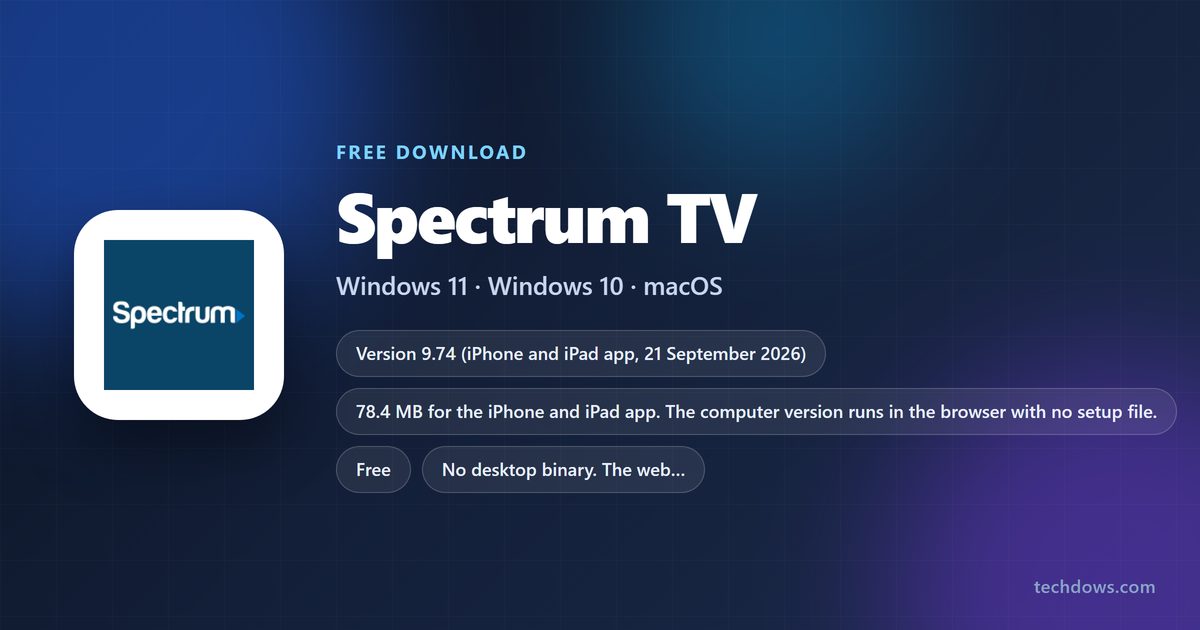
| Latest version | 9.74 for iPhone and iPad, released 21 September 2026. The computer version is web-based and auto-updating |
| License / price | Free app. Signing in needs a Spectrum TV subscription, username and password |
| File size | 78.4 MB on the App Store. Nothing to download on Windows or macOS |
| Windows 11 and Windows 10 | watch.spectrum.net installed as an app from Chrome or Edge |
| macOS | Chrome app, or a Safari web app on macOS Sonoma 14 or later |
| iPhone and iPad | iOS and iPadOS 15.0 or later |
| Apple TV and Apple Vision | tvOS 16.0 or later, visionOS 1.0 or later |
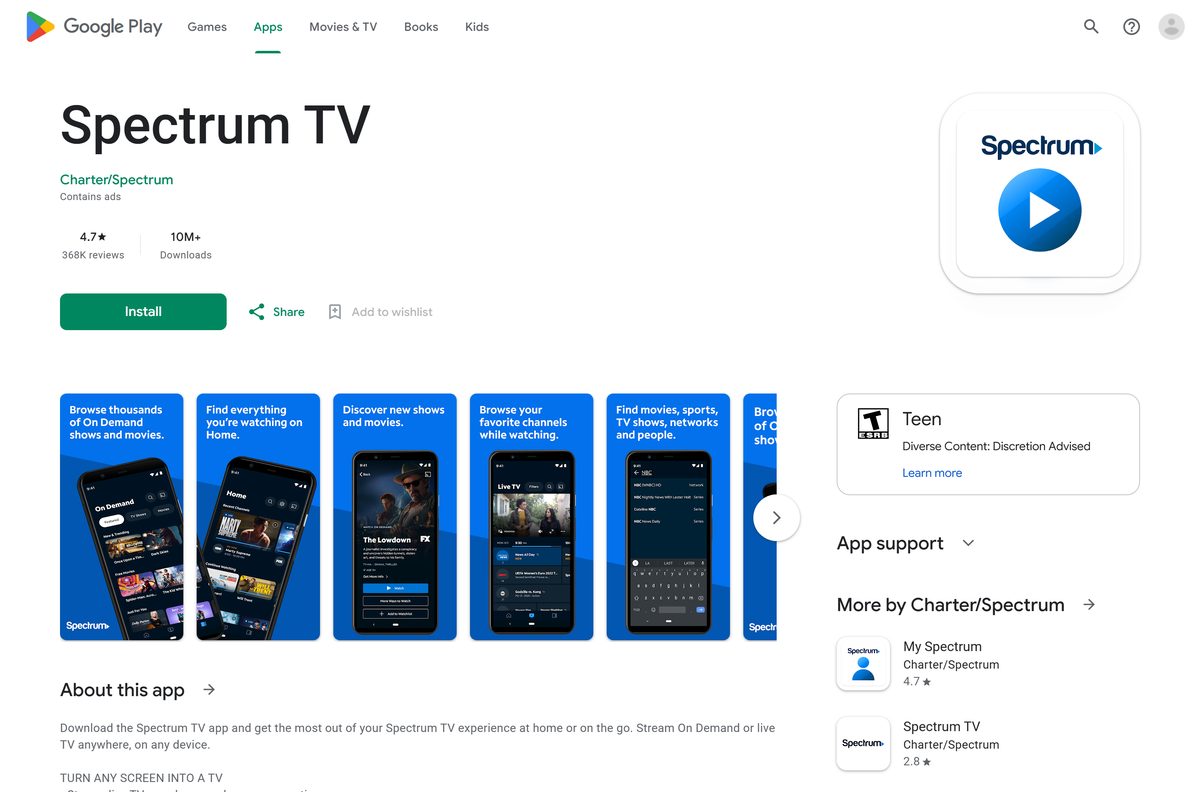
| Android | Google Play, published by Charter/Spectrum |
| Architecture | Any processor the browser runs on: x64, ARM64 or Apple silicon |
| Offline installer | No |
| Official source | watch.spectrum.net |
| Last verified | 2026-09-24 |
Which Spectrum TV download do you need?
Find your device in the left column. Every row ends at a Spectrum, Google, Microsoft or Apple page.
| Your device | What to install | Official source |
|---|---|---|
| Windows 11 or Windows 10 PC, Chrome | Spectrum TV installed from watch.spectrum.net | Chrome’s web app steps |
| Windows 11 or Windows 10 PC, Edge | Spectrum TV installed with Install this site as an app | Edge’s app steps |
| Mac, Apple silicon or Intel | Chrome app, or Safari’s Add to Dock web app | Apple’s web app guide |
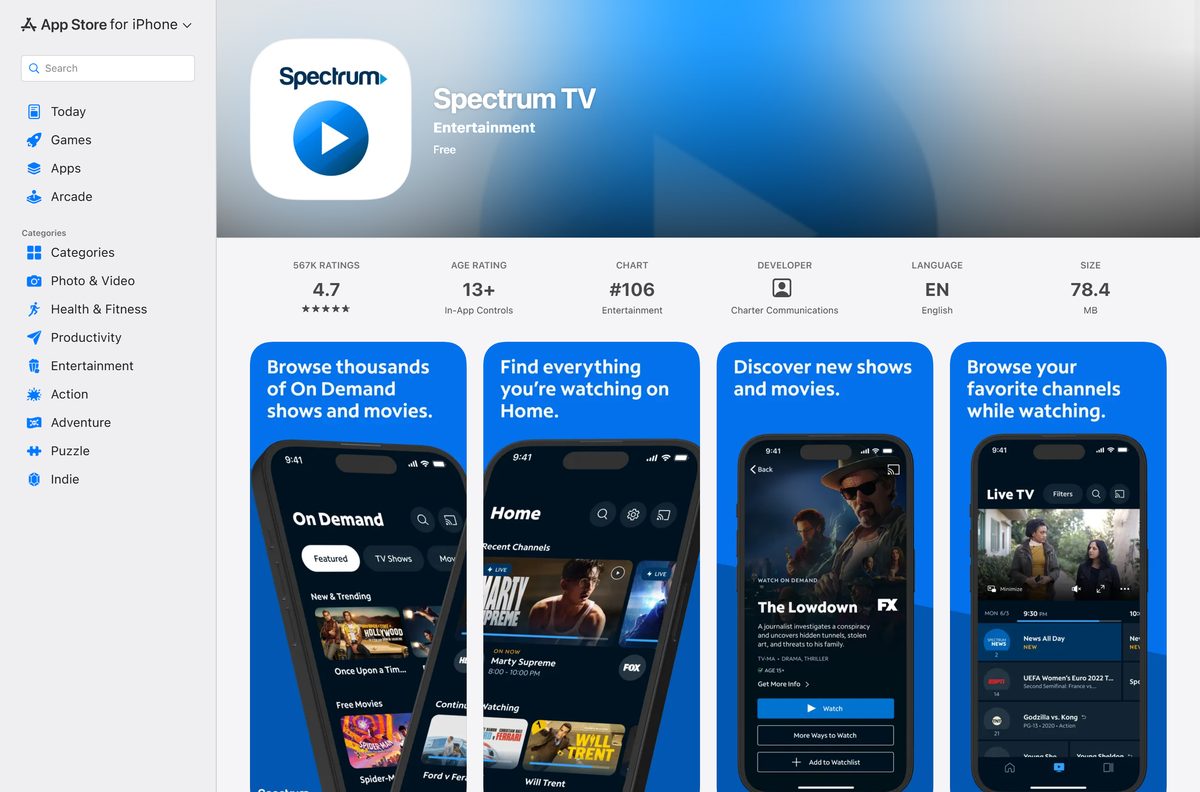
| iPhone, iPad, Apple TV or Apple Vision Pro | Spectrum TV from the App Store, 78.4 MB | App Store |
| Android phone or tablet | Spectrum TV from Google Play | Google Play |
Download Spectrum TV from the official links
Start from one of these addresses. The first one is where every Windows and Mac install begins.
- watch.spectrum.net — open in Chrome, Edge or Safari, sign in, then install it as an app
- Spectrum TV on the App Store — 78.4 MB · iPhone and iPad on iOS 15.0 or later, plus Apple TV and Apple Vision Pro
- Spectrum TV on Google Play — Android phones and tablets, published by Charter/Spectrum
Charter publishes no Spectrum TV .exe, .msi or .dmg for computers. A site offering one is not distributing anything Spectrum made, so close it and use watch.spectrum.net.
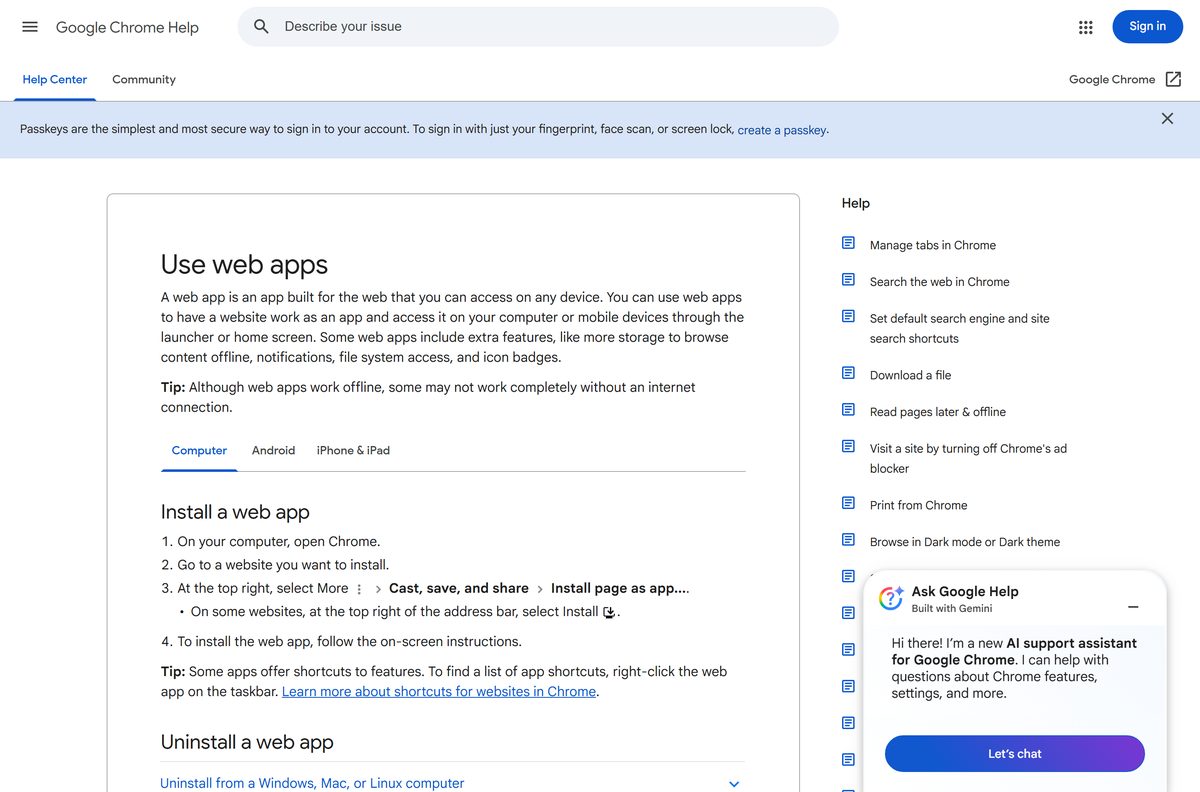
How to install Spectrum TV on Windows 11 and 10 with Chrome
Sign in first, then turn the tab into an app. The same steps work in Chrome on a Mac.
- Open Google Chrome and go to watch.spectrum.net.
- Sign in with your Spectrum username and password.
- Wait for the guide to load and confirm a live channel plays.
- Select More, the three dots at the top right of Chrome.
- Select Cast, save, and share, then Install page as app.
- Keep the name Spectrum TV and confirm the prompt.
- Open Spectrum TV from the Start menu. It launches in its own window.
- Right-click the Spectrum TV icon on the taskbar and select Pin to taskbar.
Chrome shows a direct Install button in the address bar only on some sites. When it is missing, the Cast, save, and share menu still installs the page. Get Chrome itself from the Google Chrome download guide.
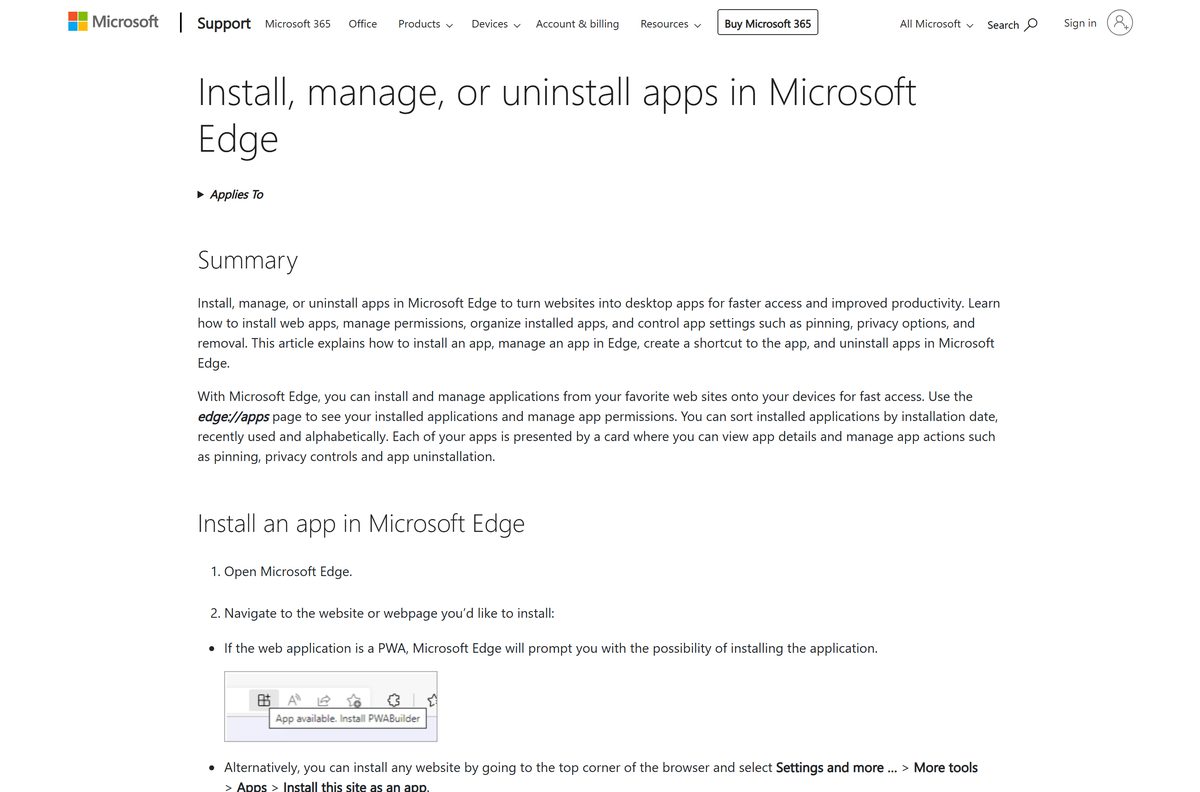
Install Spectrum TV with Microsoft Edge instead of the Microsoft Store
The Microsoft Store has two listings named Spectrum TV, and both are Xbox apps. Microsoft’s own catalog data does not allow either one on a Windows PC.
Edge, which ships with Windows 11 and Windows 10, installs the web version instead.
- Open Microsoft Edge and go to watch.spectrum.net.
- Sign in with your Spectrum username and password.
- Select Settings and more, the three dots at the top right.
- Select More tools > Apps > Install this site as an app.
- Confirm the name and select Install.
- Open the app from the Start menu, or find it later under edge://apps.
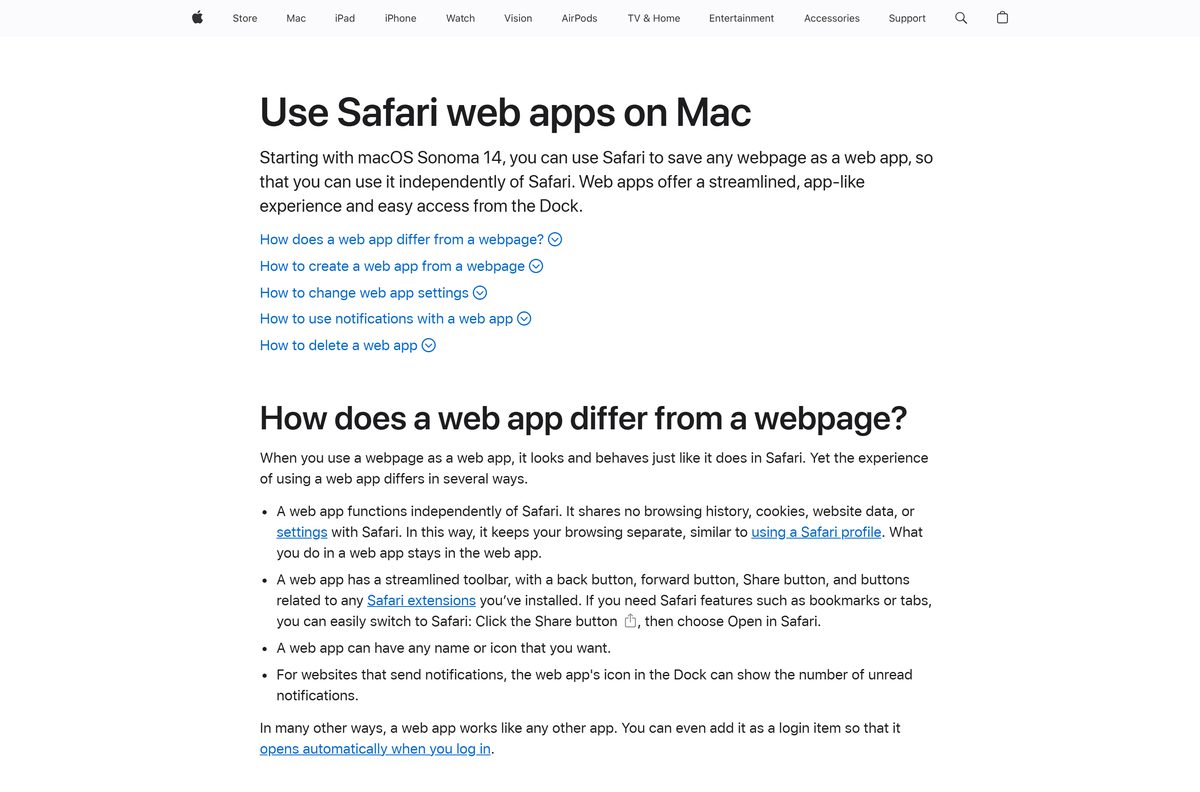
Which Spectrum TV install should you use on a Mac?
The App Store lists Spectrum TV for iPhone, iPad, Apple TV and Apple Vision Pro, but not for Mac. On a Mac, both browser routes put the web version in the Dock.
| Your Mac | Install this way | Instructions |
|---|---|---|
| Chrome installed | Chrome: More > Cast, save, and share > Install page as app | Google’s steps |
| Safari only, macOS Sonoma 14 or later | Safari: File > Add to Dock, then Add | Apple’s steps |
| Safari only, macOS Ventura or earlier | Install Chrome first, then use the Chrome route | Google Chrome |
| Apple silicon or Intel | Either route works; there is no chip-specific build | watch.spectrum.net |
Safari saves the web app to the Applications folder inside your home folder. You can also open it from Spotlight.
How to verify you installed the real Spectrum TV
The genuine app always points back to Spectrum. Check it before you type your password.
- Open the installed app on your computer.
- Confirm the sign-in page belongs to spectrum.net and carries the Spectrum logo.
- On an iPhone or iPad, confirm the App Store seller reads Charter Communications Operating, LLC.
- On Android, confirm the Google Play developer reads Charter/Spectrum.
- Delete any Spectrum TV .exe, .msi or APK that a download site gave you, without running it.
- Enter your Spectrum password only on spectrum.net or inside a store app, never on a page reached from an ad.
Is the Spectrum TV app free?
The app costs nothing to install on any platform. Watching needs an active Spectrum TV subscription plus a Spectrum username and password.
The channels and On Demand titles you see depend on your Spectrum TV package. Some programming plays only when you connect to your home Spectrum Internet service. The Android app also contains ads.
Install it free if you already pay for Spectrum TV; it adds no charge on top of your plan. The app is a way to watch an existing Spectrum TV subscription. Without one there is nothing to sign in to, so it is not a free streaming service.
Should you install Spectrum TV or My Spectrum?
Charter publishes both apps, and they do different jobs. Spectrum TV streams live channels and On Demand titles, controls a Spectrum Receiver and manages DVR recordings.
My Spectrum is the account app for paying bills, setting up Auto Pay and managing Spectrum services. It is a separate App Store listing from the same seller.
Install Spectrum TV to watch TV. Install My Spectrum only to manage your bill and account. Searching the store for Spectrum returns both apps, and My Spectrum does not play live channels.
Check whether Spectrum TV runs on your browser and processor
There is no 32-bit, 64-bit or ARM64 choice to make. The computer version runs inside the browser, so the browser decides whether it works.
| Machine or browser | Works? | What to use |
|---|---|---|
| Windows 11 or 10, x64 | Yes | Chrome or Edge app |
| Windows 11 on ARM64, such as Snapdragon laptops | Yes | Chrome or Edge app |
| Mac with Apple silicon or Intel | Yes | Chrome app, or Safari web app on Sonoma 14+ |
| Xbox | Yes | Spectrum TV from the Microsoft Store on the console |
Fix Spectrum TV not installing or not playing on Windows 11 or 10
Find the symptom that matches, then work through its fix in order.
The Microsoft Store says Spectrum TV is not available for your PC
Both Store listings are Xbox apps.
- Close the Microsoft Store.
- Open watch.spectrum.net in Chrome or Edge.
- Install it with Install page as app in Chrome or Install this site as an app in Edge.
Install page as app does not appear in the Chrome menu
Chrome is out of date.
- Open More > Help > About Google Chrome and let Chrome update.
- Select Relaunch.
- Return to watch.spectrum.net and open Cast, save, and share again.
Sign-in fails with your Spectrum username
The account has no Spectrum TV subscription, or the details are wrong.
- Confirm your Spectrum plan includes Spectrum TV, not only Internet or Mobile.
- Retype the username and password you use on spectrum.net.
- Sign in at spectrum.net with the same details to confirm the account works.
Some channels or titles are missing away from home
Some programming plays only on your home Spectrum Internet connection.
- Connect the computer to your home Spectrum Internet or In-Home WiFi.
- Reload the app and open the channel again.
Video does not load after the guide appears
The browser is outdated or its site data is stale.
- Update Chrome, Edge or Safari to its latest version.
- Sign out of Spectrum TV and close the app window.
- Reopen the app, sign in again and start the channel.
How to uninstall Spectrum TV from Windows and Mac
Removing the app does not change your Spectrum TV subscription. Manage the plan with Spectrum separately.
- Chrome app: open Spectrum TV, select More at the top right, then Uninstall Spectrum TV.
- Chrome app: tick Also delete data from Chrome if you want, then select Remove.
- Edge app: go to edge://apps, select Details on the Spectrum TV card, then Uninstall.
- Edge app: choose whether to delete app history and data, then select Uninstall again.
- Safari on Mac: open Finder, choose Go > Home, open Applications and drag Spectrum TV to the Trash.
Frequently asked questions
Is the Spectrum TV app free to download?
Yes, the app is free on every platform, but watching needs an active Spectrum TV subscription plus a Spectrum username and password. The channels you see depend on your Spectrum TV package.
Where is the official Spectrum TV download?
On a computer, open watch.spectrum.net in Chrome, Edge or Safari and install it from the browser menu. On a phone, use the App Store or Google Play, where the publisher is Charter.
Does Spectrum TV work on Windows 11?
Yes. Open watch.spectrum.net in Chrome, then select More, Cast, save, and share, and Install page as app. In Edge, use Apps and Install this site as an app. Both work on Windows 11 and Windows 10.
Why is Spectrum TV not available for PC in the Microsoft Store?
Both Spectrum TV listings in the Microsoft Store are Xbox apps, and Microsoft’s catalog blocks them on Windows PCs. Install watch.spectrum.net from Chrome or Edge instead.
How big is the Spectrum TV download?
The App Store lists 78.4 MB for iPhone and iPad. On Windows and macOS the app installs from the browser, so there is no setup file and no download size to check.
Is there a Spectrum TV offline installer for PC?
No. The computer version installs from watch.spectrum.net through the browser and streams over the internet. Charter publishes no standalone .exe or .msi setup file for Windows or macOS.
Is there a Spectrum TV app for Mac?
Yes, as a web app. Install watch.spectrum.net from Chrome, or use File, Add to Dock in Safari on macOS Sonoma 14 or later. The App Store version is for iPhone, iPad, Apple TV and Apple Vision Pro.
Is there a 64-bit or ARM64 Spectrum TV download?
There is no separate build to pick. The computer version runs inside the browser, so it works on x64 and ARM64 Windows PCs and on Intel and Apple silicon Macs alike.
What is the latest Spectrum TV version?
The App Store lists version 9.74 for iPhone and iPad, released 21 September 2026. The computer version loads from watch.spectrum.net each time, so it stays current without updates.
Can I watch Spectrum TV away from home?
Yes, for most programming. Some channels and titles play only when you connect to your home Spectrum Internet service, so expect a shorter list on other networks.
Is Spectrum TV safe to download?
Yes, from watch.spectrum.net, the App Store or Google Play. A Spectrum TV .exe, .msi or APK from any other site did not come from Charter, so do not run it.
How do I uninstall Spectrum TV from my computer?
In Chrome, open the app, select More, then Uninstall Spectrum TV and Remove. In Edge, go to edge://apps, select Details and Uninstall. On a Mac, drag the Safari web app from Applications to the Trash.