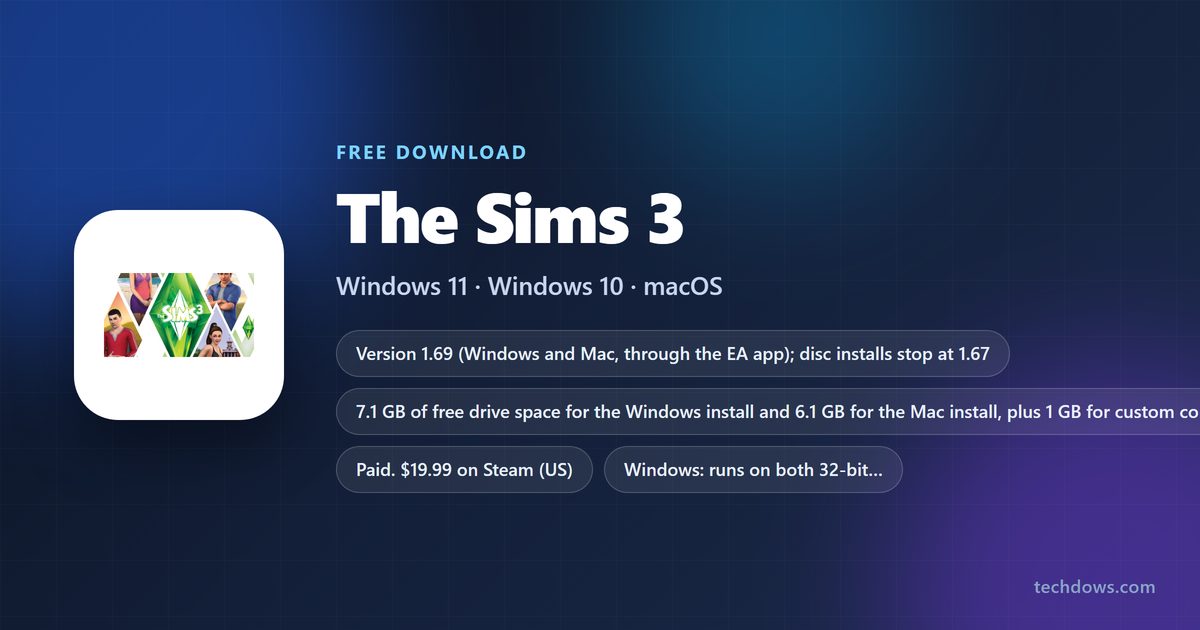
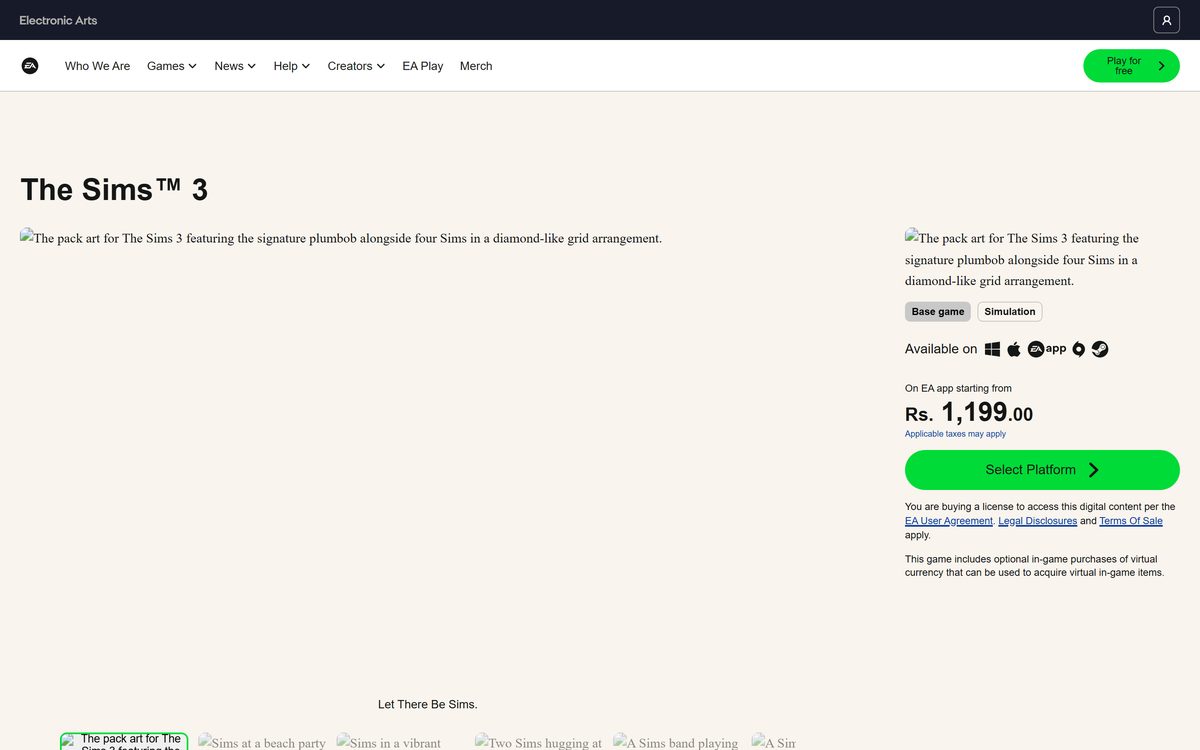
You can buy and download The Sims 3 on a Windows 11, Windows 10 or macOS machine today, straight from Electronic Arts. The game page on ea.com sells it for the EA app on both platforms, and Steam sells the Windows version.
The current build is 1.69, and Mac players get a 64-bit native version that runs on macOS High Sierra and later. Nothing here is free: the base game is paid, and only the EA app launcher costs nothing.
This guide covers which copy to buy, the official links, install steps on Windows and Mac, the pack install order, system requirements, graphics fixes and how to remove the game.
Which The Sims 3 download do you need?
Every route below ends with the same game. What differs is the storefront that patches it.
| Your situation | What to buy | Where |
|---|---|---|
| Windows 11 or Windows 10 PC | Buy on EA app for Windows on the game page | The Sims 3 on EA |
| Mac running macOS 10.13 or later | Buy on EA app for Mac, then install the 64-bit macOS build | The Sims 3 on EA |
| You keep your library on Steam | The Windows version at $19.99; Steam has no Mac build | The Sims 3 on Steam |
| You own the original discs | Nothing. Register the product code in the EA app and download it | EA registration steps |
| You only want to launch what you own | The free launcher, which patches and starts the game | EA app |
Download The Sims 3 for Windows 11 and Windows 10
Buy from one of these pages and let the storefront pull the files down. There is no standalone setup file.
- The Sims 3 game page on ea.com — Buy for the EA app on Windows or Mac
- The Sims 3 on Steam — $19.99, Windows only, 19 add-ons listed
- EA app download page — Free launcher, required on PC and Mac
Any site advertising a free full version is distributing an unlicensed copy.
Check the system requirements before you buy
Press Windows + Pause to read your RAM and system type, or open the Apple menu and select About This Mac.
| Field | Value |
|---|---|
| Game | The Sims 3 |
| Developer | The Sims Studio and Maxis |
| Publisher | Electronic Arts |
| Latest version | 1.69 through the EA app; discs stop at 1.67 |
| License / Price | Paid; $19.99 on Steam in the US |
| Windows (minimum) | Windows XP SP2 or later, 2.0 GHz CPU, 1 GB RAM, 128 MB card with Pixel Shader 2.0 |
| Windows (recommended) | 64-bit Windows 7 to 10, Core i5, 4 GB RAM, GeForce GTX 650 |
| Mac (64-bit build) | macOS 10.13 High Sierra or later with Apple Metal support |
| Mac (legacy build) | macOS 10.5.7 to 10.14, 2 GB RAM, Intel Core Duo |
| Architecture | 32-bit and 64-bit on Windows; 64-bit and legacy 32-bit on Mac |
| Drive space | 7.1 GB on Windows, 6.1 GB on Mac, plus 1 GB for custom content |
| Offline installer | No |
| Official download source | ea.com game page |
| Last verified | 2026-09-22 |
How to install The Sims 3 on Windows 11 and 10
The purchase lands in your EA Account, and the launcher does the rest.
- Open the game page on ea.com and select Buy on EA app for Windows.
- Install the EA app from ea.com/ea-app if it is not on the PC already.
- Launch the EA app and log in with your EA Account details.
- Open your Library and click The Sims 3.
- Select the download icon and leave the app open until the install finishes.
- Select Add-ons and download each expansion or stuff pack you own.
- Select Play to launch the game.
Own a boxed copy? Use Redeem Code in your Library instead of step one.
How to install The Sims 3 from Steam
Steam sells the Windows version only. The first launch still registers the game to an EA Account.
- Open the Steam listing and buy the game.
- Open your Steam Library and select The Sims 3.
- Select Install and choose a drive with at least 7.1 GB free.
- Select Play once the download finishes.
- Sign in with your EA Account when the registration prompt appears.
- Enter the one-time serial code Steam supplies to finish registration.
Which The Sims 3 download do you need for your Mac?
EA ships two Mac builds and the EA app shows both under My Library. Only one can be installed at a time.
| Your Mac runs | Install | Why |
|---|---|---|
| macOS Catalina 10.15 or later | The 64-bit macOS build | Catalina dropped 32-bit apps, so this is the only build that runs |
| macOS High Sierra 10.13 or Mojave 10.14 | Either build | Both run; the 64-bit one uses the Metal graphics API |
| macOS 10.5.7 to 10.12 | The legacy 32-bit build | The 64-bit build needs 10.13 or later |
| A Mac and a Steam purchase | Nothing on Steam | Steam sells the Windows version only |
The 64-bit release is a compatibility build, not a remaster, and macOS treats it as a new application. Packs and worlds carry over but need downloading again.
The requirements table on the game page still describes the older 32-bit build and calls Catalina unsupported. The EA Help article on the 64-bit build is the current answer.
Is The Sims 3 free?
No. The Sims 3 costs $19.99 on Steam in the US, and EA charges for it in the EA app as well. The only free part of the chain is the EA app launcher. Expansion packs, stuff packs and worlds each carry their own price. Pages promising a free full version, a crack or a repack are distributing unlicensed copies, and most infected installers arrive that way.
The Sims 4 base game is the free one. It costs nothing on Steam, and it is a different game.
Should you move your disc copy to version 1.69?
Yes. Register the discs to your EA Account and download the digital copy instead of playing from the DVD. A disc install stops at version 1.67 and never patches further. Registering the product code unlocks 1.69, the build EA still supports, and it is also the only route to the 64-bit Mac release.
How to check your The Sims 3 version and update it
The version string sits in the launcher, not in the game itself.
- Open the EA app and sign in.
- Open Library and click the game tile.
- Read the version shown on the tile and compare it with 1.69.
- Select the three-dot menu on the tile and choose Repair if the number is lower.
- Open Settings, choose Application, and turn Application updates back on if you disabled it.
- Relaunch the game so the launcher applies the patch.
Delete Version.tag under My Documents > Electronic Arts > The Sims 3 if the launcher reports a version mismatch.
Which The Sims 3 packs install alongside the base game?
Install the base game first. EA asks you to add packs in release order, oldest to newest, so shared files land in the right sequence.
| Content type | Where it installs from | What to know |
|---|---|---|
| Expansion packs | EA app Add-ons tab, or a disc registered to your account | World Adventures through Into the Future, added oldest first |
| Stuff packs | EA app Add-ons tab | Same order rule; High-End Loft Stuff is the earliest |
| Worlds | The EA app, or TheSims3.com for the ones sold only there | A world bought in the EA app arrives as a code to redeem |
| Store content | Your purchase history on TheSims3.com | The launcher installs it after you allow the Sims3 protocol prompt |
| Custom content and mods | Your Documents folder | Unsupported by EA; disable it before troubleshooting anything |
Fix The Sims 3 not downloading, installing or launching
Work through the symptom that matches. Each fix follows EA support steps.
The download stalls or never starts in the EA app
A stale cache or a FAT32 drive stops large game files.
- Open the EA app and go to Help, then App Recovery.
- Select Clear Cache and let the app restart.
- Check the target drive is NTFS, because FAT32 stops downloads at 4 GB.
- Right-click the EA app icon and choose Run As Administrator, then retry.
A Create Folder Error appears during install or repair
The SYSTEM account lacks full control of the game folder.
- Right-click the game folder in File Explorer and open Properties.
- Open the Security tab and select Advanced.
- Confirm SYSTEM has full control; if not, return to Security and select Edit.
- Choose SYSTEM, tick Allow next to Full control, then select Apply.
The game crashes while it loads
Custom content is the usual culprit.
- Close the launcher, then reopen it.
- Select Installed Content.
- Tick Run without custom content and confirm the warning.
- Add your content back one item at a time to find the broken file.
The game runs slowly or the graphics look wrong
Detail sliders sit too high for the card.
- Open the game and press F5 or select the … (options) button.
- On the Graphics tab, drag every slider under Graphics details to low.
- Tick Advanced Rendering on a PC, then select the check mark to save.
- On a Mac, open System Preferences, select Energy Saver, set Graphics to Higher Performance and turn off automatic graphics switching.
Saves or thumbnails look corrupted on a Mac
Cache packages carry over between patches.
- Open Documents > Electronic Arts > The Sims 3 in Finder.
- Delete CASPartCache.package, compositorCache.package, scriptCache.package and simCompositorCache.package.
- Open the Thumbnails folder and delete everything inside it.
- Empty the Trash and start the game again.

How to uninstall The Sims 3
Removing the game leaves the purchase on your EA Account, so you can reinstall it later.
- Open the EA app and sign in.
- Select the game tile and choose Manage.
- Choose Uninstall from the dropdown and select Yes to confirm.
- On a PC, open Control Panel, choose Uninstall a program, right-click the game and select Uninstall if the app cannot remove it.
- On a Mac, open Applications, Ctrl-click the game and choose Move to Trash.
- Delete the game folder under Documents to clear saves and custom content.
To drop a single pack, turn off Application updates under Settings, Application, delete that pack folder, then run Repair from the three-dot menu.

Which Sims game should you buy if this one will not run?
Both are current EA releases.
| Game | Price | Platforms | Page |
|---|---|---|---|
| The Sims 4 base game | Free | PC and Mac through the EA app | The Sims 4 on EA |
| The Sims 4 on Steam | Free | Windows only | Steam listing |
| The Sims 3 Starter Pack | Paid | Same as the base game | EA game page |
Pick The Sims 4 if your Mac is too new for the legacy build.
Frequently asked questions
Is The Sims 3 free to download?
No. The Sims 3 is a paid game. It costs $19.99 on Steam in the US, and EA sells the base game and a Starter Pack edition through the EA app. Only the EA app itself is a free download.
Where is the official The Sims 3 download page?
Use the game page at ea.com. It carries four buttons: Buy on EA app for Windows, Buy on EA app for Mac, Continue to Origin for Mac Store and Continue to Steam Store.
Does The Sims 3 work on Windows 11?
Yes. EA still sells and patches it through the EA app, and 1.69 is the current build. EA lists Windows XP SP2 as the floor and 64-bit Windows 7 to 10 as recommended.
How much space does The Sims 3 need?
EA asks for at least 7.1 GB of free drive space on Windows and 6.1 GB on Mac, plus 1 GB for custom content and saves. Allow 18 GB if you plan to install expansion packs.
Is there a The Sims 3 offline installer?
No. EA publishes no standalone setup file, so the EA app or Steam downloads the game after you sign in. Disc copies install offline but stop at version 1.67 until you register the code.
Can you play The Sims 3 on a Mac?
Yes. EA ships a 64-bit macOS build that uses Apple’s Metal graphics API. It needs a Metal-capable Mac on macOS High Sierra 10.13 or later, and installs from the EA app library.
Is The Sims 3 32-bit or 64-bit?
On Windows it runs on both 32-bit and 64-bit editions. On Mac there are two builds: the 64-bit native version for High Sierra and later, and a legacy 32-bit version that only runs on macOS 10.14 or older.
Is The Sims 3 on Steam the same game?
Yes, and it is Windows only. Steam’s listing reports mac false, with 19 add-ons sold separately. Registration still needs an EA Account and a one-time serial code.
Is The Sims 3 safe to download?
Yes, when you buy from ea.com or Steam. Sites offering a free full version, a crack or a repack are distributing unlicensed copies, and EA Help cannot support them.
What is the latest version of The Sims 3?
Version 1.69 is the current build on Windows and Mac through the EA app. A disc install stops at 1.67 until you register the game and its packs to your EA Account and download the digital copy.
Do you need the EA app to play The Sims 3?
Yes on PC and Mac. The EA app replaced Origin as the platform that downloads, patches and launches the game, and packs bought on Origin transfer across automatically once you sign in.
Why won’t The Sims 3 download or install?
Clear the EA app cache from Help, App Recovery first. Then check the drive is not formatted FAT32, which stalls downloads at 4 GB, and run the EA app as administrator before retrying the install.