The Rainbow Six Siege download for PC is free on Windows 11 and Windows 10 through Free Access. Grab it from Ubisoft Connect, Steam or the Epic Games Store, sign in with a Ubisoft account, and play Quick Match, Unranked and Dual Front at no cost.
Ubisoft Montreal develops Tom Clancy’s Rainbow Six Siege, and Ubisoft publishes it. Ranked play, Siege Cup and extra operators unlock with a paid edition.
This guide covers which store to pick, the official links, install steps, editions, PC requirements, Mac options and fixes for a failed install.
Which Rainbow Six Siege download do you need?
Every PC route installs the same game, and all of them need Ubisoft Connect and a Ubisoft account. Match your setup to a row.
| Your setup | Where to get it | What happens | |
|---|---|---|---|
| Windows 11 or 10, no preferred store | Free Access on ubisoft.com | Adds the game to your Ubisoft Connect library | |
| You already use Steam | Steam store page | Steam downloads it and links to Ubisoft Connect | |
| You already use the Epic Games Launcher | Epic Games Store listing | Epic downloads it, Ubisoft Connect signs you in | |
| PlayStation 5, PS4, Xbox Series X | S or Xbox One | Free Access platform picker | Opens the console store for your platform |
| Intel-based Mac | Apple Boot Camp guide | Install Windows first, then use a row above |
Your progress is tied to your Ubisoft account, not the store. Pick the launcher you already have installed.
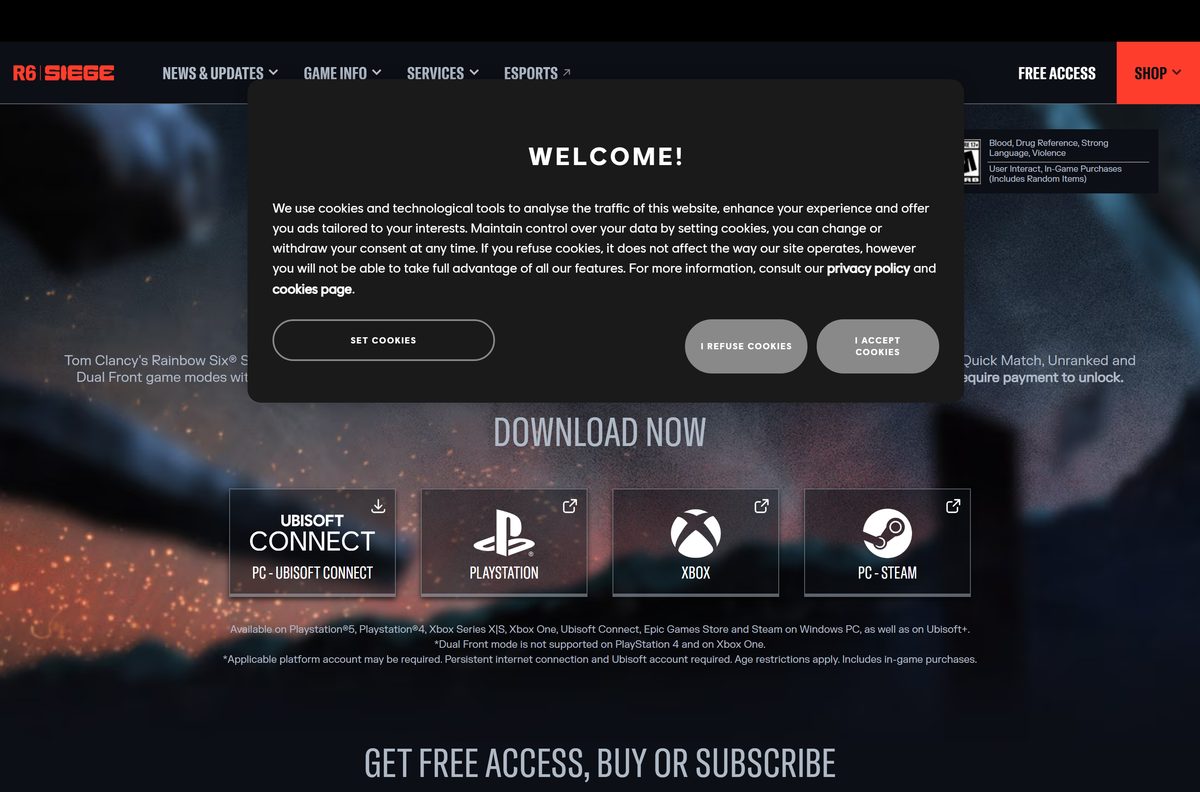
Download Rainbow Six Siege from the official stores
Ubisoft is the publisher on every listing below. A setup file from any other site is not the real game.
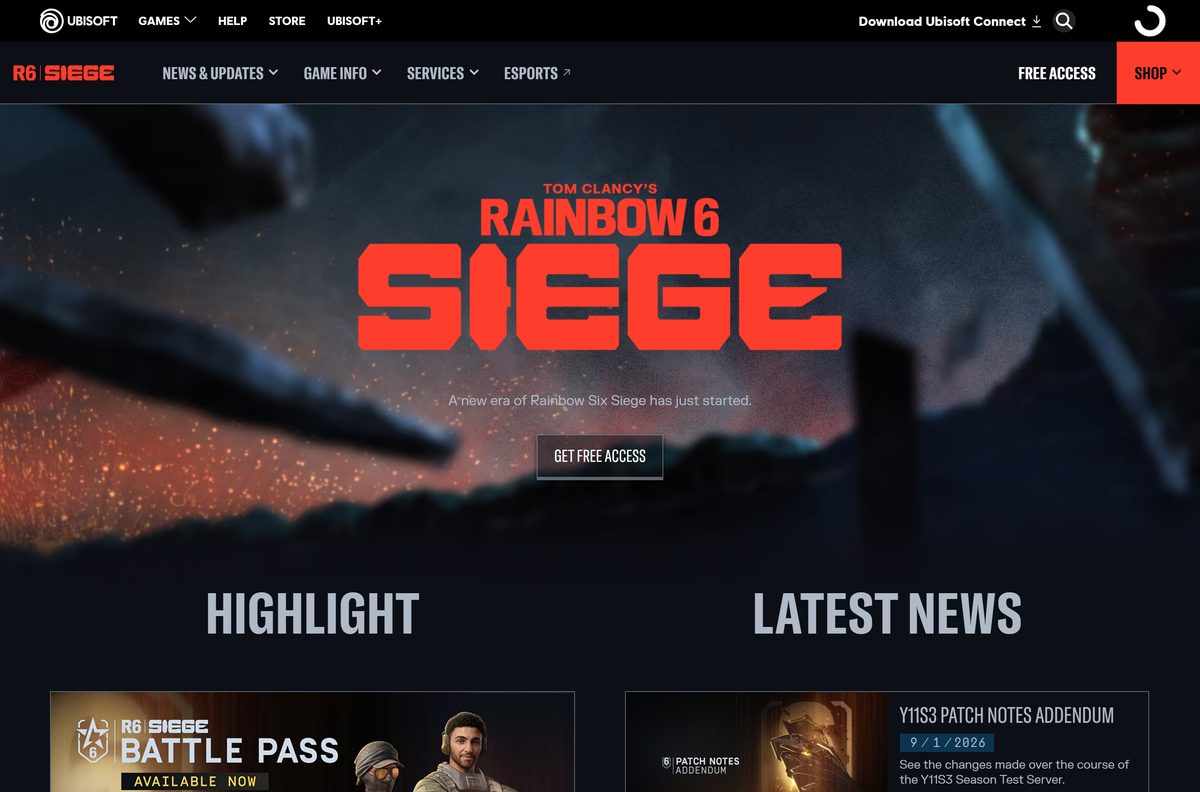
- Rainbow Six Siege Free Access on ubisoft.com — Choose PC – Ubisoft Connect or PC – Steam
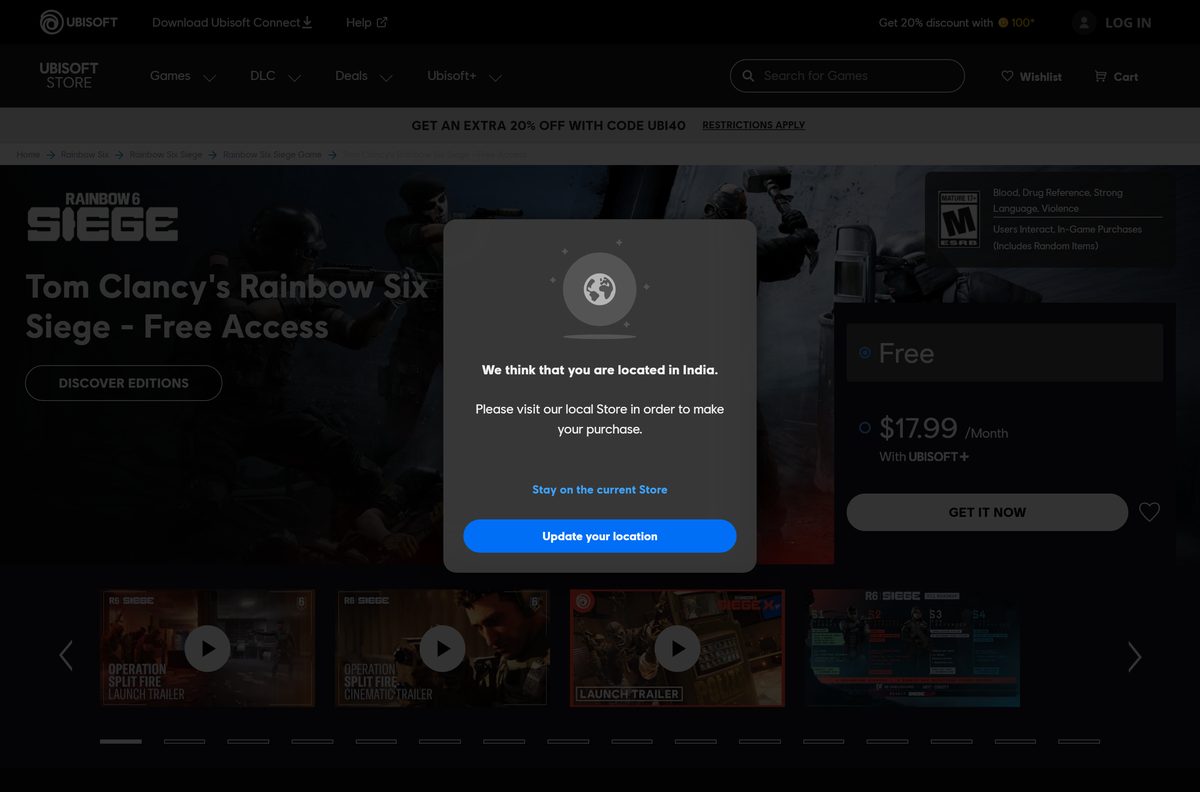
- Tom Clancy’s Rainbow Six Siege on the Ubisoft Store — 65 GB · Free Access, Windows 10 and 11
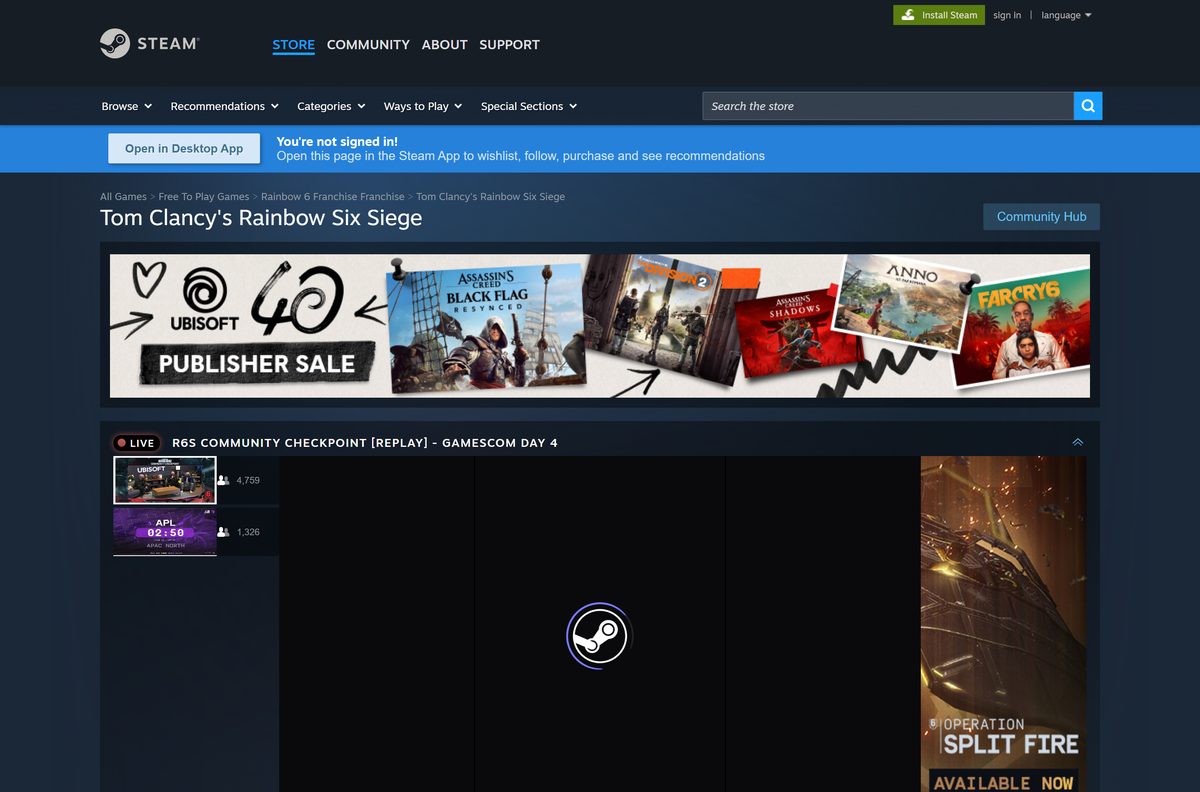
- Tom Clancy’s Rainbow Six Siege on Steam — 65 GB · Free to play, Windows only
- Rainbow Six Siege on the Epic Games Store — Windows
- Ubisoft Connect for Windows — The launcher every PC version needs
The 65 GB figure is the storage the game needs, not an installer. Each launcher downloads the game files directly.
How to install Rainbow Six Siege on Windows 11 and 10 with Ubisoft Connect
This route takes the game straight from Ubisoft. Free up 65 GB on an SSD before you start.
- Open the Rainbow Six Siege Free Access page on ubisoft.com.
- Select Get Free Access, then choose PC – Ubisoft Connect as your platform.
- Sign in with your Ubisoft account, or create one when asked.
- Download and install Ubisoft Connect if it is not already on your PC.
- Open Ubisoft Connect and sign in with the same Ubisoft account.
- Select Games, then select Tom Clancy’s Rainbow Six Siege in your library.
- Select Download, choose an SSD folder with at least 65 GB free, and confirm.
- Wait for the download to finish, then select Play.
Ubisoft adds Free Access to your Ubisoft Connect library automatically, so the game appears without a separate purchase.
Install Rainbow Six Siege from Steam or the Epic Games Store
Both stores download the game themselves, then hand sign-in to Ubisoft Connect. Steam states the game needs the Ubisoft Connect launcher and supports linking to your Steam account.
- Open the Steam store page, or the Epic Games Store listing.
- Select Play Game on Steam, or Get on Epic, to add the free game to your library.
- Choose an install drive with at least 65 GB free and select Install.
- Wait for the download to finish, then select Play or Launch.
- Let the game install Ubisoft Connect when it asks, and select Yes in the User Account Control prompt.
- Sign in with your Ubisoft account, or link a new one to your Steam or Epic account.
Link each store to the same Ubisoft account. A second account starts your progress from zero.
Is Rainbow Six Siege free to download and play?
Ubisoft calls the free tier Free Access. The Ubisoft Store lists its release as June 10, 2025, and it runs on PC, PlayStation and Xbox.
Yes. Download Free Access and play Quick Match, Unranked and Dual Front without paying. Ubisoft states that Ranked playlists, Siege Cup, additional operators and cosmetics require payment. Free Access includes a selection of operators and optional in-game purchases, and the game is also part of Ubisoft+.
There is no paid download of the base game. Any site selling a Rainbow Six Siege setup file or a free R6 Credits generator is a scam.
Which Rainbow Six Siege edition should you pick: Free Access, Elite or Ultimate?
All three editions install the same 65 GB game. They differ in operators and competitive modes.
Elite Edition adds 16 operators and Ultimate Edition adds 52. Both unlock Ranked and Siege Cup once you reach level 50. Steam lists Elite at $19.99 and Y11 Ultimate at $39.99 at regular price.
Start with Free Access, and upgrade to Elite Edition only when you want Ranked. Free Access covers the casual playlists at no cost. Elite is the cheapest way into Ranked and Siege Cup, while Ultimate suits players who want most operators unlocked on day one.
Upgrades attach to your Ubisoft account, so you never reinstall the game to change edition.
Which way can you play Rainbow Six Siege on a Mac?
The PC version is Windows only, and Steam lists no macOS build. Your Mac’s chip decides the route.
| Your Mac | What works | Where to start |
|---|---|---|
| Intel-based Mac | Install Windows 10 with Boot Camp, then install the game in Windows | Apple Boot Camp guide |
| Apple silicon Mac (M-series) | Stream it through NVIDIA GeForce NOW, which Ubisoft lists as a Siege partner | GeForce NOW download |
| Mac plus a console | Play Free Access on PlayStation or Xbox instead | Free Access platform picker |
To see your chip, open the Apple menu and select About This Mac. A Chip line naming Apple M1 or later means Apple silicon.
How to check your Rainbow Six Siege season and update it
The current season is Operation Split Fire, Y11S3, launched on September 1, 2026. Ubisoft names seasons rather than build numbers.
- Open the launcher you installed the game with.
- Select Tom Clancy’s Rainbow Six Siege in your library.
- Select Update if the launcher shows it instead of Play.
- Keep the launcher open until the patch finishes downloading.
- Launch the game and check that the main menu shows the Operation Split Fire season.
- Read the Rainbow Six Siege news page for patch notes after each update.
Ubisoft takes servers down for maintenance during big patches. If matchmaking fails right after an update, check the service status link on the Siege site.
Check the Rainbow Six Siege PC system requirements before you download
Ubisoft lists five hardware tiers. The minimum tier targets 1080p at 60 FPS.
| Field | Value |
|---|---|
| Game | Tom Clancy’s Rainbow Six Siege |
| Developer | Ubisoft Montreal (publisher: Ubisoft) |
| Latest version | Y11S3 Operation Split Fire season |
| Price | Free Access; paid Elite and Ultimate editions |
| Supported OS | Windows 10 or Windows 11, 64-bit; Windows 11 recommended |
| Architecture | 64-bit (x64) only |
| Processor | AMD Ryzen 3 3100 or Intel i3-8100 minimum; Ryzen 5 3600 or i5-10400 recommended |
| Memory | 8 GB RAM minimum; 16 GB recommended |
| Graphics | NVIDIA GTX 1650 4GB, AMD RX 5500XT 4GB or Intel Arc A380 minimum; RTX 2060, RX 6600 or Arc A750 recommended |
| DirectX | 12 |
| Storage | 65 GB SSD; 110 GB SSD for Ultra 4K at 120 FPS |
| Network and account | Persistent internet connection and a Ubisoft account |
| Offline installer | No, a launcher downloads the game |
| Official sources | ubisoft.com, Ubisoft Store, Steam, Epic Games Store |
| Last verified | 2026-09-19 |
To check your own PC, open Settings, select System, then About. Installed RAM and System type show your memory and whether Windows is 64-bit.
Fix Rainbow Six Siege not downloading, installing or launching on Windows 11 or 10
Find the symptom that matches your screen and follow the fix under it.
The download stops or will not start
The target drive lacks the 65 GB the game needs, or the launcher stalled.
- Free at least 65 GB on the target drive, ideally an SSD.
- Pause the download, close the launcher fully from the system tray, and reopen it.
- Resume the download.
The game installs but will not launch
A damaged file or a stuck Ubisoft Connect process blocks startup.
- In Ubisoft Connect, open the game, select Properties, then Verify files.
- On Steam, right-click the game, select Properties, then Installed Files and Verify integrity of game files.
- Press Ctrl + Shift + Esc, end any Ubisoft Connect task, and launch again.
A hardware not supported message appears
The PC is below the minimum, or its graphics driver is out of date.
- Compare your graphics card with the minimum GTX 1650, RX 5500XT or Arc A380.
- Install the latest driver from NVIDIA, AMD or Intel.
- Open Settings, select Windows Update, and install every pending update.
The game says it is offline or cannot connect
Siege needs a persistent connection, and Ubisoft’s servers may be in maintenance.
- Check the service status link on the Rainbow Six Siege site.
- Restart your router and allow Ubisoft Connect through your firewall.
- Contact Ubisoft Help if the error code persists.
How to uninstall Rainbow Six Siege
Remove the game through the launcher that installed it. Your operators, editions and progress stay on your Ubisoft account.
- Open Ubisoft Connect and select Games.
- Select Tom Clancy’s Rainbow Six Siege, then Properties.
- Select Uninstall and confirm.
- On Steam, right-click the game in your library, select Manage, then Uninstall.
- On Epic, select the three dots on the game tile, then Uninstall.
- Delete the empty Rainbow Six Siege folder from the install drive if one remains.
Windows Settings, Apps, Installed apps also lists the game, and its Uninstall button hands off to the same launcher.
Frequently asked questions
Is Rainbow Six Siege free to download on PC?
Yes. Free Access costs nothing on Windows through Ubisoft Connect, Steam and the Epic Games Store. It includes Quick Match, Unranked and Dual Front with a selection of operators. Ranked, Siege Cup, extra operators and cosmetics need a paid edition or purchase.
Where is the official Rainbow Six Siege download for PC?
Start from the Free Access page on ubisoft.com and pick PC – Ubisoft Connect or PC – Steam. The game is also on the Epic Games Store. Ubisoft publishes it, and Ubisoft Montreal develops it.
Does Rainbow Six Siege work on Windows 11?
Yes. The minimum requirement is 64-bit Windows 10 or Windows 11 with DirectX 12, and Ubisoft recommends Windows 11 for every setting above minimum. Your PC also needs Ubisoft Connect, even when you play through Steam.
How big is the Rainbow Six Siege download on PC?
Plan for 65 GB of free space. Steam and the Ubisoft Store both list 65 GB, and Ubisoft specifies an SSD. The Ultra 4K tier at 120 FPS asks for 110 GB of SSD space.
Is there a Rainbow Six Siege offline installer?
No. Ubisoft Connect, Steam or the Epic Games Store downloads the game, and no standalone setup file exists. Ubisoft also requires a persistent internet connection and a Ubisoft account to play.
Can you play Rainbow Six Siege offline?
No. Ubisoft lists a persistent internet connection and a Ubisoft account as requirements for Free Access and the paid editions. If Ubisoft’s servers are down for maintenance, the game will not connect until they return.
Can you download Rainbow Six Siege on a Mac?
No. The game is Windows only on PC, and Steam lists no macOS build. Intel Macs can run it inside Windows 10 through Boot Camp, and Ubisoft lists NVIDIA GeForce NOW, which has a Mac app, as a partner platform.
Is Rainbow Six Siege 64-bit only?
Yes. Steam lists the 64-bit versions of Windows 10 and Windows 11 as the only supported systems. No 32-bit or ARM64 build is listed, so check that System type in Windows reads 64-bit operating system.
Is it safe to download Rainbow Six Siege?
Yes, from ubisoft.com, Steam or the Epic Games Store. The game ships BattlEye anti-cheat, so cheat tools, macro packs and unofficial setup files risk malware and an account ban. Never enter your Ubisoft password on a third-party site.
What is the latest version of Rainbow Six Siege?
The current season is Operation Split Fire, Y11S3, which launched on September 1, 2026 with the new Operator Noor. Ubisoft names seasons rather than build numbers, and your launcher installs each patch automatically.
Is Rainbow Six Siege free on Xbox and PlayStation?
Yes. Ubisoft lists Free Access on PlayStation 5, PlayStation 4, Xbox Series X|S and Xbox One. Dual Front is not supported on PlayStation 4 and Xbox One, and your console’s platform account may be required.
Why won’t Rainbow Six Siege install on my PC?
The usual causes are too little SSD space, a 32-bit or outdated Windows, or a stuck launcher download. Free at least 65 GB, update Windows, restart the launcher, then verify the game files.