You can download Microsoft Visio on a Windows 11 or Windows 10 PC and try the full desktop app free for a month. Start the trial, sign in, and Visio installs from your Microsoft 365 account in a few minutes.
Visio comes in two forms. The desktop app arrives with Visio Plan 2 or a one-time Visio 2024 purchase, and Visio for the web runs in any modern browser, including Safari on a Mac.
This guide covers which Visio fits your situation, the official Microsoft links, installing Visio next to Office, the Office Deployment Tool route, Mac options, and fixes when setup refuses to run.
Which Microsoft Visio download do you need?
Visio is sold by licence, not by file. Match your situation to a row, then follow the link.
| Your situation | What to get | Price |
|---|---|---|
| Windows PC, want the desktop app, try before paying | Visio Plan 2 free trial | Free for one month, then $15.00 user/month |
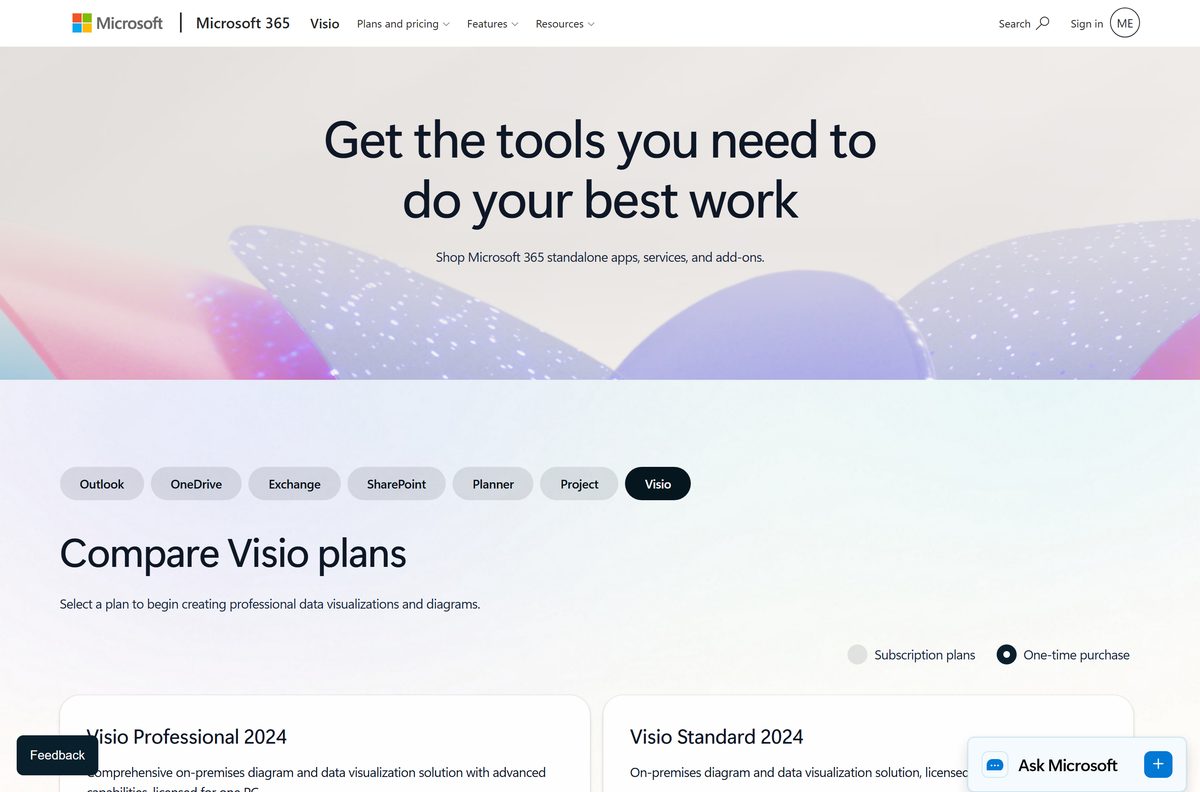
| Windows PC, desktop app, no subscription | Visio Professional 2024 | $579.99 once, one PC |
| Windows PC, basic flowcharts and org charts only | Visio Standard 2024 | $309.99 once, one PC |
| Any browser, including a Mac | Visio Plan 1 free trial | Free for one month, then $5.00 user/month |
| Work or school Microsoft 365 account | Visio in Microsoft 365 | Included in commercial and education plans |
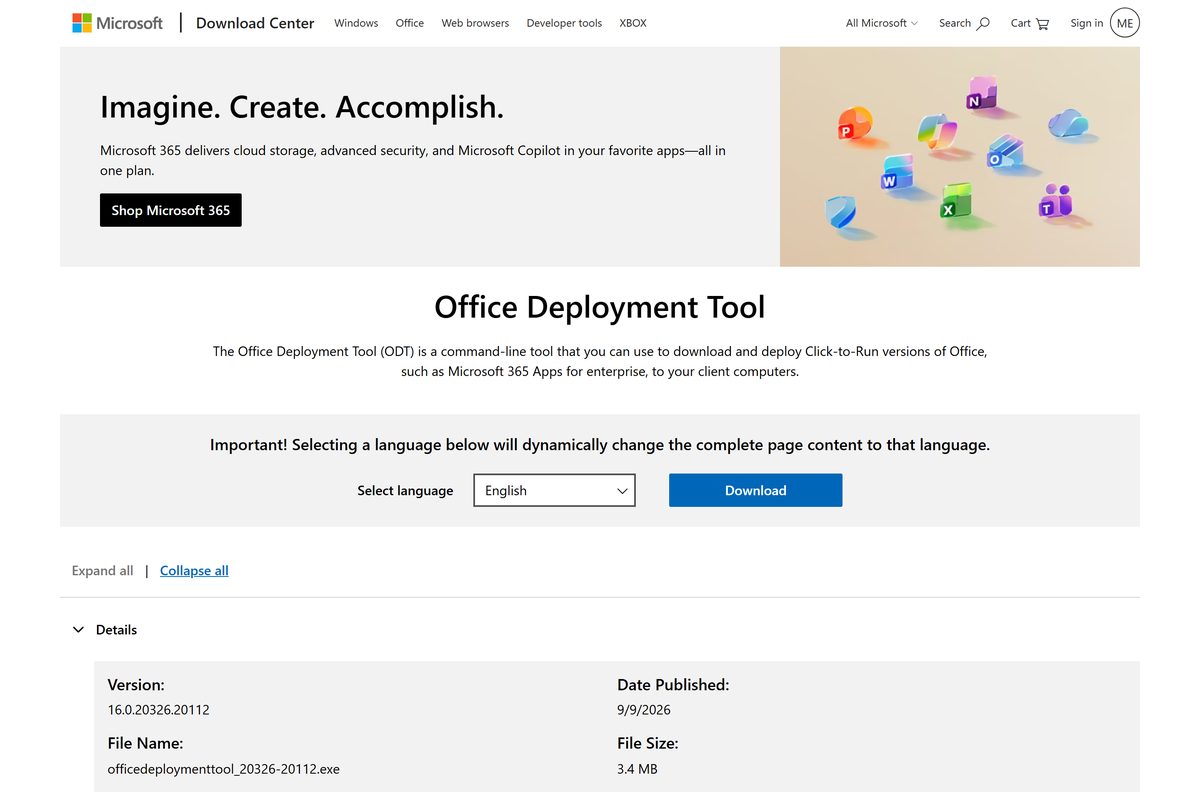
| IT admin deploying to many PCs | Office Deployment Tool | Free tool, 3.4 MB |
Both trials need a work or school account. A personal outlook.com or hotmail.com address cannot start them.
Download Microsoft Visio from the official Microsoft pages
Every genuine Visio download starts on a Microsoft domain. The installer itself is generated for your account after sign-in, so the product and trial pages come first.
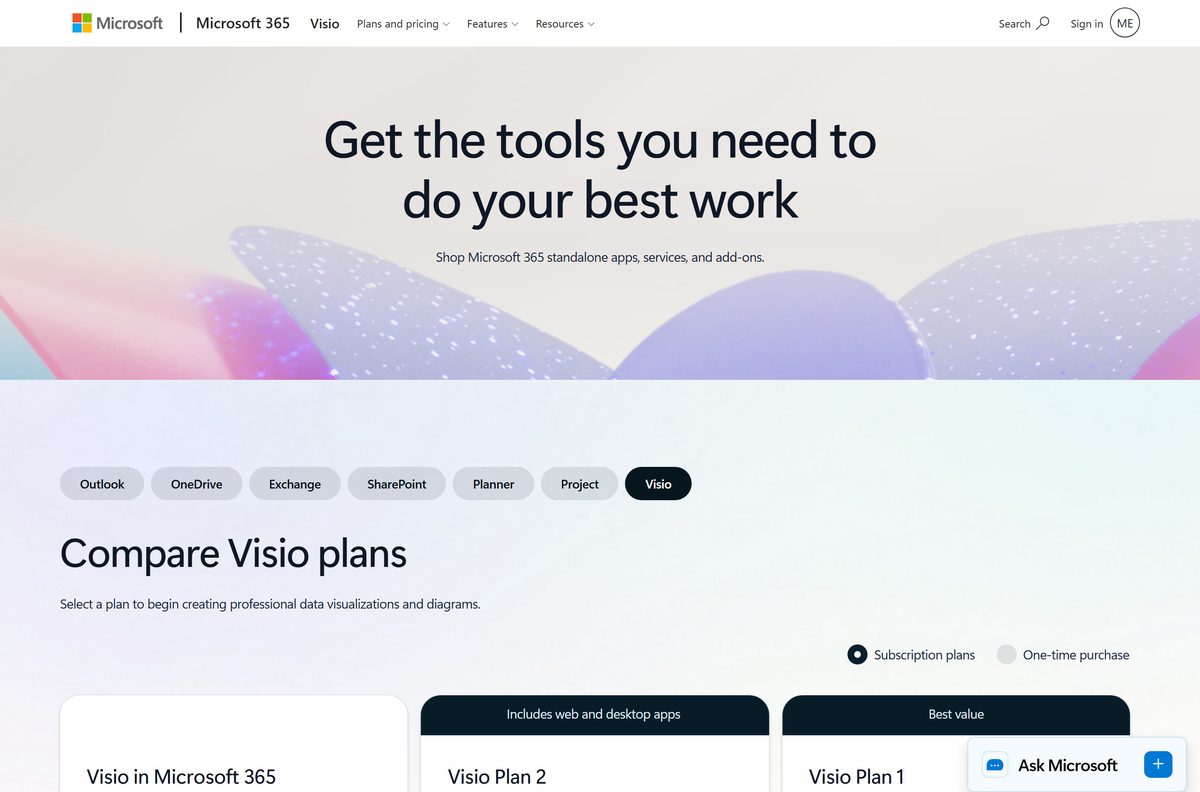
- Visio plans and pricing — Plan 1, Plan 2 and Visio in Microsoft 365 side by side
- Visio one-time purchase — Visio Standard 2024 and Visio Professional 2024
- Visio Plan 2 trial — includes the desktop app
- Microsoft 365 apps portal — sign in, then select Install apps to get the setup file
- Office Deployment Tool — 3.4 MB · officedeploymenttool_20326-20112.exe, for scripted installs
- Microsoft install instructions — subscription and one-time purchase steps
No standalone Visio .exe sits on microsoft.com for consumers. The small setup file streams the full app from Microsoft’s Office network.
Is Microsoft Visio free?
Use the one-month trial to get Visio free. After that, the desktop app is paid. Visio Plan 1 costs $5.00 per user per month and covers the web app only. Visio Plan 2 costs $15.00 per user per month, paid yearly, and adds the desktop app on up to five PCs. Visio Standard 2024 is $309.99 and Visio Professional 2024 is $579.99 as one-time purchases for one PC. Visio in Microsoft 365, a lightweight web editor, comes at no extra cost with commercial plans such as Business Basic, Business Standard and Office 365 E1, E3 and E5, and with education plans. Microsoft 365 Personal and Family do not include it. Without any licence, Visio for the web still opens basic Visio files from OneDrive in read-only view. A site offering a Visio licence key far below these prices is not selling a licence Microsoft honours.
Check the Microsoft Visio system requirements before you buy
These are Microsoft’s published figures for the Visio desktop app.
| Field | Value |
|---|---|
| Developer | Microsoft Corporation |
| Latest version | 2608 (Build 20326.20144), Current Channel |
| License | Paid, with a one-month free trial |
| Supported OS | Windows 11 and Windows 10 |
| Mac | No desktop app; Visio for the web in Safari or Chrome |
| Processor | 1 GHz with SSE2 support |
| Memory | 2 GB RAM |
| Disk space | 3 GB available |
| Display | 1280 x 800 |
| Graphics | DirectX 10 card for hardware acceleration |
| Architecture | 32-bit and 64-bit, matching any installed Office |
| Installer size | 3.4 MB Office Deployment Tool; the app streams |
| Offline installer | Yes, through the Office Deployment Tool |
| Also required | Internet access and a Microsoft account |
| Last verified | 2026-09-13 |
How to install Microsoft Visio Plan 2 on Windows 11 and 10
The desktop app installs from your account. Your work or school account needs a Visio Plan 2 licence, from a purchase or the trial, before Visio shows up.
- Go to microsoft365.com and sign in with your work or school account.
- Select Install apps on the home page, or select Apps in the left pane, then Install apps.
- Select Visio from the app dropdown.
- To get the 64-bit edition or another language, select Other options.
- Choose your language and select Install.
- Select Open in Edge or Chrome when the setup file arrives.
- Select Yes if Windows asks to allow changes to your device.
- Wait for You’re all set!, then open Visio from the Start menu.
Installing needs local administrator rights. If Install apps shows no Visio entry, the account has no Visio Plan 2 licence, and your IT admin has to assign one.
Install Visio Standard or Professional 2024 with a product key
A one-time purchase uses a personal Microsoft account and a product key rather than a work account.
- Go to office.com/setup.
- Sign in with an existing or new Microsoft account and enter your product key.
- Go to microsoft365.com and sign in with the same Microsoft account.
- Select Install Office, which opens your account page.
- Select Subscriptions in account.microsoft.com.
- Find the Visio version you bought and select Install.
- Select Open when the setup file downloads, then select Yes at the prompt.
- Wait for You’re all set! and open Visio.
The product key ties the licence to that Microsoft account. Reinstalling on a new PC starts again at Subscriptions in that account.
Install Visio with the Office Deployment Tool
Admins, and anyone whose normal install keeps failing, can use Microsoft’s free Office Deployment Tool. It installs Visio through Click-to-Run from the Office CDN, not from an MSI.
Name the product ID that matches your licence. A wrong ID installs, but never activates.
| What you need | What to use |
|---|---|
| The tool itself | Office Deployment Tool 16.0.20326.20112 |
| Visio Plan 2 | Product ID VisioProRetail |
| Visio Professional 2024 retail | Product ID VisioPro2024Retail |
| Visio Standard 2024 retail | Product ID VisioStd2024Retail |
| Visio LTSC 2024 volume licence | Product ID VisioPro2024Volume or VisioStd2024Volume |
| Build the configuration file | Office Customization Tool |
| Fetch installation files for offline use | setup.exe /download visio.xml |
| Install | setup.exe /configure visio.xml |
In the Office Customization Tool, leave the Office Suite field empty and pick your edition in the Visio dropdown. Run both commands from an administrator command prompt.
Microsoft recommends installing straight from the CDN rather than downloading the files first, unless the PC has no reliable connection.
Which Microsoft Visio option works on your Mac?
Visio on a Mac runs in the browser. Pick the row that matches your account.
| Your Mac and account | What to use | Cost |
|---|---|---|
| Personal Mac, need to create and edit diagrams | Visio Plan 1 in Safari or Chrome | $5.00 user/month after the trial |
| Work or school Microsoft 365 account | Visio in Microsoft 365 | Included with the plan |
| Only need to open a .vsdx someone sent | Visio for the web, read-only from OneDrive | No licence |
| Need the full desktop app | Use a Windows 11 or Windows 10 PC | Plan 2 or Visio 2024 |
Microsoft has no desktop version of Visio for macOS, so there is no .dmg or .pkg to download. Editing in the browser on a tablet needs a screen of 9 inches or larger.
Should you install Visio Plan 2 or Visio Professional 2024?
Choose Visio Plan 2 if you work in a Microsoft 365 organisation, and Visio Professional 2024 if you want to pay once and keep it. Plan 2 includes the same desktop capabilities as Visio Professional 2024, plus the web app, installs on up to five PCs per user, and receives feature updates for as long as the subscription runs. Visio Professional 2024 costs $579.99 once, covers one PC, and does not receive feature updates. Visio Standard 2024 at $309.99 drops the data-linked diagrams, BPMN 2.0, P&ID, cloud architecture, ERD and UML templates, so buy it only for flowcharts, org charts and basic network diagrams. At $15.00 a month, Plan 2 overtakes the Professional 2024 price after about three years.
How to check your Visio version and update it
Visio shares its version number with the Microsoft 365 or Office installation on the PC.
- Open Visio and select File.
- Select Account.
- Read the product name, version and build under Product Information.
- Select About Visio to see whether the install is 32-bit or 64-bit.
- Select Update Options, then Update Now.
- Close Visio when the updater asks, and reopen it when the update finishes.
No Update Options button means a Windows Installer (MSI) copy, such as volume-licensed Visio 2016, rather than Click-to-Run.
How to check a Visio installer is genuine
Fake Visio installers are common because the app is expensive. The file signature settles it.
- Check the address. Genuine files come from microsoft.com, m365.cloud.microsoft, officecdn.microsoft.com or download.microsoft.com.
- Right-click the downloaded setup file and select Properties.
- Open the Digital Signatures tab, select the signature, then select Details.
- Confirm the signer reads Microsoft Corporation.
- Delete the file if the Digital Signatures tab is missing.
- Close any page selling a Visio key far below $309.99, or offering Visio as a cracked or pre-activated download.
Fix Microsoft Visio not installing on Windows 11 or 10
Setup says Visio cannot be installed alongside Office
Visio and Office must match in bitness, so 32-bit Visio will not install next to 64-bit Office, or the reverse.
- Open Word or Excel, select File > Account > About, and note 32-bit or 64-bit.
- Return to Install apps, select Other options, and pick the same bitness for Visio.
- Run the install again.
Visio 2024 refuses to install next to Microsoft 365
Microsoft 365 Apps older than Version 2408 cannot share a PC with Visio 2024, and both products must use the same update channel.
- Open an Office app and select File > Account > Update Options > Update Now.
- Confirm Product Information shows Version 2408 or later.
- For a volume-licensed copy, set the same update channel in the Office Deployment Tool configuration file.
- Run the Visio install again.
Visio does not appear under Install apps
The account has no Visio Plan 2 licence. Plan 1 and Visio in Microsoft 365 are web-only and never offer a desktop install.
- Sign in at m365.cloud.microsoft/apps with the work or school account.
- Ask your IT admin to assign a Visio Plan 2 licence in the Microsoft 365 admin center.
- Sign out, sign back in, and open Install apps again.
Volume-licensed Visio 2016 fails on a PC with Microsoft 365
Visio 2016 volume licence uses Windows Installer (MSI), which cannot sit beside a Click-to-Run Office of the same 16.0 version.
- Download the Office Deployment Tool from Microsoft.
- Follow Microsoft’s guide for volume-licensed Visio 2016 to build the configuration file.
- Run setup.exe /configure with that configuration file.
Visio for the web will not open with an outlook.com account
Visio for the web needs a work or school account. Personal Microsoft account IDs are not supported, even on Business Basic or Business Standard.
- Sign out of the personal account.
- Sign in with a work or school account that has Visio Plan 1, Plan 2 or a commercial Microsoft 365 plan.
- Open visio.cloud.microsoft.
How to uninstall Microsoft Visio
Visio bought on its own uninstalls under its own name. Search for Visio, not for your Microsoft 365 suite.
- Press Windows + I to open Settings.
- Select Apps, then Installed apps.
- Search for Visio.
- Select the three-dot menu next to the Microsoft Visio entry, then Uninstall.
- Confirm with Uninstall and wait for the removal to finish.
- Restart the PC before installing a different Visio edition.
Uninstalling does not cancel a Visio Plan 1 or Plan 2 subscription. Cancel billing separately in the Microsoft 365 admin center or your Microsoft account.
What to use instead of the Visio desktop app
Check what your account already includes before paying for Plan 2.
| Option | Where it comes from | Best for |
|---|---|---|
| Visio in Microsoft 365 | Included with commercial and education Microsoft 365 plans | Basic diagrams in the browser and Teams |
| Visio Plan 1 | Microsoft, $5.00 user/month | Full web editor in any supported browser, including on a Mac |
| Visio Standard 2024 | Microsoft, $309.99 once | Flowcharts and org charts with no subscription |
| Visio for the web, read-only | Free with OneDrive | Opening a diagram someone shared |
Frequently asked questions
Is Microsoft Visio free?
Only for a month. Visio Plan 1 and Plan 2 each carry a one-month free trial for first-time users with a work or school account. After that, Plan 1 costs $5.00 and Plan 2 $15.00 per user per month, paid yearly.
What is the official Microsoft Visio download page?
The Visio plans and pricing page on microsoft.com for buying or starting a trial, and m365.cloud.microsoft/apps for installing after you sign in. One-time purchases install from the Subscriptions page of your Microsoft account.
Does Microsoft Visio work on Windows 11?
Yes. Visio Plan 2 and Visio Standard and Professional 2024 run on Windows 11 and Windows 10. Microsoft asks for a 1 GHz processor, 2 GB of RAM, 3 GB of disk space and a 1280 x 800 display.
How big is the Microsoft Visio download?
The setup file is small because it streams Visio from Microsoft’s Office network during install. The Office Deployment Tool is 3.4 MB. Plan for 3 GB of free disk space for the installed app.
Is there a Microsoft Visio offline installer?
Yes, through the Office Deployment Tool. Run setup.exe /download with a configuration file to fetch the Visio files, then setup.exe /configure to install from them. Activation still needs an internet connection.
Is there a Microsoft Visio download for Mac?
No. Microsoft has no desktop version of Visio for macOS. On a Mac, Visio for the web creates and edits diagrams in Safari or Chrome with a Visio Plan 1 subscription or a commercial Microsoft 365 plan.
Should I install 32-bit or 64-bit Visio?
Install the same bitness as the Office already on your PC, because Microsoft does not allow mixed 32-bit and 64-bit Office products. On a PC without Office, pick 64-bit under Other options before you select Install.
Is it safe to download Microsoft Visio from other sites?
No. Genuine Visio setup files come only from Microsoft domains and are signed by Microsoft Corporation. Cracked, pre-activated or cheap key downloads carry no valid licence and are a common malware route.
Which Microsoft Visio version is current?
Visio Plan 2 follows Microsoft 365 Current Channel, which reached Version 2608, build 20326.20144, on 8 September 2026. Visio Standard 2024 and Visio Professional 2024 are the current one-time purchase releases.
Why will Microsoft Visio not install?
The usual causes are a bitness mismatch with Office, a Microsoft 365 build older than Version 2408 next to Visio 2024, different update channels, or an account with no Visio Plan 2 licence assigned.
Is Microsoft Visio free with Office 365?
Business and education plans such as Business Basic, Business Standard, Office 365 E1, E3 and E5 include Visio in Microsoft 365, a lightweight web editor. Microsoft 365 Personal and Family do not, and no Microsoft 365 plan includes the desktop app.
Is Microsoft Visio free for students?
Students at schools on a Microsoft 365 education plan get Visio in Microsoft 365, the web version, at no extra cost with their school account. The desktop app still needs Visio Plan 2 or a Visio 2024 licence.
Can I install Visio without uninstalling Office?
Yes. Visio installs alongside Microsoft 365 Apps as long as both use the same bitness and update channel. Visio 2024 needs Microsoft 365 Apps Version 2408 or later on the same PC.