The Zoho Mail download for Windows 11, Windows 10, Mac and Linux is a client called Zoho Mail Desktop Lite, and it comes from one page on zoho.com. The current build is 1.10.3.
The client is free to install. Your mailbox is what decides the cost: the Forever Free plan covers one domain, five users and 5 GB of storage per user, while Mail Lite, Mail Premium and the Workplace plans are sold per user for business accounts.
This guide covers the right installer for your machine, install and removal steps, the MSI for deployment, the Mac and Linux builds, what the free plan leaves out, and fixes when setup stalls.
Check the Zoho Mail system requirements before you install
Zoho publishes no minimum Windows or macOS version for the Lite client. The file list on the desktop page defines the supported systems.
| Field | Detail |
|---|---|
| Software | Zoho Mail Desktop Lite |
| Developer | Zoho Corporation Pvt. Ltd. |
| Latest version | 1.10.3 |
| License | Free client. Free plan plus paid per-user plans for the mailbox |
| File size | Not published by Zoho |
| Supported OS | Windows, macOS on Apple silicon and Intel, Linux |
| Architecture | Windows x86 and x64, Mac arm64 and Intel, Linux x64 |
| Installer formats | EXE and MSI, PKG, AppImage, Deb and RPM |
| Offline installer | Yes |
| Official download source | zoho.com/mail/desktop |
| Last verified | 2026-09-22 |
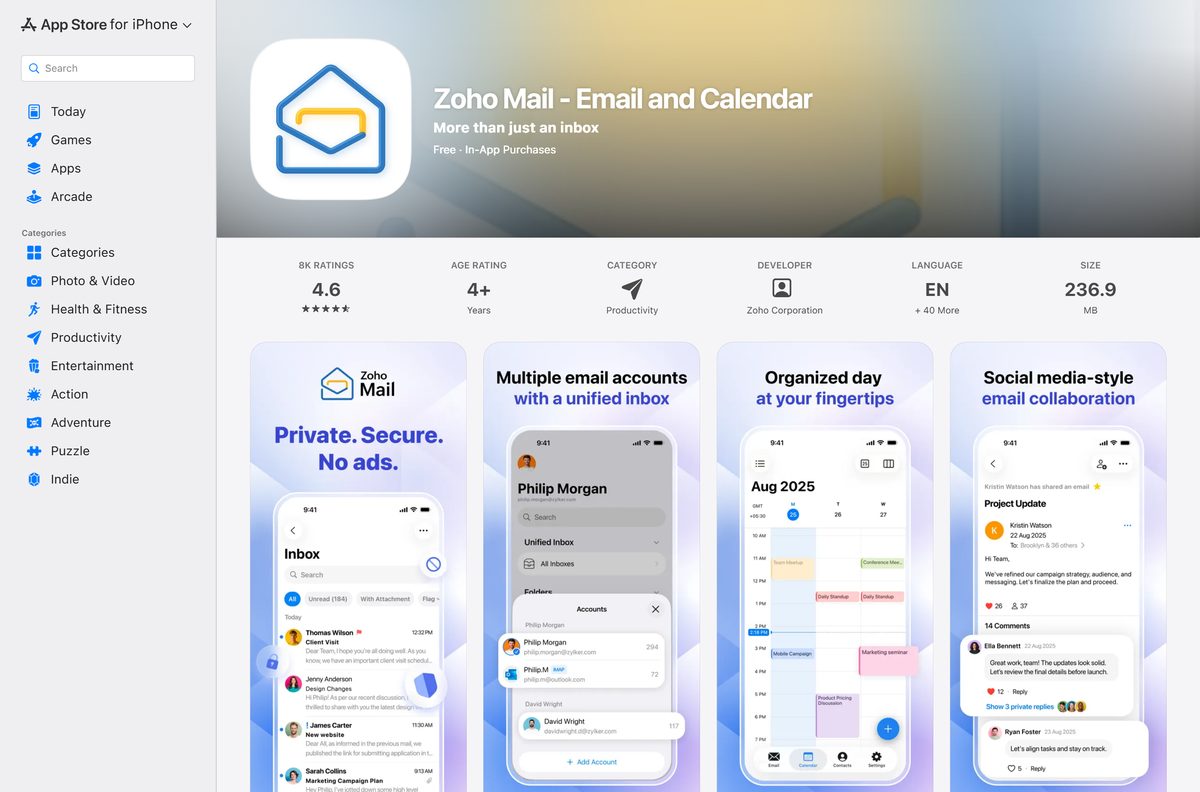
Mobile is covered too: the iPhone app needs iOS 16.0 or later, and the Android app is on Google Play.
Which Zoho Mail download do you need?
Match your machine to a row. On Windows, press Windows + Pause and read System type if you are unsure whether your PC is 64-bit.
| Your machine | File to take | Why |
|---|---|---|
| Windows 11 or Windows 10, 64-bit PC | 64-exe installer | The standard choice for any current PC |
| Older 32-bit Windows installation | 32-exe installer | x86 build for hardware that cannot run x64 |
| Windows PCs managed by IT | 64-msi package | MSI installs silently through Group Policy or Intune |
| Mac with an M-series chip | ARM package | Native arm64 build for Apple silicon |
| Mac with an Intel processor | Intel package | The separate Intel PKG |
| Ubuntu or Debian desktop | 64-Deb package | Installs through the system package manager |
| Fedora or RHEL desktop | 64-RPM package | RPM build for Red Hat family distributions |
Download Zoho Mail for Windows 11 and 10 from the official page
All four Windows files carry the same build. The EXE is the one to take on a personal PC; the MSI exists for deployment.
- Zoho Mail Desktop Lite 64-bit EXE — Standard installer for Windows 11 and Windows 10
- Zoho Mail Desktop Lite 32-bit EXE — x86 build
- Zoho Mail Desktop Lite 64-bit MSI — For managed rollouts
- Zoho Mail Desktop Lite 32-bit MSI — x86 deployment package
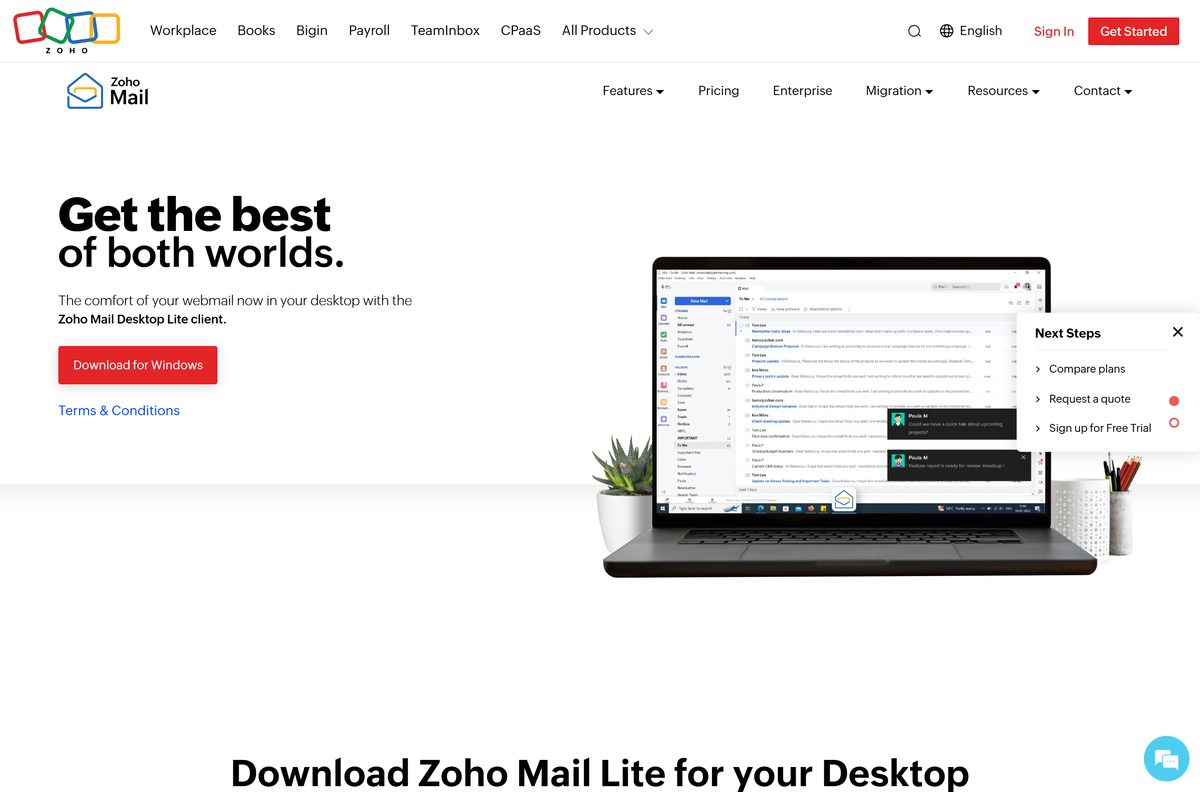
- Zoho Mail desktop page — The vendor page these files come from
Zoho states no size for any of these files, so a browser that reports a few kilobytes has failed the download rather than finished it.
How to install Zoho Mail on Windows 11 and 10
- Open the Zoho Mail desktop page and scroll to Download for Windows.
- Select 64-exe, or 32-exe if your copy of Windows is 32-bit.
- Open your Downloads folder and double-click the installer.
- Select Yes at the User Account Control prompt.
- Wait for setup to finish. The package carries the whole client, so nothing else is fetched.
- Sign in with the Zoho account that holds your mailbox.
- Open Settings and switch on Offline mode to keep recent conversations readable without a connection.
The client mirrors Zoho’s webmail, so it signs in with your account instead of asking for IMAP server details.
Download the Zoho Mail MSI package for deployment
Zoho ships MSI versions of the same client for both architectures. Those are the files for Group Policy, Intune or a configuration manager.
Windows Installer takes the usual switches, so msiexec /i
Which Zoho Mail download do you need for your Mac?
Open the Apple menu and select About This Mac. The Chip line names an Apple M-series chip, and an Processor line names an Intel model.
| Your Mac says | Download | Format |
|---|---|---|
| Chip: Apple M1, M2, M3 or M4 | ARM package | arm64 PKG |
| Processor: Intel Core | Intel package | Intel PKG |
| You looked in the Mac App Store | Zoho Mail desktop page | No Mac App Store build exists |
Double-click the PKG file and follow the macOS installer. The app lands in Applications like any other package install.
Run Zoho Mail on Linux without a package install
The Linux panel offers three formats. The AppImage runs from wherever you put it, which suits a distribution the Deb and RPM files do not cover.
- Download the 64-bit AppImage from the desktop page.
- Open a terminal in the folder that holds the file.
- Run chmod +x against the downloaded AppImage so it becomes executable.
- Double-click the file, or run it from the terminal, and sign in.
- Prefer a managed install instead? Take the Deb package on Ubuntu or Debian.
- On Fedora or RHEL, take the RPM package instead.
All three Linux files are 64-bit. Zoho publishes no 32-bit or ARM build for Linux.
Is Zoho Mail free?
The client and the mailbox are priced separately, and that is where the confusion starts.
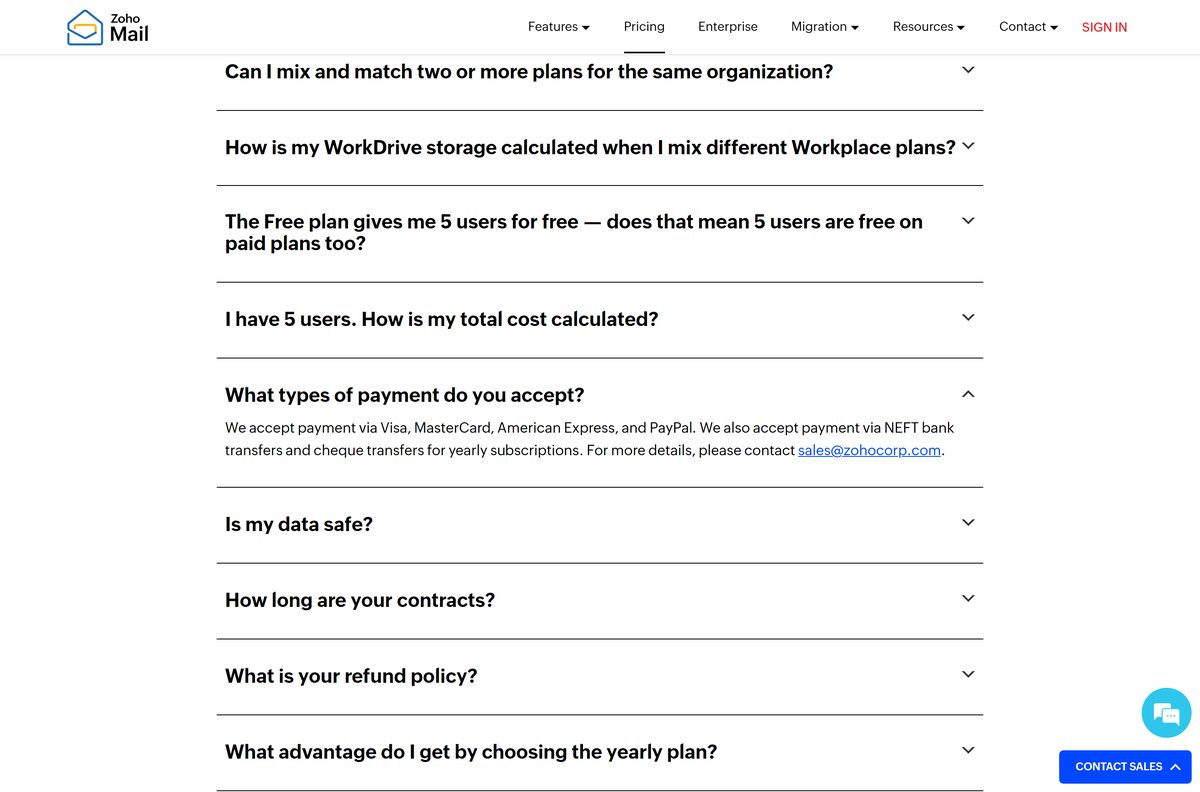
The desktop client is free, and a mailbox is free on the Forever Free plan; business features cost money. Zoho’s pricing page lists the Forever Free plan as email hosting for one domain, up to five users and 5 GB of mail storage per user, with IMAP, POP and Active Sync excluded, and it is offered only in selected data centers. Mail Lite carries 5 GB or 10 GB per user and Mail Premium 50 GB plus 50 GB of retention, both sold yearly. Workplace Standard adds 30 GB per user and the office apps; Workplace Professional adds 100 GB per user and 1 TB of team storage. Prices display in your local currency, and a 15-day trial of the highest edition needs no card.
Anyone selling a paid copy of the desktop client is selling something Zoho gives away. The installer links on the desktop page are the whole product.
Should you use the desktop client or Outlook?
Install the Lite client on a free plan, and use Outlook or Thunderbird only on a paid plan. The Lite client signs in with your Zoho account, so it works where webmail works. A traditional mail app needs IMAP, and Zoho’s help pages state that the IMAP Access feature is not available to newly signed-up users on the Free plan. Paid organization accounts connect through imappro.zoho.com on port 993 with SSL and send through smtppro.zoho.com on port 465 with SSL or 587 with TLS. Personal accounts use imap.zoho.com and smtp.zoho.com on the same ports.
How to check your Zoho Mail version and update it
- Press Windows + I and open Apps, then Installed apps.
- Find Zoho Mail Desktop Lite in the list and read the version beside it.
- Open the desktop page and hover over 64-exe to read the version in the filename.
- Compare the two numbers. The page currently serves 1.10.3.
- Download the newer file and run it over your existing installation if the numbers differ.
- Sign in again if the client asks, then check that your folders have synced.
On a Mac, open About This Mac, select System Report, then Applications, and read the version recorded for the app.
What Zoho Mail runs on besides your desktop
The same mailbox reaches phones, tablets and the browser, and each route is published by Zoho itself.
| Platform | App | Detail |
|---|---|---|
| Windows | Desktop Lite | EXE or MSI, 32-bit and 64-bit |
| macOS | Desktop Lite | Separate PKG files for Apple silicon and Intel |
| Linux | Desktop Lite | AppImage, Deb or RPM, 64-bit only |
| iPhone and iPad | App Store listing | Version 3.8, iOS 16.0 or later, free |
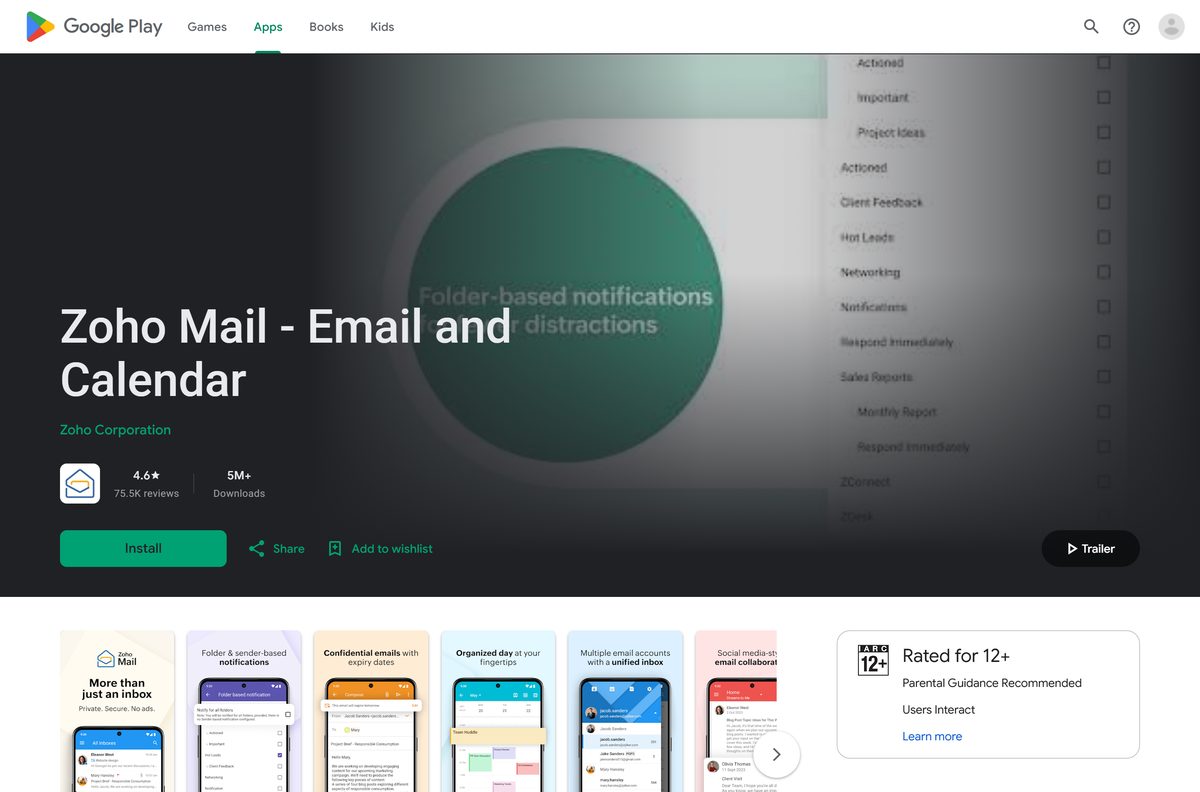
| Android | Google Play listing | Rated 4.6 from 75.4K reviews, 5M+ downloads |
| Browser | Zoho Mail on the web | Offline mode works in Chrome, Firefox and Opera |
Fix Zoho Mail not installing or not opening on Windows 11 and 10
The installer will not start
A 32-bit file on a 64-bit PC, or a download that ended early, produces a setup that closes on its own.
- Delete the file from Downloads.
- Open the desktop page again and select 64-exe.
- Let the download finish before you open the folder.
- Right-click the installer and select Run as administrator.
Windows blocks the file with a blue SmartScreen box
SmartScreen holds new files it has not seen often, including ones straight from a vendor.
- Confirm the file came from the desktop page on zoho.com.
- Select More info in the dialog.
- Select Run anyway.
- Leave SmartScreen switched on afterwards.
The client opens but sign-in fails
Two-factor accounts and organization accounts reject a stale session.
- Close the client from the system tray.
- Open it again and choose the correct sign-in method for your account.
- Approve the prompt in your authenticator app.
- Sign in to webmail in a browser to confirm the account itself is active.
Mail does not appear after sign-in
The first sync runs in the background and offline mode has to be switched on before it caches anything.
- Leave the client open on a working connection for a few minutes.
- Open Settings and switch on Offline mode.
- Choose how long conversations stay available offline.
- Restart the client and check the folder list again.
How to uninstall Zoho Mail from Windows and Mac
- Press Windows + I and open Apps, then Installed apps.
- Find Zoho Mail Desktop Lite and select the three dots beside it.
- Select Uninstall and confirm.
- Deployed the MSI instead? Remove it from the same list, or through your management console.
- On a Mac, open Applications in Finder and drag the app to the Bin.
- Empty the Bin, then sign in to webmail in a browser if you still need the mailbox.
Removing the client removes nothing from the server. Your mail stays in the account until you delete the mailbox in Zoho’s admin console.
What to use instead of the Zoho Mail desktop client
| Route | What it needs | Best for |
|---|---|---|
| Desktop Lite client | A Zoho account on any plan | A dedicated window, plus offline mode |
| Browser | Chrome, Firefox or Opera for offline mode | Machines where installing software is restricted |
| Outlook or Thunderbird | A paid plan with IMAP access | One app holding several mail accounts |
| Mobile apps | iOS 16.0 or later, or Android | Push notifications away from the desk |
Install the Lite client first. It is free, it matches webmail exactly, and it needs no server settings.
Frequently asked questions
Is Zoho Mail free to download?
Yes. The desktop client costs nothing, and the Forever Free plan hosts one domain for up to five users with 5 GB of mail storage each. Paid plans add storage, retention and protocol access, and Zoho sells them per user.
What is the official Zoho Mail download page?
The desktop page at zoho.com/mail/desktop/. It carries the Windows, Mac and Linux panels for Zoho Mail Desktop Lite, and every installer link points at Zoho’s own download host.
Does the Zoho Mail desktop app work on Windows 11?
Yes. Zoho publishes 64-bit and 32-bit Windows installers in both EXE and MSI form, and the 64-bit EXE is the file for a current Windows 11 or Windows 10 PC.
How big is the Zoho Mail download?
Zoho does not publish a size for the Lite installer on its desktop page, and the download host returns no size to an automated check. Expect a full desktop package rather than a small stub.
Is there a Zoho Mail offline installer?
Yes. Each platform gets a complete installer file, and Windows also gets an MSI package for deployment. The client still needs a connection to sign in and sync your mailbox afterwards.
Is there a Zoho Mail app for Mac?
Yes. The desktop page offers two PKG installers, one for Apple silicon and one for Intel Macs. The Mac App Store carries no Zoho Mail client, so the PKG file is the route.
Does Zoho Mail have a 64-bit or ARM64 build?
Windows gets x86 and x64 builds as EXE or MSI. Mac gets an arm64 PKG for Apple silicon and a separate Intel PKG. Linux is 64-bit only, as AppImage, Deb or RPM.
Is the Zoho Mail installer safe to run?
Download it from the desktop page on zoho.com and the file comes from Zoho’s own download host. Zoho publishes no checksum for it, so avoid mirrors that repackage the installer.
What is the latest Zoho Mail desktop version?
Build 1.10.3. Every Windows, Mac and Linux installer on the desktop page carries that number in its filename, so comparing filenames tells you whether your copy is current.
Can I use Zoho Mail in Outlook or Thunderbird?
Only on a plan that includes IMAP. The Free plan excludes IMAP, POP and Active Sync for newly signed-up users, so a paid plan is required before a desktop mail client can connect.
What are the Zoho Mail IMAP settings?
Personal accounts use imap.zoho.com on port 993 with SSL and smtp.zoho.com on port 465 with SSL. Paid organization accounts use imappro.zoho.com and smtppro.zoho.com on the same ports.
Why will Zoho Mail not install on my PC?
The usual causes are a 32-bit file on a 64-bit PC, a half-finished download, or SmartScreen holding the file. Re-download from the desktop page and run the installer as an administrator.
Does Zoho Mail work offline?
Yes. Offline mode keeps recent conversations readable and lets you write replies, drafts and templates without a connection. It runs inside the desktop client and in Chrome, Firefox and Opera.