The Notion download for Windows 11 and Windows 10 is free, straight from Notion’s own desktop page or the Microsoft Store listing published by Notion Labs. Download it, sign in, and the desktop app lands in your Start menu in a couple of minutes.
Notion also installs with one winget command, in separate builds for x64 and ARM64 PCs. Mac users get Apple silicon, Intel and Universal builds, and every version syncs the same workspace.
This guide covers which build to pick, the Store and winget installs, checking the installer hash, updates, fixes for failed installs and a clean uninstall.
Which Notion download do you need?
Match your device to the file in the table. Every row installs the same Notion workspace, so the choice only changes how the app arrives.
| Your device | Where to get Notion | Package |
|---|---|---|
| Windows 11 or 10 PC with an Intel or AMD chip | Notion Setup .exe for Windows x64 | Full installer, per-user |
| Windows PC managed with app packages | Notion MSIX for Windows x64 | MSIX package |
| Windows on Arm laptop (Snapdragon) | ARM64 builds on the Notion desktop page | .exe or MSIX for ARM64 |
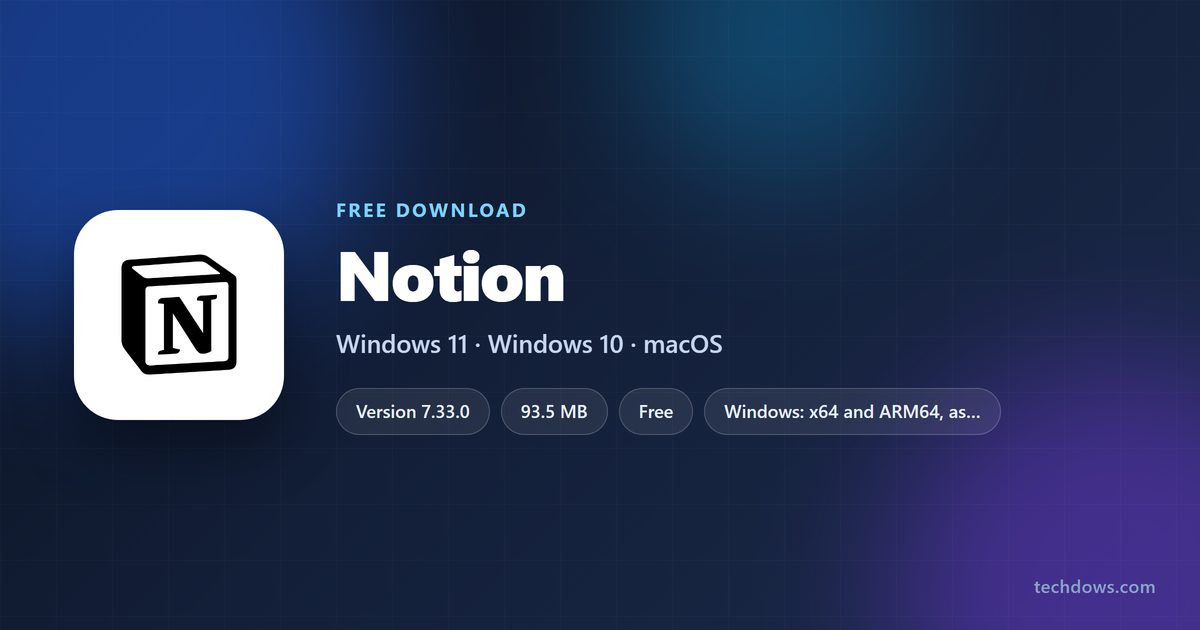
| Windows PC, installing through the Store | Notion on the Microsoft Store | 93.5 MB installer |
| Mac with Apple silicon or Intel | Notion for Mac | macOS 12 or above |
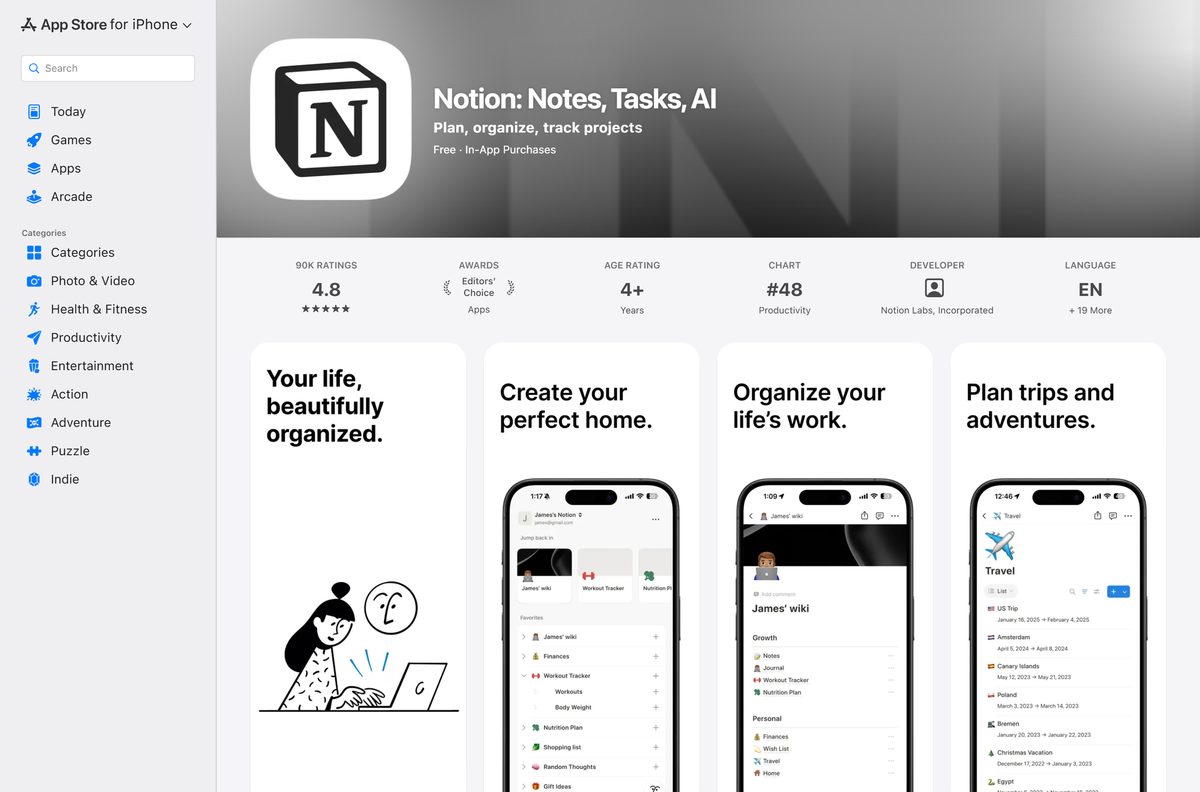
| iPhone or iPad | Notion: Notes, Tasks, AI on the App Store | Free, iOS 18.0 or later |
Not sure which chip your PC has? Open Settings > System > About and read System type. “ARM-based processor” means the ARM64 build.
Check the Notion system requirements before you install
Notion runs on Windows 10 version 21H2 or newer and on macOS 12 or newer. Older systems need an update before the desktop app installs.
| Field | Value |
|---|---|
| Software | Notion |
| Developer | Notion Labs, Inc. |
| Latest version | 7.33.0 |
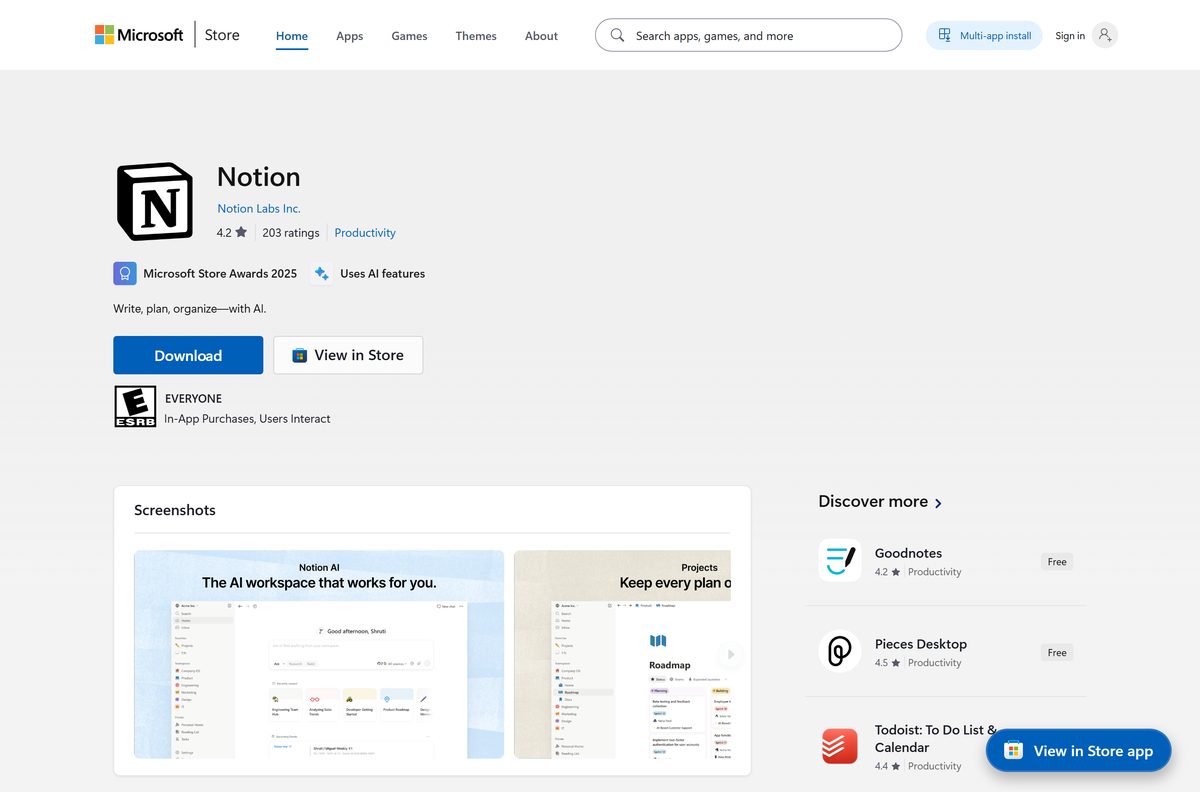
| Microsoft Store package | Version 7.12.0, product ID XPDBVSS44R0L9H |
| Licence | Free for personal use, paid plans for teams (Store label: Freemium) |
| File size | 93.5 MB (Microsoft Store installer) |
| Supported Windows | Windows 10 version 21H2 or above, Windows 11, Windows Server 2016 |
| Architecture | x64 and ARM64 on Windows; Universal, Apple Silicon and Intel x64 on Mac |
| Installer types | Nullsoft .exe and MSIX, installed per user |
| Offline installer | Yes, a full setup rather than a small web stub |
| winget ID | Notion.Notion |
| Official download source | notion.com/desktop |
| Supported macOS | macOS 12 or above |
| Last verified | 2026-09-13 |
Check your Windows build before choosing MSIX. Press Windows + R, type winver , and read the OS Build number.
Download Notion from the official sources
Get Notion from one of these sources. Notion’s desktop page carries the current build, and the store listings are published under Notion Labs.
- Notion desktop download page — Windows and Mac, every architecture
- Notion Setup .exe for Windows x64 — version 7.33.0
- Notion for Mac, Universal build — runs on Apple silicon and Intel
- Notion on the Microsoft Store — publisher Notion Labs Inc.
- Notion.Notion manifest in Microsoft’s winget repository — x64 and ARM64, .exe and MSIX
- Notion: Notes, Tasks, AI on the App Store — iPhone and iPad
Skip download portals that repackage Notion. Notion’s own page, the Store and winget all serve files published by Notion Labs.
How to install Notion on Windows 11 and 10
Both routes need no admin rights, because Notion installs into your own user profile.
- Open the Notion desktop download page and download the Windows build for your PC.
- Double-click the downloaded Notion Setup file in your Downloads folder.
- Or open the Notion listing on the Microsoft Store, confirm the publisher reads Notion Labs Inc., and click Get.
- Wait for the install to finish.
- Open Notion from the Start menu.
- Sign in with your Notion account, or create a free one with your email address.
- Pick an existing workspace or create a new one.
Right-click the Notion icon on the taskbar and choose Pin to taskbar to keep it one click away.
Install Notion with winget from the command line
Winget pulls the newest Notion build straight away and picks the right architecture for your PC. It is the better route on Windows on Arm and on scripted setups.
- Right-click Start and select Terminal.
- Run winget install –id Notion.Notion -e to install the newest desktop build.
- Type Y if winget asks you to accept the source agreements.
- Run winget install –id XPDBVSS44R0L9H –source msstore instead if you want the Microsoft Store copy.
- Add –architecture arm64 to the first command to force the ARM64 build on a Snapdragon laptop.
- Add –installer-type msix to install the MSIX package rather than the .exe.
- Open Notion from the Start menu and sign in.
Both installers work per user. Run the command in each Windows account that needs Notion.
Choose the Notion package for deployment across PCs
The winget manifest lists no MSI. For managed PCs it offers four packages, and the MSIX builds suit tools that handle app packages.
| Package | Architecture | Minimum Windows | Source |
|---|---|---|---|
| Nullsoft .exe | x64 | Not stated | winget manifest |
| Nullsoft .exe | ARM64 | Not stated | winget manifest |
| MSIX | x64 | Build 10.0.19041.0 | winget manifest |
| MSIX | ARM64 | Build 10.0.19041.0 | winget manifest |
The Store’s .exe accepts /S for a silent install. Test on one PC before a wide rollout, because a per-user app installs for the signed-in account only.
The MSIX package family name is com.notion.app.desktop.notion_87smfmv0eebam , which is the value to target in allow lists.
How to verify the Notion installer hash
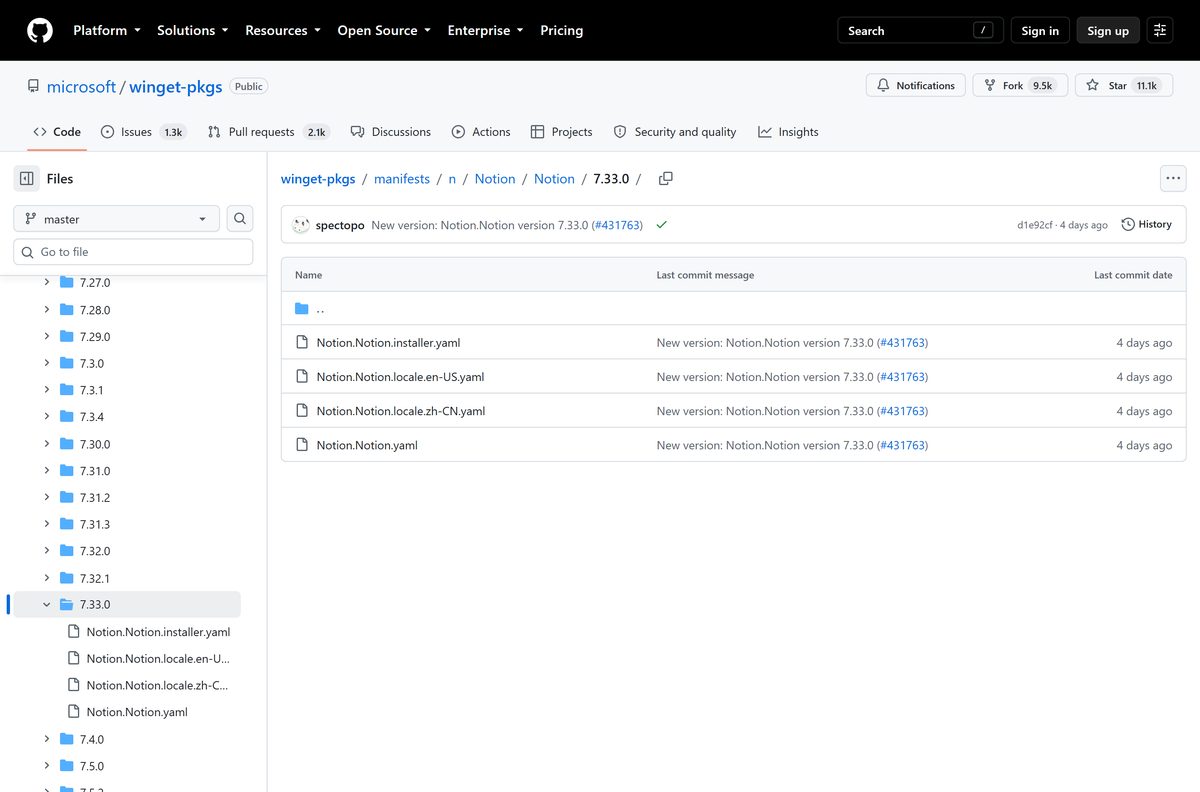
Winget checks the SHA256 hash on its own during an install. Run the check by hand when you copy the installer to other machines.
- Open Terminal.
- Run winget download –id Notion.Notion -e –architecture x64 to save the installer to your Downloads folder.
- Change to that folder and run Get-FileHash .\
.exe -Algorithm SHA256 . - Open the Notion.Notion winget manifest and open Notion.Notion.installer.yaml.
- Compare your hash with the InstallerSha256 line for the matching architecture and installer type.
- Delete the file and download again if the two values differ.
The x64 .exe for this release hashes to CAA9CCCB26E264244CDE0C6492D0DEE4F4B9D09CE3CA495152A0CC2E9F3FB4AE .
Which Notion download do you need for your Mac?
Notion for Mac needs macOS 12 or above. Open the Apple menu and select About This Mac to see your chip and macOS version.
| Your Mac says | Download | Build |
|---|---|---|
| Chip: Apple M1, M2, M3 or later | Notion for Mac, Apple Silicon | arm64 .dmg |
| Processor: Intel | Notion for Mac, Intel x64 | Intel .dmg |
| Several Macs with mixed chips | Notion for Mac, Universal | One .dmg for both chips |
| You only want to save web pages into Notion | Notion Web Clipper on the Mac App Store | Free, macOS 10.14 or later |
Open the downloaded .dmg and drag Notion into Applications. The Mac App Store carries only the Web Clipper, not the desktop app.
Is Notion free to download and use?
The download costs nothing on every platform. The Microsoft Store labels Notion as Freemium with no free trial, and the App Store lists it as Free.
Yes, install the free version first. Notion is free for personal use and for students, and you can create as many notes and docs as you want. Teams can try it free, and paid plans unlock features that are limited on the free plan. Any site charging for the Notion installer itself is not Notion.
Upgrades happen inside your account, not through a different download. The same app serves free and paid workspaces.
How to check your Notion version and update it
Notion’s desktop page serves the current build, while the Microsoft Store still serves 7.12.0. Winget closes that gap in one command.
- Open Settings > Apps > Installed apps and search for Notion. The entry shows the installed version number.
- Or run winget list –id Notion.Notion in Terminal to see the installed and available versions.
- Run winget upgrade –id Notion.Notion to move to the newest build.
- Close Notion first, so the installer can replace its files.
- For the Store copy, open Microsoft Store > Library and click Get updates.
Run winget upgrade –all to update Notion and every other winget-managed app in one pass.
Fix Notion not installing on Windows 11 or 10
Find the symptom that matches what you see, then work through its steps in order.
Setup fails with error code 2
Code 2 means Notion is still running, so its files are in use.
- Close every Notion window.
- Open Task Manager with Ctrl + Shift + Esc.
- Select any Notion process and click End task.
- Run the install or upgrade again.
winget is not recognized in Terminal
The App Installer package that provides winget is missing or out of date.
- Open Microsoft Store and search for App Installer.
- Click Update or Get.
- Close and reopen Terminal, then run winget –version .
The MSIX package refuses to install
The MSIX build needs Windows build 10.0.19041.0 or later.
- Press Windows + R, type winver and check the build number.
- Open Settings > Windows Update and install pending updates.
- Use winget install –id Notion.Notion -e –installer-type nullsoft on an older build.
The Microsoft Store Get button does nothing
A stuck Store cache or a signed-out Store account.
- Press Windows + R, type wsreset.exe and press Enter.
- Wait for the Store to reopen by itself.
- Click your profile icon and confirm you are signed in.
- Open the Notion listing again and click Get.
SmartScreen or antivirus blocks the installer
A setup file from an unofficial site, or a corrupted download.
- Delete the file you downloaded.
- Install from the Microsoft Store or with winget install –id Notion.Notion -e instead.
- Check that the publisher shows Notion Labs before you allow anything to run.
How to uninstall Notion
Removing the app leaves your pages untouched, because your workspace lives in your Notion account.
- Close every Notion window.
- Open Settings > Apps > Installed apps.
- Find Notion, click the … button and select Uninstall.
- Confirm with Uninstall again.
- Or run winget uninstall –id Notion.Notion in Terminal.
- For the MSIX build, run Get-AppxPackage notion | Remove-AppxPackage in PowerShell if the Settings entry is missing.
Sign in again after a reinstall and your workspace reappears exactly as you left it.
Frequently asked questions
Is Notion free to download?
Yes. Notion costs nothing to download on Windows, Mac, iPhone and iPad, and it is free for personal use. The Microsoft Store labels it Freemium, which means paid plans exist for teams that need extra features.
Where is the official Notion download for Windows?
Notion’s own desktop page at notion.com/desktop is the official download for Windows and Mac. The Microsoft Store listing published by Notion Labs Inc. and the Notion.Notion winget package are official alternatives.
Does Notion work on Windows 11?
Yes. Notion supports Windows 11, Windows 10 version 21H2 or above, and Windows Server 2016. Install it from notion.com, the Microsoft Store or winget, in x64 or ARM64 builds.
How big is the Notion download?
The Microsoft Store installer for Notion is 93.5 MB. It is a full setup package, so the app installs completely once that file finishes downloading.
Is there a Notion offline installer?
Yes. Notion’s Windows setup is a full nullsoft installer rather than a small web stub. Run winget download –id Notion.Notion -e to save the installer and copy it to a PC without internet access.
Is Notion available for Mac?
Yes. Notion for Mac needs macOS 12 or above and comes in Apple Silicon, Intel x64 and Universal builds on notion.com/desktop. The Mac App Store only carries the Notion Web Clipper.
Does Notion have a 64-bit or ARM64 version?
Yes. Windows builds come in x64 and ARM64, each as a .exe and as an MSIX package. On Mac, Notion offers separate Apple Silicon and Intel builds plus a Universal build.
Is the Notion app safe to install?
Yes, when it comes from notion.com, the Microsoft Store, winget or the App Store. Each copy is published by Notion Labs, and winget checks the installer’s SHA256 hash against Microsoft’s manifest before running it.
What is the latest version of Notion for Windows?
Notion 7.33.0 is the current build on Notion’s desktop download page and in the winget repository, released on 8 September 2026. Run winget upgrade –id Notion.Notion to install it over an older copy.
Why won’t Notion install on my PC?
The most common cause is Notion still running in the background, which returns error code 2. Close Notion, end any Notion process in Task Manager and run the installer again.