In January 2020, many people found that the Twitter app for Android closed the moment they opened it. Twitter’s Support account confirmed the problem on January 21, 2020. It warned users not to update to the latest Android version while it was “investigating a problem” that could make the app crash immediately on launch. The broken release was Twitter for Android v8.28.0.
Fix 1: update to Twitter 8.28.1
On January 22, 2020, Twitter released v8.28.1. It had no new features and only fixed the crash. Its changelog read: “You may not be able to *see* the changes, but we’ve made a few to keep your Twitter running at 100%.” To update:
- Open the Google Play Store.
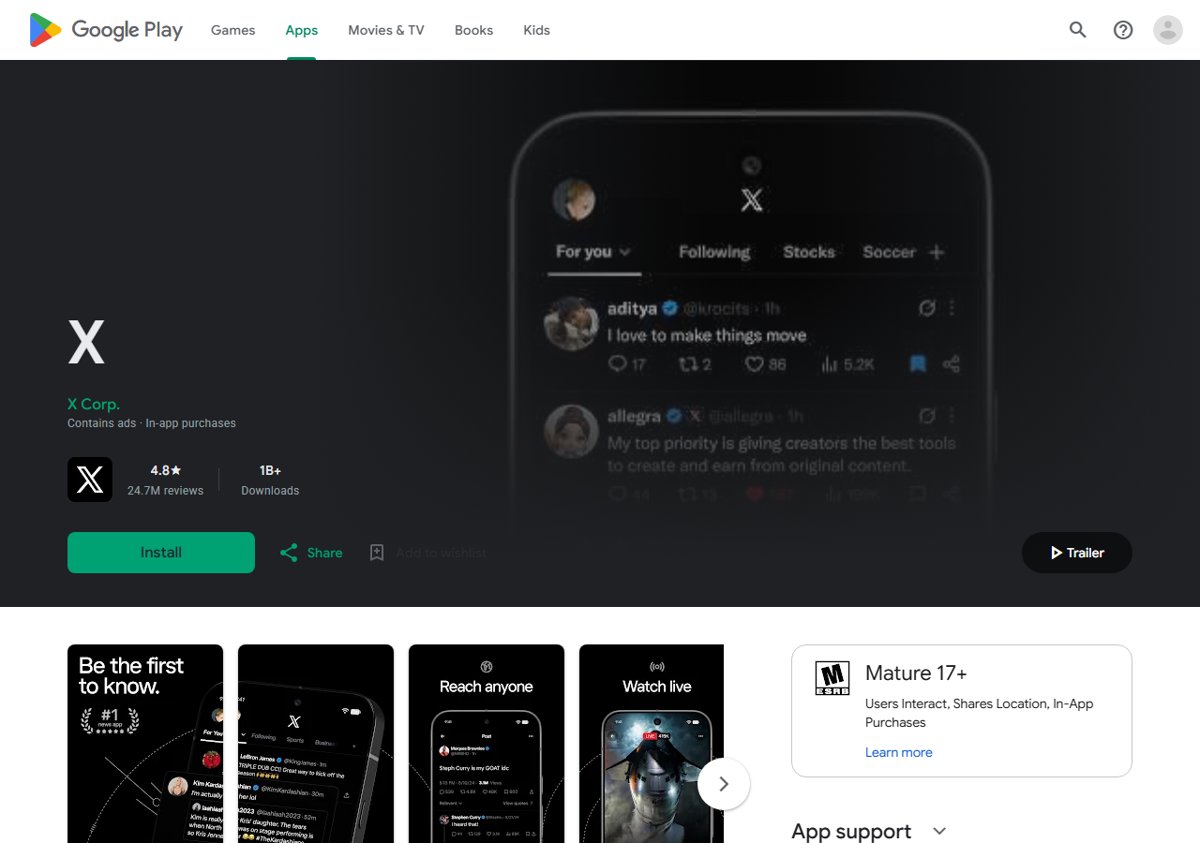
- Search for the Twitter app (today it is listed as X by X Corp.).
- Tap Update, then open the app again.
Fix 2: clear the app’s storage and cache
Before the fixed version arrived, a workaround shared by a user worked for many others. It resets the app to a fresh state:
- Open Settings on your phone and go to Apps.
- Tap Twitter in the list, then tap Storage.
- Tap Clear cache, then Clear data (or Clear storage).
- Open Twitter and sign in again.
Clearing data removes your in-app settings. The user who shared the fix noted you may need to turn dark theme back on afterwards.
Fix 3: hold off on the update
If you had not updated yet, the simplest option was the one Twitter Support gave: do not install the broken update until the fix was out. To stop the app updating itself, open its page in the Play Store, tap the three-dot menu and untick Enable auto update. Turn it back on once the fixed version is available.
If the app still crashes
- Restart the phone after updating.
- Check for Android system updates in Settings.
- Uninstall and reinstall the app from Google Play.
- Use the website in your phone’s browser until the app works again.
An app that keeps crashing can also be a sign of a phone short on storage or memory. These ways to speed up an old Android phone help with that. If you also use Twitter on a computer, here is how to get Twitter on Windows and Mac.
Avoid broken updates in future
A bad app update is usually fixed within a day or two, as this one was. Check the app’s reviews and the company’s support account before updating if the app is important to you. If an update causes trouble, report it through the app or the Play Store listing so the developer sees it.
Today
Twitter is now X, and its Android app is published on Google Play by X Corp. The same steps still apply when an app crashes after an update: install the latest version, clear the app’s cache, and reinstall if needed.


