You can get the Google Home app on a Windows 11 or Windows 10 PC and a Mac in about a minute, through Google Home for web at home.google.com. Chrome and Edge install it as a desktop app that opens in its own window, with live camera views, automations and device controls.
Phones and tablets get the full Google Home app free from Google Play and the App Store, and that app handles device setup.
This guide covers the right download for each device, the official Google links, installing on Windows and Mac, what works on a computer, updates, removal, and fixes for common problems.
Which Google Home app download do you need?
Match your device to a row. Computers use the browser version, and phones get the native app.
| Your device | What to install | Size |
|---|---|---|
| Windows 11 or Windows 10 PC | Google Home for web, installed from Chrome or Edge | No separate download |
| Mac | Google Home for web, installed from Chrome or Safari | No separate download |
| Chromebook or Linux PC | Google Home for web in Chrome | No separate download |
| Android phone or tablet | Google Home on Google Play | Play states no size |
| iPhone or iPad | Google Home on the App Store | 635.8 MB |
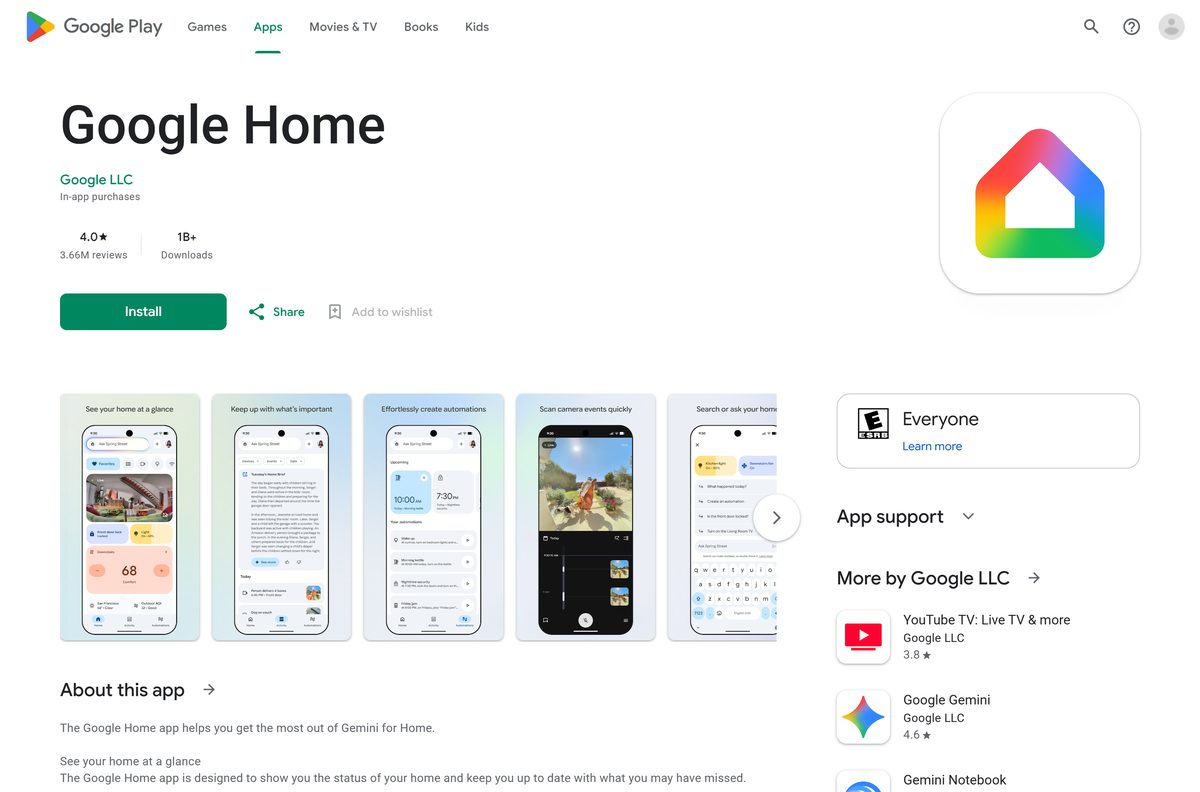
Download Google Home from Google’s official pages
Google publishes Google Home at these addresses, and every one of them is free.
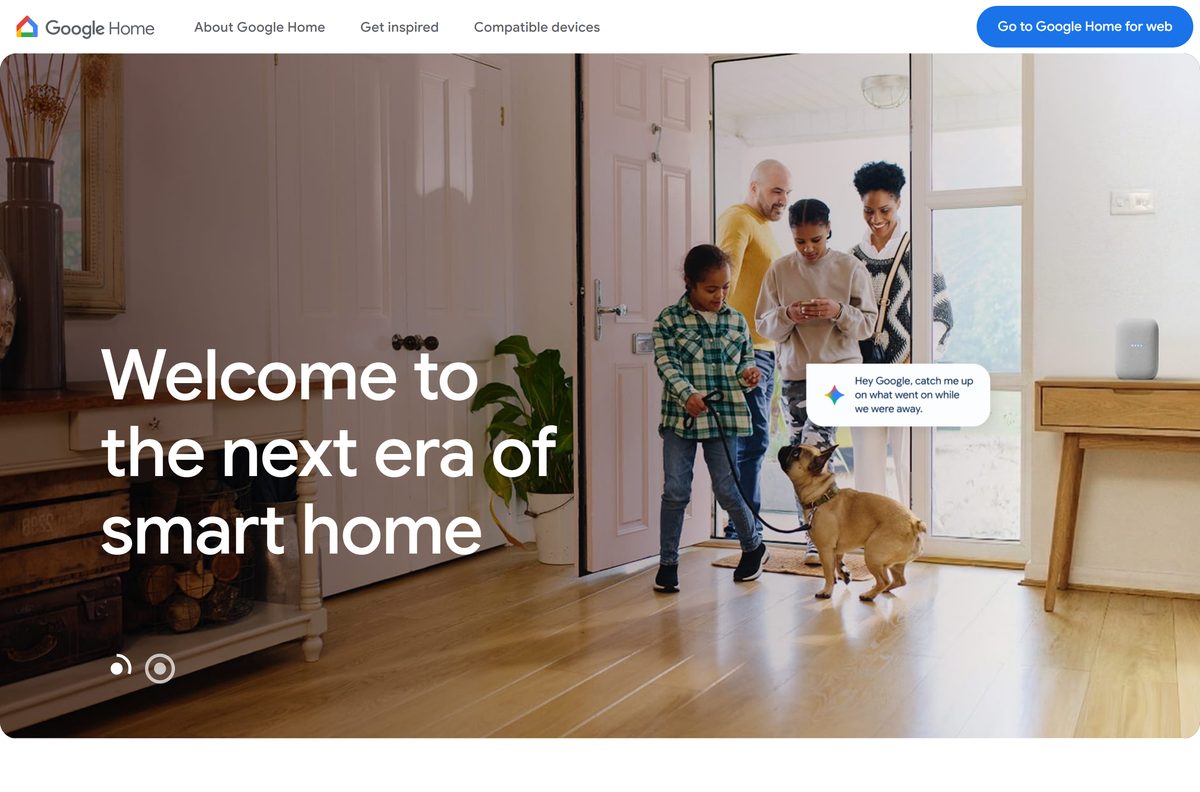
- Google Home for web — sign in on a PC or Mac, then install it as an app
- Download the Google Home app — Google’s own page pointing to both phone stores
- Google Home on Google Play — Google LLC, 1B+ downloads, updated 23 September 2026
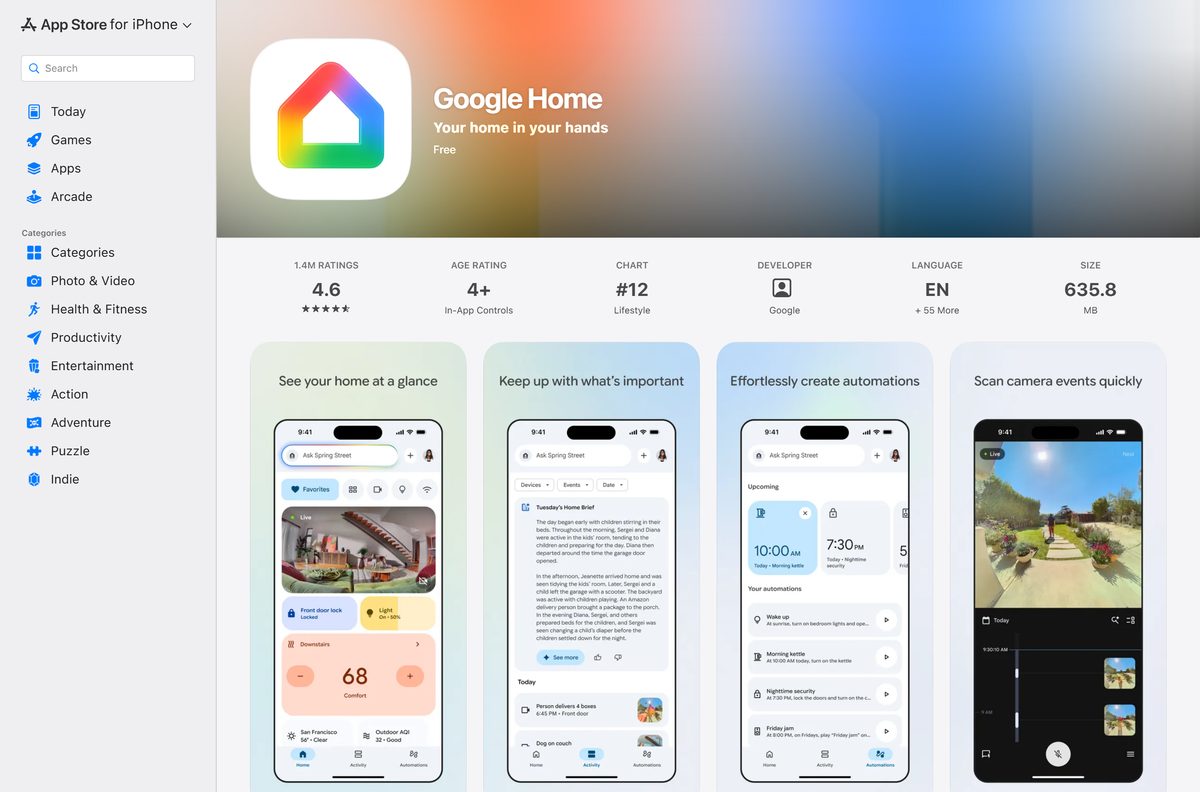
- Google Home on the App Store — 635.8 MB · iPhone and iPad, version 4.31.28
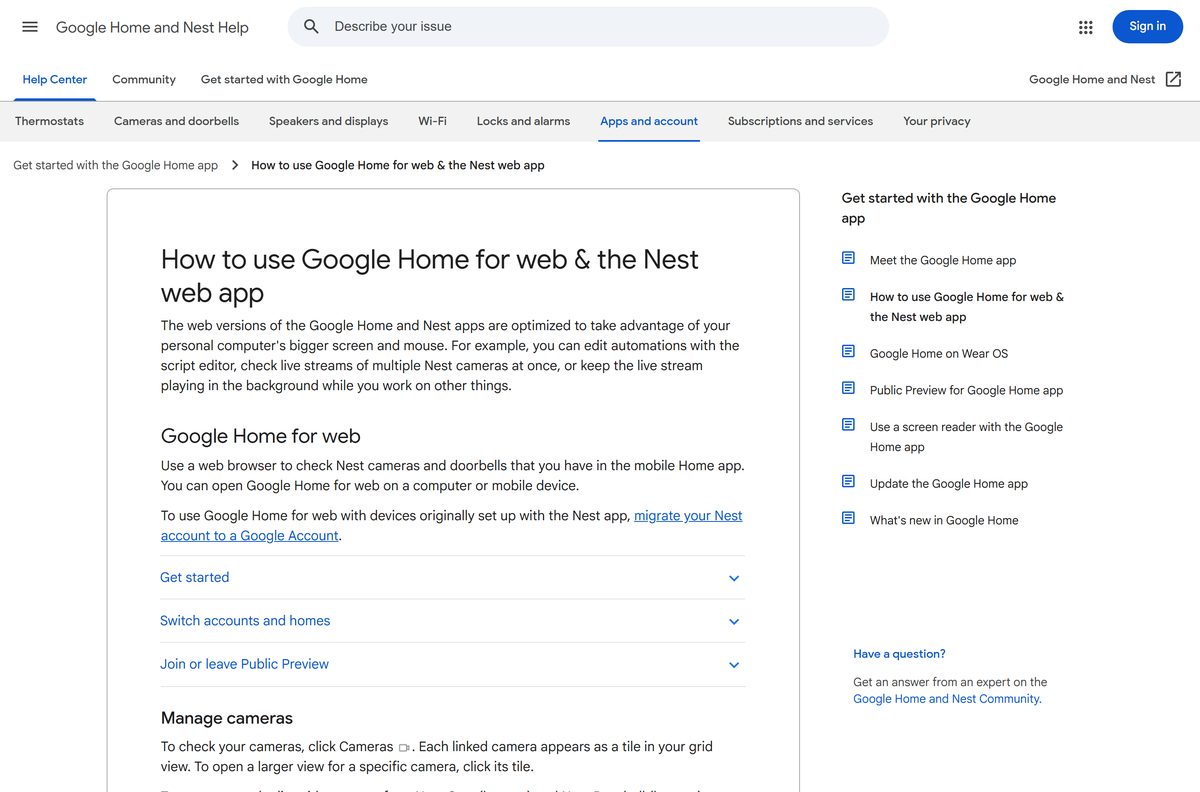
- How to use Google Home for web — Google’s help page for the computer version
How to install Google Home on Windows 11 and 10
Chrome turns Google Home for web into a desktop app with its own window and Start menu entry.
- Open Chrome and go to home.google.com.
- Select Go to Google Home for web at the top of the page.
- Sign in with the Google Account you use in the Google Home phone app.
- At the top right, select More, the three-dot button.
- Select Cast, save, and share, then Install page as app.
- Follow the on-screen instructions to finish the install.
- Open Start and select Google Home to launch it in its own window.
- Right-click its taskbar icon and select Pin to taskbar to keep it there.
In Microsoft Edge, select Settings and more, then More tools, then Apps, then Install this site as an app. Edge lists installed apps at edge://apps.
Install the Google Home app on Android, iPhone and iPad
The phone app is the only place to add new devices, so install it before you use the computer version.
- On Android, open Google Home on Google Play and tap Install.
- On iPhone or iPad, open Google Home on the App Store and tap Get.
- Open the app and sign in with your Google Account.
- Allow the permissions the app requests during setup.
- Follow the in-app prompts to create a home and add your speaker, camera or thermostat.
- Use the same Google Account on home.google.com so the computer sees the same home.
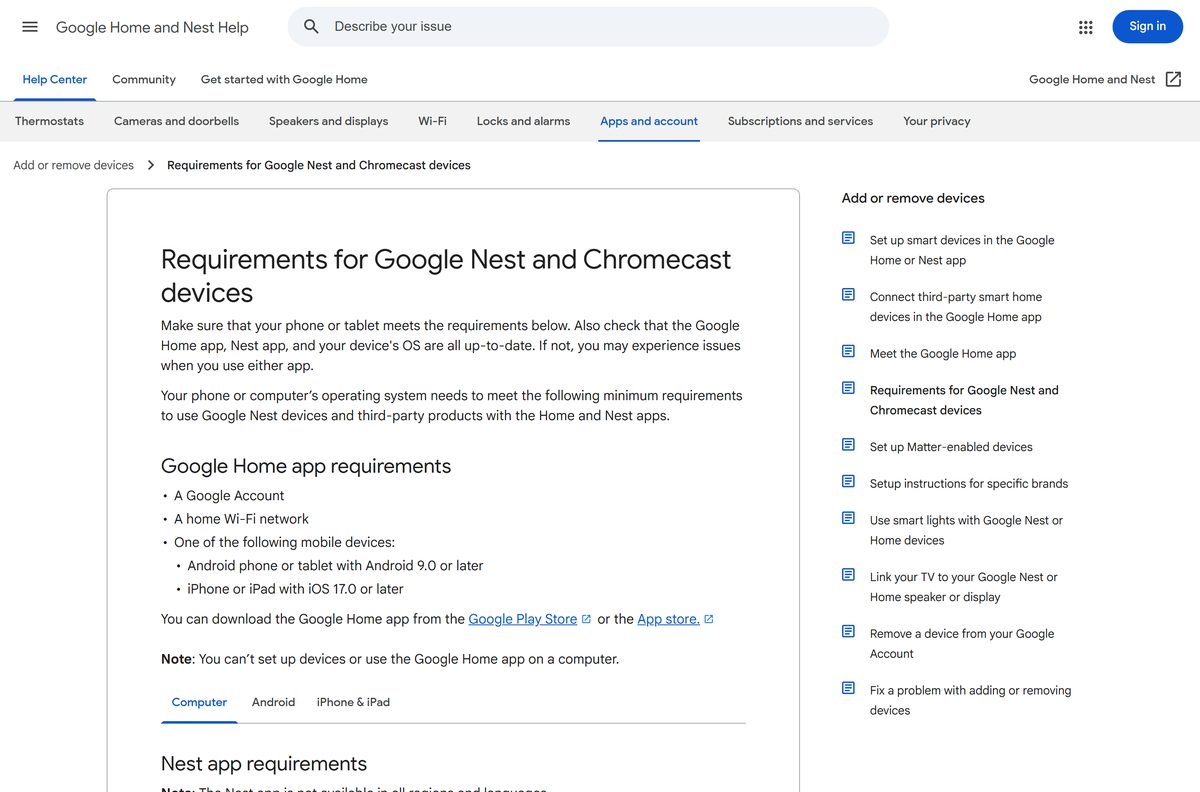
Google needs Android 9.0 or later, or iOS and iPadOS 17.0 or later. The current App Store build lists iOS 17.4.
Which Google Home download do you need for your Mac?
There is no .dmg to open, and the Mac App Store carries no Google Home app. The Mac route is the browser version.
| What you want | Do this | Where it opens |
|---|---|---|
| A Google Home window in the Dock | Install home.google.com from Chrome | Applications folder and the Dock |
| Google Home in Safari | Choose File, then Add to Dock | The Dock, on macOS Sonoma or later |
| Google Home without installing anything | Open home.google.com in a tab | A normal browser tab |
| Device setup from an iPhone or iPad | Google Home on the App Store | Home Screen, 635.8 MB |
What Google Home for web can do on a PC or Mac
The computer version manages devices already added from the phone app. Google states that you can’t set up devices or use the Google Home app on a computer.
| Task | Google Home for web | Phone app |
|---|---|---|
| Set up a new speaker, camera or thermostat | No | Yes |
| Watch live video from every Nest camera at once | Yes, in a grid | Yes |
| Play camera video history and save clips | Yes, clips up to 5 minutes | Yes |
| 2-way talk through a camera or doorbell | Yes | Yes |
| Check and run Routines | Yes, most of them | Yes |
| Write automations in the script editor | Yes, with Public Preview | Yes |
| Control devices by room | Yes, under Devices | Yes |
Devices set up with the old Nest app appear only after you migrate the Nest account to a Google Account.
Is the Google Home app free?
Yes. Google Home costs nothing on Android, iPhone, iPad and in a browser on a PC or Mac. The App Store lists the app as Free, and Google Play offers it at no charge with in-app purchases. Those purchases are Google Home Premium, an optional subscription for longer camera history and advanced Gemini features. Controlling devices, running Routines and watching live camera video need no subscription. A site charging for a Google Home installer is selling a file Google does not make.
How to check your Google Home version and update it
Google Home for web has no version number. It loads the current release each time the page opens.
- On a PC or Mac, close the Google Home window and open it again.
- Keep Chrome, Edge or Safari updated, since the web app runs on the browser engine.
- On Android, open the Google Play Store app and tap Search.
- Find the Google Home app and tap Update.
- On iPhone or iPad, open the App Store, tap your profile picture and scroll to the update list.
- Tap Update next to Google Home, then reopen the app.
Google’s own update instructions cover both phone platforms.
Check the Google Home app system requirements
On a computer the browser sets the floor, not your processor or memory.
| Field | Value |
|---|---|
| Developer | Google LLC |
| Latest version | Web-based on a computer; 4.31.28 on iPhone and iPad |
| Price | Free; Google Home Premium is optional |
| Computer | Any browser with WebRTC and Media Source Extensions; not Internet Explorer |
| Android | Android 9.0 or later |
| iPhone and iPad | iOS 17.0 or later (current build lists 17.4) |
| Architecture | None of its own on a computer, so x64 and ARM64 run the same site |
| Also needed | A Google Account and a home Wi-Fi network |
| Offline installer | None |
| iPhone and iPad app size | 635.8 MB |
| Official source | home.google.com |
| Last verified | 2026-09-24 |
How to check a Google Home download really came from Google
No Google Home setup file exists for Windows or macOS, so any .exe, .msi or .dmg offering one came from somebody else.
- Start at home.google.com and let the browser do the installing.
- Check the address bar reads home.google.com before you sign in.
- On Google Play, check the developer line reads Google LLC under the app name.
- On the App Store, check the seller reads Google LLC in the Information section.
- Close any page asking for your Google password outside accounts.google.com.
Fix Google Home not working on a PC or Mac
Google Home for web will not load or shows no video
The browser lacks WebRTC or Media Source Extensions, or it is out of date.
- Open home.google.com in current Chrome, Edge or Safari.
- Stop using Internet Explorer, which Google Home for web does not support.
- Turn off extensions that block scripts or video, then reload.
- Sign out and back in with the account your phone app uses.
Live camera video stops on its own
Google stops live streams to save power.
- Expect Nest Cam (battery) and Nest Doorbell (battery) to stop after 5 minutes.
- Expect cameras on home power to stop after 12 hours.
- Select Watch live to start the stream again.
Nest devices are missing from the computer
The devices sit in an old Nest account that is not yet a Google Account.
- Open the Nest app on your phone.
- Migrate the Nest account to a Google Account.
- Reload home.google.com and select the right home from the home name at the top.
No option to add a new device on the PC
Device setup works only in the phone app.
- Install Google Home from Google Play or the App Store.
- Add the device from the phone app, which handles every setup.
- Reload Google Home for web to see it on the computer.
Google’s help page for the computer version lists every camera and automation control.
How to uninstall Google Home from a PC, Mac or phone
Removing the web app leaves your home, devices and Routines untouched, because they live in your Google Account.
- In Chrome, open the Google Home app window and select More at the top right.
- Select Uninstall, then follow the on-screen instructions.
- In Edge, open edge://apps, select Details on the Google Home card, then Uninstall.
- On a Mac with a Safari Dock app, drag it from the Applications folder to the Trash.
- On Android, press and hold the Google Home icon, then tap Uninstall.
- On iPhone or iPad, press and hold the icon, then tap Remove App, then Delete App.
Which way to control Google Home devices from a computer
| Option | Publisher | Install needed | Best for |
|---|---|---|---|
| Google Home for web in Chrome | Yes, from the browser | Cameras and Routines in their own window | |
| Google Home for web in Edge | Microsoft | Yes, from the browser | Windows PCs already on Edge |
| home.google.com in a tab | No | A shared PC or a quick camera check | |
| Google Home for Android | Yes, from Google Play | Device setup and full control | |
| Google Home for iPhone and iPad | Yes, from the App Store | Device setup on Apple devices |
Install the phone app for setup, then use the browser version for everyday checks on a big screen.
Frequently asked questions
Is the Google Home app download free?
Yes. The App Store lists Google Home as Free, and Google Play offers it at no charge. Google Home for web costs nothing with a Google Account. Google Home Premium is an optional paid subscription that adds longer camera history and extra Gemini features.
What is the official Google Home download page?
Google’s own page is home.google.com/get-app, which points to Google Play for Android and the App Store for iPhone and iPad. On a computer, Google Home for web opens at home.google.com. No other site distributes the app.
Does Google Home work on Windows 11?
Yes, through Google Home for web. Open home.google.com in Chrome or Edge on Windows 11 or Windows 10, sign in, and install the page as an app so it opens from Start in its own window.
How big is the Google Home app download?
The iPhone and iPad app is 635.8 MB on the App Store. Google Play does not state a size for Android. Google Home for web downloads no package at all, because it runs inside the browser.
Is there an offline installer or EXE for Google Home?
No. Google publishes no .exe, .msi or .dmg for Google Home. Computers use Google Home for web in a browser, and phones and tablets install the app from Google Play or the App Store over the internet.
Is there a Google Home app for Mac?
No native Mac build exists, and the Mac App Store carries none from Google LLC. Open home.google.com in Chrome, Edge or Safari, then install it as an app or add it to the Dock.
Does Google Home have a 64-bit or ARM64 build for PC?
Google Home for web has no build of its own. It runs in the browser, so x64 Windows PCs, ARM64 laptops and Apple silicon Macs all use the same site with the same features.
Is the Google Home app safe to install?
Yes, from Google Play, the App Store or home.google.com, where the publisher is Google LLC. Any site offering a Google Home .exe or .dmg for a computer is distributing a file Google does not make.
What is the latest Google Home app version?
Version 4.31.28 on iPhone and iPad, released on 23 September 2026. Google Play updated the Android app the same day. Google Home for web updates itself whenever you reload the page.
Why won’t Google Home install or load on my PC?
A computer cannot install the mobile app. Open home.google.com in a browser that supports WebRTC and Media Source Extensions, such as Chrome or Edge. Internet Explorer does not support Google Home for web.
Can I set up a Nest or Google Home device from a computer?
No. Google states that you cannot set up devices or use the Google Home app on a computer. Add the device with the Android or iPhone app first, then control it from Google Home for web.
Can I watch Nest cameras on a PC?
Yes. Google Home for web shows a live grid of every Nest camera and doorbell in your home. It also plays video history, saves clips of up to 5 minutes to the computer, and supports 2-way talk.