The Windows Media Player download is free on Windows 11 and Windows 10, and it comes in two forms. The modern Media Player app installs from the Microsoft Store, and the classic Windows Media Player Legacy switches on as an optional Windows feature.
Most PCs already have one of them. Press Windows, type Media Player and press Enter to check before you download anything.
This guide covers the Store install and winget command, turning on the Legacy player, the Media Feature Pack for N editions, codec extensions, what Mac owners use instead, and fixes for a player that will not install.
Which Windows Media Player download do you need?
Match your PC to a row. Press Windows + R, type winver and press Enter if you are unsure which Windows edition and build you run.
| Your PC | What to get | Download size |
|---|---|---|
| Windows 11 or Windows 10 20H2 or later, music and video playback | Media Player app on the Microsoft Store | 38.4 MB bundle |
| You prefer the classic player and its original interface | Windows Media Player Legacy, an optional feature | Added from Settings |
| Windows 11 N or Windows 10 N edition | Media Feature Pack for N editions | Added from Settings |
| Snapdragon or other ARM64 PC | Same Store listing, ARM64 package | Part of the same bundle |
| Mac | QuickTime Player, built into macOS | Included with macOS |
The 38.4 MB figure is the combined x64, ARM64 and x86 bundle in Microsoft’s catalog. The installed app takes about 37.3 MB.
Download Windows Media Player from the official Microsoft sources
Microsoft ships the modern app through the Microsoft Store and the classic player through Windows Settings. Neither comes as a standalone setup file, so a site offering a Windows Media Player installer is not handing you Microsoft’s package.
- Windows Media Player on the Microsoft Store, product 9WZDNCRFJ3PT — publisher Microsoft Corporation, free
- Get Windows Media Player on Microsoft Support — how to add the Legacy player
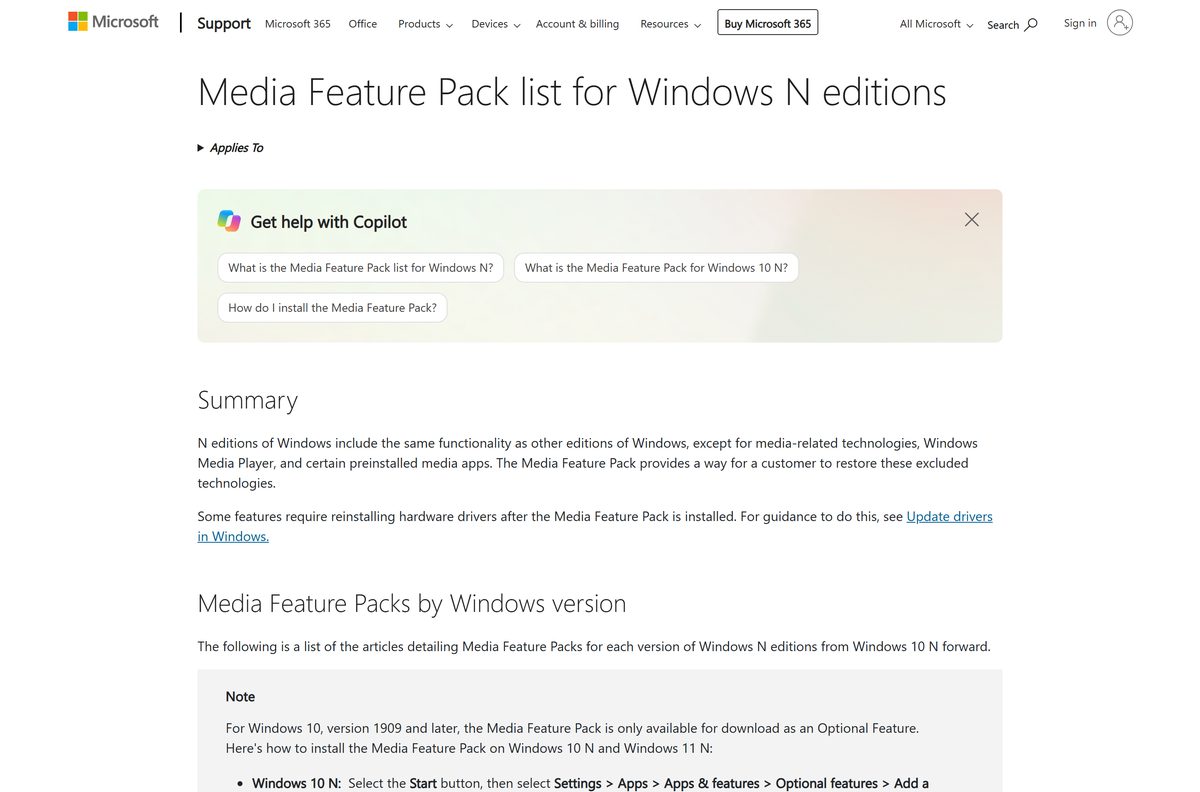
- Media Feature Pack for Windows N editions — restores media apps on N editions
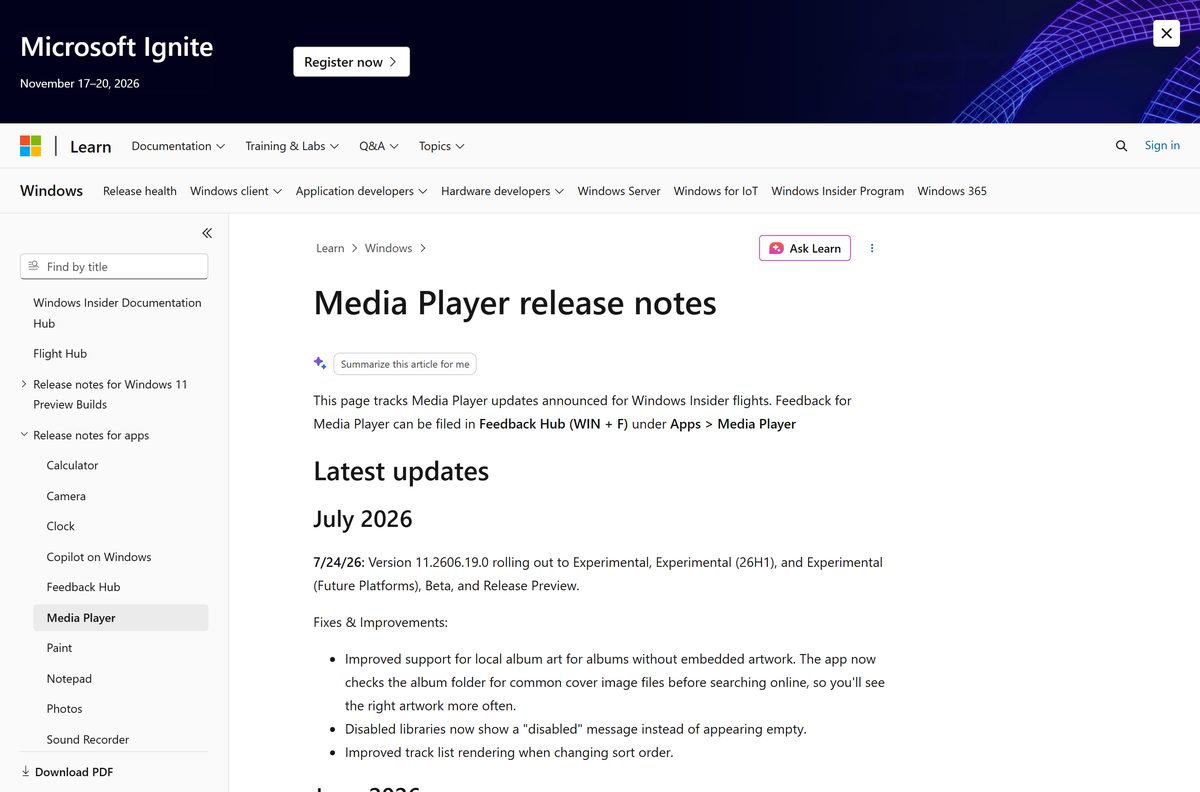
- Media Player release notes on Microsoft Learn — the version number behind each Insider flight
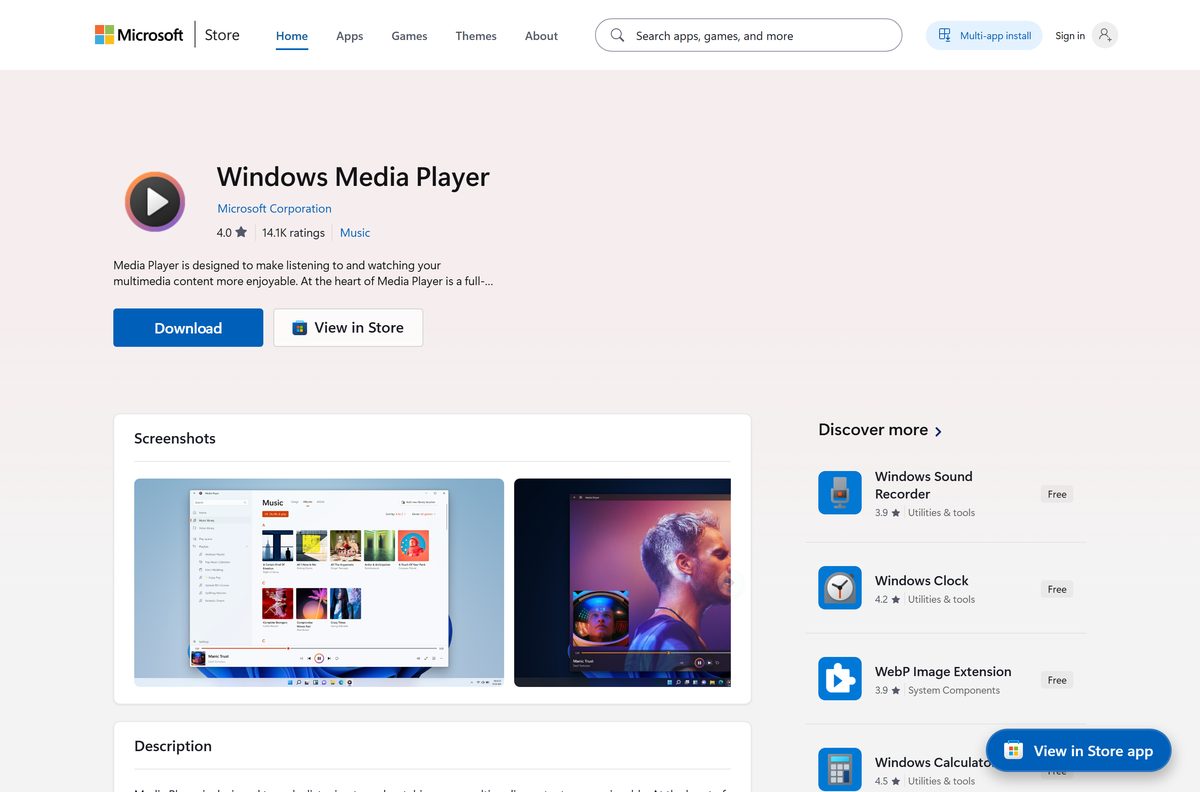
The Store lists the modern app as Windows Media Player in the Music category, rated 4.2 out of 5 from 752,744 ratings. Its package family name is Microsoft.ZuneMusic_8wekyb3d8bbwe , which helps when you script installs.
Install the Media Player app from the Microsoft Store or with winget
Use this route on any PC where the Store works. The app then updates itself through the Store.
- Open Microsoft Store from the Start menu.
- Search for Windows Media Player, or open the listing for product 9WZDNCRFJ3PT directly.
- Confirm the publisher reads Microsoft Corporation.
- Select Get, or Install if the app was on this PC before.
- Wait for the button to change to Open, then select it.
- For a command line instead, open Terminal and run winget install 9WZDNCRFJ3PT –source msstore .
The current package needs Windows 10 version 20H2, build 19042, or later. Files in your Music and Videos folders appear in the library on their own.
How to turn on Windows Media Player Legacy in Windows 11 and 10
The classic player is part of Windows, not a download. Microsoft offers it as an optional feature in some editions of Windows 11, and clean installs of Windows 10 include it.
- On Windows 11, select Start > Settings > System > Optional features.
- Select View features and search for Windows Media Player Legacy.
- Tick the box beside it, select Next, then select Add.
- On Windows 10, select Start > Settings > Apps > Apps & features > Manage optional features.
- Select Add a feature, choose Windows Media Player and select Install.
- Wait for the progress bar to finish, then search the Start menu for Windows Media Player Legacy.
Neither version plays DVDs. Microsoft recommends the Media Player app for modern video features such as 4K.
Is Windows Media Player free?
Both players are part of Windows, not separate purchases.
Yes. The Microsoft Store lists Windows Media Player at $0.00, and Windows Media Player Legacy costs nothing to add from Settings. The only paid item nearby is the HEVC Video Extensions codec at $0.99, which some H.265 videos need. A site charging for a Windows Media Player setup file is not selling Microsoft’s software, because Microsoft publishes none.
Choose between Media Player and Windows Media Player Legacy
The two apps share a name and little else. The modern app gets regular Store updates, and the Legacy player is an optional extra that updates with Windows.
Use the Media Player app for everyday music and video. Add Windows Media Player Legacy only when you need a feature the new app lacks. Microsoft points users to the Media Player app for 4K and other modern video features, and recent releases added custom caption styling and better local album art. The Legacy player suits anyone who prefers the classic interface, and adding it leaves the Media Player app in place.
How to check your Windows Media Player version and update it
The modern app updates through the Store. The Legacy player updates with Windows Update.
- Open Settings > Apps > Installed apps.
- Select the three dots beside Windows Media Player, then Advanced options, and read the version number.
- Open Microsoft Store and select Library.
- Select Get updates and let any Windows Media Player update install.
- For the Legacy player, open Settings > Windows Update and select Check for updates.
Microsoft’s catalog listed 11.2607.16.0 as the newest package on 24 September 2026.
Check the Windows Media Player system requirements
The app asks nothing of the hardware beyond what Windows itself needs.
| Item | Detail |
|---|---|
| Software | Windows Media Player (Media Player app) |
| Developer | Microsoft Corporation |
| Latest version | 11.2607.16.0 |
| License | Free, included with Windows |
| Download size | 38.4 MB, combined x64, ARM64 and x86 bundle |
| Installed size | About 37.3 MB |
| Supported OS | Windows 10 version 20H2 (build 19042) or later, and Windows 11 |
| Architecture | x64, ARM64 and x86 |
| Package family name | Microsoft.ZuneMusic_8wekyb3d8bbwe |
| Official download source | Microsoft Store, product 9WZDNCRFJ3PT |
| Offline installer | No. Store delivery, or an optional feature for Legacy |
| Mac version | None. macOS ships QuickTime Player |
| Last verified | 2026-09-24 |
Which codec extensions Windows Media Player needs for more formats
When a file needs a codec you lack, the app shows a missing codec message. Install the matching extension from the Store, then reopen the file.
| Format | Extension to install | Price |
|---|---|---|
| AV1 video | AV1 Video Extension, product 9MVZQVXJBQ9V | Free |
| MPEG-2 video | MPEG-2 Video Extension, product 9N95Q1ZZPMH4 | Free |
| HEVC (H.265) video | HEVC Video Extensions, product 9NMZLZ57R3T7 | $0.99 |
| HEVC video on PCs that shipped with it | HEVC Video Extensions from Device Manufacturer, product 9N4WGH0Z6VHQ | Free |
All four packages are published by Microsoft Corporation. Check whether the free device manufacturer HEVC package is already installed before you pay for the other one.
What to use on a Mac instead of Windows Media Player
Microsoft publishes Media Player and the Legacy player for Windows only. There is no Microsoft media player for macOS.
| Your situation | What to use | Cost |
|---|---|---|
| Play, trim or rotate video on a Mac | QuickTime Player, built into macOS | Included |
| Play formats QuickTime rejects, such as MKV | VLC for macOS from VideoLAN | Free |
| You need the Windows player itself | Not available. Use it on a Windows PC | Free on Windows |
QuickTime Player plays audio and video files, makes simple trims and rotations, and records the screen.
How to make Windows Media Player the default player on Windows 11
Windows opens music and video in whichever app holds the file type. Assign the types you care about.
- Open Settings > Apps > Default apps.
- Type Windows Media Player in the search box under Set defaults for applications.
- Select the app from the results.
- Select the entry for .mp3 and choose Windows Media Player, then select Set default.
- Repeat for .mp4, .m4a, .wav and any other type you play.
- Double-click a file in File Explorer to confirm it opens in the right player.
Fix Windows Media Player not installing on Windows 11 or 10
One symptom, one cause, one fix. Work down the group that matches what you see.
No Windows Media Player at all on an N edition
Windows N editions leave out Windows Media Player and certain preinstalled media apps.
- On Windows 11 N, open Settings > Apps > Optional features.
- On Windows 10 N, open Settings > Apps > Apps & features > Optional features > Add a feature.
- Add the Media Feature Pack and restart the PC.
- Reinstall hardware drivers if a camera or audio feature still fails afterwards.
Windows Media Player Legacy is not in the optional features list
Microsoft offers the Legacy player only in some editions of Windows 11.
- Search the list for Windows Media Player Legacy, not just Media Player.
- Open Settings > System > Optional features and check Installed features in case it is already on.
- Run Windows Update and check the list again.
- Install the Media Player app from the Store if your edition does not offer Legacy.
The Store download stops or fails
A stalled Store queue or a damaged Store cache.
- Press Windows + R, type wsreset.exe and press Enter.
- Wait for the Store to reopen on its own.
- Open Library and select Get updates so the queue drains.
- Retry the install, or run winget install 9WZDNCRFJ3PT –source msstore .
A video shows a missing codec message
The file uses a format that needs a separate Microsoft codec extension.
- Note the format the message names.
- Install the matching extension from the codec table above.
- Close Windows Media Player completely.
- Reopen the file.
The app opens and then closes
Damaged app data after an interrupted update.
- Open Settings > Apps > Installed apps.
- Select the three dots beside Windows Media Player, then Advanced options.
- Select Terminate, then Repair.
- Select Reset only when Repair changes nothing, because Reset clears the app settings.
How to uninstall Windows Media Player or Windows Media Player Legacy
The two players come off in different places. Your media files stay where they are either way.
- For the modern app, open Settings > Apps > Installed apps.
- Find Windows Media Player, select the three dots beside it and choose Uninstall.
- For the Legacy player on Windows 11, open Settings > System > Optional features.
- Expand Windows Media Player Legacy under Installed features and select Remove.
- Open Settings > Apps > Default apps and assign another player to your music and video types.
- To reinstall the modern app, open the Store listing for product 9WZDNCRFJ3PT and select Install.
Windows Media Player alternatives to install when a file will not play
Each of these covers a job the built-in players leave half-done.
| App | Best for | Where to get it |
|---|---|---|
| VLC media player | Formats the Microsoft players reject, without extra codec packs | VideoLAN download page for Windows |
| Microsoft Clipchamp | Trimming and editing video clips before you play or share them | Microsoft Store, product 9P1J8S7CCWWT |
| Microsoft Photos | Viewing phone photos and short videos in one gallery | Microsoft Store, product 9WZDNCRFJBH4 |
| QuickTime Player on macOS | Playback and quick trims on a Mac | QuickTime Player User Guide |
Install VLC when a file will not play in either Microsoft player, even after adding the codec extensions.
Frequently asked questions
Is the Windows Media Player download free?
Yes. The Microsoft Store lists the Media Player app at $0.00, and Windows Media Player Legacy costs nothing to add from Settings. The only paid item nearby is the optional HEVC Video Extensions codec at $0.99.
What is the official Windows Media Player download page?
The Microsoft Store listing for product 9WZDNCRFJ3PT, published by Microsoft Corporation, installs the modern app. The Legacy player comes from Windows Settings as an optional feature, so neither version needs a setup file from another site.
Does Windows Media Player work on Windows 11?
Yes. Windows 11 uses the Media Player app from the Microsoft Store, and some editions also offer Windows Media Player Legacy under Settings, System, Optional features. Search for the Legacy name, tick it, then select Next and Add.
How do I get Windows Media Player Legacy on Windows 10?
Clean installs of Windows 10 include it. If it is missing, open Settings, Apps, Apps & features, Manage optional features, then Add a feature, choose Windows Media Player and select Install.
How big is the Windows Media Player download?
Microsoft’s catalog reports 38.4 MB for the combined x64, ARM64 and x86 bundle of the Media Player app, and about 37.3 MB once installed. The Legacy player installs from Windows itself rather than as a separate download.
Is there a Windows Media Player offline installer?
No. Microsoft ships the modern app only through the Microsoft Store and the Legacy player as an optional Windows feature. A standalone Windows Media Player setup file on a download site is not a Microsoft package.
Is Windows Media Player available for Mac?
No. Microsoft builds Media Player and the Legacy player for Windows only. macOS includes QuickTime Player, which plays audio and video files, trims and rotates clips, and records the screen.
Does Windows Media Player run on 64-bit and ARM64 PCs?
Yes. The current Store package carries x64, ARM64 and x86 builds, so Intel, AMD and Snapdragon PCs all install a native version from the same listing. Windows picks the right architecture automatically.
Why is Windows Media Player missing on my N edition?
Windows 11 N and Windows 10 N leave out Windows Media Player and certain preinstalled media apps. Add the free Media Feature Pack from Settings, Apps, Optional features, then restart the PC to restore them.
Can Windows Media Player play DVDs?
No. Microsoft states that DVD playback is not included in Windows Media Player on Windows 11 or Windows 10. Use a separate player such as VLC media player from VideoLAN to play discs.
What is the latest Windows Media Player version?
Microsoft’s catalog listed 11.2607.16.0 on 24 September 2026. The Insider release notes record 11.2606.19.0 rolling out on 24 July 2026 with better local album art, and 11.2605.14.0 in June 2026 with custom captions.
Is Windows Media Player safe to install?
Yes, when it comes from the Microsoft Store listing published by Microsoft Corporation or from Windows optional features. Both routes deliver signed Microsoft packages, so a copy from a mirror or bundled installer site is not the genuine app.
Why won’t Windows Media Player install?
A stalled Store cache is the usual cause. Run wsreset.exe, reopen the Store and retry, or use winget install 9WZDNCRFJ3PT –source msstore. If Legacy is missing from optional features, your Windows 11 edition may not offer it.