The Wacom tablet driver download for Windows 11, Windows 10 and Mac comes free from wacom.com. The current releases are Windows Driver 6.4.14-1 and macOS Driver 6.4.14-2.
Pick the driver wacom.com lists for your tablet’s model number. This guide uses the current driver as the example and covers installation, Wacom Center updates, older drivers for known issues and fixes for a tablet that is not detected.
Check the Wacom driver system requirements before you download
Windows and macOS get separate drivers with different version numbers. Both come from the same wacom.com page.
| Field | Value |
|---|---|
| Software | Wacom Tablet Driver |
| Developer | Wacom Co., Ltd. |
| Latest version | Windows 6.4.14-1 (26 Aug 2026); macOS 6.4.14-2 (22 Sep 2026) |
| Licence | Free download, no licence key |
| Windows | Windows 10 and 11 (x64), Windows 11 (ARM64) |
| macOS | macOS 13, 14, 15, 26 and 27 |
| Architecture | x64 and ARM64 in one Windows download; one macOS download |
| Official download source | wacom.com drivers page |
| Offline installer | Yes, full Windows and macOS installers |
| Update route | Wacom Center, with the tablet connected |
| Last verified | 2026-09-24 |
A Windows 10 PC on an ARM64 chip is not on the list. ARM64 support needs Windows 11.
Which Wacom tablet driver do you need?
Wacom lists drivers by product. The model number starts with three letters, a hyphen and three or four digits, such as CTH-690.
Search that number on the drivers page. For current tablets, the result is the 6.4.14 driver shown in the table.
| Your tablet and computer | Take this | Note |
|---|---|---|
| Intuos CTL-4100 or CTL-6100, or One by Wacom CTL-472 or CTL-672, on Windows 10 or 11 | Windows Driver 6.4.14-1 | x64, plus ARM64 on Windows 11 |
| Cintiq 16 or 22, Cintiq Pro, Wacom One or Movink 13 on Windows | Windows Driver 6.4.14-1 | Pen displays use the same driver |
| Intuos Pro PTH or PTK models, or MobileStudio Pro | Windows Driver 6.4.14-1 | MobileStudio Pro runs it on the device itself |
| Any supported tablet on a Mac with macOS 13 or later | macOS Driver 6.4.14-2 | One package for macOS 13 to 27 |
| A model number missing from the release notes | Search the model on wacom.com | Install the driver the page lists for that model |
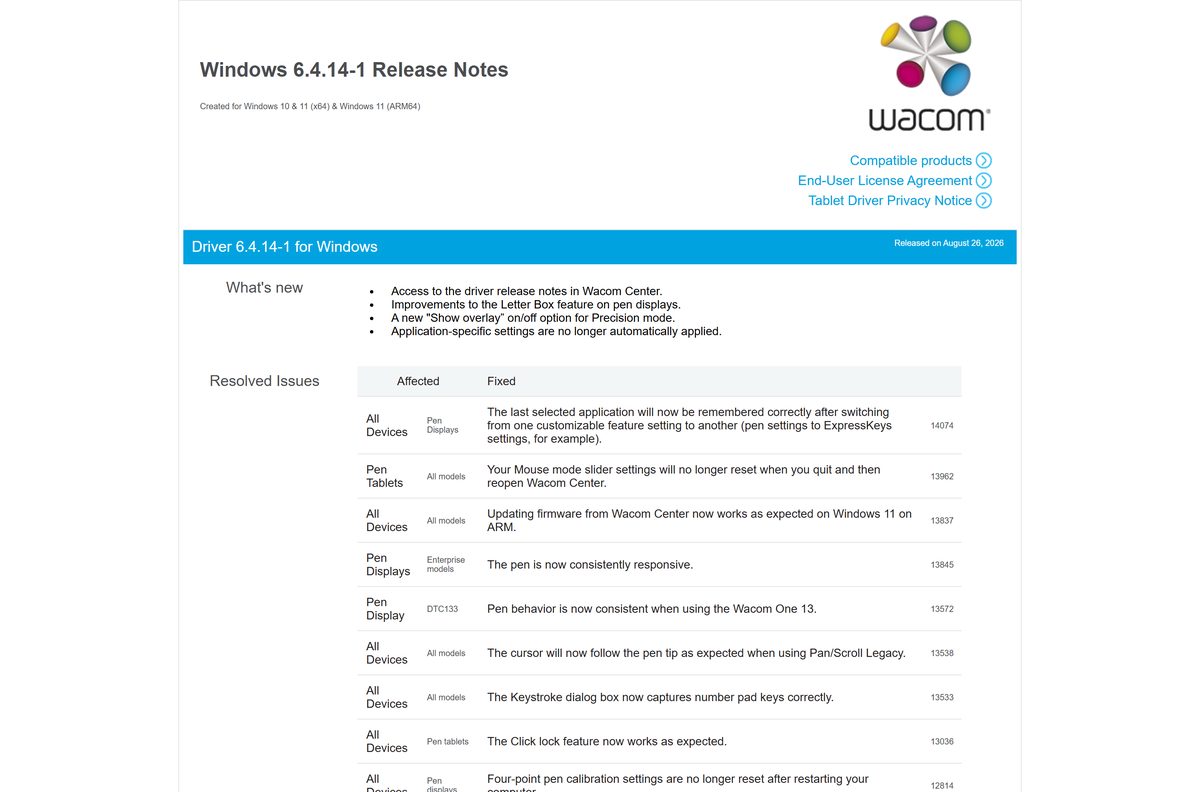
The full supported list sits in the Windows release notes and the macOS release notes.
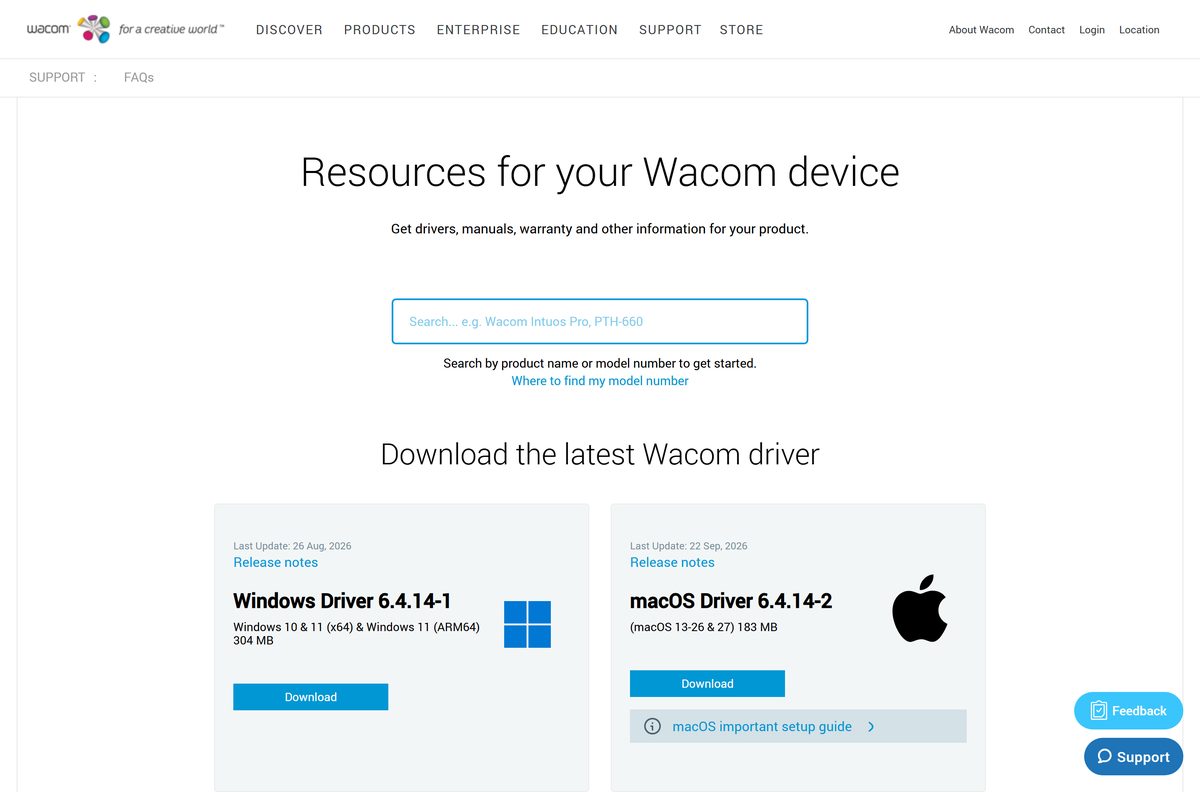
Download the Wacom driver from wacom.com
Take the driver from wacom.com only. Driver updater tools and download portals repackage it and often lag a release or two behind.
- Wacom drivers page — Windows Driver 6.4.14-1 and macOS Driver 6.4.14-2
- Windows 6.4.14-1 release notes — Supported products, fixes, known issues and older drivers
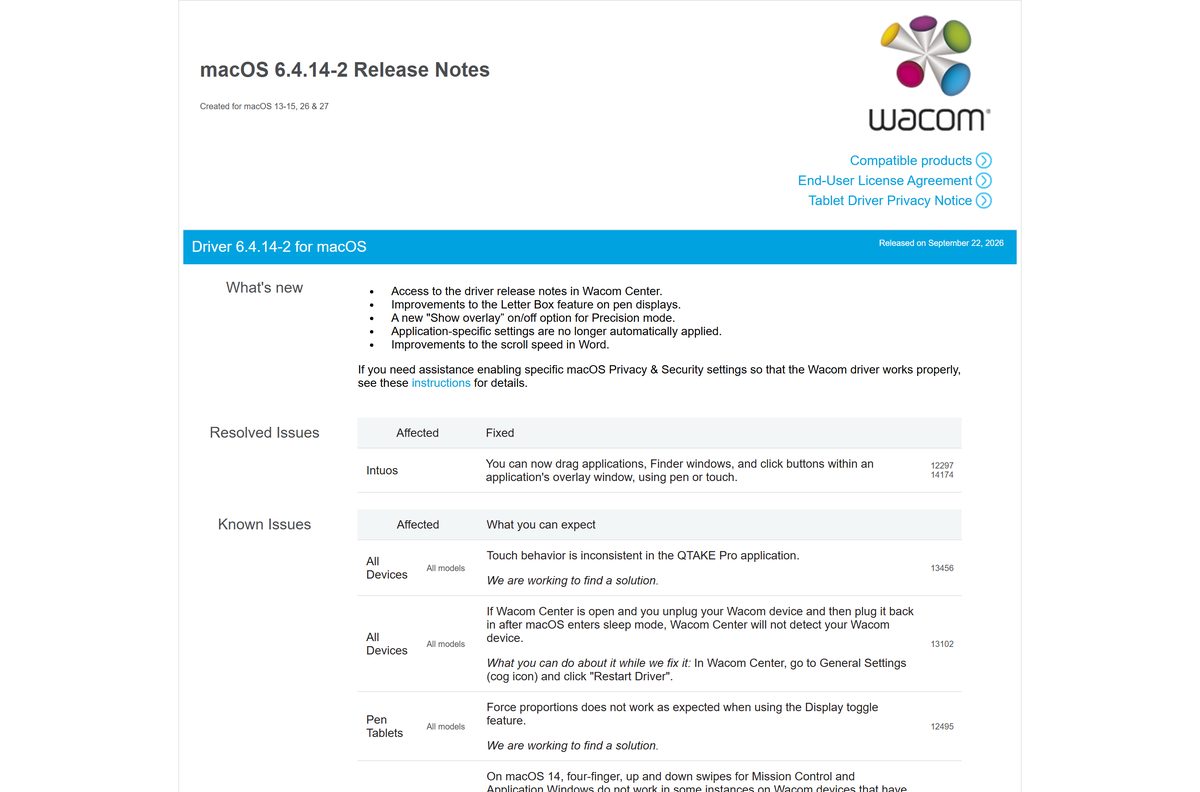
- macOS 6.4.14-2 release notes — Supported products, fixes and known issues
Each driver is a full installer. Save it once and reuse it on another computer without going back online.
How to install the Wacom driver on Windows 11 and 10
Close any drawing app before you start, because setup replaces the tablet service it talks to.
- Connect the tablet to the PC with its cable.
- Open the Wacom drivers page and search your model number.
- Select Download beside Windows Driver 6.4.14-1.
- Double-click the saved file in your Downloads folder.
- Select Yes at the User Account Control prompt.
- Accept the licence agreement and select Install.
- Restart the PC when setup asks you to.
- Open Wacom Center from the taskbar and check that your tablet appears.
Pen, ExpressKey and pressure settings live in Wacom Center once the tablet shows up there.
Which Wacom driver do you need for your Mac?
Open the Apple menu, select About This Mac, and read the macOS version line.
| About This Mac says | Download | Note |
|---|---|---|
| macOS 13, 14 or 15 | macOS Driver 6.4.14-2 | Supported |
| macOS 26 or 27 | macOS Driver 6.4.14-2 | Supported |
| macOS 12 or older | Search your model on wacom.com | Not supported by 6.4.14-2 |
Open the downloaded package, follow the installer, and restart when it asks. macOS then asks for Privacy & Security permissions: allow each one Wacom requests, or the pen will not move the cursor.
On macOS 14, four-finger swipes for Mission Control do not work on some touch models with this driver.
How to update the Wacom driver with Wacom Center
Wacom Center installs new drivers and firmware without a trip to the website.
- Connect your Wacom product to the computer.
- Open Wacom Center from the taskbar on Windows or the Dock on a Mac.
- Select the Settings icon, then General settings.
- Read the list of available updates.
- Select Install update and follow each instruction on screen.
- Restart the computer if the update asks you to.
Wacom Center hides updates while the tablet is unplugged. Driver 6.4.14 also adds the release notes to Wacom Center, so you can read what changed before you install.
Is the Wacom tablet driver free?
Wacom posts both drivers with a plain Download button and no sign-in.
Yes. The Wacom driver is free on Windows and macOS for every supported tablet. The drivers page offers Windows Driver 6.4.14-1 and macOS Driver 6.4.14-2 with no price, account or licence key. Paid driver updater tools that promise a Wacom driver only hand you the same file, often out of date.
Fix Wacom driver problems on Windows 11 or 10
The 6.4.14-1 release notes name the known issues and the older driver that avoids each one.
Wacom Center shows no tablet or no updates
The tablet is unplugged, or the PC has not restarted since setup.
- Connect the tablet with its cable.
- Restart the computer.
- Open Wacom Center and check the device list again.
Touch is overly sensitive on a MobileStudio Pro or Cintiq Pro 24
A known issue on DTH-W1320, DTH-W1620 and DTH-2420 with the current driver.
- Uninstall the current driver from Settings > Apps > Installed apps.
- Restart the PC.
- Install driver 6.4.6-2 from the link in the Windows release notes.
Radial menu ignores touch on a Cintiq Pro 13 touch
A known issue on DTH-1320 that started with driver 6.4.13.
- Uninstall the current driver.
- Restart the PC.
- Install driver 6.4.12-3 from the Windows release notes.
Pan does not move the cursor in Blender
The current driver changed how Pan/Scroll Legacy behaves.
- Uninstall the current driver.
- Restart the PC.
- Install driver 6.4.11-1 from the Windows release notes if you need the cursor to move while panning.
Touch on a Grid panel does nothing
The main monitor and pen display are set to duplicate.
- Press Windows + P.
- Select Extend instead of Duplicate.
- Try the Grid panel again.
On a Mac, if Wacom Center stops seeing the tablet after sleep, restart the driver or the Mac.
How to uninstall the Wacom driver on Windows
Remove the current driver before you install an older version or repair a broken install.
- Unplug the tablet.
- Open Settings > Apps > Installed apps on Windows 11, or Settings > Apps > Apps & features on Windows 10.
- Find Wacom Tablet in the list and select the three dots beside it.
- Select Uninstall, then confirm.
- Restart the PC before installing another driver.
Pressure, ExpressKeys and saved settings stop working until you install a driver again.
Frequently asked questions
Is the Wacom tablet driver free?
Yes. The Windows and macOS drivers download from wacom.com with no price, account or licence key. Every Wacom pen tablet and pen display needs the driver for pressure, buttons and settings, so it ships free. A site asking for payment is not Wacom.
Where is the official Wacom tablet driver download?
The drivers page at wacom.com/en-us/support/product-support/drivers. Search your product name or model number there, then select Download beside the Windows or macOS driver. Release notes for each driver sit on cdn.wacom.com and link from the same page.
What is the latest Wacom driver version?
Windows Driver 6.4.14-1, updated on 26 August 2026, and macOS Driver 6.4.14-2, updated on 22 September 2026. Both add release notes inside Wacom Center, Letter Box improvements on pen displays and an overlay toggle for Precision mode.
Does the Wacom driver work on Windows 11?
Yes. Windows Driver 6.4.14-1 supports Windows 10 and Windows 11 on x64 PCs, and Windows 11 on ARM64 PCs. It also fixes driver and firmware updates from Wacom Center on Windows 11 on ARM.
Is there a Wacom driver for Mac?
Yes. macOS Driver 6.4.14-2 supports macOS 13, 14 and 15, plus macOS 26 and 27. Download it from the same wacom.com drivers page as the Windows driver, then allow the permissions macOS asks for so the pen can control the cursor.
Which Wacom driver do I need for my tablet?
The one wacom.com lists for your model number. Find the number on the tablet, such as CTL-4100 or DTK-1660, and search it on the drivers page. Current Intuos, One by Wacom, Wacom One, Cintiq and Intuos Pro models all use the 6.4.14 driver.
How big is the Wacom driver download?
Each platform gets one full installer that covers every supported tablet, with no separate file per model. Save it once and you can install the driver on another computer without searching the drivers page again.
Does the Wacom driver support ARM64?
Yes, on Windows 11. Windows Driver 6.4.14-1 lists Windows 11 (ARM64) alongside Windows 10 and 11 (x64), in one download. Snapdragon laptops running Windows 10 are not on the supported list.
Is the Wacom driver safe to download?
Yes, when it comes from wacom.com. Driver updater tools and download portals repackage Wacom files, fall behind the current release and add software you did not ask for. Wacom Center also installs official updates directly.
Why is my Wacom tablet not detected after installing the driver?
The tablet was usually unplugged during setup, or the PC was not restarted. Connect the tablet with its cable, restart the computer, and open Wacom Center. Wacom Center only shows updates and settings while the product is connected.
Can I go back to an older Wacom driver?
Yes. The Windows 6.4.14-1 release notes link drivers 6.4.12-3, 6.4.11-1 and 6.4.6-2 for specific known issues. Uninstall the current driver first, restart, then install the older one from the release notes link.






