You can get the Tubi download for a Windows 11 or Windows 10 PC for free from the Microsoft Store, and a Mac runs Tubi as a web app from Safari. Movies, series and live TV stream with ads, and no subscription or credit card.
Tubi, Inc. publishes the Windows app, and Tubi belongs to Fox Corporation. The Store package is a 727 KB download that runs on Intel, AMD and ARM64 PCs.
Below are the official links, Store and winget install steps, the Mac setup, what free really means on Tubi, and fixes for an app that will not install or open.
Which Tubi download do you need?
Match your device to a row. Every route plays the same free catalog, and one Tubi account carries your watchlist across them.
| Your device | What to get | Download size |
|---|---|---|
| Windows 11 or Windows 10 version 2004 or later, any processor | Tubi – Free Movies and TV on the Microsoft Store | 727 KB |
| Mac | Tubi in Safari, added to the Dock | Nothing to download |
| iPhone or iPad on iOS 16 or later | Tubi: Movies & Live TV on the App Store | 172.7 MB |
| Android phone or tablet | Tubi: Free Movies & Live TV on Google Play | Set by Google Play |
| Shared or locked-down computer | Tubi in any web browser | Nothing to download |
The Windows download is tiny because the app streams every title. Plan for a steady connection rather than disk space.
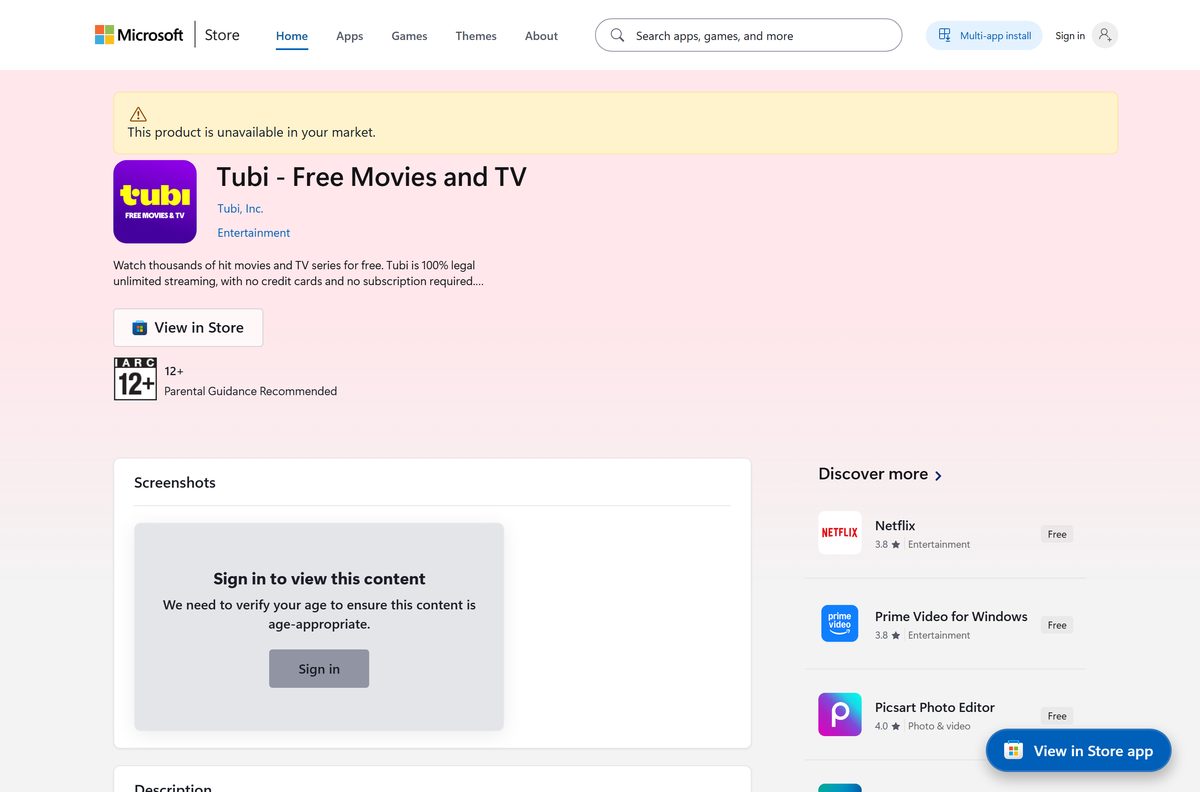
Download Tubi from the official Microsoft, Apple and Google links
Tubi ships its Windows app only through the Microsoft Store. The phone apps come from the App Store and Google Play, and the web player runs at tubitv.com.
- Tubi – Free Movies and TV on the Microsoft Store, product 9N1SV6841F0B — 727 KB · publisher Tubi, Inc., updates through the Store
- Tubi on the web — watch in a desktop browser with no install
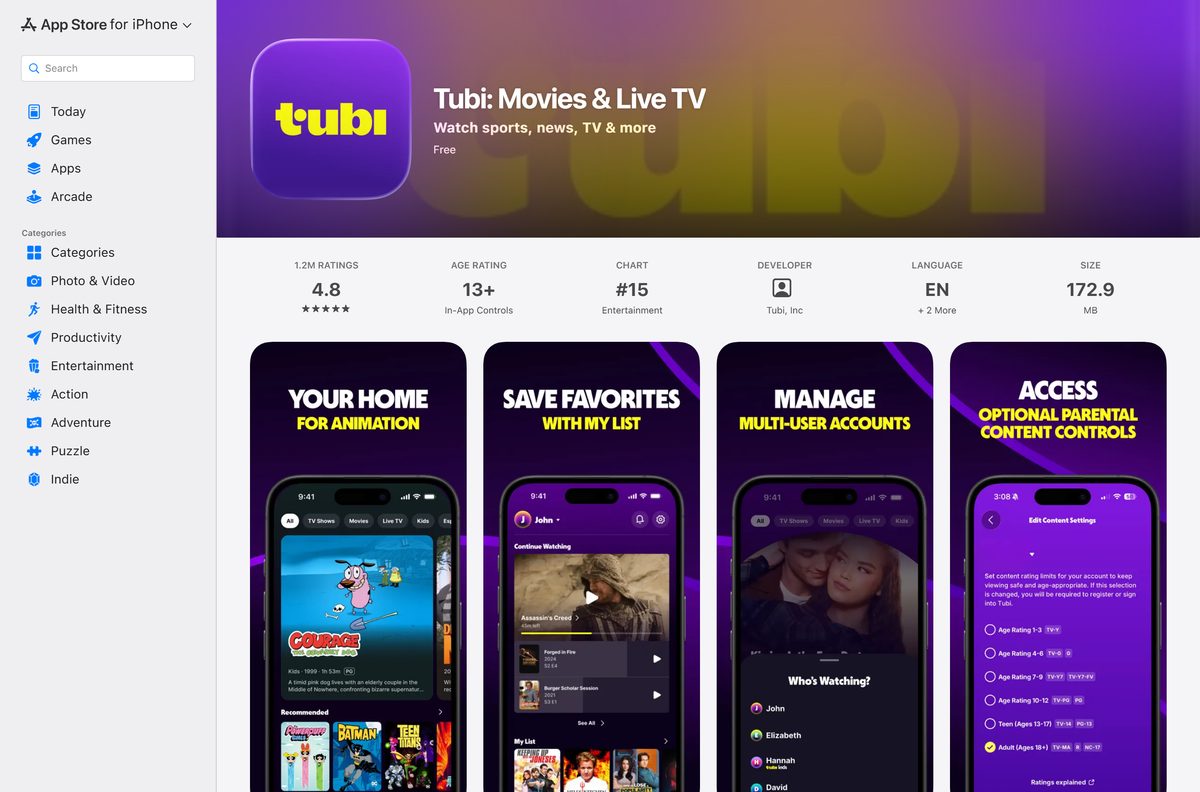
- Tubi: Movies & Live TV for iPhone and iPad — 172.7 MB · seller Tubi, Inc, requires iOS 16.0 or later
- Tubi: Free Movies & Live TV for Android — developer Tubi TV, contains ads
- Tubi supported devices — TVs, consoles and streaming sticks
A Tubi setup file offered on any other site is not from Tubi. Check that the Store listing names Tubi, Inc. as publisher before you select Get.
Install Tubi from the Microsoft Store or with winget
Both routes install the same Tubi, Inc. package, and both keep it updated through the Store.
- Open Microsoft Store from the Start menu.
- Search for Tubi and select Tubi – Free Movies and TV.
- Confirm the publisher line reads Tubi, Inc.
- Select Get. The Store downloads and installs the package in a few seconds.
- Select Open when the install finishes, or find Tubi in the Start menu.
- To use the command line instead, open Terminal and run winget install 9N1SV6841F0B –source msstore .
- Type Y to accept the Store terms when winget asks.
winget needs the Microsoft Store enabled on the PC. On a work PC where the Store is blocked, use the web player instead.
How to start watching Tubi on Windows 11 and 10
Tubi plays without an account. An account adds a watchlist, saved watch progress and better recommendations, and Tubi never asks for a credit card.
- Open Tubi from the Start menu.
- Browse the home rows, or use search to find a movie, series or live channel.
- Select a title and press play. Ads run during playback.
- To keep a watchlist, sign in or create a free Tubi account from the app.
- Pin the app with a right-click on its Start menu entry and Pin to taskbar.
The same account works on the web player, the phone apps and your TV, so a paused movie picks up on the next device.
Which Tubi download do you need for your Mac?
The Mac App Store has no Tubi app. The App Store listing covers iPhone, iPad, Apple Vision and Apple TV only, so a Mac uses the web player.
| Your Mac setup | What to do | Where |
|---|---|---|
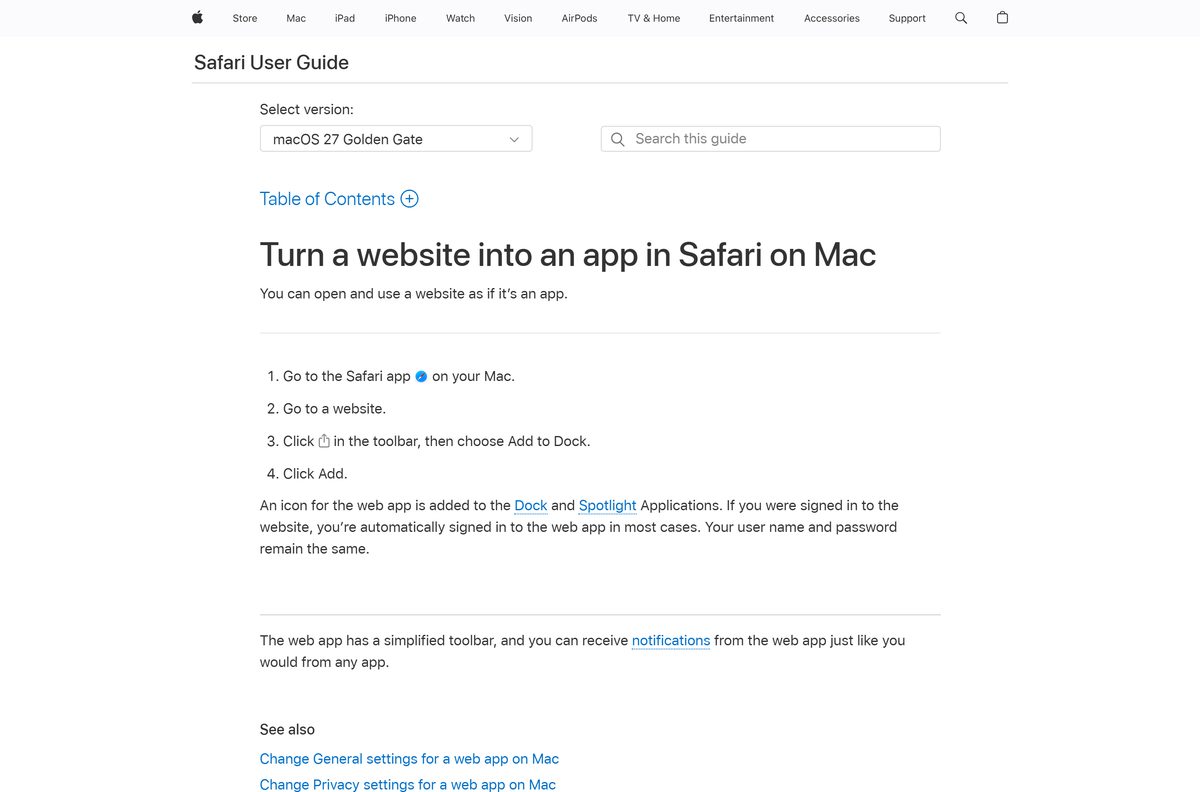
| Safari on a current macOS | Open tubitv.com, click the Share button, choose Add to Dock, then click Add | Add a web app to the Dock in Safari |
| Chrome, Edge or Firefox | Open the web player and bookmark it | Tubi on the web |
| Want Tubi on the big screen | Install Tubi on the TV or streaming device and link it with the activation code | Activate a Tubi device |
The Dock icon opens Tubi in its own window and also appears in Spotlight under Applications.
Is Tubi free?
Yes. Tubi is free on every platform, and ads pay for it. There is no paid tier to buy. The Microsoft Store lists Tubi at $0.00, the App Store marks it Free, and Google Play labels it Contains ads. The Store description states there is no credit card and no subscription required. Tubi is part of Tubi Media Group, a division of Fox Corporation, and runs as an ad-supported streaming service. Any site that charges for a Tubi download or asks for card details to unlock it is not Tubi.

Check the Tubi system requirements before you install
Any PC on Windows 10 version 2004 or later clears the floor. The package is architecture-neutral, so ARM64 laptops install the same app.
| Field | Value |
|---|---|
| Software | Tubi – Free Movies and TV |
| Developer | Tubi, Inc. (Fox Corporation) |
| Latest version | 2.0.2.0 (Windows desktop package) |
| Store listing updated | 13 February 2026 |
| License | Free, ad-supported |
| Supported OS | Windows 10 build 19041 or later, Windows 11; Mac through the web player |
| Architecture | Architecture-neutral package for x64 and ARM64 PCs |
| Download size | 727 KB |
| Installed size | 908 KB |
| Age rating | ESRB T |
| Microsoft Store product | 9N1SV6841F0B, package TubiInc.Tubi-FreeMoviesandTV |
| Offline installer | No |
| Last verified | 2026-09-24 |
Press Windows + R, type winver and select OK to read your Windows version and build.
Where you can watch Tubi besides a PC
Tubi runs on more than 30 devices. It is available in the United States, Canada, Mexico, Latin America, the United Kingdom and Australia.
| Device | How to get Tubi | Note |
|---|---|---|
| Xbox | Same Microsoft Store listing, product 9N1SV6841F0B | Separate Xbox package |
| iPhone, iPad, Apple TV | App Store | iOS 16.0 or later |
| Android phones and tablets | Google Play | 100M+ downloads |
| Roku, Fire TV, smart TVs | Tubi supported devices | Link with a code at tubitv.com/activate |
How to check your Tubi version and update it
- Open Settings > Apps > Installed apps and find Tubi – Free Movies and TV.
- Select the three-dot menu, then Advanced options. The version appears under Specifications.
- Open Microsoft Store and select Library in the left pane.
- Select Get updates. The Store installs any newer Tubi package.
- On a Mac, the Dock web app always loads the current tubitv.com, so there is nothing to update.
Fix Tubi not installing or not opening on Windows 11 and 10
The Store says Tubi does not work on this device
Windows is older than Windows 10 version 2004, build 19041.
- Press Windows + R, type winver and select OK.
- If the build is lower than 19041, open Settings > Update & Security > Windows Update and install the offered updates.
- Return to the Store listing and select Get again.
The Microsoft Store download stalls or fails
A stale Store cache or a pending restart.
- Restart the PC if Windows installed updates since the last reboot.
- Press Windows + R, type wsreset.exe and select OK. A blank window closes and the Store reopens.
- Check that the date, time and region are correct, then select Get again.
Tubi installed but will not open or shows a blank screen
A damaged install, which Windows can repair.
- Open Settings > Apps > Installed apps, select the three-dot menu next to Tubi – Free Movies and TV, then Advanced options.
- Select Repair and try the app again.
- If it still fails, select Reset and sign in again.
Tubi says it is not available in your area
Tubi streams only in the United States, Canada, Mexico, Latin America, the UK and Australia.
- Check that the PC is in one of those countries and not routed through a VPN elsewhere.
- Turn off any VPN or proxy, then close and reopen Tubi.
- Open the web player in a browser to confirm whether the block is regional or app-specific.
How to uninstall Tubi from Windows and Mac
- Open Settings > Apps > Installed apps on Windows.
- Find Tubi – Free Movies and TV and select the three-dot menu next to it.
- Select Uninstall, then Uninstall again to confirm.
- On a Mac, Control-click the Tubi icon in the Dock and choose Options > Remove from Dock.
- To reinstall later, open the Store listing and select Get. Your watchlist returns after you sign in.
Uninstalling leaves your Tubi account and watchlist untouched. For account questions, use Tubi support at tubitv.com/static/support.
Which way to watch if the Tubi app is not an option?
| Situation | Use this | What you give up |
|---|---|---|
| PC where you cannot install Store apps | Tubi on the web | A Start menu entry |
| Mac | Safari web app via Add to Dock | Nothing, it is the same service |
| Watching on a TV | Tubi on TVs and streaming devices | Nothing, sign in with the same account |
| On the go | Tubi for iPhone and iPad | A larger screen |
Frequently asked questions
Is Tubi free to download?
Yes. The Microsoft Store lists Tubi at $0.00, and the App Store and Google Play apps are free too. Ads pay for the service, and Tubi never asks for a credit card or a subscription.
Where is the official Tubi download for PC?
The Microsoft Store listing Tubi – Free Movies and TV, product 9N1SV6841F0B, published by Tubi, Inc. That is the only official Windows app. The web player at tubitv.com needs no download.
Does Tubi work on Windows 11 and Windows 10?
Yes. The Store app runs on Windows 11 and on Windows 10 version 2004, build 19041, or later. The package is architecture-neutral, so it installs on Intel, AMD and ARM64 PCs.
How big is the Tubi download for Windows?
The Store package is a 727 KB download and takes 908 KB once installed. Movies and shows stream rather than download, so the app never grows much larger on disk.
Is there a Tubi app for Mac?
No native Mac app exists. Open tubitv.com in Safari, click Share and choose Add to Dock. Tubi then opens in its own window from the Dock and Spotlight, like any other app.
Is there a Tubi offline installer for Windows?
No. Tubi ships the Windows app only through the Microsoft Store, so installing it needs an internet connection. Watching needs a connection too, because every title streams.
Can I install Tubi with winget?
Yes. Run winget install 9N1SV6841F0B –source msstore in Terminal. It installs the same Tubi, Inc. package as the Store, and the Store keeps it updated afterwards.
Do I need an account to watch Tubi?
No. You can browse and play titles without signing in. A free account adds a watchlist, saved watch progress across devices and better recommendations, with no credit card required.
Is Tubi safe and legal?
Yes. Tubi is an ad-supported streaming service from Tubi, Inc., part of Fox Corporation. Install it only from the Microsoft Store, the App Store or Google Play, and ignore setup files on other sites.
Who owns Tubi?
Fox Corporation owns Tubi. It sits in Tubi Media Group, a division of Fox, and the company was founded in 2014 with headquarters in San Francisco.
Why does Tubi say it is not available in my area?
Tubi streams only in the United States, Canada, Mexico, Latin America, the United Kingdom and Australia. Outside those regions, or behind a VPN that exits elsewhere, the app and the website show a regional block.
Why will Tubi not install from the Microsoft Store?
Usually Windows is older than build 19041 or the Store cache is stale. Update Windows, run wsreset.exe from the Run box, restart the PC and select Get again.






