You can get the thinkorswim download for Windows 11 and Mac straight from Charles Schwab, and the desktop platform is free for Schwab clients. The Windows installer is 74 MB, and Schwab puts download and setup at under ten minutes.
Schwab also publishes a Linux installer and a Java launcher for other systems. You log in with a Schwab brokerage account, or with a 30-day Guest Pass if you only want to try the platform.
Below are the official installer links, install steps for each system, the account rules, requirements and fixes for common setup problems.
Which thinkorswim download do you need?
Match your computer to a row. Each file is served from Schwab’s own tosmediaserver.schwab.com address.
| Your computer | Download | Size |
|---|---|---|
| Windows 11 PC | thinkorswim_x64_installer.exe | 74.4 MB |
| Mac running macOS 14 or later | thinkorswim_installer.dmg | 80.3 MB |
| Linux with Zulu OpenJDK 21 | thinkorswim_installer.sh | 28.8 MB |
| Solaris or another Unix-like system | thinkorswim.zip launcher package | 23.6 MB |
| Windows 10 PC or a Mac on macOS 13 or earlier | thinkorswim web | No download |
The Windows file is a 64-bit x64 installer, so it does not suit 32-bit Windows.
Download thinkorswim from the official Schwab pages
Start from Schwab’s download page. It carries the same installer links as the table above, plus the mobile store links.
- thinkorswim download page — Windows, Mac, Linux and other-platform installers with instructions
- thinkorswim for Windows installer — 74.4 MB · 64-bit, bundles its own Java virtual machine
- thinkorswim for Mac installer — 80.3 MB · macOS 14 or later
- thinkorswim desktop overview — features, pricing FAQ and account links
- Open a Schwab account — needed to log in with full access
The installer file names stay the same between releases, so a fresh download always fetches Schwab’s current build.
How to install thinkorswim on Windows 11
The installer includes a Java virtual machine. You do not need to install Java or any other software first.
- Open Schwab’s thinkorswim download page and select Install thinkorswim under the Windows heading.
- Wait for thinkorswim_x64_installer.exe to finish downloading.
- Open the file, or select Run if your browser asks.
- Confirm that you want to proceed if Windows shows a security prompt.
- Follow the installation wizard prompts.
- Select Done when the wizard finishes.
- Open the new thinkorswim icon on your desktop.
- Log in with your Schwab login ID and password, or with your Guest Pass credentials.
If the desktop icon is missing, look for thinkorswim in your Program Files folder.
Which thinkorswim download do you need for your Mac?
Open the Apple menu and select About This Mac. The macOS version number decides your route.
| Your Mac says | Download | Size |
|---|---|---|
| macOS 14 Sonoma or later | thinkorswim_installer.dmg | 80.3 MB |
| macOS 13 or earlier | thinkorswim web in your browser | No download |
Open the downloaded .dmg file to start the installer, then confirm any security prompt macOS shows.
When setup ends, a thinkorswim icon appears on your desktop and the app sits in your Applications folder.
Install thinkorswim on Linux and other systems
Linux needs Java installed first. Schwab asks for Azul’s Zulu OpenJDK 21 and gives no official support for configuring Linux, Solaris or other Unix variants.
- Install Zulu OpenJDK 21 using the instructions on Azul’s documentation site.
- Set Zulu OpenJDK 21 as the default Java VM for your distribution.
- Run java -version in a terminal and check that it reports version 21.
- Download thinkorswim_installer.sh from Schwab’s download page.
- Open a shell and cd into the folder that holds the installer.
- Run sh ./thinkorswim_installer.sh and follow the prompts.
- On other Unix-like systems, download the launcher package and run java -jar launcher.jar from its folder.
If launcher.jar does not start, Schwab’s fallback is java -classpath classes.zip:launcher.jar install from the same folder. Expect manual updates and tuning on these systems.
Is thinkorswim free?
Yes. thinkorswim desktop is free for anyone with a Schwab brokerage account. Schwab charges nothing for the platform itself, and opening an account has no minimum funding requirement. Trades placed through thinkorswim follow Schwab’s standard pricing: $0 online commission on listed stocks and ETFs, and $0.65 per options contract. Some products, options included, carry their own account minimums. Anyone can download the installer, but logging in needs either a Schwab account or a 30-day Guest Pass. No paid edition or licence key exists, so a site selling one is not offering anything Schwab issued.
Should you use thinkorswim desktop, web or mobile?
Install thinkorswim desktop on a Windows 11 PC or a Mac on macOS 14 or later. Use thinkorswim web on anything older. Desktop is Schwab’s most customizable version, with thinkScript, Stock Hacker scans, over 400 technical studies and live CNBC video. thinkorswim web needs no download and carries the essential desktop tools in any browser, which makes it the route for Windows 10 and older Macs. thinkorswim mobile covers iPhone, iPad and Android. paperMoney simulated trading is built in to all three.
Check the thinkorswim system requirements
Schwab publishes an operating system floor for each installer rather than RAM or processor figures.
| Field | Value |
|---|---|
| Developer | Charles Schwab & Co., Inc. |
| Latest version | Not numbered by Schwab; current installers dated 12 Sep 2026 |
| License | Free with a Schwab brokerage account; 30-day Guest Pass for non-clients |
| Windows | Windows 11 or later, 64-bit (x64) |
| Mac | macOS 14 or later |
| Linux and Unix | Java 21, Azul Zulu OpenJDK 21 preferred; no official support |
| Java | Bundled with the Windows and Mac installers |
| Installer size | 74.4 MB Windows; 80.3 MB Mac; 28.8 MB Linux; 23.6 MB launcher |
| Offline installer | Yes, full Windows setup file; logging in needs internet |
| Mobile | iPhone and iPad (App Store), Android (Google Play) |
| Official download source | schwab.com |
| Last verified | 2026-09-19 |
A Windows 10 PC falls below the Windows 11 floor. Upgrade Windows or use thinkorswim web in the browser.
Fix thinkorswim not installing on Windows 11 or Mac
The installer refuses to run on your PC
The PC runs Windows 10 or 32-bit Windows.
- Press Windows + I and open System > About.
- Check Windows specifications for Windows 11 and System type for 64-bit.
- If either check fails, log in to thinkorswim web in your browser instead.
Windows or macOS blocks the installer
Security settings flag a file downloaded from the web.
- Select More info, then Run anyway on a Windows SmartScreen warning.
- On a Mac, confirm you want to open the file when macOS asks.
- Continue the installation wizard.
The download is stuck or very slow
The Windows download takes from a couple of minutes to half an hour, depending on connection speed.
- Leave the download running until your browser shows it complete.
- If it fails, delete the partial file and select Install thinkorswim again on Schwab’s page.
thinkorswim will not start on Linux
Zulu OpenJDK 21 is missing or not the default Java.
- Run java -version in a terminal.
- If it does not report version 21, set Zulu OpenJDK 21 as the default Java VM.
- Run sh ./thinkorswim_installer.sh again.
The login screen rejects your details
thinkorswim needs a Schwab login or an active Guest Pass.
- Check that you are entering your Schwab login ID and password.
- If you use a Guest Pass, check it is under 30 days old.
- Create a new Guest Pass with a different email address if you lost the credentials.
How to uninstall thinkorswim
Removing the program does not close or change your Schwab account.
- On Windows 11, press Windows + I and open Apps > Installed apps.
- Find thinkorswim in the list and select the … menu next to it.
- Select Uninstall, then confirm.
- On a Mac, open Finder and go to Applications.
- Drag the thinkorswim app to the Trash, then empty the Trash.
- To reinstall, download a fresh installer from Schwab’s download page.
A reinstall uses the same installer files and the same Schwab login.
Choose another way to use thinkorswim
The desktop installer is one of several routes into the same platform.
| Option | Works on | Best for |
|---|---|---|
| thinkorswim web | Any internet-connected browser on desktop, laptop, phone or tablet | Windows 10 PCs, older Macs and shared computers |
| thinkorswim mobile for iPhone and iPad | iPhone and iPad | Checking the platform away from your desk |
| thinkorswim mobile for Android | Android phones and tablets | Checking the platform away from your desk |
| thinkorswim Guest Pass | All thinkorswim platforms, 30 days | Trying paperMoney before opening an account |
Frequently asked questions
Is thinkorswim free?
Yes, for Schwab clients. The desktop platform costs nothing to download or use once you have a Schwab brokerage account, and there is no minimum funding to open one. Schwab’s standard pricing still applies to the trades you place through it.
Can I download thinkorswim without a Schwab account?
Yes. Anyone can download thinkorswim desktop and the mobile app, but logging in needs a Schwab account. Without one, sign up for a free Guest Pass, which gives 30 days of simulated trading in paperMoney.
Where is the official thinkorswim download page?
Schwab hosts it at schwab.com/trading/thinkorswim/download. The installer files themselves come from tosmediaserver.schwab.com. Any other site offering a thinkorswim setup file is not a Schwab source.
Does thinkorswim work on Windows 10?
The current Windows installer requires Windows 11 or later. On a Windows 10 PC, open thinkorswim web in your browser instead. It needs no download and carries the essential tools from the desktop version.
How big is the thinkorswim download?
The Windows installer is 74.4 MB and the Mac .dmg is 80.3 MB. The Linux shell installer is 28.8 MB, and the launcher package for other systems is 23.6 MB.
Is thinkorswim available for Mac?
Yes. Schwab offers a .dmg installer for Mac that requires macOS 14 or later. Open the downloaded file to install it, and look for thinkorswim in your Applications folder afterwards.
Does thinkorswim need Java?
Not on Windows or Mac, because those installers include a Java virtual machine. On Linux and other Unix systems, install Java 21 first. Schwab prefers Azul’s Zulu OpenJDK 21.
How long does thinkorswim take to install?
Schwab puts download and installation at under ten minutes on a typical connection. On a slow line, the Windows download alone can take anywhere from a couple of minutes to half an hour.
What happens when the thinkorswim Guest Pass ends?
Your Guest Pass credentials expire after 30 days and cannot be extended. Its settings do not carry over to a Schwab account, so a new client starts fresh with full access, including paperMoney.
Is there a thinkorswim app for iPhone and Android?
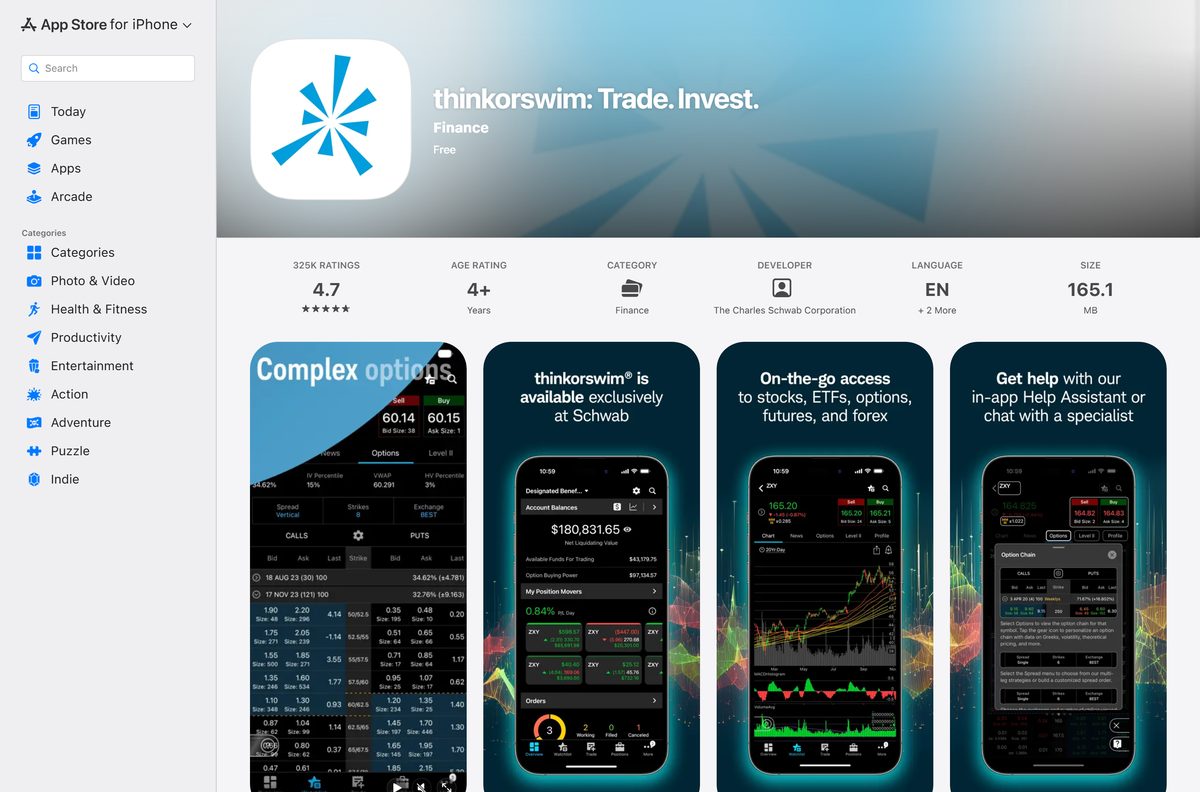
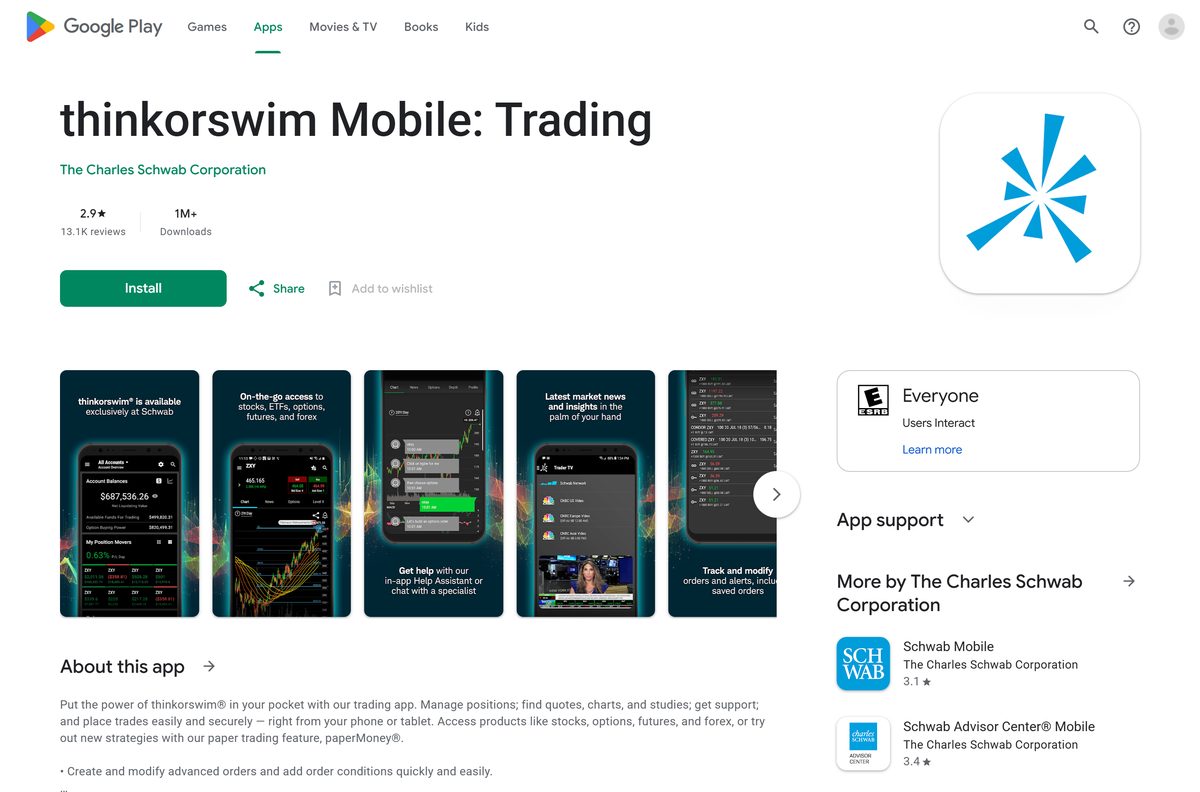
Yes. thinkorswim mobile is on the App Store for iPhone and iPad and on Google Play for Android phones and tablets. Schwab clients log in with the same account they use on the desktop platform.






