Snip & Sketch is free and Microsoft still ships it. Open Store product 9MZ95KL8MR0L on a Windows 10 PC and the Snip & Sketch package installs, at no cost, from Microsoft Corporation.
That one listing behaves differently on Windows 11. There it installs Snipping Tool, the app Snip & Sketch grew into, which is why the same product page answers to both names.
This guide covers the official listing, the install steps on Windows 10, the winget command, which app your PC gets, what to use on a Mac, and fixes for the app not opening.
Which Snip & Sketch download do you need?
One Microsoft Store product serves both apps. Your Windows build decides which package arrives.
| Your PC | What the Store installs | Bundle size |
|---|---|---|
| Windows 10, build 17763 or later | Snip & Sketch, package 2021.2008.3001.0 | 5.68 MB |
| Windows 11, build 22000 or later | Snipping Tool, package 2022.2607.23.0 | 822.8 MB |
| Windows on Arm, either version | Same listing, ARM64 package | Inside the bundle |
| Windows 8.1 or Windows 7 | No package exists for either release | None |
| Mac | Apple Screenshot, already installed | None |
Each figure above is the whole multi-architecture bundle. One PC unpacks a single architecture, so the installed footprint is smaller.
Download Snip & Sketch from the official Microsoft source
Microsoft distributes this app in exactly one place. Anything else offering a setup file is republishing a Store app it does not own.
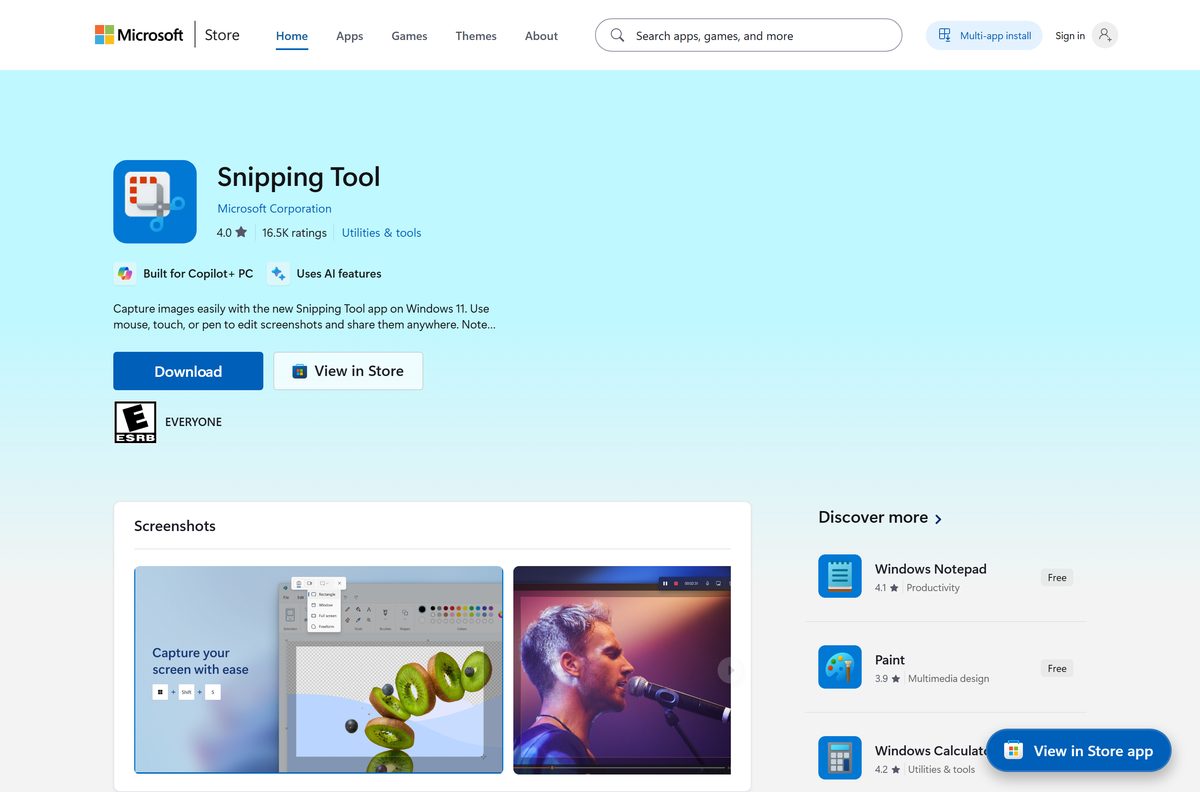
- Microsoft Store listing, product 9MZ95KL8MR0L — 5.68 MB on Windows 10 · publisher Microsoft Corporation, list price USD 0.00
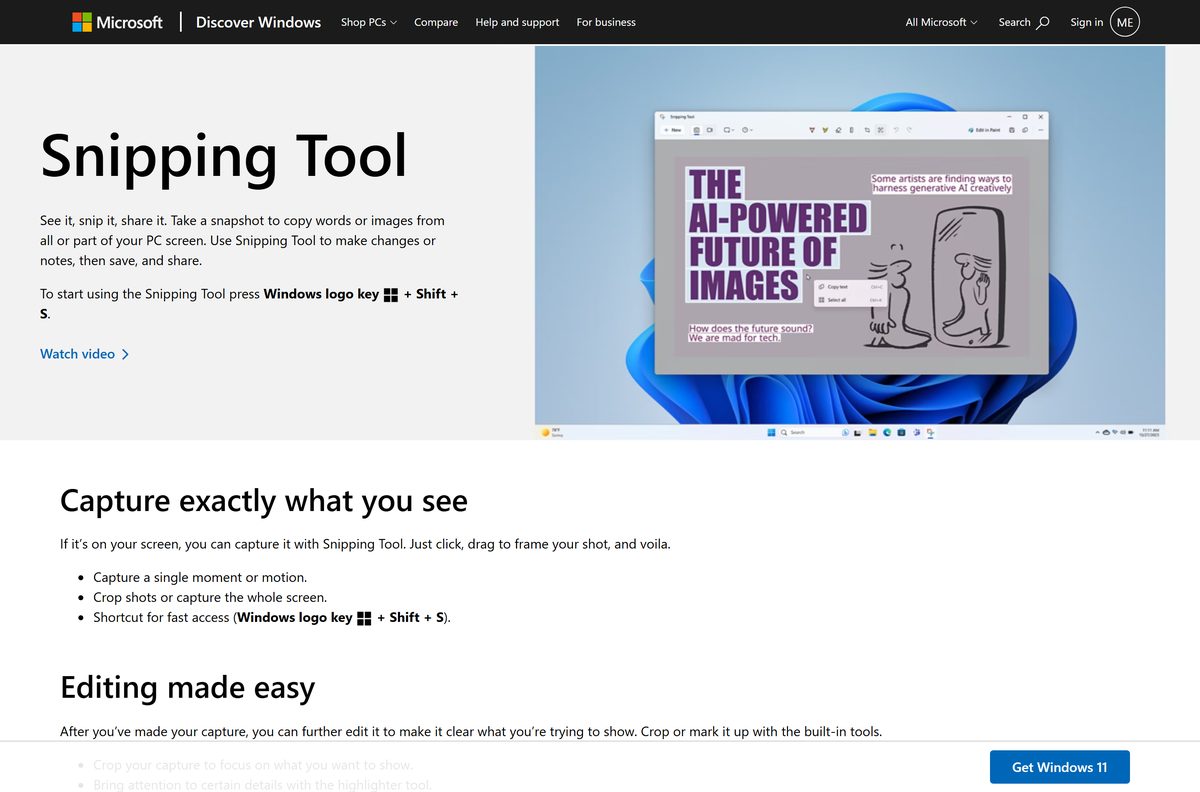
- Microsoft’s own screen-capture tips page — capture modes, the countdown delay and the highlighter
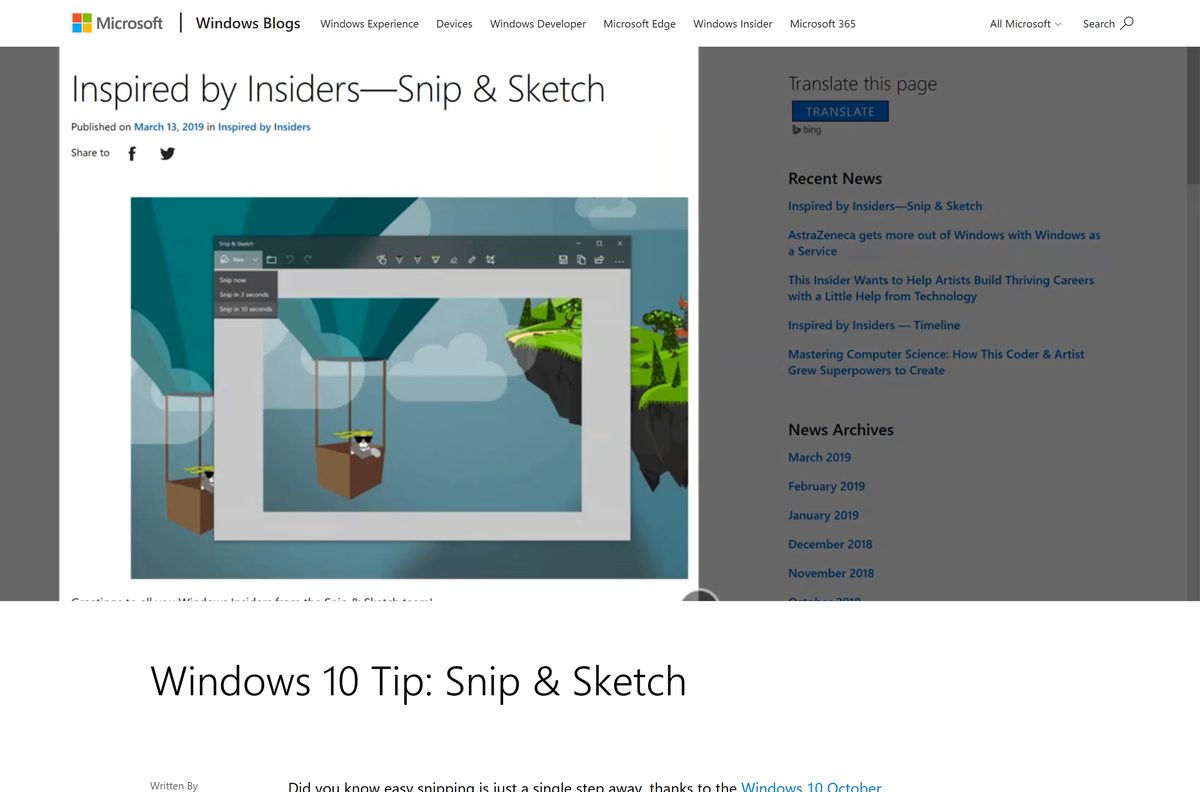
- Windows blog post on the app — the shortcuts, the snip types and where the app came from
The Store description spells the split out: the new Snipping Tool is available only on Windows 11, and a Windows 10 PC downloads Snip & Sketch instead.
Check the Snip & Sketch system requirements
The app inherits the requirements of the Windows build it lands on. The floor is Windows 10 version 1809.
| Field | Value |
|---|---|
| Developer | Microsoft Corporation |
| Latest version | 2021.2008.3001.0 on Windows 10 |
| Windows 11 package | 2022.2607.23.0, shipped as Snipping Tool |
| Package identity | Microsoft.ScreenSketch |
| Package family name | Microsoft.ScreenSketch_8wekyb3d8bbwe |
| Store product ID | 9MZ95KL8MR0L |
| Price | Free, USD 0.00 |
| Supported OS | Windows 10 build 17763 or later, Windows 11 build 22000 or later |
| Architecture | x86, x64 and ARM64 on Windows 10; x64 and ARM64 on Windows 11 |
| Bundle size | 5.68 MB on Windows 10, 822.8 MB on Windows 11 |
| Offline installer | None, the Store is the only delivery channel |
| Mac version | None |
| Windows 11 hardware floor | 1 GHz dual-core 64-bit CPU, 4 GB RAM, 64 GB storage, TPM 2.0, Secure Boot |
| Official download source | Microsoft Store, apps.microsoft.com |
| Last verified | 2026-09-22 |
How to install Snip & Sketch on Windows 10
A Windows 10 PC that has been reset, or had the app removed, gets it back from the Store in about a minute.
- Select Start, then open Microsoft Store.
- Search for Snipping Tool, or open product 9MZ95KL8MR0L directly.
- Check that the publisher line reads Microsoft Corporation.
- Select Get, or Install if the app has been on this PC before.
- Wait for the button to change to Open, then select it.
- Press Windows + Shift + S to confirm the capture toolbar appears.
- Drag a rectangle over any part of the screen to take a first snip.
- Select the notification that follows to open the snip for annotation.
A Windows 10 PC below build 17763 gets nothing from the listing. Install the 1809 feature update first.
Install Snip & Sketch with winget from the command line
The Store product also installs from a terminal, which is faster on a PC you are setting up from scratch.
- Right-click Start and select Windows PowerShell or Terminal.
- Run winget install 9MZ95KL8MR0L -s msstore to pull the package by its Store ID.
- Accept the source agreement prompt the first time you use the msstore source.
- Wait for the installer to report Successfully installed.
- Run Get-AppxPackage Microsoft.ScreenSketch to print the installed version.
- Press Windows + Shift + S to check that the capture toolbar opens.
Store IDs skip the usual –exact flag, because the msstore source treats each ID as unique on its own.
Is Snip & Sketch free?
Yes, and there is no paid tier to upgrade to. The Microsoft Store lists product 9MZ95KL8MR0L at USD 0.00 from Microsoft Corporation, with no subscription, no licence key and no trial period. Any site charging for a setup file, or bundling a “download manager” with it, is not Microsoft. The app also ships with Windows, so a supported PC already has it before anything is installed.
Should you use Snip & Sketch or Snipping Tool?
This is not really a choice. Your Windows version makes it for you, because both names point at one Store product.
Snip & Sketch arrived as Screen Sketch inside the Windows Ink Workspace, which is why the package is still called Microsoft.ScreenSketch today.
Use whichever app the Store gives your PC. On Windows 10 that is Snip & Sketch, package 2021.2008.3001.0, the last build Microsoft compiled for that platform. On Windows 11 the same product ID installs Snipping Tool, which added screen recording, text extraction and GIF export on top of the same capture engine. Upgrading the PC is the only way to move between them, and the Snipping Tool download guide covers that app in full.
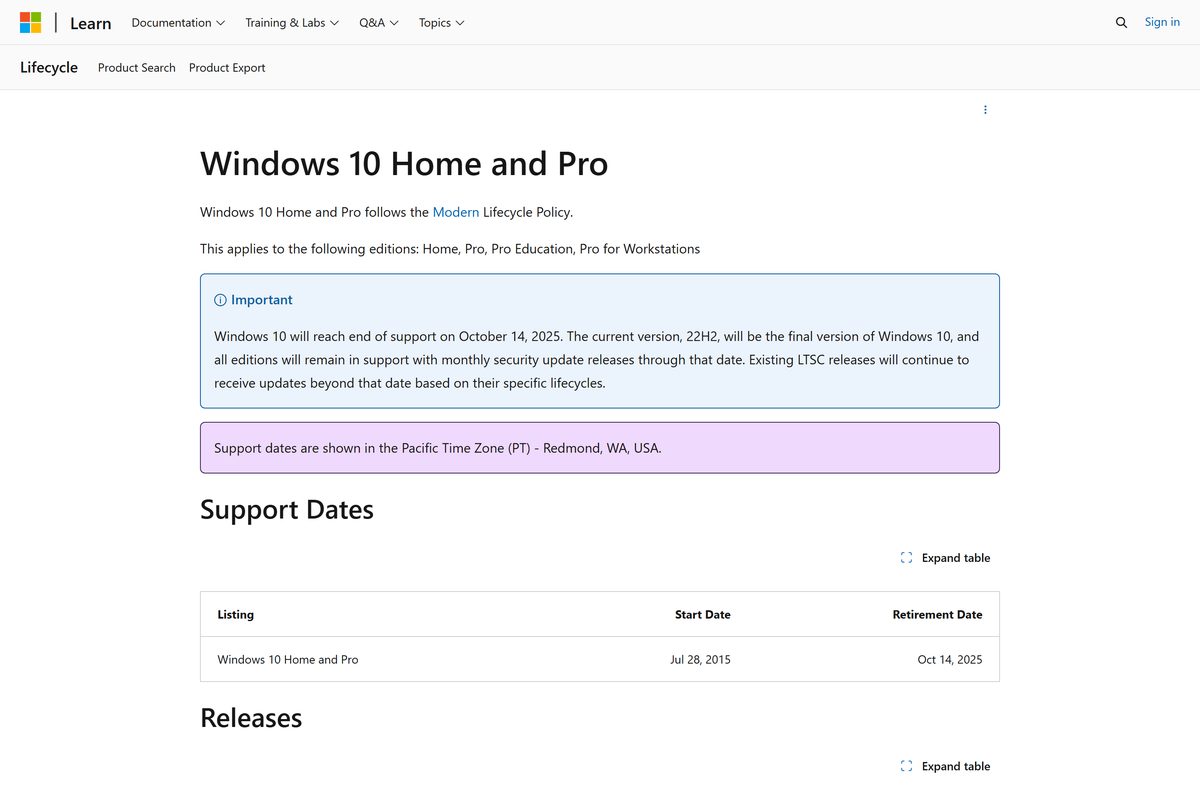
Windows 10 reached end of support on October 14, 2025, and 22H2 was its final version. The Windows 10 package stopped gaining features well before that.
How to check your Snip & Sketch version and update it
The Store updates the app silently, so the version on screen is the fastest way to tell what you have.
- Open Microsoft Store and select the account icon, then Downloads and updates.
- Select Get updates and let the queue finish.
- Open Settings on Windows 10, then Apps, then Apps & features.
- Search the list for the snipping app and select it, then select Advanced options.
- Read the version string at the top of that page.
- Compare it with 2021.2008.3001.0, the last Windows 10 package Microsoft published.
- Run Get-AppxPackage Microsoft.ScreenSketch | Select Name, Version for the same answer in one line.
What Snip & Sketch can capture
Every capture lands on the clipboard first, then offers itself to the app for markup.
| Capture | How you start it | What you get |
|---|---|---|
| Rectangular snip | Windows + Shift + S, then drag | The selected area, straight to the clipboard |
| Freeform snip | Windows + Shift + S, then the freeform icon | Any shape you draw around the subject |
| Window snip | Windows + Shift + S, then the window icon | One window, without the desktop behind it |
| Full screen | Windows + Shift + S, then the full-screen icon | Everything on the display |
| Delayed snip | The countdown timer inside the app | Time to open a menu before the capture fires |
| Pen markup | The pen and highlighter in the editor | Annotation over the snip before you share it |
A digital pen’s tail button and the Screen snip quick action in Action Center open the same toolbar.
Which Snip & Sketch download do you need for your Mac?
There is no macOS build, and no Microsoft plan to ship one. macOS covers the same jobs without an install.
| What you want to capture | Mac shortcut | Where it lands |
|---|---|---|
| The whole screen | Shift-Command-3 | A .png file on the desktop |
| A selected area | Shift-Command-4 | A .png file on the desktop |
| One window or the menu bar | Shift-Command-4, then Space | A .png file on the desktop |
| The capture toolbar itself | Shift-Command-5 | The Screenshot app, with recording options |
Apple names each file after the date and time it was taken, and saves screen recordings as .mov instead.
How to make the Print Screen key open Snip & Sketch
Print Screen copies the whole display by default. One setting turns it into the capture toolbar.
- Open Settings, then Ease of Access.
- Select Keyboard in the left column.
- Scroll to Print Screen shortcut.
- Turn on Use the PrtScn button to open screen snipping.
- Sign out and back in if the key still copies the full screen.
- Press Print Screen and confirm the toolbar appears at the top of the display.
The Windows + Shift + S shortcut keeps working either way, so nothing is lost by leaving the setting off.
Fix Snip & Sketch not opening or not installing
The Store listing shows Snipping Tool, not Snip & Sketch
One product ID serves both names, and the page title follows the newer app.
- Check the publisher line reads Microsoft Corporation.
- Select Get anyway.
- Look at the Start menu tile after install: a Windows 10 PC labels it Snip & Sketch.
The Get button is greyed out or the install fails
The Store cache is stale, or the PC is below build 17763.
- Press Windows + R, type wsreset.exe and select OK.
- Wait for the Store to reopen on its own.
- Open Settings, then Update & Security, and install every pending update.
- Try the listing again once the PC restarts.
Windows + Shift + S does nothing
The app is present but its background component is not running.
- Open Settings, then Apps & features, and select the snipping app.
- Select Advanced options, then Terminate.
- Select Repair, and Reset only if Repair changes nothing.
- Press Windows + Shift + S again.
Snips save but the notification never appears
Notifications for the app are switched off, so the editor is never offered.
- Open Settings, then System, then Notifications & actions.
- Find the snipping app in the list and turn its notifications on.
- Turn off Focus assist if it is set to Priority only.
- Take a new snip and select the toast that appears.
The app is missing from Start entirely
It was uninstalled, or removed by a provisioning script on a managed PC.
- Run Get-AppxPackage Microsoft.ScreenSketch to confirm it is gone.
- Open product 9MZ95KL8MR0L in the Store and select Get.
- Sign in with a Microsoft account if the Store asks before installing.
- Ask your administrator to allow the package if a work PC blocks the install.
How to uninstall Snip & Sketch
Removing the app leaves your saved snips alone. They are ordinary image files on disk.
- Open Settings, then Apps, then Apps & features.
- Select the snipping app in the list, then select Uninstall.
- Confirm Uninstall in the prompt.
- Run Get-AppxPackage Microsoft.ScreenSketch | Remove-AppxPackage instead if the button is greyed out.
- Open Settings, then Ease of Access, then Keyboard, and turn the Print Screen shortcut back off.
- Reinstall at any time from product 9MZ95KL8MR0L at no cost.
What you can use instead of Snip & Sketch
Every option below is already on a supported PC, so none of them needs a download.
| Tool | Opens with | Use it when |
|---|---|---|
| Snipping Tool on Windows 11 | Windows + Shift + S | Your PC runs Windows 11 and you want recording and text extraction |
| Xbox Game Bar | Windows + G | You need a clip of a game or an app window |
| Print Screen alone | Print Screen | A full-screen copy on the clipboard is enough |
| Alt + Print Screen | Alt + Print Screen | You want only the active window, with no editor |
| Apple Screenshot on a Mac | Shift-Command-5 | You are on macOS rather than Windows |
Frequently asked questions
Is Snip & Sketch free to download?
Yes. The Microsoft Store lists product 9MZ95KL8MR0L at USD 0.00 from Microsoft Corporation. There is no paid tier, no subscription and no licence key to buy afterwards.
What is the official Snip & Sketch download page?
The Microsoft Store listing at apps.microsoft.com/detail/9mz95kl8mr0l, published by Microsoft Corporation. The page is titled Snipping Tool, and a Windows 10 PC installs Snip & Sketch from it.
Has Snip & Sketch been removed from the Microsoft Store?
No. The product ID that carried it is still live and still free. Microsoft renamed the listing after the Windows 11 app, and the Windows 10 package is served from the same page.
Does Snip & Sketch work on Windows 11?
Not as a separate app. Windows 11 receives Snipping Tool from the same listing, and the capture shortcut and snip modes carry over unchanged. The package name stays Microsoft.ScreenSketch on both.
How big is the download?
The Windows 10 bundle is 5.68 MB and the Windows 11 bundle is 822.8 MB. Both figures cover every architecture in the package, so a single PC unpacks less than that.
Is there an offline installer or an .exe?
No. Microsoft ships the app only through the Microsoft Store, so installing it needs an internet connection and a working Store service on the PC.
Does it run on 64-bit and ARM64 PCs?
Yes. The Windows 10 package carries x86, x64 and ARM64 builds, and the Windows 11 package carries x64 and ARM64. The Store picks the right one for your processor.
Which version is current?
2021.2008.3001.0 is the last Windows 10 package. Windows 11 PCs receive 2022.2607.23.0 instead, which is the same product ID at a newer build.
Is Snip & Sketch safe to install?
Yes, from the Store listing. The package is signed by Microsoft Corporation and delivered by the Store itself, which is why a setup file offered anywhere else is worth skipping.
Is there a Snip & Sketch for Mac?
Microsoft publishes none. macOS has the Screenshot app built in, opened with Shift-Command-5, and Shift-Command-4 captures a selected area straight to the desktop.
Why won’t Snip & Sketch install on my PC?
The PC is usually below Windows 10 build 17763, or the Store cache is stale. Install pending Windows updates, run wsreset.exe, then open the listing again.
Where did Snip & Sketch come from?
It started as Screen Sketch inside the Windows Ink Workspace, then became a standalone app in the Store. The package identity, Microsoft.ScreenSketch, still records that history.
Does Windows 10 still get updates for it?
No new feature work. Windows 10 reached end of support on October 14, 2025, and version 22H2 was its final release, so the Windows 10 package stands as published.