The Opera Mini download is free for Android phones and tablets, from Google Play or as an APK straight from opera.com. It installs in under a minute and cuts data use by up to 90%.
This guide covers the official links, install steps for Google Play and the APK, what to use on a PC, Mac or iPhone, updates, fixes for failed installs and removal.
Which Opera Mini download do you need?
Match your device to a row and follow that link. Opera Mini itself runs only on Android.
| Your device | Get this | From |
|---|---|---|
| Android phone or tablet with Google Play | Opera Mini on Google Play | Google Play, developer Opera |
| Android device without Google Play | Opera Mini APK | opera.com/download |
| Windows 11 or 10 PC, Mac or Linux | Opera or Opera GX desktop | opera.com/download |
| iPhone or iPad | Opera Browser with VPN | App Store, Opera Norway AS |
The Google Play build and the APK are the same browser. Google Play updates it automatically; the APK does not.
Download Opera Mini from Google Play or opera.com
Opera publishes Opera Mini in two places. Both are free.
- Opera Mini: Fast Web Browser on Google Play — Android, free, 500M+ downloads, contains ads
- Opera Mini APK from opera.com — Version 99.6.2254.2363, for Android devices without Google Play
- Opera Mini official page — Features, free data availability and data savings
The APK link sits on opera.com/download under Opera Mini for Android, next to Don’t have Google Play?
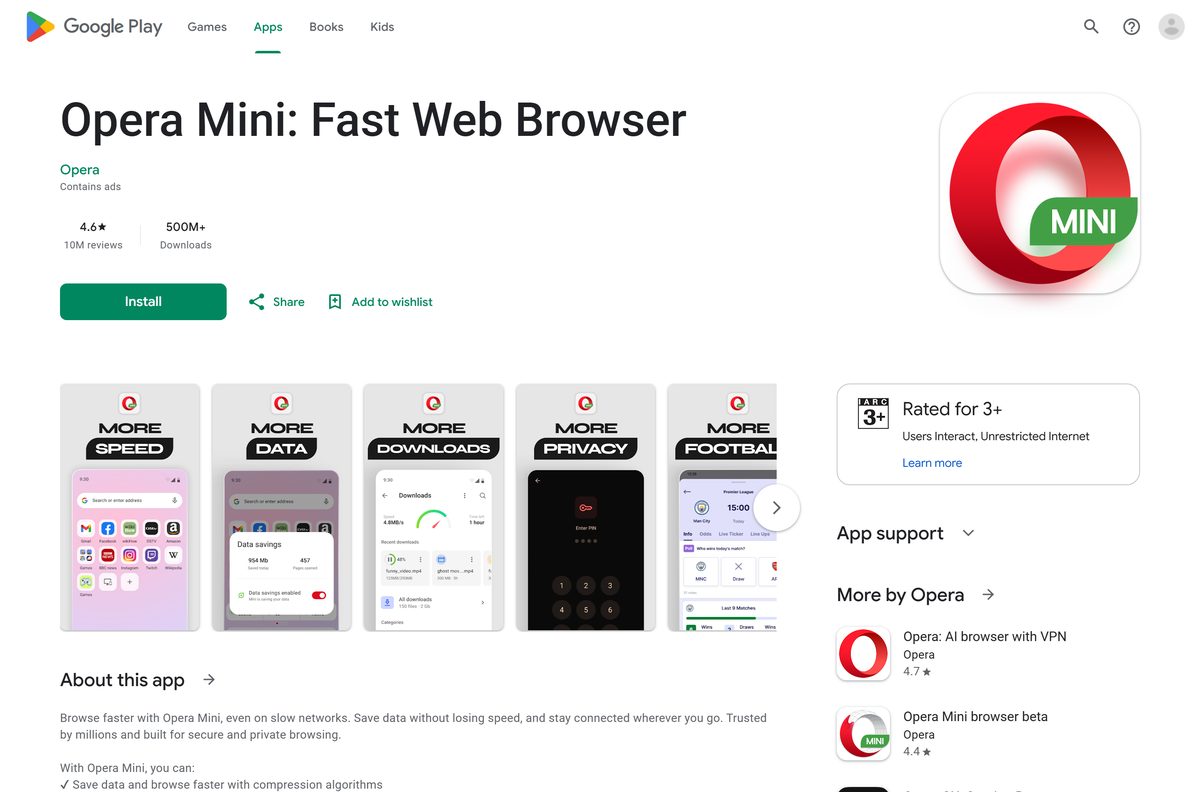
How to install Opera Mini on an Android phone from Google Play
- Open the Play Store on your Android phone or tablet.
- Search for Opera Mini and open Opera Mini: Fast Web Browser.
- Check that the developer shown under the name is Opera.
- Tap Install and wait for the download to finish.
- Tap Open to start Opera Mini.
- Accept the terms, then choose your data savings mode when prompted.
- Tap Set as default if you want links from other apps to open in Opera Mini.
Google Play keeps the app updated in the background once it is installed.
Install the Opera Mini APK on Android without Google Play
Use this route on Android phones that ship without Google Play. The APK is a full installer, so you can also copy it to a phone that is offline.
- Open opera.com/download in the phone’s browser.
- Scroll to Opera Mini for Android and tap Download the app here.
- Tap the downloaded operamini APK file in the notification or in Files.
- When Android warns about unknown apps, tap Settings.
- Turn on Allow from this source for the browser you downloaded with.
- Go back and tap Install.
- Tap Open to start Opera Mini.
Turn Allow from this source off again after the install. An APK copy does not update itself, so repeat these steps for each new release.
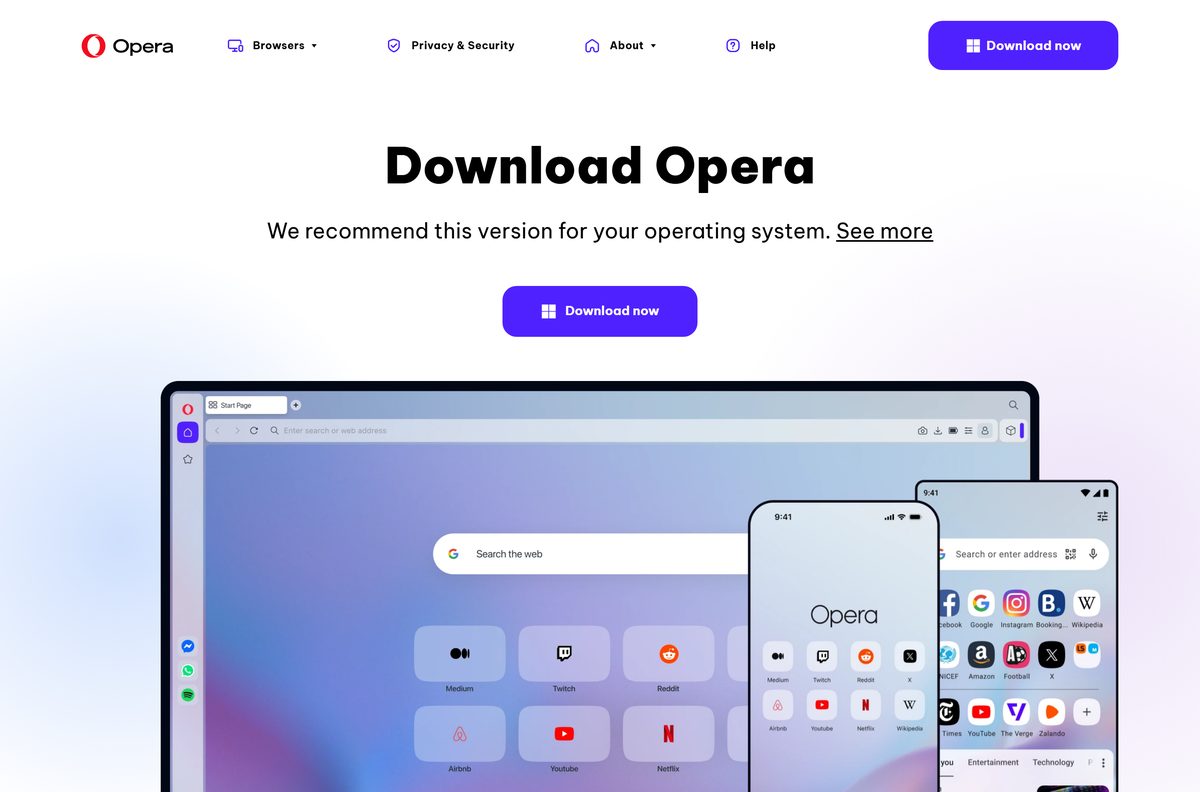
Which Opera browser should you install on a Windows PC or Mac?
Opera Mini has no Windows or macOS version. On a computer, install one of Opera’s desktop browsers instead. Both are free and come from the same download page.
| You want | Install | Platforms |
|---|---|---|
| A general desktop browser with a built-in ad blocker | Opera for Windows and macOS | Windows 64-bit, 32-bit and ARM, macOS, Linux |
| A gaming browser with CPU, RAM and network limits | Opera GX | Windows 64-bit and 32-bit, macOS |
Opera for Windows offers 64 bit, 32 bit and ARM offline packages under the main Download now button. For GX setup steps, see the Opera GX download guide.
Opera Mini or Opera for iPhone: which should you install?
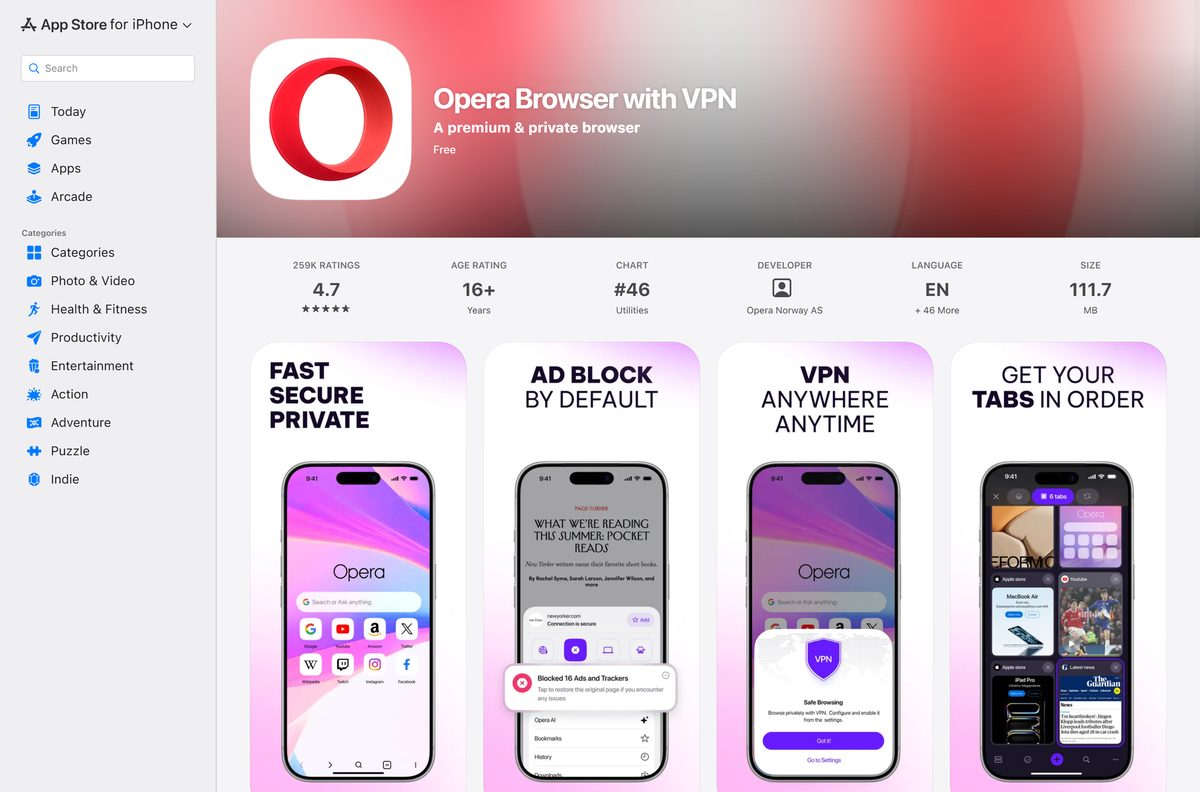
Opera Mini is not in the App Store. Opera’s browser for iPhone and iPad is a different app, Opera Browser with VPN.
On iPhone, install Opera Browser with VPN from the App Store. On Android, install Opera Mini when you want to save mobile data. Opera lists Opera Mini under Android only. Opera Browser with VPN is free, published by Opera Norway AS, and needs iOS 15.0 or later.
Is Opera Mini free to download and use?
Opera Mini costs nothing on Google Play or as an APK. The Play listing notes that it contains ads, and the built-in ad blocker hides ads on websites you visit.
Yes. Download it free from Google Play or opera.com and use every feature without paying. No paid edition exists. Free data, the ad blocker, private tabs, locked mode, AI chat and offline pages are all included.
Free data is available only in select countries. The Opera Mini page has a Check availability link for your market.
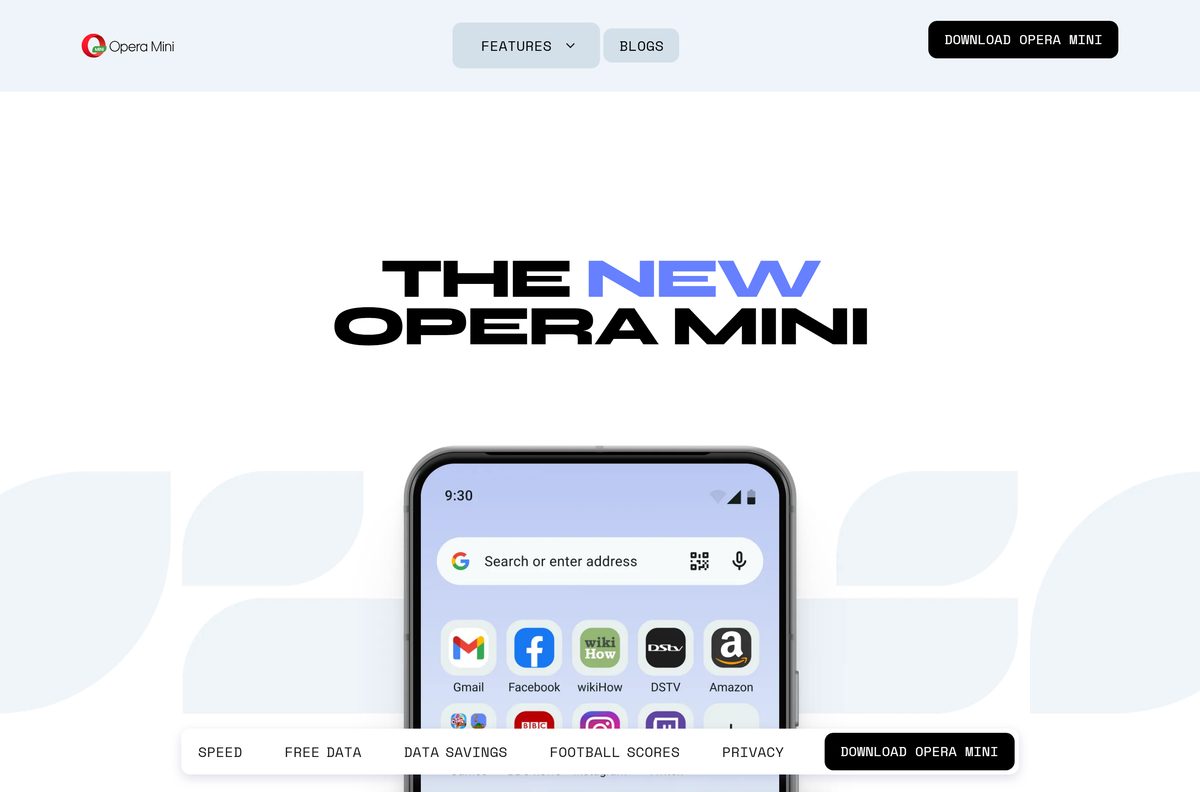
Check the Opera Mini requirements before you download
| Field | Value |
|---|---|
| Software | Opera Mini: Fast Web Browser |
| Developer | Opera |
| Latest version | 99.6.2254.2363 (opera.com APK); Google Play updated September 10, 2026 |
| License / Price | Free, contains ads |
| Supported OS | Android phones and tablets |
| iPhone and iPad | Not available; use Opera Browser with VPN (iOS 15.0 or later) |
| Windows 11 and 10 | Not available; use Opera or Opera GX desktop |
| macOS | Not available; use Opera or Opera GX for macOS |
| Official download source | Google Play and opera.com/download |
| Offline installer | Yes on Android (APK from opera.com) |
| Content rating | Everyone |
| Last verified | 2026-09-25 |
To see your Android version, open Settings, then About phone, then Software information.
How to check your Opera Mini version and update it
- Open Settings on your Android phone.
- Tap Apps, then Opera Mini.
- Scroll to the bottom of App info to read the version number.
- Open the Play Store, tap your profile icon, then Manage apps & device.
- Tap Updates available and tap Update next to Opera Mini.
- If you installed the APK, download the current APK from opera.com/download and install it over the old copy.
Installing a newer APK over the old one keeps your bookmarks and settings.
Fix Opera Mini not downloading or installing
Find the message that matches your screen and follow the fix under it.
Google Play stays on Pending
Another download is queued ahead of it, or the Play Store cache is stale.
- Open the Play Store, tap your profile icon, then Manage apps & device, and cancel other downloads.
- Open Settings, then Apps, then Google Play Store.
- Tap Storage, then Clear cache.
- Restart the phone and tap Install again.
Android says the APK is blocked or from an unknown source
Android blocks installs from browsers and file managers until you allow them.
- Tap Settings in the warning.
- Turn on Allow from this source.
- Go back and tap Install.
App not installed or There was a problem parsing the package
The APK download was cut short, or storage is full.
- Delete the partial APK from Files.
- Free space in Settings, then Storage.
- Download the APK again from opera.com/download on a stable connection.
Opera Mini will not install on a Windows PC
Opera Mini is an Android app, and an APK does not run on Windows.
- Open opera.com/download on the PC.
- Click Download now under Opera for Windows or Opera GX for Windows.
- Run the installer and follow the prompts.
How to uninstall Opera Mini
- Press and hold the Opera Mini icon on your home screen or app drawer.
- Tap Uninstall, or drag the icon to Uninstall.
- Tap OK to confirm.
- Or open the Play Store, search for Opera Mini and tap Uninstall.
Uninstalling deletes Opera Mini’s local data, including offline pages and files in the private download folder. Move any downloads you want to keep first.
Frequently asked questions
Is Opera Mini free to download?
Yes. Opera Mini is free on Google Play and as an APK from opera.com. There is no paid edition. The Google Play listing notes that the browser contains ads, and features such as free data depend on your country.
Where is the official Opera Mini download?
The official sources are the Opera Mini listing on Google Play, published by Opera, and the Android section of opera.com/download. The download page also offers the APK under Don’t have Google Play? for phones without the Play Store.
Can you install Opera Mini on a Windows 11 or Windows 10 PC?
No. Opera Mini is an Android browser, and Opera ships no Windows build of it. On a Windows 11 or Windows 10 PC, install the desktop Opera browser or Opera GX from opera.com/download instead. Both are free.
Is there an Opera Mini offline installer?
For Android, yes. The APK link on opera.com/download is a complete installer you can copy to a phone and install without Google Play. There is no PC offline installer, because there is no PC version of Opera Mini.
Is Opera Mini available for Mac?
No. Opera Mini has no macOS build. Mac users can download the free Opera browser or Opera GX for macOS from opera.com/download, which is the same page Opera links for every desktop browser.
Is Opera Mini available on iPhone?
No. Opera Mini is not on the App Store, and opera.com lists it under Android only. On iPhone, Opera’s browser is Opera Browser with VPN, a free App Store app from Opera Norway AS that needs iOS 15.0 or later.
Is there a 64-bit Opera Mini for PC?
No. Opera Mini is not a PC program, so there is no 32-bit or 64-bit Windows build. For 64-bit, 32-bit or ARM Windows, download the desktop Opera browser, which opera.com offers as offline packages for all three.
Is Opera Mini safe to download?
Yes, from Google Play or opera.com. Check that the Play listing names Opera as the developer. Avoid APK mirror sites, because a modified APK can carry malware and does not update through Google Play.
What is the latest version of Opera Mini?
The APK that opera.com serves is Opera Mini 99.6.2254.2363. The Google Play listing was updated on September 10, 2026, and adds a status saver plus stability and performance fixes.
Why can’t I download Opera Mini?
The most common causes are a full phone, a stalled Google Play queue, or Android blocking an APK from an unknown source. Free storage, clear the Play Store cache, or allow your browser to install unknown apps, then try again.
How do I uninstall Opera Mini?
Press and hold the Opera Mini icon, then tap Uninstall. You can also open Google Play, find Opera Mini and tap Uninstall. Removing the app deletes its local data, including offline pages and private downloads.






