The Mozilla Firefox download for Windows 11, Windows 10 and Mac is free, and it comes straight from Mozilla at firefox.com. Firefox 156.0.1 is the current release.
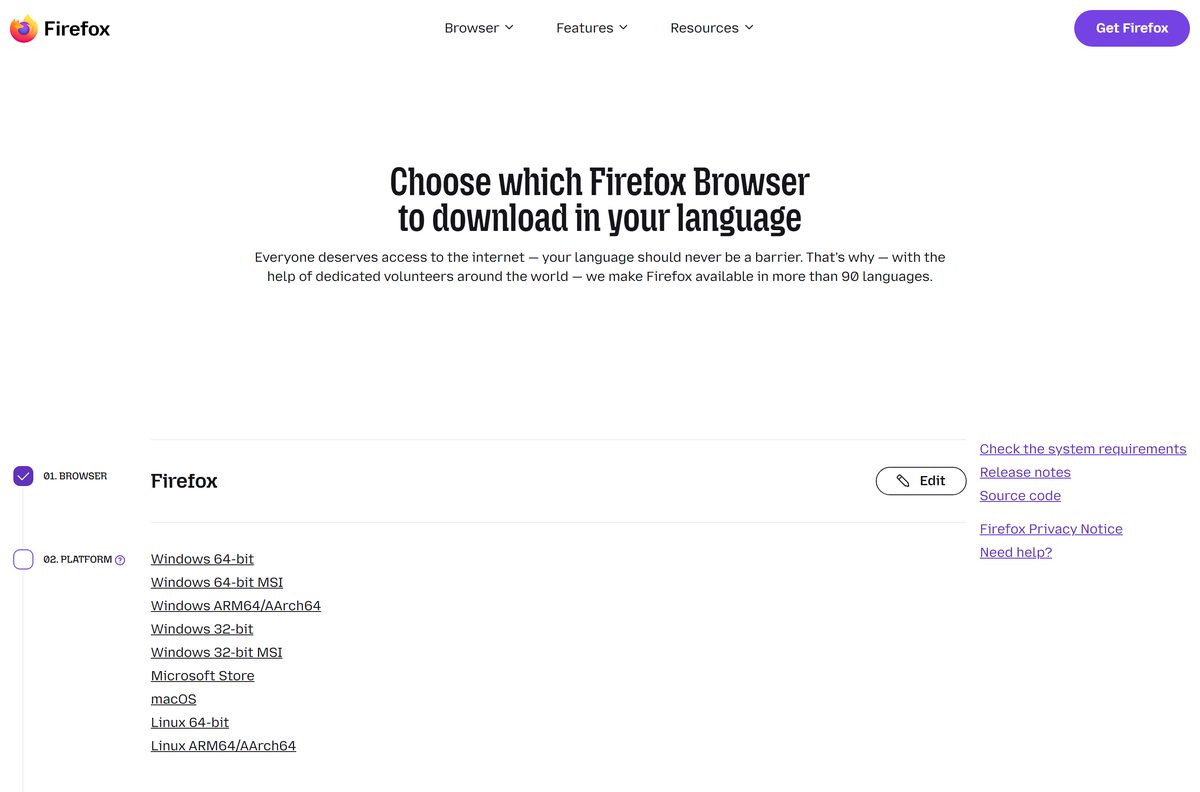
One page carries installers for 64-bit, ARM64 and 32-bit Windows, a single Mac build for Intel and Apple silicon, and Linux tarballs.
Below are the official files, install steps for Windows and Mac, the Microsoft Store route, MSI packages for IT, the ESR builds for older systems, setup fixes and clean removal.
Which Mozilla Firefox download do you need?
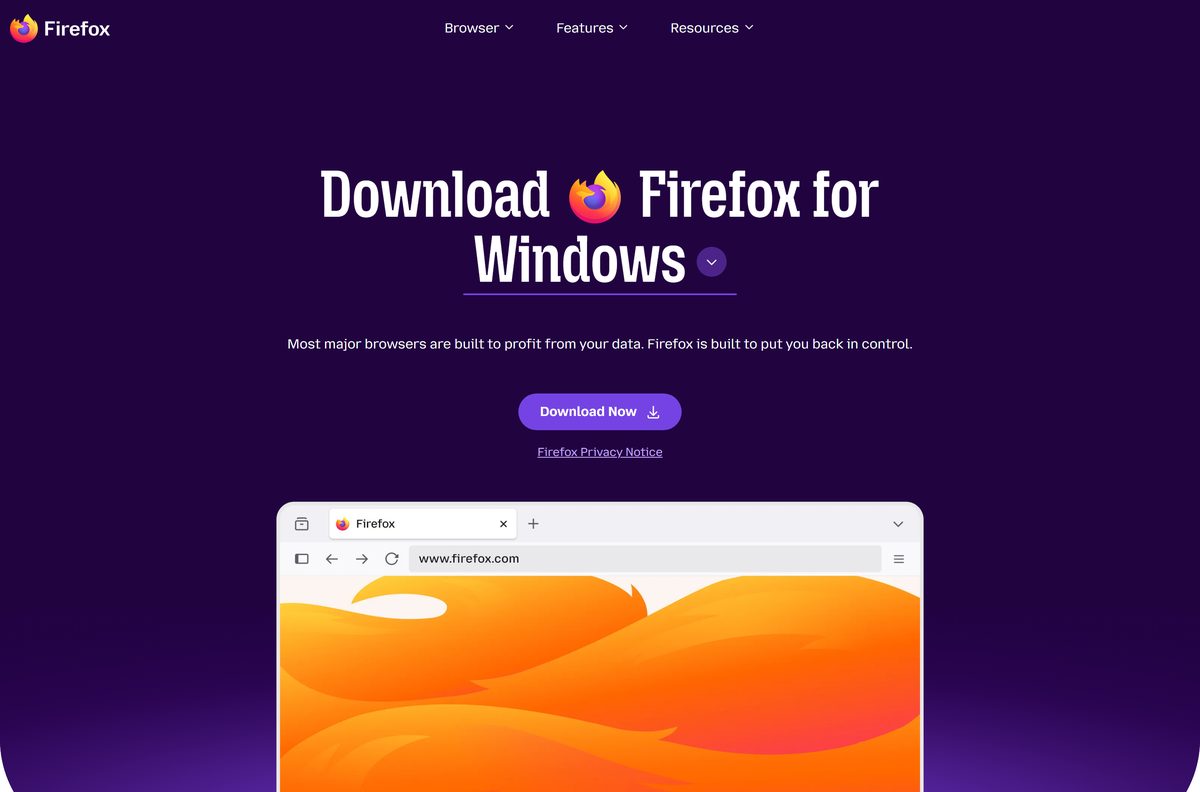
The big Download Now button hands Windows users a small stub installer. Every row below is a full installer that carries the whole browser, so it also works offline.
| Your machine | File to get | Type |
|---|---|---|
| Windows 11 or Windows 10, 64-bit Intel or AMD | Firefox Setup (Windows 64-bit) | Full installer |
| Windows 11 on ARM, such as Snapdragon laptops | Firefox Setup (Windows ARM64) | Full installer |
| Windows 10, 32-bit | Firefox Setup (Windows 32-bit) | Full installer |
| Any Windows PC with a steady connection | Firefox Installer (stub) | Downloads the browser during setup |
| Mac on macOS 10.15 or later | Firefox for macOS (.dmg) | Intel and Apple silicon |
| Linux, 64-bit | Firefox for Linux 64-bit (.tar.xz) | Tarball |
| Linux, ARM64 | Firefox for Linux ARM64 (.tar.xz) | Tarball |
Each link gives the US English build. Pick another of more than 90 languages on the custom download page.
Download Firefox for Windows 11 and 10 from the official page
Mozilla serves every build from firefox.com and download.mozilla.org. The Microsoft Store listing is published by Mozilla too.
- Firefox for Windows (official download page) — the Download Now button gives the stub installer
- Firefox for Mac (official download page) — one disk image for Intel and Apple silicon
- Firefox for Linux (official download page) — 64-bit and ARM64 tarballs, plus the APT repository
- Every build and language — release, Beta, Developer Edition, Nightly and ESR
- Mozilla Firefox on the Microsoft Store — free, updated by the Store
A site that asks for payment or a licence key before the download is not Mozilla’s.
How to install Firefox on Windows 11 and 10
Setup needs no account. The stub installer must stay online until it finishes.
- Open firefox.com/en-US/download/windows and select Download Now.
- Open Firefox Installer.exe from your Downloads folder.
- Select Yes at the User Account Control prompt.
- Select Install anyway if Windows warns about an unverified app.
- Follow the on-screen instructions until the installer closes.
- Open Firefox from the Start menu or the desktop shortcut.
The Install anyway prompt comes from your Windows app recommendation settings. Adjust those settings if they block the installer every time.
Install Firefox from the Microsoft Store or with winget
The Store version updates through the Store itself, so you never run an installer by hand.
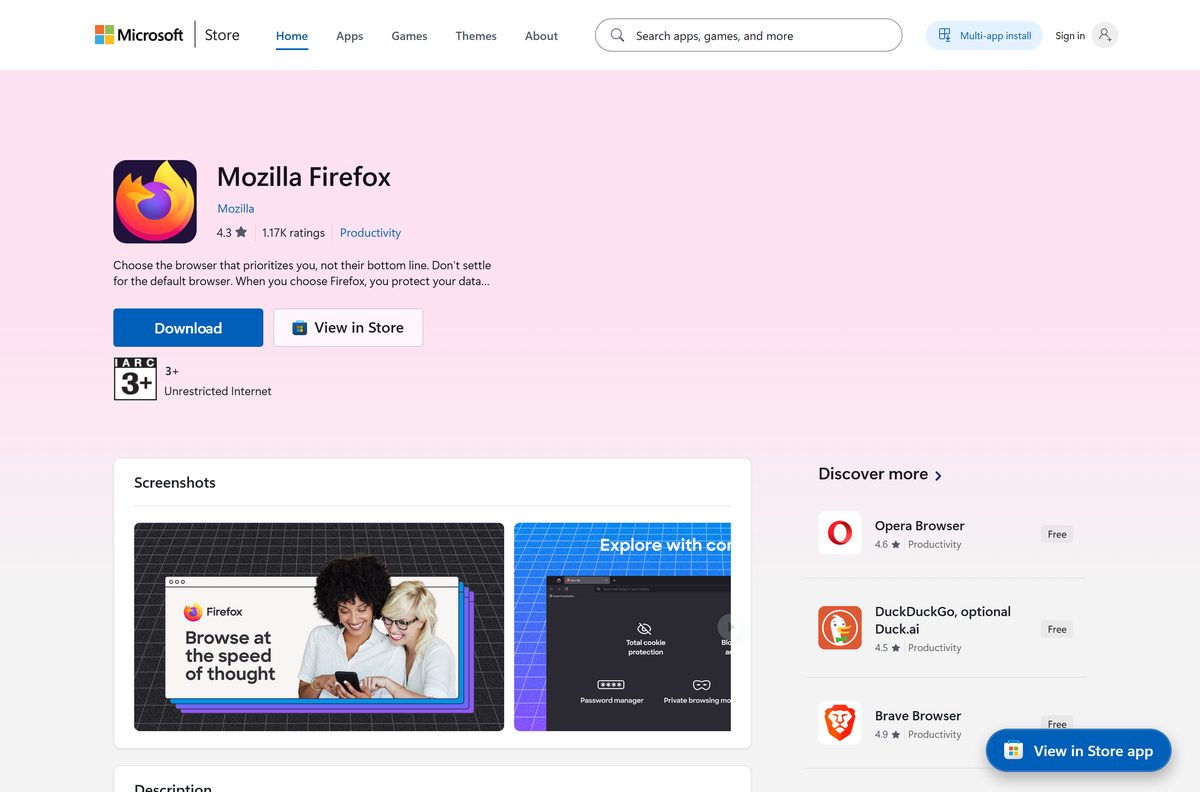
- Open the Mozilla Firefox listing on the Microsoft Store.
- Check that the publisher reads Mozilla.
- Select Get, then Install.
- For a command-line install, open Terminal and run winget install –id 9NZVDKPMR9RD –source msstore instead.
- Launch Firefox from the Start menu once the install finishes.
The Store carries x64, ARM64 and x86 packages and needs Windows 10 build 17763 or newer. Mozilla notes minor differences in behaviour and capabilities in the Store build.
Download the Firefox MSI package for deployment
Mozilla publishes MSI installers for corporate IT, for both the rapid release and ESR.
| Package | Channel | Link |
|---|---|---|
| Firefox MSI, Windows 64-bit | Release, every four weeks | Firefox Setup (64-bit MSI) |
| Firefox MSI, Windows 32-bit | Release, every four weeks | Firefox Setup (32-bit MSI) |
| Firefox ESR MSI, Windows 64-bit | ESR, annual major release | Firefox ESR Setup (64-bit MSI) |
Start a silent install from an elevated prompt with msiexec /i “Firefox Setup 156.0.1.msi” /qn , using the file name you downloaded.
Lock settings with the policy templates Mozilla publishes. Test the package on one machine before you push it to the fleet.
Which Firefox download do you need for your Mac?
Open the Apple menu and select About This Mac to read your macOS version, then match it to a row.
| Your macOS | File to get | Note |
|---|---|---|
| macOS 10.15 Catalina or later | Firefox for macOS (.dmg) | One build for Intel and Apple silicon |
| macOS 10.14 Mojave or older | Firefox ESR 115 for macOS (.dmg) | The current release no longer supports these versions |
To install, open Firefox.dmg, drag the Firefox icon into the Applications folder, then open Applications and add Firefox to the Dock.
Is Mozilla Firefox free?
Firefox is free to download and use on Windows, Mac, Linux, Android and iPhone, with no paid edition of the browser. Every installer on firefox.com costs nothing, and the Microsoft Store lists Mozilla Firefox at $0.00. The MSI packages and ESR builds for businesses are free as well. Nobody sells a licence key for Firefox, so a page asking for one is not Mozilla’s.
Firefox or Firefox ESR: which should you install?
Install the regular Firefox release unless you manage a fleet or run an old operating system. The regular release brings new features and stable updates every four weeks. Firefox ESR moves to a new major version once a year and gets regular security fixes in between, which suits managed machines. ESR 115 is also the only branch left for Windows 8.1 and older and for macOS 10.14 and older.
Get ESR for Windows as the 64-bit ESR 115 installer or the 32-bit ESR 115 installer. Newer PCs that want ESR take the current ESR installer.
What are the Mozilla Firefox system requirements?
The hardware bar is low. The operating system version is what decides between the release and ESR.
| Item | Detail |
|---|---|
| Software | Mozilla Firefox |
| Developer | Mozilla |
| Latest version | 156.0.1 (September 22, 2026); ESR 140.16.0esr and 115.41.0esr |
| License | Free |
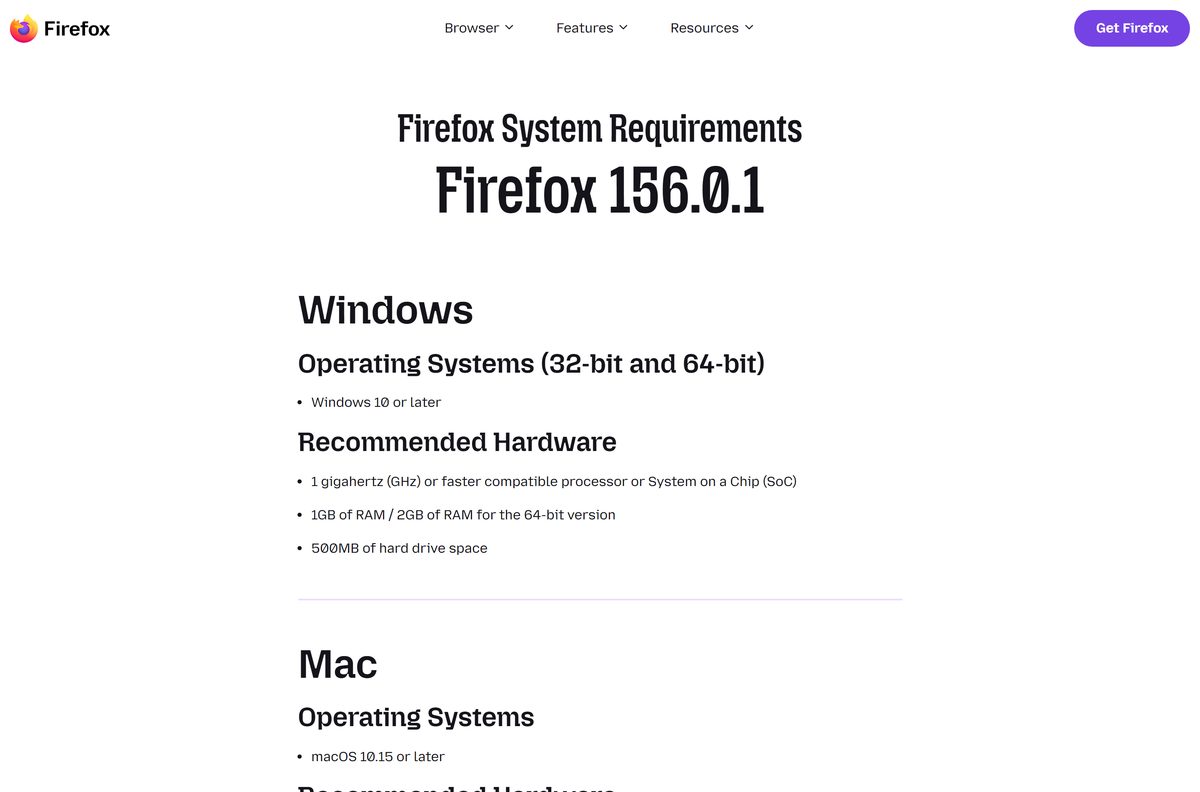
| Windows | Windows 10 or later; 1 GHz processor; 1 GB RAM (2 GB for 64-bit); 500 MB disk space |
| macOS | macOS 10.15 or later; Intel or Apple silicon; 512 MB RAM; 200 MB disk space |
| Linux | glibc 2.17 or higher (2.28 for ARM64), GTK+ 3.14 or higher, libstdc++ 4.8.1 or higher |
| Architecture | Windows x64, ARM64 and 32-bit; Mac universal; Linux x64 and ARM64 |
| Offline installer | Yes, the full installers and MSI packages |
| Official source | firefox.com and the Microsoft Store |
| Last verified | 2026-09-24 |
Press Windows + R, type winver and select OK to read your Windows version before you choose a build.
Fix Firefox not installing on Windows 11 or 10
Four causes account for most failed installs, and each has its own fix.
The installer stalls or fails partway through
The default download is a stub that pulls Firefox from the internet during setup, so a dropped or filtered connection stops it.
- Close the stalled installer.
- Download the full 64-bit installer instead.
- Run the new file, which needs no connection during setup.
Windows blocks the file as an unverified app
Your Windows app recommendation settings are set to warn about or block apps from outside the Microsoft Store.
- Select Install anyway on the prompt.
- If no such button appears, adjust your app recommendation settings under Settings and Apps.
- Or install from the Microsoft Store listing instead.
The installer says your Windows version is not supported
Current Firefox needs Windows 10 or later. Windows 8.1 and older are limited to ESR 115.
- Press Windows + R, type winver and select OK.
- Download the 64-bit ESR 115 installer if it shows Windows 8.1 or older.
- Run the file and follow the on-screen instructions.
The file will not run on an ARM or 32-bit PC
The downloaded build does not match the processor.
- Open Settings, System, About and read System type.
- Take the ARM64 or 32-bit build from the table at the top of this page.
- Delete the old file and run the new one.
How to uninstall Firefox from Windows 11 or 10
Windows removes Firefox through the same Apps page as any other program.
- Close every Firefox window.
- Open Settings and select Apps, then Installed apps.
- Find Mozilla Firefox in the list.
- Select More (the three dots), then Uninstall.
- Follow the prompts until the uninstaller closes.
- On older layouts, open Control Panel, select Programs and Programs and Features, right-click Mozilla Firefox and select Uninstall.
Should you try Firefox Beta, Developer Edition or Nightly instead?
Mozilla ships three preview channels and one long-term channel beside the stable release.
| Channel | Who it suits | Link |
|---|---|---|
| Firefox Beta | Users who want to preview the next release | Firefox Beta downloads |
| Firefox Developer Edition | Web developers testing sites and extensions | Developer Edition downloads |
| Firefox Nightly | Testers who accept nightly builds and occasional breakage | Firefox Nightly downloads |
| Firefox ESR | Managed PCs and older operating systems | Firefox ESR downloads |
For everyday browsing, stay on the regular release. It gets the tested version of every feature the other channels preview.
Frequently asked questions
Is Mozilla Firefox free?
Yes. Firefox is free to download and use on Windows, Mac, Linux, Android and iPhone, and the Microsoft Store lists it at $0.00. There is no paid edition, and the MSI and ESR builds for businesses are free too.
Where is the official Firefox download page?
Mozilla publishes every desktop build at firefox.com/en-US/download, with installers served from download.mozilla.org. The Microsoft Store also lists Mozilla Firefox under publisher Mozilla. Files offered anywhere else are not Mozilla’s.
Does Firefox work on Windows 11?
Yes. The current release supports Windows 10 and later, including Windows 11 on Intel, AMD and ARM64 processors. Mozilla publishes a native ARM64 build for Snapdragon laptops alongside the 64-bit and 32-bit installers.
Is there an offline installer for Firefox?
Yes. The Download Now button gives a stub that downloads Firefox during setup, but the full installers for 64-bit, ARM64 and 32-bit Windows carry the whole browser. The MSI packages and the Mac disk image work offline too.
Is Firefox available for Mac?
Yes. One disk image runs on Intel and Apple silicon Macs with macOS 10.15 Catalina or later. Macs on macOS 10.14 Mojave or older need Firefox ESR 115 from the same download page.
Is Firefox 64-bit or 32-bit?
Both. Mozilla publishes Windows 64-bit, Windows ARM64 and Windows 32-bit installers, plus 64-bit and 32-bit MSI packages. The Mac build covers Intel and Apple silicon, and Linux comes in 64-bit and ARM64.
What is the latest version of Firefox?
Firefox 156.0.1 is the current release, dated September 22, 2026. The Extended Support Release is at 140.16.0esr, and ESR 115.41.0esr serves Windows 8.1 and older and macOS 10.14 and older.
Can Firefox run on Windows 7 or 8.1?
Only as Firefox ESR 115. The current release needs Windows 10 or later, and Mozilla points older Windows versions to the ESR 115 installers in 64-bit and 32-bit form.
Is the Firefox installer safe?
The installers linked from firefox.com, download.mozilla.org and the Microsoft Store listing published by Mozilla are the genuine ones. If Windows warns about an unverified app, select Install anyway or adjust your app recommendation settings.
Why won’t Firefox install on my computer?
The common causes are a stub installer losing its connection, Windows app recommendation settings blocking the file, a Windows version older than 10, and a build that does not match the processor. Each has a fix in the troubleshooting section above.
Is there a Firefox MSI for deployment?
Yes. Mozilla publishes 64-bit and 32-bit MSI installers for the regular release and a 64-bit MSI for Firefox ESR, aimed at corporate IT. Group policy templates are published on Mozilla’s GitHub.