Microsoft PC Manager download is free from the Microsoft Store for Windows 11 and Windows 10. Install it in a couple of minutes, then clean up storage, cut pop-up interruptions and run a one-click health checkup.
Microsoft Corporation publishes the app, and the Download button on its official site hands you straight to the Store listing. One package covers both x64 and ARM64 PCs.
Below you will find the official links, install steps with and without the Store app, the winget command, and fixes for an install that stalls.
Check your PC against the Microsoft PC Manager requirements
Open Settings, then System, then About to read your Windows version and build before you start.
| Field | Detail |
|---|---|
| Software | Microsoft PC Manager (package Microsoft.MicrosoftPCManager) |
| Developer | Microsoft Corporation |
| Latest version | 3.22.6.0 |
| License / Price | Free |
| Download size | 188.3 MB Store bundle (x64 and ARM64 combined) |
| Installed size | 218.9 MB |
| Windows | Windows 10 build 19042 (version 20H2) or later, or Windows 11 |
| Architecture | x64 and ARM64; no 32-bit package |
| macOS | Not available |
| Store category | Security |
| Official download source | Microsoft Store |
| Offline installer | No |
| Last verified | 2026-09-24 |
A Windows 10 PC on build 19041 or earlier cannot install it. Run Windows Update first.
Which Microsoft PC Manager download do you need?
Every Windows PC gets the same Store package. Match your machine to a row to see what happens.
| Your computer | What to install | Size |
|---|---|---|
| Windows 11 PC, Intel or AMD | PC Manager on the Microsoft Store | 188.3 MB bundle |
| Windows 11 PC with an ARM64 chip | PC Manager on the Microsoft Store | Same bundle, native ARM64 |
| Windows 10 version 20H2 or later | PC Manager on the Microsoft Store | 188.3 MB bundle |
| Windows 10 older than build 19042 | Windows Update first, then the Store | Not supported until updated |
| Mac | Apple’s free-up-storage guide | Built into macOS |
Download Microsoft PC Manager from the official Microsoft pages
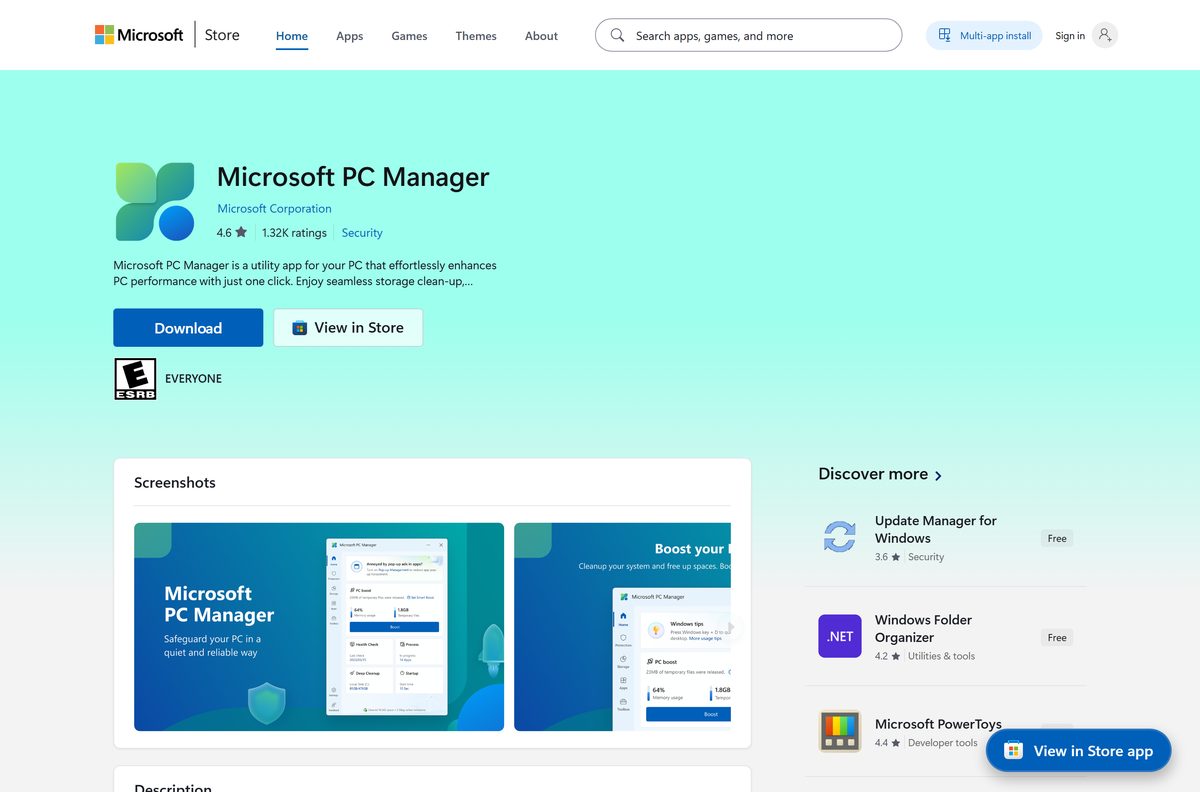
Microsoft Corporation publishes the Store listing, product ID 9PM860492SZD. A site offering a PC Manager .exe is not Microsoft.
- Microsoft PC Manager on the Microsoft Store — 188.3 MB · Windows 11 and Windows 10, free
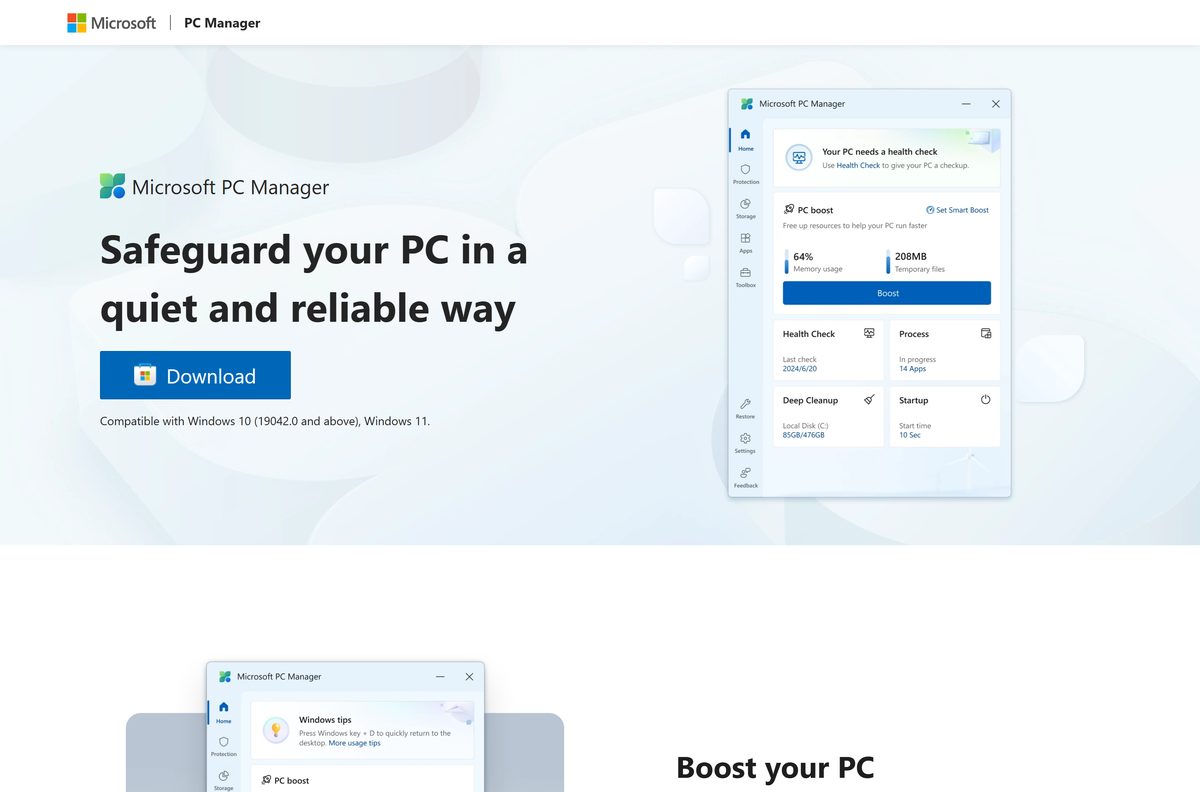
- Microsoft PC Manager official website — its Download button opens the same Store listing
The Store catalog lists PC Manager in 242 markets, including the US, UK, Canada, Australia, India, Germany, Japan and China.
How to install Microsoft PC Manager on Windows 11 and 10
Sign in to the Microsoft Store with a Microsoft account if it asks. The same listing serves x64 and ARM64 PCs.
- Open the Microsoft PC Manager website and select Download.
- Let the browser open the Microsoft Store app when it asks.
- Select Get or Install on the PC Manager listing.
- Wait for the 188.3 MB package to download and install.
- Select Open, or type PC Manager in the taskbar search and open it.
Install Microsoft PC Manager with winget from a terminal
Use winget when the Store app will not open, or to script the install across several PCs.
- Open Windows Terminal or PowerShell from the Start menu.
- Run winget install –id 9PM860492SZD –source msstore .
- Accept the Microsoft Store agreement prompt that winget shows.
- Open PC Manager from the Start menu once the install completes.
What to use instead of Microsoft PC Manager on a Mac
Microsoft lists PC Manager as compatible with Windows 10 and Windows 11 only. macOS has its own storage cleanup built in.
| Your goal on the Mac | What to use | Where |
|---|---|---|
| Free up disk space | Apple’s free-up-storage guide | Apple menu, System Settings, General, Storage |
| Review large files by category | Storage recommendations | Select More Info next to a category |
| Run PC Manager itself | PC Manager on a Windows PC | Windows 10 or Windows 11 only |
Is Microsoft PC Manager free?
The Microsoft Store lists PC Manager at $0.00, with no paid tier.
Install Microsoft PC Manager free from the Microsoft Store and pay nothing for any of its tools. Microsoft charges nothing for the app. A site asking for money, a license key or a “Pro” upgrade for PC Manager is not selling a Microsoft product.
Which PC Manager tool should you run for your problem?
PC Manager groups its tools into five areas. Start with the one that matches what is slowing you down.
| Your problem | PC Manager tool | What it does |
|---|---|---|
| The PC feels slow | Boost your PC | Cleans up the system and frees space |
| The C: drive is nearly full | Manage your storage | Finds large files and turns on Storage Sense |
| Ads and app pop-ups keep interrupting | Pop-up management | Reduces ads and app pop-up interruptions |
| Something seems wrong but you cannot name it | Health checkup | Finds and fixes issues, and scans for threats |
| You keep hunting for Windows tools | Toolbox & Mini toolbar | Puts built-in Windows tools in one place |
Storage Sense works on the system drive only, so clean other drives from Settings, System, Storage.
How to update Microsoft PC Manager
The Microsoft Store delivers every PC Manager update. Pull one manually if the automatic update has not arrived.
Update on Windows 11
- Select Start, then open Microsoft Store from the apps list.
- Select Library, then Get updates.
- Let the Store install the PC Manager update, then reopen the app.
Update on Windows 10
- Select Start, then open Microsoft Store.
- Select See more, then Downloads and updates, then Get updates.
- Reopen PC Manager once the update finishes.
Fix Microsoft PC Manager not installing on Windows 11 or 10
Match the symptom and work through its fixes in order.
The Store says the app does not work on this device
Windows 10 is older than build 19042.
- On Windows 10, select Start, Settings, Update & Security, Windows Update, Check for Updates.
- Install every update offered and restart.
- Open the Store listing again and select Get.
The download stalls or fails in the Store
An outdated Store app or pending Windows updates.
- On Windows 11, select Start, Settings, Windows Update, Check for updates.
- Open Microsoft Store, select Library, then Get updates to update the Store itself.
- On Windows 10, select Start, Settings, Update & Security, Troubleshoot, Windows Store apps, Run the troubleshooter.
- Retry the install, or use the winget command above.
PC Manager installed but will not open
Damaged app data.
- On Windows 11, select Start, Settings, Apps, Installed apps.
- Select More next to PC Manager, then Advanced options.
- Select Repair. If that fails, select Reset.
- On Windows 10, use Settings, Apps, Apps & features, select PC Manager, then Advanced options.
Repair and Reset did not help
A broken install.
- Uninstall PC Manager with the steps below.
- Open Microsoft Store and select Library.
- Find Microsoft PC Manager and select Install.
How to uninstall Microsoft PC Manager
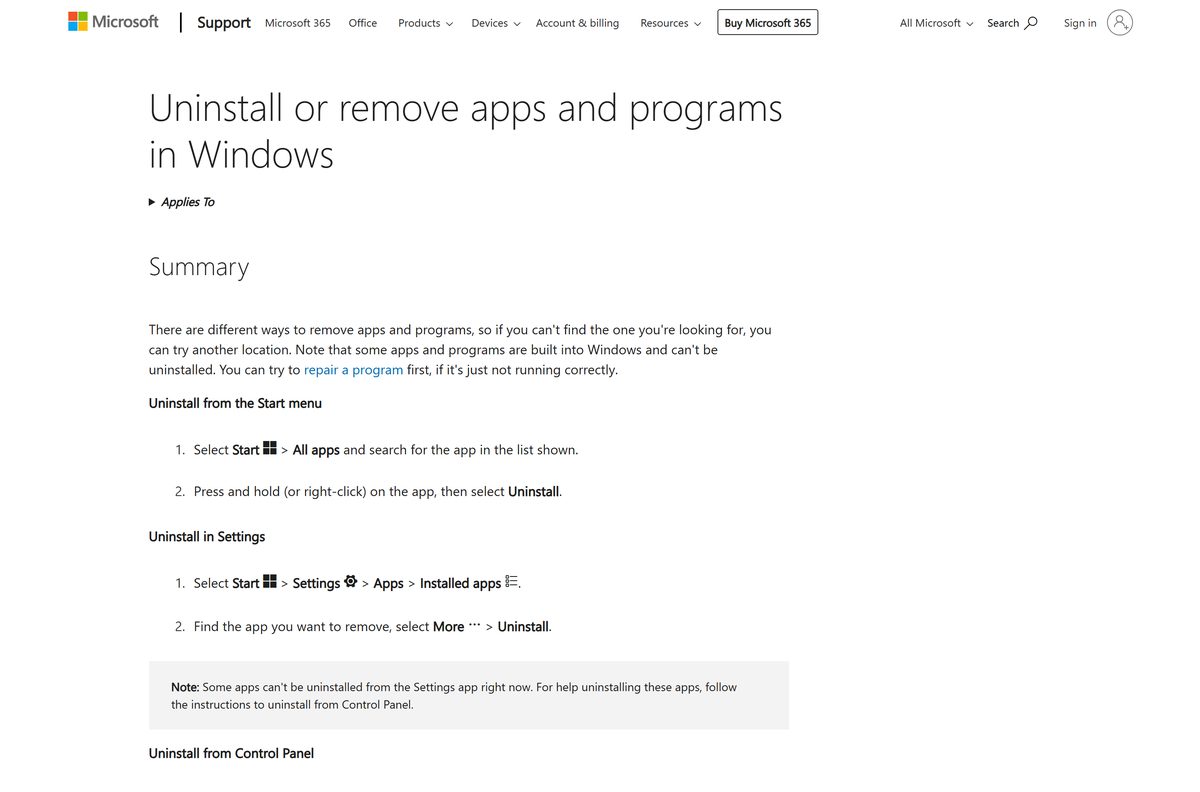
PC Manager uninstalls like any other Store app, from Settings or the Start menu.
- Select Start, then Settings, then Apps, then Installed apps.
- Find Microsoft PC Manager in the list.
- Select More, then Uninstall, and confirm.
- Or select Start, All apps, right-click PC Manager and select Uninstall.
Choose the right built-in tool instead of Microsoft PC Manager
Windows already ships the engines behind several PC Manager tools. Use these when you want one job done without another app.
| Your goal | Use this | Guide |
|---|---|---|
| Clear temporary files automatically | Storage Sense in Windows | Microsoft’s Storage Sense guide |
| Scan for viruses and malware | Windows Security | Microsoft’s Windows Security guide |
| Check a PC for Windows 11 readiness | PC Health Check | PC Health Check download guide |
| Run Disk Cleanup alongside Storage Sense | Disk Cleanup | Windows 11 Disk Cleanup and Storage Sense |
Frequently asked questions
Is the Microsoft PC Manager download free?
Yes. The Microsoft Store lists Microsoft PC Manager at $0.00, and every tool inside it is free. There is no paid or Pro edition from Microsoft.
Where is the official Microsoft PC Manager download?
The official source is the Microsoft Store listing, product ID 9PM860492SZD, published by Microsoft Corporation. The Download button on pcmanager.microsoft.com opens that same listing.
Is Microsoft PC Manager available in my country?
Yes, in most countries. The Microsoft Store catalog lists PC Manager in 242 markets, including the US, UK, Canada, Australia, India, Germany, Japan and China. The official website comes in ten languages.
Can I download Microsoft PC Manager on a Mac?
No. Microsoft lists PC Manager as compatible with Windows 10 build 19042 and later and Windows 11 only. On a Mac, open System Settings, then General, then Storage for the built-in cleanup tools.
Does Microsoft PC Manager work on Windows 10?
Yes, on Windows 10 version 20H2, build 19042, or later. Older Windows 10 builds need Windows Update before the Store will install it.
Is there a Microsoft PC Manager offline installer?
No. Microsoft distributes PC Manager through the Microsoft Store only. The Store bundle is 188.3 MB for x64 and ARM64 together, and it takes 218.9 MB once installed.
Does Microsoft PC Manager run on ARM64 PCs?
Yes. The Store package ships x64 and ARM64 builds in one bundle, so ARM64 laptops run it natively. There is no 32-bit package.
Does Microsoft PC Manager replace Windows Security?
No. Its Health checkup can scan and clear threats, but Windows Security with Microsoft Defender Antivirus stays built into Windows 11 and Windows 10 either way.
How do I install Microsoft PC Manager without the Store app?
Open Terminal and run winget install –id 9PM860492SZD –source msstore. Winget still pulls the package from the Microsoft Store, but you do not need to open the Store app.






