The Microsoft Paint download is free, and on most Windows PCs the app is already installed. Press Windows, type Paint and press Enter to open it.
If Paint is gone, you can put it back in a minute from the Microsoft Store listing or from Microsoft’s own signed setup file for x64, 32-bit and ARM64 PCs.
This guide covers which Paint download fits your PC, the official Microsoft sources, install and reinstall steps, what admins use on managed machines, what Mac users open instead, and fixes when Paint will not open or install.
Which Microsoft Paint download do you need?
Match your PC to a row. Press Windows + R, type winver and press Enter if you are unsure which Windows build you run.
| Your PC | What to get | Size |
|---|---|---|
| Windows 11, Paint opens normally | Nothing. Update it from the Store Library | 0 |
| Windows 11 or Windows 10 22H2, Paint is missing | Paint on the Microsoft Store | 722.3 MB bundle |
| 64-bit Intel or AMD PC, no Store access | mspaint_setup_x64.exe | 249.9 KB |
| 32-bit Windows 10 PC | mspaint_setup_x86.exe | 193.9 KB |
| Snapdragon or other ARM64 PC | mspaint_setup_arm64.exe | 233.4 KB |
| Mac | Preview, built into macOS | 0 |
The three setup files are signed downloaders of about a quarter of a megabyte each. They pull the real package during setup, so the PC needs an internet connection either way.
Download Microsoft Paint from the official Microsoft sources
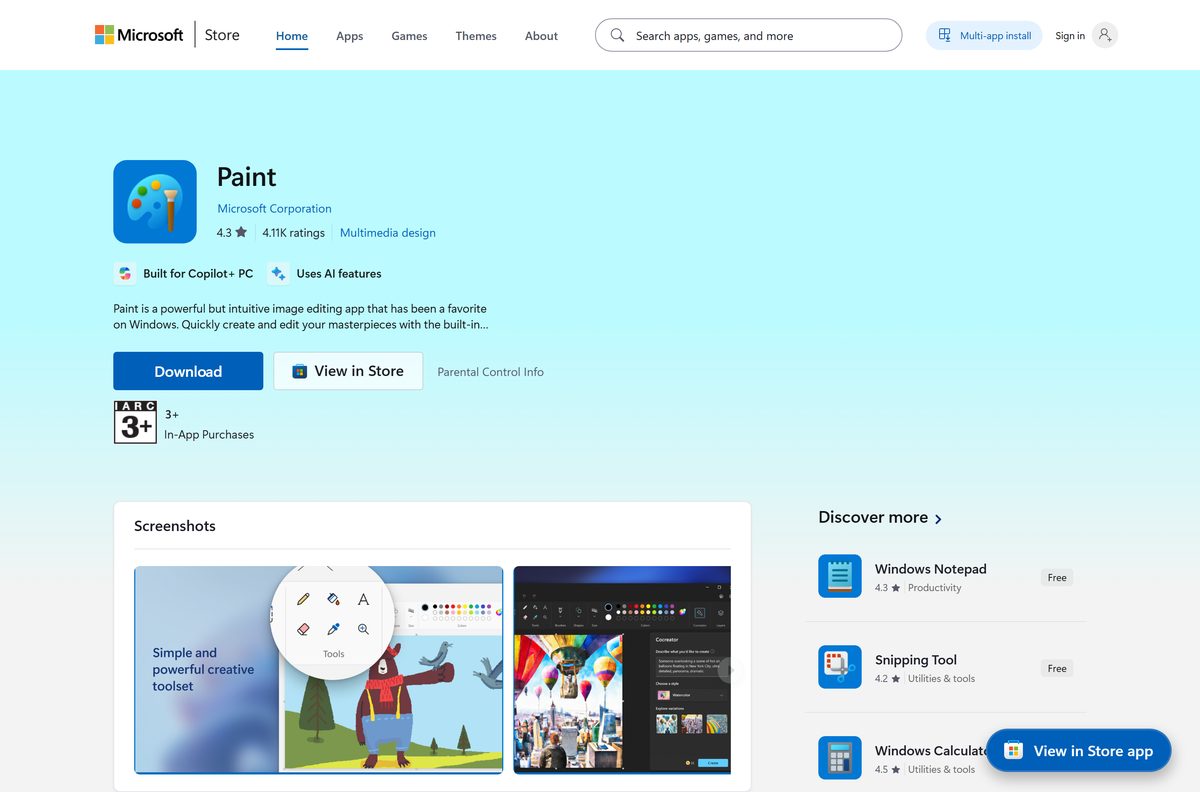
Microsoft ships Paint through the Microsoft Store and through three signed setup files on download.microsoft.com. Both routes install the same app.
- Paint on the Microsoft Store, product 9PCFS5B6T72H — publisher Microsoft Corporation, free
- Paint Windows 64-bit setup — 255,928 bytes, for Intel and AMD PCs
- Paint Windows 32-bit setup — 198,576 bytes, for 32-bit Windows 10
- Paint Windows ARM64 setup — 239,024 bytes, for Snapdragon PCs
- Paint product page on microsoft.com — feature list and answers from Microsoft
The US Store listing is rated 4.1 out of 5 from 81,400 ratings and sits in the Multimedia design category. Check that the publisher line reads Microsoft Corporation before you select Get, because several unrelated drawing apps use the word Paint in their names.
Install Paint from the Microsoft Store or with winget
Use this route when the Store works. It installs the app and then keeps it updated on its own.
- Open Microsoft Store from the Start menu.
- Search for Paint, or open the listing for product 9PCFS5B6T72H directly.
- Confirm the publisher reads Microsoft Corporation.
- Select Get, or Install if the app was on this PC before.
- Wait for the button to change to Open, then select it.
- For a command line instead, open Terminal and run winget install 9PCFS5B6T72H –source msstore .
Version 11.2605.81.0 downloads as a 722.3 MB bundle covering x64 and ARM64, and takes about 421 MB on disk. Windows pulls only the architecture your PC needs.
How to install Paint on Windows 11 and 10 from the setup file
Use the signed setup file when the Store is blocked or the listing will not load. Microsoft lists Windows 10 version 22H2 build 19045.3758 as the floor for this route.
- Open the Microsoft support page for reinstalling Paint.
- Select Paint Windows 64-bit, or the 32-bit or ARM64 link that matches your PC.
- Open the saved mspaint_setup_x64.exe file.
- Approve the User Account Control prompt.
- Leave the PC online while setup fetches the package.
- Wait for the installer to report that it finished, then close it.
- Select Start, type Paint and open the app.
Check About in Paint’s settings afterwards to confirm the version, then open the Store once so future updates arrive automatically.
Add classic Paint with DISM on managed or offline PCs
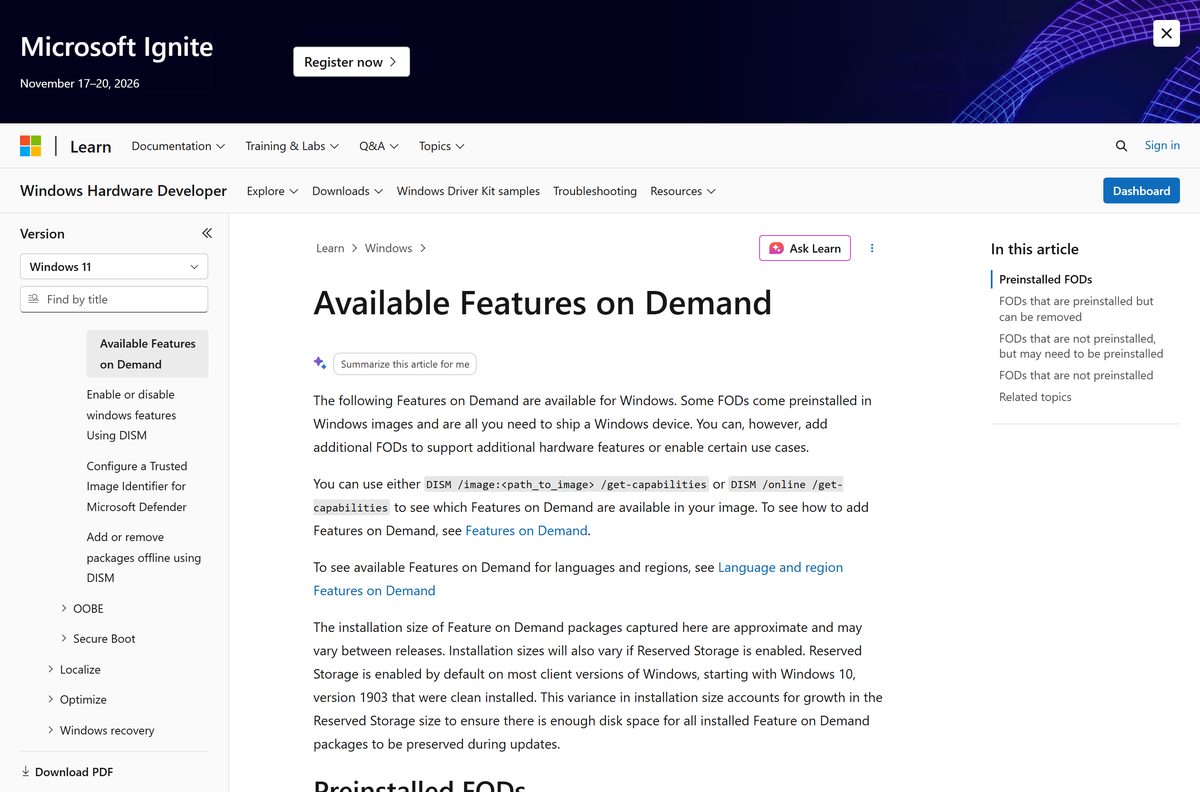
Microsoft publishes no Paint MSI. On a managed image, the classic editor is a Feature on Demand instead, and it is marked satellite-dependent, so add it only with DISM /add-capability .
| Item | Value | Source |
|---|---|---|
| Capability name | Microsoft.Windows.MSPaint~~~~0.0.1.0 | Microsoft Learn FOD list |
| Package name | Microsoft-Windows-MSPaint-FoD-Package~31bf3856ad364e35~amd64~~.cab | Microsoft Learn FOD list |
| Install size | 6.81 MB | Microsoft Learn FOD list |
| Availability | Windows 10, version 2004 | Microsoft Learn FOD list |
From an elevated terminal, run DISM /Online /Add-Capability /CapabilityName:Microsoft.Windows.MSPaint~~~~0.0.1.0 . Add /Source:
Run DISM /Online /Get-Capabilities first, because this capability is not offered on images where the Store app is preinstalled.
Microsoft Paint system requirements and download size
Paint asks for nothing beyond the Windows version it runs on. The AI tools are the only part with a hardware floor.
| Field | Value |
|---|---|
| Software | Microsoft Paint |
| Developer | Microsoft Corporation |
| Latest version | 11.2605.81.0 |
| Store product ID | 9PCFS5B6T72H |
| Package family name | Microsoft.Paint_8wekyb3d8bbwe |
| Price | Free, included with Windows |
| Supported OS | Windows 11 build 22000 or later; Windows 10 version 22H2 build 19045.3758 or later for the setup file |
| Architecture | x64 and ARM64 from the Store; x64, 32-bit x86 and ARM64 setup files |
| Setup file size | 249.9 KB for x64, 193.9 KB for x86, 233.4 KB for ARM64 |
| Store download size | 722.3 MB bundle, about 421 MB installed |
| Saves to | PNG, JPEG, BMP and GIF |
| Offline installer | No, DISM Feature on Demand for classic Paint only |
| Mac version | None |
| Last verified | 2026-09-22 |
Is Microsoft Paint free?
Yes. Paint costs nothing and has no paid tier. The Microsoft Store lists Paint at $0 with no purchase required, and Microsoft states plainly that Paint is included in Windows. The Image Creator tool is the one metered part: it starts with 50 credits and spends one credit per generated image. Drawing, layers, background removal, cropping and saving never cost anything, so any site charging for a Paint download is selling something Microsoft gives away.
New Paint or classic Paint: which should you install?
Install the Store version unless a managed image has no Store access. The Store app gets every current feature, including layers, transparent PNG support and one-click background removal, and it updates itself. The classic Feature on Demand is a 6.81 MB fallback with none of that, offered only on Windows 10 version 2004 images where the Store app is absent. Choose it for locked-down machines, not for a normal desktop.
Which Paint download do you need for your Mac?
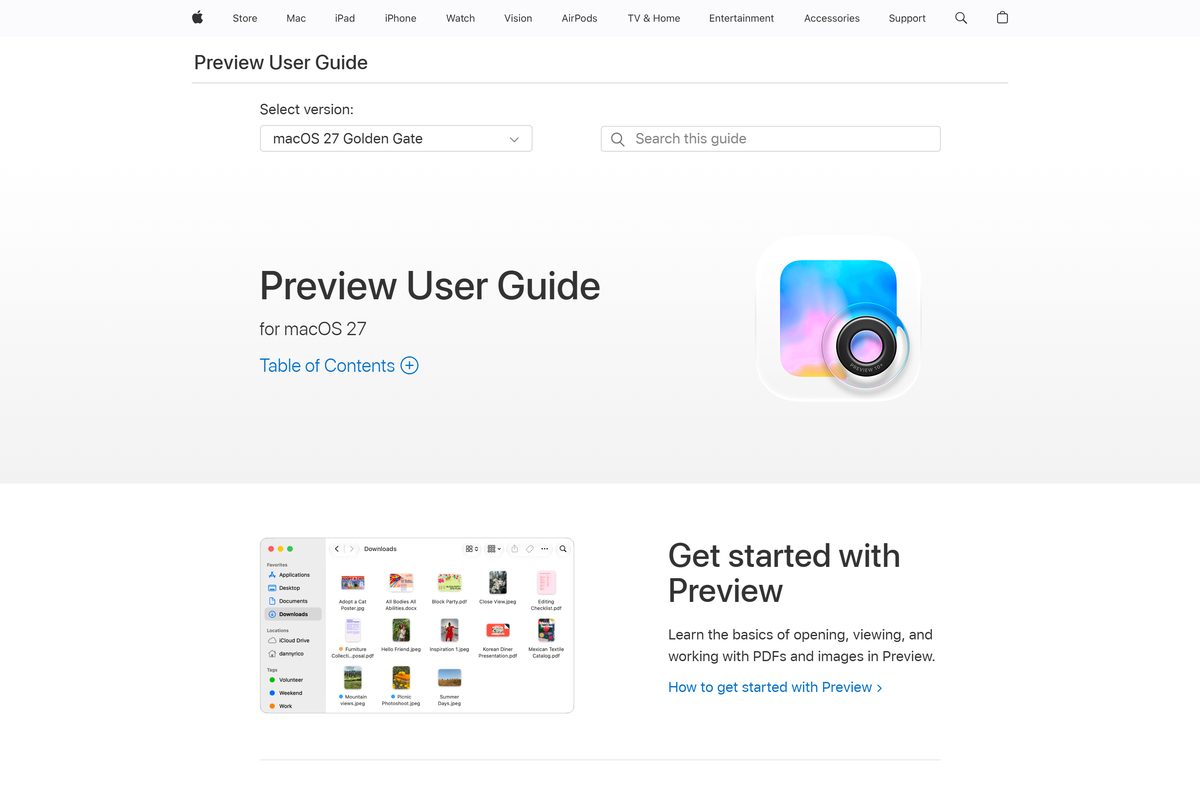
Microsoft publishes Paint for Windows only. On a Mac, Preview covers most of the same editing jobs and is already installed.
| What you want on a Mac | Do this in Preview | Result |
|---|---|---|
| Draw, add shapes or type on an image | Tools > Annotate, or the Markup toolbar | Sketch, shape, text and signature tools |
| Cut the background out of a picture | Instant Alpha in the Markup toolbar | A cutout of the subject on transparency |
| Crop or resize before saving | Tools > Adjust Size, then File > Export | A PNG or JPEG at the size you set |
Preview has no layers panel and no Image Creator, so a Mac user who needs those works in a different editor.
How to check your Paint version and update it
Paint updates through the Microsoft Store, not through Windows Update.
- Open Paint.
- Select the Settings gear at the top right.
- Open About this app and read the version number.
- Open Microsoft Store and select Library.
- Select Get updates and let the Paint update finish.
- Close and reopen Paint to load the new build.
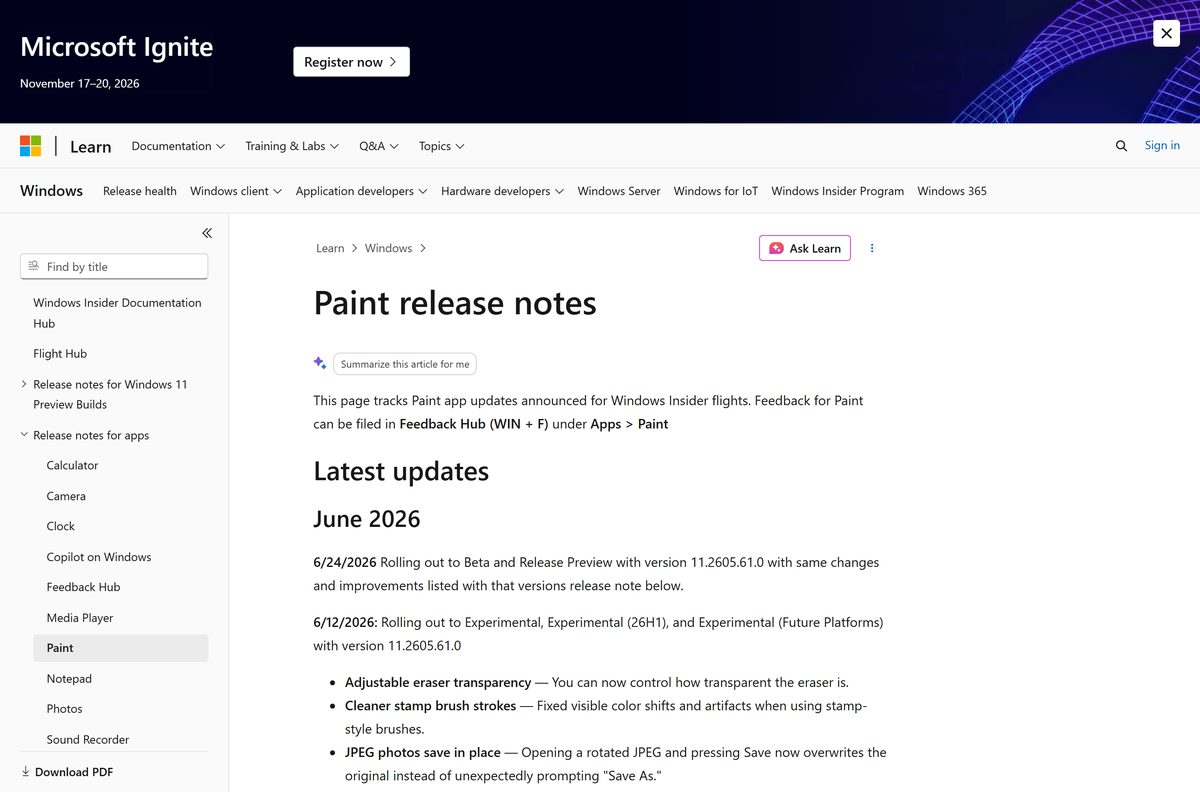
Version 11.2605.61.0 reached the Beta and Release Preview channels on 24 June 2026 with an adjustable eraser transparency, a fix for JPEG photos saving in place, and a clear error message instead of a crash on damaged image files.
What Paint can open, save and edit
The Windows 11 Paint does far more than the editor most people remember. The classic Feature on Demand keeps only the basics.
| Feature | How to use it | Needs |
|---|---|---|
| Save as PNG, JPEG, BMP or GIF | File, then Save as | Nothing |
| Layers and transparent PNGs | Select the Layers button on the toolbar | Store version |
| Background removal | Select Remove background on the Home tab | Store version |
| Opacity slider for pencil and brush | Drag the slider at the left of the canvas | Store version |
| Generative erase | Select an object, then Erase | Windows 11 |
| Image Creator | Type a prompt and pick a style | Microsoft account, 50 starting credits |
| Cocreator | Sketch, then set the creativity slider | Copilot+ PC |
| Generative fill | Select an area and describe the change | Snapdragon Copilot+ PC, Windows 11 24H2 |
| Coloring Book | Describe the page you want generated | Copilot+ PC, Microsoft account |
Availability of the AI tools varies by market, so a feature can be absent on a PC that meets the hardware bar.
How to make Paint the default image editor on Windows 11
Windows opens .png and .jpg files in Photos out of the box. Point the file type at Paint if you would rather edit straight away.
- Right-click any .png file in File Explorer.
- Select Open with, then Choose another app.
- Select Paint in the list.
- Select Always to make it stick.
- Repeat for .jpg, .bmp and .gif, because Windows sets defaults per file type.
- To check the whole list, open Settings > Apps > Default apps and search for Paint.
Fix Paint not installing, missing or not opening
Paint will not open
The app package is damaged. Windows can repair it without touching your pictures.
- Select Start > Settings > Apps > Installed apps.
- Select the three dots beside Paint, then Advanced options.
- Select Repair.
- If nothing changes, select Reset.
- Reopen Paint from the Start menu.
Paint is missing from the Start menu
The app was uninstalled, or removed from the Windows image by a deployment script.
- Open Microsoft Store and select Library.
- Find Paint and select Install.
- If the Store is blocked, run the signed setup file for your architecture instead.
- Pin the app to the taskbar so it is easier to find next time.
The setup file closes without installing
The PC is below the build floor, or it has no connection to fetch the package.
- Press Windows + R, type winver and press Enter.
- Confirm the build is 19045.3758 or later on Windows 10.
- Install pending updates from Settings > Windows Update, then restart.
- Confirm the PC is online and run the setup file again.
The Store download stalls or fails
The Store cache or a pending restart is blocking the install.
- Restart the PC if updates installed recently.
- Press Windows + R, type wsreset.exe and select OK.
- Wait for the Store to reopen on its own.
- Check that the date, time and region on the PC are correct.
- Select Install again.
The AI buttons are greyed out or absent
The tool needs a sign-in, a Copilot+ PC, or a market where it has shipped.
- Sign in to Paint with a Microsoft account.
- Open Settings > System > About and check whether the PC is a Copilot+ model.
- Update Paint from the Store Library.
- Use background removal and generative erase instead, which need no special hardware.
How to uninstall Paint
Removing Paint leaves .png and .bmp files without an editor until you install it again or pick another app.
- Select Start > Settings > Apps > Installed apps.
- Search for Paint and select the three dots beside it.
- Select Uninstall, then Uninstall again to confirm.
- To drop the classic capability too, run DISM /Online /Remove-Capability /CapabilityName:Microsoft.Windows.MSPaint~~~~0.0.1.0 from an elevated terminal.
- Reinstall at any time from the Store listing or the signed setup file.
Which Paint alternative should you use for layers or a Mac?
Stay with Paint for quick edits, screenshots and simple drawings. Move on when the job needs heavier tooling.
| App | Where it comes from | Best for |
|---|---|---|
| Classic Paint | Windows Feature on Demand | Locked-down images with no Store access |
| Preview | macOS, built in | Markup, cropping and cutouts on a Mac |
| Snipping Tool | Microsoft Store, free | Capturing and annotating screenshots |
Paint 3D is a separate app with its own Store listing. The app that ships with Windows 11 is Paint, package Microsoft.Paint, so that is the one to install.
Frequently asked questions
Is Microsoft Paint free to download?
Yes. The Microsoft Store lists Paint at no cost, and Microsoft states that Paint is included in Windows. Only Image Creator is metered, starting with 50 credits and spending one per image.
What is the official Microsoft Paint download page?
The Microsoft Store listing for product 9PCFS5B6T72H, published by Microsoft Corporation. Microsoft also hosts signed 64-bit, 32-bit and ARM64 setup files on download.microsoft.com for PCs without Store access.
Does Paint work on Windows 11?
Yes. Windows 11 ships with Paint preinstalled, and the current Store package requires Windows 11 build 22000 or later. It updates through the Microsoft Store rather than Windows Update.
Can I still get Paint on Windows 10?
Yes. Windows 10 includes Paint, and the reinstall setup files list Windows 10 version 22H2 build 19045.3758 as the minimum. Older Windows 10 images can add classic Paint as an optional feature.
How big is the Paint download?
The setup file is 249.9 KB for x64 and pulls the package during install. From the Microsoft Store, version 11.2605.81.0 is a 722.3 MB bundle covering x64 and ARM64, about 421 MB once installed.
Is there a Paint offline installer?
No. The signed setup files are small downloaders that need an internet connection. Administrators can add the classic Paint Feature on Demand offline with DISM and a Features on Demand source.
Is there a Microsoft Paint for Mac?
No. Microsoft makes Paint for Windows only. On a Mac, Preview handles drawing, shapes, text, cropping and background cutouts with Instant Alpha, and it is already installed.
Does Paint support 64-bit, 32-bit and ARM64 PCs?
Yes. The Store package covers x64 and ARM64, and Microsoft publishes separate signed setup files for 64-bit, 32-bit and ARM64 machines, so Snapdragon PCs run it natively.
Is it safe to download Paint from other sites?
Use the Microsoft Store listing or Microsoft’s own signed setup files. Third-party pages often serve a different drawing app with a similar name, and a copy from them gets no Store updates.
What is the latest version of Microsoft Paint?
Microsoft’s Store catalog listed version 11.2605.81.0 in September 2026. Check yours by opening Paint, selecting the Settings gear and reading About this app.
Why won’t Paint install from the Microsoft Store?
The usual causes are a stuck Store cache and a pending restart. Run wsreset.exe, restart the PC, then retry the install, or use the signed setup file for your architecture instead.
Why is Cocreator or generative fill missing in Paint?
Cocreator needs a Copilot+ PC, and generative fill runs only on Snapdragon-powered Copilot+ PCs on Windows 11 version 24H2 or later. Both need a Microsoft account sign-in.






