Microsoft Entra Connect is free, and you download it from the Microsoft Entra admin center, then install it on a domain-joined Windows Server to sync your Active Directory accounts to Microsoft Entra ID. Version 2.6.91.0 is the current release.
This guide covers where the installer now lives, the prerequisites the wizard checks, the express install, the Cloud Sync alternative, version and upgrade commands, install fixes and a clean removal.
Which Microsoft Entra Connect download do you need?
Microsoft ships three separate on-premises downloads under the Entra Connect name. Match your goal to a row.
| What you want to do | Download | Where it runs |
|---|---|---|
| Sync Active Directory users, groups and password hashes to Microsoft Entra ID | Microsoft Entra Connect Sync (AzureADConnect.msi) | Domain-joined Windows Server |
| Sync from several disconnected forests, or keep the on-premises footprint small | Microsoft Entra provisioning agent for Cloud Sync | Windows Server or a domain controller |
| Monitor AD FS, AD DS or sync health from the portal | Microsoft Entra Connect Health agent | Each identity server you monitor |
| Move off DirSync or Azure AD Sync, which no longer work | Upgrade paths to the current release | A new or existing sync server |
Nothing here installs on a client PC. Every one of these is a server component, and the wizard blocks a server without a full desktop experience.
Download Microsoft Entra Connect from the official Microsoft pages
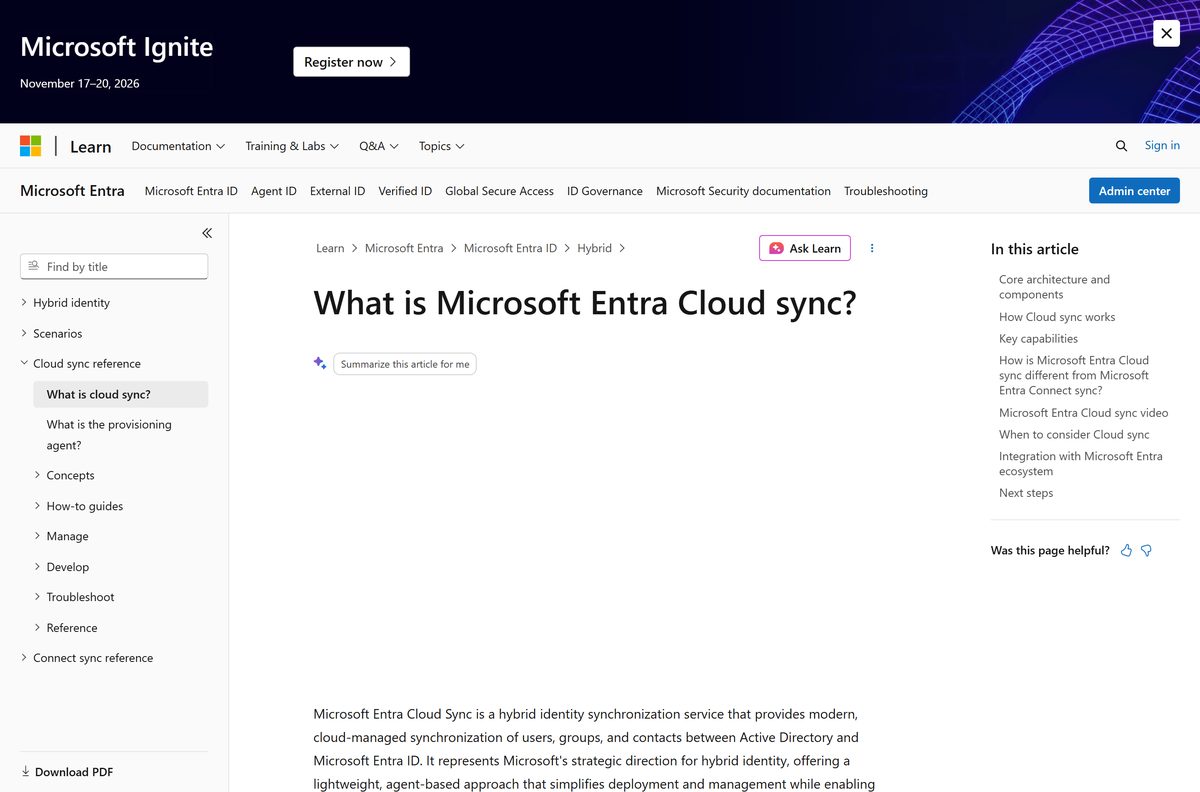
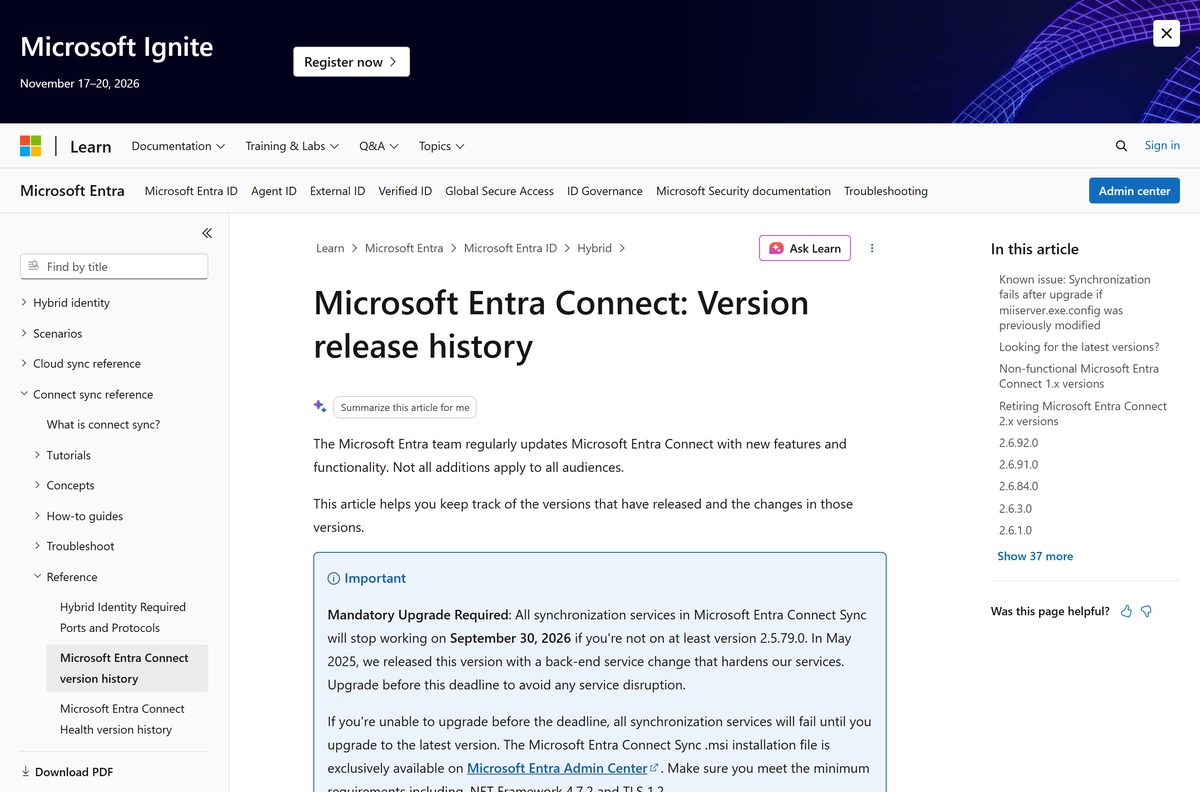
The installer moved. Microsoft Learn states that the Microsoft Entra Connect Sync .msi file is exclusively available on the Microsoft Entra admin center, and that new builds are no longer released to the Microsoft Download Center.
Sign in with a Global Administrator or Hybrid Identity Administrator account, open the Manage tab of the Microsoft Entra Connect | Get started page, and download AzureADConnect.msi.
- Microsoft Entra admin center – Entra Connect Get started — Sign-in required; the Manage tab holds the .msi
- Express settings installation guide — The download link and the wizard steps
- Version release history — 2.6.91.0, released 16 September 2026
- Prerequisites and hardware — Read before you run the installer
- Microsoft Entra provisioning agent for Cloud Sync — AADConnectProvisioningAgentSetup.exe
No other site is allowed to host this file. An .msi offered by a download portal is not the Microsoft build.
How to install Microsoft Entra Connect on Windows Server
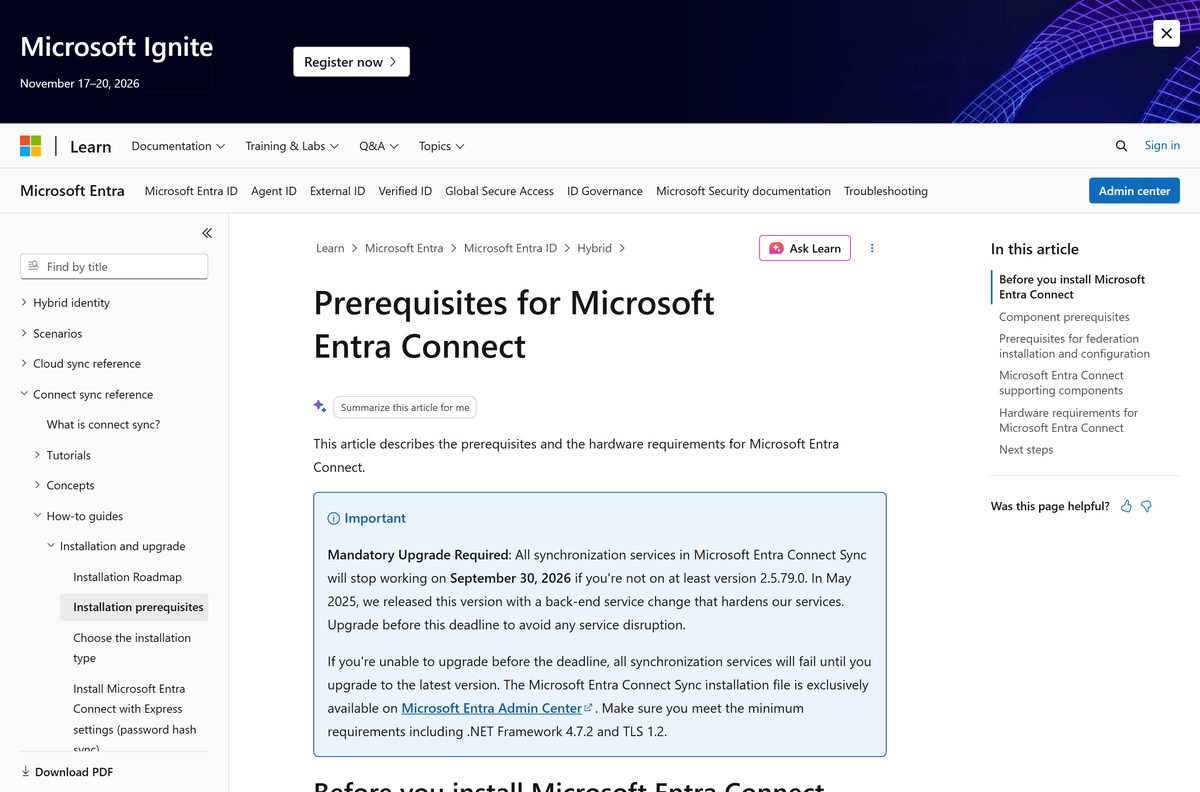
Express settings suit a single-forest topology that uses password hash sync. Enable TLS 1.2 on the server first, because installation fails without it.
- Sign in as a local administrator on the domain-joined server that will run synchronization.
- Verify your custom domain in Microsoft Entra ID, so the wizard does not stop on an unverified domain.
- Double-click AzureADConnect.msi to open the installation wizard.
- On Welcome, select the checkbox to agree to the licensing terms, then select Continue.
- On Express settings, select Use express settings.
- On Connect to Microsoft Entra ID, enter the Hybrid Identity Administrator username and password, then select Next.
- On Connect to AD DS, enter an Enterprise Admin account as FABRIKAM\administrator or fabrikam.com\administrator , then select Next.
- On Ready to configure, leave Start the synchronization process when configuration completes selected for an immediate full sync, then select Install.
- Select Exit when the installation finishes.
- Sign out and sign back in before you open Synchronization Service Manager or Synchronization Rules Editor.
Clear that checkbox instead if you plan to add domain or OU filtering first. The wizard then configures sync and leaves the scheduler disabled until you rerun it.
Install Microsoft Entra Connect on a second server for a swing upgrade
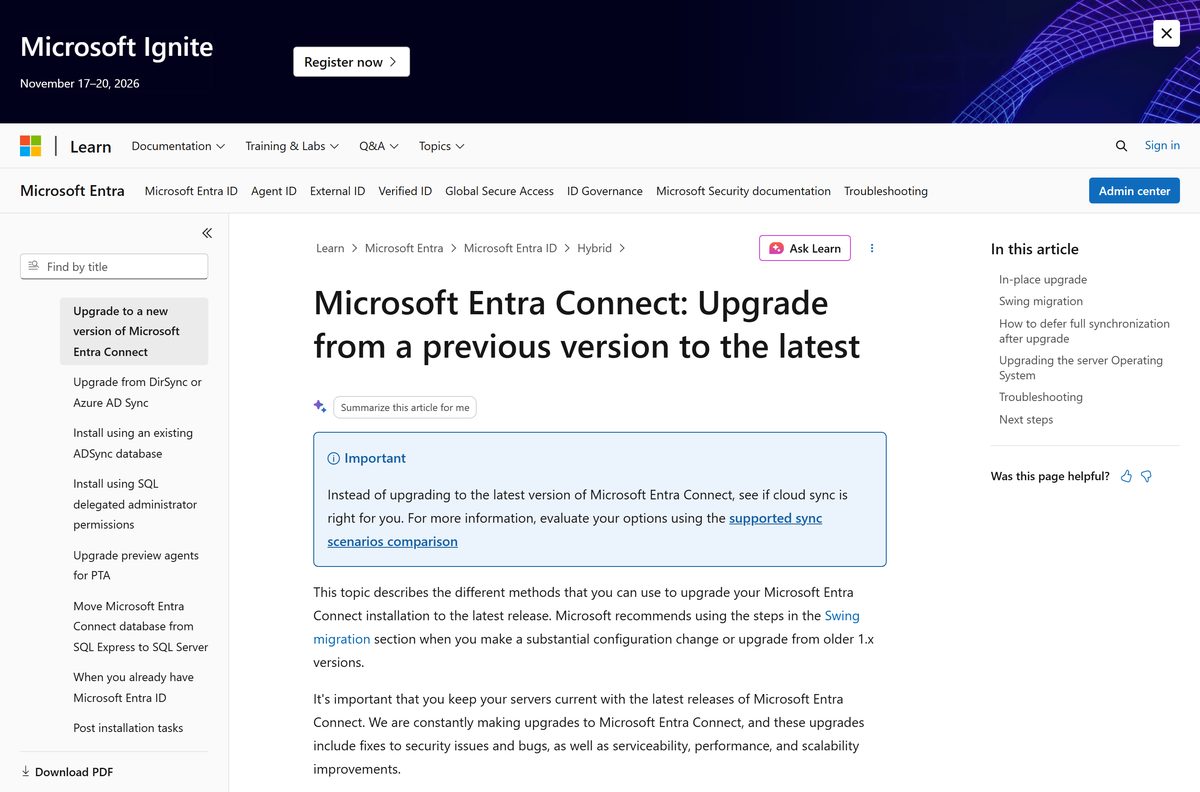
One server and a straight in-place upgrade cannot be rolled back. A swing migration keeps the active server running while a staging server takes the new build.
| Method | Use it when | Trade-off | Microsoft guidance |
|---|---|---|---|
| Automatic upgrade | Express installation on LocalDB, under 100,000 objects | The auto-upgrade build lags the newest features | Automatic upgrade |
| In-place upgrade | A single server with fewer than about 100,000 objects | No rollback if the upgrade fails | Upgrade from a previous version |
| Swing migration | Large directories, a Windows Server OS upgrade, or a configuration change | Needs a second server | Swing migration steps |
| Export and import settings | Rebuilding a staging server with the active server’s configuration | Custom sync rules need a GUID edit before they import | Import and export configuration |
Microsoft recommends a swing migration for anyone who has not upgraded in 12 to 18 months. Decommission the retired server completely, because a forgotten sync server overwrites Entra ID attributes every cycle.
How to verify the Microsoft Entra Connect installer is genuine
Automatic upgrade validates each new build against its digital signature. Do the same check by hand on a file you downloaded and copied to another server.
- Right-click AzureADConnect.msi in File Explorer and select Properties.
- Open the Digital Signatures tab.
- Select the signature in the list and select Details.
- Confirm the signer reads Microsoft Corporation and that the certificate is valid.
- Run Get-AuthenticodeSignature .\AzureADConnect.msi | Format-List in an elevated PowerShell window for the same result as text.
- Delete the file and download it again from the admin center if the status is anything other than Valid.
Can you install Microsoft Entra Connect on a Mac?
No. Microsoft ships no macOS build, and the prerequisites name Windows Server only. A Mac still administers hybrid identity, just from the browser.
| On a Mac you want to | What works | Link |
|---|---|---|
| Run directory synchronization | Install on a domain-joined Windows Server instead; a Windows Server VM on the Mac is not a supported production sync host | Prerequisites and hardware |
| Change sync settings, scoping or filtering | Cloud Sync keeps all configuration in the browser, so macOS and Safari are enough | What is Cloud Sync |
| Watch sync errors and server health | Microsoft Entra Connect Health reports in the admin center, which runs in any browser | Microsoft Entra admin center |
Is Microsoft Entra Connect free?
Yes. Microsoft states the feature is free and included in your Azure subscription, with no separate purchase for the sync engine. The costs sit around it. A Microsoft Entra tenant allows 50,000 objects by default and 300,000 once you verify a domain; beyond 500,000 you need a licence such as Microsoft 365, Microsoft Entra ID P1 or P2, or Enterprise Mobility + Security. Connect Health needs Microsoft Entra ID P1. Directories above 100,000 objects outgrow the bundled SQL Server Express LocalDB and need a full SQL Server licence. Any site charging for the installer is not Microsoft.
Should you install Entra Connect Sync or Microsoft Entra Cloud Sync?
Microsoft calls Cloud Sync the future of synchronization and says it replaces Microsoft Entra Connect. That does not make the older engine wrong for every tenant.
Start with Cloud Sync unless you need AD FS federation, pass-through authentication or device writeback, which only Connect Sync configures. Cloud Sync keeps the orchestration in Microsoft’s service and runs lightweight agents that update themselves, handles disconnected forests without consolidation, and survives a lost agent because several can run at once. Connect Sync keeps the sync engine, the SQL database and the rules on your server, which is what large or heavily customised deployments still rely on. Microsoft publishes a Check sync tool in the portal that reports which fits your tenant.
How to check your Microsoft Entra Connect version and update it
Servers installed before the rename still list the program as Azure AD Connect. Azure AD Connect became Microsoft Entra Connect when Microsoft renamed Azure Active Directory to Microsoft Entra ID, announced on 11 July 2023 and rolled out from 15 August 2023. Licensing, features, sign-in URLs and PowerShell cmdlets stayed exactly as they were, so an old entry in Programs and Features is the same product under its previous name.
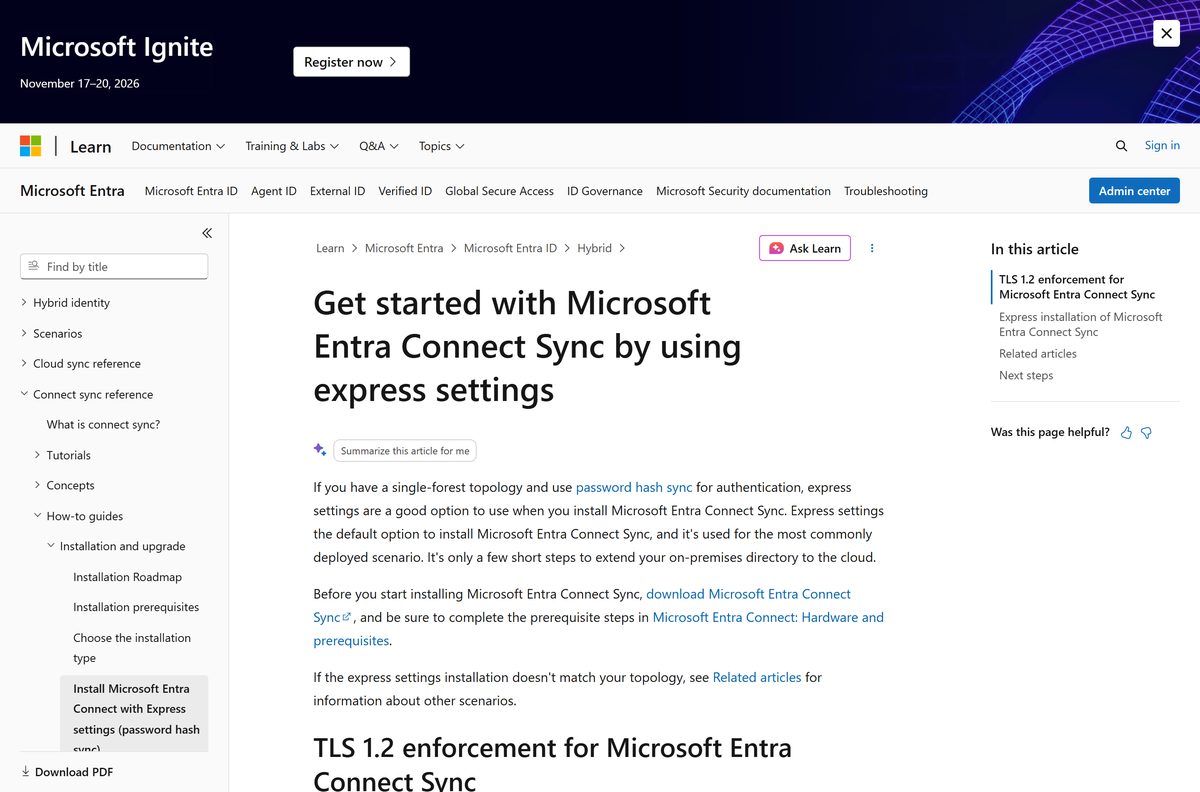
Version 2.5.79.0 is the floor. Microsoft states that all synchronization services stop working on 30 September 2026 below that build.
- Open Control Panel > Programs > Programs and Features on the sync server.
- Read the version shown against Microsoft Entra Connect, or against Azure AD Connect on an older server.
- Run Get-ADSyncAutoUpgrade in an elevated PowerShell window to see whether the server is Enabled, Suspended or Disabled for automatic upgrade.
- Run Get-ADSyncAutoUpgrade -Detail when the state is Suspended to read the reason, such as UpgradeNotSupportedNonLocalDbInstall .
- Run Set-ADSyncAutoUpgrade -AutoUpgradeState Enabled to turn automatic upgrade back on.
- Download the current .msi from the Microsoft Entra admin center and run it on the server to upgrade by hand.
- Close Synchronization Service Manager first, because an open window suspends the upgrade.
Filter the Application event log on source Microsoft Entra Connect Upgrade and event IDs 300-399 to read the result of each automatic attempt.
Check the Microsoft Entra Connect system requirements before you install
The wizard refuses a server that fails any of these. Size the hardware from the object count in your directory, not from the user count.
| Item | Requirement |
|---|---|
| Developer | Microsoft Corporation |
| Latest version | 2.6.91.0, released 16 September 2026 |
| Price | Free, included with your Azure subscription |
| Operating system | Domain-joined Windows Server 2025 or 2022 recommended; older Windows Server releases in extended support also run it |
| Not supported | Windows 11, Windows 10, macOS, Windows Server Core, Small Business Server, Windows Server Essentials before 2019 |
| Framework | .NET Framework 4.6.2 minimum, 4.7.2 or later for the current build, PowerShell 5.0, execution policy RemoteSigned |
| Encryption | TLS 1.2 enabled; installation fails on TLS 1.0 or 1.1 from version 2.0 onwards |
| Database | SQL Server 2019 Express LocalDB by default, 10 GB limit, roughly 100,000 objects; full SQL Server up to 2022 above that |
| Hardware, under 50,000 objects | 1.6 GHz CPU, 6 GB memory, 70 GB disk |
| Hardware, 50,000 to 100,000 objects | 1.6 GHz CPU, 16 GB memory, 100 GB disk |
| Hardware, 100,000 to 300,000 objects | 1.6 GHz CPU, 32 GB memory, 300 GB disk |
| Hardware, over 600,000 objects | 1.6 GHz CPU, 32 GB memory, 500 GB disk |
| Active Directory | Schema and forest functional level Windows Server 2003 or later, writable domain controller, no dotted NetBIOS names |
| Accounts | Global Administrator or Hybrid Identity Administrator assigned directly, plus an on-premises Enterprise Admin for express settings |
| Official download | Microsoft Entra admin center |
| Last verified | 22 September 2026 |
Installing SQL Server on the same box adds to every figure above. Cap the SQL memory setting so the sync engine keeps its share.
What Microsoft Entra Connect installs and which sign-in methods it sets up
The .msi is a bundle. It lays down the sync engine plus the supporting components, and the wizard then configures one sign-in method.
| Component or feature | What it does |
|---|---|
| Password hash synchronization | Syncs a hash of the on-premises password so users sign in to the cloud with the same password |
| Pass-through authentication | Validates passwords against Active Directory in real time without federation servers |
| Federation with AD FS | Configures an AD FS farm, certificate renewal and extra federation servers |
| Directory synchronization | Creates and updates users, groups and other objects in Microsoft Entra ID |
| Microsoft Entra Connect Health | Reports sync errors, alerts and performance in the admin center; needs Microsoft Entra ID P1 |
| SQL Server 2019 Express LocalDB | Stores the metaverse and connector spaces on express installations |
| SQL Server 2019 Native Client and command line utilities | Database connectivity used by the sync engine |
| Microsoft Visual C++ 14 Redistributable | Runtime the bundled components need |
Federation configuration needs the Domain Name Administrator role alongside Hybrid Identity Administrator, or a Global Administrator account.
Fix Microsoft Entra Connect not installing on Windows Server
Installation stops on a TLS error
Builds from version 2.0 onwards refuse TLS 1.0 and 1.1.
- Enable TLS 1.2 on the server and restart it.
- Install the SQL Server updates that support TLS 1.2 if the database is remote.
- Run the installer again.
The wizard will not start on this server
Server Core, a workgroup server or an unsupported edition.
- Confirm the server has the full desktop experience, not Server Core.
- Join the server to the domain.
- Move to Windows Server standard or better; Small Business Server and pre-2019 Essentials are blocked.
Sign-in to Microsoft Entra ID fails during setup
An MFA challenge that cannot render, or the wrong account type.
- Add https://secure.aadcdn.microsoftonline-p.com to the trusted sites list.
- Use a work or school account, never a personal Microsoft account.
- Assign the Global Administrator or Hybrid Identity Administrator role directly to the user, not through a group.
The installer cannot reach the internet behind a proxy
The wizard reads its proxy settings from machine.config.
- Add a
block with your proxy address to C:\Windows\Microsoft.NET\Framework64\v4.0.30319\Config\machine.config . - Set useDefaultCredentials=”true” when the proxy authenticates.
- Restart the Microsoft Entra ID Sync service so the new setting is read.
- Raise the proxy idle timeout to six minutes or more.
Upgrade fails with a missing Microsoft Entra connector
The existing configuration is not supported for upgrade.
- Run Get-ADSyncConnector -Identifier b891884f-051e-4a83-95af-2544101c9083 to confirm the connector is absent.
- Close the wizard.
- Uninstall the existing installation and perform a clean install of the current version.
Installing 2.6.84.0 fails with error 0xE0474352
An existing ADSync database on that specific build.
- Install version 2.6.91.0 or later instead.
- Uninstall 2.6.79.0 first if it is present, because that build was recalled.
How to uninstall Microsoft Entra Connect
Remove the whole product, not just the wizard. A half-removed sync server that reconnects later reverts cloud attributes every 30 minutes.
- Open Control Panel > Programs > Programs and Features on the server.
- Select Microsoft Entra Connect, or Azure AD Connect on an older build, and select Uninstall.
- Leave the option to remove the supporting components selected so the LocalDB instance goes with it.
- Remove Microsoft SQL Server 2019 Express LocalDB, the Native Client and the command line utilities if they remain listed.
- Delete the ADSync database from your SQL Server instance when the install used a remote database.
- Confirm the Microsoft Entra ID Sync service no longer appears in Services.
- Delete the virtual machine outright if the server existed only to run synchronization.
Switch the server to staging mode before you remove it if another server is taking over, so only one engine exports at a time.
Choose between Microsoft Entra Connect and the other Microsoft sync options
| Option | Best for | Runs on | Official page |
|---|---|---|---|
| Microsoft Entra Connect Sync | Federation, pass-through authentication, complex sync rules | A dedicated Windows Server | Overview |
| Microsoft Entra Cloud Sync | Disconnected forests, multiple agents, cloud-managed configuration | Lightweight agents that self-update | What is Cloud Sync |
| Both together | Bringing a new forest into a tenant that already syncs | Existing sync server plus new agents | Decision guide |
| IdFix | Cleaning duplicates and formatting errors before the first sync | A workstation with directory access | IdFix on GitHub |
DirSync and Azure AD Sync are not alternatives. Microsoft states they no longer work, and an in-place upgrade from either is unsupported.
Frequently asked questions
Is Microsoft Entra Connect free?
Yes. Microsoft states that the feature is free and included in your Azure subscription. Microsoft Entra Connect Health, the monitoring companion, requires Microsoft Entra ID P1 licences, and directories above 100,000 objects need a full SQL Server rather than the bundled LocalDB.
Where is the official Microsoft Entra Connect download page?
The AzureADConnect.msi file is exclusively available in the Microsoft Entra admin center, under the Manage tab of the Microsoft Entra Connect Get started page. Microsoft no longer releases new builds to the Microsoft Download Center, and the old Download Center entry now serves a decommission notice.
Can you install Microsoft Entra Connect on Windows 11 or Windows 10?
No. The prerequisites list domain-joined Windows Server only, with Windows Server 2025 or 2022 recommended. There is no client build for Windows 11 or Windows 10, and Windows Server Core is also unsupported because the wizard needs a full desktop experience.
What is the Microsoft Entra Connect download size?
Microsoft publishes no file size, because the installer sits behind sign-in in the Microsoft Entra admin center rather than on a public page. Plan disk space from the hardware table instead: 70 GB for small directories and up to 500 GB above 600,000 objects.
Is there an offline installer for Microsoft Entra Connect?
The .msi is a full installer, so you download it once from the admin center and run it on a server that has no browser. The server still needs outbound network access to Microsoft Entra ID during configuration, and to your domain controllers.
Is there a Microsoft Entra Connect version for Mac?
No macOS build exists. Administration happens in the browser, so a Mac manages Cloud Sync configuration and reads Connect Health reports in the Microsoft Entra admin center, while the synchronization engine itself runs on Windows Server.
What is the latest version of Microsoft Entra Connect?
Version 2.6.91.0, released on 16 September 2026 through the Microsoft Entra admin center. It fixes the 0xE0474352 upgrade failure seen in 2.6.84.0. Version 2.6.79.0 was recalled after release and should be replaced.
Is Microsoft Entra Connect safe to install?
The installer is signed by Microsoft Corporation and automatic upgrade validates each new build against its digital signature. Treat the server as a Control Plane asset: restrict administrative access, enforce MFA on privileged accounts and keep it off general web browsing.
Why will my Microsoft Entra Connect sync stop working?
Microsoft is enforcing a minimum build. All synchronization services in Microsoft Entra Connect Sync stop working on 30 September 2026 on servers below version 2.5.79.0, so upgrade before that date to avoid an outage.
Was Azure AD Connect renamed to Microsoft Entra Connect?
Yes. Azure AD Connect is now Microsoft Entra Connect and Azure AD Connect Sync is now Microsoft Entra Connect Sync, part of the Azure AD to Microsoft Entra ID rename announced on 11 July 2023. Pricing, features and PowerShell cmdlets are unchanged.
Can Microsoft Entra Connect run on a domain controller?
Microsoft documents a domain-joined server and treats the sync host as a Tier 0 component. A dedicated member server is the documented pattern, and the Cloud Sync provisioning agent is the lightweight option designed to sit on existing servers.
Do you need Active Directory to use Microsoft Entra Connect?
Yes. The tool exists to link Windows Server Active Directory to Microsoft Entra ID. The schema and forest functional level must be Windows Server 2003 or later, and the domain controller it uses must be writable.







Self-service password reset deep dive - Microsoft Entra ID - Techdows
[…] can turn writeback off temporarily in the admin center without reconfiguring Entra Connect. Federated users with synced passwords may wait up to 2 minutes after a reset, because password […]