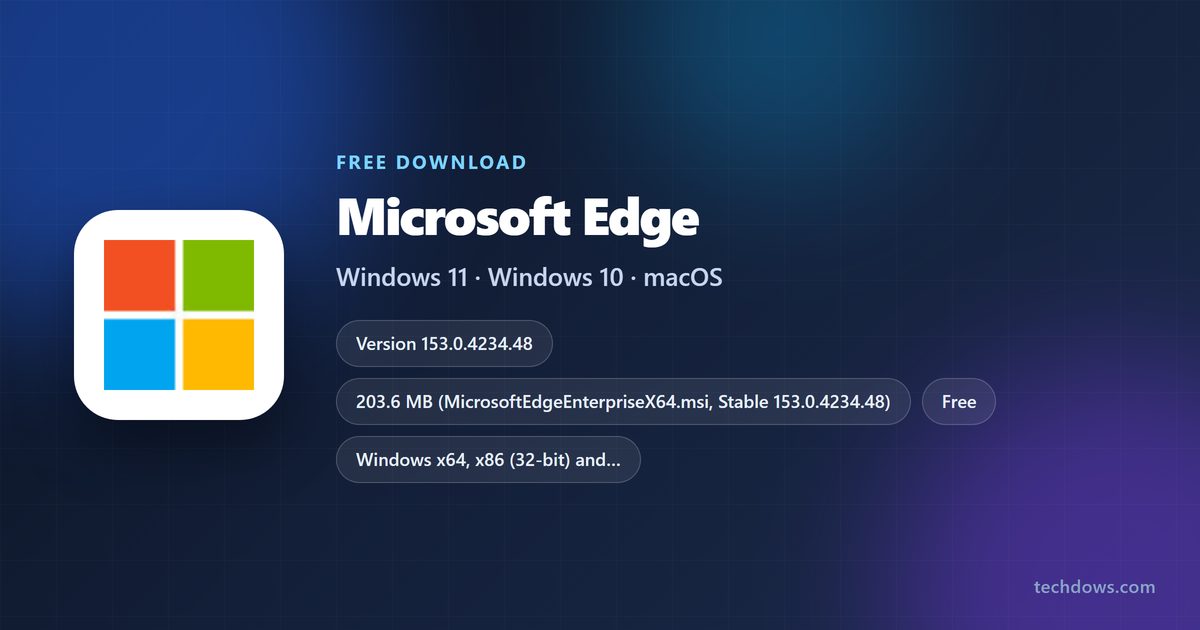
Microsoft Edge is a free download for Windows 11, Windows 10, Mac and Linux, and it also runs on iPhone, iPad and Android. The Stable release is version 153.0.4234.48, published on 18 September 2026.
The button on microsoft.com hands you a 1.76 MB setup file that pulls the browser down as it runs. Microsoft also publishes full standalone packages on its business download page, which is what you want for an offline PC or a fleet.
This guide covers the file each machine needs, the Windows and Mac installs, the Linux packages, SHA-256 checks, channel choice, updates and install fixes.
Check the Microsoft Edge system requirements
Match your operating system against this table before you download anything.
| Item | Detail |
|---|---|
| Developer | Microsoft Corporation |
| Latest version | 153.0.4234.48 (Stable, 18 September 2026) |
| Windows | Windows 11, Windows 10 version 1709 or later, Windows 10 LTSC 2015-2021, Windows Server 2016-2025 |
| macOS | macOS 13 Ventura or later for version 151 and newer |
| Linux | 64-bit Ubuntu 18.04+, Debian 10+, openSUSE 15.5+, Fedora 39+ |
| Mobile | iOS and iPadOS 18.0 or later, Android 10.0 or later on an ARM chip |
| Architecture | x64, 32-bit x86 and ARM64 on Windows; one universal build on Mac |
| Download size | 203.6 MB for the Windows x64 package |
| Price | Free |
| Licence | Proprietary, no account required to install |
| Last verified | 22 September 2026 |
Windows 10 22H2 keeps receiving browser updates until at least October 2028.
Which Microsoft Edge download do you need?
Find your machine in the left column. Every file below comes from Microsoft’s own release servers.
| Your device | File | Size |
|---|---|---|
| Windows 11 or 10 on Intel or AMD, 64-bit | MicrosoftEdgeEnterpriseX64.msi | 203.6 MB |
| Windows on Arm, such as a Snapdragon laptop | MicrosoftEdgeEnterpriseARM64.msi | 207.1 MB |
| 32-bit Windows 10 | MicrosoftEdgeEnterpriseX86.msi | 180.3 MB |
| Mac with Apple silicon or an Intel chip | MicrosoftEdge-153.0.4234.48.pkg | 410.1 MB |
| Ubuntu or Debian | microsoft-edge-stable amd64 .deb | 183.8 MB |
| Fedora or openSUSE | microsoft-edge-stable x86_64 .rpm | 186.4 MB |
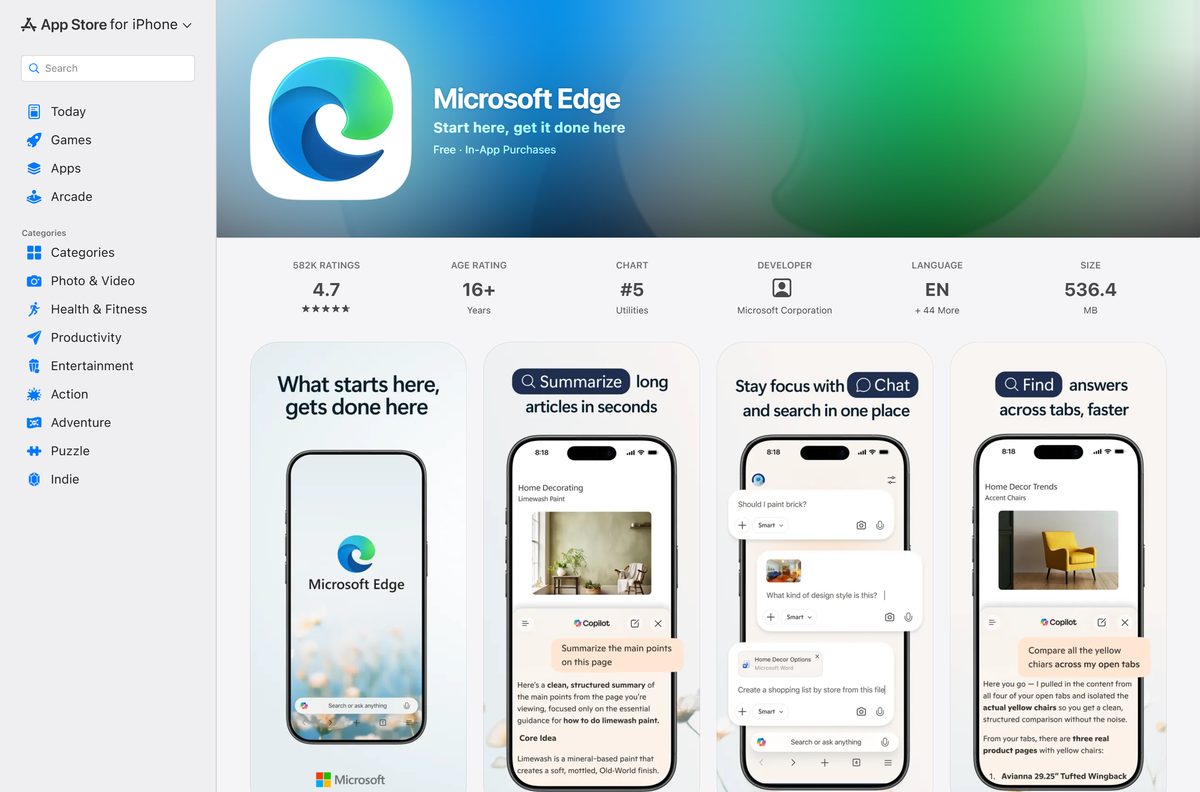
| iPhone or iPad | App Store listing | 536.4 MB |
| Android phone or tablet | Google Play listing | Varies by device |
Windows on Arm can run the x64 package under emulation, but the ARM64 build is native and faster.
Download Microsoft Edge for Windows 11 and 10 from the official pages
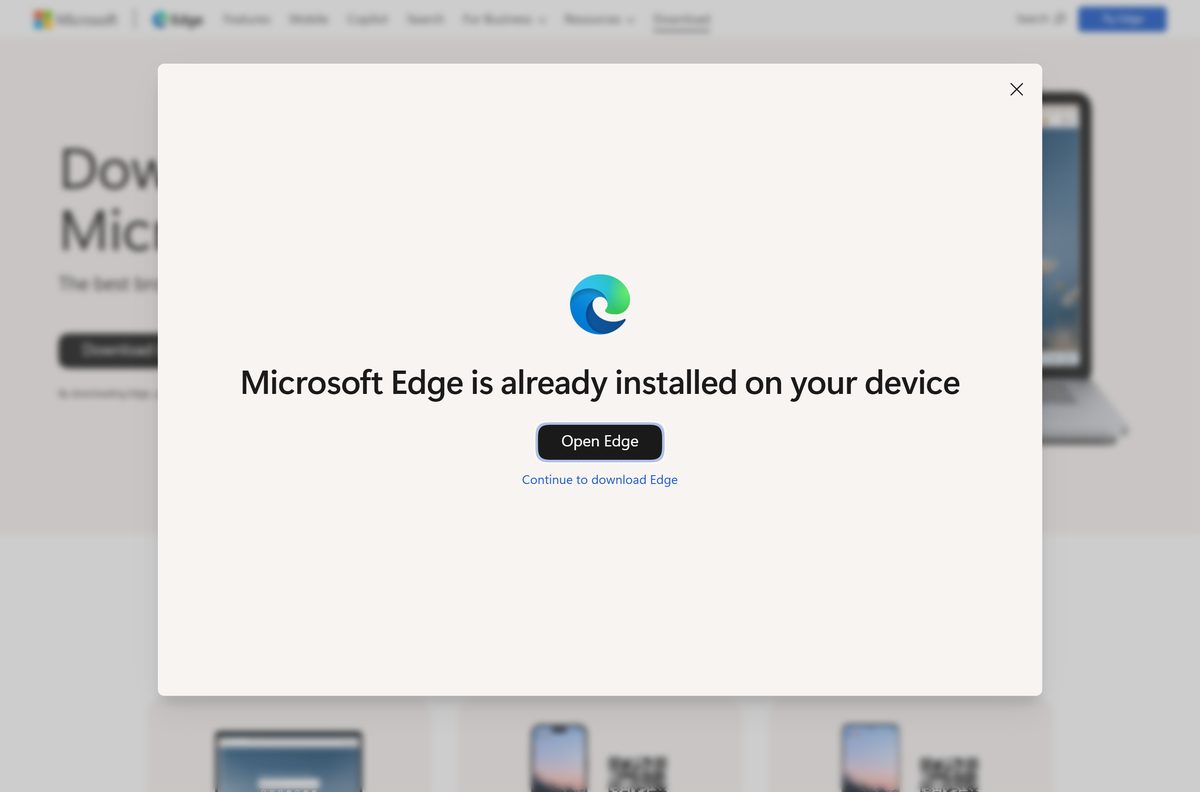
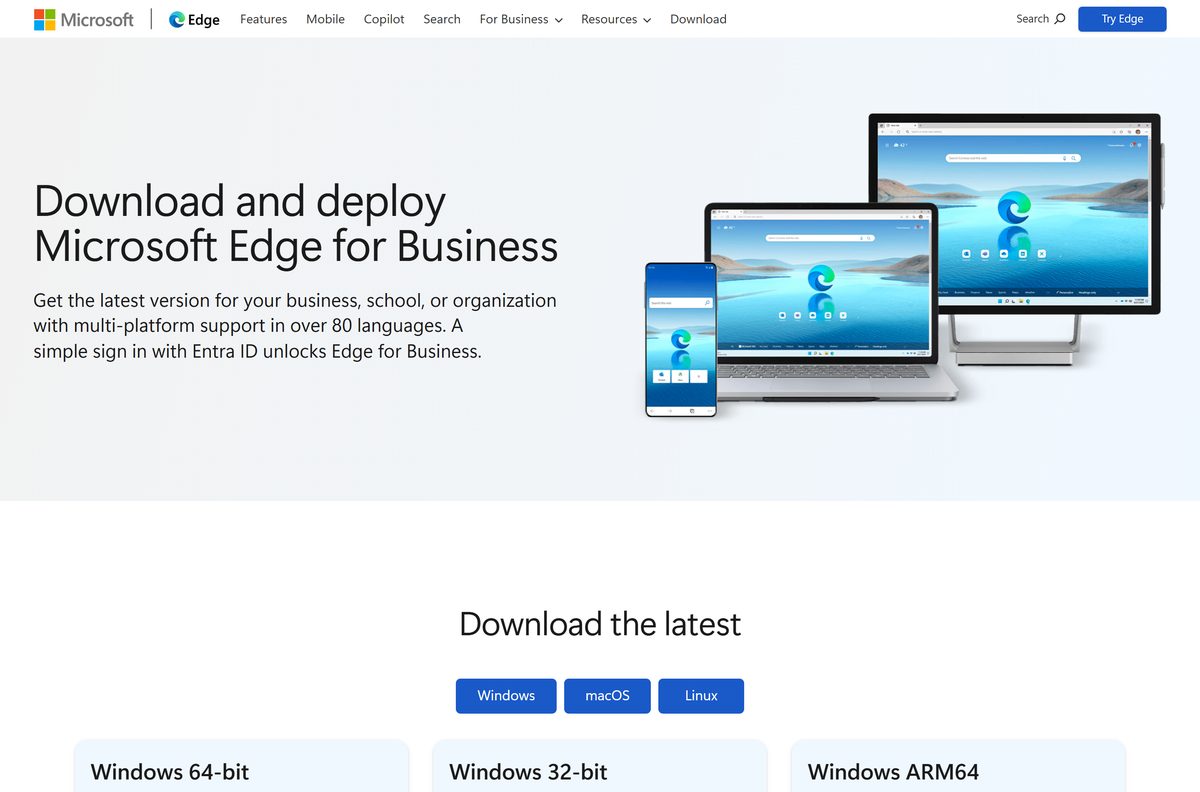
Two routes exist. The consumer page gives you a small setup file that downloads the browser as it installs. The business page gives you the complete package in one file.
- Microsoft Edge download page — 1.76 MB setup file · needs an internet connection while it installs
- Microsoft Edge for Business download page — pick a channel, version and platform to get the full package
- MicrosoftEdgeEnterpriseX64.msi — 203.6 MB · standalone 64-bit setup, installs with no further download
The MSI files are the offline installers. Copy one to a USB stick and it installs on a PC with no connection.
How to install Microsoft Edge on Windows 11 and 10
Windows 11 and Windows 10 already ship with the browser, so most of these installs are repairs, reinstalls or offline deployments.
- Open the download page in your current browser.
- Select Download for Windows and accept the licence terms.
- Open your Downloads folder and run the setup file.
- Approve the User Account Control prompt.
- Wait while the installer pulls down the browser and writes it to disk.
- Sign in with a Microsoft account, or select Continue without signing in.
- Right-click the taskbar icon and select Pin to taskbar to keep it there.
To install the standalone package instead, download the MSI that matches your processor and double-click it.
Which Microsoft Edge download do you need for your Mac?
One universal package covers every supported Mac. Open the Apple menu and select About This Mac to read your macOS version and chip.
| Your Mac says | Download | Size |
|---|---|---|
| Apple M1, M2, M3, M4 or an Intel chip, on macOS 13 or later | MicrosoftEdge-153.0.4234.48.pkg | 410.1 MB |
| macOS 12 Monterey | No current build | Version 150 was the last supported release |
| macOS 11 Big Sur | No current build | Version 138 was the last supported release |
Apple silicon has been supported natively since version 88, so the package runs without Rosetta.
Open the downloaded PKG, follow the installer, then drag the app from Applications to the Dock.
Download the Microsoft Edge MSI for deployment
Admins get the same three MSI packages plus the Group Policy templates. Each file below is the current Stable build.
| Package | Size | SHA-256 starts with |
|---|---|---|
| MicrosoftEdgeEnterpriseX64.msi | 203.6 MB | 3C3E817FC0FE6406 |
| MicrosoftEdgeEnterpriseARM64.msi | 207.1 MB | CDCC1F7FDAE32405 |
| MicrosoftEdgeEnterpriseX86.msi | 180.3 MB | 51EB8011E88E748A |
| MicrosoftEdgePolicyTemplates.cab | 17.8 MB | 4DA9826EA4D89B09 |
A silent install starts with msiexec /i MicrosoftEdgeEnterpriseX64.msi /quiet /norestart . Run it on one test machine first.
The policy templates CAB carries the ADMX files for the Group Policy Editor and for Intune.
How to verify the Microsoft Edge installer
Microsoft publishes a SHA-256 hash for every Stable artifact. Compare the hash of your copy against the published one.
- Open PowerShell in the folder holding the downloaded file.
- Run Get-FileHash .\MicrosoftEdgeEnterpriseX64.msi -Algorithm SHA256 .
- Compare the result with 3C3E817FC0FE6406DB334808993CFF43880FB36099DF15A759ADD10A9EDCF37F .
- On a Mac, run shasum -a 256 MicrosoftEdge-153.0.4234.48.pkg in Terminal instead.
- Compare that result with B9302CBC5E0ADB22A82568D62A18D34050192D11C4B1344575DC6B5C264B58AF .
- Delete the file and download it again if the two strings differ anywhere.
- Check the published hash for any other build in Microsoft’s enterprise update feed.
Right-click the MSI, open Properties and select Digital Signatures for a second check. The signer reads Microsoft Corporation.
Is Microsoft Edge free?
Yes, Microsoft Edge is free on Windows, Mac, Linux, iPhone and Android. Nothing is charged for the browser, no licence key exists, and no account is needed to install it. The App Store listing shows in-app purchases, and those are Microsoft 365 and Copilot subscriptions rather than a paid browser tier. Any site selling a licence or an activation code is not selling a genuine product.
Download only from microsoft.com or the store listings above. A repackaged installer from a download portal can carry software Microsoft never shipped.
Which Microsoft Edge channel should you install?
Microsoft runs five channels. Stable and Extended Stable are the same application, separated only by how often feature updates land.
Install the Stable channel unless you manage a fleet that needs longer testing windows. Stable takes new features about every two weeks and is the channel Microsoft supports for broad deployment. Extended Stable moves to a new major version about every eight weeks, taking feature updates on every fourth Stable release, while security fixes still arrive as needed. Beta refreshes every two weeks for a sample set of users. Dev ships weekly, Canary ships daily, and neither is supported.
Extended Stable is a policy setting on the Stable application, not a separate download. Admins turn it on with the Target Channel override policy under Microsoft Edge Update.
How to check your Microsoft Edge version and update it
The About page reports the build you are running and starts an update in the same step.
- Open the browser and select the three dots at the top right, labelled Settings and more.
- Select Help and feedback, then About Microsoft Edge.
- Type edge://settings/help in the address bar to reach the same page directly.
- Read the version string on that page and compare it with the current Stable build.
- Wait while the page downloads any update it finds.
- Select Restart to finish applying it.
- Reopen the About page and confirm the version string has changed.
The version string also names the channel when it is not Stable, which is how you spot a machine on Beta.
How to make Microsoft Edge the default browser on Windows 11
Windows 11 sets defaults per file type, and one button assigns all of them at once.
- Press Windows + I to open Settings.
- Select Apps, then Default apps.
- Type the browser name in the search box and select it from the results.
- Select Set default at the top of the page.
- Check that .htm, .html, HTTP and HTTPS now list it.
- Select Set default beside any file type that still names another browser.
- Close Settings and open a link from another app to confirm.
Windows 10 uses a single Web browser tile under Settings > Apps > Default apps instead.
Fix Microsoft Edge not installing on Windows 11 or 10
Each symptom below has one cause and one fix. Work through the group that matches what you see.
Setup stops partway and reports a download error
The 1.76 MB setup file from the download page fetches the browser as it runs, so it fails when the connection drops or a proxy blocks it.
- Close the setup window.
- Download the MSI that matches your processor from the list above.
- Double-click the MSI and let it install with no further download.
- Launch the browser from the Start menu.
Windows says the package is not supported on this version
Releases install only on Windows 10 version 1709 and later, or on Windows 11.
- Press Windows + R, type winver and press Enter.
- Read the version number in the box that opens.
- Open Settings > Windows Update and install every pending update if it is older than 1709.
- Restart the PC and run the installer again.
The install fails on a Windows on Arm laptop
The x64 package runs under emulation and is the wrong file for an ARM64 machine.
- Open Settings > System > About and read System type.
- Download MicrosoftEdgeEnterpriseARM64.msi if it reads ARM-based processor.
- Remove the x64 copy first if one installed.
- Run the ARM64 package and launch the browser.
The Mac installer refuses to open
Version 151 and newer require macOS 13 Ventura or later.
- Open the Apple menu and select About This Mac.
- Read the macOS version shown there.
- Open System Settings > General > Software Update and upgrade to macOS 13 or later.
- Run the PKG again once the upgrade finishes.
The Linux package fails with a dependency error
Only 64-bit Ubuntu 18.04+, Debian 10+, openSUSE 15.5+ and Fedora 39+ are supported.
- Run sudo apt install ./microsoft-edge-stable_*_amd64.deb so the package manager resolves dependencies.
- Use sudo dnf install ./microsoft-edge-stable-*.x86_64.rpm on Fedora.
- Upgrade the distribution if it is older than the versions listed above.
- Launch the browser from the applications menu.
How to uninstall Microsoft Edge
Removal follows the normal route for each operating system.
- On Windows, press Windows + I and open Apps > Installed apps.
- Select the three dots beside the browser entry and choose Uninstall.
- Confirm the prompt and let Windows finish.
- On a Mac, quit the browser first, then open Applications in Finder.
- Drag the app to the Trash and empty it.
- On Ubuntu or Debian, run sudo apt remove microsoft-edge-stable .
- On Fedora, run sudo dnf remove microsoft-edge-stable .
Profile data stays behind on Windows under %LOCALAPPDATA%\Microsoft\Edge . Delete that folder for a clean slate.
Which browsers can replace Microsoft Edge?
All three below are free, run on Windows and Mac, and import bookmarks and passwords during setup.
| Browser | Maker | Price | Official download |
|---|---|---|---|
| Google Chrome | Free | google.com/chrome | |
| Mozilla Firefox | Mozilla | Free | mozilla.org |
| DuckDuckGo | Duck Duck Go, Inc. | Free | duckduckgo.com/windows |
Techdows has full download guides for Google Chrome, DuckDuckGo Browser and Brave.
Frequently asked questions
Is Microsoft Edge free to download?
Yes. The browser costs nothing on Windows, Mac, Linux, iPhone and Android, and no licence key or account is required. The in-app purchases shown on the App Store listing are Microsoft 365 and Copilot subscriptions, not a paid browser.
What is the official Microsoft Edge download page?
microsoft.com/en-us/edge/download is the official page for home users, and microsoft.com/en-us/edge/business/download is the one for standalone MSI and PKG packages. Both are run by Microsoft Corporation.
Does Microsoft Edge work on Windows 11?
Yes. It ships with Windows 11 and supports every release of it. On Windows 10 it needs version 1709 or later, and Windows 10 22H2 keeps receiving browser updates until at least October 2028.
How big is the Microsoft Edge download?
The standalone 64-bit Windows package is 203.6 MB, the ARM64 package is 207.1 MB and the 32-bit package is 180.3 MB. The Mac package is 410.1 MB. The setup file on the consumer download page is only 1.76 MB.
Is there a Microsoft Edge offline installer?
Yes. The MSI packages on the business download page install with no further download, so they work on a machine with no connection. The setup file from the consumer page needs the internet while it runs.
Is there a Microsoft Edge for Mac?
Yes. One universal package covers Apple silicon and Intel Macs, and native Apple silicon support arrived in version 88. Version 151 and newer require macOS 13 Ventura or later.
Is there a 32-bit or ARM64 Microsoft Edge for Windows?
Yes to both. Microsoft publishes x64, 32-bit x86 and ARM64 MSI packages for every Stable release. Pick ARM64 on a Snapdragon laptop, because the x64 build only runs there under emulation.
Can I run Microsoft Edge on Linux?
Yes. Microsoft ships .deb and .rpm packages for 64-bit Linux and supports Ubuntu 18.04 or later, Debian 10 or later, openSUSE 15.5 or later and Fedora 39 or later. Other distributions may run it without official support.
Is Microsoft Edge safe to download?
Yes, when it comes from microsoft.com, the App Store or Google Play. Microsoft publishes a SHA-256 hash for every Stable build, and the MSI carries a digital signature from Microsoft Corporation that you can check in the file properties.
What is the latest Microsoft Edge version?
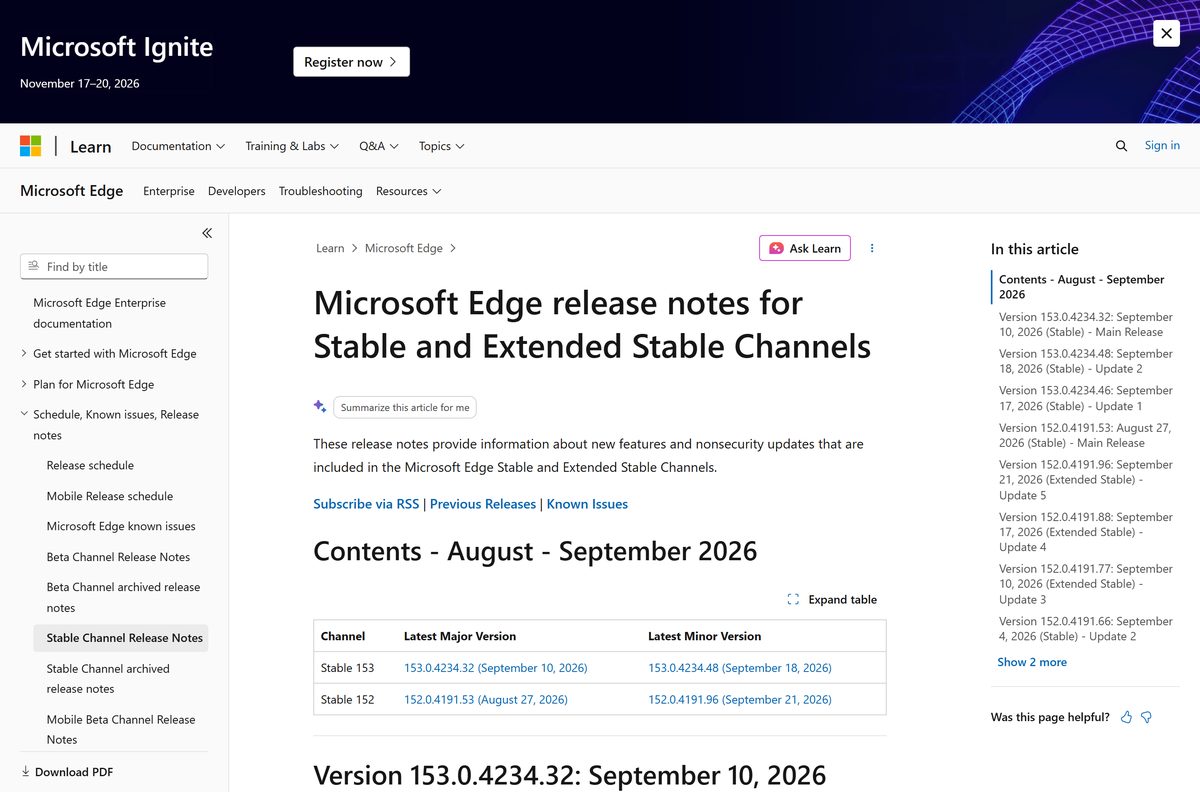
Stable 153.0.4234.48 shipped on 18 September 2026, and it fixes 14 security issues rated Critical. Extended Stable sits on 152.0.4191.96 from 21 September 2026.
Why will Microsoft Edge not install?
The most common cause is the small setup file losing its connection midway, which the standalone MSI avoids. The others are an unsupported Windows build older than version 1709, the wrong architecture on an Arm laptop, or a Mac still on macOS 12.



How to refresh and hard refresh Microsoft Edge for Windows 11/10 - Techdows
[…] the background but needs a restart to finish installing them. If Edge is missing entirely, you can download Microsoft Edge again before you […]